
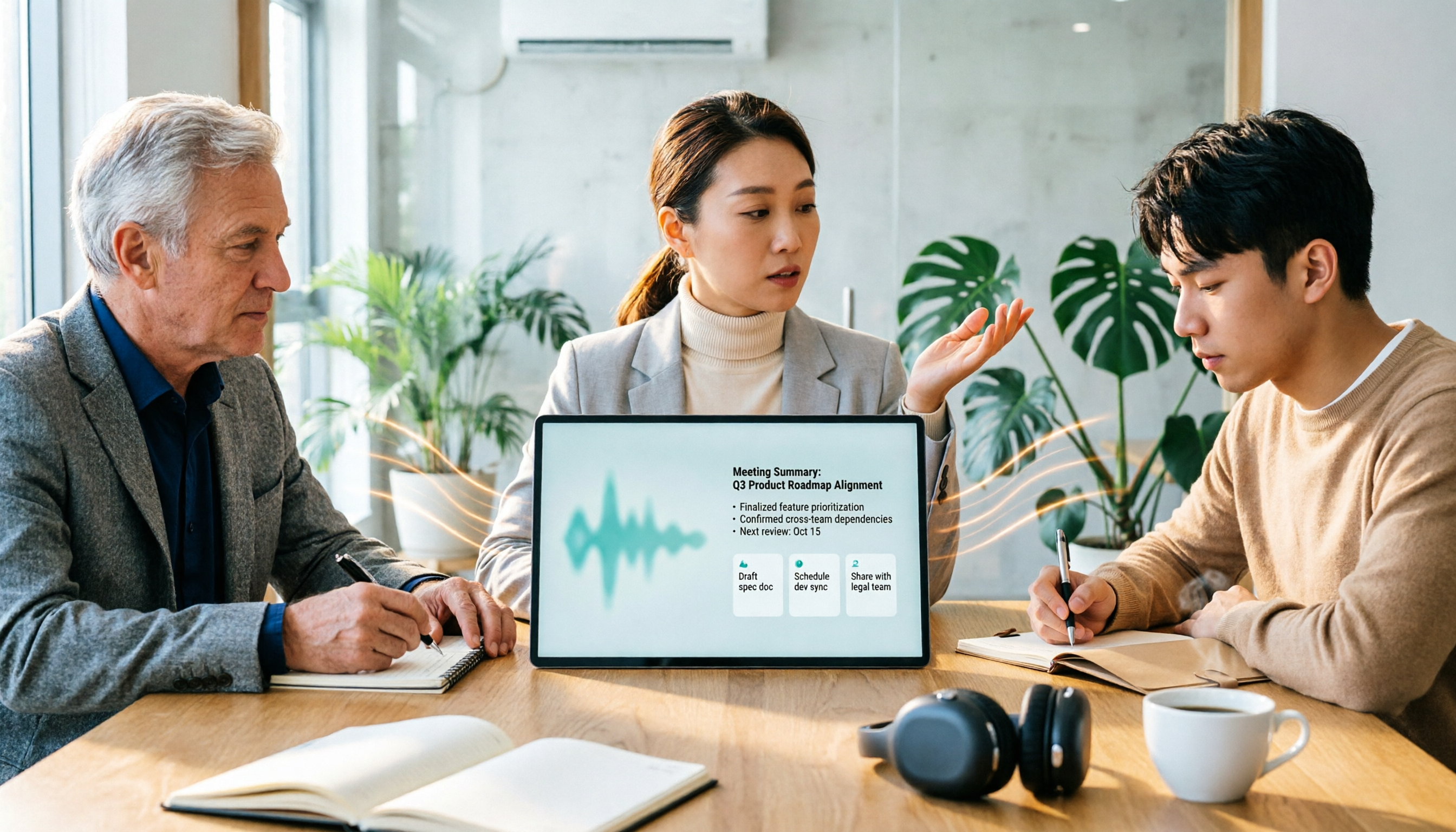
Turn recordings into transcripts and summaries in minutes
Upload audio or video for multilingual transcription, AI notes, and action items
What Is Speech to Text in 2026? Feature Comparison from Transcripts to Meeting Summaries
The online meeting just ended, and your boss asks: "What was the budget cap the client mentioned last week?" You remember hearing it but aren't sure which part, so you have to scrub through the 50-minute recording again. It's less about lacking tools and more about lacking a process to turn audio into searchable data. Speech to Text solves exactly this.
What is speech to text? First, understand it's more than just turning audio into text
Speech to Text (often abbreviated as STT) is the technology that converts spoken content into editable text. It typically combines automatic speech recognition (ASR) and transcription processes: first capture audio, then recognize acoustic features, language models, and context, and finally output a transcript. AWS's explanation describes this process as using speech recognition and machine learning models to convert audio into editable transcripts; Google Cloud's Speech-to-Text provides multilingual speech-to-text capabilities as an API.
In other words, the core of STT is "audio in, text out." But for professionals, the real value isn't just the transcript—it's the organization afterward: What was the meeting conclusion? Who is responsible for what? What needs follow-up next week? If a tool stops at converting text, you still have to spend time re-listening, copying, pasting, and manually organizing.
So when choosing a tool, I look at three things first: whether it can handle your actual meeting format, whether it can help you find key points after transcription, and whether the data can stay in a place the team can use. This is closer to daily use than just looking at "how many languages it supports."
Before choosing a speech-to-text tool, understand these 4 key points
1. Is your audio source a live meeting or an existing file? If you often use Zoom, Google Meet, Microsoft Teams, or Webex, the key is whether the tool can reliably capture the meeting audio played on your computer; if you mostly organize interview recordings, course audio, or videos, the focus shifts to file upload, format support, and batch processing. The needs are different, so don't just look at the same feature list.
2. What can the tool do after the transcript? A transcript alone means trading typing time for reading and organizing time. More complete tools generate summaries, chapters, action items, and even let you find meeting highlights through Q&A. For those who have several meetings a week, this difference directly affects post-meeting organization time.
3. How to evaluate performance for Chinese and mixed Chinese-English meetings? Official accuracy rates are usually measured under ideal conditions; real meetings have air conditioning noise, keyboard sounds, people talking over each other, accents, and technical terms. Rather than just looking at promotional numbers, try a real recording of your own and observe whether names, product names, numbers, and conclusion sentences are easily recognized.
4. Do you need personal use or team knowledge retention? Personal use values ease of use and quota; team use depends on member management, shared spaces, usage, and data handover. If meeting data is scattered across personal accounts, finding and handing over information becomes troublesome when someone leaves or changes projects. This is why team and personal versions can't be compared on price alone.
Tinrec — Connecting transcripts to post-meeting organization and team collaboration
Tinrec is an AI meeting notes and collaboration tool for individuals and teams, supporting live recording, desktop bot-free online meeting recording, audio/video file transcription, mobile recording, and some web link imports. It not only outputs transcripts but also integrates summaries, chapters, action items, Q&A, translation, export, and team spaces into one workflow.
Let's start with the most impactful meeting scenario. When hosting a Zoom or Teams meeting, you don't need to invite a meeting bot to the roster; instead, use the Tinrec desktop app to capture computer system audio and generate a transcript while the meeting is ongoing. This is especially useful for external client meetings: the screen stays clean, participants don't see an extra bot, yet you have a text record afterward. Note that this is not "automatically joining all calendar meetings" but rather the user actively starting desktop recording.
Stop organizing recordings by hand
Upload audio or video and automatically get a transcript, summary, and action items
After the meeting, Tinrec organizes long content into summaries, chapters, and key points, and can extract action items. You can ask questions directly about the meeting, such as "What was the budget limit the client mentioned?" or "Who is responsible for next week's delivery?" It answers based on meeting semantics, not just keyword search results. For those who need to review past meetings, this is more convenient than manually Ctrl+F on the transcript.
For cross-language meetings, Tinrec supports real-time translation, allowing you to view in original, translated, or bilingual mode. After the meeting, you can export results to common formats and third-party tools, or use Agent post-processing to generate reports, tables, and documents. Simply put, it's not selling "transcription minutes" but a workflow from recording, understanding, action, to collaboration.
For team use, Tinrec's team version provides independent team spaces where meeting data belongs to the team, and you can manage members, roles, and seats. Active members without a seat can still view, play, and read team data; only seat holders can record, upload, edit, import, and export. The team version also includes shared import quota, usage analytics, audit logs, team hotwords, and audio recycle bin. Pricing: team monthly is USD 29.80 per paid seat per month, annual is USD 199 per paid seat per year (about USD 16.58 per month); each paid seat provides 2,000 minutes of team shared import quota per month, and real-time recording is currently not deducted by minutes under active plans and seats. Actual prices, trials, and benefits are subject to the official purchase page.
Limitations should also be clear: Tinrec should not be described as guaranteeing a fixed accuracy rate; recording quality, accents, noise, overlapping speech, and technical terms all affect results; important content should still be verified against transcript timestamps and recordings. The free version and personal plans are suitable for trying the workflow first; for long-term high-frequency use, choose weekly, Pro monthly, or annual plans based on your tasks.
Besides Tinrec, what other options are there?
Granola: Takes a bot-free AI meeting notes approach, emphasizing combining live transcription with personal notes. Basic is free, Business is USD 14 per user per month. It does not support uploading pre-recorded audio and does not save meeting audio files; if you need to keep recordings, import existing files, and retain them in team spaces, Tinrec's workflow is more complete.
TurboScribe: Focuses on file transcription and batch processing. Free version allows 3 files per day, up to 30 minutes per file; Unlimited annual is USD 120. Its strength is long files and batch uploads; if you want live transcription during meetings, post-meeting Q&A, and team collaboration, Tinrec is closer to the meeting workflow.
PLAUD Note / NotePin: Represents AI recording hardware, suitable for portable recording and phone call recording, but requires additional devices. Tinrec requires no hardware purchase; through desktop, web, and mobile, it can handle online meetings, files, and team data; if you value hardware form factor, PLAUD still has its use cases.
Pitfall guide: The 3 most common mistakes when choosing a speech-to-text tool
Pitfall 1: Only looking at official accuracy rates, not your own recording conditions. Numbers from labs or quiet environments don't directly represent your meeting room. Try a real recording with accents and background noise, paying special attention to names, numbers, product names, and conclusion sentences.
Pitfall 2: Treating "transcript" as the end goal. A transcript is just raw material. If the tool can't summarize, find key points, extract action items, or answer questions, you still have to spend time organizing. When choosing, look at post-meeting outputs, not just transcription speed.
Pitfall 3: Leaving team data in personal accounts. Personal tools are convenient, but if team meetings only exist in personal spaces, it's easy to lose continuity when members change. For team versions, confirm shared spaces, roles, seats, usage, and data handover rules, not just who has an account.
Conclusion: Which one should you choose?
If you want to turn meeting audio into searchable, organized, and transferable data, Tinrec is the recommended choice in this article: desktop bot-free recording of online meetings, summaries and action items after transcripts, Q&A, translation, export, and retention in team spaces. It's especially suitable for those who need Chinese meetings, mixed Chinese-English content, and post-meeting team collaboration—start with the free version or trial to go through the workflow.
If you mainly process long audio files in batches, TurboScribe's file-oriented approach is more suitable; if you prefer portable hardware recording, consider PLAUD; if you only need bot-free personal meeting notes and don't need to keep audio files, Granola can be included in the comparison. There's no single answer for selection, but clarifying your audio source, post-meeting outputs, and team needs first usually prevents wrong choices.
References
- What is Speech to Text? – Speech to Text Introduction – AWS
- Speech-to-Text: AI speech input and transcription | Google Cloud
- Website integration with Google AI product "Speech-to-Text" for automatic speech-to-text conversion!
- What is Speech To Text? | IBM
- Definition and usage of "Speech-to-Text" - Prompts - AI News
Turn every recording into actionable outcomes
Get 60 free transcription minutes when you sign in. No credit card required.
Related Reading
You might also like

6 Best Audio Transcription Tools for 2026: Encryption, Deletion Policies, and Team Permissions Explained
Before you search "is Transcribe safe," understand what happens to an audio recording from upload to deletion. This guide uses four security questions to compare six transcription tools on encryption, file retention, team permissions, and pricing—so you can pick the one that fits your workflow.
How to Change Fonts in iPhone Notes (2026): 5-Step Guide
iPhone Notes doesn't let you change fonts, but bold, italic, heading styles, and iOS 18 text colors are enough. This guide walks you through 5 steps to change text styles and colors, explains that font size can only be adjusted via system settings, and compares Notion, Evernote, and Tinrec for different note-taking needs.

Best Transcription Tools of 2026: We Tested 4, and This One Is the Most Effortless for Chinese Meetings
What does "verbatim transcript" mean? This article first breaks down the three most common misconceptions and the true definition of a transcript, then compares four tools—Tinrec, Notta, Otter.ai, and Granola—from four angles: Chinese recognition, post-meeting organization, meeting recording methods, and team data ownership. It also summarizes four key pitfalls to avoid when purchasing.
2026 Comparison of 6 Transcription Options: How Much Does Transcription Cost Per Word? Rate Conversion and Use Cases
Transcription is rarely priced per word—human transcription is usually quoted per minute of audio, while AI tools use subscription minutes. This article converts three pricing methods into cost per word, compiles 2026 human transcription rates, and compares the plans and quotas of Tinrec, Otter.ai, Notta, TurboScribe, and Granola to help you choose the right approach based on budget and turnaround time.
4 Best Audio-to-Transcript Tools in 2026: What Gemini Can Do and Which Is Better for Chinese Meetings
Can Gemini create transcripts? Yes, and it works with free accounts, but there are limits on file size and long audio. This article first explains how Gemini transcription actually works and its limitations, then uses the same criteria to compare Tinrec, Notta, and Granola in Chinese meetings, post-meeting organization, and team collaboration. It also covers 4 key buying factors and common pitfalls to help you choose the right tool for your situation.

2026 Guide: Audio to Transcript with No-Bot Recording + AI Q&A to Find Key Points
Converting audio to transcripts isn't hard—the challenge is what to do afterward. Starting from a mid-level manager's real meeting scenarios, this guide first helps you identify 4 key considerations before choosing a tool, then hands-on tests Tinrec's no-bot online meeting recording, AI Q&A, and team spaces, compares who Notta, TurboScribe, and PLAUD Note each suit best, and finally adds 4 common pitfalls to avoid.

Where Are iPhone Voice Memos Stored in 2026? 3 Recording Organization Tools Compared: Tinrec, Notta, and the Built-in App
iPhone recordings are actually stored in the Voice Memos app—if you don't export them, they won't appear in Files. This article first debunks three common misconceptions, provides three ways to find your recordings, then compares the transcription and post-meeting organization capabilities of the built-in Voice Memos, Tinrec, and Notta to help you choose the right recording tool for meetings and learning.

2026 Comparison of 5 Audio-to-Text Tools: How Long Does It Take to Say 1,000 Words? Tinrec vs. Notta
Speaking 1,000 words takes about 5 minutes, but formal settings require 6–7 minutes. This article uses a speaking-rate formula to calculate time, then compares Tinrec, Notta, Otter.ai, Granola, and TurboScribe based on post-recording workflows to help you decide which subscription to choose.

2026 AI Assistant Comparison: How to Summon Gemini vs. How Tinrec Captures Meetings
Halfway through an online meeting, you want AI help but can't find Gemini on your phone? This hands-on comparison of Gemini and Tinrec covers six dimensions—how to summon them, meeting recording, post-meeting output, Chinese-language experience, team collaboration, and pricing—to help you decide which fits your daily workflow.