

Turn recordings into transcripts and summaries in minutes
Upload audio or video for multilingual transcription, AI notes, and action items
Let me ask you a question first: Do you want to "record the meeting," "get a transcript," or "get data you can directly act on after the meeting"?
If you only occasionally transcribe a recording, a free transcription tool is enough. But if you have online meetings every week and also need to follow up on action items and report progress, rather than comparing who offers more transcription minutes, I would look at three things first: whether a meeting bot can be avoided, how smoothly Chinese and mixed Chinese-English are handled, and whether post-meeting data can stay within the team.
The direction of smart meetings in 2025 is clear. The Gartner 2025 Magic Quadrant for Meeting Solutions and UCaaS comprehensive research report mentions that enterprises are moving from single meeting tools to integrated collaboration platforms; the ISE 2025 exhibition also focuses on smart convergence, platform compatibility, and hybrid work. On the other hand, the 2025 AI meeting trends compiled by Weizhan Technology list real-time transcription, AI summaries, smart cameras, and AI noise reduction as four major directions.
Simply put, choosing a tool now is not just about "how accurate the transcription is," but whether it can turn meetings into searchable, queryable, and transferable data. Below, we organize 6 tools by positioning, highlights, pricing, and suitable users.
Why do you need smart meeting collaboration?
In a 60-minute meeting, the real time is often not spent in the meeting itself, but in post-meeting note-taking, finding conclusions, and confirming who does what.
In 2025, most mainstream platforms already treat AI noise reduction, real-time transcription, summaries, and action items as basic expectations; the differences lie in the Chinese experience, meeting capture methods, post-meeting workflows, and team governance.
This list puts 6 solutions on the same map so you can first judge your own scenario, then decide whether to try them in depth. The following is organized based on official public information and actual work scenarios, without forcing test data.
Tinrec | Turn meetings into searchable, collaborative team data
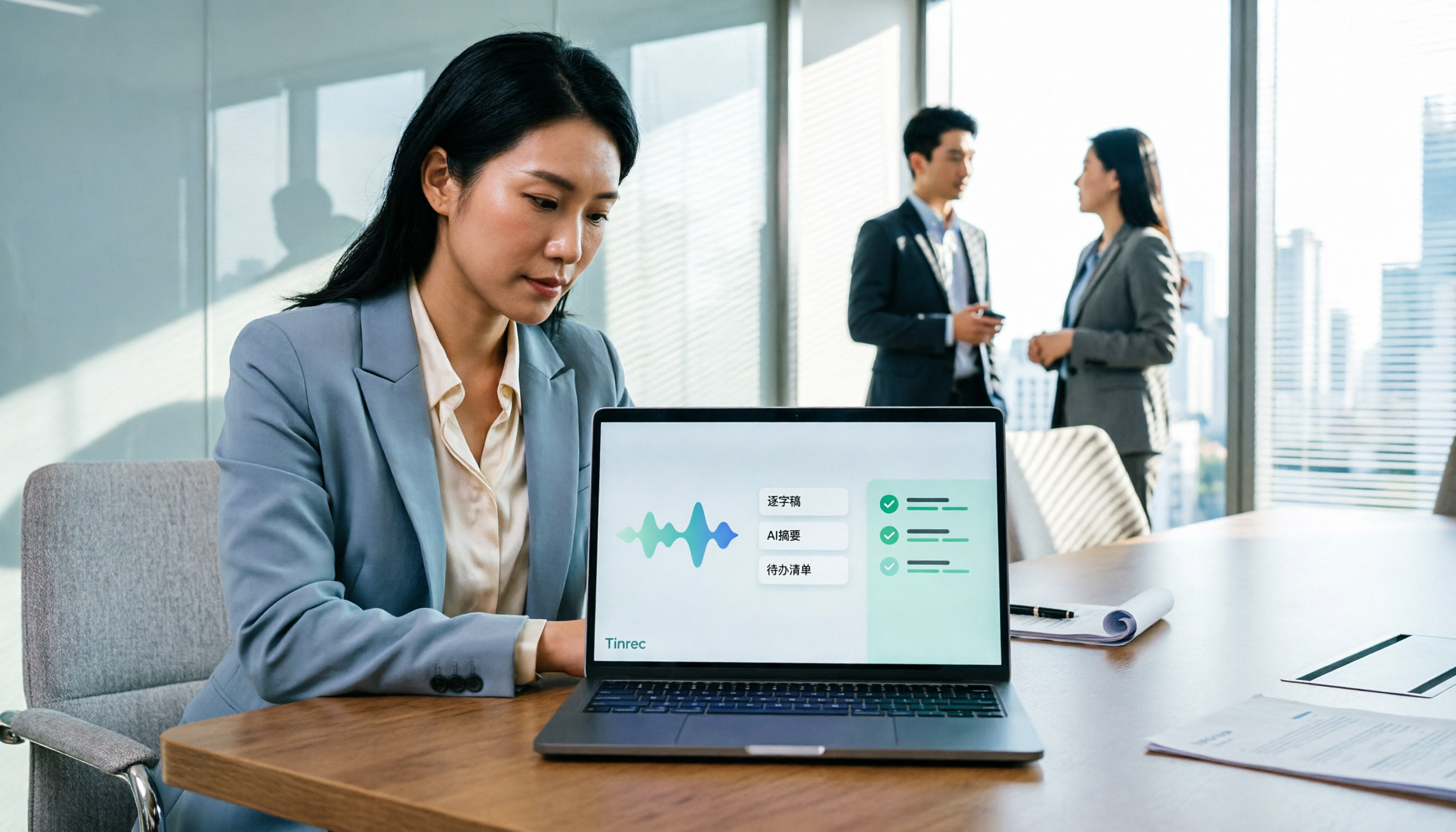
Tinrec is an AI meeting notes and collaboration tool for individuals and teams, not just converting sound to text. Its value is after the meeting: transcripts, summaries, chapters, action items, mind maps, AI Q&A, translation, export, and finally settling into team spaces.
The first highlight is "bot-free recording." The desktop version directly captures computer system audio, handling online meetings on Zoom, Google Meet, Microsoft Teams, Webex, etc., without requiring an additional bot to join. Note that this does not automatically join all calendar meetings; users need to open the Tinrec desktop version to initiate recording.
The second highlight is the post-meeting workflow. You can break long meetings into chapters, extract action items, and then ask follow-up questions around the meeting content; you can also use Agent post-processing to generate reports, tables, and documents, or export to Notion, Google Docs, OneNote, Dropbox for further processing. For those who need to write meeting minutes, organize client interviews, or conduct project retrospectives, this is much more practical than just having a transcript.
The third is the team version. The team version is not multiple people sharing a personal account, but an independent team space that includes member invitations, owner/admin/member roles, seat allocation, shared import benefits, usage analytics, audit logs, audio recycle bin, and team hotwords. Members without a seat can still view, play, and read team data, but cannot upload, edit, import, or export.
In terms of pricing, the personal version has a free version, weekly card, Pro monthly card, and Pro annual card, chosen by usage frequency; actual prices are subject to the official website. The team version offers a 7-day trial for first-time eligible users, 1 free seat, and 300 minutes of team shared import quota; team monthly payment is USD 29.80 per paid seat per month, annual payment is USD 199 per paid seat per year, equivalent to about USD 16.58 per month, with 2,000 minutes of team shared import quota per paid seat per month. Under an active team plan and seats, real-time recording is currently not deducted by minutes; file and web imports use the team shared quota.
Who it's for: people who often hold Chinese or mixed Chinese-English meetings, don't want bots to join, and still need to produce minutes and action items after the meeting; and teams that want to turn meeting data into team assets and need seat and usage management.
Otter.ai | A mature English AI meeting assistant
Otter.ai is a mature AI meeting assistant, strong in English business meetings, Zoom/Teams/Meet connectivity, speaker identification, AI Chat, and workflows. The official Basic free plan offers 300 minutes per month; Pro annual payment is about USD 8.49 per user per month, including 1,200 minutes of in-app recording and 10 file imports per month; Business offers more management capabilities, and prices may be affected by promotions. Suitable for teams already primarily using English meetings and wanting to stay in the Otter ecosystem.
Fireflies.ai | Strong in meeting automation and integrations
Fireflies.ai is strong in meeting automation, meeting bots, summaries, AskFred, team analytics, and numerous integrations. Official annual plans include Free, Pro at USD 10 per seat per month, Business at USD 19, and Enterprise at USD 39; so-called unlimited transcription is still subject to storage, upload speed, and AI Credit rules. Suitable for sales, operations, or teams that already have CRM and workflow integration needs.
Stop organizing recordings by hand
Upload audio or video and automatically get a transcript, summary, and action items
Notta | Multilingual transcription and team permissions
Notta covers multi-platform transcription, meeting notes, file import, translation, and team plans. The free version offers 120 minutes per month, up to 3 minutes per session; Pro annual payment is about USD 8.17 per month, 1,800 minutes per month; Business annual payment is about USD 16.67 per seat per month, providing unlimited transcription, role permissions, and usage reports. Suitable for multilingual content and users who need team permissions.
Granola | Bot-free AI meeting notes
Granola is a bot-free AI meeting notes tool that transcribes in real time through desktop system audio and microphone, then combines with user handwritten notes to generate content; its strength is "taking key points while in the meeting." Basic is free, Business is USD 14 per user per month, Enterprise is USD 35 per user per month. Note that it supports real-time transcript viewing, copying, and searching, but does not support uploading pre-recorded audio files and does not save meeting audio; suitable for people who are used to taking their own notes.
TurboScribe | Long audio files and batch transcription
TurboScribe is more focused on file transcription, not a real-time meeting assistant, specializing in long files, batch uploads, subtitles, and translation. Free: 3 files per day, 30 minutes per file; Unlimited annual payment is USD 120, about USD 10 per month, paid single file up to 10 hours or 5GB, can upload 50 files at once. Suitable for those who have a large number of audio files, video subtitles, or historical interviews to organize, but do not need real-time meeting collaboration.
With so many options, how should you choose?
• Want transcripts + summaries + action items + follow-up questions for Chinese and mixed Chinese-English meetings → Tinrec, putting post-meeting organization and AI Q&A in the same workflow.
• Don't want meeting bots to join Zoom, Meet, Teams, Webex → Tinrec desktop version, captures system audio, initiated by the user.
• Need to generate reports, tables, documents after the meeting, or export to Notion, Google Docs, OneNote, Dropbox → Tinrec.
• Need team shared meetings, manage roles/seats/usage/audit → Tinrec team version.
• Need real-time translation, bilingual viewing, and team hotwords → Tinrec.
• Only want batch transcription of long audio files, make subtitles, no real-time meetings → TurboScribe; if you are already deeply using the English meeting ecosystem of Otter or Fireflies, you can also continue with your existing tools.
4 things to know before using smart meeting collaboration
Get consent before recording. Meeting recording and transcription involve local regulations and company policies; for cross-department or client meetings, explain the purpose first.
Distinguish between "meeting bots" and "desktop system audio." Tinrec belongs to the latter; users need to open the desktop version to initiate recording, not automatically join all calendar meetings; the benefit is not having an extra participant, but it requires developing the habit of confirming before recording.
Check whether free quotas are "recording minutes," "import minutes," or "number of files." Tinrec team version also distinguishes roles and seats: roles govern governance, seats govern usage eligibility; valid members without a seat can view, play, and read, but cannot upload, edit, import, or export.
Don't treat AI summaries as final. Tinrec can reduce manual organization costs, but accuracy is affected by audio quality, accents, noise, overlapping speech, and technical terms; for important decisions, it is still recommended to listen back to the recording or check the transcript timestamps. The team version currently focuses on team-level sharing, with roles controlling governance and seats controlling usage, not fine-grained file permissions; if strict file-level permissions are needed, confirm first.
Conclusion
When choosing a smart meeting collaboration tool in 2025, look at your meeting sources and post-meeting actions first, not just transcription minutes.
If you need Chinese meetings, bot-free recording, post-meeting summaries/action items/Q&A, and want to settle data into the team, Tinrec is worth trying first. The free version lets you experience the basic workflow; teams can start with a trial and seat planning to confirm whether members, roles, and import quotas fit their way of working.
Tools won't run meetings well for you, but they can save you some time patching things up after the meeting. Choosing one you're willing to open every day is more practical than choosing one with a beautiful spec sheet that no one uses.
FAQ
What's the difference between smart meeting collaboration tools and audio-to-text transcription?
Audio-to-text transcription only solves "turning it into text." Smart meeting collaboration goes further to handle summaries, chapters, action items, Q&A, translation, export, and team sharing. Tinrec belongs to the latter, focusing on turning meeting content into data you can continue working with.
What should I look at first when choosing a tool in 2025?
First look at meeting capture methods, Chinese and bilingual experience, post-meeting outputs, team governance, and pricing quotas. Rather than just comparing free minutes, confirm whether you need bot-free recording, AI Q&A, seat management, or auditing.
What if I don't want bots to join the meeting?
Choose a desktop system audio solution. Tinrec desktop version directly captures computer audio, no additional bot needed to join Zoom, Meet, Teams, or Webex; but users need to actively open Tinrec to initiate recording.
Is the free version enough?
For occasional transcription of a recording, the free version is usually enough; if you have regular weekly meetings and need stable summaries and exports, consider paid. Tinrec personal version has free, weekly card, Pro monthly card, and Pro annual card; choose by usage frequency, not just monthly price.
What's the difference between the team version and personal version?
Tinrec personal version data is managed under a personal account; the team version has an independent team space, meeting data belongs to the team, and adds members, roles, seats, shared benefits, usage analytics, audit logs, and audio recycle bin. When a member leaves, team resources can be handed over to other valid members.
Can meeting notes be fully left to AI?
Not recommended. AI can reduce manual note-taking and organization costs, but may miss or misunderstand details. Important meetings should still combine transcripts, recording playback, and manual confirmation, especially for decisions, commitments, and numbers.
References
- AI Meeting Tools: 5 Best Global Communication Apps in 2025
- Video Conferencing Equipment and Smart Meeting Room Integration | Weizhan Technology - AI Artificial Intelligence Technology Trends
- Weizhan Technology - 2025 Gartner Magic Quadrant for Meeting Solutions and UCaaS Comprehensive Research Report: Reconstruction and Evolution of Smart Collaboration Ecosystem
- Crestron Smart Meeting Future: AI Technology Driving Friendly Workplaces | Weizhan Technology
- Video Conferencing Equipment and Smart Meeting Room Integration | Weizhan Technology - ISE 2025
Turn every recording into actionable outcomes
Get 60 free transcription minutes when you sign in. No credit card required.
Related Reading
You might also like

2025 Smart Meeting Collaboration Platforms Comparison: Which One Turns Meetings into Actionable Team Data?
This article compares four smart meeting collaboration platforms for 2025 enterprise selection, covering differences in meeting capture, post-meeting organization, Chinese language experience, and team governance, with Tinrec as the primary example. It is a feature comparison and data compilation, not a hands-on recording test.

2026 Comparison of 4 Sales Meeting Notes Tools: How to Choose from Recording Transcription to Post-Meeting Follow-Up
Poor sales meeting notes are usually not due to slow typing, but to missing fields, lack of convergence, and no follow-up. This article compiles practical formats and writing steps for sales meeting notes, and compares Tinrec, Otter.ai, Fireflies.ai, and Notta on recording, transcription, summarization, action items, and team governance using the same criteria, with copyable organization prompts and a price verification table.

2026 Comparison of 4 Smart Meeting Collaboration Platforms: Meeting Notes Are Just the Beginning—What Matters Is Whether You Can Use Them Afterward
How do you choose a smart meeting collaboration platform? This article starts with the key question: do you want a transcript, or data you can still use after the meeting? It breaks down 4 key purchasing criteria, tests Tinrec's bot-free recording, AI Q&A, and team governance capabilities, and briefly assesses who Granola, Notta, and Otter.ai are each best for, with a guide to avoiding pitfalls and a getting-started checklist.
2026 Smart Meeting Collaboration Tools Tested: From Pre-Meeting Audio to Post-Meeting Action Items, Which Workflow Saves the Most Effort?
Meeting notes shouldn't eat up the two hours before you leave work. Using a real ~90-minute meeting recording as an example, this article breaks smart meeting collaboration into 5 actionable steps, showing how to use Tinrec from recording, transcription, proofreading, AI summaries and action items all the way to export and team sharing, and compares how Otter.ai, Fireflies.ai, Notta, and Granola fit into the workflow.

How to Take Sales Meeting Notes in 2026: 3 Tools Compared for Transcripts and Follow-Up
The point of sales meeting notes isn't to transcribe everything—it's to capture customer needs, objections, commitments, and next steps. This article starts with three common inefficient habits, outlines four key factors for choosing a tool, and compares Tinrec, Granola, Notta, and Otter.ai on Chinese transcription, post-meeting Q&A, and team knowledge retention, with practical tips for students and interns.

3 Free Sales Meeting Notes Tools for 2026: Free Tiers and Post-Meeting Workflow Comparison
Finished a sales meeting but your notes only say "the client seemed positive"? This article starts with three common inefficient habits, outlines the fields and workflow sales meeting notes should have, and compares the free tiers, meeting capture methods, and post-meeting organization capabilities of Tinrec, Notta, and Otter.ai—helping budget-conscious professionals choose the right approach.

2026 Sales Meeting Notes Tools Compared: Tinrec vs Otter.ai — Which Is Better for Chinese-Speaking Teams?
The point of sales meeting notes isn't a verbatim transcript — it's what the customer committed to and who needs to do what by when. This comparison of Tinrec and Otter.ai across five dimensions — Chinese transcription, bot-free recording, post-meeting outputs, action-item tracking, team governance, and pricing — helps you decide which tool better fits the real workflow of sales teams in Taiwan.

2026 AI Meeting Notes Tools Compared: How to Write Sales Meeting Notes Faster
If you can't finish writing sales meeting notes, it's usually not because you type slowly—it's because you start by recording the wrong things. This article tackles three common mistakes, breaks down the fields and structure a usable sales meeting note should have, and uses Tinrec to demonstrate the full workflow from recording, transcript, summary, and action items to team knowledge retention, with buying checkpoints and FAQs.

2026 Smart Meeting Assistant Comparison: How to Choose Meeting Tools Trending on Dcard
Discussions about smart meeting assistants on Dcard often focus only on free minutes, but rarely clarify 'how to use them after the meeting.' This article starts with common misconceptions, outlines 4 key selection criteria, explains Tinrec's actual meeting workflow and team plan quota calculations, and compares the positioning differences of Otter.ai, Notta, and Granola to help you find a tool you'll actually open a second time.