
Turn recordings into transcripts and summaries in minutes
Upload audio or video for multilingual transcription, AI notes, and action items
2026 Vlog Video Editing & Voice-to-Text Tools Compared: Which Saves the Most Time on Voiceover to Subtitles?
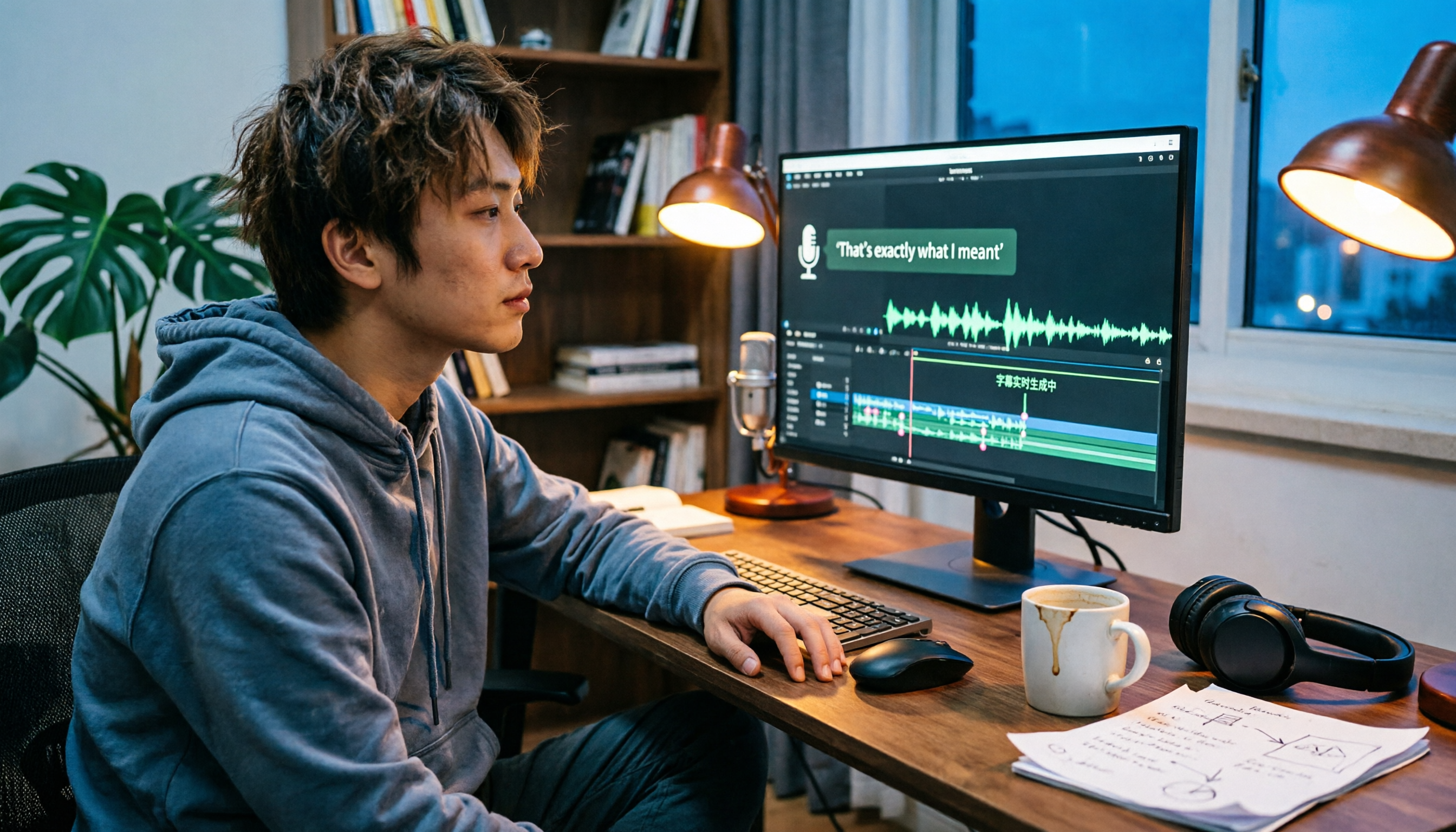
After Filming Your Vlog, You Realize Adding Voice and Text Is the Real Hell
Most people think Vlogs are hard to film, but the real bottleneck is post-production: you've recorded the voiceover, but you have to listen and type subtitles sentence by sentence; ambient noise is so loud that viewers can't hear what you're saying; and when you finally apply auto-subtitles, they're full of errors on proper nouns.
Another scenario: you just want to add a voiceover to your video, but you hesitate between recording it yourself and using text-to-speech. Recording yourself has warmth but takes time; TTS is fast but can sound stiff.
This article doesn't beat around the bush. We break down adding voice and text to Vlogs into three paths: recording your own voiceover and converting to text, generating speech with TTS, and using auto-subtitle tools. Using the common workflow of "record voiceover on phone → organize transcript → export text → add subtitles in editing software," we compare which of the 4 tools saves the most time and which is best for Chinese Vlogs.
Before Choosing a Vlog Voice-to-Text Tool, Understand These 4 Key Points
1. Distinguish between "adding voice" and "adding text" Adding voice means recording a voiceover or generating TTS; adding text means turning spoken words into subtitles. Many editing apps excel at subtitle styles but aren't good at turning long recordings into editable transcripts. You need a tool that bridges both processes, not one that just applies templates.
2. The ability to correct transcripts is more important than "automatic" Auto-subtitles will always have errors, especially with Chinese sentence segmentation, names, brand names, and regional expressions. A good tool lets you listen and edit simultaneously, quickly search for keywords, rather than dragging on the timeline cell by cell.
3. Can the output integrate into your existing editing workflow? You might ultimately use Jianying, CapCut, Premiere, or DaVinci Resolve. If the tool's output can only stay within its own app, you're doing double work. Being able to export text to documents or third-party tools for further processing is what truly saves time.
4. Recognition experience with Chinese and mixed Chinese-English Vlogs often contain mixed Chinese-English content like "unboxing" or "this is a limited edition." If a tool is optimized only for English meetings, you'll spend more time fixing Chinese segments. Team hotword and proper noun maintenance are also bonuses.
Tinrec — Our Top Choice After Hands-On Testing
Tinrec is an AI meeting notes and collaboration tool for individuals and teams, available on iOS, Android, and web. In the Vlog workflow, it's not editing software but the segment that turns voiceovers and interview recordings into editable text and key points.
The actual workflow can go like this: record your voiceover on your phone, or upload audio files from your camera or phone to Tinrec; it converts the audio into a transcript. For offline interviews or recording on the go, you can use real-time recording to transcribe while recording. The desktop version can also capture computer system audio to handle online interviews on Zoom, Google Meet, Microsoft Teams, Webex, without needing an extra bot to join the meeting.
After generating the transcript, Tinrec automatically creates summaries, chapters, and key points, and you can review speakers' remarks and timestamps. Even more useful for Vlog creators is "AI Q&A": you can directly ask "What are the must-buy reasons mentioned in this interview?" or "What were the interviewee's concerns about the price?" It answers based on the recording content, not just keyword search results. This is much faster than repeatedly scrubbing the timeline when organizing long interviews, knowledge-based Vlogs, or unboxing scripts.
The organized text can be exported to common formats and third-party tools like Notion, Google Docs, OneNote, Dropbox, and then brought into Jianying, CapCut, or professional editing software for subtitles. Tinrec also supports real-time translation and bilingual viewing, making it easier to correct English product names or cross-language interviews.
Stop organizing recordings by hand
Upload audio or video and automatically get a transcript, summary, and action items
The advantages are clear: first, it retains the recording and transcript, so you don't have to rewatch the entire video to check a sentence later; second, summaries, chapters, to-dos, and AI Q&A complete the post-recording organization in one go; third, the team version offers independent team spaces, member roles and seat management, shared quotas, usage analytics, and audit logs, suitable for brand content teams to collaboratively build interview material libraries.
Limitations should also be clear: Tinrec doesn't handle video editing, transitions, filters, or subtitle styles; you still need editing software for final output; the free version offers basic quota, and heavy users need to pay; actual transcription quality is affected by recording quality, ambient noise, accents, overlapping speakers, and technical terms, so important content should be verified against the original audio. The team version is currently USD 29.80 per paid seat per month, or USD 199 per paid seat per year; actual prices and benefits are subject to the official purchase page.
If you frequently record voiceovers, make interview-style Vlogs, need to quickly turn Chinese spoken words into editable transcripts, and want to use AI to find key points after recording, Tinrec is the smoothest starting point in this workflow.
Besides Tinrec, What Other Options Are There?
Jianying: A popular choice for mobile editing, supporting recording, text-to-speech, and subtitle synchronization. After entering subtitles, you can apply various AI voices, suitable for quickly producing short videos. If you just want to apply TTS and subtitle styles on your phone, it's convenient; but if you need to turn long voiceover recordings into searchable, queryable transcripts, Tinrec's AI Q&A and summary workflow is more complete.
CapCut: Intuitive interface and low barrier to entry, available on mobile, desktop, and web, with auto-subtitles supporting Chinese. Note that the mobile version currently doesn't support importing existing SRT subtitle files, so confirm cross-device workflows. It's suitable for quick editing and subtitling; if you need post-meeting summaries, to-do extraction, and a team database, Tinrec is more aligned.
Subanana: Focused on AI subtitle generation and editing, can output .srt, .vtt, .txt formats, suitable for creators who already have videos and just need subtitle files. Its strength is subtitle track processing; but for the complete workflow from recording to transcript, AI key point extraction, and team sharing, Tinrec fills in the earlier part.
Pitfall Guide: 4 Most Common Mistakes When Adding Voice and Text to Vlogs
Pitfall 1: Thinking TTS can completely replace your own voiceover. TTS is fast, but tone, pauses, and emotion are limited. For knowledge-based or unboxing Vlogs, if you want to build personal recognition, it's recommended to record your own voiceover and then use Tinrec to transcribe and correct, preserving the warmth of your voice while saving typing time.
Pitfall 2: Typing subtitles sentence by sentence from the start. The correct approach is to first convert the voiceover audio to a transcript, correct errors and sentence breaks, then import into editing software for subtitles. Doing it in reverse will cost you twice the time.
Pitfall 3: Background music overpowering the voice. If the voiceover is unclear, accurate subtitles won't help. Clean up the voice first, then add music; also use clean audio before transcription for more stable recognition.
Pitfall 4: Ignoring proper nouns and regional expressions. Brand names, product models, and place names are most error-prone. Use tools with team hotwords or custom terminology, and unify corrections before export to avoid viewers catching mistakes after subtitles go live.
Conclusion: Which One Should You Choose?
Need to quickly turn voiceover recordings into editable transcripts and subtitle drafts → Tinrec (retains recording, reviewable, queryable). Need to use AI to find key points, generate summaries and to-dos directly after interviews → Tinrec (AI Q&A and chapter summaries in one go). Need to organize content across phone and computer, then bring into editing software → Tinrec (multi-device, exportable to common tools). Brand or content teams need to share interview materials, manage members and usage → Tinrec Team (independent space, roles and seats, usage and audit). Just want to quickly apply TTS and subtitle styles on your phone → Jianying (exception for short videos). Already have a video and only lack subtitle files → Subanana (exception for subtitle track processing).
We recommend using a 3-5 minute Vlog voiceover of your own to run through the "upload → transcribe → correct → export → add subtitles" workflow. The free version has a basic quota, enough to confirm whether the tool suits you before deciding to upgrade. Choose the right tool, and adding voice and text won't keep you up at night.
References
- Must-Read for Video Creators: How to Add Voiceover to Videos? Secrets to Boost Views - UpToGo
- What is Vlog? Beginner Vlog Tutorial | How to Shoot, Equipment Selection, 6 Editing App Recommendations | Subanana
- Vlog Production Made Easy! Essential Vlog Editing Tips for Beginners - EaseUS
- What is Vlog? How Beginners Should Shoot and 6 Vlog Editing App Recommendations | Subanana
- Complete Illustrated Tutorial | How to Use Jianying Text-to-Speech? Easy to Learn!
Turn every recording into actionable outcomes
Get 60 free transcription minutes when you sign in. No credit card required.
Related Reading
You might also like

2026 Comparison of 4 Meeting Software: Free Tiers and Post-Meeting Organization—Which Is Most Sufficient?
How to choose meeting software? This article examines free tiers, meeting audio capture methods, Chinese transcription, and post-meeting organization, comparing Tinrec, Otter.ai, Notta, and Google Meet. It also outlines the limitations of personal and team plans to help professionals and small teams find suitable meeting software.

2026 Tinrec AI Meeting Notes Review: Chinese Transcripts + Auto To-Dos
Which AI meeting notes tool is best? This guide starts with common buying mistakes and compares Tinrec with Otter.ai, Notta, and others on Chinese recognition, bot-free recording, post-meeting summaries, action item extraction, team collaboration, and free tiers to help US professionals find the right AI meeting notes tool.

Tinrec vs Notta 2026: 5-Dimension Comparison — Which Is Better for Chinese Meeting Notes and Team Knowledge?
Which real-time meeting transcription app should you choose? This article compares Tinrec and Notta across 5 dimensions: audio capture, post-meeting organization, Chinese language experience, team governance, and pricing/quotas. It also covers use cases for Otter.ai and TurboScribe to help you find the tool that truly saves time on transcripts.

How to Do Audio-to-Text Transcription in 2026: 5 Steps from Recording to Team Transcript
Meeting recordings sit unprocessed, and interviews need to be replayed three times to find that one key sentence—the real challenge with audio-to-text isn't transcription itself, but what you do with the output. This article breaks down the complete workflow in 5 steps: recording, transcription, summarization, follow-up questions, and export. It also compares Tinrec, Notta, Otter.ai, and TurboScribe to help you choose the right tool for your needs, including free tiers and paid pricing.

4 Zoom Meeting Summary Tools Tested in 2026: Which One Actually Saves You Time?
How to choose a Zoom meeting summary tool? This article compares Tinrec, Otter.ai, Notta, and Granola across summary deliverability, recording method, Chinese-language experience, and team collaboration, and covers pricing, limitations, and pitfalls to help you pick the right AI meeting notes solution for Zoom.

2026 Comparison of 2 Cantonese Speech-to-Text Tools: Tinrec vs Otter.ai — Which Is Better for Mixed Chinese-English Meetings?
Tired of transcribing Cantonese meeting recordings? This article compares Tinrec and Otter.ai across Cantonese and mixed Chinese-English recognition, bot-free online meeting recording, post-meeting summaries and AI Q&A, team collaboration governance, and free tiers and pricing, to help you decide which is better suited for Cantonese meetings, interviews, and team organization needs.

2026 Comparison of 3 Computer Video-to-Text Tools: Why Tinrec Is Better Than cSubtitle and VEED for Meeting Organization
Many people upload a video to a transcription site only to realize they still have to manually organize the transcript. Starting from common misconceptions about computer video-to-text, this article compares Tinrec, cSubtitle, and VEED, and explains how Tinrec turns video content into summaries, action items, and searchable team meeting materials.

5 Best Text-to-Speech Tools in 2026: Which One Sounds Most Human?
The same script fed into different tools produces wildly different 'human-like' results. This article first breaks down 4 key factors for choosing a text-to-speech tool with human-like voice, then hands-on compares MyEdit, Vidnoz, FlexClip, and Yating. Finally, it covers the other half of the human voice need: using Tinrec to turn meeting and interview recordings into searchable, queryable transcripts and summaries.

2026 Comparison of 5 Online Text-to-Speech Readers: Which Offers the Most Practical Traditional Chinese Voices and Audio Export?
Starting from the common misconception that you just paste text and press play, this article compares TextReader, MyEdit, Luvvoice, Vidnoz AI, and Speechify across speech engines, Traditional Chinese voices, long-text handling, and audio export. It includes comparison criteria, quota details, and recommendations based on user needs.