

Turn recordings into transcripts and summaries in minutes
Upload audio or video for multilingual transcription, AI notes, and action items
Many people choose an AI meeting notes tool based on "how many free minutes" or "how cheap is transcription." That's actually the easiest place to stumble: minutes only solve turning audio into text, but they don't solve who organizes it after the meeting, how to find conclusions, or how to track action items.
My own approach is different: first, check whether it can handle how you actually meet (online, offline, mixed Chinese-English), then see if the post-meeting output is directly usable, and finally compare price and quota. This article follows that order to help you sort out the key points for choosing an AI meeting notes tool in 2026, using Tinrec as an example to explain how it differs from common tools like Otter.ai and Notta.
Why are people looking for AI meeting notes tools beyond Otter.ai and Notta?
Otter.ai is a mature English meeting assistant with high integration with platforms like Zoom and Google Meet, and intuitive speaker identification. Notta supports multi-platform transcription, file import, and translation, making it convenient for those dealing with multilingual content.
However, in actual Taiwanese workplace use, the common sticking points are usually not "can it transcribe" but these: how smoothly it handles Chinese and mixed Chinese-English, whether online meetings require inviting a bot, whether it can directly produce summaries and action items after the meeting, and who ultimately manages team data.
If you have similar needs, Tinrec is worth checking out. It positions itself as "AI meeting notes and team collaboration," not just transcription.
Tinrec vs common AI meeting notes tools: What's different in core experience?
Chinese and mixed Chinese-English handling experience
The difficulty in Chinese meetings lies in proper nouns, mixed Chinese-English, and overlapping speakers. Tinrec can handle Chinese, Traditional Chinese, and multilingual meeting content, and supports real-time translation and bilingual viewing; the team version also allows maintaining team hotwords so product names, project codes, and other terms are more accurately recognized. In contrast, Otter.ai has a stronger mindset for English business meetings, and Notta's multilingual transcription is one of its main selling points. Rather than just looking at "how many languages supported," it's better to test with a recording of your own meeting—that's more accurate than reading spec sheets.
Recording method for online meetings
Many people think AI meeting notes must have a bot join the meeting. Tinrec's desktop version takes another path: it directly captures computer system audio to handle online meetings on Zoom, Google Meet, Microsoft Teams, Webex, etc., without inviting an extra bot as a participant. The benefit is that the meeting list won't have an extra account, and it's less intrusive for external client meetings. Note that you still need to actively open Tinrec to start recording; it doesn't automatically join all calendar meetings.
Can post-meeting output be used directly?
Just getting a transcript usually means another round of organizing. Tinrec automatically generates summaries, chapters, and key points, and extracts action items from discussions; when you need more, you can use AI Q&A to directly ask "what's the conclusion" or "who's responsible for what," or generate reports, tables, and meeting notes. Otter.ai and Notta also have summary and action item features; the difference is that Tinrec connects "Q&A, action items, export, team knowledge retention" into a single post-meeting workflow.
Ownership and management of team data
For personal use, data in your own account is intuitive; but teams face member turnover, handovers, and permission management. Tinrec's team version is an independent team space where meeting data belongs to the team; admins can manage members, roles, and seats, and view usage analytics and audit logs. Members without a seat can still view, play, and read team data; only with a seat can they record, upload, edit, and export. This is completely different from simply "sharing one account among multiple people."
Free quota and pricing
Free quota is the first thing many people compare. Tinrec currently offers a free version with up to 100 minutes of recording transcription per month, which is friendly for light users; consider paid plans for high-frequency use. Otter.ai's free version offers 300 minutes per month, and Notta's free version offers 120 minutes per month with a maximum of 3 minutes per single content. These numbers may change; refer to each official website. Rather than just looking at minutes, look at "for the same 100 minutes, can you get directly usable summaries and action items?"
Tinrec's core features at a glance
Real-time recording to text: When you open Tinrec to record, text appears gradually, suitable for offline meetings, interviews, and on-site notes. During the meeting, you can confirm if any key points are missed; after the meeting, the transcript already has basic content.
Bot-free online meeting recording: The desktop version directly captures computer system audio to handle online meetings on Zoom, Google Meet, Microsoft Teams, Webex, etc., without pulling an extra bot into the meeting. For external meetings, the participant list won't have an unfamiliar account.
AI summaries, chapters, and action item extraction: Long meetings are automatically broken into chapters and key points, and follow-up action items are organized. For those who have regular weekly meetings, what's saved is usually not typing time but the time spent re-listening to recordings to find conclusions.
AI Q&A and post-meeting processing: You can continue asking questions about a single meeting or historical meeting content, and generate reports, tables, and meeting notes. This is very practical for those who need to quickly deliver meeting records or project progress.
Stop organizing recordings by hand
Upload audio or video and automatically get a transcript, summary, and action items
Team space and governance: The team version provides an independent space, member invitations, role and seat management, sharing rights, usage analytics, audit logs, and an audio recycle bin. Meeting data won't disappear just because an individual leaves, suitable for long-term knowledge retention for departments or project teams.
Multi-format export: Transcripts, summaries, and meeting results can be exported to common formats or taken to tools like Notion, Google Docs, OneNote, Dropbox for continued use.
Actual use cases
Weekly project meetings: Participants take turns reporting progress, with many and varied discussion items. After recording with Tinrec, you can directly review decisions via summaries and chapters, then confirm who is responsible for what from action items. Compared to re-listening to an hour-long recording, you can usually grasp the key points in a few minutes.
Client interviews and requirements meetings: Clients often mention budget, timeline, pain points, and competitor comparisons. Tinrec can put transcripts, summaries, and action items in the same document, so you don't have to search back and forth when organizing requirement documents after the meeting. After export, it's easy to bring into existing workflows.
Cross-language meetings: When meeting with overseas teams or clients, real-time translation and bilingual viewing can lower the understanding barrier. After the meeting, use AI Q&A to confirm conclusions and action items, especially helpful for non-native language meetings.
Personal learning and course notes: Course, lecture, or interview recordings can also be uploaded and organized. Tinrec supports audio and video file transcription, and later you can search by keyword or ask questions, saving more time than replaying recordings.
Points to note when choosing an AI meeting notes tool
First confirm your meeting type: If you mainly have offline meetings, real-time recording to text is important; if mostly Zoom, Meet, Teams, then see how it records online meetings and whether a bot needs to join. Tinrec supports real-time recording, desktop online meeting recording, and file upload, covering more scenarios.
Look at post-meeting output, not just transcription: Transcripts are just raw material; summaries, chapters, action items, and Q&A are what you actually use after the meeting. Tinrec puts these outputs in the same workflow, reducing back-and-forth between tools.
Pay attention to recording method and participant experience: Meeting bots appear in the participant list, which may not be suitable for external meetings. Tinrec's desktop version records by capturing system audio, without an extra bot, but still requires the user to actively start it.
Check team data ownership and permissions: For team use, distinguish roles, seats, and member relationships. Tinrec's team version stores data in a team space, with roles controlling governance and seats controlling usage eligibility; members without a seat can still read team data but cannot upload, edit, or export.
Consider free quota and price together: Free quota is suitable for testing, not for long-term high-frequency use. Tinrec's free version offers up to 100 minutes per month, while the team version is priced by seats and shared import quota; actual prices and benefits are subject to the official purchase page.
Conclusion: Is Tinrec worth a try?
If you need an AI meeting notes tool that "after recording, you can directly organize, ask questions, export, and even put into a team space," Tinrec is worth adding to your comparison list. Its strengths are Chinese meetings, bot-free online meeting recording, post-meeting summaries and action items, and team knowledge retention.
If you mainly have English meetings, Otter.ai's maturity and integration experience are still valuable references; if you need extensive file transcription and subtitle translation, Notta or TurboScribe also have their positions. There's no single answer to choosing a tool; the key is to return to your meeting scenarios and post-meeting workflow.
We recommend first using Tinrec's free version, with 100 minutes per month, and testing with a recording of your own real meeting. See if the summaries, action items, and Q&A it produces match your usage habits—that's more direct than reading any review.
FAQ
Q1: Can AI meeting notes tools be used for free?
Most tools have free quotas. Tinrec's free version offers up to 100 minutes of recording transcription per month, suitable for light experience; Otter.ai's free version offers 300 minutes per month, and Notta's free version offers 120 minutes per month with a maximum of 3 minutes per single content. Quotas and rules may change; refer to official websites.
Q2: How to choose between Tinrec, Otter.ai, and Notta?
If you mainly have Chinese meetings, mixed Chinese-English, bot-free recording, and team knowledge retention, Tinrec is closer to your needs. If you focus on English business meetings, Otter.ai's integration experience is more mature; if you need multilingual transcription and translation, Notta is also worth comparing. We recommend testing with the same meeting recording before deciding.
Q3: How to record Zoom or Google Meet without a bot?
Tinrec's desktop version records online meetings by capturing computer system audio, without inviting an extra bot. You need to actively open Tinrec to start recording; it doesn't automatically join all calendar meetings.
Q4: What's the difference between Tinrec's team version and personal version?
Personal version data is managed under a personal account. The team version provides an independent team space where meeting data belongs to the team, and adds capabilities such as members, roles, seats, sharing rights, usage analytics, audit logs, and an audio recycle bin. The team version currently offers a 7-day trial for first-time eligible users, 1 free seat, and 300 minutes of team shared import quota; paid seats are USD 29.80 per month, or USD 199 per year (about USD 16.58/month), with 2,000 minutes of shared import quota per seat per month.
Q5: Can generated meeting notes be exported?
Yes. Tinrec supports exporting transcripts, summaries, and meeting results to common formats, and can also be taken to tools like Notion, Google Docs, OneNote, Dropbox for continued use. Actual export formats and scope are subject to the plan and feature pages.
Q6: Is Chinese recognition accurate?
Tinrec covers Chinese, Traditional Chinese, and multilingual meeting scenarios, and supports real-time translation and team hotwords. Actual performance is affected by recording quality, noise, accents, overlapping speakers, and technical terms; it's not recommended to generalize with a fixed accuracy rate. For important content, it's advisable to cross-check with transcript timestamps and recording playback.
References
- High-accuracy AI meeting notes tool recommendations: 5 selected in 2026, Tinrec helps you generate action items with one click - Tinrec Blog
- 2026 AI meeting notes auto-generation software recommendations: 5 tools comparison and practical guide - Tinrec Blog
- After using hundreds of AI meeting notes tools, I finally kept these 5 (2026 hands-on review) - CSDN Blog
- 4 must-have AI meeting notes tools for 2026, generate key points with one click and get rid of tedious notes - Tinrec Blog
- Meeting notes software / AI meeting records / speech-to-text: 2026 recommendations and hands-on tests - Tinrec Blog
Turn every recording into actionable outcomes
Get 60 free transcription minutes when you sign in. No credit card required.
Related Reading
You might also like

2026 Comparison of 4 Meeting Software: Free Tiers and Post-Meeting Organization—Which Is Most Sufficient?
How to choose meeting software? This article examines free tiers, meeting audio capture methods, Chinese transcription, and post-meeting organization, comparing Tinrec, Otter.ai, Notta, and Google Meet. It also outlines the limitations of personal and team plans to help professionals and small teams find suitable meeting software.

Tinrec vs Notta 2026: 5-Dimension Comparison — Which Is Better for Chinese Meeting Notes and Team Knowledge?
Which real-time meeting transcription app should you choose? This article compares Tinrec and Notta across 5 dimensions: audio capture, post-meeting organization, Chinese language experience, team governance, and pricing/quotas. It also covers use cases for Otter.ai and TurboScribe to help you find the tool that truly saves time on transcripts.
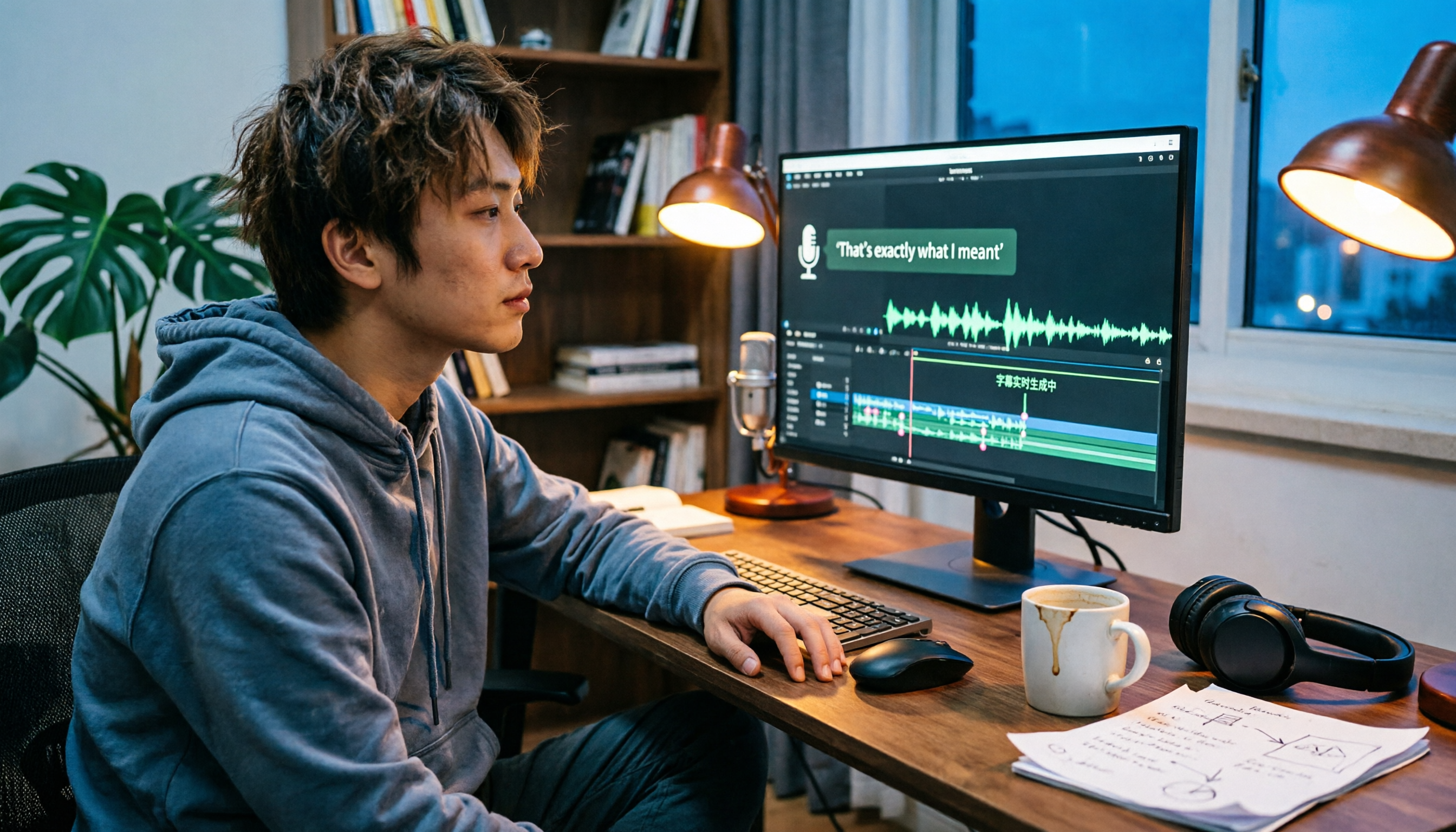
2026 Vlog Video Editing & Voice-to-Text Tools Compared: Which Saves the Most Time on Voiceover to Subtitles?
Filming your Vlog is done, but adding voiceover and subtitles takes forever? This article breaks down three workflows—voice to text to subtitles—and compares Tinrec, Jianying, CapCut, and Subanana on Chinese transcription, AI summaries, subtitle drafts, and editing integration to help you choose the right tool and avoid late nights.

How to Do Audio-to-Text Transcription in 2026: 5 Steps from Recording to Team Transcript
Meeting recordings sit unprocessed, and interviews need to be replayed three times to find that one key sentence—the real challenge with audio-to-text isn't transcription itself, but what you do with the output. This article breaks down the complete workflow in 5 steps: recording, transcription, summarization, follow-up questions, and export. It also compares Tinrec, Notta, Otter.ai, and TurboScribe to help you choose the right tool for your needs, including free tiers and paid pricing.

4 Zoom Meeting Summary Tools Tested in 2026: Which One Actually Saves You Time?
How to choose a Zoom meeting summary tool? This article compares Tinrec, Otter.ai, Notta, and Granola across summary deliverability, recording method, Chinese-language experience, and team collaboration, and covers pricing, limitations, and pitfalls to help you pick the right AI meeting notes solution for Zoom.

2026 Comparison of 2 Cantonese Speech-to-Text Tools: Tinrec vs Otter.ai — Which Is Better for Mixed Chinese-English Meetings?
Tired of transcribing Cantonese meeting recordings? This article compares Tinrec and Otter.ai across Cantonese and mixed Chinese-English recognition, bot-free online meeting recording, post-meeting summaries and AI Q&A, team collaboration governance, and free tiers and pricing, to help you decide which is better suited for Cantonese meetings, interviews, and team organization needs.

2026 Comparison of 3 Computer Video-to-Text Tools: Why Tinrec Is Better Than cSubtitle and VEED for Meeting Organization
Many people upload a video to a transcription site only to realize they still have to manually organize the transcript. Starting from common misconceptions about computer video-to-text, this article compares Tinrec, cSubtitle, and VEED, and explains how Tinrec turns video content into summaries, action items, and searchable team meeting materials.
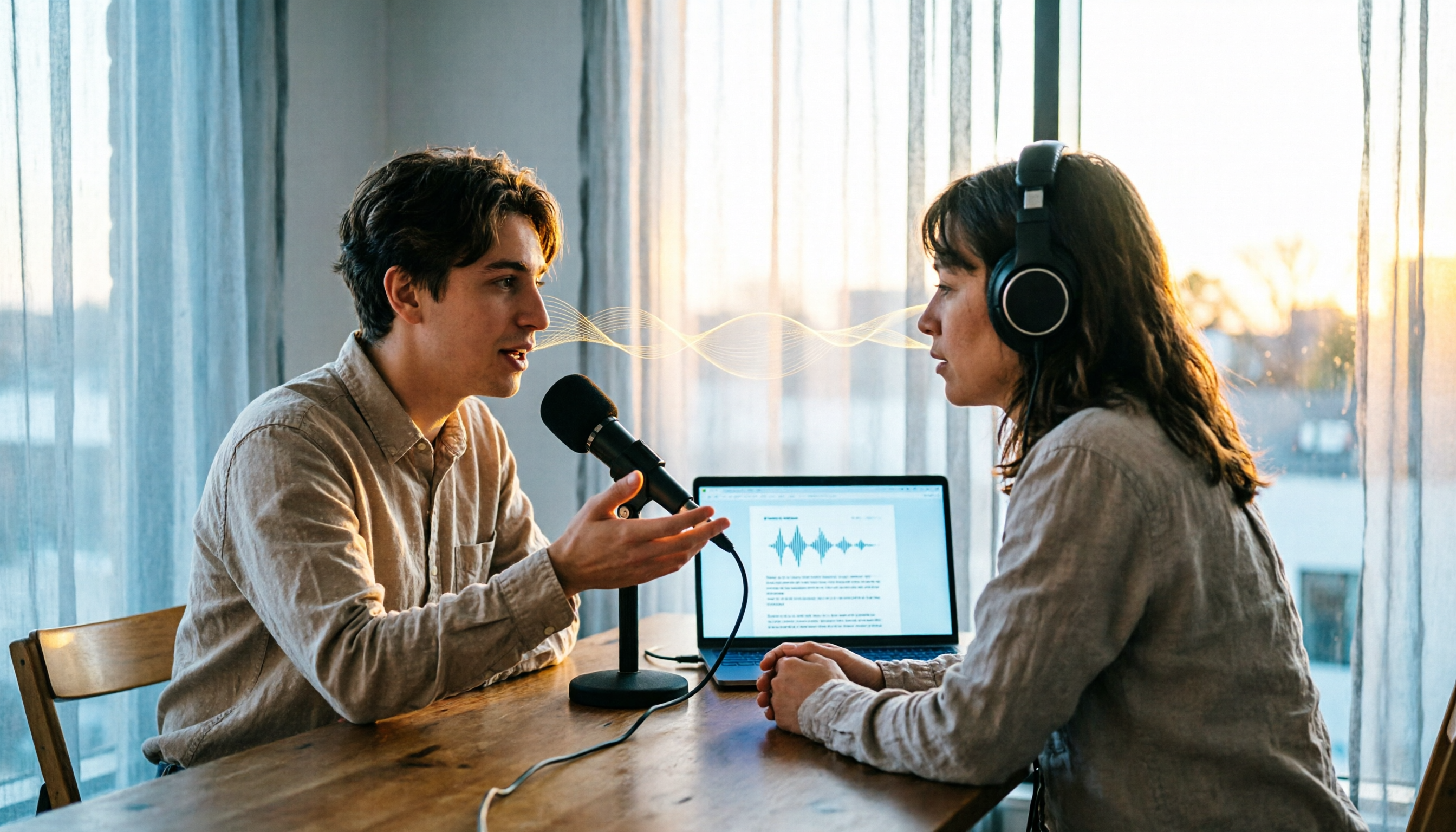
5 Best Text-to-Speech Tools in 2026: Which One Sounds Most Human?
The same script fed into different tools produces wildly different 'human-like' results. This article first breaks down 4 key factors for choosing a text-to-speech tool with human-like voice, then hands-on compares MyEdit, Vidnoz, FlexClip, and Yating. Finally, it covers the other half of the human voice need: using Tinrec to turn meeting and interview recordings into searchable, queryable transcripts and summaries.

2026 Comparison of 5 Online Text-to-Speech Readers: Which Offers the Most Practical Traditional Chinese Voices and Audio Export?
Starting from the common misconception that you just paste text and press play, this article compares TextReader, MyEdit, Luvvoice, Vidnoz AI, and Speechify across speech engines, Traditional Chinese voices, long-text handling, and audio export. It includes comparison criteria, quota details, and recommendations based on user needs.