

Turn recordings into transcripts and summaries in minutes
Upload audio or video for multilingual transcription, AI notes, and action items
TinRec: Your Smart Meeting Assistant
Have you ever felt excited and energized after a meeting, only to forget nearly everything an hour later? You are not alone. Meetings are full of great discussions, but without a clear summary, all those brilliant ideas and next steps often fade away.
A clear, concise meeting summary can save the day. A meeting summary distills everything you need to know into a practical, straightforward guide. That way, you and your team don't have to guess what to do next.
However, not all meeting summaries are created equal. Some are easier to scan and act on. Let's talk about how to write a meeting summary that helps your team stay organized and on track. Plus, you'll learn how TinRec can automatically generate summaries after every meeting.
What Is a Meeting Summary?
A meeting summary is a quick, easy-to-read description of the important points. This meeting overview highlights key discussions, major decisions, and action items, so everyone knows what happened—and what needs to happen next.
But don't meeting notes do the same thing? While meeting notes detail the conversation—who said what, when, and how—a meeting summary stays high-level and action-oriented. Think of it as the executive summary of your meeting notes. It focuses less on recording every detail and more on capturing what truly matters.
In other words, a meeting summary is a tool for clarity and accountability. Providing a summary ensures no one has to dig through pages of notes to find their next steps. Instead, your team can skim the summary and act immediately.
How to Get AI-Generated Meeting Summaries with TinRec
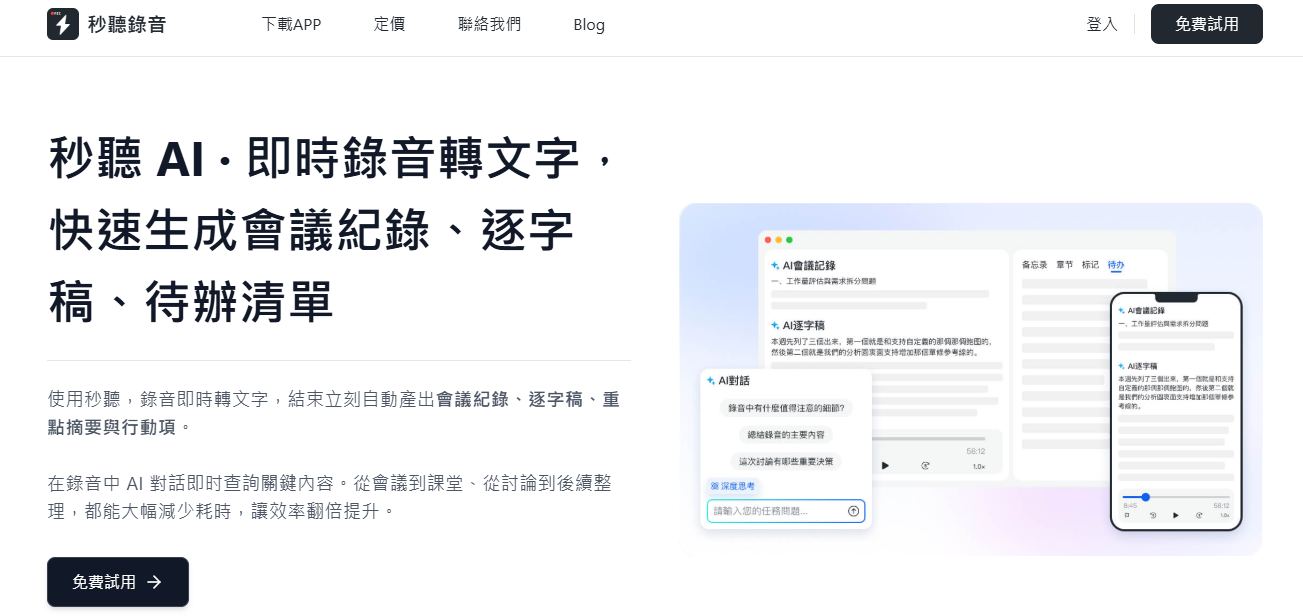
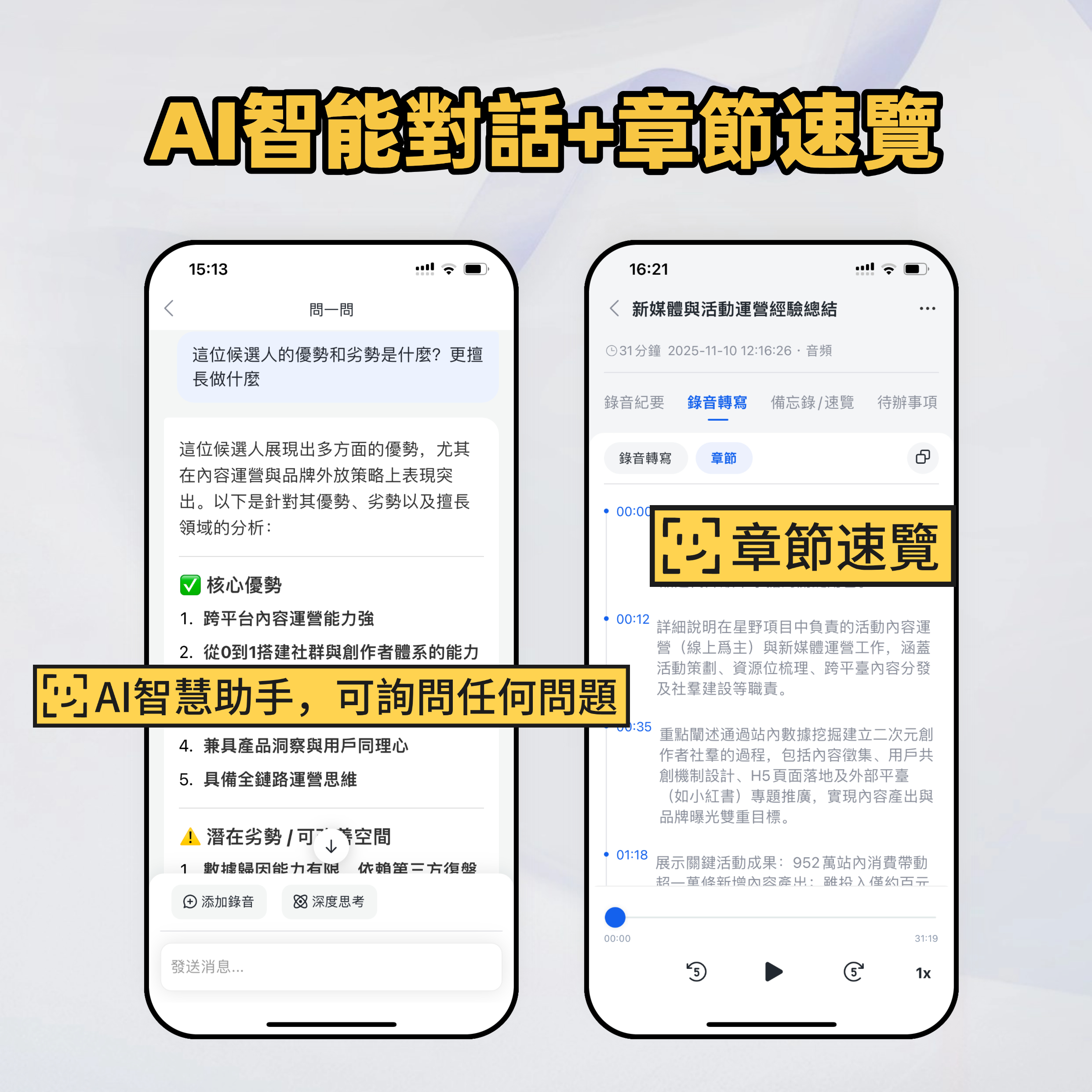
Summarizing meetings becomes much easier when you have the right tool. TinRec automatically transcribes and summarizes meetings, highlighting action items for you—so you don't have to worry about capturing every word. You can even ask the TinRec Assistant to summarize meeting content in real time.
It's like having a dedicated AI colleague that delivers key data at lightning speed. You and your team will never miss critical information. TinRec supports multiple languages, including Chinese, English, Japanese, Cantonese, and Hokkien, ensuring your multilingual team can communicate efficiently.
How to Write a Meeting Summary Manually
If you need to write a summary manually, follow these steps:
1. Take Detailed Meeting Notes
A great summary starts with good meeting notes. Record the main topics, important questions raised, and next steps with assignees.
If you're taking notes manually, focus on key points rather than trying to transcribe everything verbatim. But if you want to make life easier, an AI tool like TinRec can record and transcribe the conversation for you. That way, you can focus on participating in the discussion instead of scrambling to capture every word. After the meeting, TinRec automatically generates a summary.
2. Organize the Key Points
Even if you focus on key ideas, your notes may still contain extra information that doesn't need to be in the summary. Carefully review your notes and highlight the most important points from each key discussion, including any decisions and action items.
Then organize these points chronologically. For example, if the meeting started with a brainstorming session, list the ideas people raised first, then the decisions made later in the discussion. If your meeting covered a lot of ground, feel free to group points into clear sections. Organizing the summary this way ensures readers can follow the meeting flow clearly from start to finish.
Stop organizing recordings by hand
Upload audio or video and automatically get a transcript, summary, and action items
3. List Follow-Up Tasks and Action Items
Next, list all items that need follow-up, the people responsible for each task, and important deadlines. To save time, you can let TinRec handle this step. TinRec automatically generates action items from the conversation and even assigns them to your team members, ensuring nothing is missed.
4. Provide Some Context
A one- or two-sentence brief can provide context for the meeting and help readers understand the big picture. For example, if the meeting was about finalizing a project plan or making a major decision, add a line at the beginning of the summary explaining that. This way, even people who didn't attend but need to be informed can understand the summary.
Also consider adding details like the meeting date and time and a list of attendees. This provides a reference frame for anyone who needs to follow up later. If someone needs more information about a discussion, they can easily see who was involved. Plus, adding these details helps make the summary feel more complete.
5. Attach Relevant Supporting Documents if Necessary
Finally, if the meeting involved reviewing documents, presentations, or reports, link or attach them to the summary. Anyone who wants to dive into the details won't have to search through emails or Slack for the files. Including everything in one place makes your summary even more useful.
4 Practical Tips for Writing Meeting Summaries
Writing a great meeting summary doesn't have to be complicated. Whether you're a seasoned professional or a beginner, these tips will help you write clear, actionable summaries every time:
1. Keep It Clear and Concise
A meeting summary is not the place for lengthy explanations or detailed notes. The goal is to capture the essence of the meeting in an easy-to-understand way. Cut the fluff and focus on what matters most—key discussions, decisions made, and next steps. A concise summary means everyone can get the information they need quickly without wading through unnecessary details.
2. Format Thoughtfully
Make your meeting summary scannable with clear formatting. Use bullet points or numbered lists to highlight key ideas. Also consider breaking the content into sections with clear headings, such as "Discussion," "Decisions," and "Action Items."
This helps readers quickly find the information they're looking for. Plus, using the same format every meeting gives your team confidence that important details won't get lost in the shuffle.
3. Review and Edit Before Sending
Before you hit send on your meeting summary, always take a few minutes to review and edit. First, double-check for accuracy—did you capture the key points of each discussion, or is anything missing? Are the action items clear and assigned to the right people?
Also, quickly check for any spelling or grammar errors. We all know that feeling of spotting a typo right after hitting send! Avoid it by giving your summary a quick once-over before sharing.
4. Share Promptly
Timing is everything. Send your meeting summary as soon as possible after the meeting to maintain momentum and get everyone ready for the next steps. If you wait too long, the details of the meeting may start to blur, reducing the summary's effectiveness. For example, a meeting summary email sent a week after the meeting can cause confusion or lead to missed follow-ups, as people may not clearly remember the discussion or decisions.
Meeting Summary Template
Ready to write your meeting summary? Here's a handy template to make it easier:
- Meeting Title: Not all meetings have a title, but if yours does, include it.
- Date, Time, and Location: This context helps people know when and where the meeting took place, useful for follow-ups and tracking project progress.
- Attendees: Including this helps everyone know who participated in the discussion and helped make decisions.
- Absentees: Optional, but knowing who was absent can help if you need to brief them later.
- Context: Briefly summarize the meeting's purpose.
- Key Discussions: Summarize all key discussion points using bullet points:
- Topic 1: Key point
- Topic 2: Key point
- Decisions Made: Briefly describe any key decisions using bullet points:
- Decision 1: Brief description
- Decision 2: Brief description
- Action Items: List all action items that need follow-up:
- Assignee 1: Their task
- Assignee 2: Their task
- Supporting Documents: Attach any relevant documents or links to resources discussed in the meeting.
- Next Meeting: If you plan to follow up with another meeting, include the date, time, and location here. Alternatively, just link to the calendar invite. That way, everyone can plan accordingly.
Let TinRec Write Your Meeting Summary
After a meeting, you want to focus on your action items and key takeaways—not on writing a summary. That's why TinRec's smart transcription and summary features ensure your team gets an actionable, clear, and concise AI meeting summary right away.
Let TinRec do the heavy lifting so you can focus on what really matters: leading your team and driving results. Start using TinRec today to save time and boost productivity.
Turn every recording into actionable outcomes
Get 60 free transcription minutes when you sign in. No credit card required.
Related Reading
You might also like

4 AI Meeting Note Tools Tested in 2026: Which One Saves the Most Time on Auto-Organizing Transcripts?
The pain of meeting notes isn't slow typing—it's time-consuming organization. This article addresses common misconceptions, tests 4 AI meeting note tools, breaks down key buying factors, Tinrec's bot-free recording and AI Q&A workflow, team plan seats and data ownership, plus a pitfalls guide and selection advice.

2026 Teams Meeting Transcription Comparison: 4 Methods Tested — Is Avoiding a Meeting Bot Really Easier?
Teams built-in transcription requires both the organizer and each user to enable the policy, and live captions are not saved—so many people only discover after the meeting that there is no transcript at all. This article reviews four ways to transcribe Teams meeting recordings, from Teams built-in, Otter.ai, and Notta to Tinrec, comparing bot-free desktop recording, AI Q&A, action item extraction, and team seat management, with a pitfalls guide and scenario-based recommendations.

4 Video-to-Transcript Tools Tested and Compared in 2026: 3 Pitfalls to Understand Before Importing Video
Importing a video to generate a transcript looks simple, but the real bottlenecks are usually format support, time codes, and how usage limits are calculated. This article starts with common misconceptions, outlines 4 key points for choosing a tool, then shares a hands-on test of Tinrec from video import to AI summaries, action items, and team knowledge retention, and compares TurboScribe, Notta, and Granola for use cases and pitfalls to avoid.

How to Transcribe Classroom Recordings in 2026: A Complete 5-Step Guide
When it comes to transcribing classroom recordings, most people only ask which tool is the most accurate. But what really determines whether you'll be overwhelmed all semester is the audio source, the classroom language, and the total number of hours. This article uses university and graduate school classroom scenarios to compare Tinrec and Otter.ai across 5 dimensions, and provides a 5-step process you can follow directly, along with purchasing advice.
How to Transcribe Zoom Meeting Recordings in 2026: No-Bot Recording + Automatic Meeting Minutes
Done with a Zoom meeting but still need to organize the transcript and minutes yourself? This guide covers the complete process for transcribing Zoom meeting recordings, including no-bot recording, real-time transcription, AI summaries and action items, AI Q&A, and 5 key points to consider when choosing a tool. It also demonstrates the workflow using Tinrec.

2026 AI Meeting Recorder Comparison: 4 Tools Tested for Chinese Meetings
Two-hour meetings followed by two hours of note organization is a daily reality for most office workers. This hands-on test of 4 AI recording and note-taking tools covers bot-free recording, Chinese transcription, AI Q&A, team knowledge retention, pricing, and limitations to help you decide which one is worth keeping.

5 Speaker Summary Tools Tested for 2026: Why Tinrec Is Less Work for Chinese Meetings
Starting from the question 'What exactly do you need a tool to do for you?', this hands-on comparison of common speaker summary tools explains how Tinrec performs in Chinese meeting transcription, bot-free online meeting recording, AI summaries and action items, AI chat queries, multi-format export, and team spaces. It also covers five key points to consider when choosing a tool and answers common questions.

2026 AI Meeting Notes: Automatic Speaker Identification + AI Q&A Summaries
Why do you still have to manually organize meeting transcripts even when speakers are automatically labeled? This article starts with common misconceptions about automatic speaker identification, breaks down 4 key dimensions for choosing a meeting notes tool, tests Tinrec's bot-free online meeting recording, AI summaries and Q&A, team spaces, and other features, compares it with Otter.ai, PLAUD Note, and Notta, and includes a pitfalls guide and buying advice.

4 Best AI Meeting Note Takers in 2026: Which One Actually Captures Action Items?
The hardest part of a meeting isn't recording it—it's turning two hours of discussion into an action list with names and deadlines. This article compares Tinrec, Otter.ai, Notta, and Granola across four key criteria: action item accuracy, AI Q&A, post-meeting workflow, and team data ownership. We explain who each tool is best for and highlight key buying considerations to help you choose the right tool and stop wasting time on manual transcripts.