
Turn recordings into transcripts and summaries in minutes
Upload audio or video for multilingual transcription, AI notes, and action items
The Meeting Notes Nightmare: Why Your Recordings Become a Data Black Hole?
In today's era of remote and hybrid work, Google Meet and Microsoft Teams dominate our daily schedules. Many people hit the "record" button, thinking, "I'll listen to the details later."
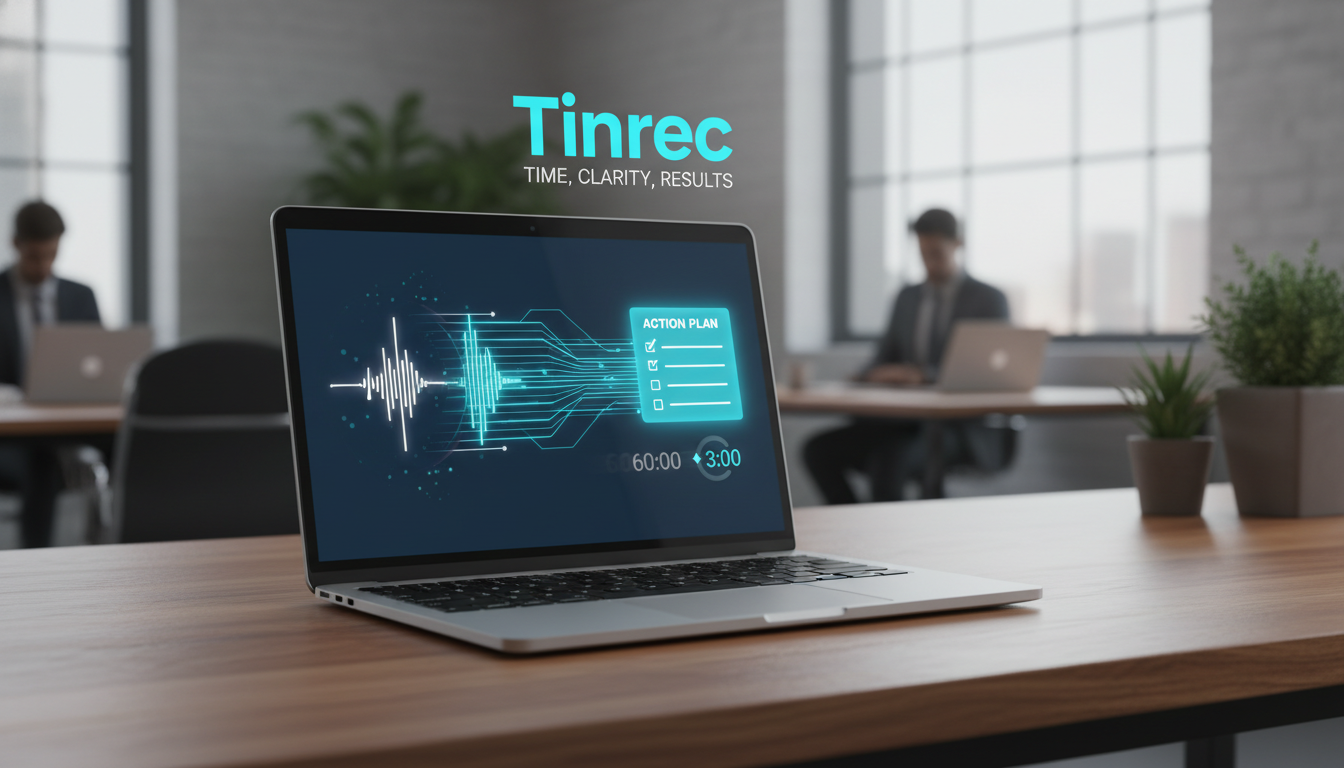
But reality is harsh: Recordings are the least information-dense format. To confirm a 5-minute decision, you may need to replay 60 minutes of audio; typing while replaying is even more tedious.
Many turn to AI speech-to-text tools. Options range from Taiwan-localized "Yating" to team-collaboration-focused "Vocol." This article reviews 6 recommended AI tools for 2025, especially highlighting a rising star that transforms "passive recording" into "active decision-making"—Tinrec, to completely solve your meeting note pain points.
2025 Top 6 AI Speech-to-Text Tools Review & Comparison
Based on market feedback, we've selected 6 representative tools covering free to professional paid plans.
1. Vocol.ai: Best for Team Collaboration
- Features: Designed for collaboration, integrates with Google Meet and Teams, supports multi-speaker identification and online co-editing comments.
- Pros: Fast transcription, great for cross-team collaboration.
- Cons: Feature-rich interface may be complex for individual users.
- Free Tier: 200 minutes.
2. Yating: The Local Expert for Taiwanese Mandarin
- Features: Developed by a Taiwanese team, excellent at recognizing mixed Chinese-English and Taiwanese Hokkien.
- Pros: Strong multi-speaker recognition, suitable for local interviews or traditional industry meetings.
- Cons: Transcription generation is relatively slow.
- Free Tier: 300 minutes.
3. Tinrec: From Recording to Action — A Complete Workflow
- Features: Not just transcription, but real-time writing and AI chat query. It automatically extracts meeting minutes and action items, and supports automatic identification of 10 languages.
- Pros: Offers AI Chat Query — you can ask "What was the marketing budget?" like asking an assistant, without searching the transcript. Cross-platform support (Web/iOS/Android).
- Cons: Free plan has a monthly 100-minute limit (suitable for light personal use).
- Free Tier: 100 minutes per month.
4. cSubtitle: Savior for Video Creators
- Features: Focuses on subtitle generation for videos, no registration required, auto-punctuation.
- Pros: No login needed, great for video files.
- Cons: Weak editing features, not suitable for detailed meeting notes.
- Free Tier: 3-minute trial.
5. Litok: The Interpreter for International Meetings
- Features: Real-time translation, ideal for communicating with foreign clients, can summarize based on voice scenarios.
- Pros: Fast translation, suitable for language learning or cross-border meetings.
- Cons: Accuracy drops in noisy environments.
- Free Tier: 1-month trial.
6. inFin: A Lifesaver on a Budget
- Features: Free, unlimited recording and transcription, supports offline use.
- Pros: Completely free, no time limit, ideal for students or those on a tight budget.
- Cons: Chinese support is primarily Simplified Chinese, and recognition accuracy is lower than paid tools.
- Free Tier: Unlimited.
📝 Comparison Table: Find Your Perfect Fit at a Glance
| Dimension | Tinrec | Vocol | Yating | inFin | Litok |
|---|---|---|---|---|---|
| Core Positioning | Record + Understand + Act (AI Chat Query) | Team Collaboration | Taiwanese Language Support | Free Unlimited Recording | Cross-Language Translation |
| Free Tier | 100 min/month | 200 min | 300 min | Unlimited (Simplified Chinese focused) | 1-month trial |
| Supported Platforms | iOS, Android, Web | Web, App | Web, App | App | Web, App |
| AI Features | Meeting minutes, to-do items, conversation search | Summary, comments | Summary | Summary | Translated summary |
| Language Strength | Auto-recognizes 10 languages including Chinese, Japanese, English, Korean, Cantonese | Chinese, English, Japanese | Chinese, English, Taiwanese Hokkien | Chinese (Simplified), English | Multilingual translation |
| Recommended For | Professionals who value post-meeting execution efficiency | Large project teams | Interviews, Hokkien speakers | Students, budget-conscious users | Travel, international business |
Stop organizing recordings by hand
Upload audio or video and automatically get a transcript, summary, and action items
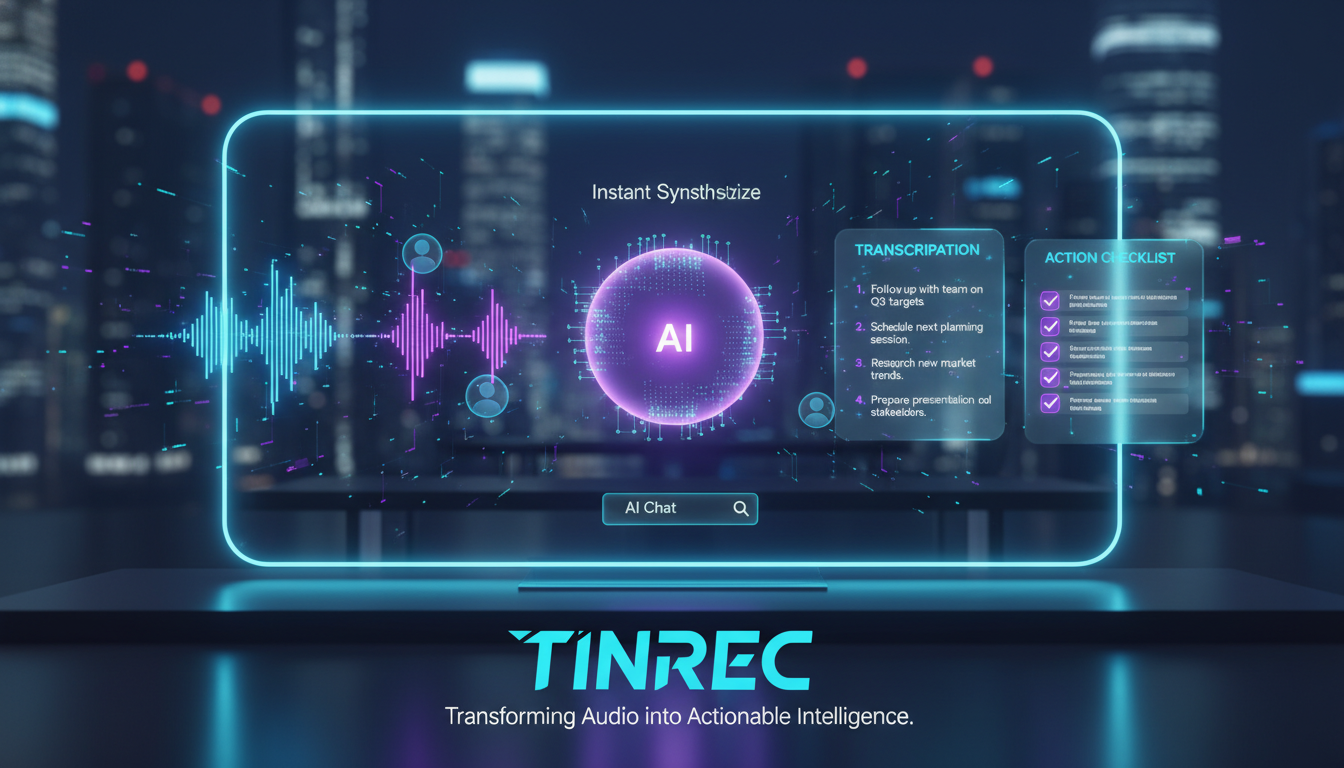
Deep Dive: How Tinrec Solves the "Post-Recording" Problem
Many tools only solve step one: turning speech into text. But faced with a 10,000-word transcript, users still struggle. Tinrec tackles "information overload" by focusing on understanding and action after recording.
1. Real-Time Transcription: See the Sound
During a Google Meet, you can enable Tinrec's real-time transcription feature. Unlike traditional recorders, Tinrec generates text on screen as you record. If you zone out briefly, just glance at the screen to catch up instantly.

2. AI Chat Query: Find Answers Like Asking a Person
This is Tinrec's biggest differentiator. Traditional tools use keyword search (Ctrl+F), but if you forget the keyword, you're lost. Tinrec's AI Chat Query lets you ask natural language questions.
- Scenario: You forget the deadline discussed.
- Action: Type in Tinrec's chat: "When is the second phase of this project due?"
- Result: AI understands the intent and extracts from the recording: "According to the discussion at minute 24, the product manager mentioned the second phase must be delivered by October 15."

3. Auto-Generate Action Items
After a meeting, the biggest fear is no one knows what to do next. Tinrec automatically analyzes the entire meeting's semantics to generate action items, clearly listing who is responsible for what and by when. This saves project managers tons of post-meeting time.

Tutorial: Using Tinrec for Google Meet Meeting Notes
Here are three scenarios to get you started quickly:
Scenario A: Live Meeting (Real-Time Recording)
This is the most direct method, suitable when you can use your phone or computer microphone freely.

- Open your Google Meet meeting.
- Open Tinrec web or app.
- Click the real-time transcription button.
- Place your device near the speaker (or ensure system audio is captured); AI transcribes participants' speech in real time.
- When the meeting ends, click stop. The system automatically generates a summary and action items.
Scenario B: I Have a Recording File (File Upload)
If you used Google Meet's built-in recording or received an audio file.
- Get the audio or video file (mp3, mp4, wav, etc.).
- Go to Tinrec's audio-to-text page.
- Drag and drop the file into the upload area.
- Wait for AI processing (typically a 1-hour recording takes minutes). Once done, export as Word or PDF transcript.

Scenario C: Transcribing Public YouTube Courses or Meeting Recordings
Perfect for students or marketers needing to digest industry trend reports.
- Copy the YouTube video URL.
- Use Tinrec's podcast/web video-to-text feature.
- Paste the link. AI automatically parses the audio track and generates key summaries, so you don't need to watch the entire hour-long video to grasp the core content.
Frequently Asked Questions (FAQ)
Q1: Are there free Google Meet transcription tools? Most tools use a "basic free + premium paid" model. For example, inFin offers free unlimited recording (but with weaker Chinese recognition); Tinrec provides 100 minutes per month free, sufficient for personal users with 1-2 meetings per week.
Q2: Can AI understand meetings with both Chinese and English? It depends on the tool's language model. Yating excels at Taiwanese-accented mixed Chinese-English; Tinrec supports automatic identification of 10 languages including Chinese, Japanese, English, Korean, handling most bilingual business scenarios.
Q3: How to transcribe Google Meet on iPhone? Due to iOS privacy restrictions, the phone cannot directly record internal call audio. Recommended approach: Use a computer for Google Meet, and install Tinrec App on your iPhone placed near the computer speaker for real-time transcription; or use the Tinrec web version on your computer for audio capture.
Q4: How accurate are the transcripts from these tools? Current mainstream AI tools (e.g., Vocol, Tinrec, cSubtitle) typically achieve over 90% accuracy in clear recording environments. Accuracy drops in noisy settings or with overlapping speakers. Using a directional microphone improves results.
Q5: How is Tinrec's "AI Chat Query" different from regular search? Regular search (Ctrl+F) only finds exact keyword matches. Tinrec's AI query uses "semantic understanding." For example, you can ask "What was the client's reaction to the price?" Even if the word "reaction" never appears, the AI summarizes from the dialogue that the client found it too expensive or acceptable.
Q6: Is my meeting data secure? Check the privacy policy when choosing a tool. Tinrec uses encrypted transmission, states that data is used only for the service, and allows users to delete cloud data anytime, ensuring business confidentiality.
Turn every recording into actionable outcomes
Get 60 free transcription minutes when you sign in. No credit card required.
Related Reading
You might also like

Best Free AI Meeting Notes for iPhone in 2026: 4 Options Compared
Looking for an AI meeting notes app on iPhone? The real challenge isn't features—it's whether the free tier is enough and if the output is usable. This guide breaks down 4 iPhone-compatible AI meeting note solutions across four dimensions: free tier format, post-meeting output, cross-device use, and team collaboration. It also explains how Tinrec differs in Chinese meetings, bot-free recording, and team knowledge retention.

2026 Google Meet Note-Taking Showdown: Is Gemini's Auto Notes Enough?
Google Meet's built-in Gemini 'Take notes for me' is convenient, but it may not be the best fit for every team. This article uses four key decision points to compare Gemini auto notes, Tinrec, Otter.ai, and Granola, explaining where meeting notes should live, how they'll be used afterward, and the four most common pitfalls when choosing a solution.

Google Meet Gemini vs Tinrec: Which Meeting Notes Tool Saves More Time in 2026?
Google Meet's built-in Gemini can transcribe and summarize meetings, but recording and transcripts are plan-restricted, and captions can't be copied directly. This hands-on comparison of Tinrec and Google Meet's built-in meeting notes across 6 dimensions—recording method, post-meeting output, cross-platform support, Chinese-language experience, team management, and pricing/quotas—helps you decide which fits your meeting scenario.

2026 iPhone Meeting Recorder Apps: Free Plans Compared — Free, Weekly, and Pro
A student's hands-on guide to choosing a free plan for iPhone meeting recorder apps, debunking myths like 'free download doesn't mean free use,' and using Tinrec as an example to explain which scenarios suit the free version, weekly pass, Pro monthly, and annual plans.

Which Gemini Meeting Notes App Is Best? 2026 Hands-On Test of 2 Options—This One Is the Most Complete for Team Collaboration
Dread meetings ending because the real work begins? This article compares Google Gemini (including Meet's "Take notes for me" and uploading audio files to Gemini) with Tinrec across five dimensions: meeting capture, multilingual transcription, post-meeting organization, file retention, and team governance. We break down the practical differences and identify who each tool is best for, helping you decide which one to use.

Google Meet Meeting Notes in 2026: 4 Options Tested for Chinese Transcripts and Post-Meeting Efficiency
Google Meet's built-in Take Notes doesn't support Chinese, so how do you take notes in Chinese meetings? This article breaks down the language support, recording methods, post-meeting outputs, and team data retention differences of four common solutions, and explains how Tinrec works in practice for Chinese transcripts, AI Q&A, and team knowledge retention.
2026 Comparison of 4 Meeting Audio-to-Text Tools: Gemini, NotebookLM, and Tinrec — Which One Really Saves Time?
You can feed meeting recordings to Gemini and get a transcript, but most people still end up re-listening. This article starts from practical limitations: Gemini free version's 10-minute limit, unsupported AAC format, unstable timestamps, and goes on to explain the differences between NotebookLM, EchoScript, and Tinrec. It also summarizes 4 key buying factors: length, to-dos, online meeting recording, and team knowledge retention, helping you choose the approach that truly saves time.

6 AI Meeting Notes Tools Tested in 2026: Google AI Studio vs. Tinrec — Which Saves More Time?
Meeting notes pile up not because of the meeting itself, but because of what happens after. This article, from a mid-level manager's hands-on perspective, compares Google AI Studio, NotebookLM, Gemini, EchoScript AI, Gemini for Meet, and Tinrec: which is best for free validation, which preserves timestamps and speakers, and which turns meeting data into a searchable team asset. It also honestly lists the limitations and costs of each option.

Free Real-Time Transcription Software in 2026: 4 Options Compared
Can't keep up with typing during meetings? This article reviews four free real-time transcription software options, including Tinrec, Otter.ai, Notta, and Granola. We compare Chinese recognition, free quotas, post-meeting organization, and team collaboration, plus provide transcript examples and tips to avoid pitfalls.