
Turn recordings into transcripts and summaries in minutes
Upload audio or video for multilingual transcription, AI notes, and action items
2025 Video Era: Why You Need a More Powerful Subtitle Tool
In this age of explosive video content, whether you're learning a foreign language, creating social media content, or organizing meeting recordings, getting subtitles has become an essential need. However, many creators and learners often face the following pain points:
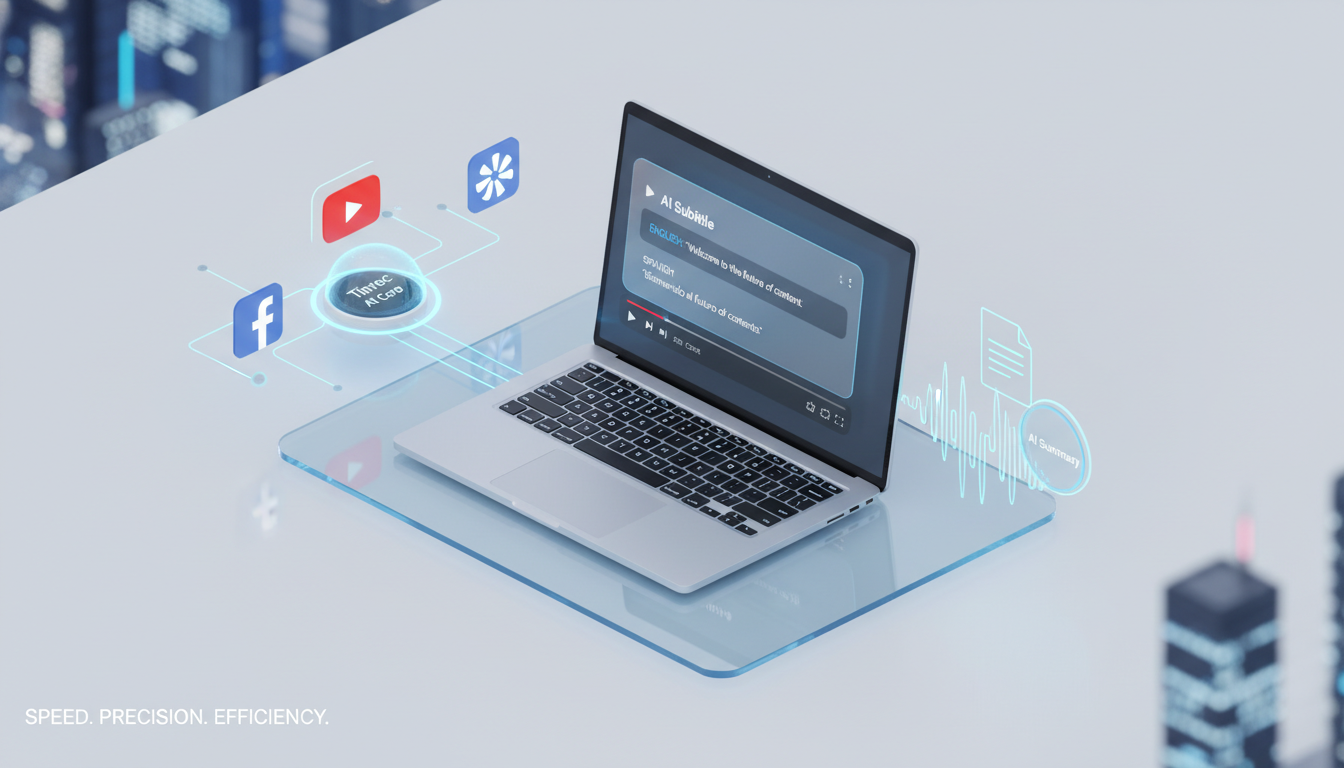
- No original subtitles (No CC): Many YouTube or live videos don't have CC subtitles uploaded, rendering traditional downloaders useless.
- Time-consuming processing: After downloading an SRT file, you still need to spend a lot of time reading to quickly grasp the main points.
- Lack of actionable insights: Watching an hour-long video or interview without being able to quickly extract next steps or core conclusions.
- Cross-platform limitations: Different video platforms (Facebook, Bilibili, Dailymotion) often require different tools, making switching cumbersome.
This article will review 4 traditional subtitle download tools for major platforms available in 2025, and recommend an advanced tool that integrates AI generation and content understanding, helping you evolve from a simple downloader to an efficient content manager.
Subtitle Download vs. AI Auto-Generation: Tool Comparison
Before introducing individual tools, let's analyze the core differences between traditional downloaders and AI generation tools (such as Tinrec) using a table, helping you choose based on your needs.
| Dimension | Traditional Subtitle Download Sites (GetSubs/DownSub etc.) | AI Speech-to-Text Tools (Tinrec) |
|---|---|---|
| Core Principle | Fetches existing CC subtitle files from the original video | Uses AI transcription to generate high-accuracy transcripts from scratch |
| Subtitles for Videos Without CC | ❌ Cannot download (shows Error) | ✅ Automatically recognizes and generates text |
| Content Understanding | Only provides plain text/timestamps | ✅ Auto-generates summaries, meeting minutes, action items |
| Search Capability | Only Ctrl+F keyword search | ✅ Supports AI conversation queries (e.g., What conclusion did the video mention?) |
| Language Support | Depends on whether the original video has subtitles in that language | ✅ Supports automatic recognition of 10 languages including Chinese, English, Japanese, Korean |
| Best Use Cases | Simple subtitle backup, language learning | Content creation, meeting notes, deep learning, interview processing |
Part 1: 4 Mainstream Platform-Specific Subtitle Download Tools (Free/No Installation)
If you're sure the video already has CC subtitles and you only need to download the file, the following four tools tailored for different platforms are currently the market's top picks:
1. Best for Facebook Subtitles: GetSubs.cc
- Platform: Facebook
- Highlight: Designed specifically for FB, supports both mobile and desktop, and can detect manually uploaded and auto-generated subtitles.
- Limitation: If the FB video doesn't have a CC button, it cannot generate subtitles.
- Output Formats: TXT, SRT
2. Bilibili Learning Resource Tool: Bilibili Video Downloader
- Platform: Bilibili
- Highlight: Bilibili has a wealth of educational videos; this tool can extract bilingual subtitles (Chinese and English) with one click, and supports clearing timestamps to keep only plain text, ideal for academic notes.
- Output Formats: TXT, SRT
3. Powerful YouTube Downloader: DownloadYoutubeSubtitles.com
- Platform: YouTube
- Highlight: Supports over 100 languages and can even download bilingual subtitles, which is very friendly for language learners. Offers a browser extension.
- Note: The quality of YouTube's auto-generated subtitles varies; it's recommended to prioritize downloading manually uploaded versions by creators.
- Output Formats: SRT, VTT, TXT
Stop organizing recordings by hand
Upload audio or video and automatically get a transcript, summary, and action items
4. Dailymotion and Multi-Platform Support: DownSub
- Platforms: Dailymotion, Viki, Viu, WeTV
- Highlight: A well-established tool with broad platform support, clean interface, and no registration required. Simply add
subtitle.to/before the URL to jump to download. - Output Formats: SRT, TXT
Part 2: Tinrec – From Subtitle Downloading to AI Content Understanding
When you encounter videos with no subtitles at all or don't want to re-watch a one-hour video, the traditional tools mentioned above fall short. This is where Tinrec, an advanced solution integrating state-of-the-art AI models, becomes a more comprehensive choice.
Tinrec is more than just a tool; it provides a complete workflow from recording/importing -> understanding -> acting. Its value lies in transforming time-based content into scannable, searchable, and actionable knowledge.
Core Feature Review:
1. Solve the No-Subtitle Pain Point: AI Auto Speech-to-Text
Tinrec supports importing audio/video files or pasting YouTube/Podcast links directly. Even if the original video has no subtitles, Tinrec's AI engine can accurately recognize and generate transcripts, supporting 10 languages including Chinese, English, Japanese, Korean, and more.
2. AI Smart Summaries and Action Items
With traditional tools, after downloading an SRT you still have to read it yourself. Tinrec automatically analyzes the content and generates:
- Summary Overview: Quickly grasp the core of the video.
- Action Items: If it's a meeting recording, the AI directly lists who should do what.
- Keyword Extraction: Pull out key topics.
3. Chat with Content (AI Chat)
This is the biggest difference from traditional tools. Instead of searching with Ctrl+F through long text, you can directly ask the AI: "What were the speaker's views on 2025 trends in this interview?" Tinrec will give precise answers based on the recording content, like a personal assistant who just watched the video.
4. Multi-Device Sync and Live Recording
Besides processing online videos, Tinrec also offers iOS and Android apps for live recording (e.g., physical meetings, classes). It converts speech to text in real time, achieving simultaneous listening, recording, and transcription.
Practical Tutorial: How to Use AI to Quickly Generate YouTube Subtitles and Summaries
Below steps demonstrate how to use Tinrec to process a YouTube video without subtitles and export it in SRT format or query its content:
Step 1: Get the Video Link
Go to YouTube and copy the URL of the video you want to analyze.

Step 2: Use the "Online Video to Text" Feature
- Go to Tinrec's Online Video to Text page.
- Paste the URL into the input box; the system will automatically parse the video info.
- Select the video's primary language (e.g., Traditional Chinese), and click start conversion.
Step 3: Review and Chat with AI
- After conversion, you'll see the full transcript (with timestamps).
- Click the AI Chat Query feature on the right. You can input commands like "Summarize the three key points of this video," and the AI will generate immediately.
Step 4: Export Subtitle File
If you need subtitles for video editing (e.g., Premiere, Final Cut), click the "Export" button in the top right, select SRT format to download; for note-taking, you can choose to export as Word or Markdown.
FAQ
Q1: Can I still download subtitles if the YouTube video has no CC?
Traditional downloaders (like GetSubs or DownSub) cannot download because they fetch the original file. However, using an AI tool like Tinrec, you can generate subtitles via speech recognition technology, regardless of the original video's subtitles.
Q2: Can the generated subtitles be in SRT format? I need to import them into editing software.
Yes, all tools recommended in this article (including Tinrec) support exporting standard SRT format. SRT includes timestamp information and can be directly dragged into Premiere, DaVinci Resolve, or YouTube's backend.
Q3: Do these tools have free versions?
- Traditional downloaders (GetSubs, DownSub, etc.) are usually completely free but contain ads.
- Tinrec offers a free plan with 100 minutes of free recording/transcription per month, sufficient for most short videos; for heavy usage, you can upgrade to Basic or Pro.
Q4: Can I use these tools on mobile?
Yes. GetSubs and DownSub are web-based and can be accessed via a mobile browser. Tinrec further provides native iOS and Android apps for a better mobile experience and recording quality.
Q5: How accurate is AI transcription?
Currently, Tinrec's recognition engine achieves over 95% accuracy in quiet environments with normal speech speed, and can recognize multiple languages (Chinese, English, Japanese, Korean, etc.). For proper nouns, you can manually adjust after transcription, which is many times more efficient than typing from scratch.
Q6: Is it suitable for meeting notes?
Traditional subtitle downloaders are not suitable as they can only process published videos. Tinrec has a live recording-to-text feature, ideal for in-person or online meetings (Teams/Google Meet), automatically distinguishing speakers and generating meeting minutes.
Summary: If you only need to download subtitles from videos that already have them, DownSub or GetSubs are quick choices. However, if you need to handle videos without subtitles, organize meeting notes, or want AI to help you quickly extract key points, Tinrec's all-in-one service of transcription, summarization, and conversation will be a more efficient productivity tool.
Turn every recording into actionable outcomes
Get 60 free transcription minutes when you sign in. No credit card required.
Related Reading
You might also like

Free Audio-to-Transcript Solutions in 2026: Tinrec vs cSubtitle Compared
A mid-level manager's hands-on comparison of free audio-to-transcript solutions in 2026, focusing on Tinrec and cSubtitle. We break down live meeting recording, Chinese speech recognition, AI summaries and action items, team collaboration, and free tier limits. If you run many meetings each week and need to turn them into trackable action items, this guide will help you decide which tool fits your workflow.
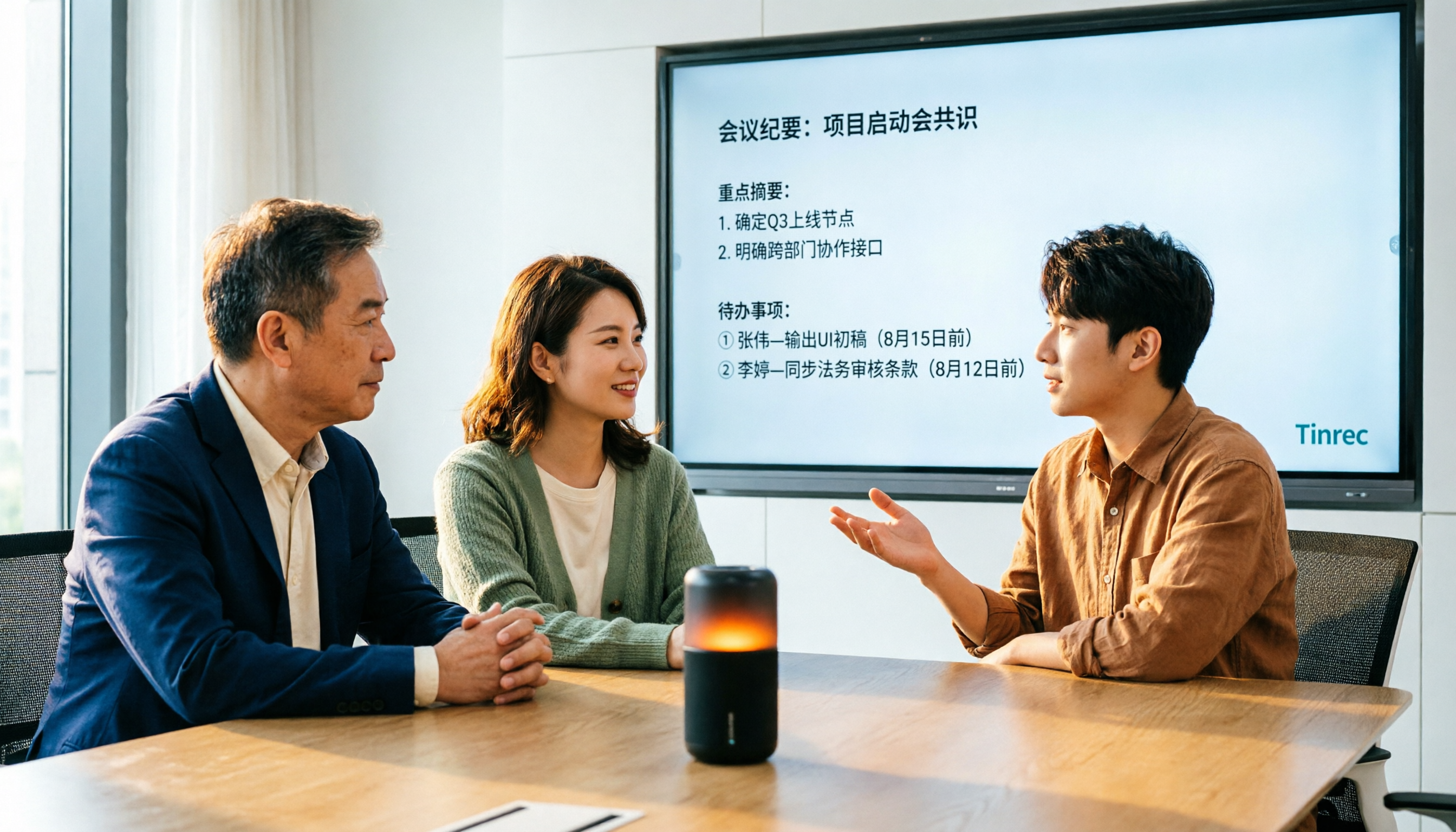
4 Audio-to-Text Tools Tested for 2026: Which Saves the Most Time on Chinese Meeting Notes?
We tested 4 audio-to-text tools, comparing Chinese meeting performance, bot-free recording, AI summaries and Q&A, and team permissions. We also outline 4 key buying factors and 3 common pitfalls to help you find the one that truly saves time after transcription.
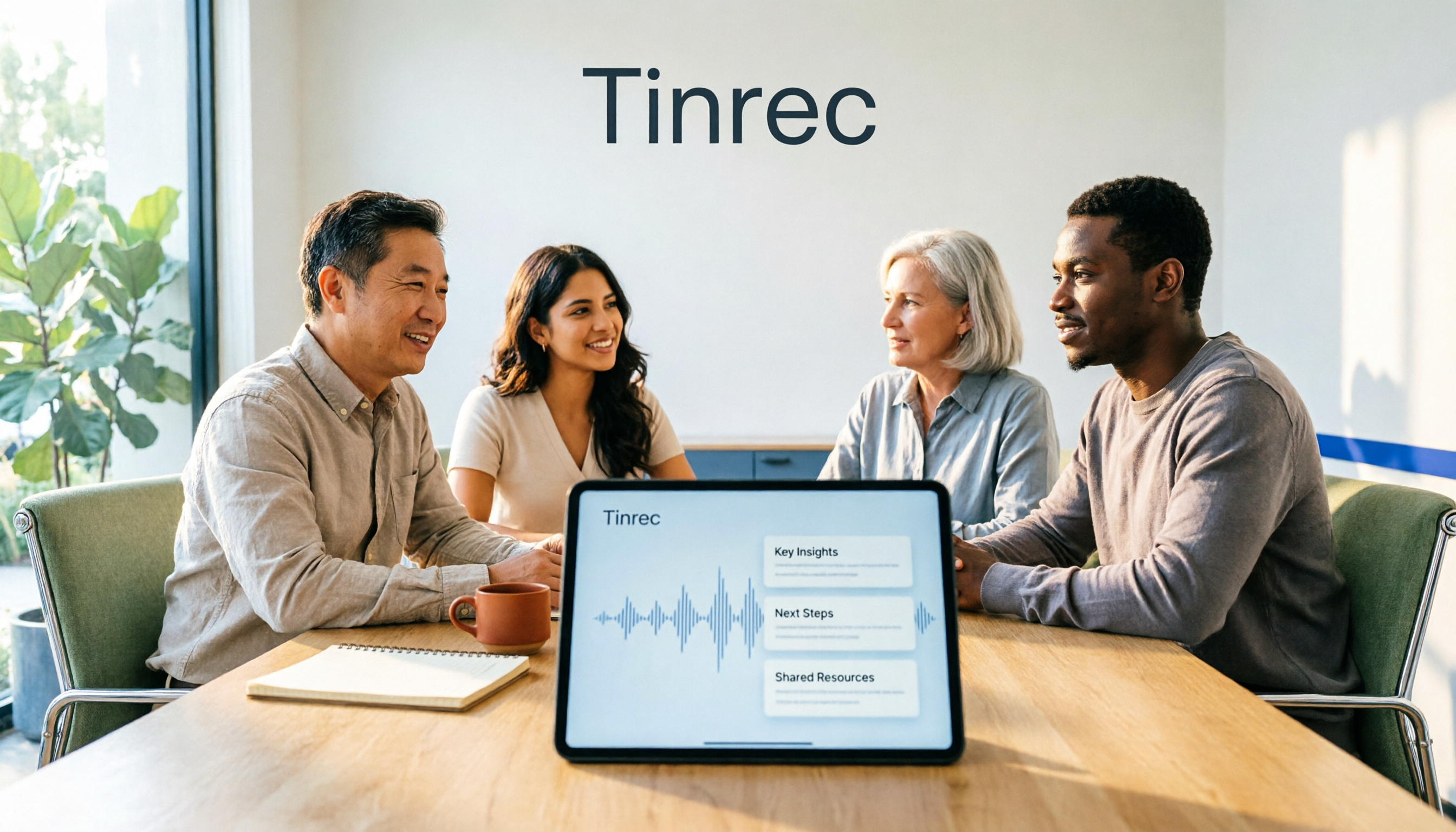
2026 AI Meeting Recorder Comparison: 4 Tools Tested for Transcripts and Team Knowledge
We tested and compared four AI meeting recorder tools: Tinrec, Otter.ai, Notta, and Granola. The article first explains the four key factors to consider when choosing a tool, then takes a deep dive into Tinrec's bot-free recording, AI summaries, action item extraction, and post-meeting Q&A workflow. It also honestly covers free plan limitations and team pricing, and ends with a buyer's guide and scenario-based recommendations to help you pick the right one.

2026 Comparison of 2 Meeting Transcription Tools: Tinrec vs Notta – Which Is Better for Chinese-Speaking Teams?
This hands-on comparison evaluates Tinrec and Notta, two meeting audio-to-text tools, across Chinese transcription, meeting recording methods, post-meeting organization, team collaboration, and pricing to help you decide which better fits your meeting note needs.

How to Transcribe Meeting Recordings in 2026: Auto-Generate Transcripts, Summaries & Action Items
Meeting recordings can easily run an hour, and re-listening to type notes afterward is the biggest time sink. This guide covers 7 practical solutions—from AI meeting tools and transcription services to free built-in features—to turn recordings into transcripts, summaries, and trackable action items.

2026 Comparison of 3 Speaker Summary Tools: How Tinrec Helps You Know Who Said What
In meetings with multiple speakers, it's hard to remember who said what afterward. This article compares 3 speaker summary tools and uses Tinrec as an example to show how AI transcription, Q&A, and summaries can quickly organize each speaker's viewpoints and action items.
4 Free Transcription Generators Compared in 2026: Which Offers the Best Free Quota and Chinese Recognition?
There are many free transcription generators, but what really matters is how the free quota is calculated, how accurately Chinese and mixed Chinese-English are recognized, and whether the transcript can be used directly. This article uses Tinrec as an example to break down 4 common free approaches, core capabilities, practical use cases, and 5 key purchasing considerations, and answers common questions.

How Long Can iPhone Record? 2026 Guide: 48-Hour Limit + AI Meeting Notes
How long can an iPhone record? Apple's built-in Voice Memos can record up to about 48 hours with enough storage and battery, but the real challenge is what you do with the recording afterward. This guide clears up 3 common misconceptions and practical limits, then shows how Tinrec turns recordings into transcripts, summaries, chapters, and action items in real time. It also covers 5 key factors for choosing a recording-to-text tool and answers frequently asked questions.

4 Online Transcription Tools Tested for 2026: Which Is Best for Chinese Meetings?
Online transcription tools aren't just about speed. We tested Tinrec, Notta, Otter.ai, and TurboScribe, comparing them on Chinese meeting support, bot-free recording, AI Q&A, action item extraction, and team data ownership. We also cover 4 common buying pitfalls to help you find a solution that truly saves post-meeting cleanup time.