
Turn recordings into transcripts and summaries in minutes
Upload audio or video for multilingual transcription, AI notes, and action items
Why You Need AI Voice-to-Text Tools: Say Goodbye to the 'Transcription Hell'
Have you experienced this frustrating moment: a two-hour meeting recording, to produce meeting minutes you have to repeatedly listen, pause, rewind, spending three or four hours just to finish the transcript? Or recorded many lectures and interview audio files, but because you can't bear to relisten, these precious insights become 'digital junk' taking up space on your computer?
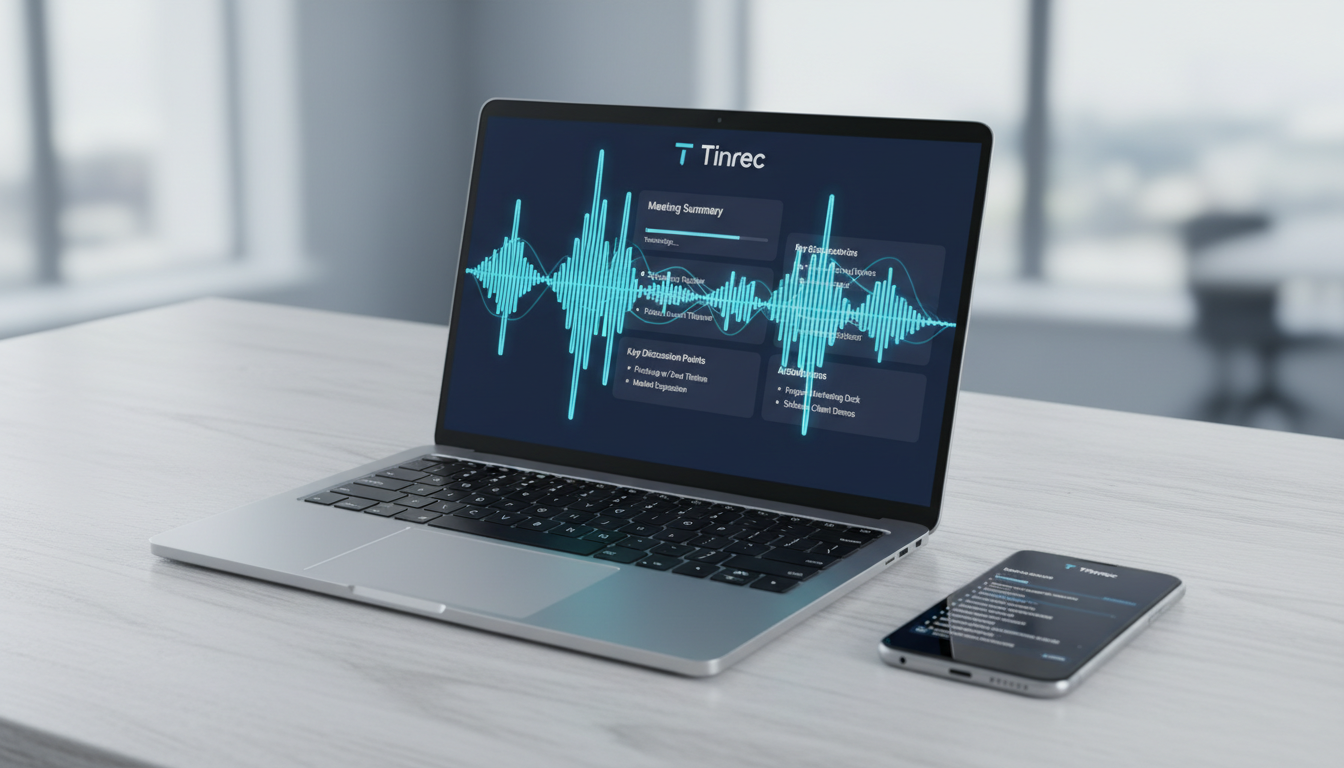
Traditional manual transcription is not only extremely inefficient but also fails to quickly extract key decisions from vast information. As AI technology matures in 2026, modern 'voice-to-text' tools have evolved—they are no longer just simple 'recorders' or 'typists,' but 'AI assistants' that understand content.
This article compiles the hottest 6 tools on the market (such as MyEdit, Yating Transcript, etc.), and adds productivity dark horse Tinrec (Quick Recording) with 'AI chat query' and 'action item extraction' features, totaling 7 tools for in-depth review, helping you find the best solution.
2026 Selected 7 Voice-to-Text Tools Comparison Table: Features and Price Showdown
To help you quickly choose, we conducted a comprehensive comparison based on Traditional Chinese support, transcription speed, AI smart features (such as summarization, chat), and pricing:
| Tool Name | Core Positioning | Free Quota/Trial | Supported Languages | AI Smart Features | Highlights |
|---|---|---|---|---|---|
| Tinrec (Quick Recording) | All-in-One AI Recording Assistant | 100 minutes free per month | Chinese, English, Japanese, Korean, etc. (10 languages) | Very strong (AI chat query, auto-generate action items) | Real-time transcription, query recordings, cross-platform sync |
| MyEdit | Online audio editor | 3 minutes per day | Chinese, English, Japanese, etc. (9 languages) | Moderate (basic transcription) | No installation, intuitive interface, audio editing |
| Yating Transcript | Taiwan-localized speech | 300 minutes for new users (limited time) | Chinese, English, Taiwanese Hokkien | Moderate (key point summarization) | Strong Taiwanese/Mandarin mixed recognition, accurate Taiwanese accent |
| PowerDirector | For video creators | 3 minutes per day | Chinese, English, Japanese, etc. (10 languages) | Low (focuses on subtitles) | Auto video subtitling, powerful editing features |
| Good Tape | For journalists | 3 segments per month (queue required) | 90+ languages | Low (plain transcript) | Extremely wide language support, high privacy security |
| cSubtitle | Short video subtitles | First 3 minutes per segment | Chinese, English, Cantonese | Low (format adjustment) | Supports SRT/VTT export, simple and easy to use |
| GitMind | Mind mapping | 10 minutes per day | Chinese, English | Moderate (converts to mind map) | Directly convert audio to mind map, visual organization |
In-Depth Review: Which Tool Is Best for You?
1. Tinrec (Quick Recording): Not Just Transcription, But 'Understanding' Recordings
Recommended for: Office workers, students, and project managers who handle a lot of meetings and lectures and value 'post-meeting action.'
What sets Tinrec apart from other tools is that it solves the pain point of 'not wanting to read after recording.' Most tools only give you a wall of text, while Tinrec uses AI to turn recordings into a searchable, interactive knowledge base.
Stop organizing recordings by hand
Upload audio or video and automatically get a transcript, summary, and action items
- Real-time transcription: Unlike some tools that only allow file upload, Tinrec supports app and web 'record while transcribing.' When the meeting ends, the transcript is done.
- AI chat query (exclusive highlight): This is Tinrec's most powerful feature. You don't need to reread the entire transcript; just type in the chat box 'What was the budget limit the boss mentioned?' and AI answers you directly based on the recording content, like asking a person, not flipping through documents.
- Auto-generate decision summary: Automatically distinguishes speakers and summarizes 'meeting minutes' and 'to-do action items,' saving post-meeting organization time.
- Multi-device sync: Record on your phone, then edit and export via the web version on your computer, seamlessly integrating into your workflow.
2. MyEdit: Top Pick for Lightweight Online Editing
Recommended for: Casual users who occasionally need to process short recordings and don't want to install software.
MyEdit is a powerful browser-based tool. Its advantage lies in integrating 'noise removal,' 'audio editing,' and 'transcription.' If your recording environment is noisy, you can first use its repair tools before transcribing. Its interface is very clean with no ads, and it offers daily free credits for members, which is quite generous for light users.
3. Yating Transcript: Best Solution for Taiwanese/Mandarin Mixed Speech
Recommended for: Users who need to record local interviews, government meetings, or conversations with elderly family members.
If your recording contains a lot of 'Taiwanese Hokkien' or 'Taiwanese-accented Mandarin,' Yating Transcript is currently the most accurate choice on the market. Developed by a Taiwanese team, it has strong understanding of local vocabulary. Although conversion speed is relatively slow (tested: 1 minute of audio takes several minutes to process), accuracy compensates for the time cost.
4. PowerDirector: Video Creators' Auto-Subtitle Magic Tool
Recommended for: YouTubers, video editors.
Strictly speaking, PowerDirector is a video editing software, but its built-in 'AI voice-to-text' function is designed for 'adding subtitles.' It accurately aligns speech with the video timeline and allows you to customize subtitle styles. If you're making video subtitles rather than meeting notes, this is the one.
Practical Tutorial: How to Use AI Tools to Efficiently Create Meeting Minutes in 4 Steps
Here we use the most feature-rich Tinrec as an example, demonstrating how to turn a 1-hour meeting into a decision document within 5 minutes:
Step 1: Start Live Recording or Import a File
- Live meeting: Open the Tinrec app or web version, click 'Start Recording,' and the system will instantly convert speech into a scrolling transcript.
- Existing file: If you have an MP3/M4A file recorded, or a YouTube video link, upload it directly via audio file to text or video to text features.
Step 2: AI Auto-Detection and Speaker Diarization
Tinrec's AI engine automatically recognizes Traditional Chinese (or English, Japanese, Korean) and labels different speakers (e.g., Speaker A, Speaker B). You can mark important timestamps during the process.
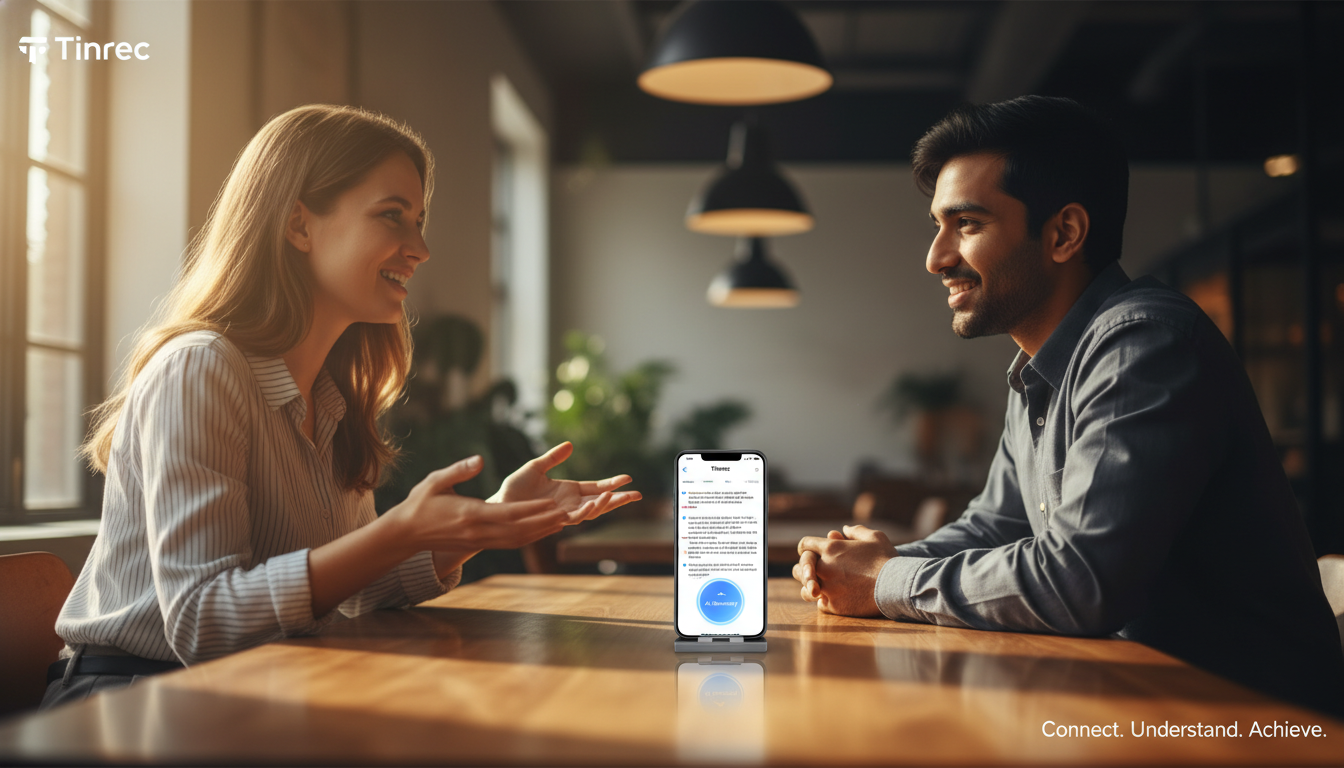
Step 3: Use 'AI Chat' to Extract Key Information
This is the most crucial step. After the recording ends, don't rush to read from the beginning. Use the AI chat query feature:
- Input: 'Please list the three core conclusions of this meeting.'
- Input: 'What is the deadline for Xiaolin's project?' AI will precisely capture the relevant content without needing to replay the audio.
Step 4: Export and Share
After confirming the content, one-click generate 'smart summary' and 'to-do list,' and export as Word, PDF, or TXT, directly send to team members.
Voice-to-Text Frequently Asked Questions (FAQ)
Q1: What are the recommended free audio-to-text tools in 2026? A: Tinrec offers 100 free minutes per month, suitable for most students and light users; MyEdit offers 3 free minutes per day; Yating Transcript offers a one-time 300-minute quota for new registrants. For long-term heavy use, Tinrec's subscription plan (Basic version $4.9/month) offers relatively high cost-effectiveness.
Q2: Can iPhone's built-in Voice Memos transcribe to text? A: Yes. Voice Memos on iOS 18 and above supports transcription, but the feature is basic—plain text only, lacking 'speaker diarization,' 'AI summarization,' and 'keyword search.' For meeting minutes, we recommend using the Tinrec app for recording.
Q3: Can I use these tools for Zoom, Google Meet, or Teams meetings? A: Absolutely. Use Tinrec's web version, or play the meeting recording file on your computer for transcription; for public meeting videos on YouTube, you can also paste the link for transcription and summarization.
Q4: How accurate is the transcription? A: Current AI tools like Tinrec and MyEdit typically achieve over 95% Chinese recognition accuracy in clear environments. Main factors affecting accuracy are background noise, multiple people speaking simultaneously, or the microphone being too far. We recommend using a directional microphone or keeping the recording device close to the speaker.
Q5: After transcribing, how do I quickly extract key points? A: The traditional method is to read the full text and manually mark. The modern efficient method is to use tools with LLM (Large Language Model) capabilities, such as Tinrec's 'AI summary' feature, which directly writes a summary, bullet-pointed key points, and to-do items, saving 90% of reading time.
Q6: Are these tools safe? Will meeting privacy be leaked? A: Choosing legitimate tools is important. For example, Good Tape emphasizes EU GDPR compliance, and Tinrec also employs strict data encryption. Avoid using shady, completely free conversion websites with no privacy policy. For highly confidential meetings, manually delete cloud backups after use.
Turn every recording into actionable outcomes
Get 60 free transcription minutes when you sign in. No credit card required.
Related Reading
You might also like

Free Audio-to-Transcript Solutions in 2026: Tinrec vs cSubtitle Compared
A mid-level manager's hands-on comparison of free audio-to-transcript solutions in 2026, focusing on Tinrec and cSubtitle. We break down live meeting recording, Chinese speech recognition, AI summaries and action items, team collaboration, and free tier limits. If you run many meetings each week and need to turn them into trackable action items, this guide will help you decide which tool fits your workflow.
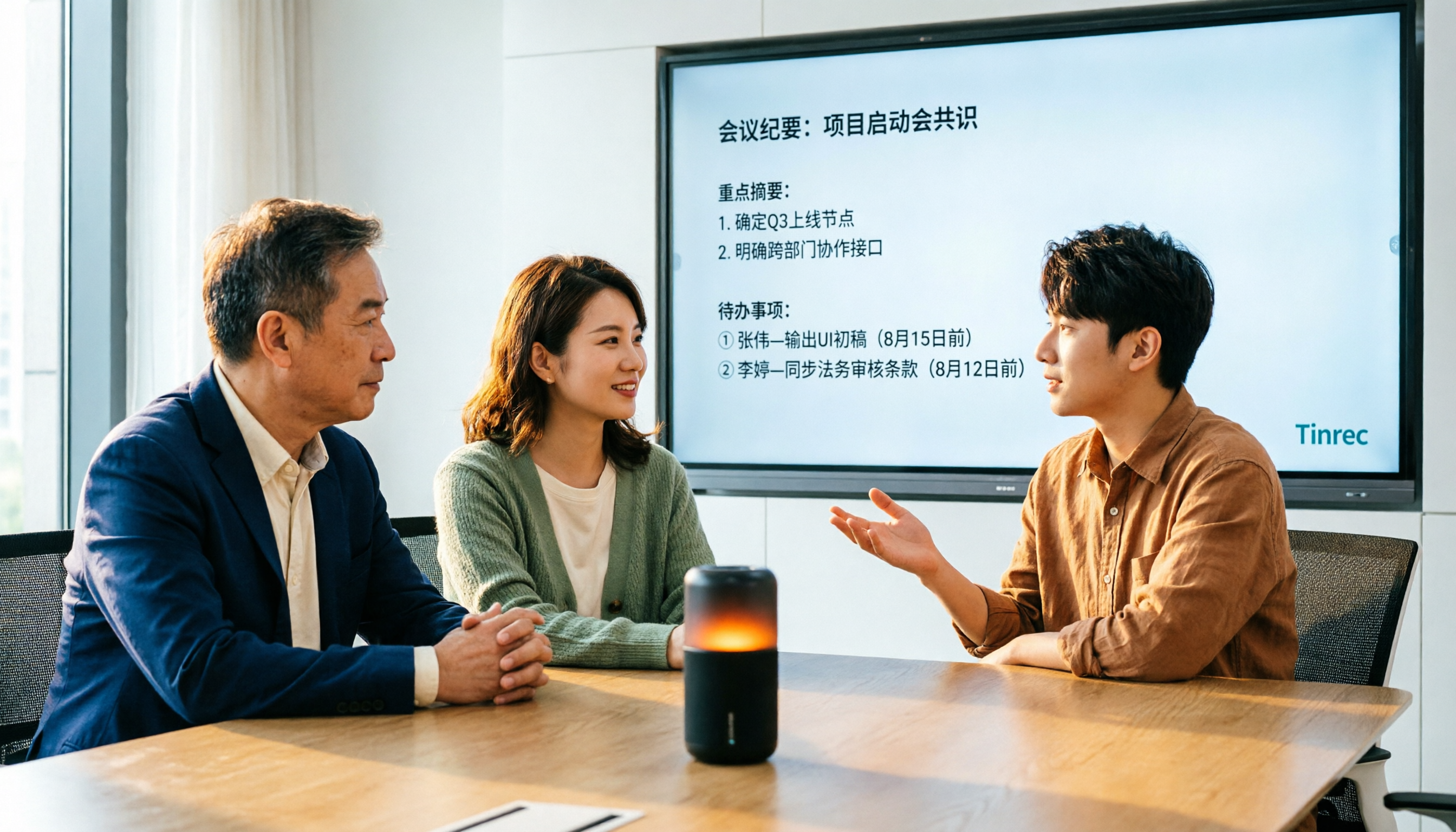
4 Audio-to-Text Tools Tested for 2026: Which Saves the Most Time on Chinese Meeting Notes?
We tested 4 audio-to-text tools, comparing Chinese meeting performance, bot-free recording, AI summaries and Q&A, and team permissions. We also outline 4 key buying factors and 3 common pitfalls to help you find the one that truly saves time after transcription.
2026 AI Meeting Recorder Comparison: 4 Tools Tested for Transcripts and Team Knowledge
We tested and compared four AI meeting recorder tools: Tinrec, Otter.ai, Notta, and Granola. The article first explains the four key factors to consider when choosing a tool, then takes a deep dive into Tinrec's bot-free recording, AI summaries, action item extraction, and post-meeting Q&A workflow. It also honestly covers free plan limitations and team pricing, and ends with a buyer's guide and scenario-based recommendations to help you pick the right one.

2026 Comparison of 2 Meeting Transcription Tools: Tinrec vs Notta – Which Is Better for Chinese-Speaking Teams?
This hands-on comparison evaluates Tinrec and Notta, two meeting audio-to-text tools, across Chinese transcription, meeting recording methods, post-meeting organization, team collaboration, and pricing to help you decide which better fits your meeting note needs.

How to Transcribe Meeting Recordings in 2026: Auto-Generate Transcripts, Summaries & Action Items
Meeting recordings can easily run an hour, and re-listening to type notes afterward is the biggest time sink. This guide covers 7 practical solutions—from AI meeting tools and transcription services to free built-in features—to turn recordings into transcripts, summaries, and trackable action items.

2026 Comparison of 3 Speaker Summary Tools: How Tinrec Helps You Know Who Said What
In meetings with multiple speakers, it's hard to remember who said what afterward. This article compares 3 speaker summary tools and uses Tinrec as an example to show how AI transcription, Q&A, and summaries can quickly organize each speaker's viewpoints and action items.

4 Free Transcription Generators Compared in 2026: Which Offers the Best Free Quota and Chinese Recognition?
There are many free transcription generators, but what really matters is how the free quota is calculated, how accurately Chinese and mixed Chinese-English are recognized, and whether the transcript can be used directly. This article uses Tinrec as an example to break down 4 common free approaches, core capabilities, practical use cases, and 5 key purchasing considerations, and answers common questions.

How Long Can iPhone Record? 2026 Guide: 48-Hour Limit + AI Meeting Notes
How long can an iPhone record? Apple's built-in Voice Memos can record up to about 48 hours with enough storage and battery, but the real challenge is what you do with the recording afterward. This guide clears up 3 common misconceptions and practical limits, then shows how Tinrec turns recordings into transcripts, summaries, chapters, and action items in real time. It also covers 5 key factors for choosing a recording-to-text tool and answers frequently asked questions.

4 Online Transcription Tools Tested for 2026: Which Is Best for Chinese Meetings?
Online transcription tools aren't just about speed. We tested Tinrec, Notta, Otter.ai, and TurboScribe, comparing them on Chinese meeting support, bot-free recording, AI Q&A, action item extraction, and team data ownership. We also cover 4 common buying pitfalls to help you find a solution that truly saves post-meeting cleanup time.