
Turn recordings into transcripts and summaries in minutes
Upload audio or video for multilingual transcription, AI notes, and action items
According to the latest Similarweb data on global AI trends in 2026, the AI tool market has officially moved past the era of "ChatGPT dominance." Although ChatGPT still holds 64.5% of traffic, Gemini has rapidly grown to 21.5%, indicating that users are increasingly adopting a "multi-platform approach," choosing specialized tools for specific needs.
In workplace and learning scenarios, "meeting minutes" and "transcription" remain the biggest time sinks. While general-purpose AI can write copy, when it comes to processing hour-long audio files, it often faces upload limits or accuracy issues. This article evaluates 5 AI tools with high real-time traffic potential for the core need of "one-click meeting notes," and dives into how to transform voice into productivity.
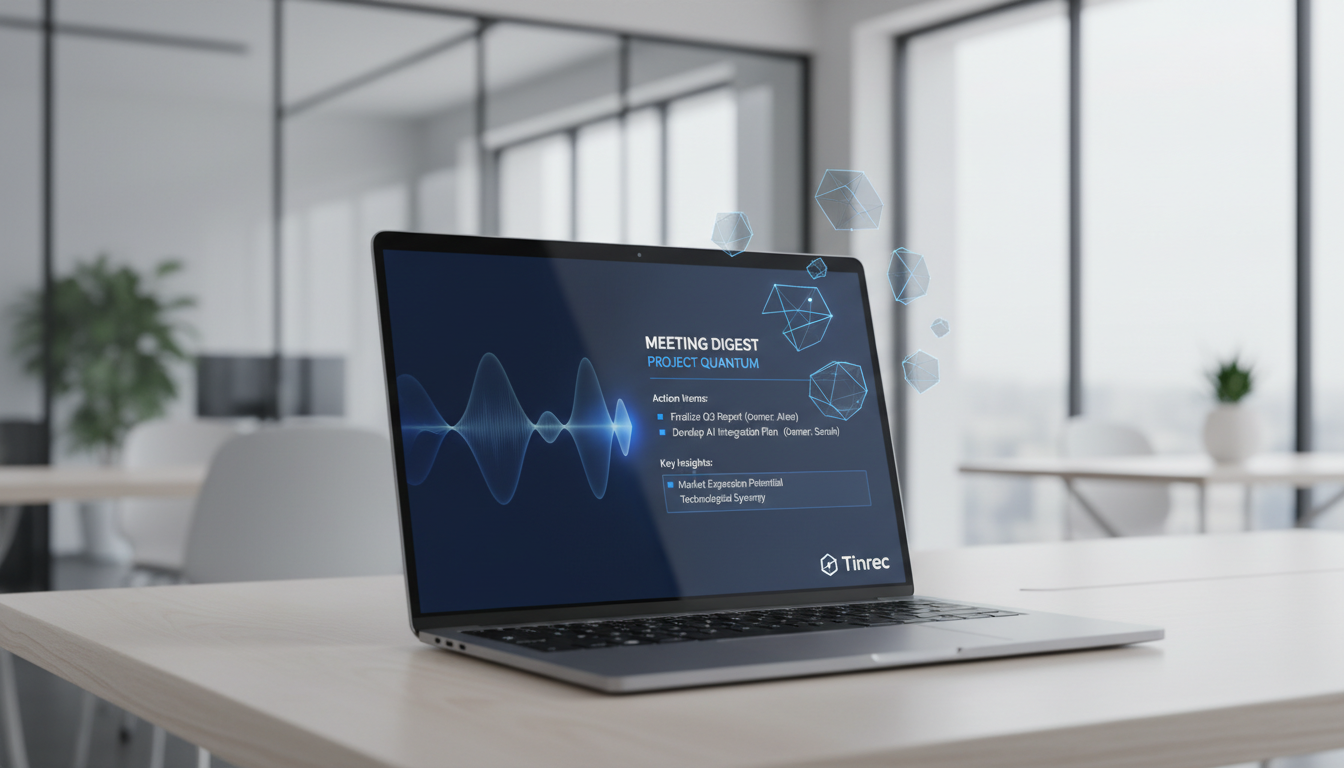
Why Does Your One-Hour Meeting Need Two Hours to Organize?
Before discussing tools, let's clarify the pain points of "traditional recording." Most people use their phone's built-in voice recorder for meetings or classes, but this creates several problems:
- Extremely low information density: Audio files are linear. To find "the task the boss assigned at 35 minutes," you may have to repeatedly scrub the timeline.
- High re-listening cost: To produce precise meeting minutes, you often spend 1.5 to 2 times the meeting duration re-listening.
- Lack of action orientation: Recording is just "archiving," not "working." Audio not converted into text and action items is essentially dead data.
The 2026 AI tool trend is to transform recordings from "backup" to "action."
In-Depth Comparison of Popular 2026 AI Meeting Notes & Transcription Tools
We selected the 5 most representative tools on the market for a multi-dimensional comparison, including the general-purpose giant ChatGPT, Google ecosystem's Gemini, Microsoft Copilot, and the specialized voice efficiency tool Tinrec (Instant Voice Recording).
| Dimension | Tinrec (Instant Voice Recording) | ChatGPT (Plus) | Microsoft Copilot | Google Gemini | Traditional Recorder |
|---|---|---|---|---|---|
| Core Focus | Voice-to-text + AI meeting action items | General conversation assistant | Office ecosystem productivity assistant | Google ecosystem collaboration partner | Simple audio recording |
| Real-time Transcription | ✅ Yes (App/Web record & transcribe instantly) | ❌ (Requires recording then upload) | ✅ (Teams meetings only) | ✅ (Google Meet meetings only) | ❌ |
| Multi-language Recognition | Excellent (supports Chinese, English, Japanese, Korean, Taiwanese, etc.) | Excellent (but requires manual prompting) | Good (primarily English) | Good | None |
| AI Summary & Conclusions | Auto-generates meeting minutes, to-do items | Requires manual commands | Integrated with M365 | Integrated with Google Docs | None |
| AI Chat Query | Ask questions about recording content | Ask questions about uploaded files | Ask questions about enterprise data | Ask questions about Drive files | None |
| Ease of Use | Low (mobile/web both work) | Medium (requires Plus subscription for long files) | High (requires enterprise account) | Medium (requires Google Workspace) | Low |
Analysis & Commentary:
- General-purpose AI (ChatGPT/Gemini): Best for "post-processing." If you already have a transcript, they are powerful for polishing or summarizing. But for "record while transcribing" or extra-long audio, the workflow is cumbersome.
- Ecosystem AI (Copilot): Best for "large enterprise internal." Deeply tied to Teams; if you spend all day using Microsoft 365 meetings, it's the top choice, but less friendly for external meetings or physical recordings.
- Specialized AI (Tinrec): Best for "real-world recording." Designed for phone recordings, physical meetings, and class notes, solving the need to "see text in real-time while recording," with AI search functionality for recording content.
Stop organizing recordings by hand
Upload audio or video and automatically get a transcript, summary, and action items
In-Depth Review: How Tinrec (Instant Voice Recording) Solves Meeting Note Pain Points?
During the review, Tinrec demonstrated advantages distinct from general-purpose AI, focusing on a complete workflow from "sound" to "action." For users who frequently handle interviews, meetings, or classes, this tool offers several concrete solutions:
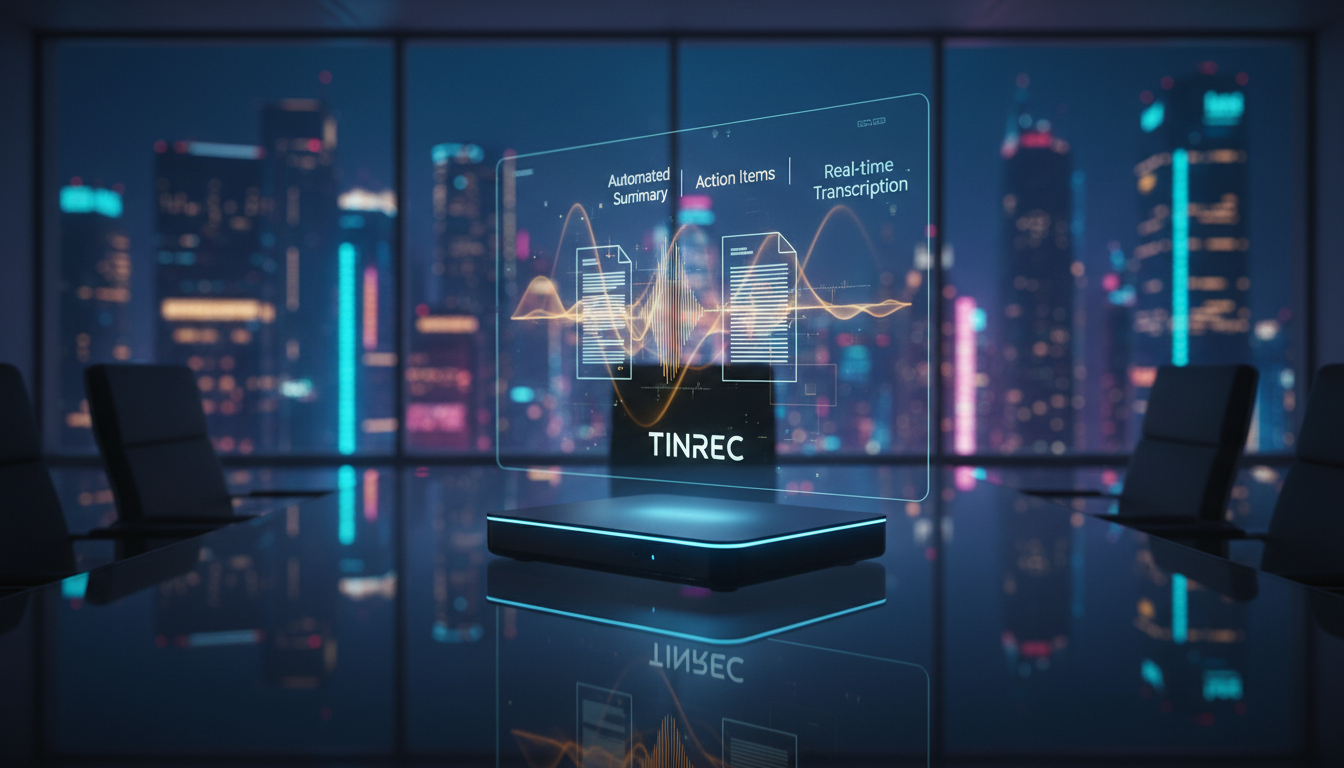
1. Real-Time Voice-to-Text, Seamless Multi-Language Switching
Tinrec's biggest feature is real-time voice-to-text. Whether it's a physical meeting or an online class, open the app or web version to start recording, and text appears line by line as you speak. In testing, it had high recognition accuracy for Chinese-English mixed content, and even supports Japanese, Korean, Taiwanese, and Cantonese, a boon for international meetings or language learners.
2. From "Transcript" to "Meeting Minutes"
Traditional tools give you a wall of text. Tinrec has built-in AI analysis. After recording, the system automatically generates:
- Full summary: Quickly grasp the key points of an hour-long session.
- Structured notes: Organizes stream-of-consciousness into logical paragraphs.
- Action items: The most critical feature; it automatically extracts "who needs to do what by when" into a executable task list.
3. AI Chat Query: Ask Your Recording Like a Person
This is the biggest differentiating feature from traditional recorders — AI chat query. You don't need Ctrl+F to search keywords; you can directly ask the AI:
- "What is the client's view on the budget?"
- "What are the key exam points from this class?"
- "What is the deadline the marketing manager promised for delivery?"
The AI gives precise answers based on the recording content, boosting review efficiency several times over.
4. Multiple Input Sources: Video to Text Too
Besides live recording, Tinrec supports audio file upload for transcription and YouTube/podcast link transcription. For content creators or researchers managing large amounts of video/audio, just paste the URL to quickly get transcripts and summaries, saving significant watching time.
Practical Tutorial: 4 Steps to Achieve "One-Click Meeting Notes"
If you want to set up an efficient AI note-taking workflow in 2026, follow these steps with Tinrec:
Step 1: Choose the Right Recording Mode
- Physical meeting/class: Use the mobile app or web version, tap Record & Transcribe in Real-Time, ensure device is close to the speaker.
- Online meeting (Zoom/Google Meet): If built-in recording isn't available, open Tinrec web version to capture system audio.
- Existing file organization: If you already have a recording, use the Audio File to Text feature to upload directly.
Step 2: Real-Time Marking & Monitoring
During recording, Tinrec displays transcribed text in real-time. It's recommended to tap the "mark" button (if supported) at key moments, or pay attention to AI sentence breaks to ensure critical info is captured.
Step 3: Auto-Generate Summary & Action Items
After recording, don't rush to read the transcript. First, review the AI-generated "meeting minutes" and "to-do list." Typically 80% of key points are already organized there. Once confirmed, copy and share with your team.
Step 4: Use AI Chat for Details
If the summary misses details, go to the AI Chat Query interface, ask specific questions about topics to supplement note completeness.

FAQ
Q1: Does Tinrec support iPhone and Android? Yes, Tinrec supports iOS, Android, and web. Data syncs across devices, making it convenient to record on phone and organize on computer.
Q2: If a meeting has both Chinese and English, can the AI recognize it? Tinrec has multi-language automatic recognition, and for common Chinese-English mixed (Chinglish) business scenarios, recognition accuracy is higher than typical single-language models.
Q3: How long can I record with the free version? Tinrec offers a free trial with up to 100 minutes of recording per month, sufficient for occasional student or personal use. For heavier needs, the Basic plan ($4.9/month) provides 600 minutes.
Q4: How is this different from just using ChatGPT? ChatGPT primarily handles "text" — you must have a transcript first for it to analyze. Tinrec handles "audio," offering an all-in-one workflow of "record → transcribe → analyze," saving the hassle of switching apps and file conversion.
Q5: Can it process YouTube video content? Yes, use Tinrec's Podcast/Online Video to Text feature, paste the link to generate a summary, ideal for quickly absorbing knowledge from long videos.
Q6: Is the data from voice-to-text secure? Professional AI recording tools typically have privacy protection mechanisms. Tinrec only uses recordings for transcription and the user's personal AI queries. Compared to uploading sensitive recordings to unknown free transcription sites, using paid or legitimate services offers more security.
Conclusion: Choose the Right Tool, Let AI Be Your External Brain
As the 2026 AI trend report states, AI is no longer a single option but a diversified collaboration partner. For workers who frequently process information, meetings, and learning content, pairing a specialized voice AI tool like Tinrec with ChatGPT for subsequent deep content creation will be the most efficient workflow this year. Stop wasting your life re-listening to recordings — let AI handle meeting notes with one click.
Turn every recording into actionable outcomes
Get 60 free transcription minutes when you sign in. No credit card required.
Related Reading
You might also like

Free Management Meeting Report Solutions in 2026: A Look at 4 Types of Tools
Starting from common pitfalls, this article reviews free solutions and tool types for management meeting reports, and explains how Tinrec uses real-time transcription, AI summaries, action items, and team spaces to turn meeting content into trackable decision data.

How to Turn Meeting Notes into Work Reports in 2026: 5 Steps from Recording to AI Output
Meeting notes are not transcripts. This article compares Tinrec and Otter.ai on Chinese meetings, bot-free recording, post-meeting report generation, and team knowledge retention, and outlines a 5-step process to turn meeting recordings into deliverable work reports.

2026 AI Meeting Transcription Tools with Free Plans: 5 Options Compared
Tired of writing meeting minutes after a long day? This article compares 5 AI meeting transcription tools that offer free plans, breaking down free quotas, meeting capture methods, and post-meeting organization capabilities. It focuses on Tinrec and Notta to help you find the best tool for your needs.

Tinrec vs Notta 2026: 5-Dimension Comparison — Which Generates Meeting Minutes PDFs More Easily?
Generating deliverable PDF meeting minutes isn't just about transcription accuracy; it also involves format output, post-meeting organization, and team data retention. This article reviews 6 common solutions, covering recording methods, transcription, summarization, export, and team management, and helps you choose based on budget and use case.

2026 Meeting Notes Tool Comparison: Tinrec vs Notta, Otter.ai, Granola — Which Should You Choose?
How do you choose between Tinrec and other meeting note tools? This article compares Tinrec with Notta, Otter.ai, and Granola based on 4 key criteria: Chinese meeting transcription, bot-free recording, post-meeting organization, and team collaboration. We also cover selection standards and common pitfalls to help you find a meeting notes tool that truly saves time.

5 Project Meeting Report Templates Compared for 2026: Which One Turns into an Action List Fastest?
We compare 5 project meeting report templates and tools—from manual Word templates to Tinrec, Notta, Otter, Fireflies, and TurboScribe—covering free limits, pricing, and best use cases to help you choose the fastest way to produce actionable meeting minutes.

2026 AI Meeting Recorder Comparison: Fathom vs Tinrec for Chinese Meeting Notes
We tested four AI meeting note tools—Tinrec, Fathom, Notta, and Otter.ai—in real meeting scenarios. From Chinese and mixed Chinese-English recognition to bot-free recording, post-meeting organization, and team data management, we explain why Fathom suits English sales teams and how Tinrec performs in Chinese meetings and team collaboration.
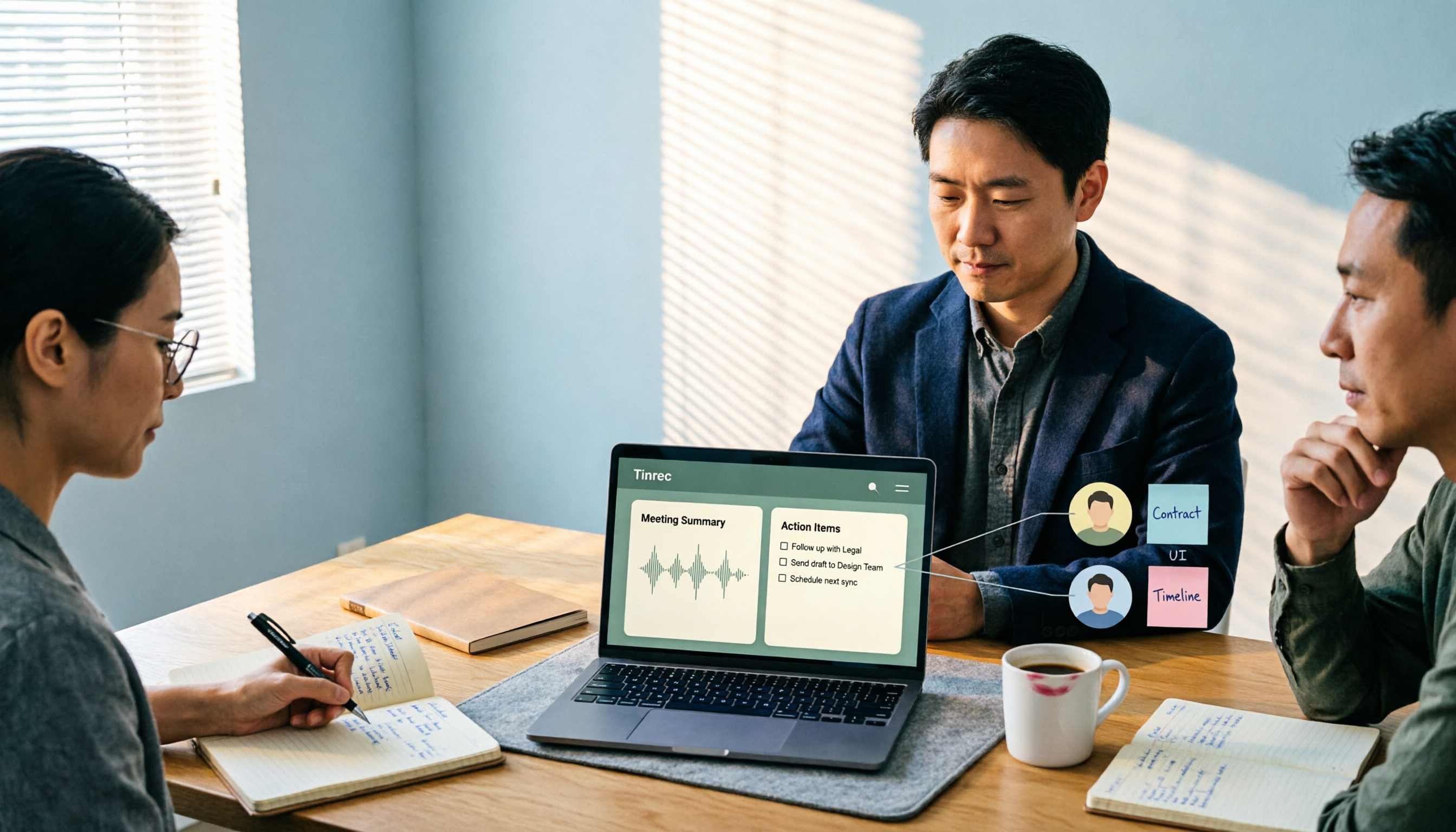
2026 Comparison of 4 Meeting Recording-to-Report Tools: How Fast Can You Get a Report After a Meeting?
Turning a meeting recording into a deliverable report isn't about transcription speed—it's about post-meeting output and team knowledge retention. This article tests Tinrec, Otter.ai, Granola, and TurboScribe from a mid-level manager's perspective, breaking down bot-free recording, summaries and action items, AI follow-up questions, audio retention, and team seat management, with scenario-based recommendations and three common pitfalls to avoid.

4 Meeting Minutes Tools Tested for 2026: Which One Turns Notes into a PPT Outline Fastest?
Still building a PPT outline after the meeting? We tested 4 meeting minutes tools, comparing transcription accuracy, structured output, AI Q&A, and team collaboration to find out which one turns meeting minutes into a PPT outline fastest.