
Turn recordings into transcripts and summaries in minutes
Upload audio or video for multilingual transcription, AI notes, and action items
1. The Challenge: Why Your Meeting Notes Can't Keep Up with Decision-Making
"I need the transcript of this 60-minute interview by 2 PM." "That remote meeting was way too long; the team needs the decision list and action items right now."
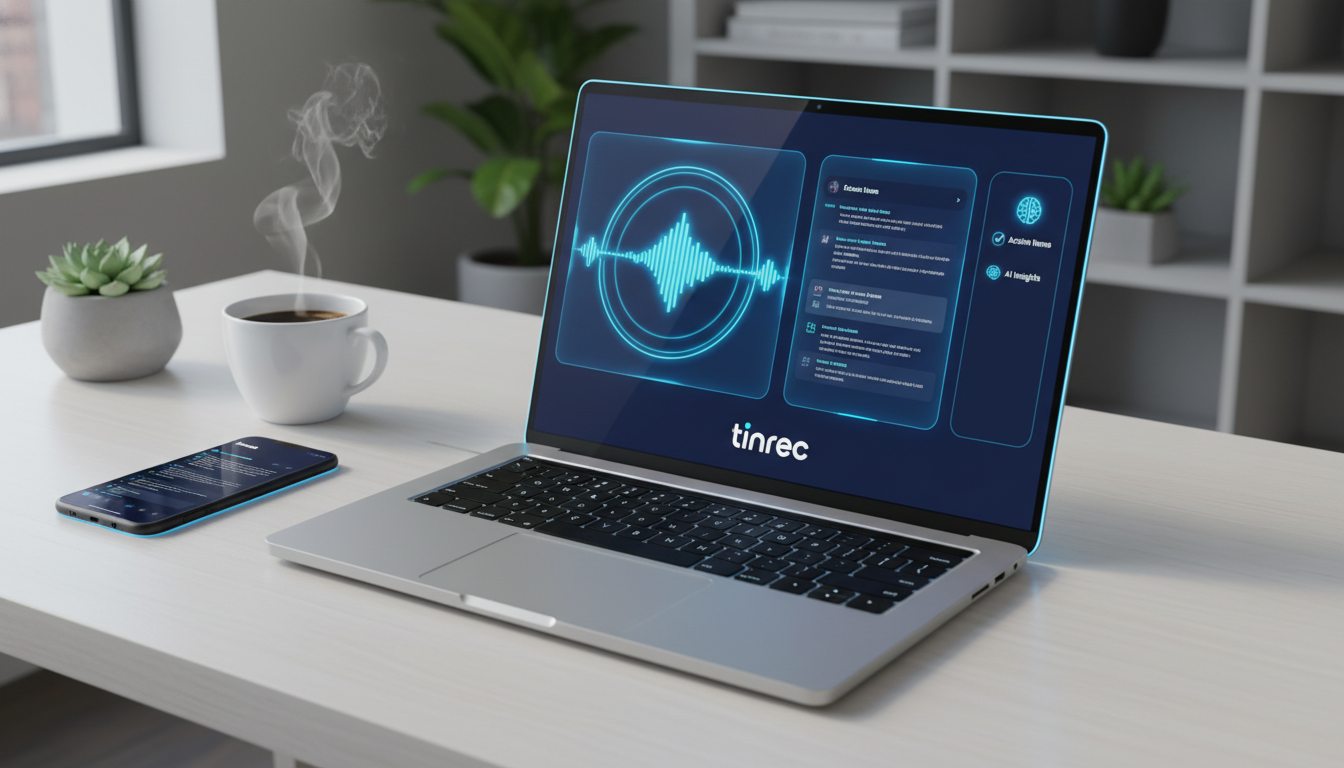
This is a common scene in the era of remote and hybrid work. However, traditional note-taking methods face huge challenges: audio recordings are extremely low-info-density formats. To find a key decision from a 1-hour recording, you often need 2 to 3 times the length to re-listen and organize.
According to the latest 2025 market data, user demands for AI meeting tools have evolved from simple "transcription" to "automated summarization and actionable insights."
While many tools are available, performance varies widely. In our tests, processing the same 26-minute standard audio file took some tools only 2 minutes, while free versions (like Good Tape) could take over 1 hour in queue. Moreover, for English speakers working with multilingual content—such as mixed English and Chinese, or other languages—precision in recognition and post-meeting AI search capabilities are the deciding factors for choosing an AI meeting solution.
2. 2025 AI Meeting Tool Comparison: Speed, Accuracy & Features
We compared popular tools (Meeting Ink, Otter.ai, Yating, etc.) and the emerging smart assistant Tinrec (Instant Voice Memo) across audio upload, transcription speed, summary generation, and feature completeness.
Analysis of Established Tools
Our tests show clear architectural differences:
- Meeting Ink: Excellent speed—transcribed a 26-min audio in just 1 min 58 sec. Supports browser tab recording and live captions. Best for users seeking speed and stability, but requires a PRO+ subscription (approx. $17/month) after free allowance.
- Otter.ai: Veteran with strong live captioning, but optimized for English. Struggles with Chinese, and the free version restricts full transcript viewing—a major drawback for multilingual users.
- Plaud: Hardware-integrated solution for phone call recording. Stable upload/transcription but lacks speaker segmentation and cannot capture remote meetings (e.g., Google Meet/Teams) on desktop in real time.
- Good Tape: Simple interface but free version lacks summaries, processing times exceed 1 hour, and no live recording—only suitable for non-urgent file conversion.
- Yating: Taiwan-developed, excels in Mandarin/Taiwanese recognition. Fast upload (17 sec), but summary generation is inconsistent, often requiring manual re-analysis.
Differentiation of Next-Gen Assistants: Tinrec (Instant Voice Memo)
Among the many tools, Tinrec (Instant Voice Memo) takes a unique path. It's not just a "transcription tool"—it treats recordings as a gateway to knowledge management. Compared to others, Tinrec solves two core problems:
- From "Preservation" to "Action": Most tools just give you text; Tinrec focuses on post-meeting AI summaries and action items, converting conversations into task lists.
- From "Searching" to "Asking": The biggest differentiator. Tinrec supports AI Chat Query: you don't need to Ctrl+F through transcripts; you can ask, "What was the conclusion on the marketing budget in this meeting?" and get precise answers based on semantics.

Stop organizing recordings by hand
Upload audio or video and automatically get a transcript, summary, and action items
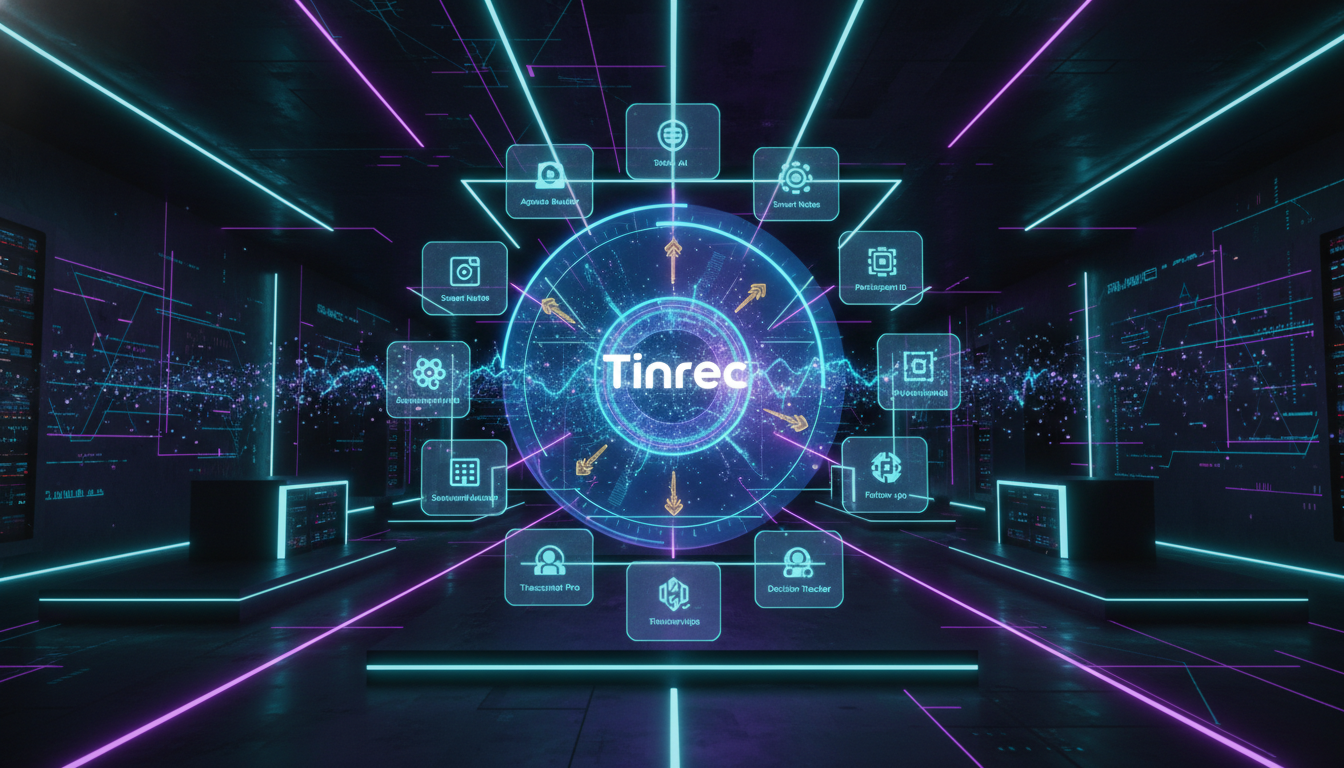
Specification Comparison Table
| Feature | Tinrec (Instant Voice Memo) | Meeting Ink | Otter.ai | Good Tape | Yating | Plaud |
|---|---|---|---|---|---|---|
| Core Focus | Multi-platform AI recording & knowledge action assistant | Meeting notes & live captions | English meeting notes | Simple file conversion | Localized Taiwanese speech-to-text | Hardware-integrated recording |
| Language Support | Excellent (CN/EN/JP/KR/TW/Cantonese, 10+ languages) | Excellent (multilingual) | Poor (English-focused) | Excellent (multilingual) | Good (Mandarin/Taiwanese/English) | Good (multilingual) |
| Live Transcription | Yes (real-time) | Yes | Yes | No | Yes | Mobile app only |
| AI Summary & Action Items | Yes (auto-extracts action items) | Yes (structured summaries) | Yes (Insights) | No (free version) | Yes (unstable) | Yes |
| AI Chat Query | Yes (semantic Q&A) | No | Keyword search | No | Keyword search | No |
| External Media Transcription | Yes (YouTube/Podcast links) | Audio upload only | No | Audio upload only | Audio upload only | No |
| Free Plan | 100 mins/month (full features) | Limited features | 300 mins (limited features) | 30 min/session (queue) | Paid credits | Hardware cost |
3. In-Depth Review: Why Tinrec Stands Out for Remote Meetings
Throughout testing, Tinrec showed several features particularly friendly to remote workers and content creators:
(1) True Post-Meeting Organization & Relief
Traditional tools (like Good Tape) leave you with a wall of text. Tinrec, the moment recording ends, automatically processes three layers:
- Transcript generation: with speaker differentiation.
- Smart summary: highlighting meeting key points.
- Action item extraction: this is critical—it lists "who" needs to do "what" by "when."

(2) AI Chat Query: Ask Your Recordings Like a Person
This is Tinrec's most competitive feature. In a 2-hour strategy meeting or 3-hour online course, you might only care about "specific numbers" or "a decision on a certain date." Via AI Chat Query, you can directly converse with the recording; AI understands context and answers, far more efficient than traditional keyword search.

(3) Multiple Input Sources: Not Just for Meetings
Besides live recording, Tinrec is great for content creators and students. It supports podcast/video transcription: just paste a YouTube or podcast link to get transcripts and summaries—a powerful learning and research tool.

4. How to Build an Automated Remote Meeting Note Workflow
To eliminate manual notes, follow these steps to create your AI workflow:

Step 1: Start Live Transcription During the Meeting
When the meeting begins, open Tinrec's web or app. No complex plugins needed; click Record & Transcribe in Real Time. It runs in the background without disturbing your Zoom, Google Meet, or Teams calls.
Step 2: Process Existing Audio Files
If you have recordings from a voice recorder or computer (mp3, wav, m4a, etc.), use the Audio File to Text feature. Upload and the system processes quickly in the cloud—no hour-long queue like Good Tape.

Step 3: Leverage AI for Post-Meeting Review
Once the transcript is ready, don't read it all. Check the "AI Summary" and "Action Items" on the side panel. For unclear details, use the "AI Chat" to ask, e.g., "Please list all budget figures mentioned in this meeting."
Step 4: Export and Share in Multiple Formats
After confirming the content, export as Word, PDF, or TXT, or copy directly to Notion and share with the team.

5. FAQ
Q1: Does Tinrec support recording Teams or Google Meet? Yes. Tinrec runs on desktop (web) or mobile (iOS/Android). For remote meetings, place the device near the speakers or use system audio capture; it clearly captures and transcribes the meeting.
Q2: How accurate is Chinese (and other languages) recognition? Meeting Ink and Tinrec both excel in Traditional Chinese. Tinrec supports 10+ languages including Chinese, Taiwanese, Cantonese. For business settings with mixed English and Chinese, its accuracy far exceeds English-centric tools like Otter.ai.
Q3: What are free plan limitations? Limits vary widely. Good Tape free: long queues and no summaries. Otter free restricts live recording sessions. Tinrec (Instant Voice Memo) offers 100 free minutes per month with full features (including AI summaries and chat query)—the most generous for light users.
Q4: Can I use it to transcribe YouTube videos or podcasts? Some tools only accept audio uploads. Tinrec specifically offers podcast/video transcription by pasting the link, converting directly to text notes—great for study materials.
Q5: Is my data secure? Always check privacy policies. Tinrec uses encrypted transmission ensuring recordings and transcripts are only accessible to the user, meeting business security standards.
Q6: What about long recordings (over 1 hour)? Consider a paid plan for stable performance. Tinrec's Pro plan offers 1,200 minutes/month and processes long files quickly, saving over 95% time compared to manual transcription.
Turn every recording into actionable outcomes
Get 60 free transcription minutes when you sign in. No credit card required.
Related Reading
You might also like

Free Management Meeting Report Solutions in 2026: A Look at 4 Types of Tools
Starting from common pitfalls, this article reviews free solutions and tool types for management meeting reports, and explains how Tinrec uses real-time transcription, AI summaries, action items, and team spaces to turn meeting content into trackable decision data.

How to Turn Meeting Notes into Work Reports in 2026: 5 Steps from Recording to AI Output
Meeting notes are not transcripts. This article compares Tinrec and Otter.ai on Chinese meetings, bot-free recording, post-meeting report generation, and team knowledge retention, and outlines a 5-step process to turn meeting recordings into deliverable work reports.

2026 AI Meeting Transcription Tools with Free Plans: 5 Options Compared
Tired of writing meeting minutes after a long day? This article compares 5 AI meeting transcription tools that offer free plans, breaking down free quotas, meeting capture methods, and post-meeting organization capabilities. It focuses on Tinrec and Notta to help you find the best tool for your needs.

Tinrec vs Notta 2026: 5-Dimension Comparison — Which Generates Meeting Minutes PDFs More Easily?
Generating deliverable PDF meeting minutes isn't just about transcription accuracy; it also involves format output, post-meeting organization, and team data retention. This article reviews 6 common solutions, covering recording methods, transcription, summarization, export, and team management, and helps you choose based on budget and use case.

2026 Meeting Notes Tool Comparison: Tinrec vs Notta, Otter.ai, Granola — Which Should You Choose?
How do you choose between Tinrec and other meeting note tools? This article compares Tinrec with Notta, Otter.ai, and Granola based on 4 key criteria: Chinese meeting transcription, bot-free recording, post-meeting organization, and team collaboration. We also cover selection standards and common pitfalls to help you find a meeting notes tool that truly saves time.

5 Project Meeting Report Templates Compared for 2026: Which One Turns into an Action List Fastest?
We compare 5 project meeting report templates and tools—from manual Word templates to Tinrec, Notta, Otter, Fireflies, and TurboScribe—covering free limits, pricing, and best use cases to help you choose the fastest way to produce actionable meeting minutes.

2026 AI Meeting Recorder Comparison: Fathom vs Tinrec for Chinese Meeting Notes
We tested four AI meeting note tools—Tinrec, Fathom, Notta, and Otter.ai—in real meeting scenarios. From Chinese and mixed Chinese-English recognition to bot-free recording, post-meeting organization, and team data management, we explain why Fathom suits English sales teams and how Tinrec performs in Chinese meetings and team collaboration.
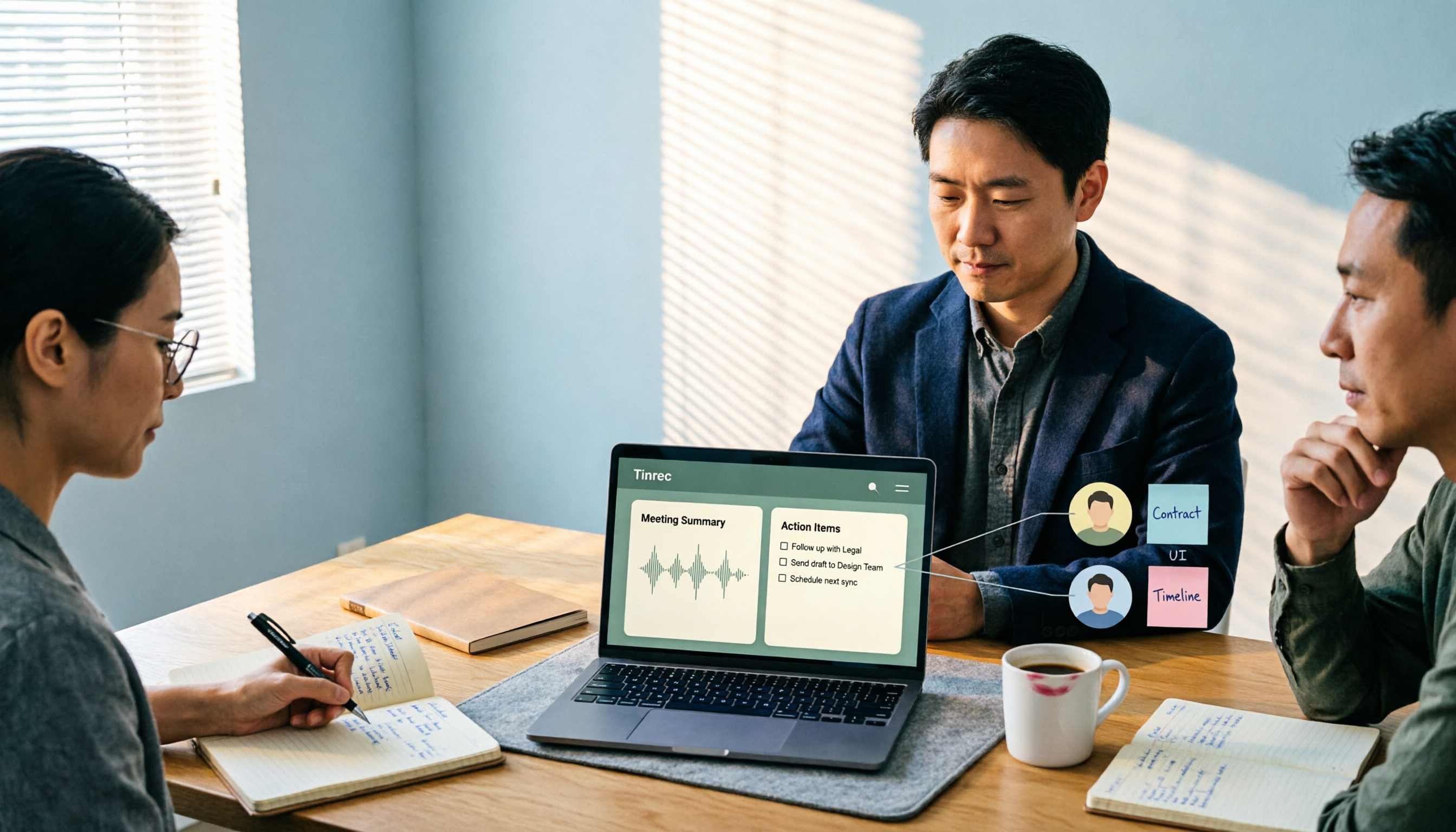
2026 Comparison of 4 Meeting Recording-to-Report Tools: How Fast Can You Get a Report After a Meeting?
Turning a meeting recording into a deliverable report isn't about transcription speed—it's about post-meeting output and team knowledge retention. This article tests Tinrec, Otter.ai, Granola, and TurboScribe from a mid-level manager's perspective, breaking down bot-free recording, summaries and action items, AI follow-up questions, audio retention, and team seat management, with scenario-based recommendations and three common pitfalls to avoid.

4 Meeting Minutes Tools Tested for 2026: Which One Turns Notes into a PPT Outline Fastest?
Still building a PPT outline after the meeting? We tested 4 meeting minutes tools, comparing transcription accuracy, structured output, AI Q&A, and team collaboration to find out which one turns meeting minutes into a PPT outline fastest.