
Turn recordings into transcripts and summaries in minutes
Upload audio or video for multilingual transcription, AI notes, and action items
In all-English academic lectures, international meetings, or overseas online courses without subtitles, have you ever felt overwhelmed? The speaker talks too fast, there are too many technical terms—just focusing on listening drains your mental energy, leaving no time to take notes by hand. Re-listening to the recording later often means hours of audio, and finding that one key minute is like finding a needle in a haystack.
Traditional recording only "preserves sound," but in 2026, we need to "understand content." This article focuses on the core need of "converting English recordings into Traditional Chinese" and reviews and recommends suitable AI tools to help you transform from a passive listener into an efficient knowledge manager.
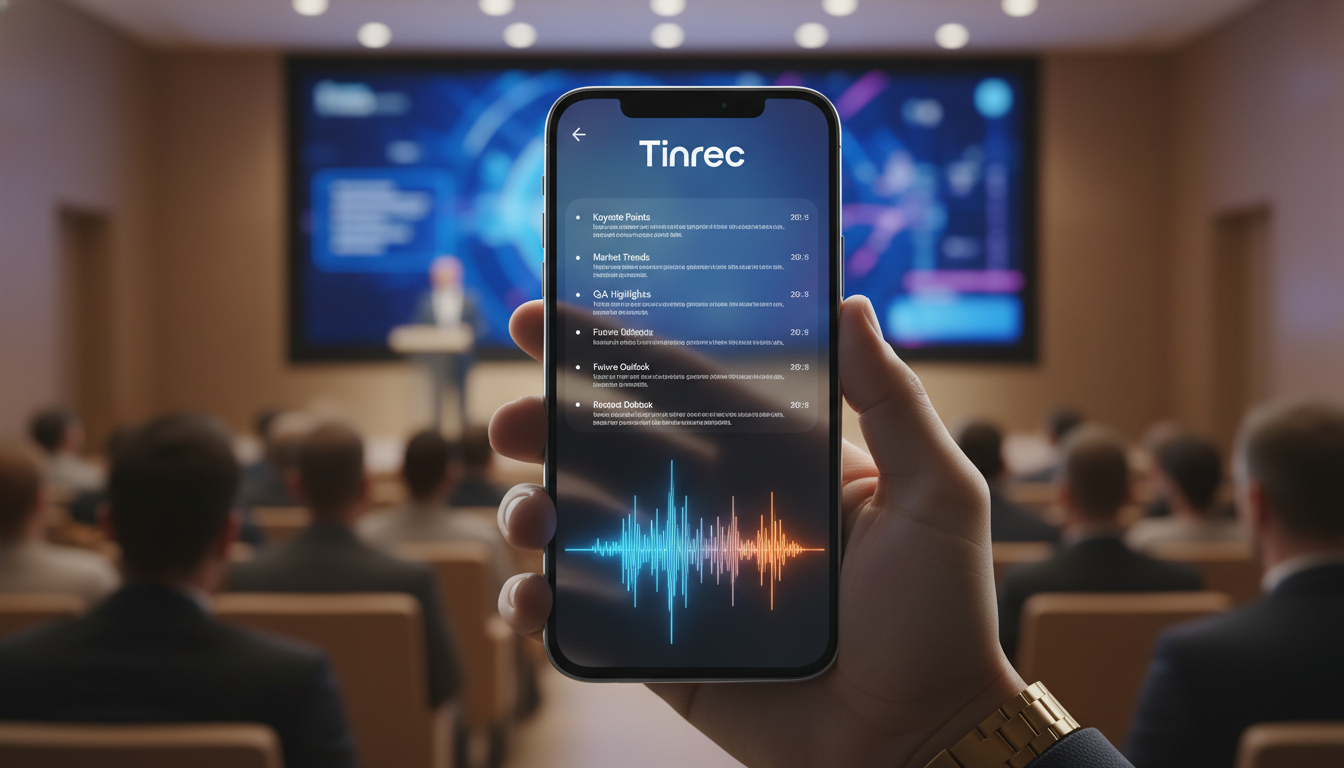
Why Traditional Recording Fails to Solve English Lecture Pain Points
Many people use their phone's built-in voice recorder, thinking that recording is enough. However, when dealing with English content, traditional recording has three fatal "information black hole" issues:
- Extremely Low Information Density, High Re-listening Cost: In a 60-minute speech, if you want to find a specific concept, you may need to fast-forward and rewind multiple times, spending more time than the speech itself.
- Language Barrier Not Instantly Resolved: For non-native English speakers, parts you don't understand at the moment remain unintelligible even when recorded, lacking textual support for comprehension.
- Post-Meeting Organizing Lacks Actionability: A recording is just data—no conclusions, no action items. It's easy to forget after listening, unable to translate into actual learning outcomes or work decisions.
Therefore, modern recording tools must have the capabilities of "real-time transcription," "translation comparison," and "AI summarization."
In-Depth Comparison of Popular 2026 Recording & Translation Tools
Although there are well-known tools like Otter.ai, most lack intuitive support for Traditional Chinese translation. Below, we compare representative solutions with Tinrec (秒聽錄音), which focuses on multilingual transcription. We emphasize "Chinese-English translation capability" and "depth of AI processing."
Tool Specifications & Feature Comparison Table
| Comparison Dimension | Tinrec (秒聽錄音) | Otter.ai | Phone Built-in Recorder/Memos |
|---|---|---|---|
| Core Positioning | AI assistant for recording → understanding → action | English meeting note tool | Basic audio recording |
| Language Support | 10 languages including Chinese, English, Japanese, Korean (with auto-detection) | Strong in English, weak in Chinese | System dependent, usually no translation |
| Real-time Transcription & Translation | Supports real-time text transcription and translation during recording | Supports real-time transcription, but translation requires extra steps | No (or transcription only, no translation) |
| AI Summary & Action Items | Auto-generates meeting minutes, conclusions, to-dos | Supports summaries | No |
| AI Chat Query | Supported (ask questions directly about recording content) | Supported (OtterPilot) | No |
| Cross-Platform Support | iOS, Android, Web sync | Web, iOS, Android | Usually single ecosystem only |
| Free Tier | 100 minutes per month | 300 minutes per month (limited per session) | Unlimited but basic function |
From the table, if you work in a purely English environment without needing translation, Otter performs well. But if you need to convert English lectures into Traditional Chinese notes, or your scenario involves mixed languages, Tinrec's integration and localization fit better.
Stop organizing recordings by hand
Upload audio or video and automatically get a transcript, summary, and action items
Tinrec In-Depth Review: Not Just Recording, But a "Translator" of Knowledge
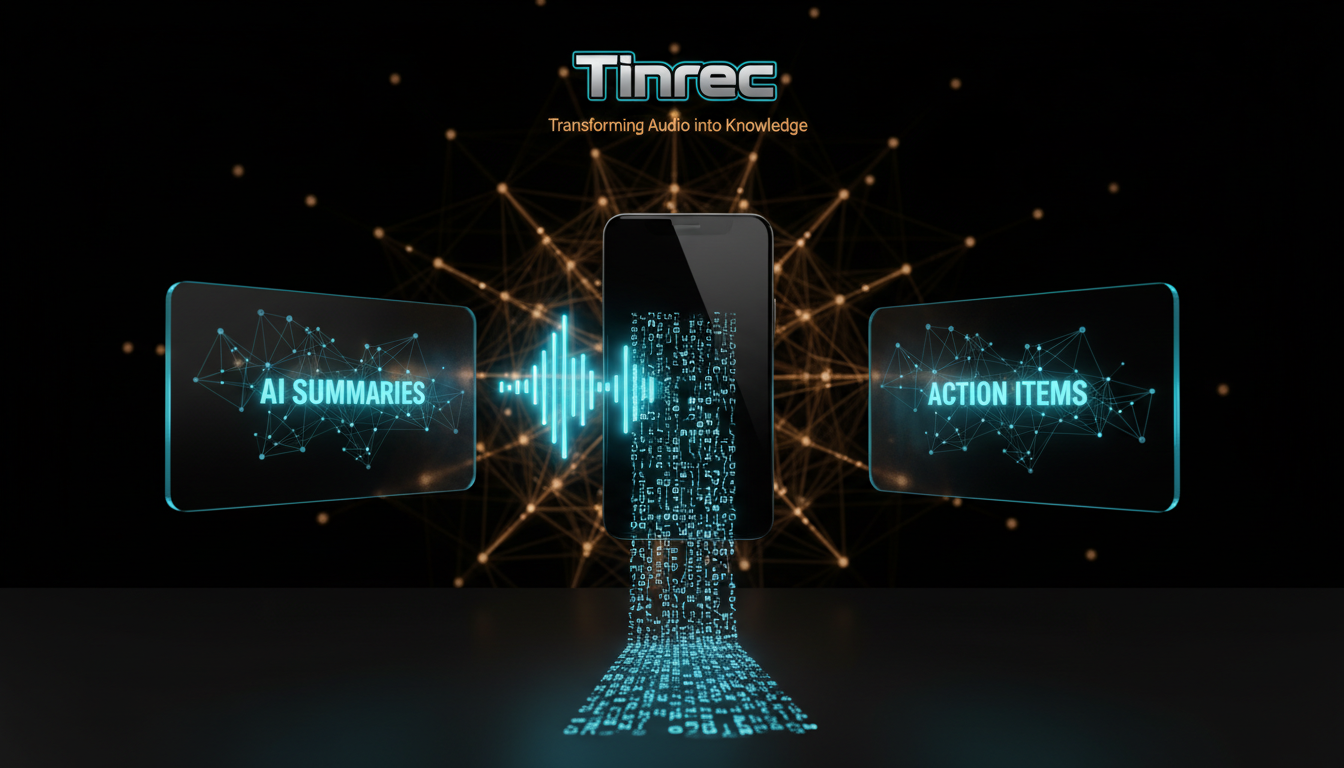
During testing, Tinrec (秒聽錄音) demonstrated its nature as a "productivity tool." It doesn't just convert sound to text; it tries to help you "understand" the recording. Here are three core highlights for English lecture scenarios:
1. Real-Time Transcription & Bilingual Comparison
During a lecture, Tinrec can simultaneously record and display live captions on screen. This is a lifesaver for those with weaker listening skills—you can follow along with text. More importantly, it supports speaker diarization, which is very useful in panel discussions, clearly identifying which speaker said what.

2. AI Smart Summary & Action Item Extraction
After a lecture, you don't have to reread tens of thousands of words. Tinrec's AI automatically analyzes the content and generates structured "meeting minutes" and "action items." For example, homework assigned by the professor at the end of class or a deadline mentioned by the boss in a meeting is automatically captured and listed.

3. AI Chat Query: Ask the Recording Like a Teaching Assistant
This is the biggest difference from traditional tools. Previously, we used Ctrl+F to search for keywords, but if the speaker used a different phrase (e.g., "Budget" vs. "Financial Plan"), keyword search fails.
Tinrec's AI Chat Query lets you ask questions in natural language. For example: "What are the speaker's market predictions for next year?" The AI will understand the semantics and summarize the answer from the recording. It's like having a teaching assistant who listened to the whole session—you can ask questions anytime.

Hands-On Tutorial: How to Use Tinrec for an English Academic Lecture
Here is a proven workflow to condense a 2-hour English lecture into a 10-minute key note using the tool.
Step 1: Prepare & Record
When you arrive at the venue or launch Zoom/Teams, open the Tinrec app or web version. We recommend using the real-time speech-to-text feature. Tap start, and your phone will begin recording and transcribing. Ensure the microphone picks up clear audio; if far from the speaker, try to get closer to the sound source.

Step 2: AI Processing After Recording
After the lecture, tap stop. The system will automatically upload the audio and perform full text optimization. You can take a break while the AI generates a "smart summary." If you already have a pre-recorded audio file (e.g., an MP3 from the professor), you can also use the audio file to text feature to upload it.
Step 3: Review via AI Chat
This is the most crucial step. Don't just read the summary; use the AI Chat Query feature to ask questions from the recording:
- "What are the three core conclusions of this lecture?"
- "Did the speaker mention any specific case studies on AI ethics?"
- "Please organize the part about Q4 financial forecasts into a table."

Step 4: Export & Organize
Finally, you can export the refined Traditional Chinese summary or timestamped transcript (supports PDF, Word, TXT, etc.) and paste it into your Notion or note-taking software to archive the knowledge.
Frequently Asked Questions (FAQ)
Q1: Does Tinrec support importing YouTube videos for translation? Yes, Tinrec supports podcast/online video to text. Just paste the video URL, and the system will extract the audio, generate a transcript and summary—perfect for learning from overseas public courses.
Q2: How much usage does the free plan include? Tinrec offers a free plan with 100 minutes of recording transcription per month, sufficient for occasional lecture attendance. For higher needs, the Basic plan ($4.9/month) provides 600 minutes, and the Pro plan offers up to 1200 minutes.
Q3: How accurate is the speech-to-text conversion? Accuracy depends on recording clarity. In a clear meeting room or lecture setting, Tinrec's recognition for Chinese and English is quite high, and it includes auto-correction features. However, in extremely noisy environments, using a directional microphone is recommended.
Q4: Can it distinguish different speakers? Yes. Tinrec uses voiceprint recognition to automatically split the recording by "Speaker 1," "Speaker 2," etc., making it easy to clarify who said what after the meeting.
Q5: Can iPhone users record directly? Tinrec supports iOS, Android, and web. iPhone users can download the app directly, and data syncs across devices, allowing you to edit and export via the web version when back at your computer.
Q6: Is it suitable for English listening practice? Very much so. Because the generated transcript has timestamps, you can tap on the text to jump to the corresponding audio, repeatedly listen to difficult parts, and compare with the AI-translated Traditional Chinese to understand the meaning.
Turn every recording into actionable outcomes
Get 60 free transcription minutes when you sign in. No credit card required.
Related Reading
You might also like

2026 Comparison of 5 Meeting Minutes Formats: Free Templates vs. AI Tools—Which Saves More Time?
There are countless meeting minutes formats—should you download a Word template and fill it in manually, or use AI to generate them automatically? This article compiles 5 common meeting minutes formats and free download sources, and compares manual template filling with Tinrec's instant recording across five dimensions: filling speed, export, search, team collaboration, and price, to help you choose the most time-saving approach.

5 Meeting Minutes Word Templates Tested for 2026: You Filled Out the Table, But Still Missed the Decisions?
Downloaded a bunch of meeting minutes Word templates but still can't write a record you can submit? Starting from real scenarios like student group projects, classes, interviews, and internship weekly meetings, this article compares the field designs of 5 common meeting minutes templates, outlines what a truly useful format should include, and demonstrates how to use Tinrec to turn recordings into transcripts, summaries, and action items, then paste them back into a Word template.

Notion vs Tinrec: Which AI Meeting Notes Tool Is Better for Chinese-Speaking Teams in 2026?
Is taking meeting notes in Notion really easier? This hands-on comparison looks at Notion (templates + Notion AI Meeting Notes) and Tinrec, covering how meeting audio gets in, post-meeting outputs, querying past meetings, team governance, and cross-language meetings, with scenario-based recommendations and FAQs.

5 Meeting Minutes Templates Compared in 2026: Word, PDF, Excel, or AI-Generated?
Downloaded a bunch of meeting minutes templates but can't make them work? This article tackles common pitfalls, breaks down the 5 essential fields a good template should have, compares 5 formats in practice, and shows how to automate the template-filling work with Tinrec.

5 Meeting Minutes Formats Tested for 2026: Which One Is Least Likely to Miss Decisions?
How to choose a meeting minutes format? This article starts with seven essential elements and four meeting types with corresponding formats, then tests and compares the workflows and limitations of tools like Tinrec, Otter.ai, Granola, and Notta for generating meeting minutes, with a pitfalls guide and selection advice.

How to Write English Meeting Minutes in 2026: 6 Sections + AI Auto-Summary
English meeting minutes are not a verbatim transcript. This guide starts with the most common mistakes, then covers the 6 standard sections of meeting minutes, ready-to-use English phrases and tenses, and compares Tinrec, Otter.ai, Granola, and Notta for Chinese-language meetings and post-meeting organization—so you can deliver usable minutes in half an hour.

4 Free Meeting Notes Tools Tested: Which Free Tier Actually Works? (2026)
Many free meeting notes tools exist, but 'free' means very different things. This article cuts through common misconceptions and compares Tinrec, Otter.ai, Notta, and TurboScribe on free quotas, Chinese recognition, and post-meeting organization to help you find the one that truly saves time.

2026 Meeting Minutes Action Items: 4 Free Tools Compared
Your English meeting minutes look great, but no one takes action afterward? The problem usually isn't the English—it's the action items section. This guide covers practical English phrasing for action items, assigned tasks, deadlines, and resolutions, and compares four meeting-notes tools with free plans: Tinrec, Otter.ai, Notta, and Granola. Includes free-tier limits, key buying criteria, and common pitfalls to avoid.

How to Write Meeting Minutes in English: Standard Format & Key Phrases (2026 Guide)
Learn how to write English meeting minutes: correct terminology, a 12-item standard format, resolutions and past-tense action verbs, plus a hands-on tool test and comparison of 3 alternatives. Master English meeting minutes in one guide.