
Turn recordings into transcripts and summaries in minutes
Upload audio or video for multilingual transcription, AI notes, and action items
Have you ever sat through a long meeting or a three-hour lecture, only to find your mind blank afterwards? You look back at your notes and see nothing but illegible scribbles? 🤯
In this era of hybrid work and remote learning, information overload is a universal pain point. Studies show that the human brain retains only about 20% of effective information from a meeting or class—yet we spend 100% of our energy on "manual note-taking," sacrificing thinking and interaction.
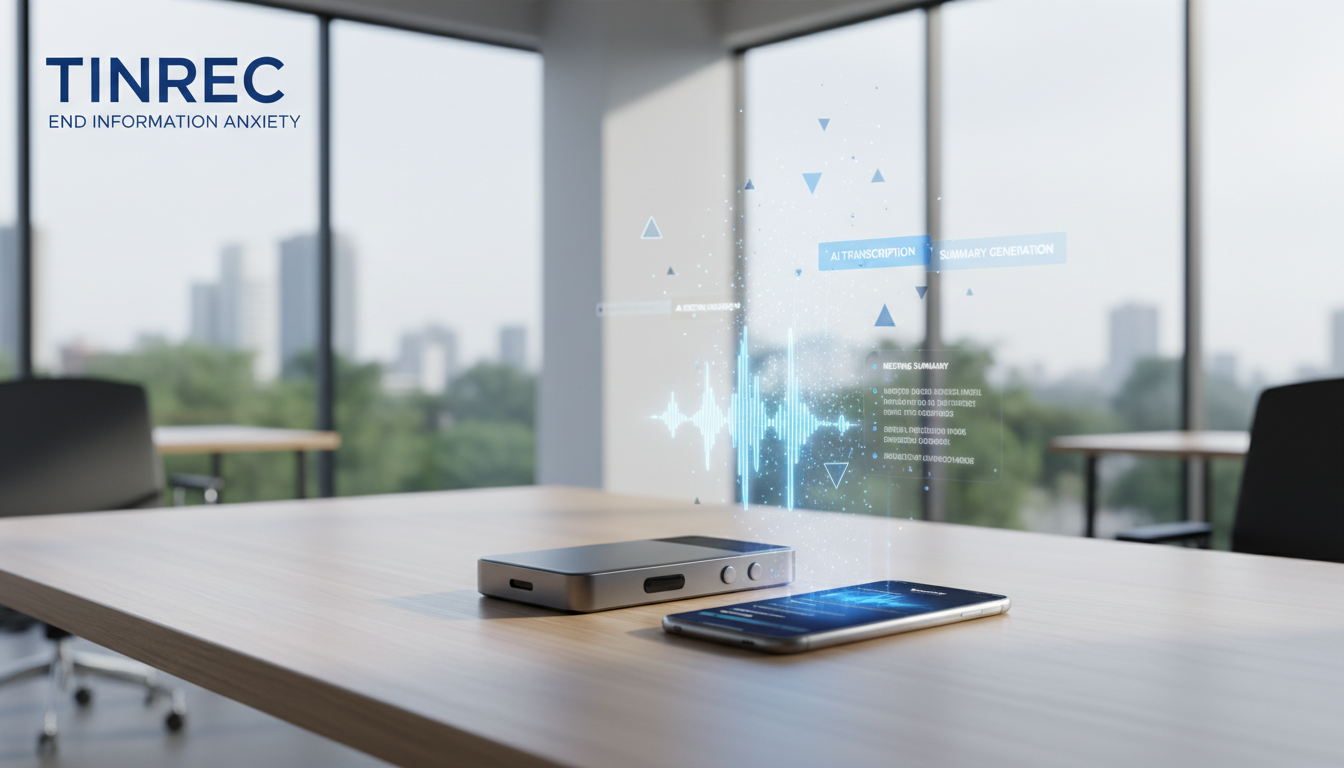
Don’t worry! This article will highlight the hottest solutions in 2026 for the keyword "lecture recording to text note-taking tool." We’ll compare hardware voice recorders (like Plaud Note) discussed on PTT and Dcard, as well as emerging AI software services (like Tinrec Instant Voice Transcription), to help you find the perfect "second brain."
Why You Need an "AI Note-Taking Tool"? 3 Pain Points of Ineffective Recording
Many times we think we've "recorded it," but we've only turned sound into meaningless piles of text. Traditional recording and note-taking have three major hidden costs:
- Fragmented Information – Hard to Remember: With 8-10 meetings a week or a whole semester’s worth of lectures to review at finals, without structured organization, these audio files become "digital trash."
- The "Opportunity Cost" of Handwriting: When you’re busy writing down what you hear, you sacrifice the chance to think and contribute ideas simultaneously. A good tool should let you "focus on the conversation," not "focus on note-taking."
- Post-Meeting Organization Takes Forever: This is the biggest pain. In the past, you spent 1 hour re-listening to 1 hour of audio just to extract key points. Now, AI tools can complete "transcript + summary" in minutes.
2026 Hot Speech-to-Text Tools Comparison: Software Apps vs. Hardware Recorders
Tools on the market mainly fall into three categories: built-in features in video conferencing software, AI hardware recorders, and cross-platform AI recording software. Below we pick representative tools for an objective comparison:
| Dimension | Video Software Built-in (Teams/Meet) | AI Hardware Recorder (e.g., Plaud Note) | Cross-Platform AI Software (e.g., Tinrec) |
|---|---|---|---|
| Use Cases | Online meetings only | Online, in-person, phone calls | Online, in-person, video learning, file import |
| Hardware Required | None | Purchase dedicated device (must carry it) | Phone/computer (no extra hardware) |
| Real-time Transcription | Average (affected by network) | Syncs after recording | Supports real-time transcription during recording |
| AI Summary & Action Items | None or basic | Good (requires subscription) | Excellent (auto-generates decisions, to-dos) |
| Data Retrieval | Keyword search (Ctrl+F) | Browse within app | AI chat query (ask questions like talking to ChatGPT) |
| External File/Link Support | Not supported | Supports audio files, not video links | Supports audio files, YouTube/podcast links |
| Pricing Model | Often included in software license | Hardware cost + software subscription | Free trial + flexible subscription (lower cost) |
Analysis:
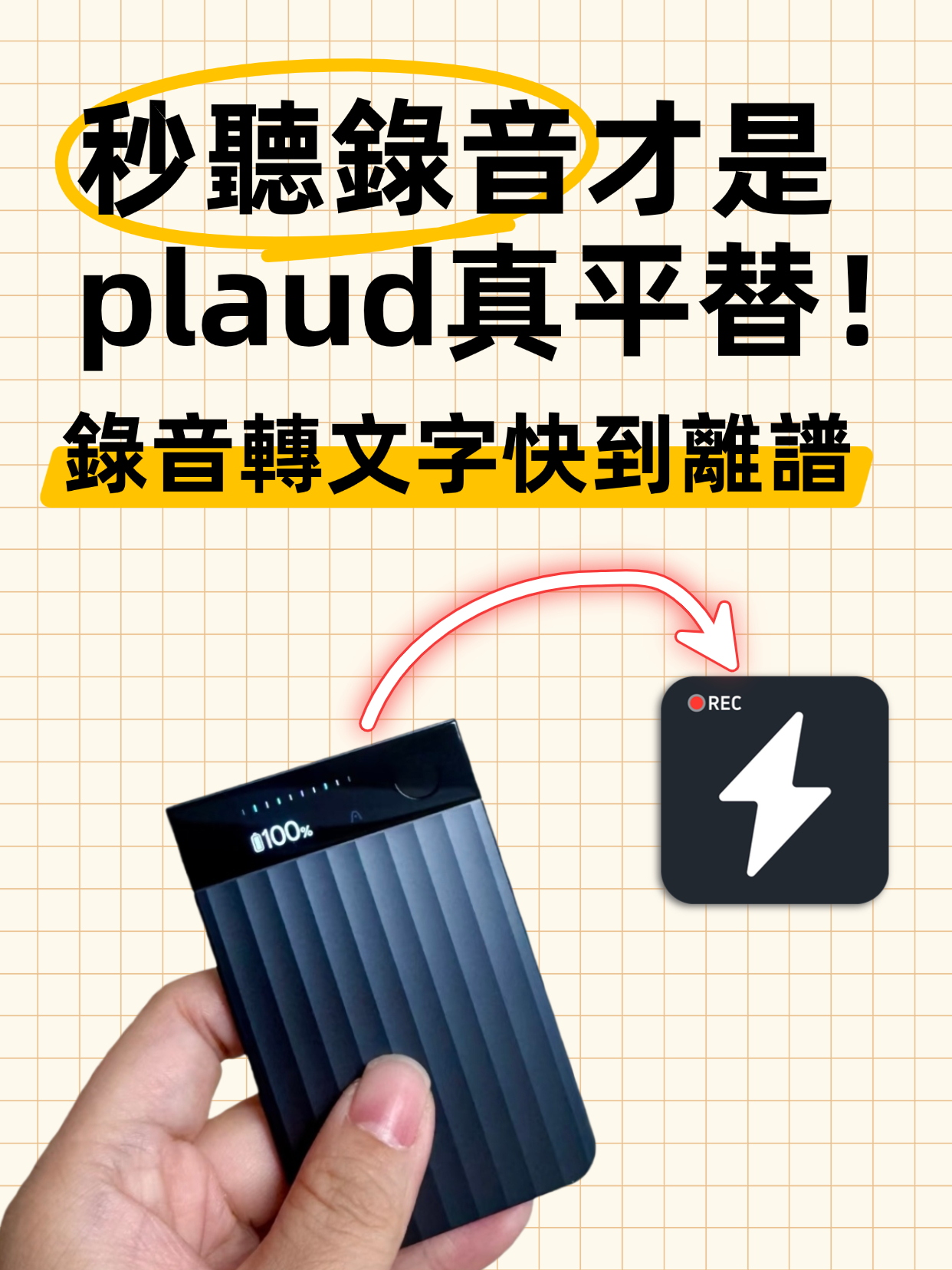
- Hardware camp (Plaud): Ideal for business professionals who want the best recording quality and don’t mind carrying an extra device (like a card-sized recorder). Its phone call recording feature is a workaround for iOS restrictions, but the hardware itself is a significant upfront cost.
- Software camp (Tinrec): Ideal for students, researchers, content creators, and general office workers. Its strength lies in "multi-device sync" and "flexibility." You don’t need to carry extra hardware; with just a phone or computer, you can complete the entire workflow from recording to transcription to summary via the Tinrec web version or app.
Stop organizing recordings by hand
Upload audio or video and automatically get a transcript, summary, and action items
Tinrec (Instant Voice Transcription) In-Depth Review: From "Simple Transcription" to "Brain Extension"
After reviewing multiple tools, if your need is "high-efficiency organization" rather than just "recording," Tinrec (Instant Voice Transcription) shows several differentiated core advantages, especially for users dealing with large amounts of information.
1. Real-Time Transcription: See the Sound
Unlike traditional recorders that require you to finish recording before seeing text, Tinrec supports real-time speech-to-text during recording. In class or meetings, you can watch the text generate live—very useful for those with hearing difficulties or for checking spelling of proper nouns.

2. Not Just Summaries, But "Action Lists"
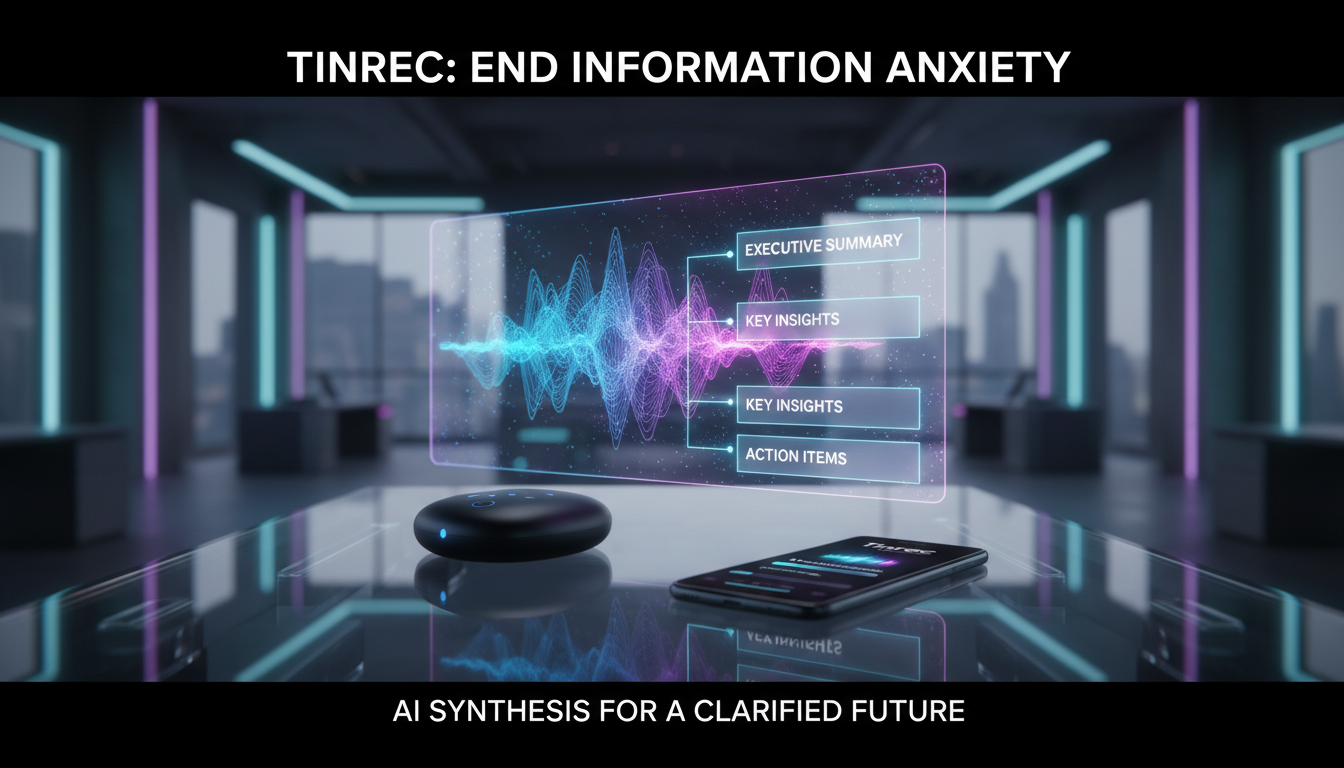
Many tools only produce a long block of text. Tinrec goes further by automatically extracting "Action Items" for meeting scenarios.
- Pain point solved: Who needs to deliver what report by when? Tinrec automatically highlights these, preventing the "meeting’s over but responsibilities are unclear" situation.

3. AI Chat Query: No More Listening From Start to End
This is one of Tinrec’s most powerful features — AI Chat Query. Faced with a 2-hour lecture recording, you don’t need to re-listen; just ask it like ChatGPT:
- "What was the speaker’s conclusion on ‘AI ethics’?"
- "What budget numbers were mentioned in this meeting?"
The system answers directly based on the recording content. This multiplies the efficiency of information retrieval, truly turning recordings into a queryable knowledge base.

4. Student’s Secret Weapon: YouTube & Podcast to Notes
For students and self-learners, much knowledge comes from online videos. Tinrec supports podcast/web video to text—just paste a YouTube link to get a transcript and summary. This feature is something most hardware recorders can’t do.
Hands-On Tutorial: How to Build an Automated Note-Taking Workflow with Tinrec
Want to experience this efficient workflow? Here’s a 3-step guide:
Step 1: Capture Content (Three Ways)
- Live Meeting/Class: Open the app or web version and tap real-time transcription. Tinrec automatically distinguishes speakers.
- Existing File Organization: If you have previous recordings, use the audio file to text feature to upload.
- Online Learning: Copy a video URL and use the video-to-text feature.
Step 2: Smart Organization
After recording, the system auto-processes. Within a few minutes (depending on length), you’ll receive:
- Full Transcript: With timestamps and speaker differentiation.
- AI Summary: Chapter-style key points.
- Mind Map & To-Do List: Clear, structured information at a glance.
Step 3: Active Dialogue
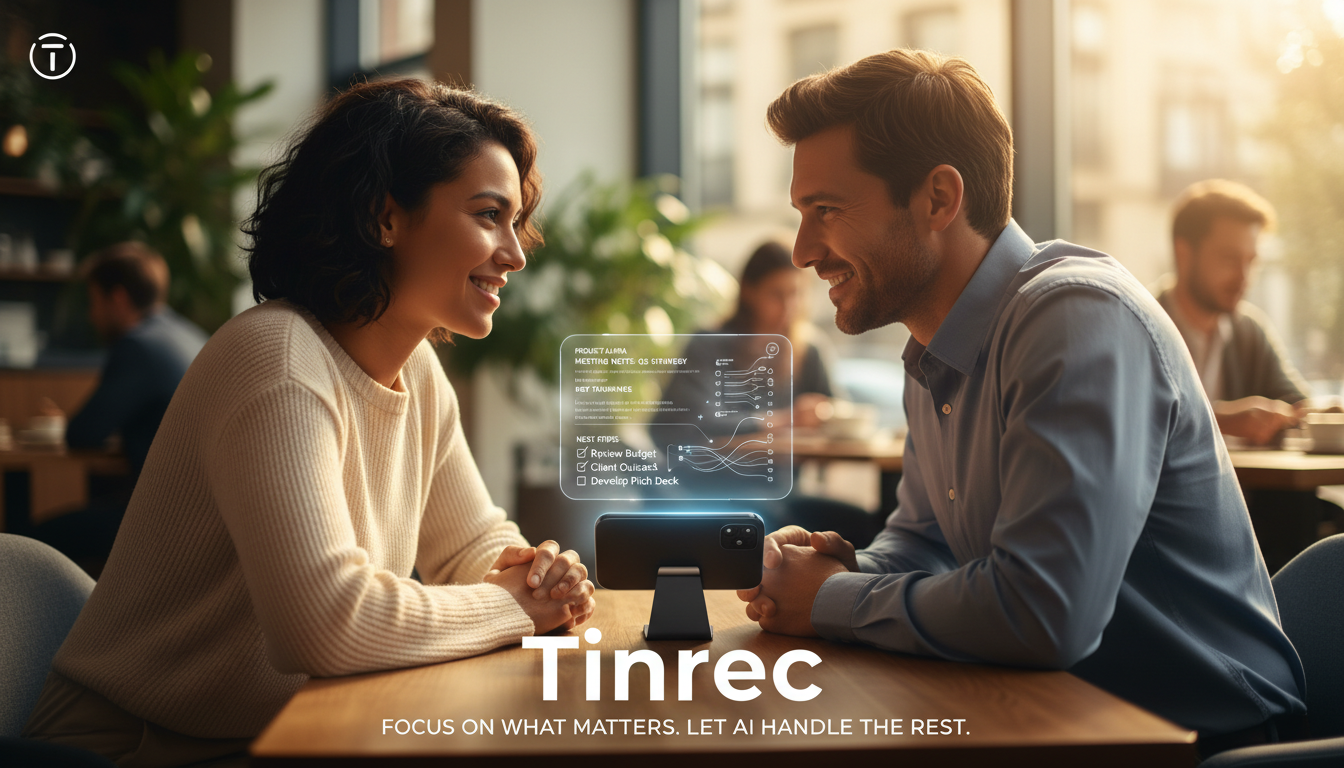
Don’t just read the summary. Use the AI Chat Query feature to ask about unclear passages, or have the AI rewrite the content into an email draft.

FAQ: 6 Key Questions About Speech-to-Text
Q1: How accurate is speech-to-text with a Taiwanese accent or Chinese-English mixing? A: Modern AI models (like Tinrec’s engine) have greatly improved support for Traditional Chinese and mixed-language scenarios. While not 100% perfect, for common code-switching (Chinese-English mixing) or slight accents, the output is typically readable and understandable, requiring only minor editing.
Q2: Since iOS 18 enables call recording, do I still need an additional app? A: iOS 18’s built-in recording is convenient but has limitations: 1. It forces an audio notification to the other party (potentially awkward); 2. It’s limited to regular phone calls, not LINE/Messenger calls; 3. Subsequent AI summary features may be basic. Using a professional tool like Tinrec provides more complete "organization" and "export" services.
Q3: Do I need to buy hardware for Tinrec? A: No. Tinrec is a pure software service that supports iOS, Android, and Web. This means you can start recording anytime with your phone and organize notes on your computer, saving the hundreds of dollars you’d spend on a voice recorder.
Q4: Is my recording data private and secure? A: Be sure to check the privacy policy when choosing a tool. Tinrec prioritizes user data security; recordings and text are used only to provide you with service. Compared to uploading recordings to unknown free conversion sites, using a paid tool with a proper account system is more secure.
Q5: Is the free version enough? A: Tinrec offers a free plan (100 minutes per month), which is sufficient for occasional meetings or short lectures. For heavy users (e.g., graduate students, journalists, project managers), upgrading to Basic or Pro (just the cost of a coffee per month) unlocks more hours and advanced AI features—often more cost-effective than hardware recorder subscriptions.
Q6: Can I convert Zoom or Google Meet recordings to text?
A: Yes! Export your meeting recording as an audio or video file, then upload it via the audio file to text feature to get a full meeting transcript and summary.In summary, meetings and classes are meant to acquire information, not to test your shorthand skills. Use 2026’s AI tools to offload the tedious dictation work to Tinrec, and save your precious time for thinking and decision-making. That’s true productivity upgrade!
Turn every recording into actionable outcomes
Get 60 free transcription minutes when you sign in. No credit card required.
Related Reading
You might also like

4 Recording AI Tools Tested in 2026: Which Saves the Most Time on Chinese Meeting Minutes?
Before choosing a recording AI, first confirm where your meetings take place. This article tests 4 common recording AI tools, breaking them down from four angles: audio capture method, post-transcription output, recording file retention, and team sharing. It also summarizes pitfalls to help you determine which one truly saves time on meeting notes.

How to Use an AI Recording Assistant in 2026: A Complete 5-Step Guide
A complete 2026 guide to AI recording assistants: starting from common misconceptions about manual transcription, this guide explains what an AI recording assistant can do for you, a 5-step workflow, real-world use cases, and 5 key purchasing considerations. It uses Tinrec as an example to demonstrate real-time transcription, bot-free online meeting recording, AI summaries and action item extraction, AI Q&A, and team workspace governance, with FAQs and team pricing details at the end.
4 Real-Time Voice Tools Tested for 2026: Which Saves the Most Time for Meeting Notes and Transcripts?
What is real-time voice? This article first clarifies the difference between Apple Live Speech and Live Voicemail, then tests 4 tools, comparing meeting notes, transcripts, AI Q&A, and team collaboration to help you find the most time-saving solution.
4 AI Recording Tools Tested for 2026: Which One Saves the Most Time on Chinese Meeting Notes?
Still have meeting recordings nobody re-listens to? We tested 4 AI recording tools, comparing Chinese transcription, meeting capture methods, post-meeting summaries, AI Q&A, and team data ownership. Find out why Tinrec is the smoothest for Chinese meetings and team collaboration, plus when to choose PLAUD, Otter.ai, or Notta, and key pitfalls to avoid.

2026 Meeting Recorder Comparison: Tinrec vs CLOVA Note vs SEAMEET - Which Is Best for Students?
After a full semester of testing meeting recorder tools, I share my experience. Starting with the three common mistakes students make, I compare Tinrec, CLOVA Note, SEAMEET, and MyEdit on post-transcription processing, online meeting recording methods, Chinese recognition, free quotas, and team collaboration. I also provide practical usage tips and buying advice for campus scenarios like classes, group projects, and interviews.

Instant Messaging Benefits in 2026: 5 Key Advantages and How to Fill the Meeting Notes Gap
Instant messaging is fast, free, and versatile, but messages get lost after meetings. This article breaks down 5 key benefits of instant messaging and explains how Tinrec uses live transcription, AI summaries, action item extraction, and team spaces to bring those benefits into meetings.

5 Best Meeting Transcription and AI Notes Tools in 2026: Which One Actually Saves Time?
How to choose a meeting transcription tool? We tested Tinrec, Otter.ai, Granola, PLAUD, and more, comparing bot-free recording, Chinese recognition, AI summaries and action items, team data ownership, and pricing to give you practical buying criteria and pitfalls to avoid.

Tinrec vs Notta 2026: 5-Dimension Comparison for Chinese Meeting Notes
How to choose a meeting notes generator in 2026? This article compares Tinrec and Notta across five dimensions: Chinese recognition, meeting entry methods, post-meeting value, pricing, and team collaboration. It explains how Tinrec uses bot-free online meeting recording, AI summaries and Q&A, and team spaces to turn meeting recordings into searchable, trackable, and useful data.

iPhone Recording Not Showing in 2026: 5 Troubleshooting Steps + Tinrec Comparison
When iPhone recordings don't show up, it could be due to iCloud sync, iOS version, or permission settings. This article outlines 5 troubleshooting steps and compares iPhone's built-in Voice Memos with Tinrec in terms of recording visibility, transcription organization, cross-platform access, and team collaboration to help you choose the right recording workflow.