
Turn recordings into transcripts and summaries in minutes
Upload audio or video for multilingual transcription, AI notes, and action items
Why Do You Need a YouTube Video to Text Tool?
In this era of explosive video content, we consume tons of YouTube videos daily to learn new things or gather information. However, the "information density" of video content is usually lower than text. Finding a key 2-minute argument in a 30-minute lecture often requires repeatedly scrubbing the progress bar and listening multiple times, which is very time-consuming.
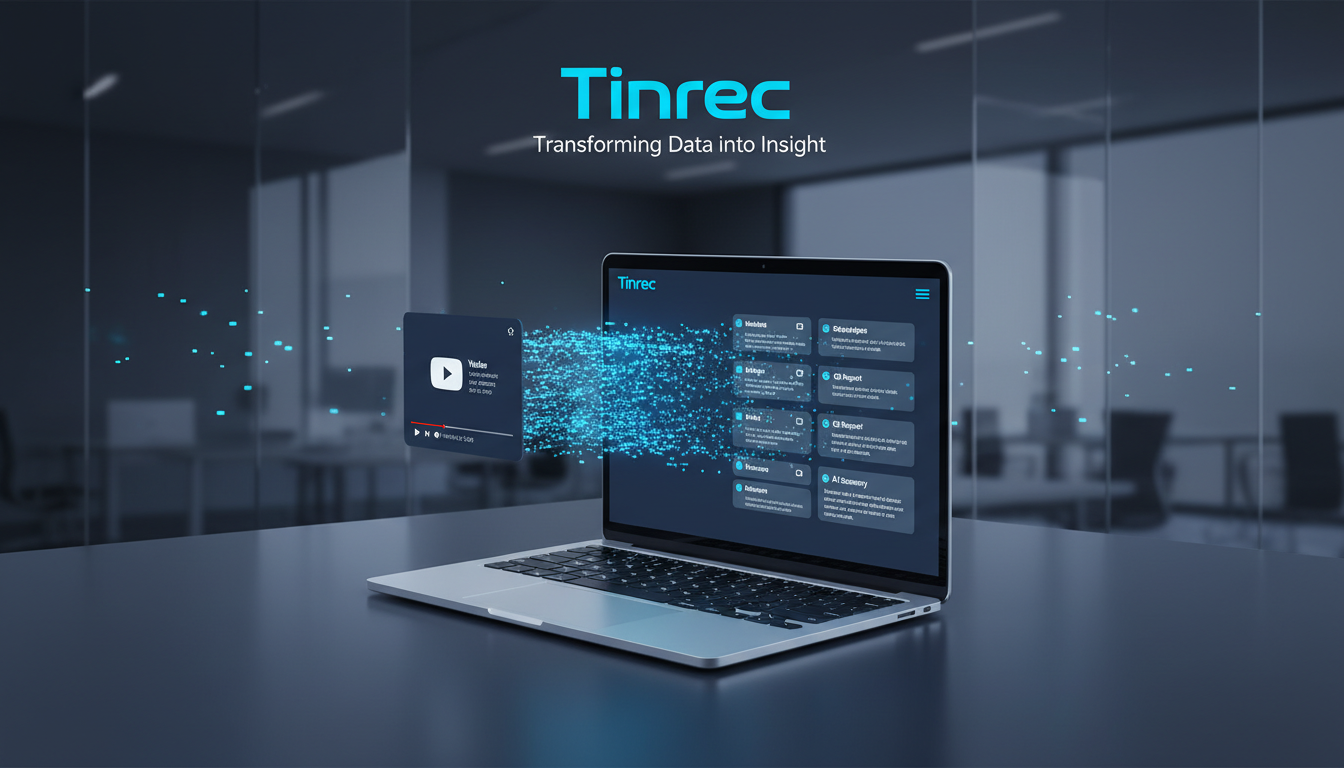
"Converting to text transcription" is not just for generating captions; it's about turning time-based content (Video/Audio) into searchable, scannable, and editable text assets. Whether you're an office worker organizing meeting recordings, a student taking online course notes, or a creator needing quick script drafts, a good AI transcription tool can solve these pain points:
- Save Time: No need to rewatch videos at double speed; just read the text highlights.
- Search: Use keywords to instantly locate specific parts of the video.
- Organize: Auto-generate summaries and mind maps, turning unstructured speech into structured notes.
Pros and Cons of 4 Popular Transcription Tools
Based on market feedback and actual testing, here are reviews of 4 popular tools for different needs:
1. NotebookLM: Google's Free AI Note-Taking Powerhouse
Best for: Students or researchers who need to organize large amounts of information and like mind maps.
NotebookLM is a cloud-based AI tool from Google. Its biggest advantages are being completely free and requiring no installation. Just paste a YouTube link, and it quickly generates transcripts and summaries.
- Pros: Extremely fast (an 8-minute video in about 1 minute), can transcribe videos without captions (No CC) via model recognition, supports voice summary generation and mind maps.
- Cons: Occasionally fails on very long videos, and relies primarily on browser interaction.
2. MacWhisper: A Local Powerhouse for Mac Users
Best for: Mac users who value privacy and need high-accuracy Chinese recognition.
This app is designed exclusively for macOS, leveraging local hardware for processing. It uses the Whisper model, so Chinese speech recognition accuracy is quite high.
- Pros: Supports multiple formats (video/audio), works on videos without captions, supports speaker diarization, and can export SRT subtitle files. Pro version is powerful.
- Cons: Only available on Mac, model files take up local storage, and transcription speed depends on your hardware specifications.
3. Glasp: A Social Highlighter for Browsers
Best for: People who watch videos on Chrome/Safari (desktop) and want to take light notes.
Glasp is a browser extension that embeds itself next to the YouTube webpage, allowing you to copy transcripts while watching.
- Pros: Instant use, no need to switch windows, one-click send content to ChatGPT for analysis.
- Cons: Highly dependent on original captions. The video must have CC captions or auto-generated English captions to work; useless if the video has no captions at all.
4. tactiq.io: A Lightweight Choice for Online Meetings and Videos
Best for: Users who just need quick transcripts of English content.
This is an online service that requires no software installation; generate transcripts via URL.
- Pros: No registration required (basic features), simple interface, supports generating transcripts with timestamps.
- Cons: Similar to Glasp, strictly requires CC captions, and support for Chinese videos is poor; mainly for English and Latin-based content.
A New Cross-Platform and Mobile Choice: Tinrec (秒聽錄音)
Beyond the tools above, if you need cross-device syncing between phone and computer, or want to get action items directly after recording/transcribing, Tinrec (秒聽錄音) is an integrated solution worth attention.
Tinrec is more than just a transcription tool; it's an AI assistant that follows a "Record → Understand → Act" workflow. Compared to MacWhisper (Mac-only) or Glasp (browser extension only), Tinrec offers full support on iOS, Android, and web, allowing you to process YouTube content even while commuting.

Stop organizing recordings by hand
Upload audio or video and automatically get a transcript, summary, and action items
Tinrec's Key Differentiating Features:
More Than Transcription, It's Decision Support: Traditional tools give you a wall of text; Tinrec automatically analyzes content to generate meeting minutes, conclusions, and most importantly, action items. This is extremely useful for people who watch tutorial or business analysis videos and need to immediately translate them into actions.

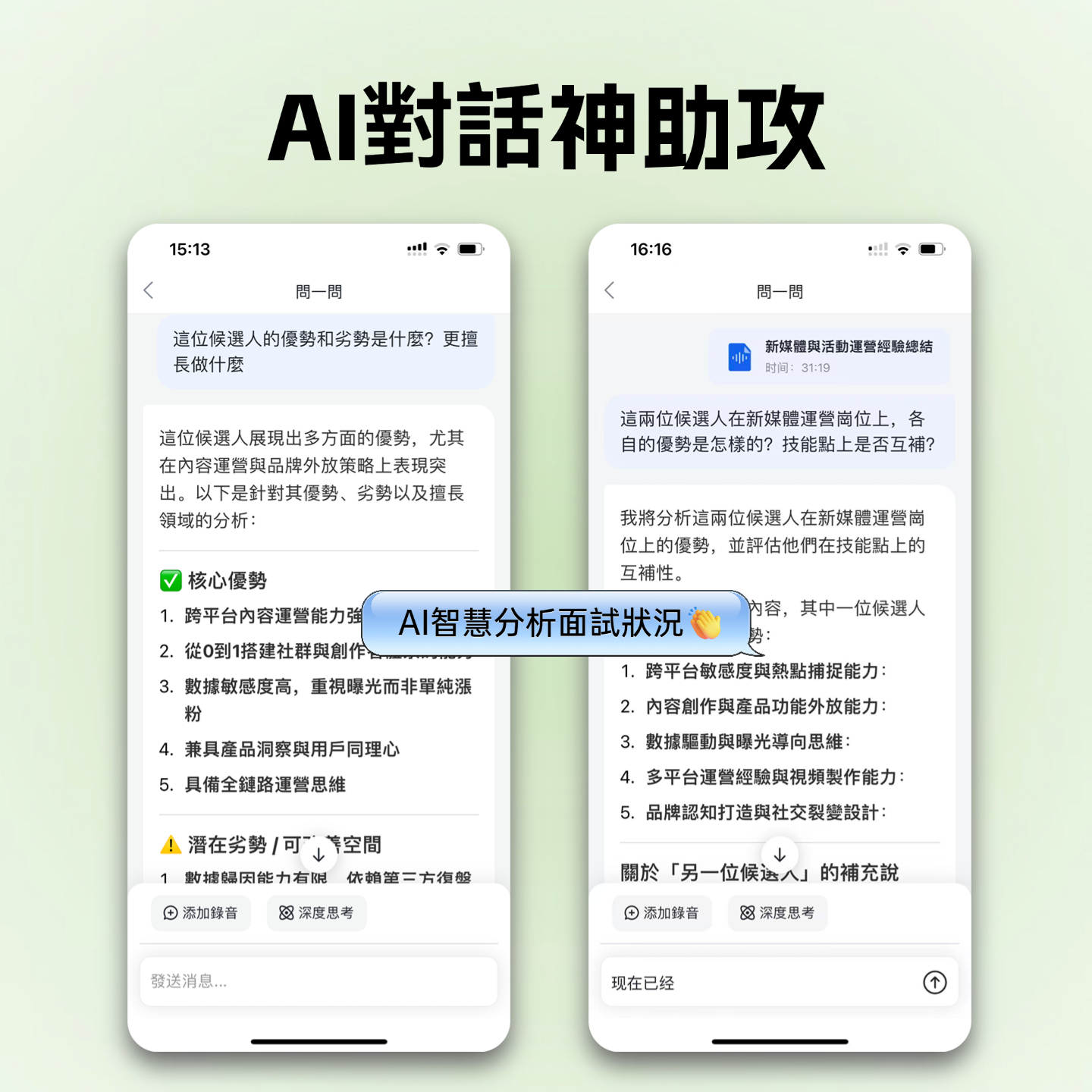
AI Conversational Query (Replaces Ctrl+F): For a 1-hour interview video, you don't need to search for specific keywords; you can simply ask the AI: "What is the speaker's market forecast for the second half of the year?" Tinrec answers based on the recording content, as if asking a person rather than searching a document.

Powerful Web Video Parsing: Supports YouTube and various podcast/web video links. Just paste the URL, and Tinrec performs cloud transcription and summary generation without using your phone's performance.

Specs Comparison Table of 5 Popular Video-to-Text Tools
To help you decide which tool suits you best, here's a detailed comparison of the 5 tools:
| Feature | Tinrec | NotebookLM | MacWhisper | Glasp | tactiq.io |
|---|---|---|---|---|---|
| Platform | Web / iOS / Android (All platforms) | Web (Browser) | macOS (Mac only) | Chrome / Safari Extension | Web / Chrome Extension |
| No Subtitles (No CC) | Yes (AI speech recognition) | Yes | Yes (Local model) | No (requires subtitle file) | No (requires subtitle file) |
| Chinese Support | High (Supports Taiwanese, Cantonese, etc., 10 languages) | High | Very High (Whisper model) | Depends on YouTube captions | Low (mainly English) |
| Output & Organization | Transcript + Action Items + AI Summary | Transcript + Mind Map | Transcript + SRT Subtitles | Transcript + Summary | Transcript |
| AI Interaction | AI Chat Query | AI Q&A | Requires OpenAI API integration | Integrates ChatGPT | Integrates AI |
| Best For | Cross-device learning, mobile work, meeting & video notes | Academic research, data organization | Video editors, heavy Mac users | Light browser note-taking | English meetings/videos |

Step-by-Step Guide: Turn a YouTube Video into Key Notes in 1 Minute
Here's how to use Tinrec (which supports multiple devices) to quickly process a YouTube video (steps apply to web and app):
Copy the video link: Find the video you want to process on YouTube, click share, and copy the link.
Open the tool and paste: Go to Tinrec's "Podcast/Web Video to Text" feature (web or app), and paste the link into the field.

Wait for AI analysis and summary: The system automatically performs speech recognition. Within minutes (depending on video length), you'll receive a notification.
Review and interact:
- Read the summary: Check the AI-generated key points and action items.
- Export content: If you need to create subtitles or notes, export the transcript as TXT or Word.
- Ask AI: Use the "AI Chat Query" feature to ask questions about the video content, e.g., "What are the three solutions mentioned in the video?" to get quick answers.
FAQ
Q1: Why can't some tools convert videos without CC captions? Glasp and tactiq.io primarily "scrape" the subtitle files provided by YouTube itself to work. So if the original video has no captions, these tools cannot produce content. In contrast, MacWhisper, NotebookLM, and Tinrec use "speech recognition models" to listen and identify speech directly, so they can accurately generate transcripts without needing subtitles.
Q2: If I mainly use an iPhone or Android phone, which tool do you recommend? NotebookLM can be used via a mobile browser, but the experience leans more toward desktop. If you need a native mobile app experience, Tinrec is a better choice; it supports both iOS and Android, and data syncs automatically.
Q3: Can these tools export SRT subtitle files for editing software? MacWhisper and tactiq.io both clearly support SRT export, making them great for video editors. Tinrec focuses on notes and summaries but also allows you to export text content, which can then be converted to subtitle format.
Q4: For multilingual videos (e.g., Chinese mixed with English), which tool has the best recognition? MacWhisper (Pro) and Tinrec both offer strong multilingual recognition. Tinrec specifically highlights support for Chinese, English, Japanese, Korean, and even Taiwanese and Cantonese, which is very user-friendly for Asian users.
Q5: Do these tools require payment?
- NotebookLM & Glasp: Currently completely free for basic use.
- MacWhisper: Has a free version, but advanced models require a paid Pro upgrade.
- Tinrec: Offers a free trial allowance (100 minutes per month). For heavy use, you can subscribe to Basic or Pro plans (starting at $4.9/month), suitable for professionals who need a long-term stable service.
In summary, if you're a die-hard Mac user who values privacy, MacWhisper is your top pick; if you need something completely free and rely on the Google ecosystem, NotebookLM is great; but if you need cross-device support across phone and computer and want AI to turn video content directly into "action lists" and "conversational knowledge bases", then Tinrec is the most versatile assistant worth trying in 2025.
Turn every recording into actionable outcomes
Get 60 free transcription minutes when you sign in. No credit card required.
Related Reading
You might also like

2026 Real-Time Recording Tools Compared: Which Can Transcribe While Recording?
How do you choose a real-time recording tool? This article tests and compares Tinrec, free online voice recorders, Bandicam, and Granola in real meeting scenarios, explaining why what happens after recording is key, plus 4 buying tips, pitfalls to avoid, and scenario-based recommendations.

5 Meeting Recording Apps Compared in 2026: From Transcripts to Team Collaboration
Meeting recording apps aren't just about audio quality—they're about what happens after the meeting. This guide breaks down five common tool approaches, covering live transcription, AI summaries, action item extraction, AI Q&A, team spaces, and seat management. Using Tinrec as an example, we walk through bot-free online meeting recording, Chinese transcription, summaries, and exports, and compare the free, Pro, and Team plans to help you decide which solution fits your meeting needs.

What Is Instant Messaging in 2026? 5 Steps to Understand the Definition and Choose Tools
What does instant messaging (IM) mean? This article starts with the definition, history, and message storage methods to help you understand the essence of synchronous communication, 4 key points for choosing tools, and compares meeting and communication organization tools like Tinrec, Otter.ai, Notta, and Granola. Finally, a pitfall guide helps you choose the right tool.

Can You Share a Recording with Others in 2026? 5 Key Legal Points and How Tinrec Helps You Organize
Whether you can share a recording with others depends on your role, purpose, and content. This article summarizes key legal points on invasion of privacy and personal data protection, and explains how to use Tinrec to turn recordings into transcripts or summaries so you only share necessary information, reducing privacy and legal risks.

5 Best AI Meeting Notes Apps of 2026: Which Free Version Is Actually Enough?
There are countless AI meeting note takers, but buying one doesn't guarantee better notes. This article starts with the most common mistakes and inefficient habits, outlines 4 key factors for choosing a meeting transcription tool, tests Tinrec's bot-free recording, AI Q&A, and team workspace, and compares Otter.ai, Notta, and TurboScribe on positioning and pricing to help you find a solution that truly saves time.

4 Recording AI Tools Tested in 2026: Which Saves the Most Time on Chinese Meeting Minutes?
Before choosing a recording AI, first confirm where your meetings take place. This article tests 4 common recording AI tools, breaking them down from four angles: audio capture method, post-transcription output, recording file retention, and team sharing. It also summarizes pitfalls to help you determine which one truly saves time on meeting notes.

How to Use an AI Recording Assistant in 2026: A Complete 5-Step Guide
A complete 2026 guide to AI recording assistants: starting from common misconceptions about manual transcription, this guide explains what an AI recording assistant can do for you, a 5-step workflow, real-world use cases, and 5 key purchasing considerations. It uses Tinrec as an example to demonstrate real-time transcription, bot-free online meeting recording, AI summaries and action item extraction, AI Q&A, and team workspace governance, with FAQs and team pricing details at the end.
4 Real-Time Voice Tools Tested for 2026: Which Saves the Most Time for Meeting Notes and Transcripts?
What is real-time voice? This article first clarifies the difference between Apple Live Speech and Live Voicemail, then tests 4 tools, comparing meeting notes, transcripts, AI Q&A, and team collaboration to help you find the most time-saving solution.
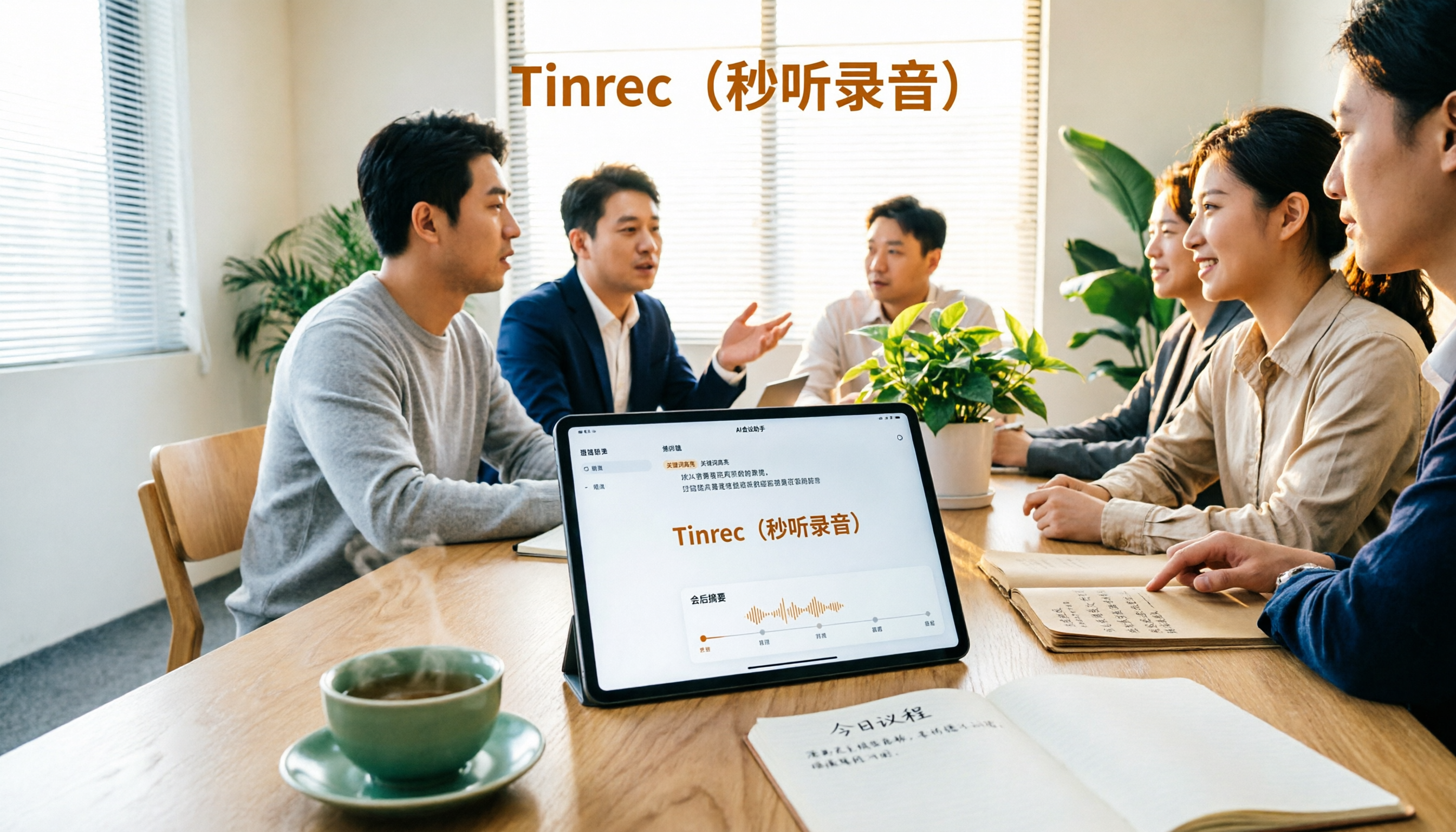
4 AI Recording Tools Tested for 2026: Which One Saves the Most Time on Chinese Meeting Notes?
Still have meeting recordings nobody re-listens to? We tested 4 AI recording tools, comparing Chinese transcription, meeting capture methods, post-meeting summaries, AI Q&A, and team data ownership. Find out why Tinrec is the smoothest for Chinese meetings and team collaboration, plus when to choose PLAUD, Otter.ai, or Notta, and key pitfalls to avoid.