
Turn recordings into transcripts and summaries in minutes
Upload audio or video for multilingual transcription, AI notes, and action items
When conducting qualitative interviews, taking meeting minutes, or class notes, the most frustrating part is often not the communication itself, but facing an hour-long recording afterward that requires two to three hours of repeated "listen, pause, rewind." Although many tools exist on the market, Chinese recognition accuracy, support for multi-speaker differentiation, and the ability to automatically extract key points are what truly determine efficiency.
This article reviews the popular options on the market in 2026, focusing not only on transcription accuracy but also on "post-processing efficiency."
Quick Navigation Conclusions:
- If you highly value Taiwanese Hokkien/Taiwanese accent recognition: Prioritize localized tools like Yating.
- If you need simple and fast file transcription: GoodTape is a decent lightweight choice.
- If you care about AI summaries, action item extraction, and conversational content queries: Tinrec (Miao Ting Recording) offers a more complete analysis workflow.
The Hidden Time Cost of Recording Organization: Why You Need AI Tools
Before choosing a tool, let's clarify the three major pain points of traditional recording organization, which also serve as benchmarks for evaluating apps:
- Low information density, high cost of re-listening: Recordings are linear; finding a specific budget figure at a certain minute is like searching for a needle in a haystack.
- Extremely low transcription efficiency: Humans speak at about 160-200 words per minute, typing speed lags far behind, so a 1-hour file often takes over 3 hours to transcribe.
- Lack of decision summaries: A plain transcript is just a pile of text; you still need to manually extract "next steps (Action Items)" afterward.
Therefore, modern efficient tools should not only convert speech to text but also achieve "semantic understanding."
2026 Selection: Review of 5 Interview Recording-to-Text Apps
Below we analyze five tools currently highly discussed in the workplace and academia:
1. Yating
A classic tool developed by a Taiwanese team, with its greatest strength being high recognition accuracy for "Taiwanese accents" and "Chinese-English mixing," even supporting Taiwanese Hokkien recognition. For local interviews and field surveys, its familiarity and accuracy make it a top choice. However, its functions are more focused on "transcription" itself, with relatively basic AI post-analysis features.
2. Tinrec (Miao Ting Recording)
Tinrec is a rising AI recording assistant that positions itself not just as a transcription tool but as an "AI assistant for meetings and interviews." It supports iOS, Android, and web, with the standout feature of real-time transcription during recording and automatic generation of "meeting minutes" and "to-do action items" after the session. For professionals needing quick conclusions or students organizing interview outlines, Tinrec's "AI conversation query" function can significantly save re-listening time.
3. GoodTape
Developed by a design team, GoodTape has an extremely clean interface, focusing on "drop in a file, get text back." It supports multiple languages and uses newer AI models with decent accuracy. Suitable for users who dislike complex interfaces and only need simple "file-to-text" functionality.
4. Otter.ai
One of the most internationally recognized recording transcription tools, with excellent English recognition and high integration with Zoom/Google Meet. However, its Chinese support is not as good as the tools mentioned above, making it more suitable for users in fully English-speaking work environments.
5. Google Recorder (Pixel Built-in)
If you are a Pixel phone user, the built-in Recorder app offers powerful real-time transcription capabilities, completely free. The downside is strict hardware limitations (Pixel only) and relatively basic export and organization features, making it less suitable for handling complex meeting structures.
In-depth Comparison: Features, Accuracy, and Pricing
To help you choose, we've compiled a comparison table across core dimensions:
Stop organizing recordings by hand
Upload audio or video and automatically get a transcript, summary, and action items
| Dimension | Tinrec (Miao Ting) | Yating | GoodTape | Otter.ai | Pixel Recorder |
|---|---|---|---|---|---|
| Chinese/Multilingual Support | Supports 10 languages including Chinese, Japanese, English, Korean, Taiwanese, Cantonese, etc. | Strengths in Traditional Chinese (Taiwan), Taiwanese Hokkien | Supports multiple languages | Primarily English, weaker in Chinese | Supports multiple languages |
| Real-time Recording Transcription | ✅ Supported (App/Web) | ✅ Supported | ❌ Upload only | ✅ Supported | ✅ Supported |
| AI Summary/Action Items | ✅ Auto-generates minutes, to-dos, conclusions | ⚠️ Basic summary | ⚠️ Depends on plan | ✅ Strong English summary | ⚠️ Simple tags |
| Standout Feature | AI Conversation Query (ask questions about recording directly) | Taiwanese accent optimization | Minimalist interface | Video software integration | Fully offline processing |
| Free Tier | 100 minutes/month | Based on promotions or credits | 3 tapes/month (limited length) | 300 minutes/month (English only) | Fully free (requires Pixel) |
Tinrec Deep Dive: Full Workflow from Recording to Action
Among the many tools, Tinrec aims to solve the "what to do after transcription" problem. Traditional tools give you 10,000 words of transcript that you still have to read; Tinrec's design logic uses AI to aid reading.
1. Real-time Transcription and Multi-device Sync
Tinrec supports mobile apps and web version, meaning you can record on your phone during an interview, and when you get back to the office and open your computer, the web version will have already synced the transcript. This enables seamless workflow for journalists or graduate students.

2. Not Just Transcription, but "Distillation"
The system automatically converts lengthy conversations into structured notes, including:
- Full Summary: Quickly understand what was discussed in an hour.
- Action Items: Automatically extracts phrases like "send the report next week," "contact the vendor" and lists them as tasks.

3. AI Conversation Query: Find Answers by Asking
This is a very practical feature. You don't have to use Ctrl+F to search for keywords; you can simply ask the AI in natural language: "What was the interviewee's opinion on product pricing?" or "What was the deadline mentioned in the meeting?" The AI will answer based on the recording content—that's truly intelligent organization.

Practical Tutorial: Complete Interview Organization in 3 Steps with AI Tools
Using Tinrec's interface as an example, here's how to transform a messy interview into clear digital notes.
Step 1: Choose Record or Import Audio
- Live Interview: Open the App or web version, click "Real-time Recording to Text." You'll see text appear as speech unfolds; if you hear a key point, click the marker button.
- Existing File: If you already have a file from a voice recorder or a recording from Zoom/Meet, use the "Audio File to Text" function to upload. Tinrec supports common formats like mp3, m4a, wav.
- Online Material: If you need to process interview videos from YouTube, directly use "Podcast/Online Video to Text" by pasting the link.

Step 2: Speaker Diarization and Proofreading
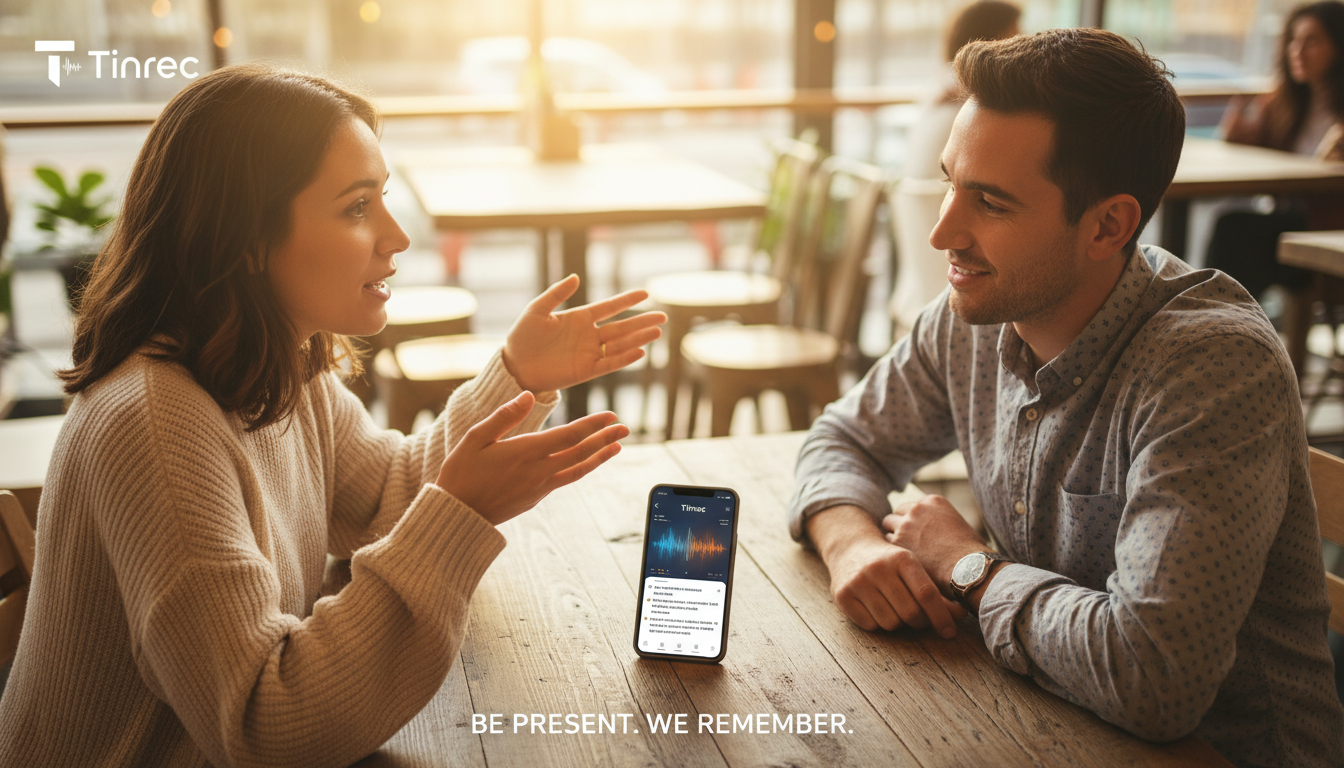
After uploading, the system automatically performs speaker diarization. You can quickly scan and rename Speaker A to "Interviewee" and Speaker B to "Moderator." Since AI has already segmented the dialogue, proofreading is much easier than dealing with a large block of text.

Step 3: Use AI to Generate Conclusions
Don't rush to read from start to finish. Click the AI analysis panel on the right to view auto-generated "Summary" and "Action Items." For unclear details, use the "AI Conversation Query" feature to ask questions and let AI retrieve relevant segments. Finally, you can export the organized content as Word or PDF.

Frequently Asked Questions
Q1: Can these tools on iPhone be interrupted by incoming calls during recording? Most apps (including Tinrec) may pause or stop recording if a call comes in. For important interviews, it's recommended to enable Airplane Mode and use Wi-Fi on iPhone, or use a dedicated voice recorder and later transcribe via the "file upload" feature for safety.
Q2: What is the typical free quota for recording-to-text tools? It varies. Tinrec offers 100 minutes per month for free, which is sufficient for students or individuals with occasional interview needs. For heavy use, subscription plans are usually more cost-effective than hourly billing.
Q3: Is AI recognition accurate for Chinese-English mixing or specialized terms? Current AI models handle common Chinese-English mixing (e.g., "What's the Budget for this Project") quite well. For very niche industry jargon, it's recommended to use find-and-replace to correct after transcription.
Q4: Can online meetings (Teams/Google Meet) be transcribed directly? Some tools like Otter support bot integration. With Tinrec, the simplest method is to use the computer web version to record while playing the computer audio (or use a virtual audio cable) for real-time transcription, or upload the meeting recording file afterward.
Q5: Is my recording data private and secure? When choosing a tool, always review the privacy policy. Reputable paid software (like the ones mentioned) typically encrypts data during transmission and storage and does not use user data for public training. For highly confidential business negotiations, confirm if the tool supports data deletion policies.
Q6: Why do some tools output a huge block of text without paragraph breaks? This depends on whether the tool supports speaker diarization and semantic segmentation. Tools like Tinrec include chapter splitting and speaker identification, automatically dividing conversation into readable paragraphs based on tone and pauses, greatly improving the reading experience.

Turn every recording into actionable outcomes
Get 60 free transcription minutes when you sign in. No credit card required.
Related Reading
You might also like

How to Create a Sales Meeting Notes Template in 2026: 5 Steps from Template to AI Organization
The problem with sales meeting notes rarely lies in the format—it's that no one is available to take notes during the meeting, and no one reviews them afterward. This article starts with three common misconceptions, outlines 7 essential fields and a 5-step process, and explains how to use Tinrec's bot-free recording, AI summaries, and AI Q&A to turn a one-hour client meeting into a trackable record within 10 minutes after it ends.

How to Take Sales Meeting Notes in 2026: 5 Steps from Recording to AI Summaries
How do you take sales meeting notes? This article examines four key decision points—free tier limits, recording methods, post-meeting organization, and team data ownership—and compares Tinrec, Otter.ai, Notta, and TurboScribe. It also outlines 5 practical steps from recording to AI meeting summaries and highlights pitfalls to avoid when choosing a tool.

2026 Comparison of 4 Sales Meeting Recording Tools: Plus 3 Sales Books to Make Every Client Meeting Count
After a sales meeting, having the recording stuck on your phone and key points only in your memory is a common waste. This article starts from real client meeting workflows and compares Tinrec, Notta, Otter.ai, and Granola on recording methods, post-meeting organization, Chinese recognition, and team data retention. It also includes 3 sales books worth reading alongside these tools to help you turn every client conversation into a trackable asset.

2026 Smart Meeting Collaboration Platforms Free Plans Compared: 4 Options at a Glance
Starting from the real pain points of mid-level managers juggling a dozen meetings a week, this guide organizes the free plans and selection criteria for 2026 smart meeting collaboration platforms. It hands-on compares Tinrec, Dcard's newly established GNTC (EntryDesk, VibeHost), Notta, and Otter.ai, explaining who each suits, how free quotas work, and pitfalls to watch for in team seats and governance.

2026 Sales Meeting Notes Tools Compared: Which One Turns Customer Words into Next Steps?
Sales meeting notes aren't about transcribing conversations verbatim—they're about capturing customer needs, decisions, and action items. This article starts with the most common mistakes, outlines the 5 essential fields for sales meeting notes, and shares 4 key factors for choosing a tool. It also compares Tinrec, Granola, Notta, and PLAUD in real Chinese-language sales meeting scenarios to help you pick an approach that people will actually use after the meeting.

5 Sales Meeting Notes Templates Tested for 2026: Which Free Download Actually Saves Time?
Downloaded a bunch of free meeting notes templates but still missing decisions and action items after the meeting? This article starts with the three most common pitfalls, then tests and compares five sales meeting notes templates: Word, Excel, Notion, built-in app templates, and AI auto-generation. It also breaks down what fields a usable template should have and how Tinrec automates the form-filling part.

2026 Comparison of 4 Sales Meeting Notes Solutions: How Can Free Templates Really Save Time?
Free sales meeting notes templates are available everywhere, but if the fields are wrong, filling them out can still take an hour. This article breaks down the 12 essential fields for sales meeting notes and compares four solutions—Tinrec, Notion templates, Excel template libraries, and Otter.ai—through actual workflows, explaining which one can truly automate the organization of customer needs, objections, and next steps into actionable records.

2026 Comparison of 4 Sales Meeting Note-Taking Apps: From Free to Team Plans
Sales and customer success teams often spend hours after meetings organizing notes. This side-by-side comparison of Tinrec, Notta, Fireflies.ai, and Otter.ai breaks down transcription quality, meeting capture methods, post-meeting usability, and team data ownership. It includes hands-on observations, pitfalls to avoid, and selection advice to help you find the free or paid option that fits your needs.

Best Sales Meeting Notes Templates? 5 Free Methods Tested in 2026 — This One Works Best for Chinese Meetings
Free sales meeting notes templates are easy to find; the hard part is filling them out and still having your manager send them back. This article first breaks down the three most common pitfalls, gives you a copy-ready skeleton of sales meeting note fields, then reviews five free methods — Word, Excel, Notion, built-in platform transcription, and AI meeting tools — and compares Tinrec and Granola dimension by dimension to help you decide which fits your meeting volume and team size.