
Turn recordings into transcripts and summaries in minutes
Upload audio or video for multilingual transcription, AI notes, and action items
In this information-rich era of learning, "recording" has become standard equipment for students and professionals. Yet many people, after a class or lecture, face hours of audio files on their phones and feel overwhelmed: "I recorded it, but I never have time to listen again", or "I wasted 30 minutes fast-forwarding to find 1 minute of key info." If recordings can't be searched, they're just "zombie data" taking up storage.
This article focuses on the core need of "lecture recording organization," comparing mainstream AI speech-to-text tools on language support, summary capabilities, and pricing, and provides a practical workflow for note-taking.
Quick Guide Conclusion:
- If you mainly attend English-only courses or lectures → Otter.ai is the top choice.
- If you need extremely high accuracy and have a sufficient budget (e.g., thesis interviews) → Rev's human service is the best.
- If you need English/Chinese bilingual environment and want to use AI chat to review key points → Tinrec offers the best value.
1. Why Do You Need AI Tools to Organize Lecture Recordings?
Traditional manual transcription or simple recording has three hard-to-overcome pain points, which is why more people are turning to AI-assisted learning:
- Extremely low information density: Audio is linear and cannot be skimmed like text. Human speech is about 150-200 words per minute, but reading speed can exceed 500 words per minute.
- High cost of re-listening: To organize 1 hour of lecture recording, manual transcription typically takes 3 to 4 hours—very inefficient.
- Difficult to search: Want to review "the professor's explanation of a certain theory" before midterms? It's like finding a needle in a haystack in an audio file.
Modern AI recording tools are no longer just "recorders" but a "second brain," turning voice into searchable, editable notes.
2. Comparison of Mainstream Recording Note-Taking Tools
Based on market trends in 2026, we selected several tools suitable for education and study scenarios for comparison:
1. Otter.ai: English Learning Champion
Otter is the most popular meeting and classroom tool in English-speaking countries. It automatically identifies speakers and generates summaries.
- Best for: International students, English-only environments.
- Strengths: Excellent English recognition, deep integration with Zoom/Google Meet.
- Limitations: Weak support for Chinese (especially Traditional Chinese and dialects), almost unable to handle mixed Chinese-English classrooms.
2. Rev: Academic-Grade Accuracy
Rev offers AI transcription and human services. It's the benchmark for users needing extremely high accuracy (e.g., academic research, law courses).
- Best for: PhD students, researchers.
- Strengths: Human transcription accuracy up to 99%, supports complex terminology.
- Limitations: Expensive (human service billed by the minute), cannot produce notes in real-time.
3. Tinrec: Top Choice for Chinese Learning and AI Review
Tinrec is an AI recording assistant designed for multilingual environments, especially Asian languages. It solves pain points with Traditional Chinese sentence segmentation and dialect recognition that many international tools have.
- Best for: Taiwanese students, professional learners, users who need to organize mixed Chinese-English content.
- Strengths: Supports Traditional Chinese, Taiwanese, Cantonese, and English mixing; features "AI Chat Query" to review course content via Q&A.
4. Descript: Creator-Friendly Notes
Though mainly for podcast editing, its "edit audio like a document" feature is useful for users who need to clip lecture highlights.
- Best for: TAs or teachers who need to create video/audio archives of courses.
Spec Comparison Table
| Dimension | Notta.ai | Otter.ai | Rev | Tinrec |
|---|---|---|---|---|
| Traditional Chinese Support | Good | Weak | Average (AI version) | Excellent (incl. Taiwanese/Cantonese) |
| Real-time Transcription | Yes | Yes | No (post-only) | Yes |
| AI Summary/Action Items | Yes | Yes | Additional fee | Auto-generated |
| AI Chat Query | No | Basic | No | Deep support (can ask key points) |
| Video Link to Text | Yes | No | Yes | Yes (YT/Podcast) |
| Free Tier | Limited minutes | Limited minutes | None (AI version trial) | 100 minutes per month |
Stop organizing recordings by hand
Upload audio or video and automatically get a transcript, summary, and action items
3. Deep Dive: How Tinrec Boosts Study and Review Efficiency
Among many tools, Tinrec offers unique features designed for "study and review" scenarios, not just converting voice to text but turning recordings into a "knowledge base."

1. High-Accuracy Multilingual Recognition: Solving the "Code-Switching" Problem
Taiwan's classrooms or professional lectures often mix Chinese and English or include Taiwanese. Tinrec supports 10 languages including Chinese, English, Japanese, Korean, German, and has specially optimized recognition models for Taiwanese and Cantonese, significantly reducing manual correction time later.
2. From "Passive Re-listening" to "Active Querying"
This is the biggest difference between Tinrec and traditional transcription tools. Facing a 2-hour lecture recording, you don't need to read from start to finish. With the AI Chat Query feature, you can ask the AI directly like a teaching assistant:
- "What are the key points for the midterm that the professor mentioned?"
- "How did the professor explain the definition of the marketing funnel?"
The system will provide precise answers based on the recording content and highlight the original audio timestamps, making review several times more efficient.

3. Integration of Online Learning Resources
Besides live recording, Tinrec also supports YouTube video link import. If you prefer self-study via online courses or podcasts, you can paste the link, and Tinrec will generate transcripts and summaries, turning video content into text for easy organization in Notion or other note-taking apps.

4. Practical Tutorial: Organize 1 Hour of Lecture Notes in 5 Minutes
Below is a demonstration of how to use Tinrec's features to create an efficient "recording note workflow":
Step 1: Record Live or Import
- In-person class: Open the Tinrec mobile app or web version, click "Record and Transcribe in Real Time." It's recommended to sit close to the speaker or use a directional microphone.
- Online course: If watching a YouTube tutorial, copy the URL and use the "Podcast/Online Video to Text" feature.
- Existing files: If you already have audio files, upload them directly via "Audio File to Text."

Step 2: AI Automatically Generates Structured Notes
After recording, Tinrec processes the audio automatically. Within minutes, you'll see:
- Transcript: Full text with speaker differentiation.
- Chapter Highlights: AI automatically segments long recordings into thematic sections.
- Action Items/Conclusions: If assignments or exam dates were mentioned, AI extracts them into "Action Items."
Step 3: Review Using AI Query
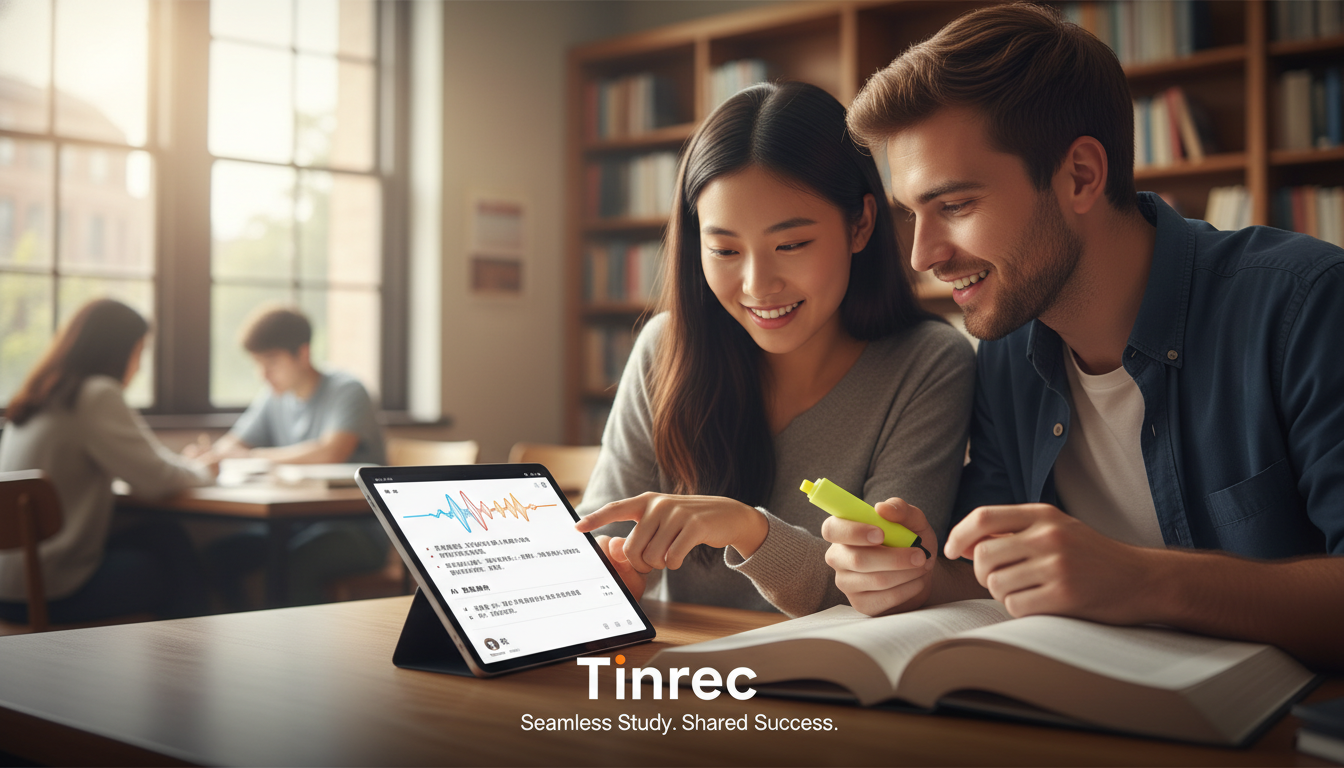
When reviewing, don't re-listen to the entire recording. Go to the "AI Chat Query" interface and type your questions. For example: "What are the three core theories mentioned in this lecture?" After confirming the content, you can highlight key points.
Step 4: Export Notes
Finally, export the organized notes as Markdown, Word, or PDF to integrate into your personal knowledge base (e.g., Obsidian, Notion, Evernote).

5. Frequently Asked Questions (FAQ)
Q1: How long can I use Tinrec for free?
Tinrec offers a free version with up to 100 minutes of transcription per month and basic AI summary features, sufficient for students organizing 1-2 key courses per week.
Q2: Can I record in the background on iPhone or Android?
Yes. Tinrec supports iOS and Android apps as well as a web version. Data syncs automatically, so you can record in class with your phone and edit later on a larger screen at home.
Q3: Will background noise affect transcription accuracy?
It can. Although Tinrec has AI noise reduction that can correct meaning based on context, it's advisable to sit in the front of a large classroom or place your phone/recorder close to the speaker. In very noisy environments, consider using a directional microphone.
Q4: Can I process online course recordings from Teams or Google Meet?
Yes. If you have video files (mp4, mov, etc.) or audio-only files (mp3, m4a), you can upload them directly to Tinrec for transcription. For public YouTube courses, just paste the link to parse.
Q5: What export formats are supported for transcripts?
Tinrec supports exporting transcripts and summaries as TXT, Word, PDF, Markdown, and subtitle files (SRT). Markdown is ideal for pasting into Notion or Obsidian for note archiving.
Q6: Is my data private and secure? Will my lecture recordings be made public?
No. Tinrec uses encrypted transmission. Your recordings and transcriptions are only accessible by you unless you actively share a link with classmates.
Conclusion
Choosing the right tool can double your study efficiency. If you need a tool that adapts to Traditional Chinese teaching environments, supports multiple input methods (recording/files/video links), and can quickly extract key points via AI chat, Tinrec is currently a comprehensive and user-friendly option. Try integrating it into your study workflow—don't let valuable course content be forgotten in audio files.
Turn every recording into actionable outcomes
Get 60 free transcription minutes when you sign in. No credit card required.
Related Reading
You might also like

2026 AI Meeting Agent Guide: How Tinrec Turns Meetings into Searchable, Actionable Data
A hands-on guide to AI meeting agents for college students. It starts with common pitfalls, explains why meeting bots or transcripts alone aren't enough, and compares Tinrec with Otter, Notta, and Granola on meeting capture, Chinese recognition, AI Q&A, recording retention, and free tiers. It also covers practical uses for lectures, group discussions, project interviews, and internship meetings.

2026 Comparison of 4 Meeting Notes Tools: Which One Has the Best Team Audit Logs?
From team audit logs and seat management to Chinese meeting transcription, we compare Tinrec, Otter, Fireflies, and Notta to help you find the best meeting notes tool for team governance.

2026 Comparison of 4 Meeting Data Sharing and Governance Tools: Which One Can Truly Turn Meetings into Team Assets?
Sharing meeting data is not the same as governing it. This article starts with the most common sharing pitfalls teams encounter, outlines four key purchasing criteria: data ownership, roles and seats, post-meeting outputs, and retention and recovery. It tests Tinrec and compares it with Otter.ai, Notta, and PLAUD to help you determine which tool can truly turn meetings into usable team data.

2026 Meeting Audio Recycle Bin Guide: Recover Deleted Recordings Within 30 Days + Handover When Team Members Leave
Can deleted meeting recordings really be recovered? This guide starts with three common misconceptions, explains how a meeting audio recycle bin works, retention periods, and team data handover considerations. It also compares Tinrec, Granola, Otter.ai, and PLAUD in terms of audio file retention and post-meeting organization, with 4 key buying tips to avoid pitfalls.

2026 AI Meeting Notes Free Plans: 6 Tools Including Otter and Tinrec Compared
Finished an online meeting but still need to organize the transcript and action items? This article reviews 6 common AI meeting note tools in 2026, covering free tiers, paid pricing, and team collaboration. It also explains the differences between Otter's team plan and Tinrec, which many people compare, to help you decide which one fits your meeting scenario.

Best AI Meeting Notes Tool? 2026 Hands-On Test of 2 Options: This One Makes Team Data Sharing Easiest
Which meeting notes tool is best? This article tests two AI meeting tools, Tinrec and Otter.ai, from the perspective of team data sharing. It compares Chinese transcription, meeting capture methods, post-meeting outputs, team workspace governance, and pricing quotas item by item, helping you decide where your team's meeting data should live.

2026 Tinrec Meeting Data Ownership Guide: Team Space Retention + Seat Permission Management
Who actually owns meeting records? This article starts with the often-overlooked issue of data ownership, breaks down three common misconceptions, and compares Tinrec and Granola across five dimensions: recording retention, team space, member handover, role and seat governance, and post-meeting processing. It concludes with a six-step starter checklist you can follow directly.

How to Choose Project Meeting Collaboration Tools in 2026: 5 Steps to Pick the Right Team Tool
How to choose project meeting collaboration tools in 2026? This article uses 5 steps to help you assess meeting types, input sources, post-meeting outputs, team governance, and budget. It then reviews the positioning, pricing, and ideal users for 6 options including Tinrec, Otter.ai, Fireflies.ai, Notta, Granola, and TurboScribe, helping you choose the right tool within your budget.

Best Tool for Turning Product Review Meetings into PRDs? 2026 Hands-On Test of 4 Options, Tinrec Most Practical for Organizing Requirements
Product review meeting done, but the PRD drags on for days? From a Hong Kong team's perspective, this article hands-on tests Tinrec, Otter.ai, Notta, and Granola, breaking down the key buying factors, pitfalls to avoid, and selection advice for turning review meetings into PRDs—helping you quickly turn meeting content into a deliverable product requirements document.