
Productivity Tips

4 Cantonese Speech-to-Text Tools Tested for 2026: Which Saves More Time on Transcripts and AI Meeting Notes?
The hardest part of a Cantonese meeting isn't understanding it—it's turning what you heard into written form. This hands-on comparison of Tinrec, Notta, Granola, and TurboScribe examines their differences in Chinese and Cantonese meeting transcription, post-meeting summaries, AI Q&A, and team collaboration. We break down each tool's free tier, pricing, and limitations, plus key buying factors and pitfalls to avoid, so you can pick the one that truly saves you cleanup time.

5 Best iPhone Screen Recording with Audio Solutions in 2026: Built-in vs Tinrec vs Otter vs Notta vs TurboScribe
Can iPhone screen recording capture audio? Yes, it can record both system audio and microphone sound. This guide covers the actual settings for built-in screen recording, why there's no sound, and tests importing recordings into Tinrec for transcripts, summaries, and action items—making screen recordings not just usable but searchable and collaborative meeting materials.

4 Recording Tools Tested for 2026: How to Record Meetings Without Disturbing or Alerting Others
Want to record a meeting but worried about a recording indicator popping up or a bot appearing in the participant list? This article compares four recording methods—Tinrec, Granola, Otter.ai, and PLAUD—and explains why bot-free desktop capture is the least disruptive. It also covers key buying factors like Chinese recognition, audio retention, post-meeting organization, and legal risks.

Can You Record Phone Calls Freely in 2026? 5 Steps for Legal Recording and Organizing
You can't just record phone calls whenever you want. This article first helps you understand the legal and system notification mechanisms for call recording, then explains in 5 steps how to record legally and how to organize recordings afterward, and compares the differences between Tinrec and PLAUD Note in post-recording workflows.
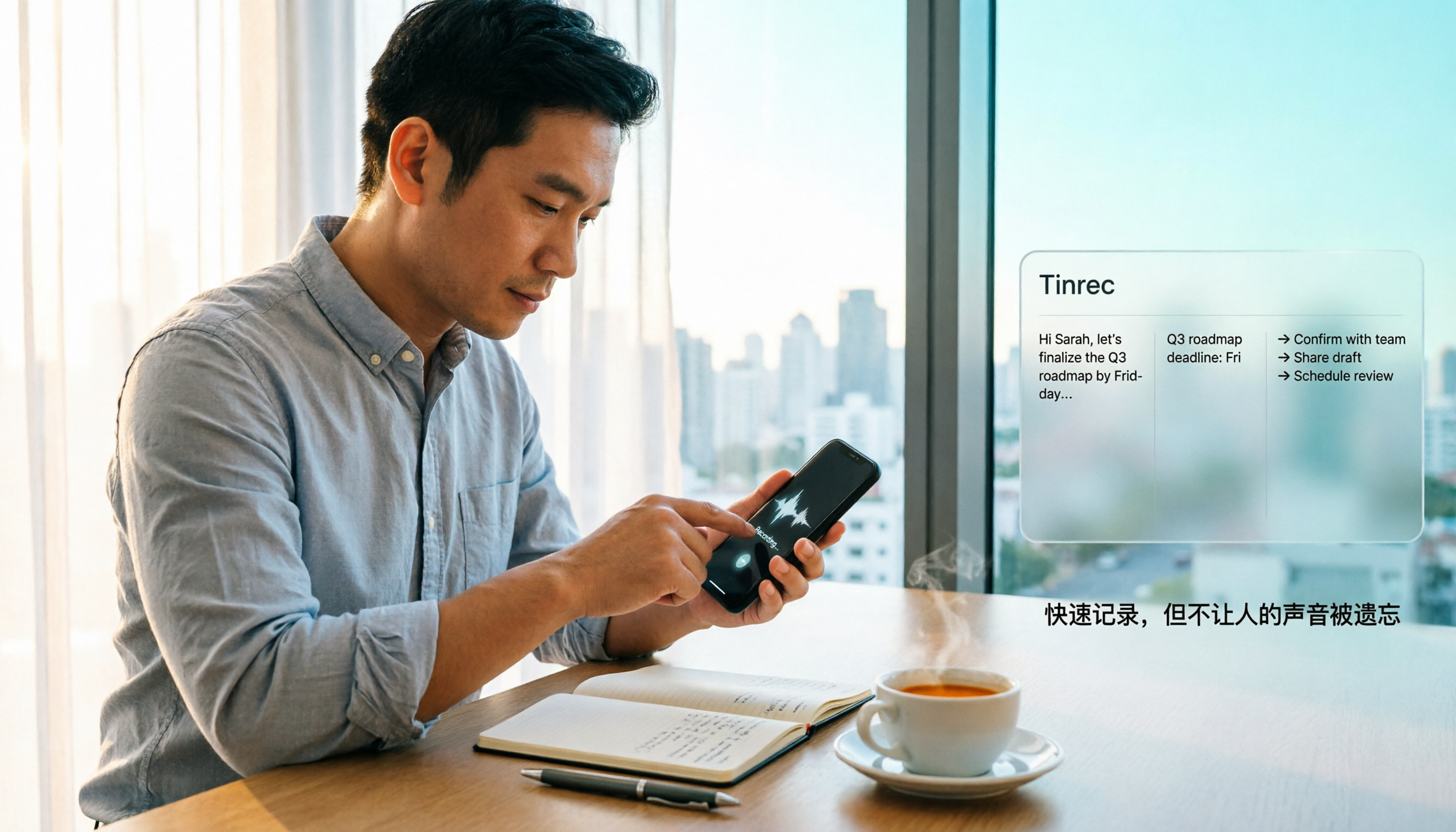
How to Quickly Start Recording on iPhone in 2026: 3 Shortcuts + Auto-Organize After Recording
iPhone has a one-tap recording method, but the settings are buried. This guide covers 3 ways to quickly start recording: Action Button, Back Tap, and Shortcuts on Home Screen. It also explains how to use Tinrec to turn recordings into transcripts, summaries, and to-dos, so quick recording actually saves time instead of piling up unheard audio files.

2026 Mac Audio-to-Text Showdown: Beyond Built-in Voice Memos, Why Tinrec Saves More Time
Apple's built-in Voice Memos can record, store, and edit audio, but after recording, you still have to create transcripts, summaries, and to-do lists yourself. This article compares Mac's built-in recording with Tinrec, explaining how bot-free online meeting recording, AI summaries, action item extraction, AI Q&A, and team spaces fill the post-recording workflow gap.
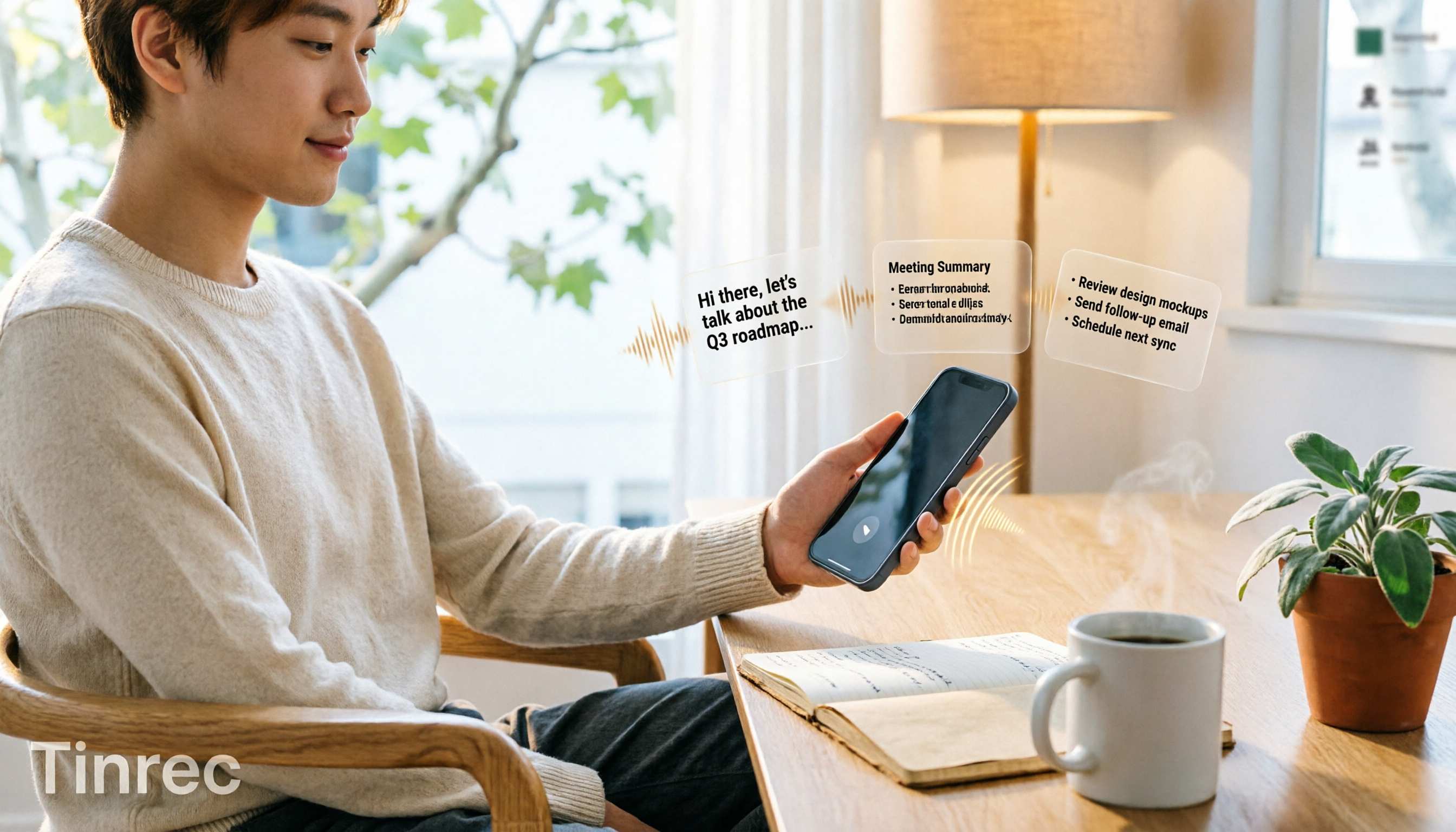
3 iPhone Quick Recording Methods Tested: Which One Auto-Organizes Transcripts After One-Tap Start?
Want to record quickly on iPhone? There are three one-tap start methods: Action Button, Back Tap, and Shortcuts. This article tests the setup steps, compatible models, and limitations of each, then compares what happens after you hit record—showing how Tinrec turns a phone recording into a searchable transcript, summary, and to-do list.

Complete Guide to iPhone Recording in 2026: Voice Memos Location, Export, and Meeting Organization
Where are iPhone recordings stored? The answer is the Voice Memos app, but many people can't find them in Files after recording. This complete guide first explains the three locations of iPhone recordings, how to export to the Files app, and quick launch settings, then discusses how to choose organization tools to turn meeting recordings into searchable, queryable, and deliverable data.