
Turn recordings into transcripts and summaries in minutes
Upload audio or video for multilingual transcription, AI notes, and action items
According to a Harvard Business Review analysis, executives spend an average of 23 hours per week in meetings, yet most people's attention spans max out at 10 to 18 minutes. This means that most key information, decisions, and action items slip away in a moment of distraction.
Still manually typing or re-listening to recordings? This article reviews the top AI meeting note tools on the market, evaluating them across three dimensions: "Chinese speech recognition accuracy," "automatic action item extraction," and "cross-platform integration," to help you find the right digital assistant.
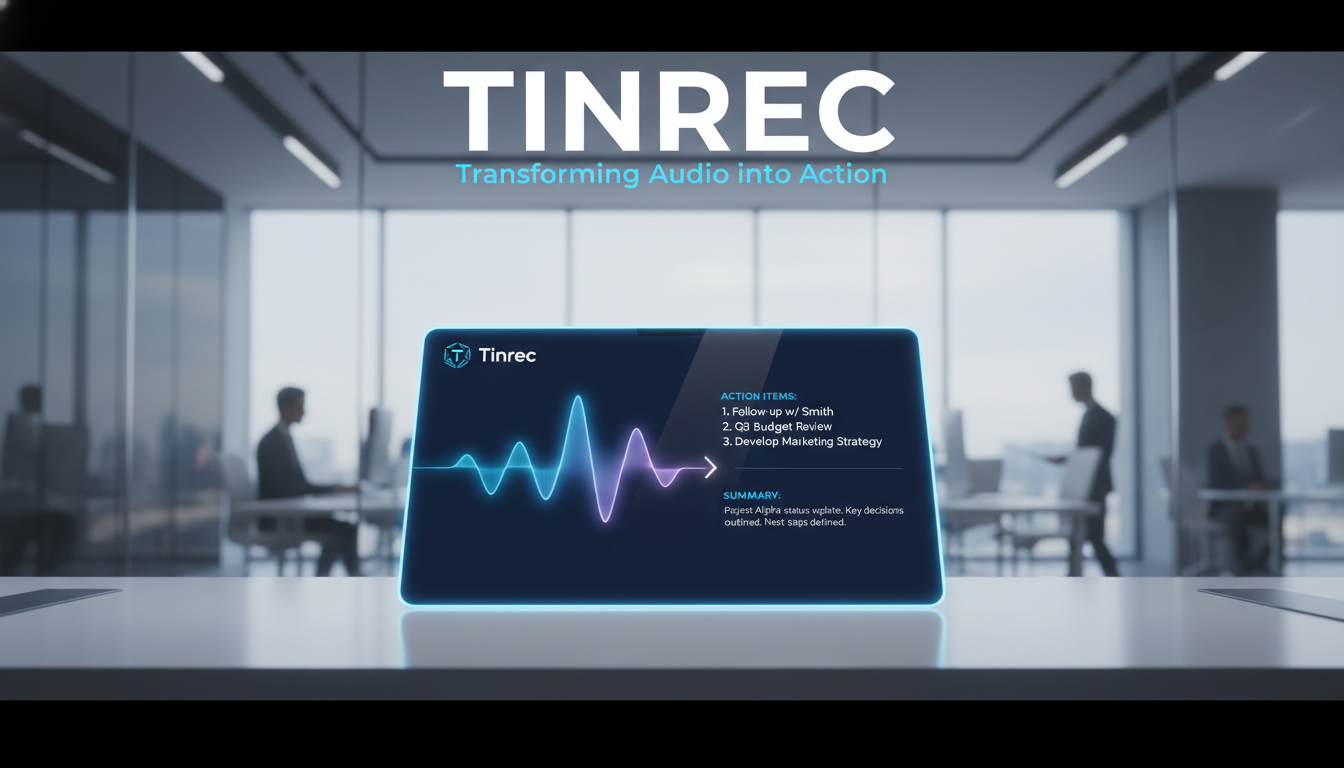
Quick Navigation Conclusions:
- If you're an all-English global team: Go with Otter.ai or Fireflies.ai for the most complete ecosystem integration.
- If you need high-accuracy Chinese/multilingual recognition and action item management: Consider Tinrec or Notta, which offer better Asian language support and auto-generate to-do lists.
- If you're a visual thinker: Xmind AI can turn meetings into mind maps.
Why You Need AI Tools with Action Item Extraction
Simple "audio-to-text" conversion no longer meets modern workplace needs. A two-hour transcript without organization is just useless data. A great AI meeting assistant must have these core features:
- Speaker diarization: Clearly know who said what to avoid accountability issues.
- Action item extraction: The most important feature. AI must identify "tasks" in speech and auto-generate to-do lists.
- Mixed-language recognition: In many workplaces, code-switching (e.g., Chinglish) is common; tools need multilingual processing.
- Seamless integration: Ability to auto-join Teams/Meet/Zoom meetings or import external audio/video files.
Review of 5 Top AI Meeting Note Tools in 2026
1. Otter.ai: The King of English Meetings
Otter is an early market leader focused on real-time transcription and conversation analysis.
- Core strength: Its OtterPilot can auto-join Zoom/Teams/Google Meet meetings and generate live captions and slide capture.
- Best for: All-English meetings, Western multinational companies.
- Limitations: Weak Chinese and accented English recognition; free plan restrictions (300 minutes/month).
2. Notta: High Accuracy for Many Languages
Notta emphasizes high-precision speech recognition, supporting 58 languages.
- Core strength: Up to 98.86% transcription accuracy in ideal conditions, bilingual transcription. Exports to multiple formats (DOCX, PDF).
- Best for: Interviewers needing precise transcripts, multilingual meetings.
- Limitations: Free plan only allows 3-minute recordings per session; accuracy drops in noisy environments.
3. Fireflies.ai: Powerful Automation and Integration
Fireflies' "Fred" bot is known for strong third-party integrations.
- Core strength: Supports 100+ languages, deep CRM (Salesforce, HubSpot) integration to auto-fill meeting notes into customer records.
- Best for: Sales teams, revenue departments, companies needing CRM automation.
- Limitations: Beginner interface is complex; free plan has limited features.
4. Tinrec: A Complete Workflow from Recording to Action
Tinrec positions itself not just as a transcription tool, but emphasizes "information utilization." It optimizes mixed Chinese, Japanese, English, and other languages, and focuses on turning unstructured speech into structured action lists.
- Core strengths:
- Real-time output: Generates transcripts instantly during recording, no waiting.
- Decision support: Besides transcripts, auto-generates meeting minutes and to-do action items, telling you what to do next.
- AI conversation query: A key differentiator. Users can "ask" the recording like ChatGPT (e.g., "What did the PM say about the budget?") without scanning text.
Stop organizing recordings by hand
Upload audio or video and automatically get a transcript, summary, and action items
5. Xmind AI: Visual Meeting Notes
Xmind AI takes a different approach, converting meeting content into mind maps.
- Core strength: Great for brainstorming meetings; auto-structures chaotic ideas into logical diagrams.
- Best for: Creative ideation, product planning meetings.
- Limitations: Not suitable for meetings requiring detailed transcripts and specific execution details.
2026 AI Meeting Tool Comparison Table
| Dimension | Tinrec | Otter.ai | Notta | Fireflies.ai | Xmind AI |
|---|---|---|---|---|---|
| Core Strength | Action Item Extraction + AI Conversation Query | Real-time English Transcription | High Multilingual Accuracy | CRM Sales Integration | Mind Map Visualization |
| Chinese Support | Excellent (supports Chinese/English/Japanese/Korean/Taiwanese, etc.) | Weak | Excellent (58 languages) | Good (100+ languages) | Good |
| Action Item Extraction | Auto-generates to-do list | Yes (AI Summary) | Yes | Yes (AI Super Summary) | No (turns into mind map nodes) |
| Import Capability | Audio, Video, YouTube/Podcast links | Audio, Video | Audio, Video | Audio, Video | File upload |
| AI Query | Supported (Q&A on recording content) | Supported (Otter Chat) | Supported | Supported (AskFred) | Not supported |
| Free Tier | 100 minutes/month | 300 minutes/month (restricted) | 120 minutes/month | Limited usage | Limited mind maps |
Hands-On Tutorial: How to Auto-Extract Action Items and Key Points
Using Tinrec as an example, here's how to turn a chaotic meeting into an actionable to-do list:
Step 1: Start Recording or Import Material
- In-person meetings: Open the app or web version, tap "Record & Transcribe." Tinrec syncs across iOS/Android; record on phone, view on computer.
- Online meetings/videos: For Teams/Meet recordings or YouTube tutorials, use the "audio file to text" or "video link parsing" feature to import.
Step 2: Real-Time Transcription and Speaker Diarization
- During recording, AI transcribes speech in real time. If multiple speakers, the system attempts speaker diarization for clear context.
Step 3: One-Click AI Summary and Action Items
- After recording, no need to read the full transcript. Click "AI Summary."
- The system generates three sections:
- Full summary: One-line meeting key point.
- Chapter highlights: Segmented by topic.
- To-dos (Action Items): Most critical—AI extracts phrases like "deliver by next Wednesday" or "Alice contacts the vendor" and formats them as a list.


Step 4: Use AI Conversation Query to Find Missing Details
- If you forget a detail, don't re-listen. Use AI Conversation Query: type "What did the CFO say about the Q4 budget?" AI answers based on the recording, saving time.

Frequently Asked Questions (FAQ)
Q1: Can these tools record iPhone calls? Most tools (like Tinrec, Otter, Notta) have iOS apps. However, due to Apple's privacy policy, they cannot directly record iPhone call audio. You typically need to use speakerphone or the app's recording function to capture environmental or computer audio.
Q2: How accurate is the audio-to-text conversion? In quiet rooms with clear speech, Tinrec and Notta can achieve 90-95%+ Chinese accuracy. In noisy environments, overlapping speech, or heavy code-switching, accuracy drops—this is where AI summary is crucial as it can correct semantics through context.
Q3: Is the free plan sufficient? For personal users or students, free limits (e.g., Tinrec 100 min/month, Otter 300 min/month) often cover weekly key meetings. Heavy users (journalists, project managers) may need a paid subscription for unlimited recording or longer imports.
Q4: Can it process YouTube or Podcast content? Not all tools support this. Tinrec allows pasting YouTube/Podcast links for parsing and summarization, great for learners (e.g., taking course notes). Otter and Fireflies focus mainly on live meeting integration.
Q5: Is my meeting data safe on the cloud? Enterprise-grade tools typically use encryption in transit and at rest. Check privacy policies. Fireflies and Circleback emphasize SOC 2 compliance. Tinrec also provides data isolation to ensure only you access your content.
Q6: How do I quickly find key points in a long transcript? Don't rely on reading. Use "AI Summary" and "Keyword Search." New tools like Tinrec's "AI Chat" let you find points via Q&A, currently the most efficient solution.
Turn every recording into actionable outcomes
Get 60 free transcription minutes when you sign in. No credit card required.
Related Reading
You might also like

2026 Comparison of 4 AI Meeting Note-Takers for Chinese: Which Saves the Most Time on Chinese Transcription and Post-Meeting Organization?
How to choose an AI meeting note-taker for Chinese? This article compares Tinrec, Notta, Otter.ai, and Granola on Chinese recognition performance, recording methods, and post-meeting organization capabilities. It covers free tiers, team collaboration, and common pitfalls to help you find the most time-saving Chinese meeting note-taking tool.
2026 Comparison of 4 Web Recording Tools: Which One Can Record Both Microphone and System Audio?
The most common reason web recording fails isn't the tool—it's setting the wrong audio source and not organizing the recording afterward. This article first highlights three common pitfalls, then uses Tinrec as an example to explain the core capabilities of web recording, practical use cases, 5 key factors to consider when choosing a tool, and the differences and costs between personal and team plans, ending with an FAQ.
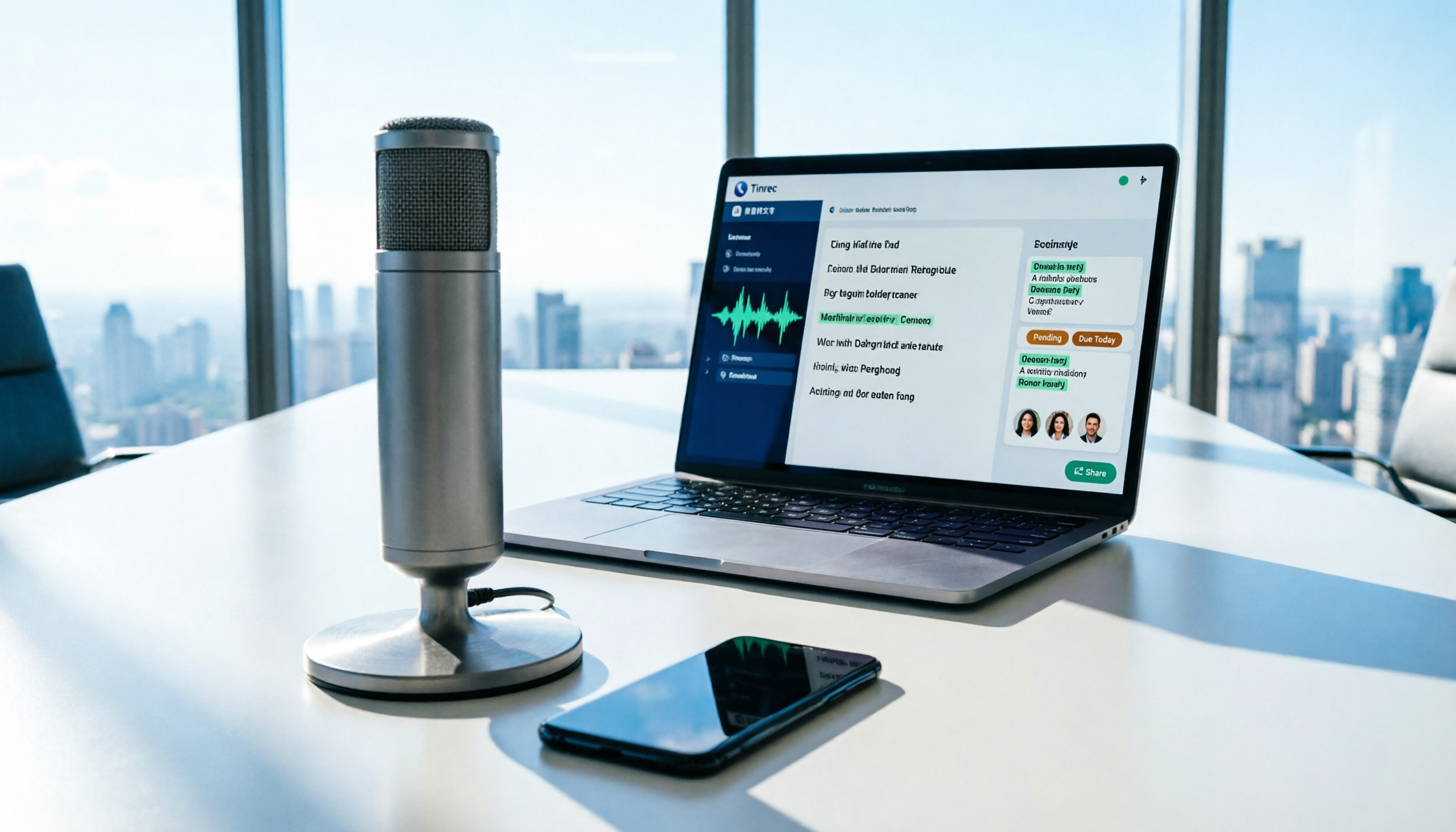
How to Use AI for Meeting Recordings in 2026: A Complete 5-Step Tutorial
Struggling to organize long meeting recordings? This tutorial uses Tinrec as an example to guide you through 5 steps: recording, transcription, proofreading, generating meeting minutes, and exporting/sharing. It also includes troubleshooting FAQs and 3 efficiency-boosting tips to turn your meeting recordings into searchable, collaborative team resources with AI.

2026 AI Meeting Notes Tools Comparison: Tinrec vs Notta — Which Is Better for Chinese-Speaking Teams Across 5 Key Areas?
Starting from common misconceptions, this hands-on comparison of Tinrec and Notta examines 5 key areas: Chinese meeting recording, post-meeting organization, team governance, pricing and quotas, and export workflows. It also answers 6 common questions to help you decide which AI meeting notes workflow best fits your work style.

2026 AI Meeting Recorder Showdown: Tinrec vs PLAUD Note — Which Is Better for Chinese Meetings?
Tinrec or PLAUD Note? We tested both across meeting capture, Chinese transcription, post-meeting AI organization, team collaboration, and pricing to help you decide whether software or recording hardware fits your meeting workflow.

4 Best English Transcription Tools in 2026: Free vs Paid Comparison
Looking for an English transcription tool? This article compares 4 popular options: Tinrec, Otter.ai, Notta, and TurboScribe. From free tiers to mixed Chinese-English recognition, post-meeting organization to team collaboration, we break it down to help you find the best English transcription solution.

Tinrec vs Notta 2026: 5-Dimension Comparison for Chinese Meeting Notes
How to choose a meeting transcription tool? This article compares Tinrec and Notta across five dimensions: meeting capture methods, Chinese and mixed-language transcription, post-meeting AI organization and Q&A, team data ownership, and pricing. It also provides practical selection criteria and four common pitfalls to help you find the right AI meeting notes tool for your team.

2026 Free Transcription App Plans Compared: 4 Top Picks
Compare free plans for Tinrec, Otter.ai, Notta, and Yating in 2026. See free minutes, language support, and post-meeting features to choose the right audio-to-text tool and save time on transcript cleanup.
5 Best Meeting Recording Tools in 2026: From Transcripts to Meeting Minutes
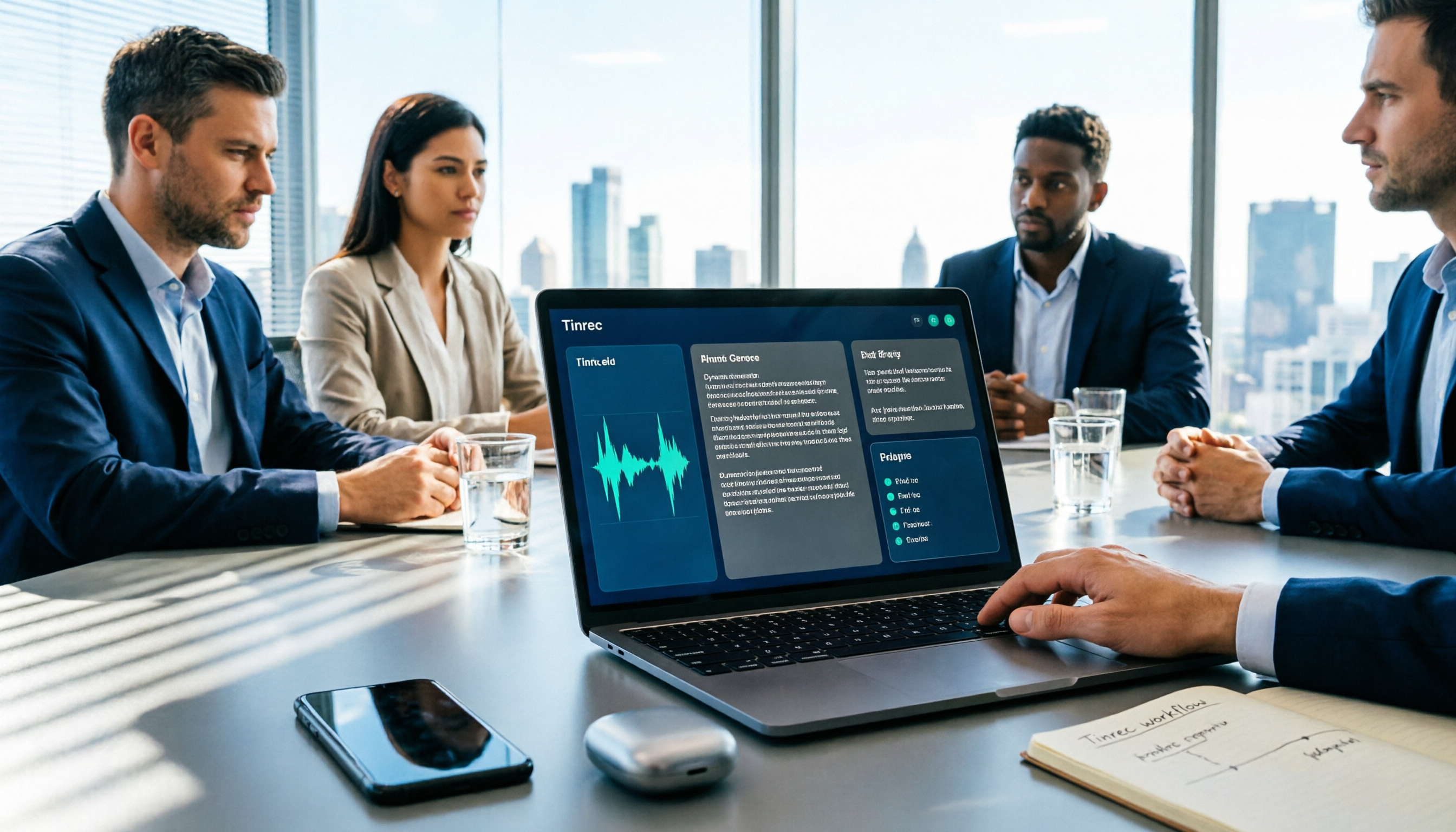
Recording a meeting isn't just about placing your phone on the table—the real pain points are the transcript, summary, and action items that follow. This article breaks down the 6 key factors for choosing a meeting recording tool, from recording legality and online meeting capture methods to team permissions and pricing, and demonstrates the complete workflow from recording to action items using Tinrec.