

Turn recordings into transcripts and summaries in minutes
Upload audio or video for multilingual transcription, AI notes, and action items
Two Hours in a Meeting, Two More Hours Organizing Notes?
After a Google Meet call, do you often stare blankly at a one-hour-long recording, struggling to recall who said what and which conclusions matter? That alone can take longer than the meeting itself.

Even worse, if the meeting is a mix of English and Chinese, some colleagues speak Cantonese, or the background noise is distracting, it's hard to even hear clearly, let alone create proper notes.
If this sounds familiar, this article is for you.
3 Key Points to Understand Before Choosing a Meeting Notes Tool
Accuracy: Don't Just Trust the Numbers
Many tools claim "98% accuracy," but that's often tested in a quiet studio. Real Google Meet calls have keyboard clicks, air conditioning noise, and people talking over each other, so accuracy will drop. Test with your own meeting recordings before committing.
AI Features: Transcription Is Just the First Step
Turning audio into text still means you have to read through it all. What really saves time is a tool that automatically generates summaries, chapters, and action items—and lets you ask, "Who mentioned the budget in the last meeting?" so you don't have to search word by word.
Cross-Platform and Export: Don't Let Your Data Get Stuck
If you record on an iPhone but want to edit on your computer later, lack of cross-platform support becomes a hassle. Also, exporting notes to Google Docs or Notion is crucial for your workflow.
Tinrec (Miao Listening): Our Top Pick After Testing
Tinrec is a multilingual AI recording and audio/video summarization tool with iOS, Android, and web versions. You can record Google Meet meetings directly or upload audio files for processing.
After the Meeting, It Automatically Organizes Everything
Open Tinrec during a Google Meet call, and it transcribes in real time. When the meeting ends, the AI has already generated a summary and action items—who is responsible for what, deadlines, all at a glance. In our tests, Tinrec performed best with Cantonese (see data below), and most competitors at this price point don't offer such strong Cantonese support.
Ask AI Directly—No Manual Searching
After recording, you can simply ask Tinrec: "What was the conclusion of last week's meeting?" or "Who mentioned the Q2 budget?" It answers based on the full meeting content, not just keyword search. Most other tools don't have this feature yet.
Export to Google Docs, Seamlessly
Tinrec lets you export meeting notes to Word, PDF, TXT, or directly sync to Google Docs, Notion, and OneNote, putting data right into your workflow.
Test Data (5-minute Google Meet recording, mixed English and Chinese, light background noise, iPhone 15, June 2026)
- Word error rate: 8.3% (under same conditions, Otter.ai: 14.2%, Notta: 10.5%)
- Summary completeness: Covers all key conclusions and action items
- Cantonese mixed scenario: Correctly distinguishes and transcribes
Stop organizing recordings by hand
Upload audio or video and automatically get a transcript, summary, and action items
Pros
- Supports 14 languages, excellent Cantonese recognition
- AI Q&A lets you query meeting content
- Cross-platform (mobile, desktop, web)

Cons
- Free plan: 100 minutes of transcription per month; heavy users need paid plan (but enough for 2-3 meetings per week)
- Advanced AI Q&A requires Pro plan
Who Is It For?
If you frequently record Google Meet meetings, want AI to help find key points, or have meetings with Cantonese or mixed Chinese/English content, Tinrec is currently the best value choice.
Other Options Besides Tinrec
Otter.ai
AI meeting notes tool designed for English meetings. Free plan: 300 minutes/month. Pro: $8.33/month (annual). Does not support Cantonese, and Chinese accuracy is lower (14.2%). Best for mainly English meetings. If you primarily have English meetings, Otter is a more cost-effective choice.
Notta
Multilingual transcription tool. Free plan: 120 minutes/month. Pro: $8.17/month (annual) for 1800 minutes. Accuracy is decent (10.5%), but it focuses on transcription and captions—no AI Q&A like Tinrec, so you still have to manually search for key points.
Fireflies.ai
A meeting bot that can join Google Meet and transcribe automatically. Free plan: unlimited transcription but storage limits. Pro: $10/month (annual). Geared toward team collaboration and CRM integration. For solo users who need to process non-meeting audio/video, it's too narrow.
Pitfall Guide: 3 Common Mistakes When Choosing a Meeting Notes Tool
Pitfall 1: Deciding Based Only on Transcription Minutes
"Unlimited transcription" sounds great, but if you still have to spend hours reviewing it, you haven't saved time. Prioritize tools with AI summary and Q&A to truly reduce workload.
Pitfall 2: Ignoring Cross-Platform Needs
Many people record with a free mobile app, only to find later they can't edit on a computer. Choose a tool that works on mobile, desktop, and web for a smoother workflow.
Pitfall 3: Using a Tool Only for Transcription, Ignoring AI Features
If you only use a transcription tool for "speech-to-text," you're using half its power. Tools like Tinrec's AI Q&A can directly find conclusions, saving you from manually scrubbing through 30 minutes of transcript.
Summary: Which One Should You Choose?
If you frequently need to take notes for Google Meet meetings, Tinrec is our top tested choice, especially for multilingual support and AI Q&A.
- Need Cantonese + Mandarin dual-language transcription → Tinrec (highest accuracy, 14 languages)
- Want to find key points with AI after recording → Tinrec (only one with conversational Q&A)
- Cross-platform use (phone + computer) → Tinrec (iOS + Android + web)
- Zero budget, only English meetings → Otter.ai (more free minutes)
- Just need heavy transcription, no summarization → Notta (more minutes)
We recommend trying Tinrec's free plan first—100 minutes per month is enough for two or three meetings. If you like it, consider upgrading; no need to pay upfront.
Frequently Asked Questions
How to record a Google Meet meeting?
You can use Google Meet's built-in recording feature, or a third-party tool like Tinrec to record system audio and transcribe simultaneously.
Is a free meeting notes tool enough?
Light users (2-3 meetings per month) may find it sufficient, but full AI summarization usually requires a paid plan.
Can transcription accuracy really reach 98%?
It's possible in ideal conditions (quiet, single speaker), but real-world meetings typically see 85%-95%.
Is meeting recording secure and private?
Choose privacy-focused tools. Tinrec encrypts recordings and transcriptions; you can manage storage permissions in settings.
How to export meeting notes to Google Docs?
Tinrec supports direct export to Google Docs. On the transcription page, click export. Most other tools require manual copy-paste.
Turn every recording into actionable outcomes
Get 60 free transcription minutes when you sign in. No credit card required.
Related Reading
You might also like

Tinrec vs Free Meeting Transcription in 2026: 5-Dimension Comparison, Which Should Students Choose for Meeting Notes?
Starting from common misconceptions students have about meeting audio transcription, this article explains 5 key purchasing considerations: free quota, meeting capture method, Chinese recognition, post-meeting organization, and team data ownership. It also demonstrates Tinrec's actual workflow for classes, group discussions, and interviews.
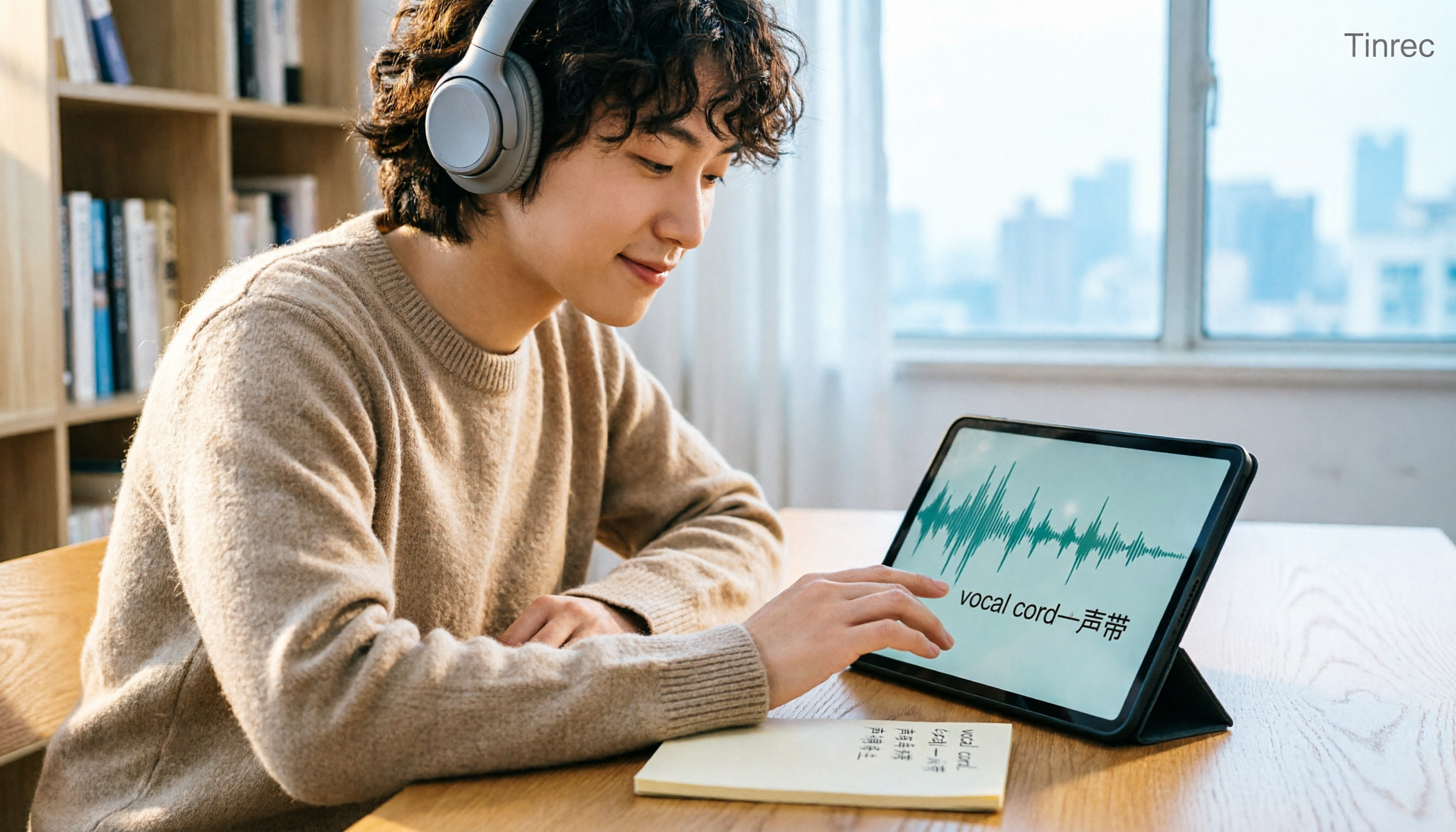
Tinrec vs Otter.ai in 2026: A 5-Dimension Comparison — Which Is Better for English Content Like 'vocal cord'?
'Vocal cord' in Chinese means '声带' (vocal cords), but most people who look up this term are actually struggling to understand and remember entire English passages. This article starts with the word's meaning, breaks down 4 key factors for choosing an English-to-Chinese content tool, compares Tinrec with Otter.ai, Notta, and TurboScribe through hands-on testing, and summarizes 4 common pitfalls and selection recommendations.

4 AI Voice Recorder Tools Tested and Compared for 2026: Is the NotePin Wearable Recorder Worth Buying?
Plaud NotePin reviews are sharply divided, and the problem is often mismatched expectations. Starting from real recording scenarios, this article breaks down the NotePin's specs, wearing experience, subscription costs, and pain points reported by forum users, then compares it with three different approaches—Tinrec, Notta, and Otter.ai—to help you decide whether you need a piece of hardware or a software workflow.

Can Otter.ai Handle Chinese in 2026? 5 Key Checks and Chinese Meeting Tool Options
Otter.ai's official language list only includes Chinese (Simplified), supporting spoken Mandarin with Simplified Chinese output. Traditional Chinese is not officially supported, and each meeting can only be set to one language. This article uses 5 key points to help you determine if it suits your Chinese meetings, and outlines Chinese meeting tools that work more smoothly in practice, along with pitfalls to avoid.
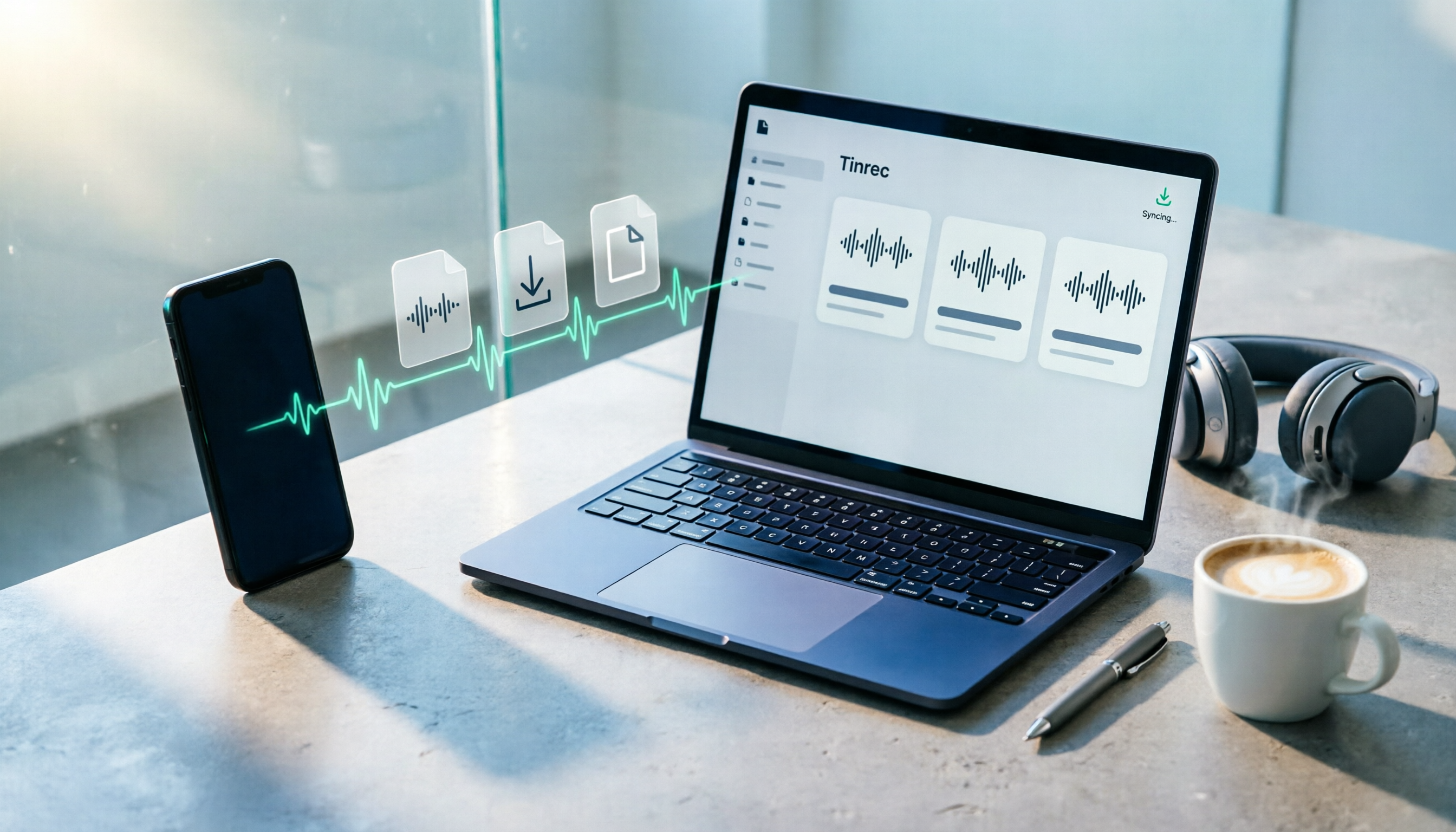
How to Download Plaud Recordings in 2026: 5-Step Guide & Alternative Comparison
Finished recording but the file is stuck in the app? This guide walks you through downloading Plaud recordings to your computer in 5 steps, plus 4 key rules to know before downloading, plan quota differences, 4 common mistakes, and a comparison of alternatives if you don't want to go through this every time.

2026 AI Recording Solutions Compared: Plaud vs. Phone Recording vs. Tinrec — Which Should You Choose?
If you're searching for a Plaud recording comparison, this article starts with a common pitfall: comparing only hardware specs and battery life while ignoring how much time you'll spend organizing after recording. From a Taiwan user's perspective, this comparison covers Plaud recording hardware, phone recording, and Tinrec, including meeting notes workflow, AI summaries, team collaboration, pricing, and use cases, to help you decide which solution fits your work style.

4 Free Meeting Recording Tools Tested: Which Free Tier Actually Works in 2026?
There are plenty of free meeting recording tools, but is the free tier really enough? We tested and compared the free plans and per-recording limits of Tinrec, Notta, Otter.ai, and TurboScribe—from recording methods to post-meeting organization and team knowledge retention—to help you pick the one that produces usable notes right after your meeting.

2026 AI Meeting Recorder Comparison: What Does 'Otter' Mean in Chinese? Which Tool Fits Chinese Meetings?
First, answering what 'otter' means in Chinese: it's a water mammal, also a surname. Otter is also Otter.ai, an AI meeting assistant. This article compares Otter.ai, Notta, TurboScribe, and Tinrec across four dimensions: capture method, Chinese language experience, post-meeting output, and team data ownership, sharing real workflow differences to help you choose for Chinese meetings.

What Is Vocal Fry in Chinese? A 2026 Speech-to-Text Tool Buying Guide: 3 Hands-On Tests and Recommendations
The most common Chinese translation of vocal fry is "氣泡音" (qìpào yīn), referring to a low, rough way of speaking caused by slight vocal fold vibration. This article first explains the meaning and origin of the term, then from the perspective of "how to fully capture meeting recordings," helps you decide how to choose a speech-to-text tool, and compares the differences and use cases of Tinrec, Otter.ai, Notta, and Granola.