

Turn recordings into transcripts and summaries in minutes
Upload audio or video for multilingual transcription, AI notes, and action items
Secrets to Boosting Productivity
Every leader knows that team meetings are key to good collaboration. But don't forget, teams are made up of individuals—sometimes, one-on-one communication can have an even greater impact. When employees feel supported on a personal level, they gain the motivation they need to thrive.
A structured one-on-one meeting agenda brings focus and purpose to each conversation, helping managers and employees cover important topics, track progress, and build stronger working relationships over time.
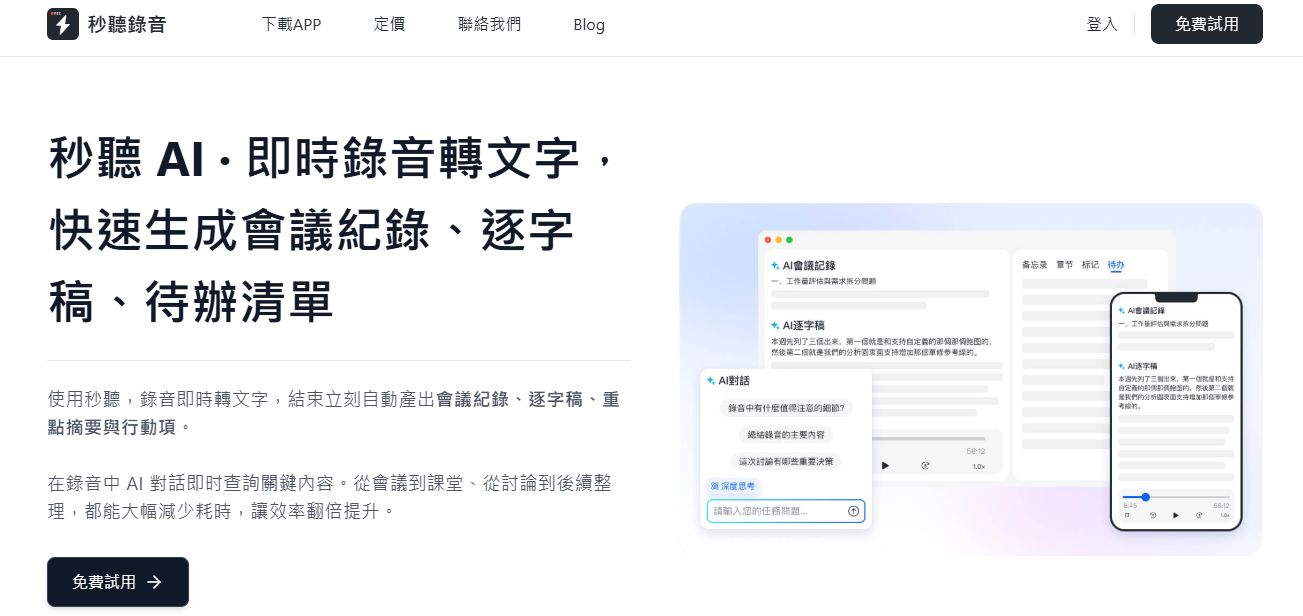
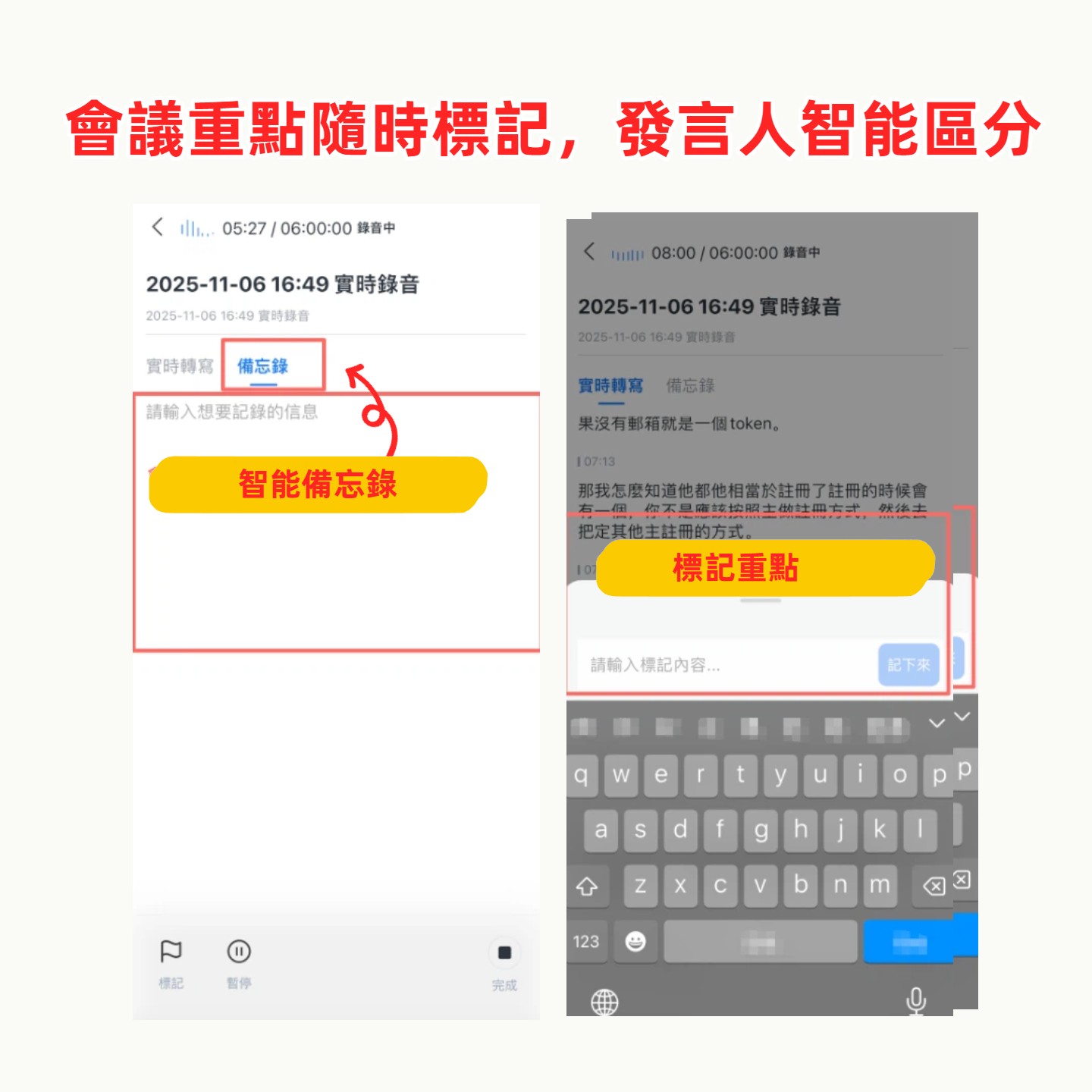
Using the meeting type feature of "Second Listen Recording", you can access pre-built templates (such as one-on-one meetings) that guide the conversation flow, preventing the omission of key discussion items or clear action tasks, making each review more effective and manageable.
This article will explain the benefits of one-on-one meetings, core agenda elements, and provide practical templates and advice.
What Is a One-on-One Meeting?
A one-on-one meeting is a dedicated conversation between a manager and their direct report. Unlike team meetings, one-on-ones focus on the individual, providing space to discuss goals, challenges, feedback, and career development.
Such meetings typically occur weekly, biweekly, or monthly. Each meeting also gives both parties a chance to take notes and build trust through ongoing two-way communication.
Why Should You Schedule One-on-One Meetings?
One-on-one meetings are more than just status checks. They allow managers to gain a deeper understanding of team members' feelings, needs, and progress.
- Support employee development and engagement
- Create space for honest dialogue and constructive feedback
- Align priorities and remove obstacles
- Strengthen team relationships and retention
- Track alignment between individual goals and company goals
When done well, these conversations make employees feel heard and valued, leading to improved performance and quality of working relationships.
How to Conduct a One-on-One Meeting
1. Pre-Meeting Preparation
Use a shared agenda. Whether using a template or listing your own points, planning ahead gives both parties time to think. Content should include work progress, goals, and open-ended topics to ensure nothing is missed.
Set a fixed time and stick to it. Regular rhythm helps build trust and shows the meeting's importance. Choose a comfortable location (such as a private office or video call) and encourage both parties to actively participate.
To maximize efficiency, consider recording and transcribing. Using the meeting type feature of "Second Listen Recording", you can automatically generate agendas, record, and transcribe in real time, keeping the conversation organized and easy to review later.
2. Encourage Open Dialogue
The best one-on-one meetings come from free two-way exchange. Create a safe, low-pressure environment where direct reports can share ideas, ask questions, or express concerns. Avoid dominating the conversation and prepare some guiding questions to facilitate dialogue.
3. Define Action Items and Follow Up
Before each meeting ends, clearly list action items and execution plans. The "Second Listen Recording Assistant" can transcribe in real time during the meeting, fully recording each task to avoid forgetting. You can also use AI summaries to quickly send meeting highlights or create shared documents to track progress.
Stop organizing recordings by hand
Upload audio or video and automatically get a transcript, summary, and action items
One-on-One Meeting Agenda: 8 Key Elements
Use the following elements to build a consistent and growth-promoting meeting structure:
- Care Check-In: Start with a brief greeting to see how the other person is doing (both work and personal), strengthen the relationship, and transition naturally into the topic.
- Status Update: Review recent work and updates. What's going well? What's behind? Give the direct report a chance to share achievements and raise obstacles.
- Two-Way Feedback: Two-way feedback fosters more constructive conversations. Share observations on recent work and invite feedback on your leadership style, growing together.
- Career Development: Discuss long-term career goals. Ask about growth interests, skill development, or leadership aspirations, linking individual goals with team or company opportunities.
- Personal Growth: Employee success isn't limited to daily tasks. Spend a few minutes understanding learning interests or general challenges; you may discover motivations, strengths, or support needs.
- Questions and Concerns: Open up to questions, ideas, or team-related concerns. This segment often surfaces the most valuable conversations because certain issues don't come up in team meetings.
- Action Items: Confirm to-dos for both parties, assign responsibility, set priorities, and record goals. The built-in template in "Second Listen Recording" automatically captures tasks for easy tracking.
- Summary and Close: Summarize what was discussed and confirm next steps. Also agree on the next meeting time (if not already scheduled) and invite final comments.
One-on-One Meeting Agenda Template
Need a reusable structure? Here's a high-level template you can adapt to your team:
One-on-One Meeting Template
Attendees: [Manager Name] + [Direct Report Name]
Frequency: Weekly
Duration: 30–60 minutes
- Care Check-In (5 minutes)
How are you today? Anything on your mind? - Work Progress and Updates (10–15 minutes)
Ongoing projects
Recent achievements or bottlenecks
Challenges encountered - Feedback and Coaching (10 minutes)
Feedback on recent work
Manager advice and guidance
Direct report self-reflection - Career and Personal Development (10 minutes)
Growth opportunities
Learning goals
New responsibilities - Open Discussion (5 minutes)
Questions, ideas, or team-related concerns - Action Items and Next Steps (5 minutes)
What does each person need to follow up on?
Confirm goals and timeline
3 Tips to Improve One-on-One Meeting Effectiveness
- Leverage the Second Listen Recording Assistant
Let the "Second Listen Recording Assistant" take notes for you, freeing up your focus. It acts like a third participant, transcribing in real time, capturing action items, and generating shareable summaries immediately after the meeting. You can focus on listening without worrying about missing key points. - Active Listening
Active listening means being fully present and responding intentionally. Minimize distractions, show engagement by asking clarifying questions or summarizing what you've heard. This builds trust and yields deeper insights. - Follow Through on Action Items
Keeping commitments builds trust and promotes growth. Regularly review action items and progress from previous meetings, use "Second Listen Recording" summaries to revisit decisions, ensure accountability without digging through scattered notes.
Upgrade Your One-on-One Meetings with Second Listen Recording
A solid one-on-one meeting agenda can turn routine check-ins into powerful growth opportunities. Let "Second Listen Recording" empower you.
"Second Listen Recording" helps you easily prepare, conduct, and follow up on every one-on-one. Use the "Meeting Type" feature to generate structured agendas, and the "Second Listen Recording Assistant" to transcribe, summarize conversations and meeting notes, automatically extract tasks, and integrate everything—all in one place.
Whether you're managing a growing team or leading your own regular check-ins, "Second Listen Recording" provides the tools to help you run more efficient meetings and support your direct reports every step of the way. Try it for free today.
Turn every recording into actionable outcomes
Get 60 free transcription minutes when you sign in. No credit card required.
Related Reading
You might also like
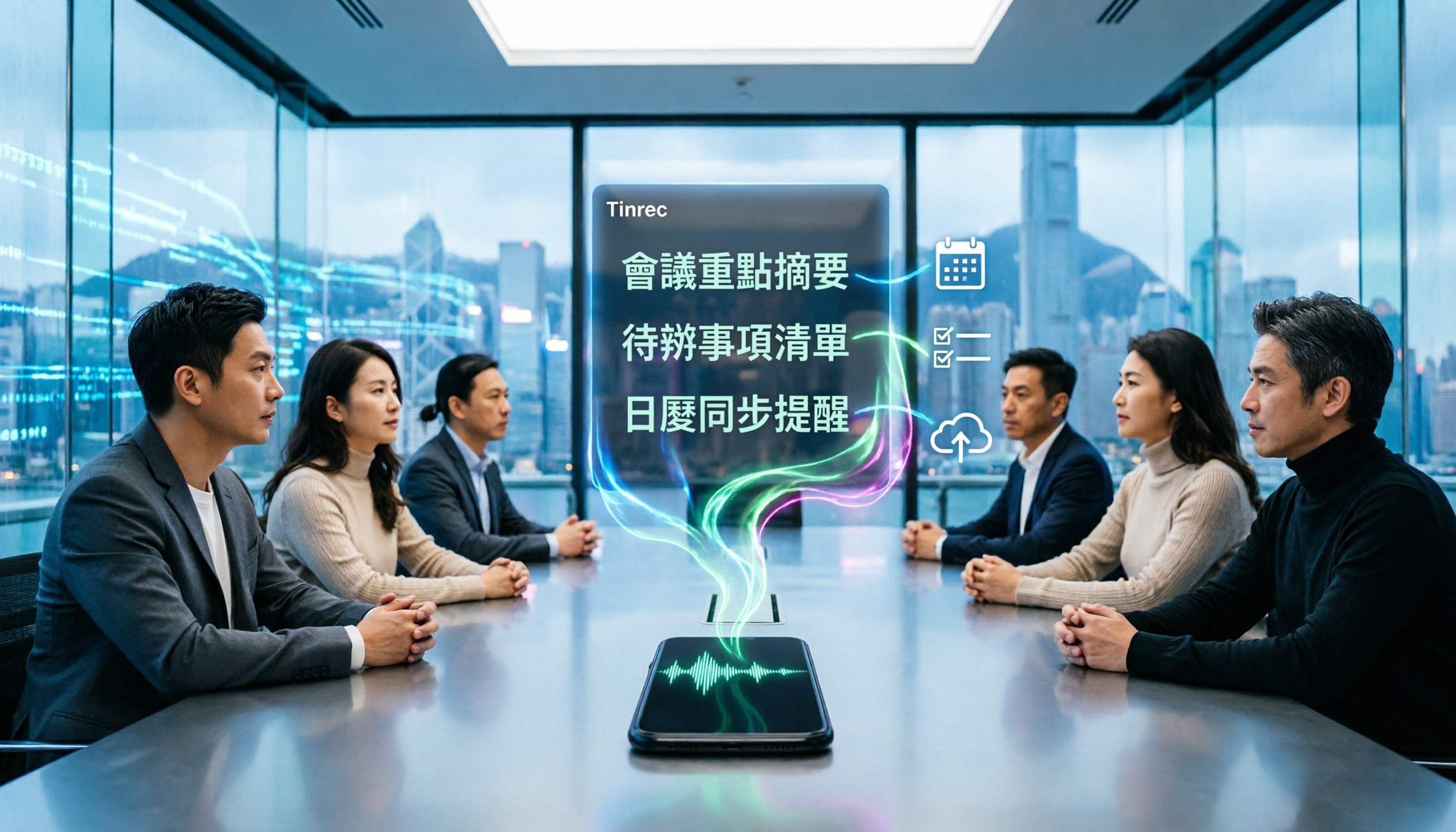
4 Best iPhone Cantonese Transcription Tools in 2026: Is Apple's Built-in Transcript Enough?
Apple's Voice Memos on iOS 18.4 and later can transcribe Cantonese recordings, but a raw transcript isn't the same as meeting-ready notes. This comparison breaks down four iPhone-compatible options—Tinrec, Apple Voice Memos, Notta, and PLAUD Note—covering Cantonese recognition accuracy, post-meeting organization, cross-platform export, and free-tier limits. We also flag the four most common mistakes buyers make, so you can tell when the built-in tool is enough and when you need something more.
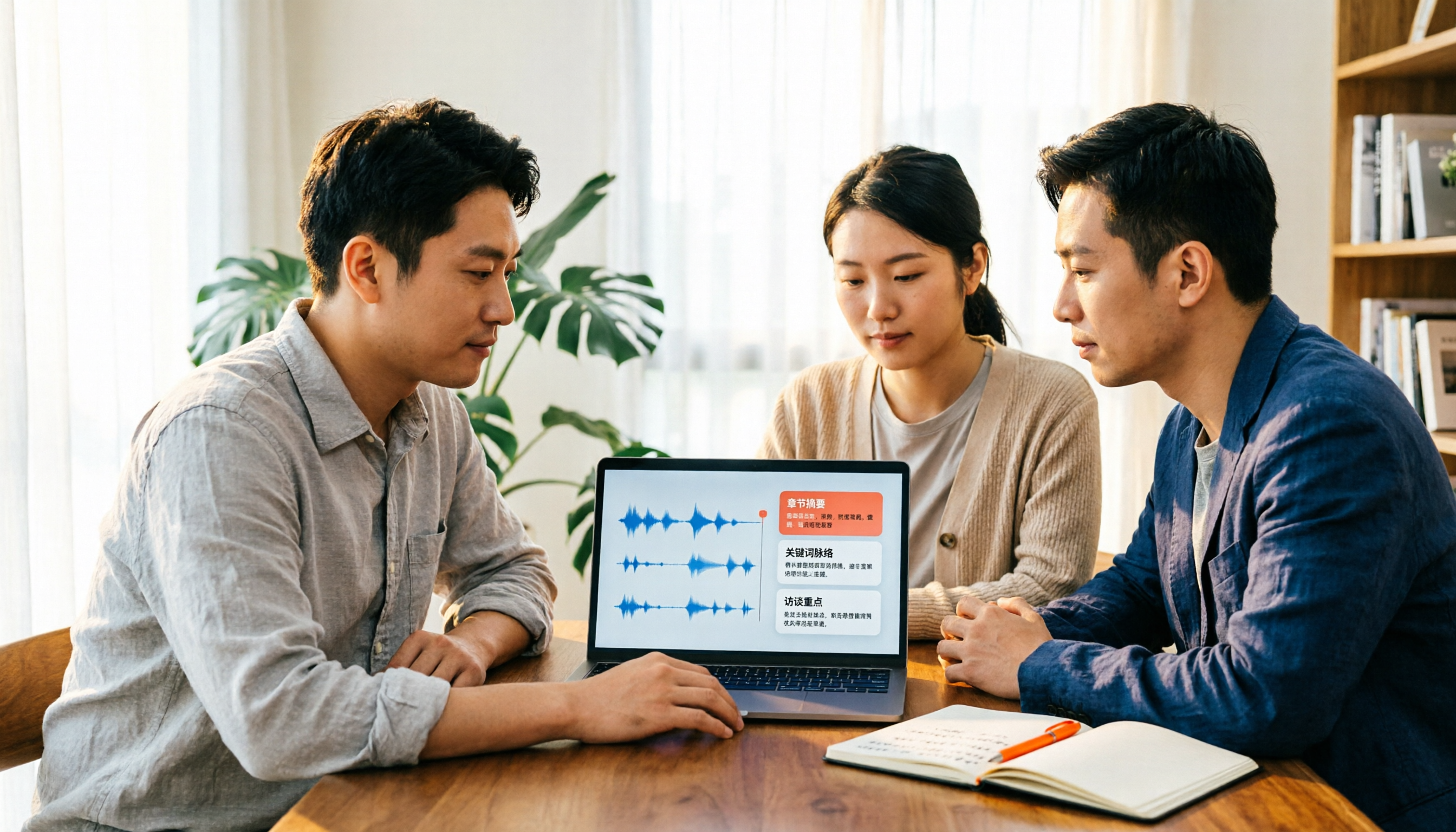
2026 Video Summarizer Comparison: Is Tinrec Better for Chinese Long Videos Than Monica and NoteGPT?
Before choosing a video summarizer, clarify whether you're summarizing public videos or your own meeting and interview recordings. This article compares Tinrec, Monica, NoteGPT, and others across five dimensions: source material, output depth, Chinese language performance, audio retention, and team governance. It also covers Tinrec's core features, practical use cases, team pricing, and FAQs to help you decide if the free version is enough.

Tinrec vs Notta 2026: 5-Dimension Comparison of AI Meeting Summary Generators — Which Is Better for Chinese-Language Scenarios?
Compare Tinrec and Notta across five dimensions, and see how Otter.ai and Granola differ. This article explains how to choose a meeting summary generator—meeting capture method, Chinese recognition experience, post-meeting output, team collaboration governance, and pricing—to help you decide which tool truly saves time on post-meeting organization.

2026 Comparison of 4 Meeting Speaker Organization Tools: Can Transcripts Be Traced Back to Speakers and Topics?
After a meeting, you have dozens of pages of transcripts but can't trace who said what or which topic was finalized? Starting from the real pain points of 'meeting speaker organization,' this article outlines 4 key points for choosing a tool and compares Tinrec, Otter.ai, Notta, and Granola in terms of transcript review and positioning, post-meeting output, and team collaboration. It also includes a pitfalls guide and selection advice.
Tinrec vs Otter.ai: Which AI Meeting Recorder Is Better for Chinese Meetings in 2026?
After a meeting, you're left with a recording and messy notes. This article compares Tinrec and Otter.ai across five dimensions—Chinese and mixed-language transcription, bot-free meeting recording, post-meeting summaries and action items, team roles and seat management, and free tiers and pricing—to help you decide which tool fits your workflow.

2026 Audio Summarizer Guide: Auto Summaries + AI Q&A to Find Key Points
How do you choose an audio summarizer? This guide covers common pitfalls and key factors like summary quality, AI Q&A, and cross-platform export. We recommend Tinrec, which supports bot-free online meeting recording, automatic summaries, action item extraction, and team spaces. Also includes alternatives like Granola and PLAUD, plus tips to avoid mistakes.

5 Best AI Transcription Tools in 2026: Which One Saves the Most Time?
We tested 5 recording-to-transcript tools, comparing Chinese recognition, post-meeting organization, AI Q&A, and team collaboration. See how Tinrec stacks up against Otter.ai, Notta, and TurboScribe, plus key buying tips and pitfalls to avoid.

Tinrec vs Otter.ai: Which AI Meeting Summary Tool Is Better for Chinese-Speaking Teams in 2026?
Many people think a transcript means the meeting notes are done, but the real time sink is post-meeting organization. This hands-on comparison of Tinrec and Otter.ai—two tools that automatically generate meeting summaries from recordings—evaluates them across six dimensions: Chinese-language meeting experience, recording method, post-meeting outputs, audio retention, team governance, and pricing/quotas, helping Chinese-speaking teams decide which tool better fits their workflow.

4 Best Meeting Transcription Tools in 2026: Free Tiers, Chinese Accuracy, and Post-Meeting Efficiency Compared
Tired of spending hours writing meeting minutes? This article compares Tinrec, Notta, Granola, and PLAUD Note across four key areas: how they record online meetings, Chinese and mixed-language transcription accuracy, post-transcription summarization and AI Q&A, and team data ownership. It also includes a pitfalls guide and selection advice.