
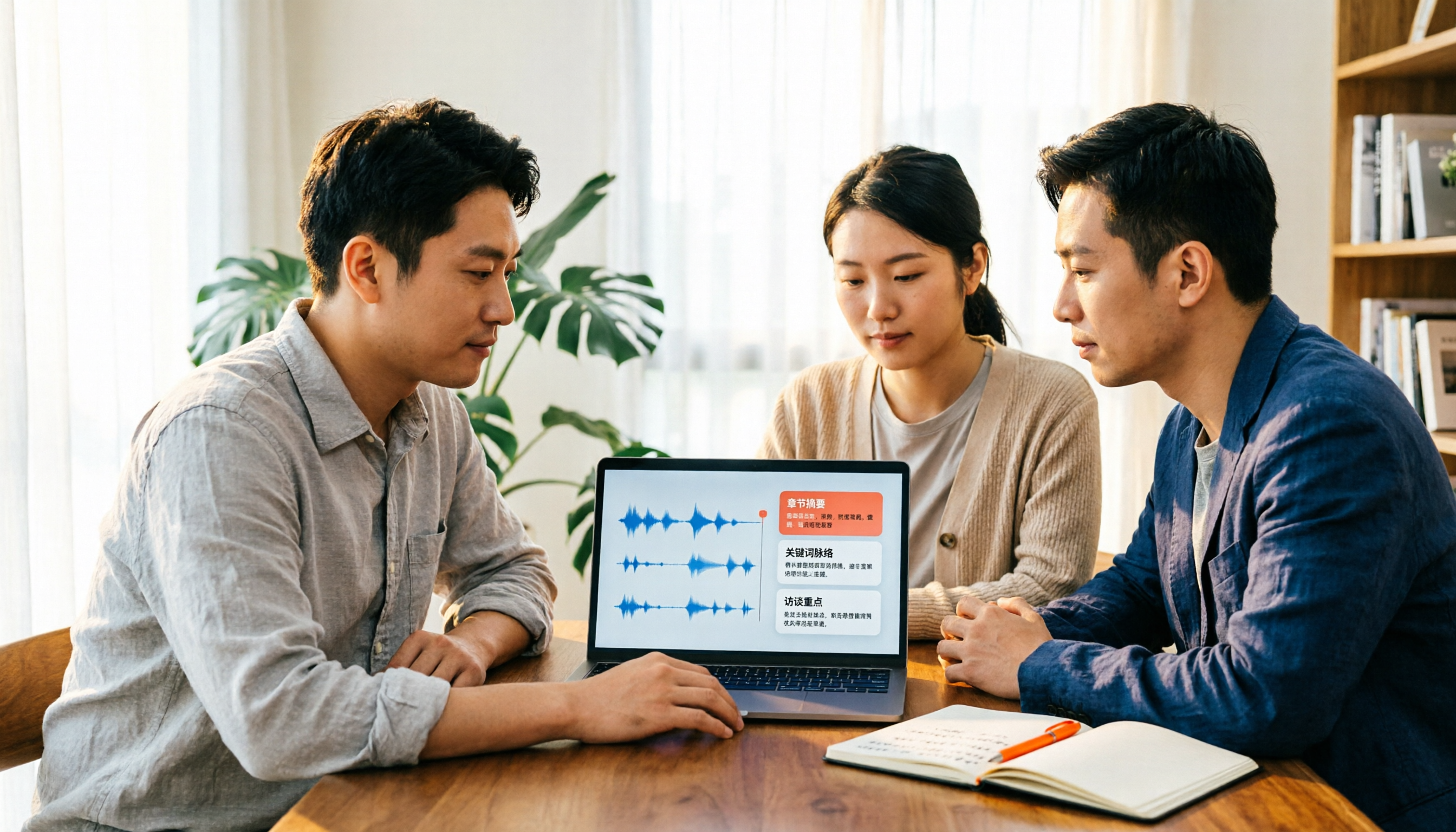
Turn recordings into transcripts and summaries in minutes
Upload audio or video for multilingual transcription, AI notes, and action items
2026 Video Summarizer Comparison: Is Tinrec Better for Chinese Long Videos Than Monica and NoteGPT?
Before choosing a video summarizer, ask yourself: Are you summarizing someone else's YouTube video, or your own two-hour meeting recording?
These two answers will lead to completely different tools.
If you just want to quickly watch a public video, tools like Monica and NoteGPT are sufficient. But if you need to process your own meeting recordings or interview files, and want to search, ask follow-up questions, and generate to-dos after summarizing, then your selection criteria are completely different.
This article first clarifies the focus of judgment, then explains in which situations Tinrec is more suitable.
Why are people looking for alternatives to video summarizers like Monica and NoteGPT?
Monica's AI video summarizer mainly targets YouTube videos, using GPT-4o/Claude 3.5 to generate concise summaries and mind maps. Basic summarization is free and works on mobile. NoteGPT also focuses on summarization plus mind maps, condensing long videos into key points. WayinVideo can handle Zoom and Microsoft Teams recordings, producing meeting summaries with speaker labels and timestamps.
These tools do well when it comes to 'watching public videos.'
But after using them for a while, common pain points emerge: limited free quotas that require waiting or paying; output is one-off—once you read the summary, it's over, with no searchable transcript, no to-do list, and hard to share with colleagues; source material is mostly limited to public video links, with limited support for your own meeting or interview files.
If you have similar needs, Tinrec is worth learning about.
How is Tinrec different from Monica and NoteGPT? Core experience compared
Source material: More than just public links
First, think about where your videos come from. Monica and NoteGPT mainly take YouTube links, so they're not ideal for 'your own recorded files.' Tinrec supports uploading audio and video files, and you can use the desktop version to directly record online meeting audio playing on your computer. Some public web links are listed as supplementary capabilities. The broader the source material, the more content you can organize.
Output depth: Summary is just the starting point
Summarizing itself isn't hard; what's hard is what you can do after summarizing. In addition to AI summaries, Tinrec produces transcripts, chapters, key points, to-dos, and mind maps, and supports AI Q&A around meeting content. If you want to dig into details after reading the summary, you can ask 'Who is responsible for what?' without re-watching the entire video.
Chinese and multilingual: Chinese meetings are the focus
Many summarizers perform well on English content but start to falter with Chinese meetings or mixed Chinese-English. Tinrec covers Chinese, Traditional Chinese, and multilingual meeting scenarios, supports real-time translation and original, translated, and bilingual views. The team version can also maintain hot words to improve recognition of professional terminology. Note that actual performance is affected by recording quality, accent, noise, and overlapping speakers. Tinrec does not promise a fixed accuracy rate.
Meeting live: Transcribe while recording, no meeting bot needed
If your video is actually an online meeting, Tinrec's desktop version directly captures system audio without inviting an extra bot into the meeting room. It works with Zoom, Google Meet, Microsoft Teams, and Webex. Transcription starts generating while recording, so you don't need to listen again after the meeting.
From individual to team: Data stays
Summarization tools are usually personal. Tinrec's team version provides an independent team space where meeting data belongs to the team. You can manage member roles and seats, view usage trends, export audit logs, and transfer data when members leave or lose seats. For departments that need to accumulate meeting content long-term, this difference is significant.
Tinrec's core features at a glance
Audio/video file transcription: Upload existing meeting recordings, lecture videos, or interview audio files and quickly organize them into searchable transcripts. Great for catching up on past material.
AI summary and chapters: Long videos are automatically divided into structured sections. You can review chapters first before deciding whether to watch in detail, greatly improving review efficiency.
To-do extraction: Organize action items from discussions. After project meetings and client meetings, you can use them directly.
AI Q&A: This is the part I use most. Instead of re-watching a one-hour video, just ask 'What's the conclusion?' or 'What are the objections?' and it will answer based on the content.
Multi-format export and Agent post-processing: You can take results to Notion, Google Docs, OneNote, or Dropbox for further editing, and also generate reports, tables, and meeting minutes.
Stop organizing recordings by hand
Upload audio or video and automatically get a transcript, summary, and action items
Practical use cases
Meeting recording and post-meeting follow-up: Use the desktop version to record online meetings and get transcripts, summaries, and to-dos right after. Compared to just keeping a video file, it's much easier for the team to find 'who promised what' the next week.
Course and lecture videos: Upload purchased courses or lecture videos, first read the summary to grasp key points, then use the transcript to search for specific sections when reviewing.
Interview and research organization: Qualitative interviews often last an hour or more. Tinrec can first convert content to text, then use AI Q&A to cross-compare different interviewees' statements, making it easier to find citation material.
Personal knowledge accumulation: For those who habitually save thoughts, courses, and meetings, the biggest problem isn't recording but finding. Transcripts plus AI Q&A turn past content into a queryable database.
Points to consider when choosing a video summarizer
Is the material public videos or your own files: If 90% of your content is on YouTube, a lightweight tool is enough. But as soon as your own meeting, interview, or course recordings appear, check the supported input formats and file types.
Is the output a one-time summary or workable data: Whether you can search transcripts, ask questions, and have to-dos determines how much time you'll spend re-listening. Tinrec is more complete in this area.
Chinese and multilingual performance: Chinese meetings often mix Chinese and English with industry terminology. When choosing a tool, test with a segment of your own recording—it's more accurate than reading spec sheets.
Does it retain original audio: Some tools only keep text, not audio. Tinrec retains audio, and the team version has an audio recycle bin. Accidentally deleted files can be restored before permanent cleanup, with a current retention period of 30 days.
Team sharing and governance: When multiple people use it, distinguish between 'roles' and 'seats.' Roles determine who can manage the team, members, audit, and team settings; seats determine whether members can record, upload, edit, import, and export. Tinrec's team version manages these separately and provides usage analytics and audit logs so administrators can see who is using it and how much.
Quota and billing: Tinrec's team version is currently USD 29.80 per paid seat per month, or USD 199 per paid seat per year (about USD 16.58 per month). Each paid seat provides 2,000 minutes of team shared import quota per month. Eligible teams get a 7-day first trial with 1 free seat and 300 minutes of team shared import quota. Under an active team plan and active seats, real-time recording currently does not deduct minutes; file and web imports use the team shared quota. Actual prices, currencies, and promotions are subject to the official purchase page.
Conclusion: Is Tinrec worth a try?
If you want a lightweight summary to 'watch this YouTube video for me,' tools like Monica and NoteGPT are still convenient. But when the material becomes your own meeting recordings, interviews, and courses, and you need to search, ask follow-up questions, generate to-dos, and share with your team after summarizing, Tinrec's completeness is clearly different.
It extends 'summarization' to transcripts, to-dos, AI Q&A, and a team database. For those who have meetings to organize every week, it saves not only video-watching time but also time spent searching for materials afterward.
We recommend starting with the free version and testing it with one of your most troublesome long videos—it's more direct than any review.
Also note: Please comply with local regulations regarding recording and transcription, and obtain consent from participants when necessary.
FAQ
Can Tinrec summarize YouTube videos? Tinrec has web link import capability and can process some public video content, but it is not primarily positioned as a YouTube summarizer. If you're dealing with meeting recordings or your own audio/video files, direct upload or recording will be more reliable.
Is Tinrec's free version enough? The free version provides basic quota, suitable for experiencing the recording, import, transcription, and summarization workflow. For occasional recording organization, the free version is enough to try. For short-term concentrated meetings or interviews, consider a weekly card. For steady weekly needs, the Pro monthly card is more suitable. For long-term data accumulation, the annual card has a lower monthly equivalent. Actual prices are subject to the official website.
Does Tinrec support Chinese? Will mixed Chinese-English get messy? Tinrec covers Chinese, Traditional Chinese, and multilingual meeting scenarios, supports real-time translation and bilingual views. The team version can also set hot words to improve professional terminology recognition. Actual performance is still affected by accent, noise, and simultaneous speakers. For important content, we recommend cross-checking with transcript timestamps and recordings.
Is Tinrec's summary accurate? We don't recommend understanding accuracy with fixed numbers. In common scenarios with clear recording and non-overlapping speech, Tinrec provides high-quality transcription and summaries. However, AI may still miss or misinterpret details. For important information, we recommend reviewing the original text.
What's the difference between the team version and the personal version? Personal version data is managed by the individual account. The team version is an independent team space where data belongs to the team, with additional member and seat management, sharing benefits, usage analytics, audit logs, audio recycle bin, and team hot words. Note that the team currently focuses on team-level sharing. Members without seats can still view, play, and read data but cannot upload, edit, import, or export.
Can Tinrec handle very long videos? Whether it can handle them depends on plan quota and file conditions. Under an active team plan, real-time recording currently does not deduct minutes; file and web imports use the shared import quota. Actual specifications are subject to the official website and purchase page.
References
Turn every recording into actionable outcomes
Get 60 free transcription minutes when you sign in. No credit card required.
Related Reading
You might also like

2026 AI Meeting Recorder Comparison: 4 Tools Tested for Chinese Meetings
Two-hour meetings followed by two hours of note organization is a daily reality for most office workers. This hands-on test of 4 AI recording and note-taking tools covers bot-free recording, Chinese transcription, AI Q&A, team knowledge retention, pricing, and limitations to help you decide which one is worth keeping.

5 Speaker Summary Tools Tested for 2026: Why Tinrec Is Less Work for Chinese Meetings
Starting from the question 'What exactly do you need a tool to do for you?', this hands-on comparison of common speaker summary tools explains how Tinrec performs in Chinese meeting transcription, bot-free online meeting recording, AI summaries and action items, AI chat queries, multi-format export, and team spaces. It also covers five key points to consider when choosing a tool and answers common questions.

2026 AI Meeting Notes: Automatic Speaker Identification + AI Q&A Summaries
Why do you still have to manually organize meeting transcripts even when speakers are automatically labeled? This article starts with common misconceptions about automatic speaker identification, breaks down 4 key dimensions for choosing a meeting notes tool, tests Tinrec's bot-free online meeting recording, AI summaries and Q&A, team spaces, and other features, compares it with Otter.ai, PLAUD Note, and Notta, and includes a pitfalls guide and buying advice.

4 Best AI Meeting Note Takers in 2026: Which One Actually Captures Action Items?
The hardest part of a meeting isn't recording it—it's turning two hours of discussion into an action list with names and deadlines. This article compares Tinrec, Otter.ai, Notta, and Granola across four key criteria: action item accuracy, AI Q&A, post-meeting workflow, and team data ownership. We explain who each tool is best for and highlight key buying considerations to help you choose the right tool and stop wasting time on manual transcripts.

Tinrec vs Otter.ai 2026: Cantonese Meeting Transcription with Real-Time Chinese-English Translation
Meetings held in Cantonese but delivered in English are a common pain point for many teams. This article compares Tinrec and Otter.ai across 5 dimensions—Cantonese and mixed Chinese-English recognition, bot-free meeting recording, real-time translation and bilingual review, post-meeting AI Q&A, and team data governance—to help you decide which tool better fits your meeting scenario.
4 Best iPhone Cantonese Transcription Tools in 2026: Is Apple's Built-in Transcript Enough?
Apple's Voice Memos on iOS 18.4 and later can transcribe Cantonese recordings, but a raw transcript isn't the same as meeting-ready notes. This comparison breaks down four iPhone-compatible options—Tinrec, Apple Voice Memos, Notta, and PLAUD Note—covering Cantonese recognition accuracy, post-meeting organization, cross-platform export, and free-tier limits. We also flag the four most common mistakes buyers make, so you can tell when the built-in tool is enough and when you need something more.

Tinrec vs Notta 2026: 5-Dimension Comparison of AI Meeting Summary Generators — Which Is Better for Chinese-Language Scenarios?
Compare Tinrec and Notta across five dimensions, and see how Otter.ai and Granola differ. This article explains how to choose a meeting summary generator—meeting capture method, Chinese recognition experience, post-meeting output, team collaboration governance, and pricing—to help you decide which tool truly saves time on post-meeting organization.

2026 Comparison of 4 Meeting Speaker Organization Tools: Can Transcripts Be Traced Back to Speakers and Topics?
After a meeting, you have dozens of pages of transcripts but can't trace who said what or which topic was finalized? Starting from the real pain points of 'meeting speaker organization,' this article outlines 4 key points for choosing a tool and compares Tinrec, Otter.ai, Notta, and Granola in terms of transcript review and positioning, post-meeting output, and team collaboration. It also includes a pitfalls guide and selection advice.
Tinrec vs Otter.ai: Which AI Meeting Recorder Is Better for Chinese Meetings in 2026?
After a meeting, you're left with a recording and messy notes. This article compares Tinrec and Otter.ai across five dimensions—Chinese and mixed-language transcription, bot-free meeting recording, post-meeting summaries and action items, team roles and seat management, and free tiers and pricing—to help you decide which tool fits your workflow.