

Turn recordings into transcripts and summaries in minutes
Upload audio or video for multilingual transcription, AI notes, and action items
Tinrec vs Notta 2026: 5-Dimension Comparison of AI Meeting Summary Generators — Which Is Better for Chinese-Language Scenarios?
How to Choose a Meeting Summary Generator: Ask Yourself These Three Questions First
Most people start looking for a meeting summary generator the moment the meeting ends and the notes still aren't written.
But what you really need to answer are three questions.
First, where does your meeting take place? Online meetings (Zoom, Google Meet, Microsoft Teams, Webex), in-person meetings, or a pile of existing audio recordings?
Second, do you want a transcript, or something you can continue to work with? Summaries, chapters, action items, and AI Q&A you can follow up on—these determine whether you save ten minutes or an entire afternoon.
Third, will your team use it together? If meeting data ultimately needs to be shared with colleagues and handed off, then "who owns the data" matters more than the number of features.
The answers to these three questions will largely determine which tool you should choose. Below, I compare Tinrec and Notta across five dimensions, then add the positioning differences of Otter.ai and Granola.
Before Buying a Meeting Summary Generator, Understand These 5 Key Points
1. How Meetings Are "Captured"
The first hurdle for a meeting summary generator is how it obtains audio.
Some tools rely on a meeting bot that joins online meetings as another participant; others use a desktop app to directly capture the computer's system audio, with the user pressing record themselves, without adding an extra attendee.
Honestly, the difference between these two methods is especially noticeable in client meetings or situations where you don't want an extra name on the list.
Tinrec takes the latter approach: the desktop version captures system audio, suitable for Zoom, Meet, Teams, and Webex meetings played on a computer.
2. Recognition Experience with Chinese and Mixed Chinese-English
Meetings in Taiwan are rarely pure Chinese or pure English; they usually mix, like "this deadline needs to be confirmed by next Wednesday."
So you should look not just at "how many languages are supported," but at actual performance with Chinese, Traditional Chinese, and mixed Chinese-English, as well as whether there is real-time translation and bilingual display.
Note that no tool should promise a fixed accuracy rate—recording quality, noise, accents, multiple people talking over each other, and technical jargon all affect results.
Tinrec is a key area to test for Chinese meetings, mixed Chinese-English, multilingual transcription, and real-time translation. The team version also offers team hotwords, so you can feed in company-specific terminology in advance.
3. What Can Be Produced After the Meeting
A transcript is just raw material, not a finished product.
I look at whether it can automatically provide summaries, chapters, and key points, extract action items from the conversation, and allow follow-up questions about the meeting content.
Even better is when these results can be directly turned into reports, tables, or documents, or exported to existing workflows like Notion, Google Docs, OneNote, and Dropbox.
A tool that only gives you a transcript is essentially handing the organization time right back to you.
4. Team Collaboration and Data Ownership
If you're the only user, you can skip this section.
But as soon as meeting data needs to be shared with colleagues, you need to ask: Can new hires see past meetings? Will data disappear when a member leaves? Who can upload, and who can only read?
Tinrec's team version is a separate team space where data belongs to the team, with roles and seats distinguished—members without a seat can still view, play, and read, but need a seat to record, upload, edit, and export.
5. Quotas and Pricing
Always look at the free quota, but don't just look at total minutes.
Also consider: Is there a length limit per session? Do file imports and live recording use the same quota? Is the team quota shared or calculated per person?
If you don't clarify these points, you may find that "the free version looks generous, but in reality it gets stuck on a single meeting."
Tinrec — Our Top Pick After Testing
Tinrec is an AI meeting notes and collaboration tool for individuals and teams, supporting iOS, Android, desktop, and web.
It doesn't just convert audio to text; it organizes meeting recordings into searchable, summarizable, queryable, exportable, and further processable data.
Below are the three aspects I think are most worth highlighting.
During the Meeting: No Extra Bot Needed
The desktop version directly captures the computer's system audio, handling online meetings on Zoom, Google Meet, Microsoft Teams, Webex, etc., without a meeting bot joining.
Note that this does not mean "automatically join all calendar meetings"—you need to open Tinrec and start recording yourself.
For offline meetings or interviews, you can use live recording to transcribe as you record. For cross-language meetings, you can view the original, translation, or bilingual content simultaneously.
After the Meeting: Summary, Chapters, and Action Items All at Once
After the meeting, Tinrec automatically generates a summary, chapters, and key points, and extracts action items from the discussion.
To quickly understand the structure of a long meeting, you can view a mind map; to deliver to a manager or client, you can further generate documents, reports, and tables.
The contrast is with tools that only provide a transcript: you still have to read through it yourself.
After the Meeting: AI Q&A You Can Follow Up On
This is where I think the biggest difference lies.
Stop organizing recordings by hand
Upload audio or video and automatically get a transcript, summary, and action items
After recording, you can directly ask questions about the meeting content, such as "Which option was finally decided in this meeting?" It will give you an answer based on semantic understanding, rather than throwing a string of keywords for you to find yourself.
Once the same data settles in the team space, new members can also look back at past meetings, turning every past communication into a reusable asset.
Team Version: Meeting Data Doesn't Leave with People
Tinrec's team version is not "multiple people sharing one personal account," but an independent team collaboration space.
Currently it includes creating and switching between multiple team spaces, inviting members via link, role settings for owner/admin/regular member, seat allocation and transfer, team hotwords, usage trends and member rankings, audit log queries and exports, and an audio recycle bin (currently retained for 30 days, can be restored or submitted for permanent deletion).
When a member exits, is removed, or loses their seat, their team resources can be handed over to other active members, so data doesn't leave with the individual.
Pricing and Quotas
The personal version ranges from free, weekly pass, to Pro monthly/yearly. The official recommendation is to choose based on usage tasks: use the free version for occasional recording organization, a weekly pass for short-term intensive meetings, Pro for regular weekly use, and consider the yearly pass for long-term data accumulation. Actual prices are subject to the official purchase page.
The team version currently states: first eligible team trial is 7 days, 1 free seat, 300 minutes of shared team import quota; team monthly USD 29.80 per paid seat per month, annual USD 199 per paid seat per year (equivalent to about USD 16.58/month). Each paid seat provides 2,000 minutes of shared team import quota per month.
Note: Under an active team plan and active seat, live recording currently does not deduct minutes; file and web imports consume the shared team import quota and will not be supplemented by individual member quotas.
Limitations and Who It's For
Tinrec is not a meeting bot and won't automatically join every meeting; it's also not primarily a tool for batch processing large numbers of files at once. If you have dozens of long audio files to throw in at once, you'll need to evaluate other options.
But if you frequently hold Chinese or mixed Chinese-English meetings, don't want an extra bot on the meeting list, want to directly ask follow-up questions about key points after the meeting, and ultimately want meeting data to stay with the team—Tinrec is currently the closest choice for these needs.
Besides Tinrec, What Other Options Are There?
Notta
Notta and Tinrec overlap significantly, both covering multi-platform transcription, meeting notes, file import, translation, and team plans.
Its free version offers 120 minutes per month, with a maximum of 3 minutes per session. This per-session limit is something to watch out for in actual meetings; Pro annual is about USD 8.17/month with 1,800 minutes per month, and Business annual is about USD 16.67 per seat per month.
Suitable for users already accustomed to Notta's interface and mainly doing file transcription. But if you want bot-free desktop recording of online meetings and the ability to settle meetings into a team space with AI follow-up, that's what Tinrec currently does and Notta doesn't focus on.
Otter.ai
Otter.ai is a mature choice for English business meetings. Basic is free with 300 minutes per month; Pro annual is about USD 8.49 per user per month, including 1,200 minutes of in-app recording and 10 file imports per month.
If almost all your meetings are in English, Otter.ai's English experience and existing ecosystem are indeed worth considering—this is one of the few scenarios in this article where I directly recommend a competitor.
But Chinese and mixed Chinese-English meetings are not its strong suit; Tinrec's real-time translation and bilingual display, plus team data accumulation and Agent post-processing, are directions Otter.ai doesn't address.
Granola
Granola also uses a bot-free approach, transcribing in real time through the desktop device's system audio and microphone, and combining with the user's handwritten notes to generate content. Basic is free, Business is USD 14 per user per month.
Note that Granola does not support uploading pre-recorded audio files and does not save meeting audio—meaning you can't go back and check the original recording.
If you value the process of "your own notes enhanced by AI," you can try it; but if you need to keep recordings and import existing files, Tinrec fills that gap more completely.
Pitfall Guide: The 4 Most Common Mistakes When Choosing a Meeting Summary Generator
Pitfall 1: Only Looking at Free Minutes, Not Per-Session Limits
Some tools' free quotas look substantial, but the per-recording or per-file length is compressed very short, so a normal meeting can't even finish. When choosing, make "how long is each meeting" your first checkpoint.
Pitfall 2: Assuming a Transcript Equals Meeting Notes
A transcript is raw material. Summaries, chapters, action items, and queryable Q&A are where you actually save time. If a tool only gives you a transcript, you've just swapped typing for reading.
Pitfall 3: Ignoring Team Data Ownership
If meeting data is stored in personal accounts, there will be gaps when members leave or hand over. For team use, confirm that data belongs to the team, can be handed over, and that member read and usage permissions can be distinguished.
Pitfall 4: Forgetting to Get Consent Before Recording
This is the most easily overlooked point. Recording and transcription involve local regulations and participant rights. Notify and obtain consent before recording, and keep a record if necessary—this is more important than which tool you choose.
Conclusion: Which One Should You Choose?
In one sentence: For Chinese meetings, bot-free recording, post-meeting follow-up, and team data accumulation, Tinrec is the top pick in this article.
By scenario:
- Mainly Chinese or mixed Chinese-English meetings → Tinrec (Chinese experience, real-time translation, and team hotwords)
- Don't want a bot on the meeting list → Tinrec (desktop captures system audio)
- Want to directly ask "What was the conclusion of this meeting?" after the meeting → Tinrec (AI Q&A)
- Meeting data should stay with the team and be transferable → Tinrec team version (roles, seats, usage, audit, recycle bin)
- Almost only record English meetings → Otter.ai (the only scenario in this article where a competitor is recommended)
- Just want to quickly turn existing audio files into subtitles → File transcription tools like Notta and TurboScribe are more suitable
I suggest running one or two of your own meetings with Tinrec's free version first to see if the transcript quality, summaries, and action items are what you want. If it works for you, then consider upgrading—no need to pay from the start.
References
- Tactiq: AI meeting notes tool for Google Meet, Zoom, and MS Teams - Chrome Web Store
- Meeting Ink - AI meeting notes assistant, automatic transcription and summary
- Meeting Ink - Transcript AI Meeting Summary Speech to Text App - App Store
- Create Teams meetings and generate meeting analysis | Microsoft Learn
- No more taking turns writing meeting notes! 3 AI tools that record in real time and produce summaries, so you can focus on the meeting | Manager Today
Turn every recording into actionable outcomes
Get 60 free transcription minutes when you sign in. No credit card required.
Related Reading
You might also like

2026 AI Meeting Recorder Comparison: 4 Tools Tested for Chinese Meetings
Two-hour meetings followed by two hours of note organization is a daily reality for most office workers. This hands-on test of 4 AI recording and note-taking tools covers bot-free recording, Chinese transcription, AI Q&A, team knowledge retention, pricing, and limitations to help you decide which one is worth keeping.

5 Speaker Summary Tools Tested for 2026: Why Tinrec Is Less Work for Chinese Meetings
Starting from the question 'What exactly do you need a tool to do for you?', this hands-on comparison of common speaker summary tools explains how Tinrec performs in Chinese meeting transcription, bot-free online meeting recording, AI summaries and action items, AI chat queries, multi-format export, and team spaces. It also covers five key points to consider when choosing a tool and answers common questions.

2026 AI Meeting Notes: Automatic Speaker Identification + AI Q&A Summaries
Why do you still have to manually organize meeting transcripts even when speakers are automatically labeled? This article starts with common misconceptions about automatic speaker identification, breaks down 4 key dimensions for choosing a meeting notes tool, tests Tinrec's bot-free online meeting recording, AI summaries and Q&A, team spaces, and other features, compares it with Otter.ai, PLAUD Note, and Notta, and includes a pitfalls guide and buying advice.

4 Best AI Meeting Note Takers in 2026: Which One Actually Captures Action Items?
The hardest part of a meeting isn't recording it—it's turning two hours of discussion into an action list with names and deadlines. This article compares Tinrec, Otter.ai, Notta, and Granola across four key criteria: action item accuracy, AI Q&A, post-meeting workflow, and team data ownership. We explain who each tool is best for and highlight key buying considerations to help you choose the right tool and stop wasting time on manual transcripts.

Tinrec vs Otter.ai 2026: Cantonese Meeting Transcription with Real-Time Chinese-English Translation
Meetings held in Cantonese but delivered in English are a common pain point for many teams. This article compares Tinrec and Otter.ai across 5 dimensions—Cantonese and mixed Chinese-English recognition, bot-free meeting recording, real-time translation and bilingual review, post-meeting AI Q&A, and team data governance—to help you decide which tool better fits your meeting scenario.
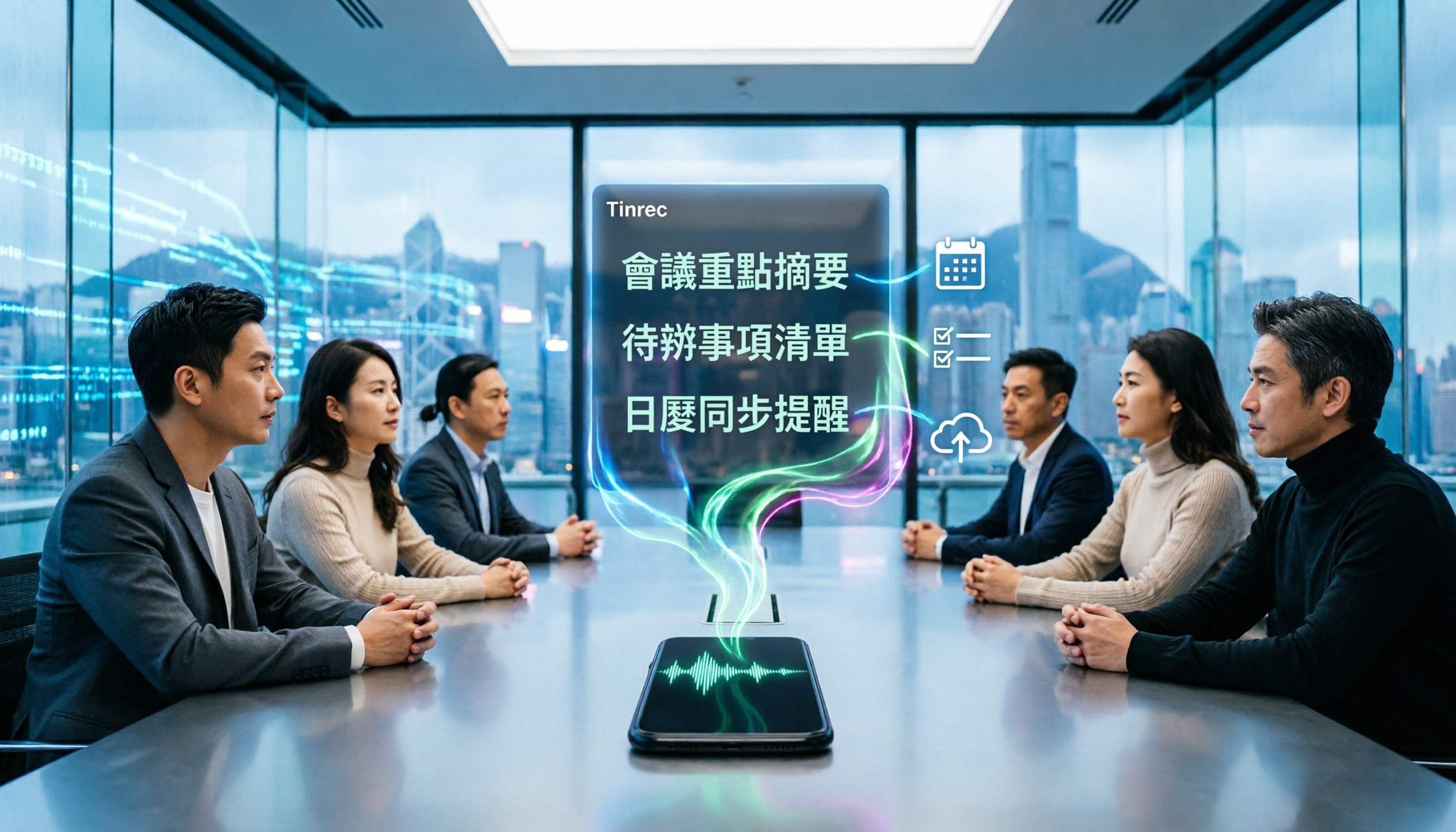
4 Best iPhone Cantonese Transcription Tools in 2026: Is Apple's Built-in Transcript Enough?
Apple's Voice Memos on iOS 18.4 and later can transcribe Cantonese recordings, but a raw transcript isn't the same as meeting-ready notes. This comparison breaks down four iPhone-compatible options—Tinrec, Apple Voice Memos, Notta, and PLAUD Note—covering Cantonese recognition accuracy, post-meeting organization, cross-platform export, and free-tier limits. We also flag the four most common mistakes buyers make, so you can tell when the built-in tool is enough and when you need something more.
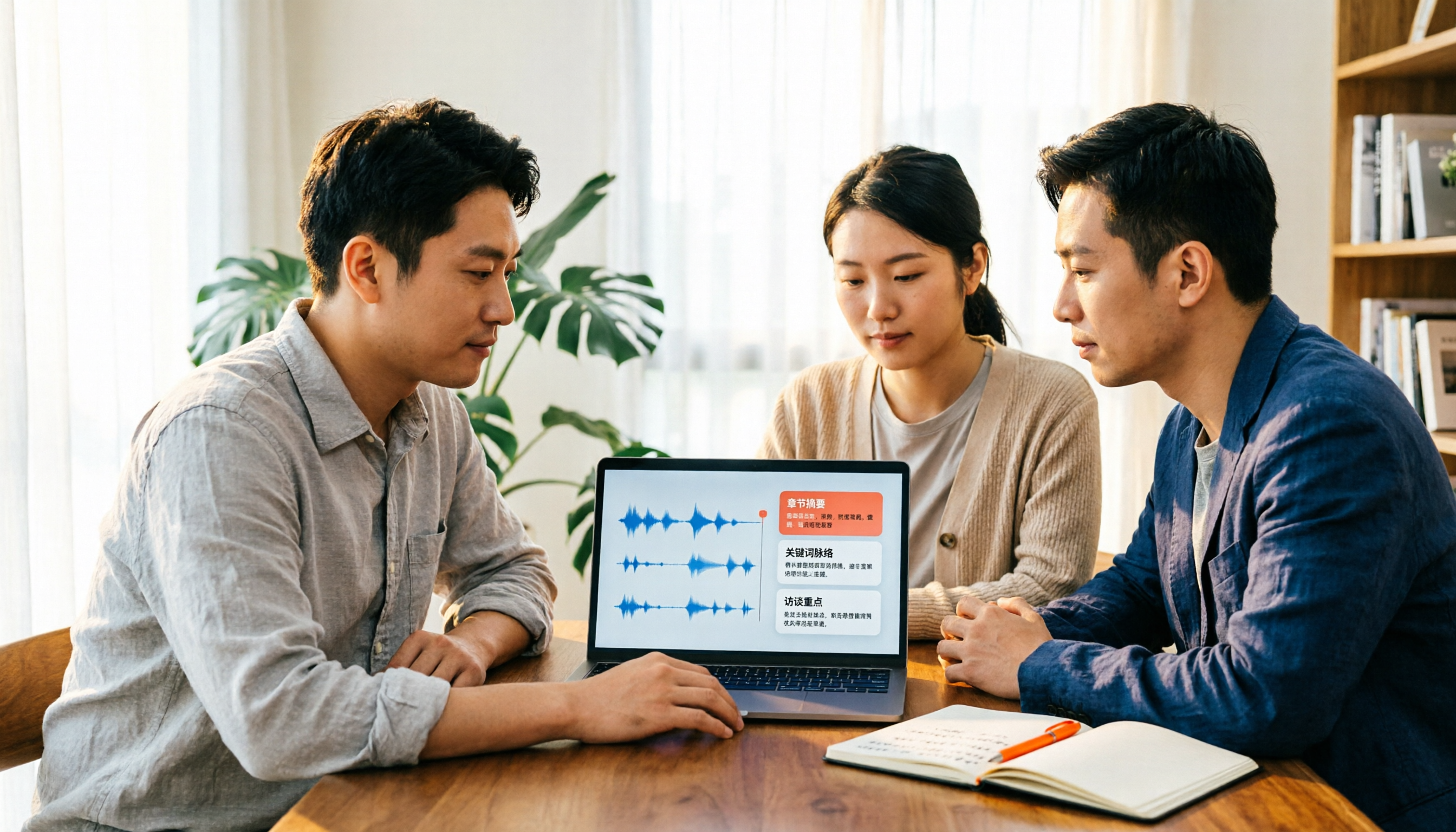
2026 Video Summarizer Comparison: Is Tinrec Better for Chinese Long Videos Than Monica and NoteGPT?
Before choosing a video summarizer, clarify whether you're summarizing public videos or your own meeting and interview recordings. This article compares Tinrec, Monica, NoteGPT, and others across five dimensions: source material, output depth, Chinese language performance, audio retention, and team governance. It also covers Tinrec's core features, practical use cases, team pricing, and FAQs to help you decide if the free version is enough.

2026 Comparison of 4 Meeting Speaker Organization Tools: Can Transcripts Be Traced Back to Speakers and Topics?
After a meeting, you have dozens of pages of transcripts but can't trace who said what or which topic was finalized? Starting from the real pain points of 'meeting speaker organization,' this article outlines 4 key points for choosing a tool and compares Tinrec, Otter.ai, Notta, and Granola in terms of transcript review and positioning, post-meeting output, and team collaboration. It also includes a pitfalls guide and selection advice.
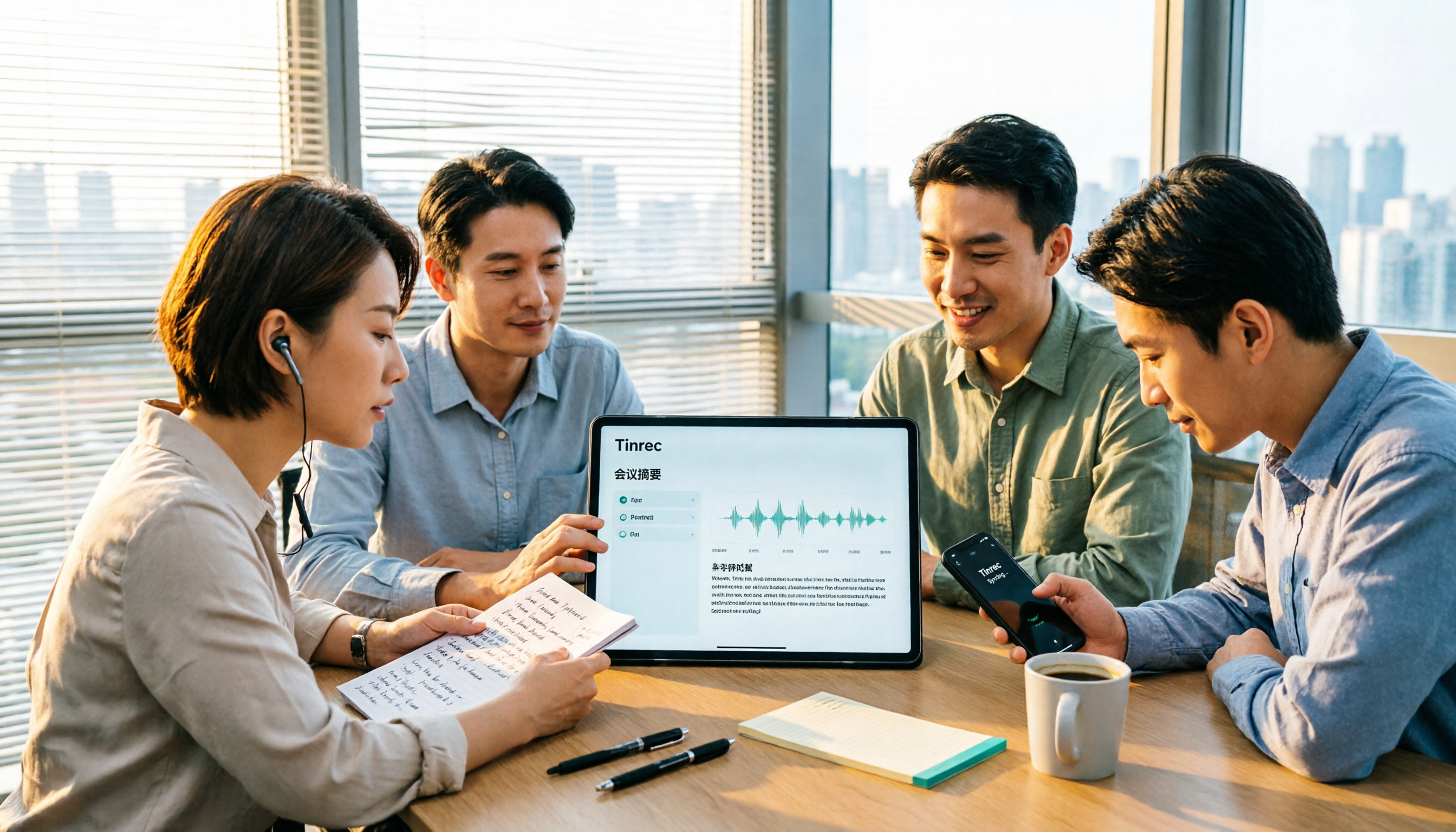
Tinrec vs Otter.ai: Which AI Meeting Recorder Is Better for Chinese Meetings in 2026?
After a meeting, you're left with a recording and messy notes. This article compares Tinrec and Otter.ai across five dimensions—Chinese and mixed-language transcription, bot-free meeting recording, post-meeting summaries and action items, team roles and seat management, and free tiers and pricing—to help you decide which tool fits your workflow.