
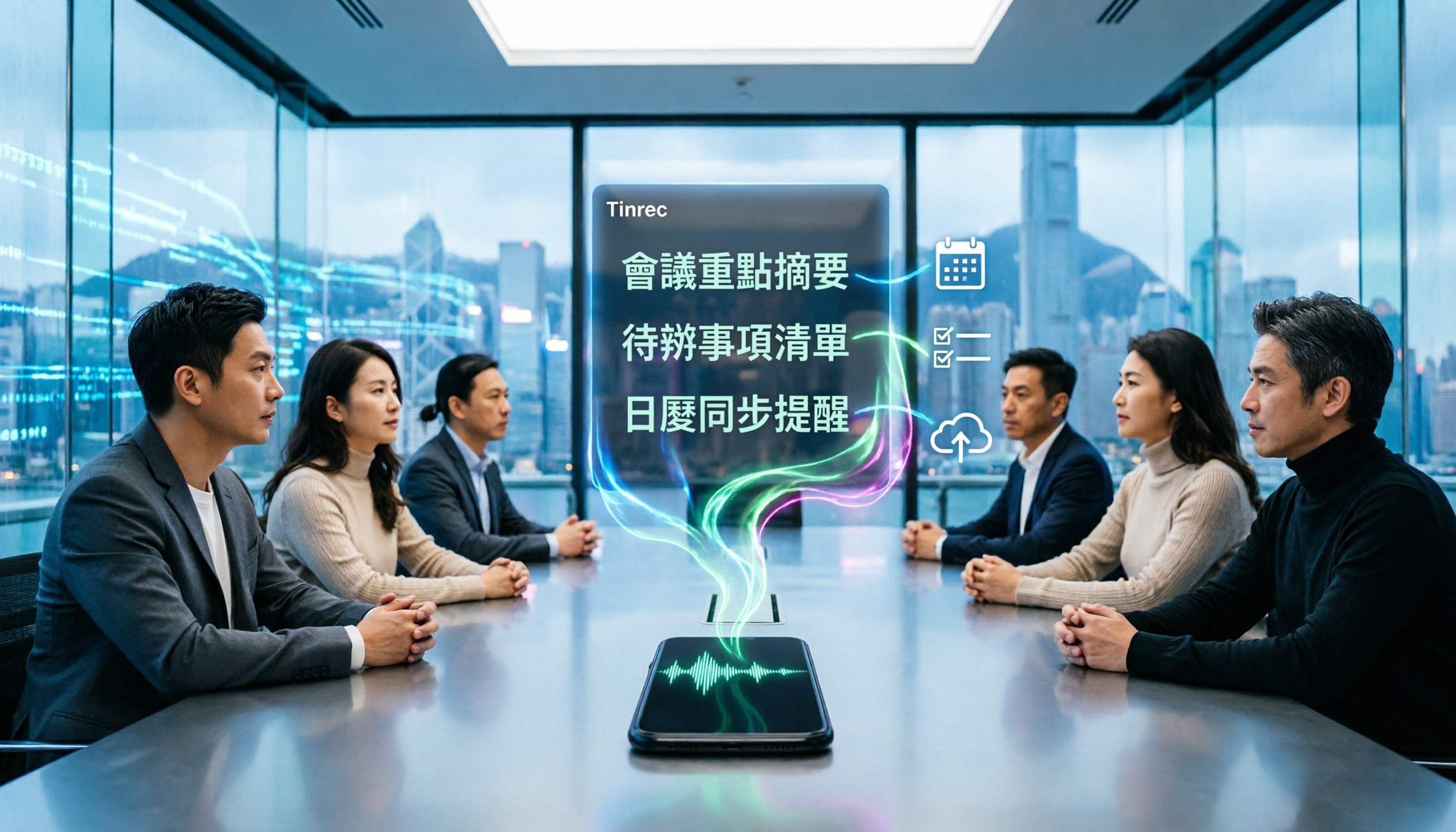
Turn recordings into transcripts and summaries in minutes
Upload audio or video for multilingual transcription, AI notes, and action items
4 Best iPhone Cantonese Transcription Tools in 2026: Is Apple's Built-in Transcript Enough?
Getting a Transcript Doesn't Mean You're Done
Most people start the same way: open Voice Memos on your iPhone, hit record, see the transcript appear, and assume the work is finished.
Then you actually need to use it. A two-hour meeting becomes a two-hour transcript, and you still have to read through the whole thing just to find out who said to cut that budget line.
The more common mistake is equating "audio converted to text" with "meeting outcomes captured." A transcript is raw material, not a finished product.
If you're recording in Cantonese, the gap gets even wider. Plenty of tools claim Cantonese support, but in real-world conditions—air conditioning hum, keyboard clatter, multiple people talking over each other—the differences show up fast.
This isn't a spec-sheet comparison. We actually tested four Cantonese transcription options available on iPhone to help you figure out when the built-in tool is enough and when you need something else entirely.
4 Key Factors Before You Pick a Tool
1. Accuracy depends on test conditions, not marketing numbers.
When a company claims 98% accuracy, was that measured in a quiet studio or a real conference room? The difference is huge. Our advice: grab a Cantonese recording of your own and test it yourself. Five minutes will tell you more than any spec sheet.
One easily overlooked detail: can the tool let you maintain custom vocabulary and names? Product codes, company abbreviations, and colleague names are the most commonly misrecognized terms. Whether you can add custom hotwords makes a big difference over time.
2. What the tool gives you after the transcript.
A transcript alone means you've only done half the job. Summaries, chapters, action items, and the ability to ask questions directly about meeting content—that's where the real time savings come from.
If you have to re-read the entire transcript and highlight key points yourself every time, you've just swapped typing for reading. Your workload hasn't actually decreased.
3. Does cross-platform and export matter?
A very common scenario: record on iPhone, organize on your computer. If your recordings and transcripts are locked to your phone and export means copy-paste, you're in for a painful workflow.
Whether you can export to tools you already use—Notion, Google Docs, OneNote, Dropbox—matters more for your daily routine than how many languages are supported.
4. Free tier limits and data ownership.
Free plans usually have two constraints: per-recording length and monthly total. Notta's official listing shows a free tier of 120 minutes per month with a 3-minute cap per recording—slightly longer interviews will hit the wall.
For team use, there's another layer to consider: whose account is the meeting data tied to? If a colleague leaves, do those recordings stay? This is nearly unsolvable with personal-tier tools—you need a team workspace to handle it.
Tinrec — Our Top Pick After Testing
Tinrec is an AI meeting notes and collaboration tool for individuals and teams, available on iOS, Android, and web. Its positioning isn't "turn audio into text"—it's about turning meetings into searchable, collaborative, actionable data.
Record on your iPhone, get a live transcript as you go.
Whether you're visiting a client, conducting an interview, or suddenly pulled into a Cantonese discussion, just record on your phone. The transcript generates in real time as you record, and for cross-language meetings you can toggle between original text, translation, or bilingual view—no need to wait until you're back at the office to start processing.
After recording, you can ask questions directly about the meeting.
This is where it differs most from similarly priced tools. You can ask: "Who mentioned the budget in the last meeting?" What you get isn't a keyword search result—it's an answer based on semantic understanding.
For the same 30-minute transcript, searching means flipping back and forth multiple times. Asking a question usually takes one or two sentences.
No bot needed for online meetings.
The desktop version captures your computer's system audio directly, handling meetings on Zoom, Google Meet, Microsoft Teams, and Webex—no extra bot account joining the room.
Same data, recorded on phone, organized on computer.
Transcripts, summaries, chapters, and action items can be exported to Notion, Google Docs, OneNote, or Dropbox for further editing. You can also use Agent post-processing to generate reports, tables, and meeting minutes.
About accuracy—honestly: real-world performance depends on recording quality, accent, background noise, overlapping speakers, and technical terminology. Clear audio with a single speaker is usually the most stable. We recommend running a test with your own Cantonese recording first. That's more meaningful than any official number.
Stop organizing recordings by hand
Upload audio or video and automatically get a transcript, summary, and action items
Limitations, stated clearly.
The free tier provides a basic quota—good for trying out the workflow. If you have a heavy schedule of meetings or interviews every week, you'll need to upgrade. Paid plans come in weekly, Pro monthly, and Pro annual options, so you can pick based on usage frequency. Also, Tinrec doesn't guarantee a fixed accuracy rate—for critical information, we still recommend cross-checking against transcript timestamps and audio playback.
For team use, there's a team workspace.
The team plan isn't multiple people sharing one account—it's a separate team workspace: meeting data belongs to the team, you can invite members, set roles and seats, view usage and audit logs, and data stays even when members leave. Current pricing: team monthly is USD 29.80 per paid seat per month, annual is USD 199 per paid seat per year (about USD 16.58 per month). First-time eligible teams get a 7-day trial, 1 free seat, and 300 minutes of shared team import quota. Paid seats include 2,000 minutes of shared team import quota per month, and live recording under an active seat currently doesn't deduct minutes. Actual pricing and benefits are subject to the official purchase page.
Who it's for: People who regularly handle meetings and interviews in Chinese, Cantonese, or mixed Chinese-English, want to ask questions and get action items right after recording, and then continue organizing on their computer.
Besides Tinrec, What Else Is Out There?
Apple's Built-in Voice Memos
This is the free option most worth trying first. According to Apple support documents, recordings made on iOS 17 or earlier will also auto-transcribe when opened. Hong Kong media outlet unwire.hk's tutorial notes that iOS 18.4 and later can transcribe Cantonese recordings without installing a third-party app. Its limitation: once it's transcribed, that's it—no summary, no action items, no way to ask questions about the content, and data is tied to your iPhone. Tinrec goes one step further: after the transcript, it directly produces summaries and action items, plus AI Q&A to find key points.
Notta
Notta overlaps significantly with Tinrec—both support multi-platform transcription, meeting notes, file import, and translation. Note that the free tier is quite restrictive: officially listed at 120 minutes per month with a 3-minute cap per recording. Longer interviews will hit the limit. Tinrec, on the other hand, can record online meetings via desktop without a bot and consolidate meeting data into a team workspace—something pure transcription tools struggle to cover.
PLAUD Note / NotePin
PLAUD takes the AI recording hardware route. The upside: a standalone device, portable, can record phone calls. The trade-off: you need to buy extra hardware. The official site currently lists NotePin at USD 159 and Note Pro at USD 189, and transcription and organization still happen mainly through the app. If you don't want to carry an extra device, Tinrec lets you record, transcribe, and organize post-meeting on your iPhone, computer, and web—a more streamlined approach.
Pitfall Guide: 4 Most Common Mistakes When Choosing an iPhone Cantonese Transcription Tool
Pitfall 1: Assuming "having a transcript" equals "saving time."
A transcript is just raw material. If the tool doesn't help you organize key points, you've just swapped typing for reading—your workload hasn't actually decreased. When choosing a tool, look at whether it can produce summaries, chapters, and action items.
Pitfall 2: Only looking at official accuracy claims.
Those numbers are usually measured under ideal conditions. Real meetings have air conditioning noise, keyboard sounds, and people talking over each other—accuracy drops noticeably. Test with your own Cantonese recording. Don't just read the marketing copy.
Pitfall 3: Ignoring cross-platform and export.
Recording on iPhone today, organizing on computer tomorrow—if the tool doesn't support cross-platform or has limited export formats, you'll get stuck halfway. Before recording, think about where this data ultimately needs to live.
Pitfall 4: Using an AI meeting tool as just a typewriter.
If you only use its transcription feature, you're using maybe a third of what it can do. Take Tinrec's AI Q&A—after recording, just ask "What was the conclusion of this meeting?" It's far faster than manually flipping through a 30-minute transcript. Also, before recording, make sure you comply with local regulations and get participant consent when necessary.
Bottom Line: Which One Should You Choose?
Simply put: the built-in transcript is free and easy to use, but it solves "seeing text." If what you want is "meeting-ready data you can actually use," Tinrec is the most complete option in this comparison.
- Record Cantonese on the fly, then ask questions about key points → Tinrec
- Record on phone, organize on computer, export to Notion or Google Docs → Tinrec
- Online meetings without a bot joining the room → Tinrec desktop
- Team needs to retain meeting data and manage members, seats, and usage → Tinrec team plan
- Zero budget, English only, no organization needed → Start with Apple's built-in Voice Memos
We recommend starting with Tinrec's free tier. Run through the workflow with one of your own Cantonese recordings. If it feels right, consider upgrading. No need to pay from the start.
Sources
- View Voice Memos transcripts on iPhone - Apple Support (Taiwan)
- [Tutorial] iPhone recording to text transcript, supports Cantonese, no third-party software needed - unwire.hk Hong Kong
- Speech to Text: AI Transcript · Recording to Text · Voice Memo Instant Translation App - App Store
- Record and transcribe audio in Notes on iPhone - Apple Support (Hong Kong)
- iPhone recording to text free transcript! iOS 18 supports 10 languages | Quality Life | 500 Times
Turn every recording into actionable outcomes
Get 60 free transcription minutes when you sign in. No credit card required.
Related Reading
You might also like

2026 AI Meeting Recorder Comparison: 4 Tools Tested for Chinese Meetings
Two-hour meetings followed by two hours of note organization is a daily reality for most office workers. This hands-on test of 4 AI recording and note-taking tools covers bot-free recording, Chinese transcription, AI Q&A, team knowledge retention, pricing, and limitations to help you decide which one is worth keeping.

5 Speaker Summary Tools Tested for 2026: Why Tinrec Is Less Work for Chinese Meetings
Starting from the question 'What exactly do you need a tool to do for you?', this hands-on comparison of common speaker summary tools explains how Tinrec performs in Chinese meeting transcription, bot-free online meeting recording, AI summaries and action items, AI chat queries, multi-format export, and team spaces. It also covers five key points to consider when choosing a tool and answers common questions.

2026 AI Meeting Notes: Automatic Speaker Identification + AI Q&A Summaries
Why do you still have to manually organize meeting transcripts even when speakers are automatically labeled? This article starts with common misconceptions about automatic speaker identification, breaks down 4 key dimensions for choosing a meeting notes tool, tests Tinrec's bot-free online meeting recording, AI summaries and Q&A, team spaces, and other features, compares it with Otter.ai, PLAUD Note, and Notta, and includes a pitfalls guide and buying advice.

4 Best AI Meeting Note Takers in 2026: Which One Actually Captures Action Items?
The hardest part of a meeting isn't recording it—it's turning two hours of discussion into an action list with names and deadlines. This article compares Tinrec, Otter.ai, Notta, and Granola across four key criteria: action item accuracy, AI Q&A, post-meeting workflow, and team data ownership. We explain who each tool is best for and highlight key buying considerations to help you choose the right tool and stop wasting time on manual transcripts.

Tinrec vs Otter.ai 2026: Cantonese Meeting Transcription with Real-Time Chinese-English Translation
Meetings held in Cantonese but delivered in English are a common pain point for many teams. This article compares Tinrec and Otter.ai across 5 dimensions—Cantonese and mixed Chinese-English recognition, bot-free meeting recording, real-time translation and bilingual review, post-meeting AI Q&A, and team data governance—to help you decide which tool better fits your meeting scenario.
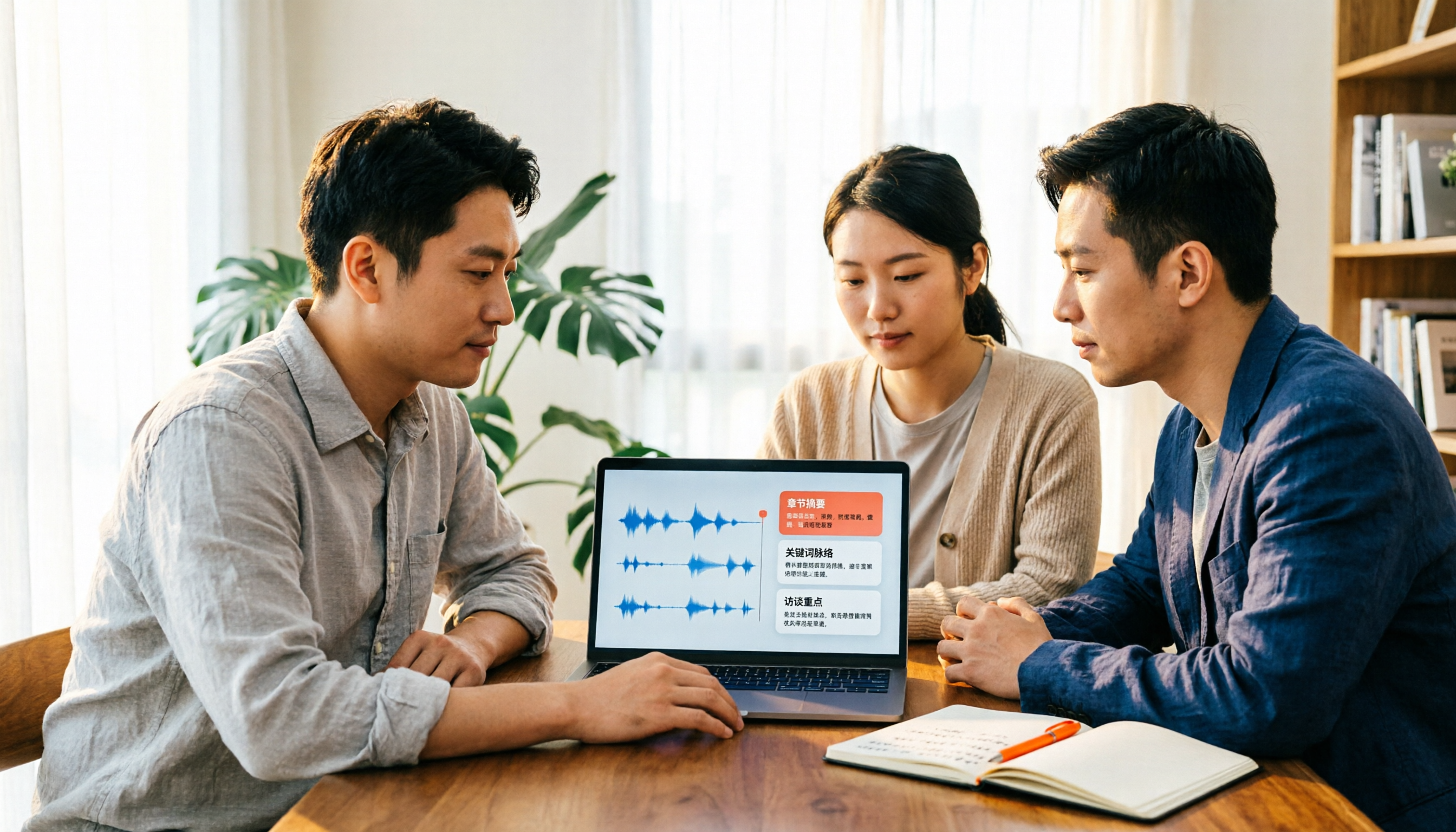
2026 Video Summarizer Comparison: Is Tinrec Better for Chinese Long Videos Than Monica and NoteGPT?
Before choosing a video summarizer, clarify whether you're summarizing public videos or your own meeting and interview recordings. This article compares Tinrec, Monica, NoteGPT, and others across five dimensions: source material, output depth, Chinese language performance, audio retention, and team governance. It also covers Tinrec's core features, practical use cases, team pricing, and FAQs to help you decide if the free version is enough.

Tinrec vs Notta 2026: 5-Dimension Comparison of AI Meeting Summary Generators — Which Is Better for Chinese-Language Scenarios?
Compare Tinrec and Notta across five dimensions, and see how Otter.ai and Granola differ. This article explains how to choose a meeting summary generator—meeting capture method, Chinese recognition experience, post-meeting output, team collaboration governance, and pricing—to help you decide which tool truly saves time on post-meeting organization.

2026 Comparison of 4 Meeting Speaker Organization Tools: Can Transcripts Be Traced Back to Speakers and Topics?
After a meeting, you have dozens of pages of transcripts but can't trace who said what or which topic was finalized? Starting from the real pain points of 'meeting speaker organization,' this article outlines 4 key points for choosing a tool and compares Tinrec, Otter.ai, Notta, and Granola in terms of transcript review and positioning, post-meeting output, and team collaboration. It also includes a pitfalls guide and selection advice.

Tinrec vs Otter.ai: Which AI Meeting Recorder Is Better for Chinese Meetings in 2026?
After a meeting, you're left with a recording and messy notes. This article compares Tinrec and Otter.ai across five dimensions—Chinese and mixed-language transcription, bot-free meeting recording, post-meeting summaries and action items, team roles and seat management, and free tiers and pricing—to help you decide which tool fits your workflow.