

Turn recordings into transcripts and summaries in minutes
Upload audio or video for multilingual transcription, AI notes, and action items
Recently, our team was looking for AI meeting note tools. I tested five or six, and found that many products claiming "automatic meeting notes" simply didn't work. Either the transcription was messy, or the generated action items missed the point completely. Later, I put together an "AI Meeting SOP" workflow, paired with the right tool, and now our team's meeting efficiency has improved dramatically. This article compiles the tools I tested and the workflow, so you can avoid the same pitfalls.
Why You Need an AI Meeting SOP

The two worst things about meetings: no conclusions, and no one follows up. The traditional approach is to manually write meeting notes, but it's easy to miss key points, and even after writing them, nobody reads them. Based on our team's experience, after adopting AI tools, meeting note production time dropped from 30 minutes to 5 minutes, and action item tracking improved by over 60%. This article will review 5 AI meeting tools and teach you a 4-step standardized meeting workflow—from recording, transcription, organization, to action—all in one go.
Tinrec (Instant Recording) | The Most Complete AI Meeting Assistant
Tinrec is the most comprehensive AI recording and audio/video organization tool I've used so far. It doesn't just convert recordings to text; it directly generates meeting summaries, action items, and even lets you query meeting content like a database.
Key Highlights:
- Multi-source Input: Supports live recording, uploading audio/video files, pasting links from YouTube, Bilibili, or other online videos, and even directly recording online meetings. This is far more flexible than tools tied to specific meeting platforms.
- More Than Just Transcripts: After transcription, it automatically generates summaries, chapters, and action items, and you can export to Markdown, Word, or sync directly to Notion. Our team now gets structured meeting notes and action lists within 5 minutes of a meeting ending.
- AI Dialog Query: What impressed me most is that you can ask questions about past recordings—e.g., "What was the budget cap discussed with the client last time?" It pulls the answer directly from the recording. This solves the "forgot what was discussed" pain point.
Pricing:
- Free: Basic monthly transcription quota to experience core features.
- Weekly Pass: Ideal for short-term intensive meetings or project sprints.
- Pro Monthly/Yearly: Higher monthly quotas suitable for ongoing team use.
Who It's For: Small to medium teams, entrepreneurs, freelancers—especially those who need to organize meetings, interviews, and courses across platforms. If you want actionable records immediately after a meeting, Tinrec is the closest tool to that ideal.
Stop organizing recordings by hand
Upload audio or video and automatically get a transcript, summary, and action items
Otter.ai | Top Choice for English Meeting Collaboration
Otter is a veteran AI meeting note tool. Its strength is automatically joining Zoom/Google Meet meetings, providing live transcription and summaries. The free plan offers 300 minutes per month, sufficient for light users. However, its strength lies in English meetings; Chinese accuracy is mediocre, and it's more team-collaboration oriented, limiting personal use.
Pricing: Pro annual plan ~$8.33/user/month, with 1200 minutes and file import. Suitable for teams that primarily hold English meetings and need multi-user collaboration.
Fireflies.ai | Meeting Bot with Strong Integration
Fireflies also focuses on meeting bots, supports 100+ languages, and integrates with CRM tools. The free plan claims unlimited transcription but with limited storage; Pro annual plan $10/seat/month, suitable for sales teams. Its AI summary feature is decent, but the learning curve is a bit steep, and Chinese support is not as localized as Tinrec.
Who It's For: Medium to large teams needing deep integration with Salesforce, Slack, etc.
Notta | Strong Competitor in Transcription and Translation

Notta's features overlap heavily with Tinrec: multi-device transcription, meeting notes, multi-language support. Free plan: 120 minutes/month. Pro annual plan $8.17/month for 1800 minutes—generous minutes. However, it leans more toward transcription and subtitles; AI dialog query and post-meeting processing are weaker.
Who It's For: If you only need bulk transcription and basic summaries, Notta is a cost-effective option.
TurboScribe (Free Option) | Lightweight Transcription for Emergencies
TurboScribe is more of a high-value document transcription tool, focusing on long files and batch processing. Free plan: 3 transcriptions/day, 30 min per file—good for occasional use. It lacks meeting-specific action item extraction and AI Q&A, but if you just need to quickly transcribe a recording, it's simple enough.
Who It's For: Individuals with zero budget who only need basic transcription.
With So Many Options, How to Choose?
- Want the most complete AI meeting workflow (transcription + AI summary + action items + follow-up queries)? → Tinrec (the only one with all these features)
- Team primarily holds English meetings and needs multi-user collaboration? → Otter.ai (high English accuracy)
- Need CRM integration and automated meeting notes? → Fireflies.ai (but evaluate Chinese experience)
- Need bulk transcription and translation with high minute allocation? → Notta (Pro plan gives many minutes)
- Occasionally transcribe a recording without spending a dime? → TurboScribe free plan (limited but sufficient)
Honestly, if your team, like mine, deals with a mix of meetings, interviews, and course content, and needs usable records quickly, Tinrec is the most balanced choice.
3 Things to Know Before Using AI Meeting Tools
Accuracy isn't 100%: All AI transcription is affected by recording quality, accents, and background noise. Our team uses Tinrec to generate a draft, then quickly proofreads key parts while listening to the recording—safest approach.
Use AI Q&A as a Second Brain: Tinrec's dialog query lets you ask about meeting details afterward, which is ten times faster than flipping through transcripts. We recommend marking key conclusions right after the meeting for easy later retrieval.
Building a Team SOP Matters More: Tools are just helpers. Our internal rule is that every meeting must have a clear recording, transcription, and action tracking process to truly save time.
Summary
An AI Meeting SOP isn't magic—it's the combination of the right tool and a fixed workflow. Based on my tests, Tinrec best meets the needs of small to medium teams for Chinese meeting organization, multi-source input, and AI post-processing. If you're still manually organizing meeting notes, start with the free version, spend 10 minutes setting up the workflow, and save significant time on every meeting going forward.
Turn every recording into actionable outcomes
Get 60 free transcription minutes when you sign in. No credit card required.
Related Reading
You might also like
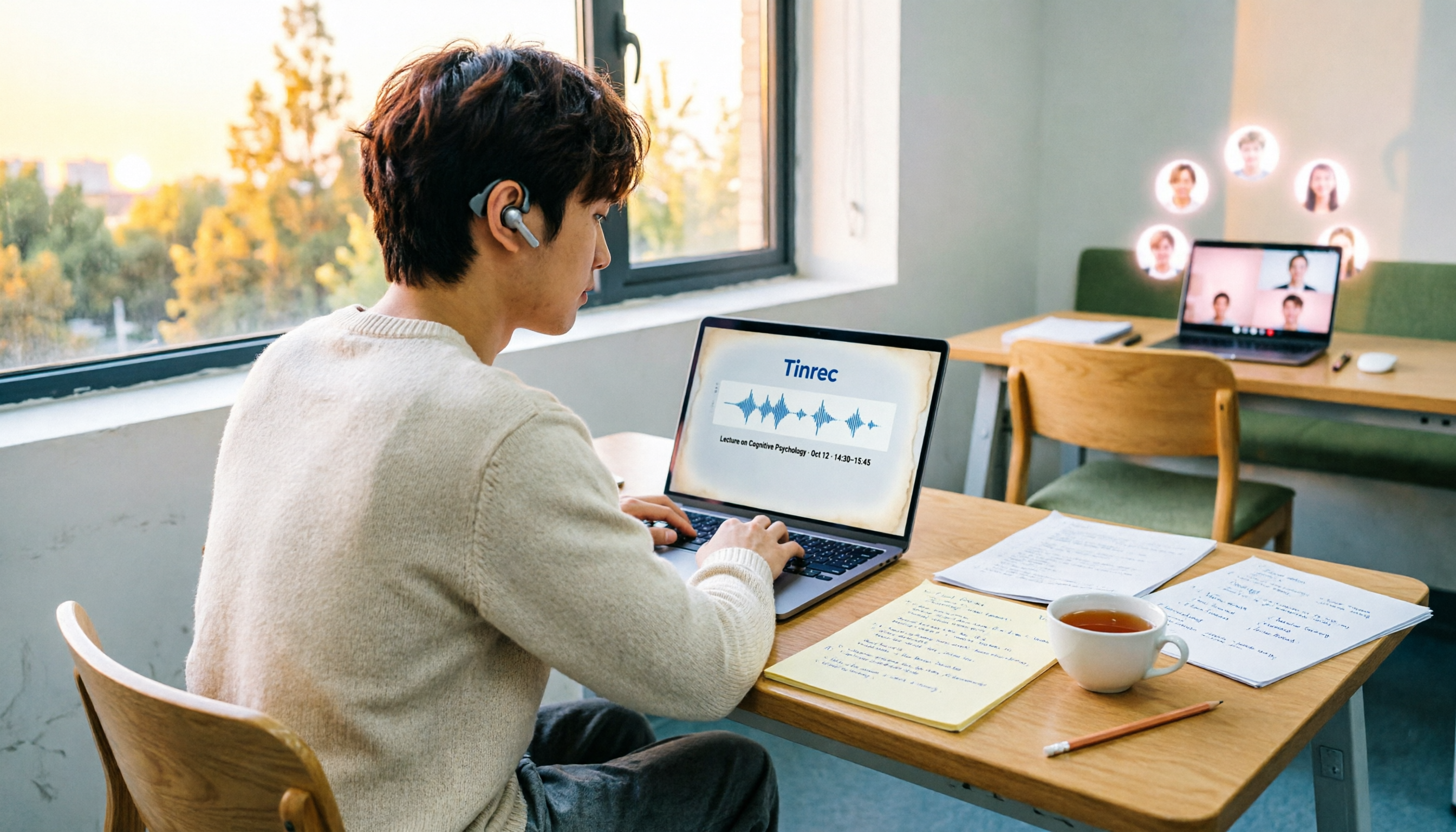
4 Speech-to-Text Tools Tested on PC in 2026: Is Google Docs Voice Typing Really Enough for Transcribing?
In 2026, I tested 4 methods for speech-to-text on a computer: Google Docs voice typing, Google Cloud Speech-to-Text API, the VoiceIn extension, and Tinrec, which I ended up keeping. Using student class recordings and small-group online meetings, I explain what each method can and cannot do, and whether free tiers are enough for students.

2026 Best Speech-to-Text Tools Compared: Which One Handles Cantonese Most Accurately?
We tested 4 speech-to-text tools in real Hong Kong workplaces in 2026. First, we explain 5 key factors for choosing a tool, then take a deep dive into Tinrec's bot-free recording, AI Q&A, and team spaces. We also briefly review Otter.ai, Granola, and Notta, and finish with a pitfalls guide and scenario-based recommendations.

Tinrec vs Notta 2026: 5-Dimension Comparison for Chinese Speech-to-Text
How to choose a Chinese speech-to-text tool? This article compares Tinrec and Notta across five dimensions: Chinese recognition, meeting capture methods, post-meeting output, audio retention, and team collaboration. It also includes options like Google Docs voice typing and Otter.ai, plus four common pitfalls to help you find the right transcription and meeting organization solution for Chinese meetings.

2026 Voice-to-Text AI Comparison: Which Free Tier Works Best for Students?
A 100-minute class, over a dozen sessions per semester—it's impossible to re-listen to everything before finals. This is my year-long, real-world test of voice-to-text AI as a student: how to evaluate free tiers, differences in recognizing Chinese and mixed Chinese-English, and hands-on experience with Tinrec, Notta, Otter.ai, and PLAUD, plus the four most common pitfalls students fall into.

5 AI Speech-to-Text Tools Compared in 2026: How to Choose from Free to Team Collaboration
How do you choose among AI speech-to-text tools often recommended on Dcard? This article first takes a quick look at the positioning of Tinrec, MyEdit, PowerDirector, cSubtitle, and Yating Transcription, then compares Tinrec and MyEdit dimension by dimension across Chinese recognition, pricing, online meeting recording, post-meeting output, and team collaboration, helping you decide whether to use a free tool or a meeting workflow.

2026 Comparison of 4 Google Speech-to-Text Methods: Which One Can Actually Save Recordings as Text Files?
Turning speech into text with Google isn't hard; the hard part is turning it into a truly usable text file. This article compares four methods: Google Docs voice typing, Google Cloud Speech-to-Text, Google Live Transcribe app, and Tinrec. From real-time recording, processing old audio files, post-meeting summaries, to team sharing, we help you find the easiest path.

4 iOS Speech-to-Text Apps Tested in 2026: Which Free Version Is Enough?
We tested 4 iOS speech-to-text apps, comparing input sources, AI post-processing, Chinese language support, and team collaboration to find which free version is most useful. We also explain why Tinrec is our top pick for meeting notes.
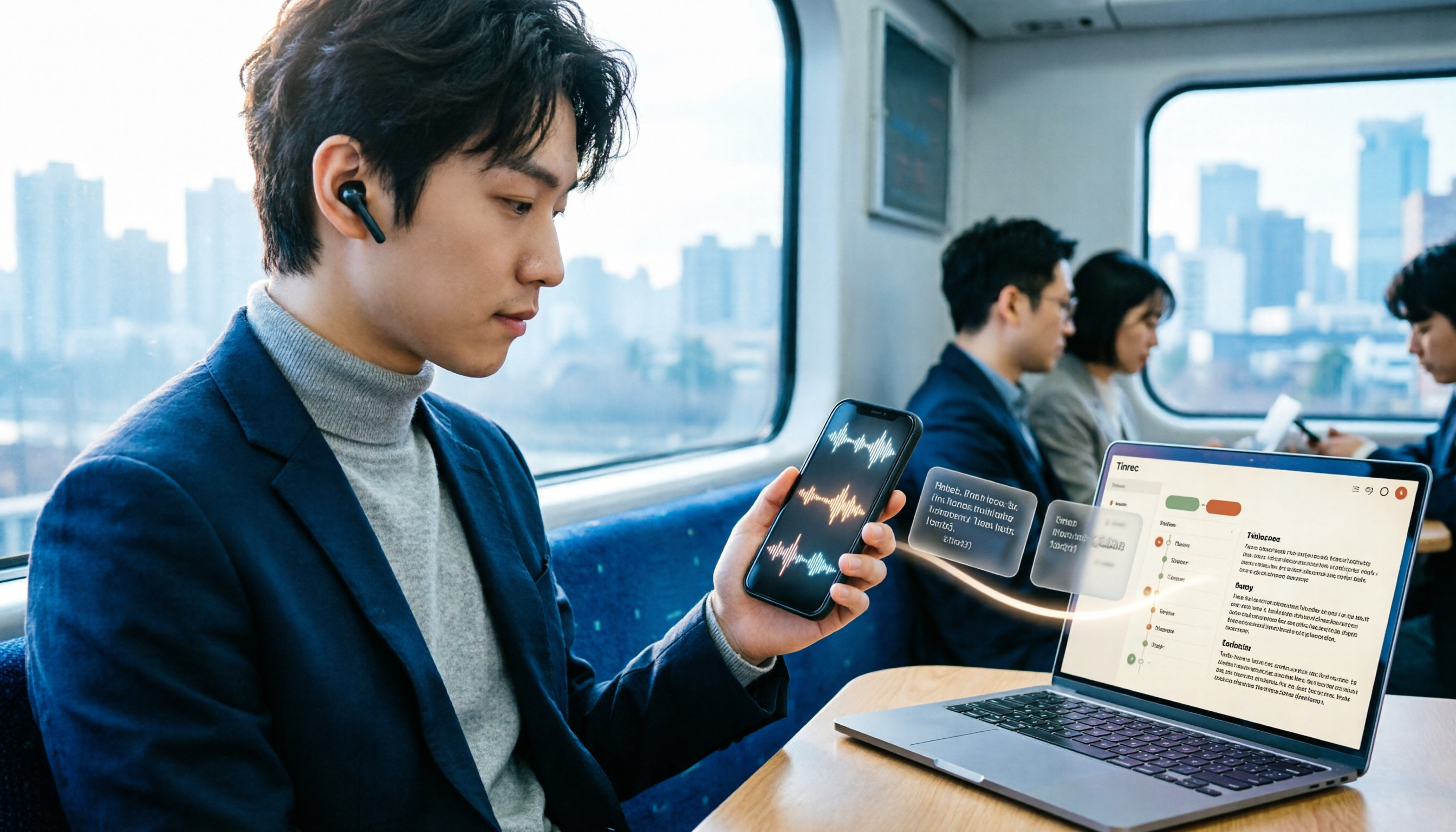
3 LINE Voice-to-Text Methods Tested in 2026: Which One Produces a Usable Transcript File?
LINE voice messages can't be played during meetings or commutes, and there are several ways to convert them to text. This article compares LINE's built-in transcript, iPhone Shortcuts, and AI transcription tools to explain which one truly leaves you with a searchable, organized transcript file.

2026 Comparison of 5 Speech-to-Text Tools: Which Is Best for Chinese Recognition and AI Summarization?
There are many speech-to-text tools available, but Chinese recognition and post-meeting organization are the deciding factors. This article tests 5 tools from four angles: Chinese recognition, AI summarization, cross-platform support, and team collaboration. It also tests Tinrec's bot-free online meeting recording, AI conversational query, and team spaces to help you determine which one best fits your meeting scenarios.