

Turn recordings into transcripts and summaries in minutes
Upload audio or video for multilingual transcription, AI notes, and action items
Foreign language meetings come with two major fears: first, not understanding the content and relying on vague memories and scattered notes afterwards; second, understanding but forgetting because you're too busy processing the language to think about key discussion points. As a manager at a small or medium enterprise, every cross-border meeting feels like a listening test. After a two-hour meeting, you might spend another hour listening to recordings, looking up words, and organizing notes.
Now there's a solution. Tinrec isn't just a recording-to-text tool—it turns your foreign language meeting recordings into text, then uses AI summaries to quickly capture core conclusions and action items. No more listening line by line, and no more worrying about missing key decisions.

What Can Foreign Language Meeting Translation Do for You?
You might think translation is just about converting languages. But the real challenge lies in the cycle of “understand → remember → act.” Here are the most common pain points and how Tinrec solves them all at once:
Scenario 1: Get a bilingual meeting transcript immediately after the meeting
In the past, you had to take notes while listening or replay the recording repeatedly after the meeting. Now, record the entire meeting with Tinrec—it transcribes in real time (supports multiple languages), automatically segments the text, and labels speakers. After the meeting, you get a structured transcript. Just focus on executing the consensus.Scenario 2: Quickly grasp the key points of a foreign language meeting without listening from start to finish
Tinrec's AI summary automatically extracts meeting topics, conclusions, and action items. Even if you couldn't attend the whole meeting or didn't understand some parts, you can get the gist in 3 minutes. You can even ask in English, "What were the budget discussions in this meeting?" and the AI will answer directly.Scenario 3: No more staying up late for transcripts across time zones
Time differences make it hard to join synchronous discussions with overseas teams. Give the meeting recording to Tinrec—it transcribes and summarizes key points. When you wake up, you're up to speed without waiting for colleagues to recap.
Core Capabilities of Foreign Language Meeting Translation
Ultimately, "translation" for foreign language meetings isn't just language conversion; it's a complete workflow from audio to actionable information. Tinrec excels in these capabilities:
Real-time transcription: generate text while the meeting is happening
No need to wait for the meeting to end to start converting. Tinrec transcribes speech into text with less than 1 second delay as you record. Supports multiple languages including English, Japanese, Cantonese, Mandarin, etc. You can watch the screen and check content in real time—click on any word you don't understand to play the original audio for comparison.AI semantic summary: not word-for-word translation, but structured key points
Typical translation software only converts words. Tinrec's summary understands the entire conversation and distills topics, conclusions, action items, and responsible persons. You get something like a complete meeting record, not a messy transcript.
Stop organizing recordings by hand
Upload audio or video and automatically get a transcript, summary, and action items
Cross-language dialogue search: ask questions directly to the recording
After transcription, you can ask in English, "What were the client's opinions on the new proposal?" or "What was the budget decision from the last meeting?" The AI understands the semantic content of the recording and answers in English, saving you from searching manually.
Multi-format export: seamlessly integrate into your workflow
Export the organized content as Word, PDF, Google Docs, Notion, etc. You can even have the AI generate meeting reports or follow-up tables directly, eliminating manual reorganization.
Real-World Use Cases
Different roles have different needs for foreign language meetings. Here are three common scenarios with Tinrec in action:
Weekly Cross-Border Team Meetings
You sync progress with European or American colleagues every week, but your English listening isn't 100%. Record the meeting with Tinrec for real-time transcription into English text. After the meeting, review the summary (in English or Chinese) to confirm you haven't missed any action items. If a section is unclear, click the text to replay the original audio without scrubbing through the timeline.

Annual Supplier Negotiations
Your supplier is French, and the meeting mixes French and accented English. Open Tinrec on your phone, record the entire session, and let the AI automatically summarize concessions, price ranges, and commitment timelines. Share the summary with your boss immediately after the meeting for quick decisions.
Cross-Border Training Sessions
Headquarters sends trainers for product training in English. Record the full day with Tinrec. At home, review key points for each chapter. You can even convert the summary into Chinese for better understanding. If you have questions later, search past recordings—Tinrec's dialogue search will find relevant clips.
4 Things to Consider When Choosing a Foreign Language Meeting Translation Tool
There are many tools on the market, but more features aren't always better. Here are 4 key points to watch, and how Tinrec performs:
Language support breadth directly affects transcription accuracy
The tool should cover the languages used in your meetings. Tinrec currently supports 14 languages, including English, Japanese, Cantonese, Mandarin, etc., meeting the needs of most cross-border meetings.Post-processing capabilities determine how much time you save
Transcripts alone aren't enough. AI summaries, action item extraction, and dialogue search are where the real value lies. Tinrec structures meeting highlights so you don't have to dig through pages of text.Cross-platform support to avoid being tied to a desk
Foreign language meetings can happen anywhere. Tinrec has iOS and Android apps plus a web version—convenient for recording on mobile and viewing on computer.Accuracy depends on audio quality
Don't rely solely on marketing numbers; test in your own environment. Based on internal testing, in quiet environments with a single speaker, Tinrec's English transcription accuracy is about 95%. In multi-speaker or noisy settings it drops slightly, but still aids understanding significantly.
Frequently Asked Questions
Q: Does Tinrec offer real-time translation?
A: Tinrec's core is recording-to-text and AI summaries, not real-time interpretation. However, it converts foreign audio to text, then uses AI summaries or Q&A to present key points in your preferred language.
Q: What foreign languages are supported?
A: Currently supports 14 languages including English, Japanese, Cantonese, Mandarin, Korean, etc. See the official website for the full list.
Q: How accurate is it with multiple speakers or accents?
A: Accuracy depends on background noise, accents, and overlapping speech. Clear, single-speaker recordings achieve about 95%; multi-speaker discussions range from 85% to 90%. But combined with AI summaries and timestamps, it still significantly reduces comprehension barriers.
Q: Can transcribed data be exported?
A: Yes. Tinrec supports export to Word, PDF, Notion, Google Docs, etc. It can also generate meeting reports or tables directly.
Summary
Foreign language meetings no longer have to be a communication bottleneck. You don't need to be a language expert—just a phone and Tinrec turn every cross-border meeting into structured, searchable, trackable knowledge assets. Next time before a meeting, give it a try: record with Tinrec, review the AI summary afterward, and you'll find the time you used to spend organizing can now be spent on more important things.
Turn every recording into actionable outcomes
Get 60 free transcription minutes when you sign in. No credit card required.
Related Reading
You might also like

Tinrec vs Free Meeting Transcription in 2026: 5-Dimension Comparison, Which Should Students Choose for Meeting Notes?
Starting from common misconceptions students have about meeting audio transcription, this article explains 5 key purchasing considerations: free quota, meeting capture method, Chinese recognition, post-meeting organization, and team data ownership. It also demonstrates Tinrec's actual workflow for classes, group discussions, and interviews.
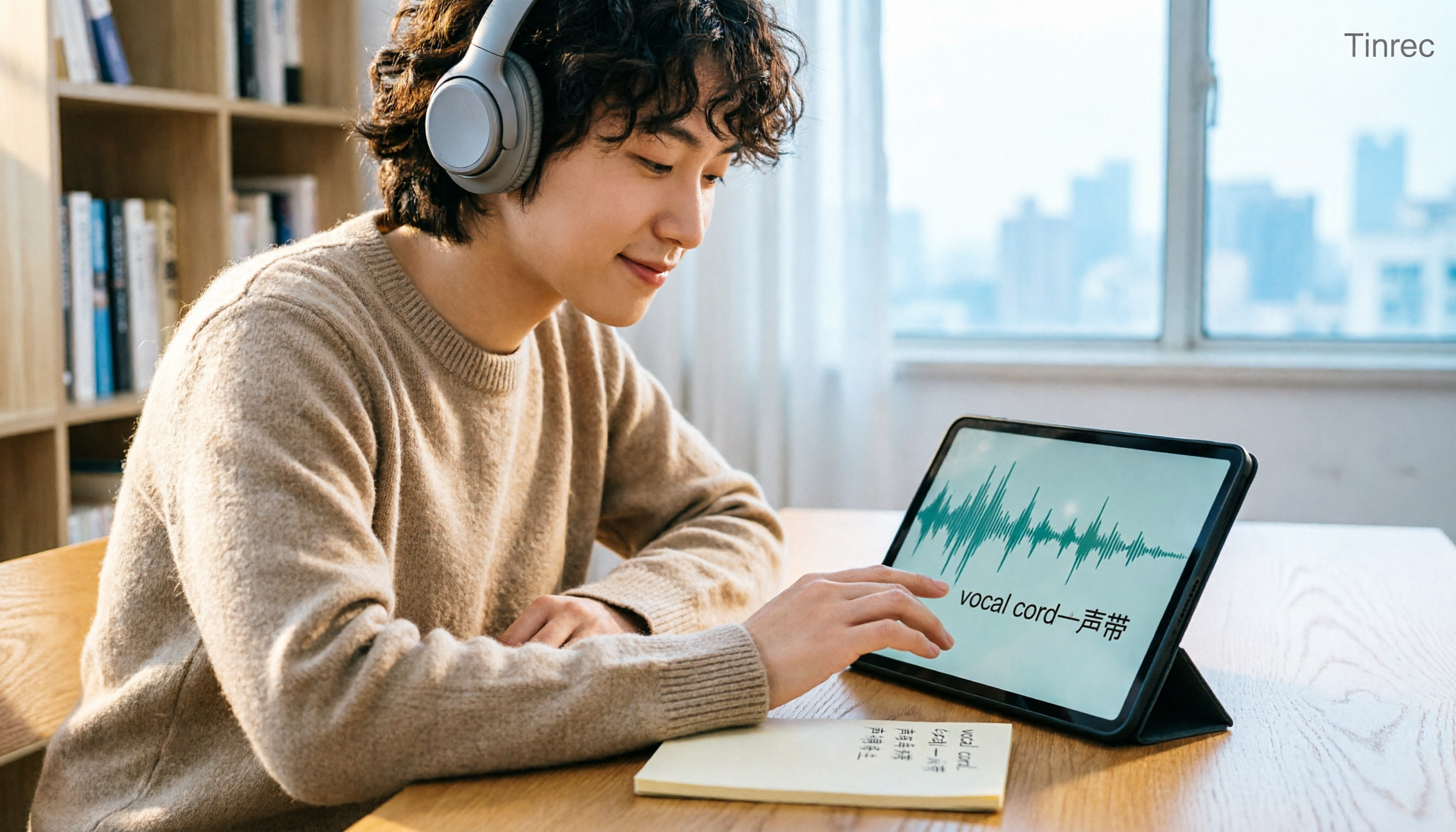
Tinrec vs Otter.ai in 2026: A 5-Dimension Comparison — Which Is Better for English Content Like 'vocal cord'?
'Vocal cord' in Chinese means '声带' (vocal cords), but most people who look up this term are actually struggling to understand and remember entire English passages. This article starts with the word's meaning, breaks down 4 key factors for choosing an English-to-Chinese content tool, compares Tinrec with Otter.ai, Notta, and TurboScribe through hands-on testing, and summarizes 4 common pitfalls and selection recommendations.

4 AI Voice Recorder Tools Tested and Compared for 2026: Is the NotePin Wearable Recorder Worth Buying?
Plaud NotePin reviews are sharply divided, and the problem is often mismatched expectations. Starting from real recording scenarios, this article breaks down the NotePin's specs, wearing experience, subscription costs, and pain points reported by forum users, then compares it with three different approaches—Tinrec, Notta, and Otter.ai—to help you decide whether you need a piece of hardware or a software workflow.

Can Otter.ai Handle Chinese in 2026? 5 Key Checks and Chinese Meeting Tool Options
Otter.ai's official language list only includes Chinese (Simplified), supporting spoken Mandarin with Simplified Chinese output. Traditional Chinese is not officially supported, and each meeting can only be set to one language. This article uses 5 key points to help you determine if it suits your Chinese meetings, and outlines Chinese meeting tools that work more smoothly in practice, along with pitfalls to avoid.
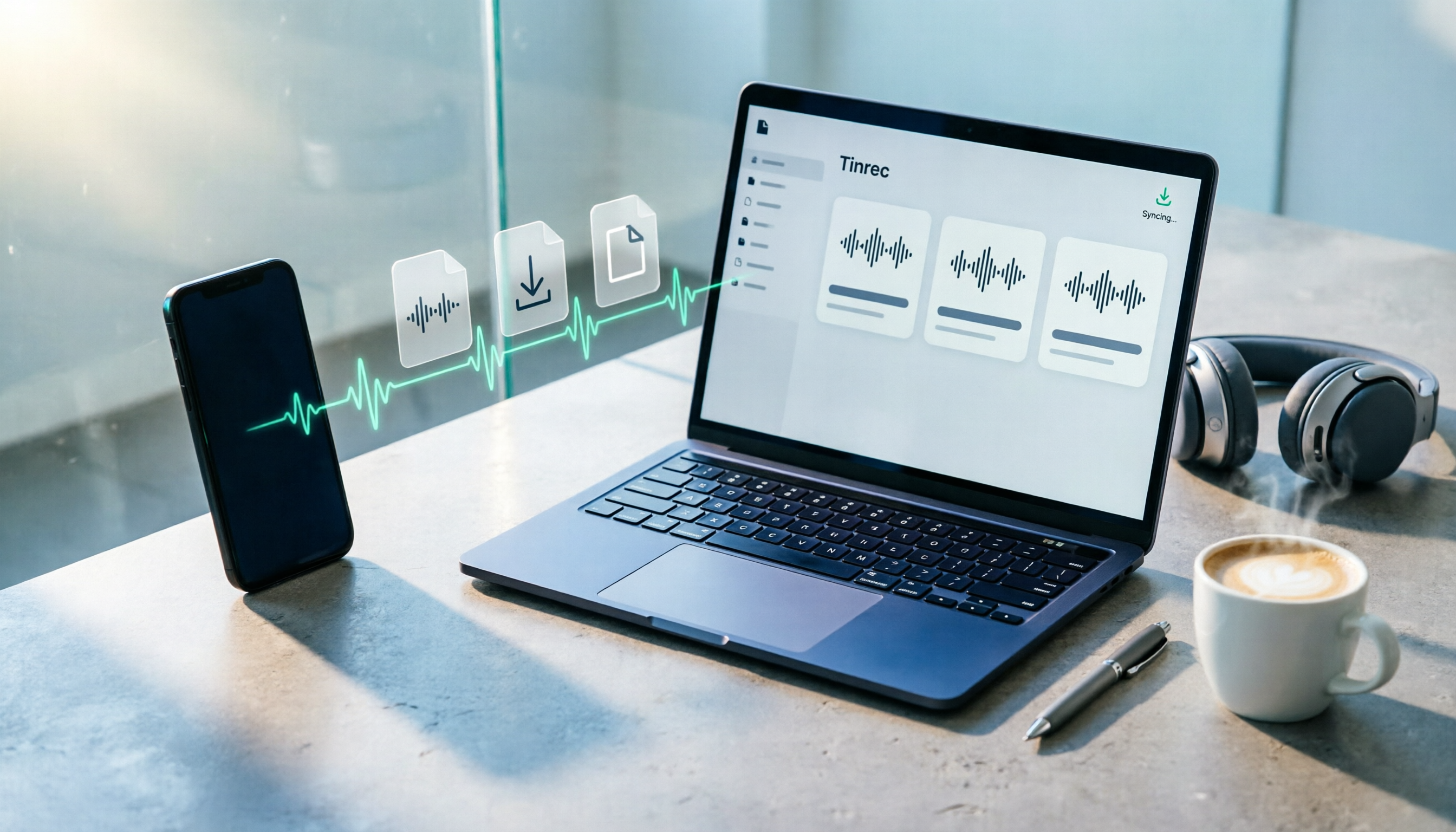
How to Download Plaud Recordings in 2026: 5-Step Guide & Alternative Comparison
Finished recording but the file is stuck in the app? This guide walks you through downloading Plaud recordings to your computer in 5 steps, plus 4 key rules to know before downloading, plan quota differences, 4 common mistakes, and a comparison of alternatives if you don't want to go through this every time.

2026 AI Recording Solutions Compared: Plaud vs. Phone Recording vs. Tinrec — Which Should You Choose?
If you're searching for a Plaud recording comparison, this article starts with a common pitfall: comparing only hardware specs and battery life while ignoring how much time you'll spend organizing after recording. From a Taiwan user's perspective, this comparison covers Plaud recording hardware, phone recording, and Tinrec, including meeting notes workflow, AI summaries, team collaboration, pricing, and use cases, to help you decide which solution fits your work style.

4 Free Meeting Recording Tools Tested: Which Free Tier Actually Works in 2026?
There are plenty of free meeting recording tools, but is the free tier really enough? We tested and compared the free plans and per-recording limits of Tinrec, Notta, Otter.ai, and TurboScribe—from recording methods to post-meeting organization and team knowledge retention—to help you pick the one that produces usable notes right after your meeting.

2026 AI Meeting Recorder Comparison: What Does 'Otter' Mean in Chinese? Which Tool Fits Chinese Meetings?
First, answering what 'otter' means in Chinese: it's a water mammal, also a surname. Otter is also Otter.ai, an AI meeting assistant. This article compares Otter.ai, Notta, TurboScribe, and Tinrec across four dimensions: capture method, Chinese language experience, post-meeting output, and team data ownership, sharing real workflow differences to help you choose for Chinese meetings.

What Is Vocal Fry in Chinese? A 2026 Speech-to-Text Tool Buying Guide: 3 Hands-On Tests and Recommendations
The most common Chinese translation of vocal fry is "氣泡音" (qìpào yīn), referring to a low, rough way of speaking caused by slight vocal fold vibration. This article first explains the meaning and origin of the term, then from the perspective of "how to fully capture meeting recordings," helps you decide how to choose a speech-to-text tool, and compares the differences and use cases of Tinrec, Otter.ai, Notta, and Granola.