
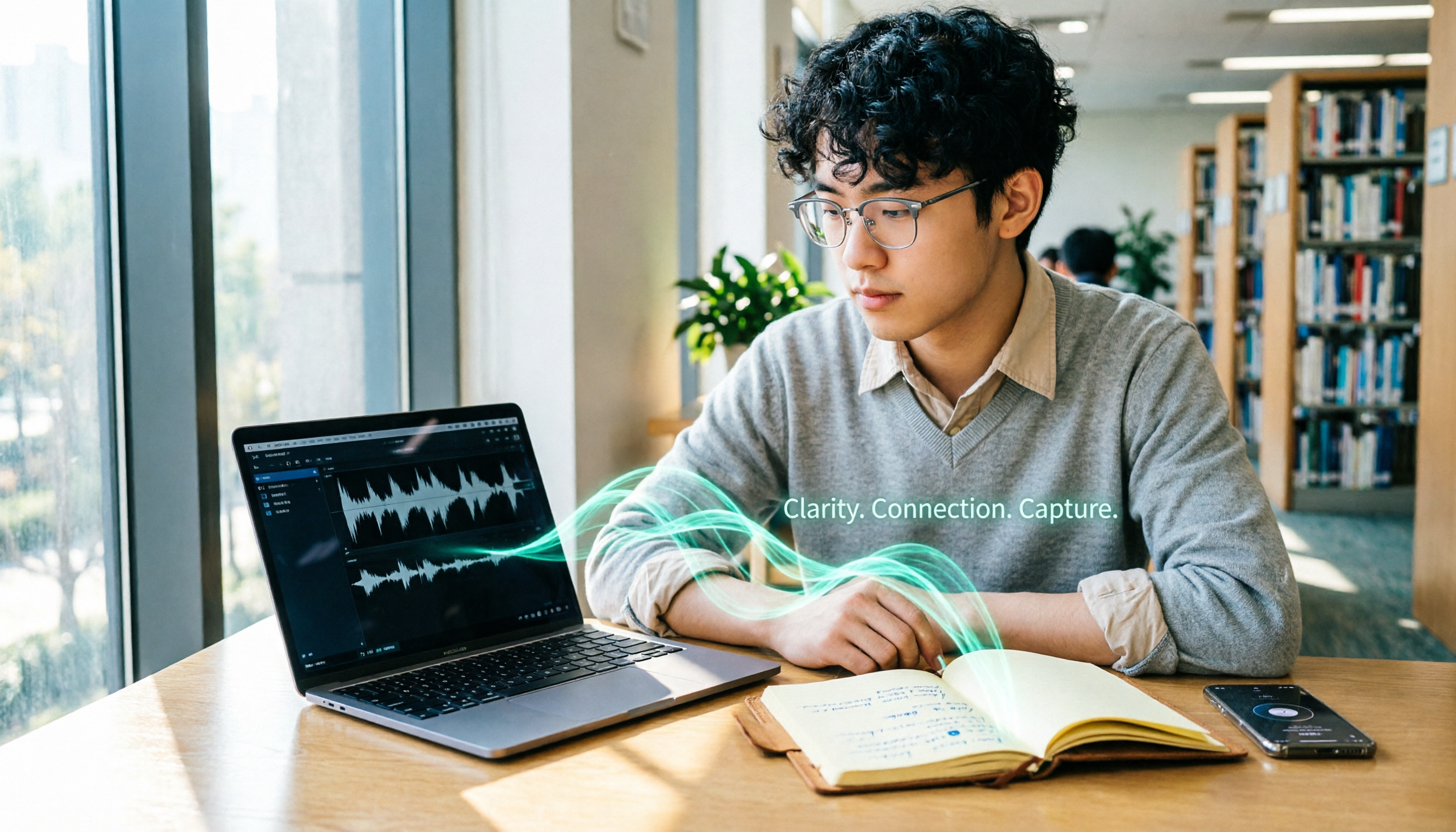
Turn recordings into transcripts and summaries in minutes
Upload audio or video for multilingual transcription, AI notes, and action items
Last semester I took a class where the professor talked super fast and flipped through slides even faster. I tried taking handwritten notes—but when I opened my notebook before midterms, I couldn't even read my own writing. That's when I decided I had to find an app that could turn recordings into text directly.
At first, I saw many classmates recommending the PLAUD Note hardware device—it looked cool, but it costs around $150 USD. I hesitated. Then a senior student recommended Tinrec, saying he used it all semester and the free version was enough for most classes. I was skeptical but installed it... and guess what? I aced my finals thanks to the notes it organized. This post shares my real experience with both tools, so you on a tight budget can avoid wasting time.

Tinrec vs PLAUD Note|Quick Overview
PLAUD Note is a standalone AI recording device, designed for portable recording and long battery life. After buying the hardware, you still need to use its app, which includes a basic monthly transcription minute allowance. Tinrec is a pure software solution—you can use it on your phone or computer without any extra device. You can record directly or upload files to transcribe, plus it has AI summaries, task extraction, and other features I love.
| Comparison | Tinrec (Quick Recording) | PLAUD Note |
|---|---|---|
| Price | Free tier with basic allowance; Pro monthly plan for heavy users | Hardware pre-order starts around $150 USD, plus subscription plan required |
| Platform | iOS, Android, Web | Requires PLAUD App (iOS/Android) |
| Core Difference | Software ready to use, multiple input sources, strong AI post-processing | Standalone hardware, one-button recording, long battery life |
Next, I'll compare five dimensions most important to students to see which one is better for the classroom.
Dimension 1|Price and Entry Barrier
PLAUD Note requires you to spend money upfront on the device. The cheapest model, NotePin, costs around $150 USD. For a student working part-time at minimum wage (~$7.25/hr), that's about 20+ hours of work. And after buying it, the free transcription allowance is only 300 minutes per month; if you need more, you have to buy an annual plan. My roommate bought one, and after midterms he realized he had blown through his monthly allowance and had to pay extra—he was devastated.
Tinrec requires no hardware purchase. You can download the app right now on your phone and use the free version. I record about 150 minutes of lectures per week, and the free tier is enough. And if you ever need more, the Pro monthly plan costs about the same as a bubble tea—skip two late-night snacks and you've got it.
→ This dimension: Tinrec wins big—no pressure on a student budget.
Dimension 2|Recording and Transcription Methods
PLAUD Note is a hardware device. You have to carry it with you when recording. The upside is that it works independently—you don't need to keep your phone on. But the downside is you have to remember to charge it and bring it. My roommate forgot his during finals week and missed an entire review session. Gut-wrenching.
Stop organizing recordings by hand
Upload audio or video and automatically get a transcript, summary, and action items
Tinrec records directly via the phone app or computer web. In class, I put my phone on the desk and record while taking simple notes on my laptop. Even better, it can not only record live audio but also import old audio files or even paste a YouTube URL to transcribe tutorial videos. That feature is a lifesaver when catching up on online courses.
→ This dimension: Tinrec wins on convenience—multiple input sources are super practical.
Dimension 3|AI Organization Features
PLAUD App has basic summaries and AI Q&A, but in practice, its AI mainly highlights key points. If you want to generate to-do lists or structured notes, you have to do it yourself. My roommate tried copying PLAUD transcriptions into Notion and then using AI to organize—such a hassle.
Tinrec's AI features were my most relied-on tools all semester. It not only generates verbatim transcripts but also automatically splits into chapters, marks key points, and—most impressively—extracts action items. After group discussions, it directly lists who should do what. During finals crunch time, I often used the AI chat query to ask questions like "What format did the professor specify for the last assignment?" It finds the answer directly from the recording, saving hours of re-listening.

→ This dimension: Tinrec's AI post-processing is clearly stronger—from transcription to action, all in one step.
Dimension 4|Cross-Platform and Portability
PLAUD Note itself is small and clips onto your bag unobtrusively. But don't forget, it's just the recording end—you still need your phone to view the text. Plus, if you're using an iPad for lecture slides and a laptop for notes, it doesn't sync across devices.
Tinrec has a web version and an app. I open the web page on my iPad to view transcripts, record with my phone next to me, and organize notes on my laptop—all synced together. This cross-platform smoothness is especially noticeable when preparing group projects; every team member can see the same meeting notes from their own device.
→ This dimension: Tinrec better matches modern students' digital habits with cross-device integration.
Dimension 5|Use Cases and Flexibility
PLAUD Note is best for "pure recording"—record meetings or lectures from start to finish, then review later. But if you need to handle online courses, YouTube tutorials, or old recordings stored on your phone, it falls short. My roommate found that his PLAUD could only record live audio; for old recordings he needed separate software.
Tinrec is designed for multiple scenarios. This semester I used it for: live lecture recording and note-taking, online video summarization, group discussion action items, and even client interview recordings for part-time work. It covers meetings, learning, creative work, and research—one app solves all my audio-to-text needs.
→ This dimension: Tinrec covers more scenarios—study, work, and creation all handled.
What Are Each Tool's Unique Strengths?
Tinrec's Unique Strengths
- Zero hardware cost: No big upfront investment for students; the free version is enough to start, and you can pay a small fee for more features later.
- Powerful AI post-processing: Auto-summaries, chapters, to-dos, AI Q&A—turns recordings into actionable material.
- Multiple input sources: Besides live recording, you can upload files or paste video links—great for online classes and self-study.
- Seamless cross-platform: Works on phone, tablet, and computer—smooth for group collaboration or solo review.
PLAUD Note's Unique Strengths
- Standalone recording experience: No phone needed for recording—ideal for long sessions without distractions.
- Hardware battery life and portability: Small and portable, lasts all day—perfect for long meetings or full-day classes.
Conclusion: Which One Should You Choose?
• If you're on a tight budget and don't want to carry extra devices → Tinrec is your match—just install the app and go.
• If you need more than just transcription—AI that organizes highlights and to-dos → Tinrec wins—your study efficiency will skyrocket.
• If you often need to process online videos or old recordings → Tinrec's multiple input sources will make you cry (tears of joy).
• If you only want a pure recording and transcription device and don't mind paying for hardware → PLAUD Note is simple enough, but students should think twice about the investment.
One sentence summary: For the vast majority of students, Tinrec better fits our real needs in terms of features, price, and scenario flexibility. I recommend downloading the free version now and trying it on one lecture—you'll find note-taking is no longer a chore.
Turn every recording into actionable outcomes
Get 60 free transcription minutes when you sign in. No credit card required.
Related Reading
You might also like

Tinrec vs Free Meeting Transcription in 2026: 5-Dimension Comparison, Which Should Students Choose for Meeting Notes?
Starting from common misconceptions students have about meeting audio transcription, this article explains 5 key purchasing considerations: free quota, meeting capture method, Chinese recognition, post-meeting organization, and team data ownership. It also demonstrates Tinrec's actual workflow for classes, group discussions, and interviews.
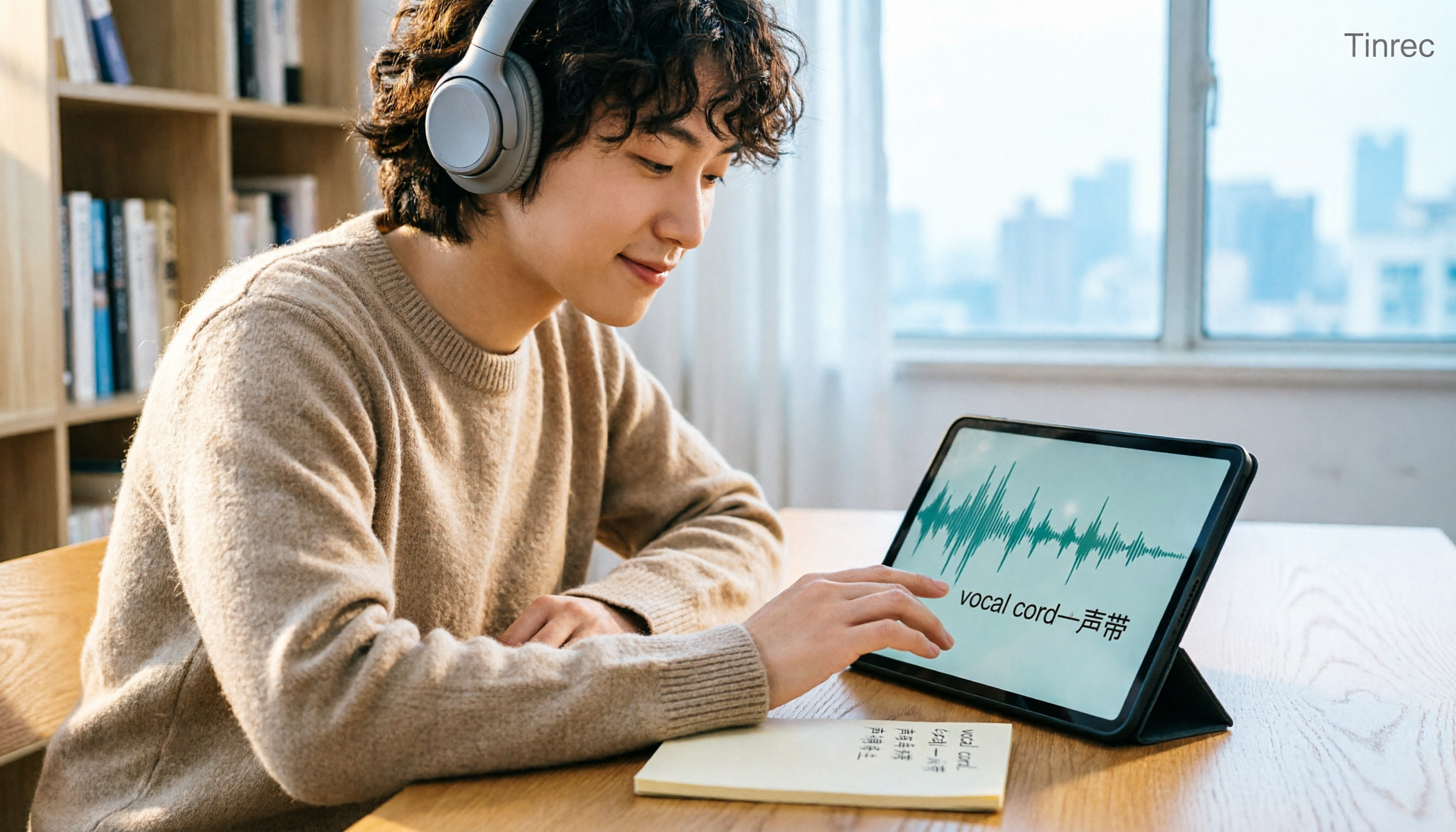
Tinrec vs Otter.ai in 2026: A 5-Dimension Comparison — Which Is Better for English Content Like 'vocal cord'?
'Vocal cord' in Chinese means '声带' (vocal cords), but most people who look up this term are actually struggling to understand and remember entire English passages. This article starts with the word's meaning, breaks down 4 key factors for choosing an English-to-Chinese content tool, compares Tinrec with Otter.ai, Notta, and TurboScribe through hands-on testing, and summarizes 4 common pitfalls and selection recommendations.

4 AI Voice Recorder Tools Tested and Compared for 2026: Is the NotePin Wearable Recorder Worth Buying?
Plaud NotePin reviews are sharply divided, and the problem is often mismatched expectations. Starting from real recording scenarios, this article breaks down the NotePin's specs, wearing experience, subscription costs, and pain points reported by forum users, then compares it with three different approaches—Tinrec, Notta, and Otter.ai—to help you decide whether you need a piece of hardware or a software workflow.

Can Otter.ai Handle Chinese in 2026? 5 Key Checks and Chinese Meeting Tool Options
Otter.ai's official language list only includes Chinese (Simplified), supporting spoken Mandarin with Simplified Chinese output. Traditional Chinese is not officially supported, and each meeting can only be set to one language. This article uses 5 key points to help you determine if it suits your Chinese meetings, and outlines Chinese meeting tools that work more smoothly in practice, along with pitfalls to avoid.
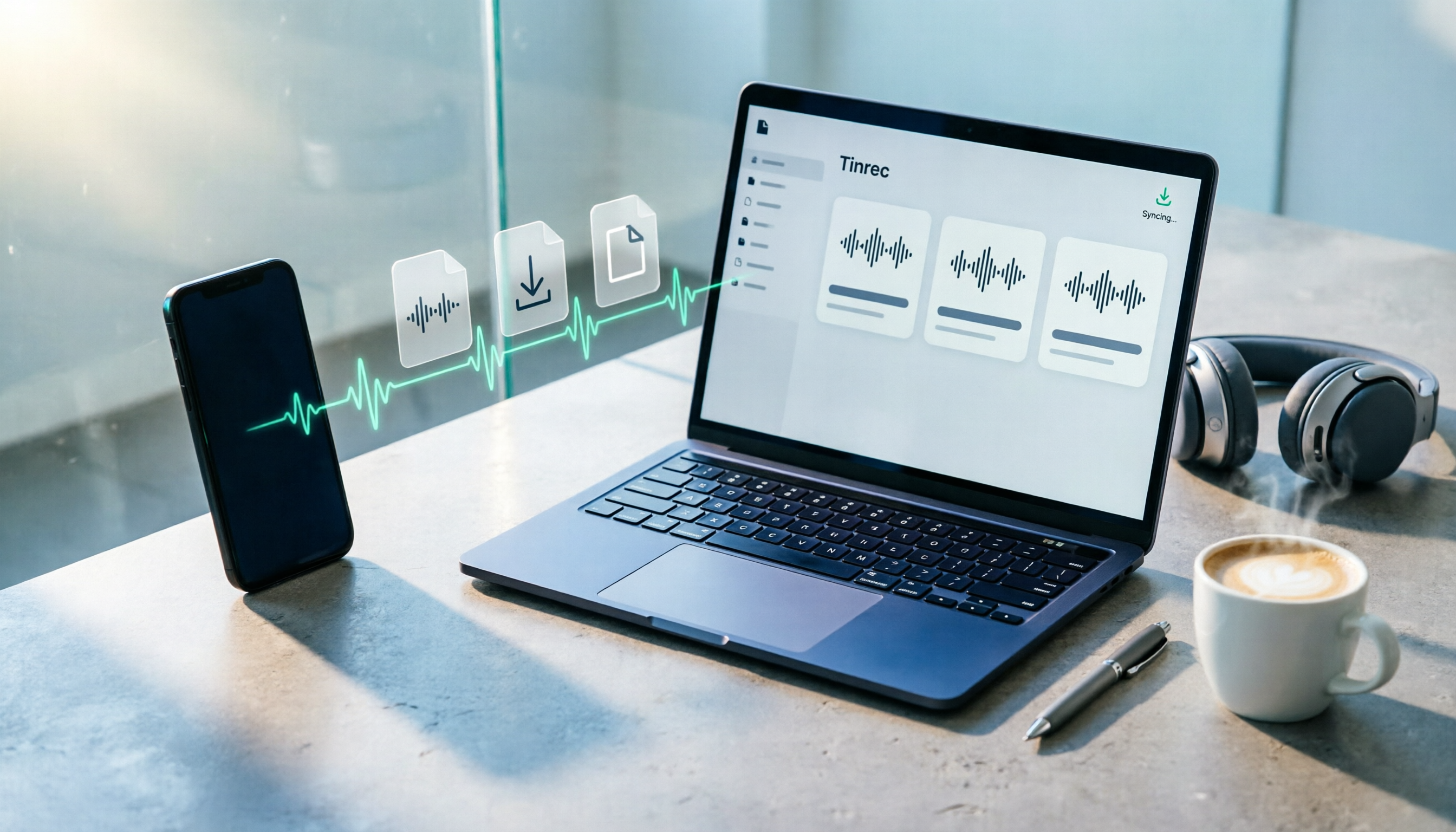
How to Download Plaud Recordings in 2026: 5-Step Guide & Alternative Comparison
Finished recording but the file is stuck in the app? This guide walks you through downloading Plaud recordings to your computer in 5 steps, plus 4 key rules to know before downloading, plan quota differences, 4 common mistakes, and a comparison of alternatives if you don't want to go through this every time.

2026 AI Recording Solutions Compared: Plaud vs. Phone Recording vs. Tinrec — Which Should You Choose?
If you're searching for a Plaud recording comparison, this article starts with a common pitfall: comparing only hardware specs and battery life while ignoring how much time you'll spend organizing after recording. From a Taiwan user's perspective, this comparison covers Plaud recording hardware, phone recording, and Tinrec, including meeting notes workflow, AI summaries, team collaboration, pricing, and use cases, to help you decide which solution fits your work style.

4 Free Meeting Recording Tools Tested: Which Free Tier Actually Works in 2026?
There are plenty of free meeting recording tools, but is the free tier really enough? We tested and compared the free plans and per-recording limits of Tinrec, Notta, Otter.ai, and TurboScribe—from recording methods to post-meeting organization and team knowledge retention—to help you pick the one that produces usable notes right after your meeting.

2026 AI Meeting Recorder Comparison: What Does 'Otter' Mean in Chinese? Which Tool Fits Chinese Meetings?
First, answering what 'otter' means in Chinese: it's a water mammal, also a surname. Otter is also Otter.ai, an AI meeting assistant. This article compares Otter.ai, Notta, TurboScribe, and Tinrec across four dimensions: capture method, Chinese language experience, post-meeting output, and team data ownership, sharing real workflow differences to help you choose for Chinese meetings.

What Is Vocal Fry in Chinese? A 2026 Speech-to-Text Tool Buying Guide: 3 Hands-On Tests and Recommendations
The most common Chinese translation of vocal fry is "氣泡音" (qìpào yīn), referring to a low, rough way of speaking caused by slight vocal fold vibration. This article first explains the meaning and origin of the term, then from the perspective of "how to fully capture meeting recordings," helps you decide how to choose a speech-to-text tool, and compares the differences and use cases of Tinrec, Otter.ai, Notta, and Granola.