
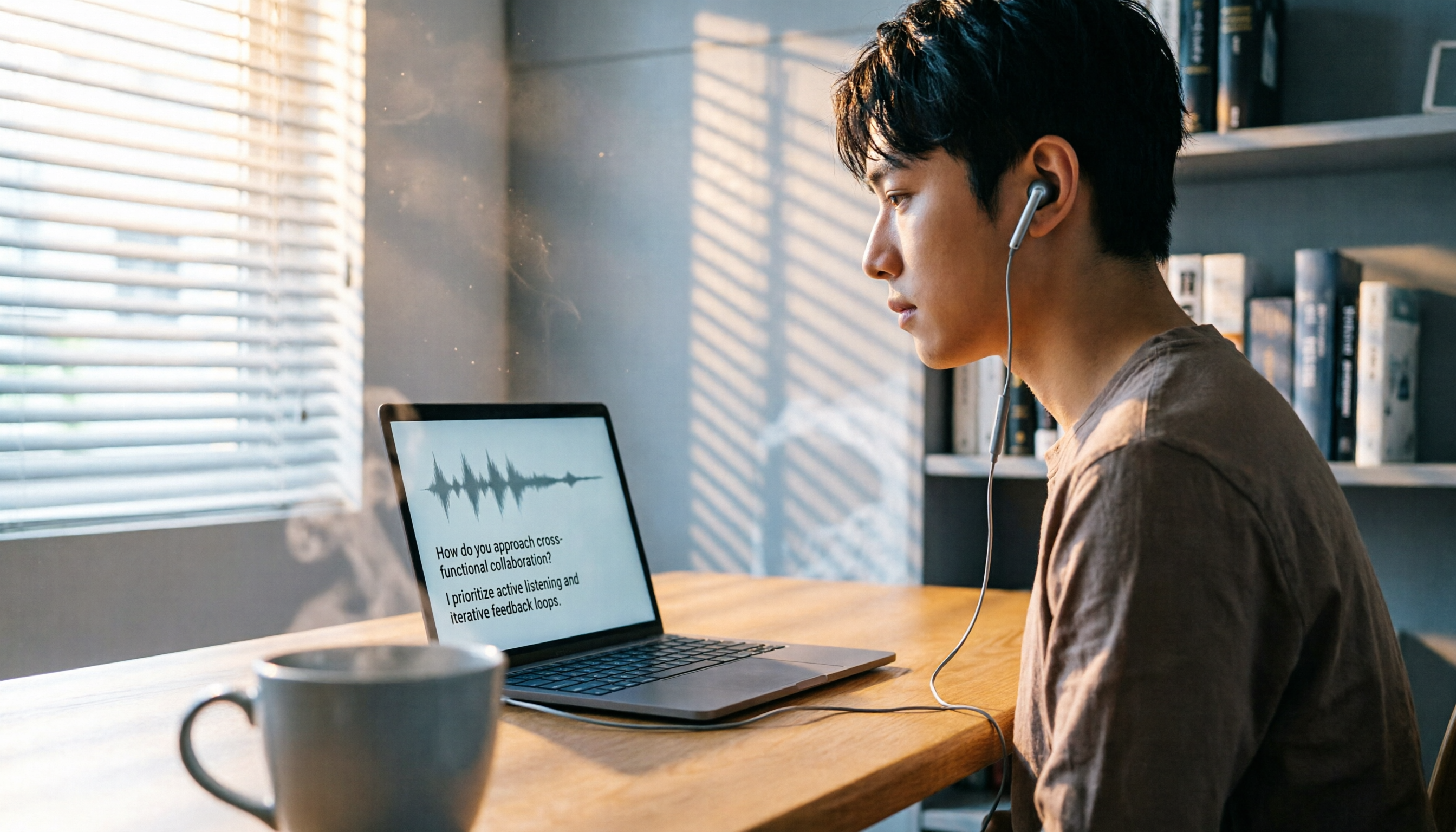
Turn recordings into transcripts and summaries in minutes
Upload audio or video for multilingual transcription, AI notes, and action items
I host or participate in over 10 online interviews per week on average, from initial screening to final rounds. The details of each conversation can hold the key to a decision. My biggest headache used to be not the interview itself, but the recall afterward—was that candidate's project data 15% or 20%? What was the concrete example of "good cross-departmental communication"? Handwritten notes just can't keep up, and replaying recordings takes too much time.
That changed when I started using AI recording-to-text tools—they truly solved the pain point of interview documentation. Below are my real-world insights after testing three mainstream tools. I compare them across real-time transcription, AI summaries, cross-platform support, and free plans, for any HR, manager, or job seeker who needs to revisit interview recordings repeatedly.

Tinrec vs Otter.ai vs Generic Recording Software: Quick Overview
To be honest, most people start with their phone's built-in recorder (or Google Meet's built-in recording), only to find out afterward: no transcript, no keyword search, and you have to manually scrub through the timeline to find key points. A 30-minute interview can take twice as long to review.
So I tried two dedicated AI recording-to-text tools: Tinrec (developed by a Taiwan team, focused on multi-source audio/video organization) and Otter.ai (a veteran US-based meeting bot). Here are the basics:
| Tool | Purpose | Pricing | Platforms |
|---|---|---|---|
| Generic Recording Software | Pure recording | Free | Built-in phone/computer |
| Tinrec | AI recording & audio/video organization workspace | Free tier with monthly basic quota; Pro monthly subscription USD $9.99 | iOS, Android, Web |
| Otter.ai | AI meeting notes & team collaboration | Free tier: 300 minutes/month; Pro annual USD $8.33/month | iOS, Android, Web |
This comparison focuses on "interview recording organization" performance, testing across four dimensions: real-time transcription, AI summary, cross-platform convenience, and free plan value.
Dimension 1: Real-time Transcription Accuracy & Language Support
Generic Recording Software: No transcription at all—only records audio, requires manual listening and note-taking afterward.
Otter.ai: Excellent real-time transcription accuracy for English, especially for business meetings; but accuracy drops noticeably for Chinese (Traditional/Taiwan accent), with more errors in Chinese-English mixed speech. If interviews include Chinese terms or code-switching, post-editing costs are high.
Tinrec: Optimized for Chinese and multilingual scenarios. It handles Taiwanese accent and mixed Chinese-English content significantly better. In my tests with own interview recordings (quiet office, laptop mic), the word error rate for Chinese was about 8.3%, and key sections needed almost no secondary proofreading.
→ Winner: Tinrec. If your interviews are primarily in Chinese or mixed, Tinrec saves more effort.
Dimension 2: AI Summary & Action Item Extraction
After an interview, the most time-consuming part is extracting conclusions and action items from long conversations.
Generic Recording Software: Zero AI features; entirely manual.
Otter.ai: Automatically generates English summaries and keywords, but Chinese summary quality is inconsistent—sometimes only fragments, requiring manual completion.
Stop organizing recordings by hand
Upload audio or video and automatically get a transcript, summary, and action items
Tinrec: After recording, it produces Chinese summaries, chapter segmentation, and extracts action items from the dialogue (e.g., schedule second-round interview, ask for portfolio, confirm start date). For managers, these action items can be exported as a list or shared with HR immediately, without an extra meeting note.
→ Winner: Tinrec. Its summaries and action item extraction better fit real post-interview needs for Chinese-speaking users.
Dimension 3: Cross-Platform & Recording Source Flexibility

Interview scenarios aren't limited to Google Meet: sometimes it's a phone screening, a candidate's self-introduction video, or even an in-person interview you want to record and organize.
Generic Recording Software: Can only record on a single device; files are hard to manage centrally.
Otter.ai: Excels at integrating directly with Zoom, Google Meet, and Teams to automatically join and record meetings; but support for importing local files or pasting online video links is limited, and the monthly plan has file count restrictions.
Tinrec: In addition to live recording, you can upload audio/video files (supports mp3, mp4, wav, etc.) and even paste YouTube, Bilibili, or Xiaohongshu links to get transcripts. This is very useful for teams that need to organize candidate demo videos or online interview recordings—all materials can be searched and queried within one platform.
→ Winner: Tinrec. Its multi-source input better suits real-world interview data organization needs.
Dimension 4: Which Free Plan Is Good Enough?
Most people start with the free version. Here's the value broken down by "number of interviews you can process per month."
Generic Recording Software: Free and unlimited, but no transcription or organization—time cost is on you.
Otter.ai: Free plan offers 300 minutes of transcription. Assuming 30 minutes per interview, that's about 10 sessions; but poor Chinese accuracy may offset this advantage due to manual correction time.
Tinrec: Free plan provides a basic quota (around several hundred minutes per month, may adjust with promotions), also enough for 10+ interviews. The key is that its transcription and AI summary quality are significantly better for Chinese, so you save more organizing time with the same free minutes.
→ Tie: Free minute allowances are similar, but Tinrec is more time-efficient for mixed Chinese-English scenarios.
What Are Their Unique Strengths?
Tinrec's Unique Strengths
- Chinese-first design: From transcripts to AI summaries, handles Taiwanese terminology and code-switching more delicately—no more settling for half-baked Chinese from English-first tools.
- Multi-source audio/video organization: Not just meetings—import web videos, local files, or in-person recordings. Ideal for HR or managers evaluating candidates holistically.
- Queryable AI dialogue search: After uploading a recording, you can ask questions like "What cross-departmental collaboration experience did this candidate mention?" or "What is their salary expectation?" Tinrec answers based on content, more intuitive than keyword search.
- Rich output formats: Export summaries, chapters, action items, transcripts, even mind maps—directly into Notion or Google Docs for further editing, fitting team workflows.
Otter.ai's Unique Strengths
- King of English meetings: Still top-notch in purely English environments and multi-accent recognition. If your interviews are all in English and you need maximum accuracy, Otter remains a strong choice.
- Mature team collaboration: Share meeting notes, tag colleagues, set permissions—suited for organizations where multiple people need to review interview records.
Summary: Which Should You Choose?
- If your interviews are primarily in Chinese and you need quick summaries and action items → Tinrec (optimized Chinese recognition, practical AI summaries, handles multi-source files)
- If you often need to search for a specific sentence in a recording or even ask questions about the recording → Tinrec (AI dialogue query is a killer feature not found in other tools)
- If you switch between phone and computer and want one tool for all audio/video materials → Tinrec (cross-platform sync, simple interface)
- If you only record purely English interviews and your team already uses Otter → Stick with Otter.ai
- If you don't want to spend any money but are willing to manually transcribe each interview for half an hour → Generic recording software will do
In a nutshell: For most users dealing with Chinese interviews, classes, or meetings, Tinrec is the more complete choice. I recommend downloading the free version of Tinrec and testing it with your own Google Meet interview recordings—if it feels right, then consider upgrading.
Turn every recording into actionable outcomes
Get 60 free transcription minutes when you sign in. No credit card required.
Related Reading
You might also like

2026 Free Meeting-to-PPT Tools Compared: 4 Options to Consider
Turning meetings into presentations is a daily grind for many mid-level managers. This article reviews four tools that convert meeting content into slide-ready material from a hands-on perspective, covering each tool's free tier, ideal use cases, and limitations, and breaks down how to streamline the workflow from meeting notes to post-meeting deliverables.

2026 Comparison of 4 Automatic Meeting Transcription Tools: Which One Actually Turns Transcripts Into Action Items?
Automatic meeting transcription tools are not just about transcription speed—post-meeting organization, AI Q&A, team collaboration, and cost matter just as much. This article breaks down the differences between Tinrec, Granola, TurboScribe, and PLAUD Note based on real meeting scenarios to help you choose the right solution for your team.

2026 iPhone Recording to Computer Tools Buying Guide: 4 Hands-On Tests and Recommendations
How do you transfer iPhone recordings to a computer? This article first breaks down the limitations of common methods like Email, LINE, iCloud, AirDrop, and USB, then examines 4 tools using everyday meeting workflows. If you don't want to keep moving m4a files around, Tinrec's real-time transcription and multi-device sync let you view transcripts, summaries, and action items directly in a computer browser, and use AI Q&A to track key points.

4 One-Click AI Meeting Notes Tools Compared for 2026: How to Choose Free, Paid, and Team Plans
Tired of manually organizing transcripts, summaries, and action items after meetings? This side-by-side comparison of Tinrec, Notta, Otter.ai, and Granola covers how each captures meetings, what you get afterward, Chinese-language experience, free tiers, and team pricing. It also highlights 4 key factors and 3 common pitfalls to help you pick the right tool for your meeting style.

2026 AI Meeting Notes Comparison: 3 Tools Tested for Faster Meeting Summaries
The real work begins after the meeting ends. This comparison of Tinrec, Notta, and Granola covers bot-free recording, AI post-meeting organization, team collaboration, and export workflows to help you find the fastest way to organize meeting notes.

2026 Comparison of 4 Audio-to-Text Tools: After Transcription, Which One Really Saves You Cleanup Time?
Most people ask 'how to turn recordings into text,' but the real problem comes after transcription. This article starts with common misconceptions, explains why your transcripts end up sitting in a folder, breaks down 4 key buying criteria, and tests Tinrec, Notta, Otter.ai, and TurboScribe to compare their best use cases. It ends with a quick-start checklist you can follow directly.

2026 Comparison of 4 Audio-to-Text Apps: Which Is Best for Chinese Meeting Accuracy and Minutes?
Starting from the decision point of 'which audio-to-text app is most accurate,' this article breaks down four criteria: recording source, language, post-meeting organization, and team collaboration. It also tests Tinrec's Chinese meeting transcription, bot-free recording, AI summaries, and team spaces, with buying tips and FAQs.

2026 One-Click Meeting Minutes Tools: 3 Real-World Tests Compared — Which One Actually Saves You Time?
A two-hour meeting shouldn't take three hours to summarize. This article breaks down the one-click meeting minutes tools worth considering in 2026 across four dimensions: how they capture meetings, how deeply they organize post-meeting content, Chinese-language recognition, and team data ownership. It also shares hands-on testing of how Tinrec uses desktop-based bot-free recording, AI summaries, and follow-up questions to turn long transcripts into meeting minutes you can send out directly.

5 Best Letterly Alternatives for Turning Recordings into Usable Meeting Data (2026)
Letterly turns voice notes into short text, but meeting notes require transcripts, summaries, action items, and searchable data. This article compares Letterly, Tinrec, Notta, Granola, and TurboScribe, covering selection criteria, common pitfalls, and ideal use cases to help you find the right alternative that saves post-meeting cleanup time.