
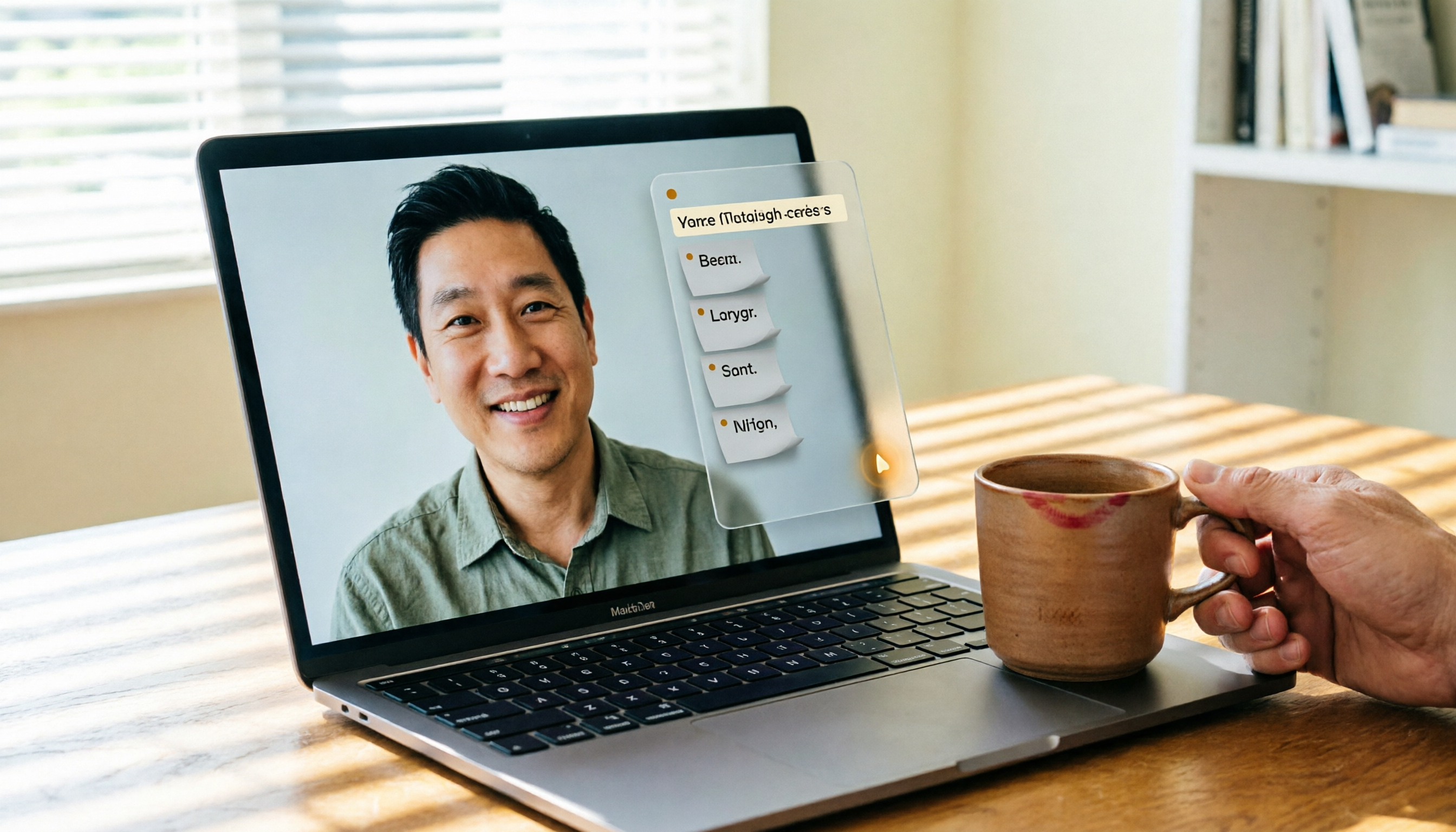
Turn recordings into transcripts and summaries in minutes
Upload audio or video for multilingual transcription, AI notes, and action items
Tinrec is an AI recording and audio/video organization tool designed for meetings, study, interviews, and content creation, supporting Mac, Windows, iOS, Android, and web. For Mac users who frequently use Google Meet, it acts like a smart meeting assistant—auto-recording, transcribing, summarizing, and extracting to-dos. The free version offers a monthly basic quota for trial. If you still manually take meeting notes, give Tinrec a try.

What Can an AI Meeting Recorder Do for You?
Using Google Meet on a Mac, the biggest pain is post-meeting cleanup—a two-hour meeting might take another hour to replay, transcribe, and extract key points. Now with tools like Tinrec, all that can be automated. For example, with Tinrec, just open the web app or install the desktop app on your Mac, and it can:
Scenario 1: Meeting ends, minutes are ready
Instead of typing while talking, let Tinrec record Google Meet audio in the background. As soon as the meeting ends, AI has already summarized the key points, conclusions, and everyone's action items—who needs to do what and by when, all clearly laid out.Scenario 2: Review past meetings without relying on memory
Forgot what was discussed? No problem. Tinrec stores all recordings and transcripts. You can search by keyword or ask the AI, “What was the budget decision we discussed last time?” and it will immediately pull the answer from the transcript.Scenario 3: Turn meeting content into action lists
Beyond summaries, Tinrec automatically identifies action items from the conversation and creates a to-do list for you to delegate immediately—no manual work needed.
Tinrec's Core Capabilities
Many tools only give you a transcript, but Tinrec goes further by automating the comprehension of meetings. Here are the core features I found particularly useful after testing:
- Real-time transcription: Transcribes live during Google Meet with less than 1 second delay. You can watch the text live and confirm nothing is missed.
- AI semantic summarization: Not just a condensed transcript, but structured—meeting topic, discussion decisions, action items, and responsible persons, listed separately for easy reading.
- AI conversation query: After the meeting, you can ask Tinrec questions like “What did the client say about the pricing?” or “Who suggested the new marketing idea?” It understands semantics and provides answers from the transcript.
- Cross-platform sync: Meetings recorded on Mac sync to iPhone, iPad, or web, accessible anytime.
Stop organizing recordings by hand
Upload audio or video and automatically get a transcript, summary, and action items
Practical Use Cases
Weekly team stand-up on Google Meet (Mac)
A weekly team meeting easily takes an hour. Before, you'd have to type notes while listening. Now, open Tinrec on your Mac, select “Computer Audio Recording,” and it captures Google Meet audio in real-time. After the meeting, open the summary, copy-paste it to your team’s collaboration platform, and even absent members can catch up quickly.
Client project meetings
Online meetings with clients discussing requirements, pricing, and timelines. Tinrec not only transcribes but also auto-tags action items—e.g., “Send quote by next Friday,” “Design revisions needed in three spots.” You just verify accuracy and email the list to your team.
Online courses or lectures
If you use Google Meet for classes or lectures, Tinrec can turn the entire session into text notes and even auto-chapter by topic, letting you jump to key sections when reviewing—saving tons of time.
4 Key Considerations When Choosing a Meeting Recorder
Transcription accuracy and language support
Don't just trust marketing numbers; record a Google Meet session and test it yourself. In our tests, Tinrec's Chinese meeting recognition was excellent, especially when multiple people spoke in turn. If you need mixed languages (e.g., Mandarin and English), its multilingual recognition is handy.Not just a transcript: needs to organize
Transcription is just the start. Some tools dump a wall of text for you to comb through. Tinrec's auto-summary, action item extraction, and AI Q&A help you quickly grasp the key points without extra digestion time.Cross-device and Mac compatibility
Ensure the tool works on all your devices. Tinrec has a full Mac version (native on Apple Silicon) and a web version, so no forced installation—great for those with restricted corporate machines.Free plan sufficiency
If you only need occasional meeting recaps, Tinrec's free plan offers a monthly basic transcription quota—enough for 2-3 meetings. For frequent meetings, consider weekly or monthly cards with transparent pricing and no hidden fees.
Frequently Asked Questions
Q1: Can Tinrec directly record Google Meet audio on Mac?
Yes. Install the Tinrec app or use the web version on Mac, activate “Computer Audio Recording,” and it will capture Google Meet system audio and transcribe in real-time.
Q2: How is Tinrec different from other meeting recording apps?
Some tools focus on meeting bots that auto-join online meetings, often optimized for English. Tinrec is better for Chinese content and works not only for meetings but also local audio files and YouTube video links for transcription and summarization—a wider range of use.
Q3: What are the limitations of the free version?
The free version provides a fixed monthly transcription quota (see the official site for details), covering core features like live recording, file transcription, and online video parsing. For longer durations or higher-quality output, consider the paid plans.
Q4: Is meeting data stored in the cloud? Is it private and secure?
Tinrec uses encrypted transmission. Recordings and transcripts are stored in your account and accessible only by you. You can delete them anytime, meeting standard data protection norms.
Q5: Can it distinguish different speakers?
Yes. Tinrec automatically labels different speakers (e.g., “Speaker 1,” “Speaker 2”), making it easy to see who said what when reviewing the transcript.
Final Thoughts
If you use Google Meet on your Mac and often struggle with incomplete meeting notes or missed takeaways, Tinrec is definitely worth a try. It's not just a voice recorder; it's like a virtual assistant that organizes your notes after the meeting. Especially since the free plan is sufficient for most light users, I recommend starting with the free version to see how much time AI can save you in meeting documentation.
Turn every recording into actionable outcomes
Get 60 free transcription minutes when you sign in. No credit card required.
Related Reading
You might also like

2026 Free Meeting-to-PPT Tools Compared: 4 Options to Consider
Turning meetings into presentations is a daily grind for many mid-level managers. This article reviews four tools that convert meeting content into slide-ready material from a hands-on perspective, covering each tool's free tier, ideal use cases, and limitations, and breaks down how to streamline the workflow from meeting notes to post-meeting deliverables.

2026 Comparison of 4 Automatic Meeting Transcription Tools: Which One Actually Turns Transcripts Into Action Items?
Automatic meeting transcription tools are not just about transcription speed—post-meeting organization, AI Q&A, team collaboration, and cost matter just as much. This article breaks down the differences between Tinrec, Granola, TurboScribe, and PLAUD Note based on real meeting scenarios to help you choose the right solution for your team.

2026 iPhone Recording to Computer Tools Buying Guide: 4 Hands-On Tests and Recommendations
How do you transfer iPhone recordings to a computer? This article first breaks down the limitations of common methods like Email, LINE, iCloud, AirDrop, and USB, then examines 4 tools using everyday meeting workflows. If you don't want to keep moving m4a files around, Tinrec's real-time transcription and multi-device sync let you view transcripts, summaries, and action items directly in a computer browser, and use AI Q&A to track key points.

4 One-Click AI Meeting Notes Tools Compared for 2026: How to Choose Free, Paid, and Team Plans
Tired of manually organizing transcripts, summaries, and action items after meetings? This side-by-side comparison of Tinrec, Notta, Otter.ai, and Granola covers how each captures meetings, what you get afterward, Chinese-language experience, free tiers, and team pricing. It also highlights 4 key factors and 3 common pitfalls to help you pick the right tool for your meeting style.

2026 AI Meeting Notes Comparison: 3 Tools Tested for Faster Meeting Summaries
The real work begins after the meeting ends. This comparison of Tinrec, Notta, and Granola covers bot-free recording, AI post-meeting organization, team collaboration, and export workflows to help you find the fastest way to organize meeting notes.

2026 Comparison of 4 Audio-to-Text Tools: After Transcription, Which One Really Saves You Cleanup Time?
Most people ask 'how to turn recordings into text,' but the real problem comes after transcription. This article starts with common misconceptions, explains why your transcripts end up sitting in a folder, breaks down 4 key buying criteria, and tests Tinrec, Notta, Otter.ai, and TurboScribe to compare their best use cases. It ends with a quick-start checklist you can follow directly.

2026 Comparison of 4 Audio-to-Text Apps: Which Is Best for Chinese Meeting Accuracy and Minutes?
Starting from the decision point of 'which audio-to-text app is most accurate,' this article breaks down four criteria: recording source, language, post-meeting organization, and team collaboration. It also tests Tinrec's Chinese meeting transcription, bot-free recording, AI summaries, and team spaces, with buying tips and FAQs.

2026 One-Click Meeting Minutes Tools: 3 Real-World Tests Compared — Which One Actually Saves You Time?
A two-hour meeting shouldn't take three hours to summarize. This article breaks down the one-click meeting minutes tools worth considering in 2026 across four dimensions: how they capture meetings, how deeply they organize post-meeting content, Chinese-language recognition, and team data ownership. It also shares hands-on testing of how Tinrec uses desktop-based bot-free recording, AI summaries, and follow-up questions to turn long transcripts into meeting minutes you can send out directly.

5 Best Letterly Alternatives for Turning Recordings into Usable Meeting Data (2026)
Letterly turns voice notes into short text, but meeting notes require transcripts, summaries, action items, and searchable data. This article compares Letterly, Tinrec, Notta, Granola, and TurboScribe, covering selection criteria, common pitfalls, and ideal use cases to help you find the right alternative that saves post-meeting cleanup time.