

Turn recordings into transcripts and summaries in minutes
Upload audio or video for multilingual transcription, AI notes, and action items
Last semester I had a class that was entirely on Google Meet. The professor spoke so fast it sounded like rap, and slides flashed by one after another. I tried typing verbatim notes while listening, but when I reviewed for midterms, I realized I had missed tons of key points. My notes were such a mess even I couldn't understand them. That's when I decided I needed a tool to automatically record meeting content for me.
I started with Otter.ai, which many people recommended online. The free version gives 300 minutes per month, which sounds like a lot, but the interface is entirely in English, and it had a high error rate when processing Chinese classroom recordings. Plus, it can't directly paste YouTube links to help me organize calculus videos. Next I tried Notta, which handles Chinese better, but the free version only offers 120 minutes. Between weekly classes and group discussions, I needed at least three to four hours of recording, so I ran out of quota before the month ended. Paying for it didn't seem worth it.

Finally, a senior in my department recommended Tinrec. He used it to record meetings and interviews for his graduation project and said the free version could handle most class needs. I used it all semester, and now even my roommate has installed it.
What Can Google Meet Note-Taking Tools Do for You?
Scenario 1: Real-time Notes for Online Classes
Before, I had to keep screenshotting slides and typing while listening, which was a mess—I couldn't focus on the lecture at all. With Tinrec, I just enable system audio recording on my computer, and it instantly transcribes what the professor says. I can actually concentrate during class and then pull out key points from the transcript afterward.
Scenario 2: Auto-generated Conclusions and To-Dos After Group Discussions
Our senior project team meets weekly on Google Meet, and everyone talks over each other. Often after the meeting, no one remembers who is supposed to do what. Now I start recording with Tinrec before the meeting. When it ends, it automatically generates an AI summary and to-do items like "Azhe is responsible for the survey design, due by 3/15." I just screenshot that and post it in the group chat—no more excuses.
Scenario 3: Search Key Points from Recordings During Review
Before finals, I uploaded all semester's lecture recordings into Tinrec. When I needed to review a specific theory, I just entered a keyword in the AI Q&A, and it found every mention, complete with timestamps—faster than flipping through my notes.
What Are Tinrec's Core Features?
Real-time Transcription It converts audio to text with less than a second delay, so I can instantly confirm I didn't miss key formulas or definitions. I can even mark important segments during class.
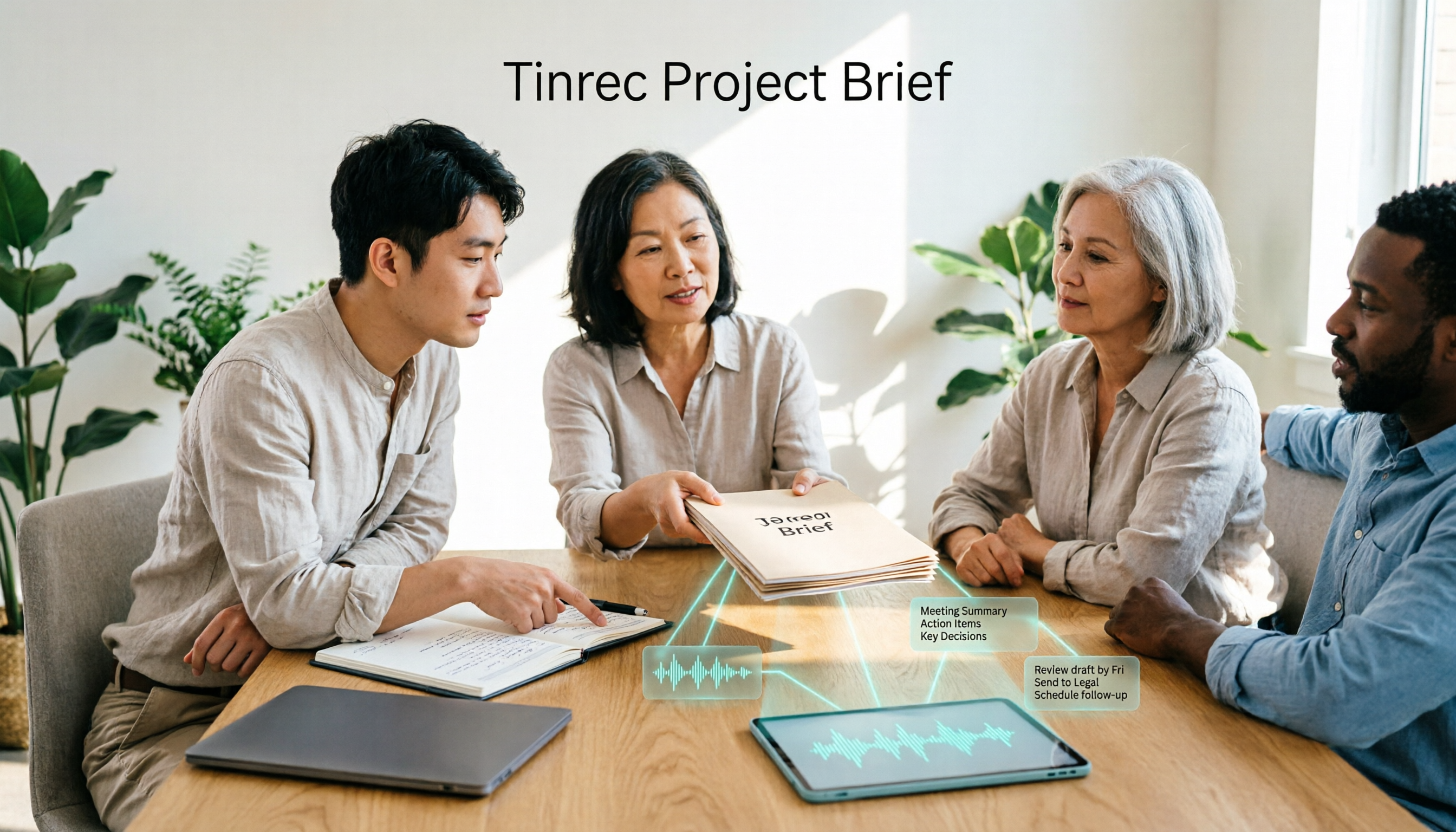
AI Semantic Summary It doesn't just condense the transcript; it organizes it into categories like "Meeting Topic," "Conclusion," "To-Do Items," and "Person Responsible." That makes post-discussion notes truly valuable.
Chapter Organization For a two-hour recording, it automatically breaks it into sections with titles. When reviewing, I can jump directly to the part I need without listening from start to finish.
Stop organizing recordings by hand
Upload audio or video and automatically get a transcript, summary, and action items
AI Chat Query You can ask it questions like "What was the conclusion of this meeting?" or "Did the teacher mention the final exam scope?" It answers based on the entire recording—no manual searching required.
Multi-format Export You can export transcripts, summaries, or even sync directly to Notion or Google Docs. That's how I streamlined my final project materials.
Real-World Use Cases

Scenario 1: Google Meet Online Meetings During meetings with my project advisor, I use Tinrec to record the computer's system audio. It separates each person's speech (though it can't always assign names precisely, context makes it clear who said what). After the meeting, it organizes the summary and to-dos, which I email to my advisor for confirmation—super efficient.
Scenario 2: YouTube Calculus Courses I don't just use it for Google Meet. I also paste links to online instructional videos, and it directly generates a full transcript and summary, quickly showing what the video is about and saving me from scrubbing through.
Scenario 3: Interview Transcription This semester I took a qualitative research course and needed to conduct in-depth interviews. Before, I had to listen and transcribe manually. Now I upload the audio file after the interview, and within minutes I get a transcript and key summary—it even highlights the interviewee's tone and emphasis.
4 Things to Consider When Choosing a Google Meet Note-Taking Tool
Accuracy: Don't just look at official numbers. Chinese word segmentation and specialized terms are critical. When I tested the same class recording, Otter sometimes turned calculus terms into weird English transliterations. Notta was better but still made mistakes. Tinrec's Chinese recognition was relatively stable and could handle mixed Chinese-English content.
Free Quota Sufficiency: Otter's free 300 minutes per month seems generous but is best for pure English. Notta's free 120 minutes runs out quickly. Tinrec's free version offers a basic quota that, for my weekly three classes and two group discussions, was just enough. If you need more, a weekly card is affordable.
AI Organization Ability: Transcription is just the start. The real value is whether it can auto-generate summaries, to-dos, and allow you to ask AI questions. Tinrec clearly excels here. Notta and Otter also have summaries, but they're less interactive.
Cross-platform Convenience: It should be easy to listen to recordings and view notes on your phone. Tinrec has iOS, Android, and web versions. I record on my computer and review on my phone during commutes.
Frequently Asked Questions
Q: Does Google Meet note-taking require a bot? A: No. Just use Tinrec's "System Audio Recording" feature to capture your computer's audio. You don't need to add any bot to the meeting, and no one will know you're recording.
Q: Is the free version really sufficient? A: If you only have 3-4 hours of classes or meetings per week, the free version can last about two to three weeks. I reserve Tinrec for the most important classes and meetings, and use a regular voice recorder for others. During midterms or finals, I buy a weekly card, which costs a bit more than a bubble tea.
Q: Are my recordings stored securely? A: Tinrec encrypts files and you can delete them anytime. I personally find it safer than borrowing a classmate's notes (who knows where those end up).
Q: Can I export to Word or PDF for my professor? A: Yes. It supports multiple export formats including TXT, Word, and PDF, and can sync directly to Notion or Google Docs—super convenient for submitting reports.
Summary
For students, the best Google Meet note-taking tool isn't necessarily the most expensive—it's the one that fits your learning style. I tested three tools: Otter and Notta each have their strengths, but for Chinese speakers who want AI-assisted organization and Q&A, Tinrec offers the best completeness and flexible free tier. If you're also looking for a tool to handle online classes, group discussions, and report materials, I recommend trying Tinrec's free version first. After just one class, you'll see how easy note-taking can be.
Turn every recording into actionable outcomes
Get 60 free transcription minutes when you sign in. No credit card required.
Related Reading
You might also like
Tinrec vs Notta 2026: 5-Dimension Comparison — Which Handles End-to-End Meeting Processing Better?
The value of an AI Agent isn't just having an 'AI button' — it's whether it can take a meeting from recording to transcript, summary, and action items all the way to deliverable documents. This article compares Tinrec and Notta across 5 dimensions, breaking down processing chain completeness, follow-up Q&A and verification, team governance, language support, and actual cost to help you make a purchasing decision.

2026 AI Meeting Assistant Comparison: Why Tinrec May Fit Chinese Meetings Better Than Fireflies
Starting from the pain point of rushing to write meeting minutes after a meeting ends, this compares Tinrec and Fireflies on meeting capture, Chinese-language experience, post-meeting workflows, team governance, and pricing/quotas, and summarizes Tinrec's core features, real-world scenarios, and buying considerations.

2026 AI Meeting Recorder Showdown: Tinrec vs Granola — Which Is Better for Chinese-Speaking Teams?
This comparison of Tinrec and Granola, two bot-free AI meeting note tools, covers meeting capture, input sources, audio retention, Chinese-language experience, post-meeting outputs, and team management. It outlines each tool's ideal use cases and pricing to help you decide which fits your meeting workflow.

2026 AI Meeting Productivity Tools Buyer's Guide: 4 Hands-On Tests and Selection Advice
How do you choose an AI meeting tool? This guide examines four key criteria—meeting capture method, post-meeting outputs, Chinese-language experience, and team data governance—and hands-on tests Tinrec, Otter.ai, Notta, and Granola to compare their differences. It also includes a pitfalls guide and scenario-based selection advice to help you pick the one tool you'll actually use after meetings.

2026 Comparison of 4 AI Agent PPT Generators: Where the Content Comes From Is What Matters
The success of AI Agent PPT generation often depends less on layout and more on whether the input material is solid enough. This article compares Tinrec, PowerPoint AI Generator, MiniMax Agent, and MultiAgentPPT across four dimensions—content source, editability, outline structure, and team knowledge retention—to help you determine which workflow suits your presentation scenario.

2026 Meeting Efficiency Agents Compared: Tinrec vs. Notta — Which Turns Meetings into Action?
Meeting efficiency agents are about more than transcription accuracy. This comparison of Tinrec and Notta covers how online meetings are captured, post-meeting outputs, AI follow-up questions, team data governance, and pricing structure to help you decide which workflow fits your work style.

2026 AI Agent Excel Tools Tested: Which One Actually Saves Time on Post-Meeting Spreadsheets?
AI agents that generate Excel files sound amazing, but in practice you often get spreadsheets that look polished and are full of wrong numbers. Drawing on my own trial and error, this article breaks down the three most common pitfalls of AI-generated Excel and explains why the key isn't generation—it's what data you feed the AI. It also shows how Tinrec turns meeting recordings into structured input that can then produce action-item trackers, requirements summaries, and project status sheets.

2026 AI Meeting Notes Tools Compared: Context Understanding and Retention
AI Agents often fail not because of the model, but because of the context you feed them. This article starts with common misconceptions and reviews 6 solutions that can capture meeting content, structure it, and make it queryable, comparing their positioning, pricing, and ideal users.

4 AI Agent Word Generation Tools Tested: Which Turns Meeting Content into Deliverable Documents? (2026)
People searching for 'AI Agent generate Word' fall into two camps: those who want content generated from scratch, and those who need to turn a finished meeting into a document they can hand off. This article compares four approaches—Tinrec, OfficeCLI, Kimi Agent, and ChatGPT/Gemini export—based on real workflows, and outlines selection criteria, common mistakes, and recommendations.