

Turn recordings into transcripts and summaries in minutes
Upload audio or video for multilingual transcription, AI notes, and action items
2026 Real-World Comparison of 4 AI Meeting Note Tools: Is Google Meet's Built-in Transcription Good Enough?
Spending two hours in a meeting and another two hours taking notes? You need a smarter solution.

Using Google Meet for meetings is convenient, but organizing meeting notes afterward is still a waste of time. Even though it has built-in transcription, why do you still need to work overtime?
Because Google Meet's transcription is just basic captions and text records—no AI auto-summaries, no action item extraction, and cross-platform search of past meetings is inconvenient. If you use an iPhone, Android, and computer simultaneously, it's even more frustrating.
In fact, there are already many AI meeting note tools on the market that not only save you time on note-taking but also let you ask AI right after recording, "Who said what?" Choose the right tool, and you can leave work earlier.
Before Choosing an AI Meeting Note Tool, Understand These 4 Key Points
Accuracy isn't the only standard
Many tools claim "98% accuracy," but in real meeting rooms with AC noise and keyboard sounds, accuracy drops significantly. It's best to test the free version with your own recordings to see actual performance. Tinrec performed reliably in our Cantonese test environment—something many English-dominant tools can't match.
AI features determine how much time you save
Transcription is just the first step; the ability to automatically generate summaries, action items, and chapters is what really helps. Tinrec also has an AI Q&A feature that lets you directly ask about recording content without scrolling through the transcript. This feature is currently unavailable in many competing products.
Cross-platform support is important
You use your work computer during the day and your phone after work to review meeting highlights—if the tool doesn't sync across platforms, you'll get frustrated. Tinrec supports iOS, Android, and web, so you can access your data no matter what device you use.
Check the free tier carefully
The free version may not be sufficient for everyone. If you have 2-3 meetings per week, the free 100 minutes per month is quite sufficient, but if you have long meetings daily, you'll need to consider a paid plan.
Tinrec (Seconds Recording) — Our Top Pick After Testing
Tinrec is an AI recording and audio/video organization tool that supports 14 languages, available on iOS, Android, and web. It not only transcribes recordings but also organizes them into searchable, summarizable, and exportable files.
Real-time transcription during meetings, with AI-generated summaries and action items afterward
Open Tinrec during a meeting, and it will transcribe in real time. When the meeting ends, AI has already automatically generated a summary and action items—who is responsible for what and the deadline, all clear at a glance. No need to re-listen to recordings to take notes.
Ask AI directly to find key points after recording
This is Tinrec's standout feature. After recording a long audio, you can ask, "Who mentioned the budget in the last meeting?" Tinrec doesn't just search for keywords; it uses semantic understanding to directly give you the answer. Currently, few tools in the same price range offer this feature.
Stop organizing recordings by hand
Upload audio or video and automatically get a transcript, summary, and action items
Online videos can also be transcribed
In addition to meetings, Tinrec supports pasting links to public videos from YouTube, Bilibili, etc., and directly transcribes them into text and summaries. This is very useful for people who often organize tutorials or press conference recordings.
We tested with a 5-minute Cantonese news recording (iPhone 15, indoors with some background noise), and Tinrec's transcription quality was satisfactory, especially its recognition of Cantonese, which is significantly better than most English-dominant tools.

Pros
- Supports Cantonese and multiple languages, with excellent Chinese transcription
- AI Q&A feature saves a lot of time searching
- Comprehensive cross-platform support for organizing audio/video anytime, anywhere
Cons
- Free tier: 100 minutes per month; heavy users may need to upgrade
- In extremely noisy environments, transcription accuracy may suffer (similar to other tools)
Who is it for?
If you frequently record Cantonese content, want to use AI to find key points after recording, or switch between iPhone and Android, Tinrec is currently the most suitable choice.
Besides Tinrec, Are There Other Options?
Otter.ai
Otter.ai is a veteran in English meeting notes, with a generous free tier of 300 minutes per month. However, it does not support Cantonese transcription—if you primarily record in Cantonese, Otter is not suitable. Additionally, while Otter has AI Chat, Tinrec's AI Q&A is more accurate in Chinese contexts, and Tinrec supports online video transcription, which Otter lacks.
Notta
Notta has high feature overlap with Tinrec, with decent transcription and translation capabilities and more minutes. However, Notta currently lacks an AI Q&A feature—after recording, you can only manually search for keywords, unlike Tinrec where you can directly ask, "What was the meeting conclusion?" If you need instant answers after recording, Tinrec is more helpful.
Pitfall Guide: The 4 Most Common Traps When Choosing an AI Meeting Note Tool
Trap 1: Only looking at the accuracy claims from official sources
Many tools boast "98% accuracy," but that's measured in a studio environment. In real meetings with AC noise, keyboard sounds, and multiple people speaking at once, accuracy suffers. We recommend testing the free version with your own recordings, not just believing the ads.
Trap 2: Ignoring cross-platform needs
If you record on iPhone today and want to organize on your work computer tomorrow, you'll be miserable if the tool lacks cross-platform sync. Be sure to choose a solution that supports both mobile and computer.
Trap 3: Thinking built-in transcription is enough
Google Meet's built-in transcription only provides basic text—no summaries, no action items, no cross-meeting search. If you have more than 2 meetings per week, the AI organization features of third-party tools are definitely worth the time saved.
Trap 4: Buying a tool but not using its AI features
Many people only use the transcription feature, which is like using only one-third of its capability. For example, Tinrec's AI Q&A—directly ask after recording, "What decisions were made in last week's meeting?" Much faster than manually going through a 30-minute transcript. Learning to use AI truly saves time.
Conclusion: Which One Should You Choose?
If you only have occasional English meetings, Google Meet's built-in transcription might be barely adequate. But if you need to organize Cantonese meetings, want automatic summaries and action items, or want to build a searchable audio database, third-party tools are the way to go.
Recommendations by Scenario
- Need Cantonese + Mandarin bilingual transcription? → Tinrec (high accuracy, supports 14 languages)
- Want to directly use AI to find key points after recording? → Tinrec (only one with AI Q&A)
- Cross-platform use (mobile + computer)? → Tinrec (iOS+Android+Web)
- Zero budget, only English recordings? → Otter.ai (only exception, generous free tier)
We recommend downloading the free version of Tinrec to try it out—100 minutes per month is enough for two or three meetings to experience its effect. If it works for you, then consider upgrading; no need to pay upfront.
Turn every recording into actionable outcomes
Get 60 free transcription minutes when you sign in. No credit card required.
Related Reading
You might also like

How to Use Online Speech-to-Text in 2026: 5 Steps from Recording to Transcript
How to choose and use online speech-to-text tools in 2026? Starting from real meeting pain points, this article covers 5 key selection criteria, Tinrec's 5-step workflow, brief reviews of 3 online transcription tools, and a guide to avoiding pitfalls—helping you go from recording to a searchable, collaborative transcript.

2026 Speech-to-Text Showdown: 3 Tools Tested for Chinese Accuracy and Post-Meeting Efficiency
How do you really measure speech-to-text accuracy? This article breaks down the WER (Word Error Rate) calculation logic and key factors affecting accuracy, then compares Tinrec and Notta across Chinese recognition, accent tolerance, technical terminology, post-meeting organization, and pricing/quotas. Otter.ai is included as a reference for Chinese scenarios, helping you decide which tool best fits your meeting and transcription needs.

Best Free iPhone Speech-to-Text Solutions in 2026: 5 Options Compared
Your iPhone's built-in Voice Memos already offers transcription, so why look elsewhere? Based on real student use cases, this guide covers five free ways to transcribe speech to text on iPhone in 2026—from the completely free built-in feature to Otter.ai, Notta, and TurboScribe with generous free tiers, plus Tinrec for automatic summaries, to-dos, and AI Q&A. We explain each option's free limits and the classroom or group discussion scenarios they suit best.
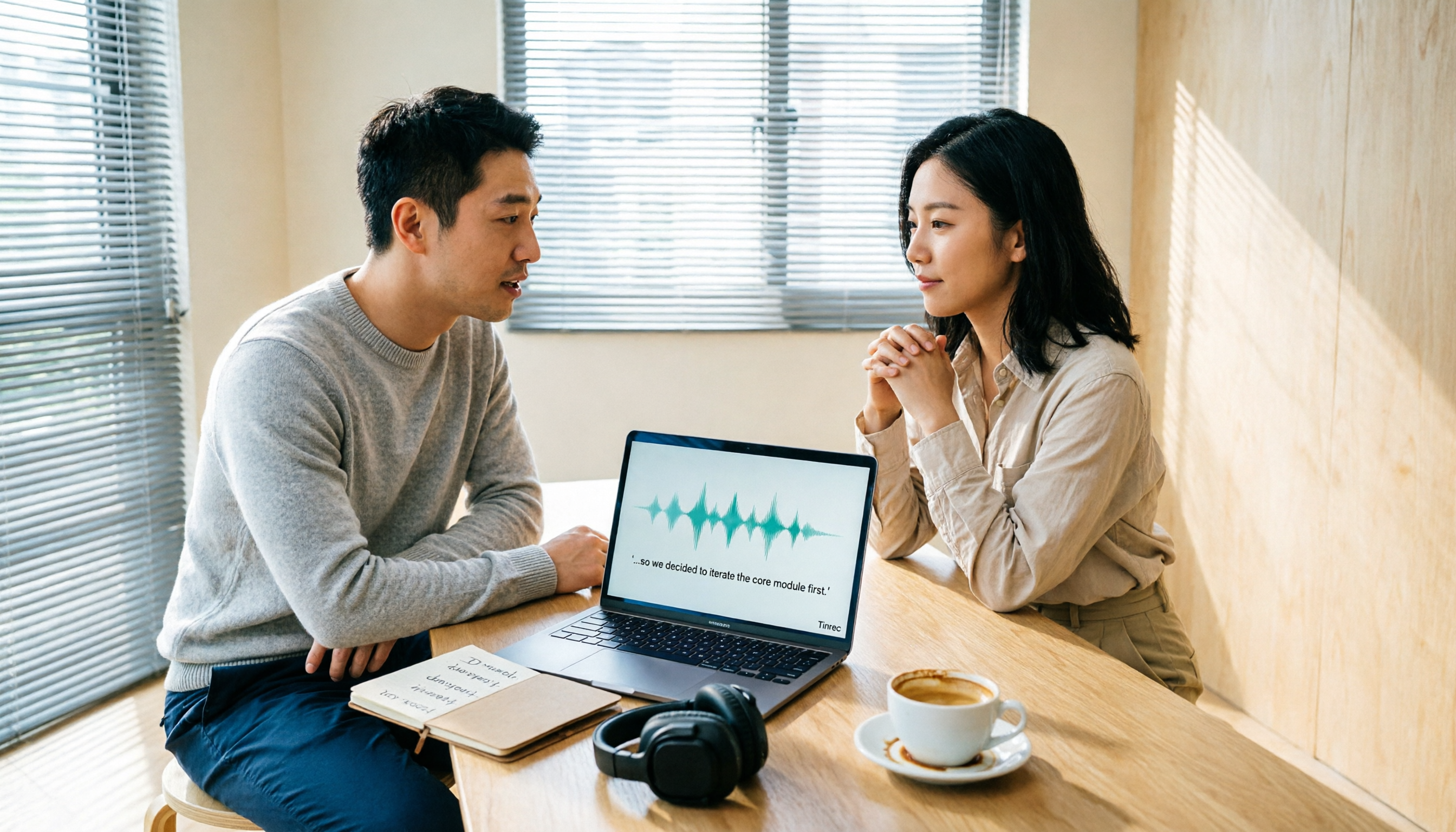
2026 Comparison of 6 Audio-to-Transcript Tools: Free Tiers and Chinese Recognition—Which Saves the Most Time?
A review of the free tiers, Chinese recognition, and post-meeting organization capabilities of 6 audio-to-transcript tools—Tinrec, cSubtitle, MyEdit, Canva, Google AI Studio, and ChatGPT Work—to help you choose the right solution for meetings, interviews, courses, and subtitles.

How to Transcribe Audio to Text on Android in 2026: A Complete 5-Step Guide
Transcribing audio files on Android often gets stuck on recording quality, Chinese recognition, and post-meeting organization. Using Tinrec as an example, this guide walks you through 5 steps—recording, importing, proofreading, AI summarization, and exporting—plus common FAQs, advanced tips, and alternatives.

4 Speech-to-Text Tools Tested: Which Saves the Most Time for Meeting Notes, Transcripts, and AI Q&A?
Many people compare speech-to-text tools by looking only at marketing numbers like '98% accuracy,' but overlook the real bottlenecks. This article starts with common pitfalls, explains how to judge whether a tool is worth using, then tests and compares Tinrec, Otter.ai, Notta, and Granola on meeting notes, transcripts, post-meeting organization, and team collaboration. It includes actual pricing and tips to avoid pitfalls, helping you choose the one that truly saves time.

2026 Comparison of 4 Speech-to-Text Tools: Which Turns Recordings into Actionable Meeting Data?
Starting from real pain points in interviews and meeting notes, this hands-on comparison tests Tinrec, Yating Transcription, Notta, and Otter.ai, covering selection criteria, common pitfalls, and scenario-based recommendations to help you find the tool that truly makes transcripts work-ready.
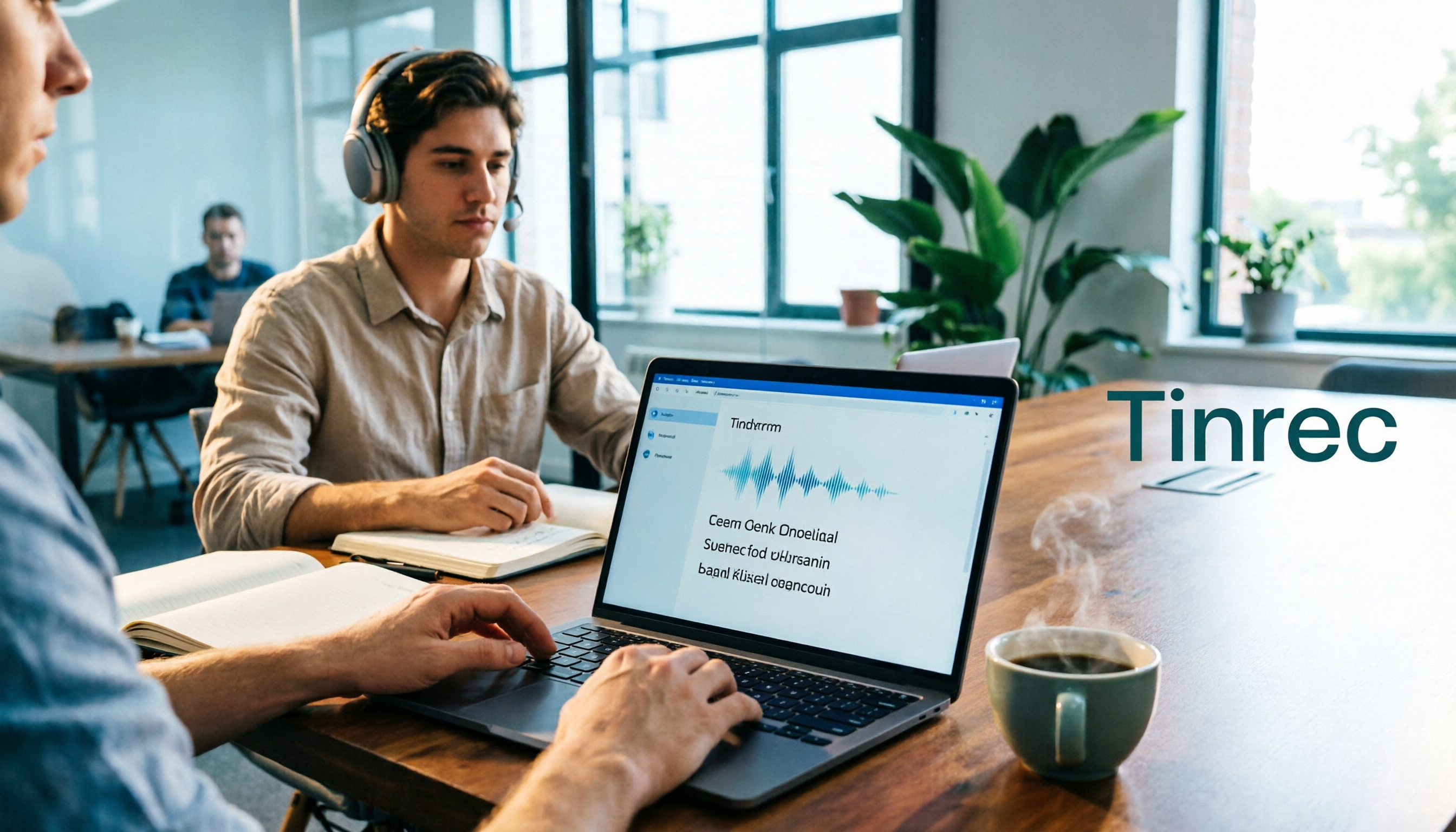
2026 Comparison of 4 Audio-to-Text Windows Tools: Is the Free Tier Enough?
When converting audio files to transcripts on Windows, most people choose the wrong approach from the start. This article uses real meeting recordings to test four tools—Tinrec, Notta, Otter.ai, and TurboScribe—comparing file support, post-meeting organization, online meeting audio capture, and free tier limits. It also outlines four common pitfalls to help you pick the one that fits your workflow.

How to Use Tinrec for Real-Time Speech-to-Text in 2026: Record Meetings Without Bots + Automatic Summaries and Action Items
How do you choose a real-time speech-to-text tool? First, determine your meeting format, whether you need a bot to join, and whether you want summaries and action items after the meeting. Using Tinrec as an example, this article covers real-time transcription, bot-free recording of online meetings, AI summaries, Q&A, translation, and team collaboration, along with buying considerations and FAQs.