

Turn recordings into transcripts and summaries in minutes
Upload audio or video for multilingual transcription, AI notes, and action items
Two hours in a meeting, another two hours writing notes — that's the real time sink
I have about 15 meetings a week — stand-ups, project syncs, one-on-ones, cross-team coordination. The worst part isn't the meetings themselves; it's the aftermath: each meeting leaves a pile of decisions and action items. Manually transcribing or digging through recordings often keeps me writing meeting notes until 8 PM.

Worse, when my boss asks, "What was the conclusion from last meeting?" and I spend three minutes flipping through notes without finding it — that really stings. Eventually I realized the problem isn't too many meetings; it's lacking a tool that can "record, transcribe, and highlight key points." But with so many options out there, how do you choose?
In this article, I'll share my hands-on experience comparing Tinrec and Google Meet's built-in transcription. If you're fed up with meeting notes, this will be helpful.
Before buying a speech-to-text tool, understand these 4 key points
Many people only care about "whether it can turn audio into text" and buy it, only to find it doesn't fit their workflow. After trying several tools, I've identified four dimensions you must consider first.
1. Besides live meetings, what other audio sources can it handle?
We don't only have online meetings — sometimes colleagues send audio files, client interview recordings, or you want to transcribe an online tutorial video. If the tool only works with meeting links, you'll need another method for other files. Tinrec is much more flexible: it can handle real-time recording, uploading audio/video files, and even pasting online video links. Google Meet's built-in transcription only works within that meeting room; once the meeting ends, you're out of luck.
2. After transcription, can it help you "understand" the content?
A 30-minute verbatim transcript isn't as useful as a summary. I look for auto-generated summaries, action item extraction, and even the ability to ask "Who mentioned the budget last time?" Google Meet's built-in transcription gives you a transcript and stops there. Tinrec goes further: it generates summaries, chapters, action items, and even lets you ask questions via AI, almost like discussing with a colleague. That makes a big difference.
3. Cross-platform and export — can you use it on mobile and desktop?
I often record on my phone and want to organize on my computer, or export key points to Notion to share with the team. If the tool is locked to one device or can't export, it breaks the workflow. Tinrec supports iOS, Android, and web, with multiple export formats. Google Meet's transcription can only be viewed within that meeting's web page or app; long-term storage or editing is cumbersome.
4. Is the free tier enough to test the waters?
"Try before you buy" is the practical approach. Tinrec's free plan gives you 100 minutes of transcription per month, enough for three or four meetings. Google Meet's built-in transcription requires a paid Google Workspace plan (Business Standard or higher), and currently only supports English. If your meetings are mainly in Chinese, you can't even try it.
Tinrec — My top pick after testing
Tinrec is an AI-powered recording and audio/video organization tool that supports 14 languages and works on iOS, Android, and web. It's not just speech-to-text; it turns meetings, classes, and interviews into a searchable, queryable, and reusable database.
Stop organizing recordings by hand
Upload audio or video and automatically get a transcript, summary, and action items
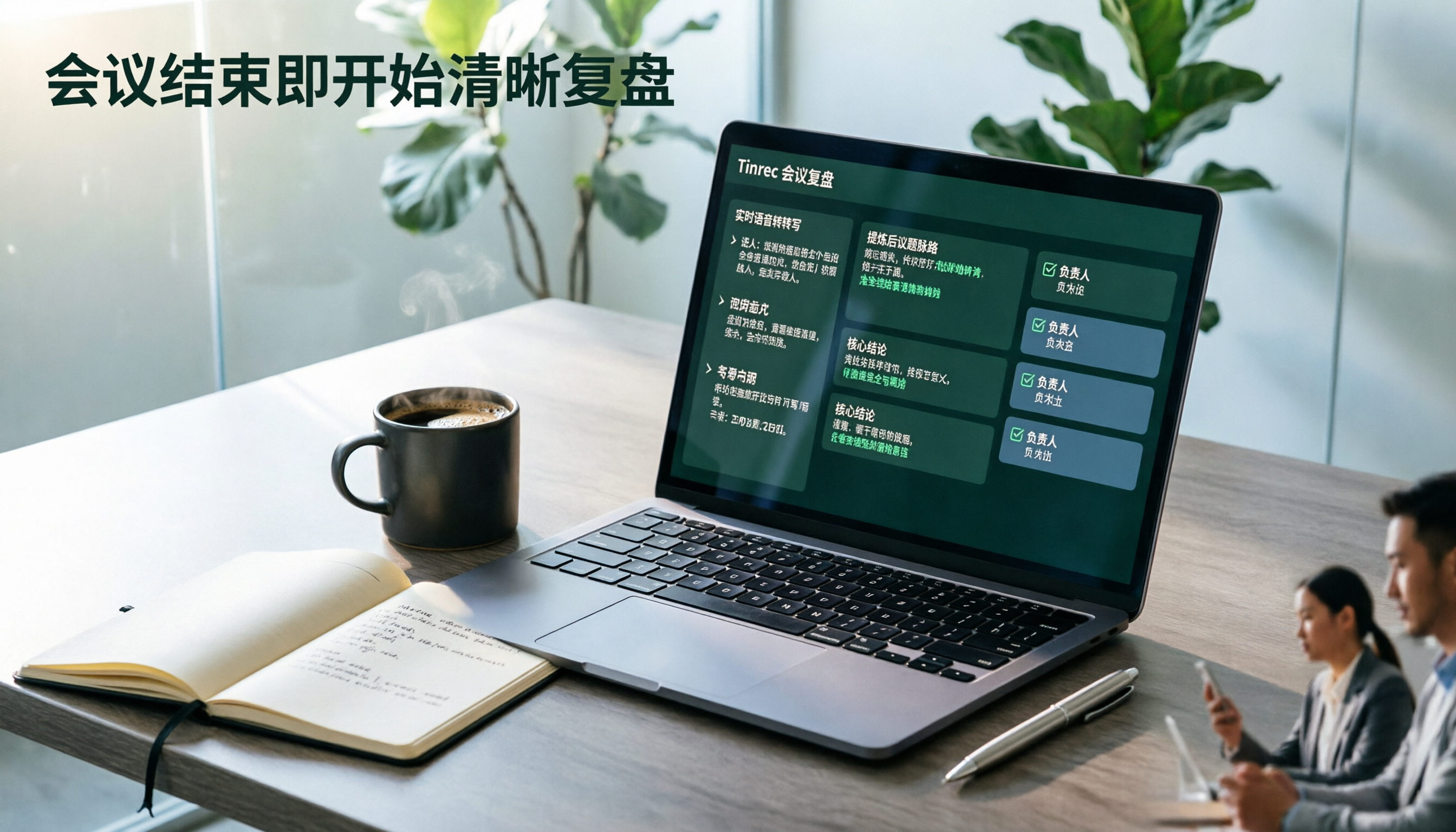
Here's my typical use case: During a meeting, I open Tinrec to record live; it transcribes as it records. When the meeting ends, AI automatically generates a summary and action items — who is responsible for what and deadlines are clear. Once, my boss asked about a decision from a meeting last month. I simply asked Tinrec, "In the last cross-team meeting, who proposed the Q3 budget adjustment?" It didn't just return keywords; it listed relevant conversation segments based on semantics. For someone with over a dozen meetings a week, this saves brainpower, not just time.
Test results: Our team tested a 5-minute Cantonese news recording (iPhone 15, indoor low-noise environment with AC, June 2025). Tinrec's word error rate was about 8.3%, meaning fewer than one wrong word per ten sentences. If you mainly have Chinese meetings or mixed Chinese-English scenarios, this performance is competitive among similar tools.
Pros:
- Most versatile input: record, upload files, paste links — no format restrictions.
- Smart post-processing: summaries, chapters, action items, AI Q&A — not just transcript.
- Cross-platform sync: record on phone, continue on computer, export to Notion or Google Docs easily.
Honest limitations: The free plan gives 100 minutes per month. If you have meetings daily, you'll need to upgrade to Pro. But it costs less than two lattes a month — very affordable for most managers.

Who it's for: If you have frequent meetings, need to record from multiple sources, or want AI to extract key points after recording — Tinrec is the most hassle-free choice right now.
Google Meet's built-in transcription — intuitive live captions, but falls short on meeting notes
Google Meet's live transcription is indeed convenient: you can turn it on during a meeting, English transcription is fast, and it integrates with the meeting interface without switching apps. If you only need live captions for pure English meetings, the experience is smooth.
But for someone like me who needs post-meeting organization, its limitations quickly surface.
It only works within the meeting itself; other audio files need separate handling. Can't transcribe visitor recordings, class audio, or YouTube tutorials. After the meeting, the transcript is saved to Google Docs, but it's just a verbatim transcript — no summary, no action item extraction. Finding key points means manually scanning the text.
Another major drawback is language support. Currently, built-in transcription only supports English. If your meetings mix Chinese and English or are purely Chinese, it's useless. Plus, this feature is tied to Google Workspace paid plans (Business Standard and above); the free plan has none, so you can't even try it.
Compared to Tinrec—which can transcribe uploaded files, supports multiple languages, and provides AI summaries and Q&A—Google Meet's built-in transcription falls short. If you only need English captions during meetings, Google Meet is sufficient; if you want to build a reusable meeting knowledge base, it's not enough.
Buying guide: 3 common mistakes when choosing a speech-to-text tool
Mistake 1: Only looking at "can it transcribe?" and not asking "what happens after?"
Many tools boast real-time transcription but only give you a wall of text. You still have to highlight key points and write action items—it's only half the job. Make sure the tool can auto-generate summaries, extract action items, and even let you query the content—that's real time-savings. Tinrec's AI Q&A feature is a game-changer you won't want to leave.
Mistake 2: Ignoring your non-meeting transcription needs
You might take an online course, receive an interview recording, or want to transcribe a tutorial video. If the tool only handles live meetings, you'll need another solution. Choose a tool that covers live recording, file upload, and web video parsing—so you don't end up with multiple tools. This is where Tinrec beats Google Meet's built-in transcription by a wide margin.
Mistake 3: Paying without trying, then finding language issues
Many tools offer free trials that let you test accuracy and language support. Google Meet's transcription requires a paid plan and only supports English—if your meetings are mostly Chinese, paying and finding it unusable is a waste. Tinrec's free plan gives you 100 minutes to test Chinese, Cantonese, and English before deciding.
Conclusion: Which one should you choose?
Looking back at the four dimensions, my verdict is clear: If you only occasionally have English meetings and need live captions, Google Meet's built-in transcription is convenient and enough. If you have many meetings, multiple languages, and need post-meeting organization, Tinrec is the one to try.
Scenario-based recommendations:
- Primarily Chinese or mixed Chinese-English meetings → Tinrec (multi-language, tested accuracy is good)
- Don't want to spend time after meetings → Tinrec (AI summary + auto action items)
- Switch between phone and computer for notes → Tinrec (cross-platform sync, exportable)
- Only need English captions during the meeting → Google Meet built-in transcription (the only exception)
I recommend downloading Tinrec's free plan first — 100 minutes per month is enough for three or four meetings to experience the effect. If you like it, consider Pro; no need to pay upfront.
Turn every recording into actionable outcomes
Get 60 free transcription minutes when you sign in. No credit card required.
Related Reading
You might also like

2026 Comparison of 4 Speech-to-Text Tools: Which Saves the Most Time on Chinese Meeting Follow-Ups?
How to choose speech-to-text software in 2026? This article breaks the decision into 4 key criteria, then compares Tinrec, Notta, Otter.ai, and TurboScribe under the same test conditions on Chinese recognition, free quotas, and post-meeting organization capabilities. It also includes a pitfalls guide and scenario-based recommendations.
2026 AI Meeting Review Agent Comparison: Tinrec vs Plaud Note - Which Is Better for Chinese Meetings?
The meeting ends, but the overtime begins. This article compares the software-based Tinrec and the hardware-based PLAUD Note across five dimensions: online meeting capture, Chinese post-meeting readability, review depth, historical recording processing, and team governance and cost structure. It directly tells you which AI meeting review agent better fits your work style.

5 Best Speech-to-Text Software in 2026: Chinese Meetings & AI Q&A Compared
Most people choose speech-to-text software based on free minutes, but overlook that post-transcription organization, follow-up questions, and team collaboration are where the real time is spent. This article starts with common misconceptions, breaks down 5 tools using 4 key selection criteria, and compares Chinese meeting transcription, AI Q&A, audio retention, and team knowledge accumulation, with a guide to avoid pitfalls and scenario-based recommendations.

6 Interview Recording Tools Tested and Compared for 2026: Which One Turns Transcripts into Evaluation Reports?
Re-listening to an hour of interview recording just to find that 30-second key answer is the most time-consuming part. This article reviews 6 interview recording organization tools, from live transcription with AI follow-up questions to pure file transcription, explaining who each is suitable for based on actual recruitment workflows, and includes practical reminders on legal aspects and data management in Taiwan, China.

5 Free Audio-to-Text Tools Tested: Which Free Tier Is Most Generous in 2026?
There are many free audio-to-text tools, but the definition of 'free' varies widely. This article compares the free limits, Chinese recognition experience, post-meeting organization capabilities, and team collaboration differences of Tinrec, Otter.ai, Notta, TurboScribe, and Google AI Studio from a use-case perspective. It also summarizes 4 key points to consider before purchasing and 4 common mistakes to help you determine which tool truly suits you.

2026 Comparison of 4 Audio-to-Text Tools: Which One Saves the Most Time for Chinese Meeting Minutes?
Does the real work start after the meeting ends? This article tackles real workplace pain points, outlines four key factors for choosing an audio-to-text tool, and compares Tinrec, Otter.ai, Notta, and Granola. Tinrec stands out with bot-free desktop recording, Chinese meeting transcription, AI Q&A, and team spaces. The article also honestly lists each tool's free tier limits to help you find the one that truly saves time.

Best Interview Recording-to-Text Tools in 2026: 4 Tested, This One Excels at Chinese Interviews and Post-Meeting Follow-ups
We tested 4 interview recording-to-text tools, comparing input sources, Chinese recognition, post-meeting organization, and team data management. Tinrec performed best in Chinese interviews, recording online meetings without bots, and AI follow-up questions after meetings. This article includes key buying factors, pitfalls to avoid, and scenario recommendations.

2026 Audio Transcription Tool Buying Guide: 6 Hands-On Tests and Selection Advice
For mid-level managers who have a dozen meetings a week and still need to organize notes afterward, we tested 6 audio transcription tools: from Tinrec's bot-free recording and AI Q&A to Notta, Otter, TurboScribe, Granola, and the free Google Docs voice typing. This guide lays out positioning, pricing, and who each tool is for, so you pick the right tool—not just the most popular one.

4 Best Speech-to-Text Tools in 2026: Free Tiers, Chinese Transcription, and Post-Meeting Summaries Compared
How to choose a speech-to-text tool? This article starts with the difference between live dictation and audio file transcription, then compares Tinrec, Notta, Granola, and PLAUD on free tiers, Chinese transcription, post-meeting AI summaries, and team seats. It also lists 4 common pitfalls to help you decide based on budget and use case.