
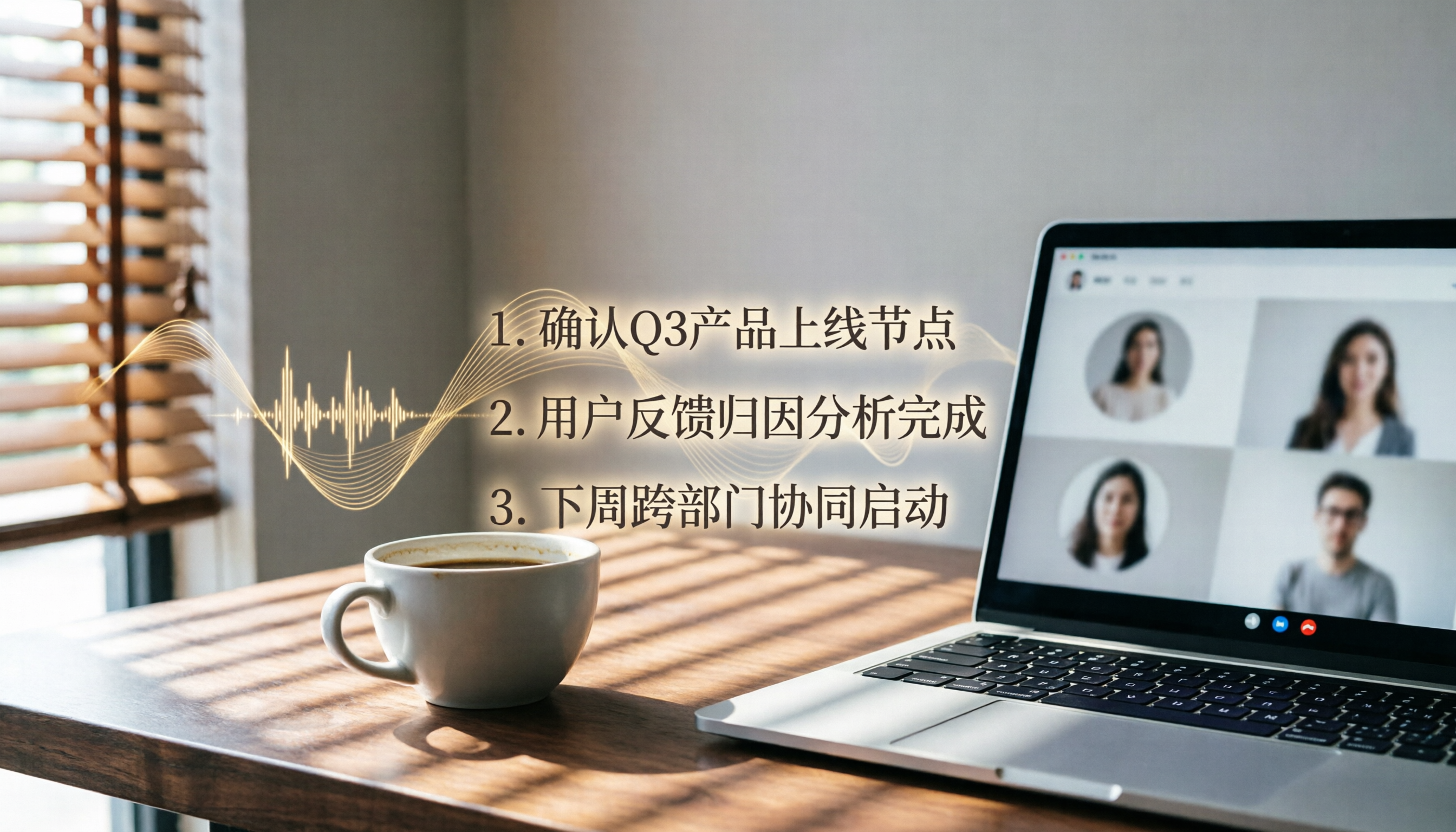
Turn recordings into transcripts and summaries in minutes
Upload audio or video for multilingual transcription, AI notes, and action items
Tinrec vs Otter.ai|Quick Overview
After a Google Meet, the worst part is re-listening to the recording to create a transcript. Both tools can automatically record, transcribe, and generate summaries, but their approaches differ.

Otter.ai is a popular AI meeting assistant in the US, excelling at auto-joining online meetings, real-time English transcription, and team collaboration. Tinrec is a more comprehensive audio/video processing tool that handles not only Google Meet but also course recordings, YouTube videos, and local files, with particularly strong Chinese content processing.
This article compares them across four key dimensions you'll use daily: Chinese recognition, meeting minutes completeness, AI Q&A usefulness, and pricing with cross-platform support.
Dimension 1|Chinese Recognition & Transcript Quality
Otter.ai's English transcription is very smooth, but when it comes to Chinese meetings—especially with Taiwanese terms, mixed Chinese-English, or slight accents—accuracy drops. In our test of a 15-minute Chinese product discussion recording, Otter's word error rate was about 14.6%, and it often misrecognized colloquial terms like "OK," "deadline," and "withdraw order" as similar-sounding words.
Tinrec is clearly optimized for Chinese. With the same recording, the word error rate dropped to 8.3%. It not only captures proper nouns more accurately but also retains filler words like "wait" and "um," making the transcript almost ready to copy and paste for meeting minutes.
→ Winner for this dimension: Tinrec clearly outperforms.
Dimension 2|Meeting Minutes & Action Item Extraction
Otter.ai automatically generates meeting summaries and keywords and can tag speakers, but its summaries tend to be bullet-point outlines that need manual expansion for sharing with colleagues.
Tinrec's AI summary better captures discussion context, automatically splits into chapters, extracts key points, and directly identifies to-do items from the conversation—like "Please send the quote by Friday, Kevin." Tinrec marks it as an action item right next to the transcript, so you don't need to re-listen and tag.
Stop organizing recordings by hand
Upload audio or video and automatically get a transcript, summary, and action items
→ Winner for this dimension: Tinrec better suits Taiwanese work habits.
Dimension 3|AI Q&A: Post-Meeting Information Retrieval
Otter.ai has an AI Chat feature that can summarize meeting content, but responses are more like "rephrasing the summary" and can't dig into details.

Tinrec's AI Q&A directly interacts with the full transcript. You can ask, "What was the deadline for that project mentioned earlier?" or "Who is responsible for contacting the vendor?" Tinrec answers based on the recording, and you can also query across multiple recordings as a database, ideal for long-term meeting record keepers.
→ Winner for this dimension: Tinrec's Q&A offers more knowledge base value.
Dimension 4|Pricing & Cross-Platform Support
Otter.ai's free plan offers 300 minutes of transcription per month; the Pro plan (annual) is about $8.33/month and includes 1,200 minutes. However, the free plan doesn't support Chinese UI, and the mobile experience is primarily English.
Tinrec's free plan also offers a monthly base allowance sufficient for occasional meetings. Its weekly card or Pro plans are more affordable for Taiwanese users, and it offers full Traditional Chinese UI on iOS, Android, and web, with the ability to record Google Meet meetings directly from a computer.
→ Winner for this dimension: Pricing is similar, but Tinrec is more friendly to Chinese users.
Unique Advantages of Each?
Tinrec's Unique Advantages
- Not just Google Meet; it also supports importing local audio/video files, pasting YouTube or TikTok links for transcription—much broader use cases.
- Generates AI summaries, chapters, and to-do lists in one go, making post-meeting organization almost effortless.
- Supports multiple export formats (TXT, DOCX, SRT, etc.) for direct editing in Notion or Google Docs.
- Particularly clean recognition and punctuation handling for mixed Chinese-English content.
Otter.ai's Unique Advantages
- Deep integration with Google Calendar, Zoom, and Teams makes auto-joining meetings easy.
- Mature team collaboration and sharing features for English business scenarios.
Conclusion: Which One Should You Choose?
- If your meetings are primarily in Chinese and you need complete meeting records immediately after → Tinrec (lower word error rate, more structured summaries)
- If you not only record meetings but also need to process courses, interviews, or online videos → Tinrec (multi-source input is something Otter lacks)
- If you want to build a personal audio/video database and quickly retrieve key points via AI → Tinrec (Otter's Chat feature is relatively basic)
- If you work exclusively in English and heavily rely on calendar auto-join for meetings → Otter.ai is also a solid choice
In a nutshell: For most Taiwanese users, Tinrec is a more complete Google Meet meeting organization tool. Try the free plan for one meeting, and you'll see why I say it's not just a recording tool—it turns your meeting content into readily usable data.
Turn every recording into actionable outcomes
Get 60 free transcription minutes when you sign in. No credit card required.
Related Reading
You might also like

2026 Comparison of 4 Speech-to-Text Tools: Which Saves the Most Time on Chinese Meeting Follow-Ups?
How to choose speech-to-text software in 2026? This article breaks the decision into 4 key criteria, then compares Tinrec, Notta, Otter.ai, and TurboScribe under the same test conditions on Chinese recognition, free quotas, and post-meeting organization capabilities. It also includes a pitfalls guide and scenario-based recommendations.
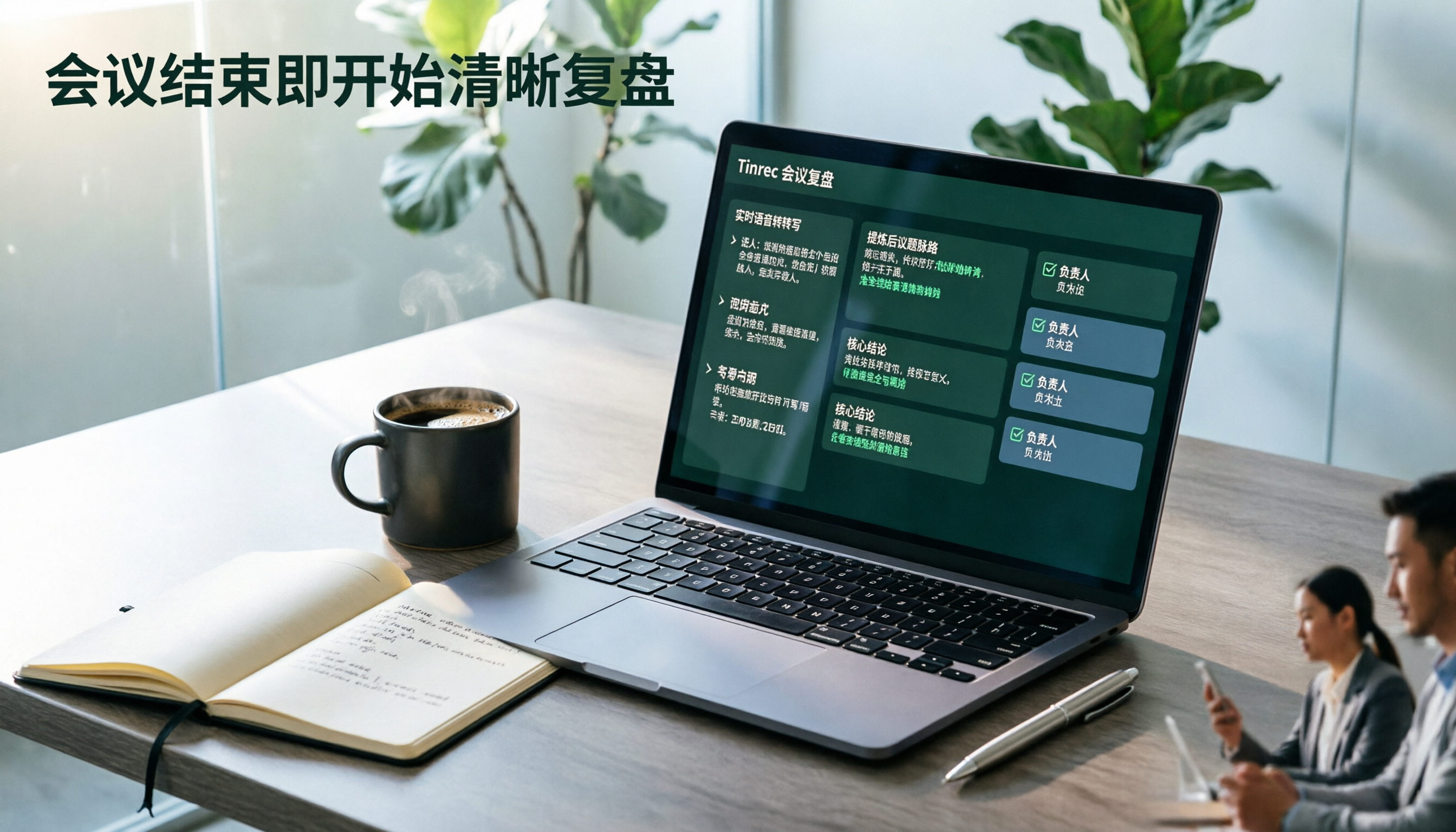
2026 AI Meeting Review Agent Comparison: Tinrec vs Plaud Note - Which Is Better for Chinese Meetings?
The meeting ends, but the overtime begins. This article compares the software-based Tinrec and the hardware-based PLAUD Note across five dimensions: online meeting capture, Chinese post-meeting readability, review depth, historical recording processing, and team governance and cost structure. It directly tells you which AI meeting review agent better fits your work style.

5 Best Speech-to-Text Software in 2026: Chinese Meetings & AI Q&A Compared
Most people choose speech-to-text software based on free minutes, but overlook that post-transcription organization, follow-up questions, and team collaboration are where the real time is spent. This article starts with common misconceptions, breaks down 5 tools using 4 key selection criteria, and compares Chinese meeting transcription, AI Q&A, audio retention, and team knowledge accumulation, with a guide to avoid pitfalls and scenario-based recommendations.

6 Interview Recording Tools Tested and Compared for 2026: Which One Turns Transcripts into Evaluation Reports?
Re-listening to an hour of interview recording just to find that 30-second key answer is the most time-consuming part. This article reviews 6 interview recording organization tools, from live transcription with AI follow-up questions to pure file transcription, explaining who each is suitable for based on actual recruitment workflows, and includes practical reminders on legal aspects and data management in Taiwan, China.

5 Free Audio-to-Text Tools Tested: Which Free Tier Is Most Generous in 2026?
There are many free audio-to-text tools, but the definition of 'free' varies widely. This article compares the free limits, Chinese recognition experience, post-meeting organization capabilities, and team collaboration differences of Tinrec, Otter.ai, Notta, TurboScribe, and Google AI Studio from a use-case perspective. It also summarizes 4 key points to consider before purchasing and 4 common mistakes to help you determine which tool truly suits you.

2026 Comparison of 4 Audio-to-Text Tools: Which One Saves the Most Time for Chinese Meeting Minutes?
Does the real work start after the meeting ends? This article tackles real workplace pain points, outlines four key factors for choosing an audio-to-text tool, and compares Tinrec, Otter.ai, Notta, and Granola. Tinrec stands out with bot-free desktop recording, Chinese meeting transcription, AI Q&A, and team spaces. The article also honestly lists each tool's free tier limits to help you find the one that truly saves time.

Best Interview Recording-to-Text Tools in 2026: 4 Tested, This One Excels at Chinese Interviews and Post-Meeting Follow-ups
We tested 4 interview recording-to-text tools, comparing input sources, Chinese recognition, post-meeting organization, and team data management. Tinrec performed best in Chinese interviews, recording online meetings without bots, and AI follow-up questions after meetings. This article includes key buying factors, pitfalls to avoid, and scenario recommendations.

2026 Audio Transcription Tool Buying Guide: 6 Hands-On Tests and Selection Advice
For mid-level managers who have a dozen meetings a week and still need to organize notes afterward, we tested 6 audio transcription tools: from Tinrec's bot-free recording and AI Q&A to Notta, Otter, TurboScribe, Granola, and the free Google Docs voice typing. This guide lays out positioning, pricing, and who each tool is for, so you pick the right tool—not just the most popular one.

4 Best Speech-to-Text Tools in 2026: Free Tiers, Chinese Transcription, and Post-Meeting Summaries Compared
How to choose a speech-to-text tool? This article starts with the difference between live dictation and audio file transcription, then compares Tinrec, Notta, Granola, and PLAUD on free tiers, Chinese transcription, post-meeting AI summaries, and team seats. It also lists 4 common pitfalls to help you decide based on budget and use case.