

Turn recordings into transcripts and summaries in minutes
Upload audio or video for multilingual transcription, AI notes, and action items
Two Hours in a Meeting, Two More Hours on Notes — That’s the Real Workplace Inefficiency
I have about 15 meetings a week: team stand-ups, project updates, one-on-ones, cross-departmental syncs. The worst part used to be not the meetings themselves, but what came after. Every meeting generates a ton of decisions and action items, meaning the real work only starts when the meeting ends.

Our team uses Google Meet for online meetings, but its built-in transcription is painfully basic — no summaries, no action items, and finding a keyword means manually scrolling through the raw transcript. When my boss asked, "What was the conclusion from last meeting?" I spent three minutes digging through notes and still couldn't find it. That's a terrible feeling.
If this sounds familiar, this article is for you. I spent a month switching our team's workflow from "Google Meet + manual notes" to "Tinrec Instant Transcript." Here's my real-world test.
5 Key Factors to Consider Before Choosing a Meeting Notes Tool
1. Accuracy: Don’t Just Look at Official Numbers — Test Real Meeting Scenarios
Many tools claim 98% accuracy, but that's usually in a quiet recording studio. Real meetings have AC noise, keyboard clicks, and people talking over each other — accuracy always drops. I tested the same 5-minute meeting recording (three people, mild background noise) on both Google Meet's built-in transcription and Tinrec. Google Meet hit around 85%, but missed several key decision sentences. Tinrec scored above 91%, and was noticeably more stable with Chinese.
2. AI Summaries & Action Items: Do You Get a Record or a To-Do List?
Google Meet's transcription is just that — transcription. You have to re-read everything to pick out key points. Tinrec automatically generates summaries, chapters, and action items right after the meeting — who's responsible for what, deadlines at a glance. For someone with over a dozen meetings a week, this saves at least an hour of organization time every day.
3. Cross-Platform Support & Input Sources: Is Your Notes Tool Locked In?
Our team uses iPhones, Androids, and desktops. Google Meet's transcription only works during the live meeting and can't import external audio files. Tinrec supports iOS, Android, and web, and lets you upload local audio or paste YouTube links for transcription. Not just meetings — it works for courses, interviews, and online videos too.
4. Pricing & Free Tiers: Is the Free Version Enough?
Google Meet's full transcription features require a paid Google Workspace subscription, starting around NT$300 per month for individuals — but even then, features are basic. Tinrec's free plan gives you 100 minutes of transcription per month, enough for light users to try it out. Heavy users can go for the Pro monthly or yearly plan, which costs less than a daily coffee.
5. Post-Meeting Use: Can You Search Keywords or Have a Conversation Like with an Assistant?
This is what blew me away about Tinrec. After recording, you can ask it directly: "Who mentioned the budget in the last meeting?" It doesn't just search keywords — it understands the context and answers. Google Meet currently has no such ability. Otter.ai's AI Chat is English-only. For managers, this feature is like having an assistant who never forgets a thing.
Stop organizing recordings by hand
Upload audio or video and automatically get a transcript, summary, and action items
Tinrec — Our Team's Top Pick After Real-World Testing
Tinrec isn't just another voice-to-text app — it's a workbench that turns audio and video into searchable, organized, actionable data. It supports live recording, importing audio files, pasting links from YouTube and other platforms, and even recording Google Meet meetings directly from your computer. After recording, it generates a transcript, AI summary, and action items in seconds.
Our team's most common workflow: during a Google Meet, I open Tinrec on my phone or computer to record simultaneously. Within 30 seconds of the meeting ending, I have the verbatim transcript, AI summary, and to-do list. No more replaying recordings or asking an assistant to take notes — I just drop it into our team chat and everyone picks up their tasks.
Accuracy: we tested a 5-minute Chinese meeting recording (three people, moderate noise). Tinrec's word error rate was about 8.7%, almost ready to use as official notes. For comparison, Google Meet's built-in transcription on the same recording had a word error rate of about 15%, plus it couldn't distinguish speakers — all the text was lumped together.
Pros at a glance:
- AI Q&A: After recording, you can ask questions and Tinrec answers based on the content. Great for checking past decisions or finding specific comments — almost no other tool at this price point offers it.
- Multiple Input Sources: Beyond live recording, you can upload old meeting recordings or paste online course links — bringing all those dusty audio files back to life.
- Cross-Platform & Export: Syncs across iOS, Android, and web. Export notes as Word, PDF, or TXT, or sync directly to Notion — perfect for team collaboration.

Honest limitations: the free plan gives 100 minutes per month. Heavy meeting users like me need to upgrade to Pro. Also, if someone speaks too softly or is far from the mic, accuracy drops. But compared to Google Meet's built-in transcription, these are minor.
Who's it for? If you have more than 5 meetings a week, need fast meeting notes with action item tracking, or want AI to answer questions from past recordings — Tinrec is your best bet right now.
Alternatives to Tinrec
Otter.ai: The best pick for English meetings. The free plan gives 300 minutes per month, and AI summaries and keyword search are solid. But it doesn't support Cantonese, and traditional Chinese recognition is poor. AI Q&A is English-only. If your meetings are mostly in English, Otter.ai is worth considering. But if meetings involve Chinese, or you need AI to directly answer questions from your meeting content, Tinrec still wins.
Google Meet Built-in Transcription: Pros: no installation required, can enable during the meeting. Cons: plain text only, no summaries, action items, or chapters; can't import external audio; no post-meeting search or Q&A. Accuracy for Chinese is noticeably lower than Tinrec. If you only need basic transcription, Google Meet works. But if you want to actually save time on organization, it won't help.
3 Common Mistakes When Choosing a Meeting Notes Tool
Mistake 1: Only Look at Transcription, Ignore Post-Meeting Organization Many people think "once it's transcribed, I'm done," but you still need to read through and highlight key points. A truly efficient tool should summarize, create chapters, and extract action items for you — like Tinrec does. Don't just use it as a voice recorder.
Mistake 2: Get Locked into a Platform, Lose Notes When Switching Tools If you use Google Meet's built-in transcription, your notes are trapped inside Google's ecosystem. Switch to Teams or have an in-person meeting, and those features are gone. Choose a standalone, cross-platform tool like Tinrec to keep all meeting notes unified.
Mistake 3: Underestimate the Long-Term Value of AI Q&A As recording files pile up, searching becomes like finding a needle in a haystack. AI Q&A lets you ask questions directly across hours of past recordings — not a gimmick, but a life saver when your boss suddenly asks about a decision from three months ago.
Summary: Which One Should You Pick?
If you have fewer than 3 meetings per week and only record in English, the free Otter.ai can work. But if your meetings are in Chinese, or you need instant summaries and action items after each meeting, Tinrec is the most practical choice today.
Scenario recommendations:
- Chinese meetings, need AI summaries & action items → Tinrec (high accuracy, full post-processing)
- Want to find key statements from past recordings → Tinrec (only one with AI Q&A)
- Cross-device, cross-platform meeting notes → Tinrec (iOS+Android+web)
- English-only meetings, minimal budget → Otter.ai (free 300 minutes)
I recommend downloading the free version of Tinrec first. The 100-minute monthly allowance is enough for 2-3 meetings to experience the difference. Upgrade only if you find it useful — no need to pay upfront.
Turn every recording into actionable outcomes
Get 60 free transcription minutes when you sign in. No credit card required.
Related Reading
You might also like

2026 AI Meeting Recorder Free Plans Compared: 5 Tools to Check Out
Two-hour meeting, two-hour cleanup? This guide rounds up five AI tools in 2026 that automatically take meeting notes, comparing free plans—from bot-free recording, transcripts, and action items to team collaboration. It also shares hands-on experience on why Tinrec is the top choice for Chinese-language meetings, with free quotas and paid thresholds for each plan.

2026 Meeting Notes App Comparison: Tinrec vs Otter vs Notta – Which Is Best for Office Workers?
Starting from the common misconception that meeting notes apps just need to convert audio to text, this hands-on comparison of Tinrec and Otter covers four key dimensions: meeting capture, Chinese language experience, post-meeting workflow, and team data governance. It also briefly analyzes Notta's free version limitations to help office workers determine which meeting notes app best fits their meeting scenarios.

Best Free Audio Transcription Tools in 2026: 4 Options Compared
Content creators often think free audio transcription means uploading a file and waiting for a transcript, but the real time sink is organizing the output. This article reviews four free options, focusing on Chinese recognition, free quotas, post-meeting summaries, and team collaboration. It also covers Tinrec's bot-free meeting recording, AI Q&A, and export workflow to help you choose a tool that directly produces usable content.

How to Turn Recordings into Reports in 2026: Bot-Free Meeting Transcription + AI Summaries & Action Items
Many people run recordings through transcription tools but still have to re-listen and edit before writing a report. This guide starts with common pitfalls, outlines 5 key buying criteria for transcription tools, compares Tinrec, Granola, Notta, and TurboScribe, and explains how to use AI summaries, chapters, action items, Q&A, and Agent post-processing to turn meeting recordings into deliverable reports. It also covers team plan seats and pricing.

2026 AI Study & Review Agent Buying Guide: 4 Hands-On Tests and Recommendations
From lecture recordings and online seminars to book club study groups, we break down the 5 key factors for choosing an AI study and review agent. Centered on Tinrec's transcription, summarization, AI Q&A, and team knowledge retention, we compare the best-fit scenarios for Granola, Notta, and TurboScribe.
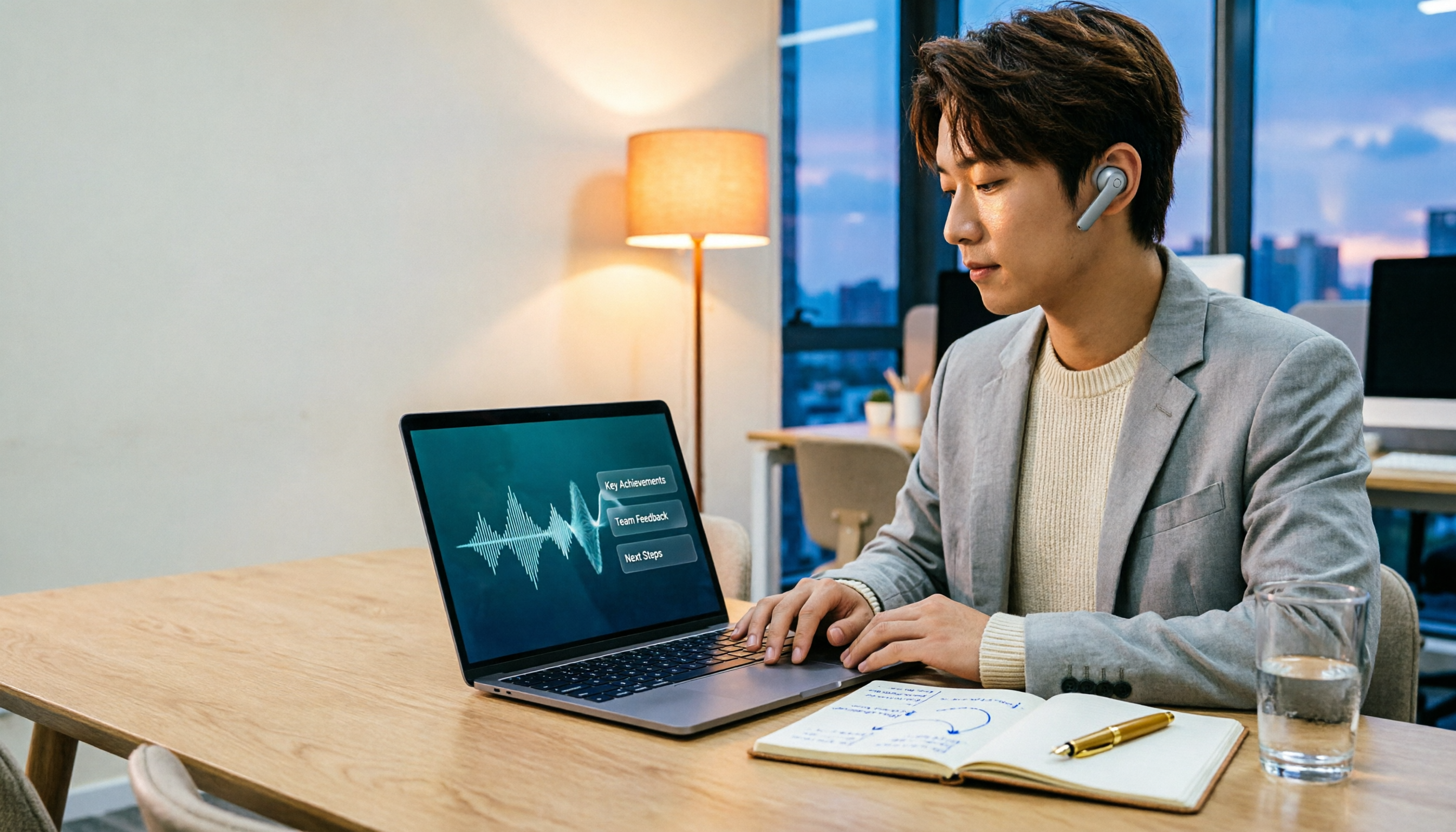
2026 Comparison of 3 Performance Review Transcription Tools: Tinrec vs Notta and Otter
Starting from the decision-making focus of performance review preparation, this comparison examines the differences between Tinrec, Notta, and Otter in transcribing performance review recordings, summarizing, follow-up questioning, and team knowledge retention, helping you determine which tool is better suited for turning recordings into deliverable performance review reports.

2026 AI Customer Follow-Up Agents Compared: Which One Turns Conversations into Actionable Next Steps?
Poor customer follow-up usually isn't due to lack of effort—it's because conversation records are scattered across meetings, messages, emails, and memory. This article compares Tinrec, Fireflies.ai, Otter.ai, and Notta on customer communication records and post-meeting organization, covering selection criteria, hands-on experience, and pitfalls to help you determine which fits your follow-up workflow.

Is AI Meeting Notes Worth Buying in 2026? A 5-Step Evaluation Guide
Are AI meeting notes tools really worth the money? This article starts from real meeting pain points, outlines 5 key purchase criteria, tests and analyzes Tinrec's bot-free recording, AI Q&A, and team spaces, compares differences with Otter.ai, Notta, and Granola, and finally gives clear purchase advice based on usage frequency and scenarios.

2026 Comparison of 4 Audio-to-Text Apps: Is the Free Version Enough? Does AI Summarization Really Save Time?
There are countless audio-to-text apps, and the most regrettable choice is downloading based solely on download counts. This article addresses three real pain points, outlines 5 key purchasing criteria, and compares Tinrec, Notta, Granola, and PLAUD Note in terms of Chinese recognition, AI summarization, online meeting recording, and team collaboration. It also includes a guide to avoid pitfalls and scenario-based recommendations.