
Turn recordings into transcripts and summaries in minutes
Upload audio or video for multilingual transcription, AI notes, and action items
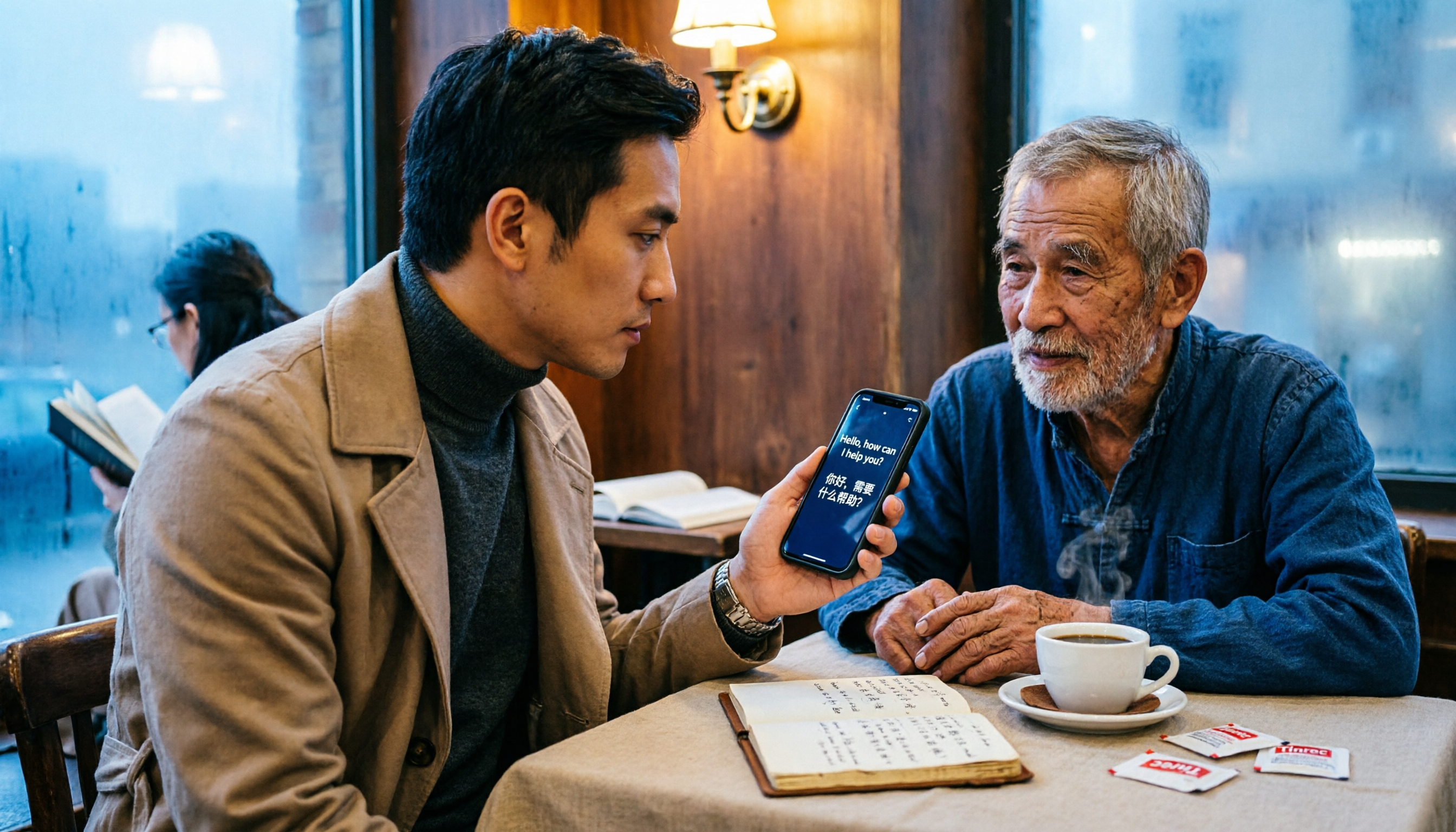
Struggling with English? You Need a Good Translation Tool
Whether it's work emails, browsing foreign websites, ordering food while traveling, or just understanding your favorite YouTube videos—having a reliable online translation tool at hand is essential.
But with so many free translation tools out there—some claiming the highest accuracy, others boasting multilingual support—which one is right for you? This article reviews 5 popular free English-Chinese online translation options to help you quickly find the best fit.
3 Key Factors to Consider Before Choosing a Tool
Not every tool works for every situation. Keep these points in mind before deciding.
Accuracy: Everyday Language vs. Professional Documents
Most tools advertise high accuracy, but real-world performance depends on content type. They generally handle everyday conversations and travel phrases well, but when it comes to legal, medical, or technical documents, the gap becomes noticeable. It's better to test the tool with your own content rather than relying on marketing claims.
Supported Languages & Input Methods
If you only need English-Chinese translation, almost any tool will suffice. But if you occasionally need Japanese, Korean, or other languages, choose one with broader language support. Also consider whether the tool offers voice input, image translation, or real-time camera translation for added convenience.
Limitations: Character Count, Daily Quota & Extra Features
Free tools often have per-translation character limits or daily usage caps. If you frequently translate full articles or long PDFs, pay close attention to these restrictions. Additional features like offline translation, bookmarking, and synonym lookup can be very useful for advanced users.
Google Translate—The Most Popular Entry-Level Choice
Google Translate is probably the most familiar option, supporting over 100 languages. You can type, upload documents, use voice input, or even point your camera at a sign or menu for instant translation. It's completely free with no usage limits, making it more than adequate for everyday use.
The downside is that professional translations sometimes sound awkward or unnatural, especially in English-Chinese word order. Still, if you just need to quickly grasp the gist, Google Translate remains the go-to option.
Best for: Everyday use, travel, and quick previews of foreign content.
Beyond Google Translate: Other Options
DeepL Translator: Precise and Natural Translations
DeepL is highly regarded in translation circles, with many users finding its sentences more natural and fluent than Google Translate, especially among European languages. The free version supports text input and document upload, but each translation is limited to 5,000 characters, and it lacks voice or image translation.
Stop organizing recordings by hand
Upload audio or video and automatically get a transcript, summary, and action items
If you need to translate formal letters, reports, or articles and want them to read smoothly, give DeepL a try. However, it supports fewer languages, and its Chinese translations aren't as polished as its European ones.
Youdao Translate: AI-Assisted Translation
In addition to basic text and document translation, Youdao Translate integrates an AI assistant that can explain words, provide example sentences, and analyze content. Ideal for students or anyone wanting to deepen their understanding of vocabulary. The free version has character limits, and some advanced features require a paid subscription.
Compared to Google Translate, Youdao sometimes produces more natural Chinese translations, but its performance on niche topics or long, complex sentences isn't necessarily better.
Cambridge Dictionary: Daily-Limited Academic Tool
Cambridge Dictionary, from the reputable Cambridge University Press, offers stable translations, especially useful for looking up words or short phrases. The free version allows up to 160 characters per translation and a daily cap of 2,000 characters, making it suitable for light use.
If you like to learn while translating, Cambridge's bilingual example sentences and part-of-speech labels are very helpful. But it's not convenient for processing large amounts of text.
English-Chinese Dictionary: A Classic for Word Lookup
cdict.net is a simple online English-Chinese dictionary for looking up English words, Chinese characters, and even calculator functions. Unlike the tools above, it doesn't translate full sentences. But if you just want the meaning or pronunciation of a word, this kind of dictionary is faster and lighter.
Best for: Quick word lookups without extra features getting in the way.
Avoid These 3 Common Mistakes When Choosing a Tool
Mistake 1: Focusing Only on Accuracy, Ignoring Use Context
Many people obsess over "which tool is most accurate," but different tools excel at different content types. Google Translate is fine for travel phrases, DeepL for formal letters, and Cambridge Dictionary for academic queries—each has its strengths.
Mistake 2: Overlooking Usage Limits, Getting Stuck at a Critical Moment
Free tools usually have character or usage limits. If you habitually paste entire articles, check the per-translation limit first. For example, Cambridge Dictionary offers only 160 characters per translation, making it suitable only for short phrases.
Mistake 3: Using Only Text Input, Missing Other Useful Features
Many tools support voice or image translation, which is especially handy when traveling. If you only type, you'll miss out on time-saving features. Try them next time.
Summary: Choose Based on Your Needs
Overall, if you need a free, all-around translation tool that works for many languages, Google Translate is the safest bet.
However, different situations call for different solutions:
- Need natural-sounding translations for formal documents → DeepL
- Want to learn vocabulary deeply with AI explanations → Youdao Translate
- Light academic use or want to refer to Cambridge Dictionary → Cambridge Dictionary
- Just look up word meanings, no bells and whistles → English-Chinese Dictionary (cdict.net)
Start with Google Translate, then complement it with other tools as needed. Free plans are usually sufficient, so there's no need to pay upfront.
References
Turn every recording into actionable outcomes
Get 60 free transcription minutes when you sign in. No credit card required.
Related Reading
You might also like

Best AI Meeting Transcription Tools for 2026: Why Tinrec Is Gaining Ground Over Notta
How do you choose a meeting transcription tool for team meetings? This article compares Tinrec and Notta from a decision-making perspective, covering meeting capture methods, post-meeting outputs, Chinese language experience, team data retention, and pricing. It also includes real-world use cases, buying tips, and FAQs to help you determine which tool fits your meeting style.

7 Best AI Meeting Notes Tools for Teams in 2026: Which Free Version Is Actually Enough?
Tired of scrambling to organize meeting notes after every call? We tested 7 top team meeting notes tools in 2026—Tinrec, Otter.ai, Fireflies.ai, Granola, Notta, TurboScribe, and PLAUD—and break down their positioning, key features, free vs. paid pricing, and ideal team scenarios to help you find the one that truly saves you post-meeting cleanup time.
2026 Product Review Meeting Minutes Tools Comparison: Which AI Q&A and Team Knowledge Base Saves the Most Time?
Tired of missing details in product review meeting minutes? We tested 3 meeting minutes tools, covering transcription, AI summaries, action item extraction, and team collaboration, to find out which one best reduces post-meeting cleanup time. Plus, selection criteria and pitfalls to avoid.

2026 Comparison of 4 Meeting Minutes Generators: Which One Can Automatically Produce Deliverable Reports?
Generating meeting minutes reports isn't just about saving a transcript. This article starts with common misconceptions and compares Tinrec, Notta, Otter.ai, and Granola, explaining how to choose based on bot-free recording, AI summaries, agent report output, and team knowledge retention.

Best Automatic Project Weekly Meeting Minutes Tools? 2026 Hands-On Test of 5 Options—This One Excels for Chinese Meetings
Choosing the right tool for automatic project weekly meeting minutes isn't about how powerful the AI is, but how meeting content enters the system and whether the output is directly usable. This article compares 5 common approaches, breaks down 5 key evaluation points, and uses Tinrec as an example to demonstrate the complete workflow from recording, transcription, summarization to action items and team knowledge retention, helping you decide before your next weekly meeting.

How to Follow Up on Project Meeting Action Items in 2026: A Complete 5-Step Guide
After a project meeting, action items often get lost in chat threads and lack clear owners. This article breaks down a complete 5-step process for following up on project meeting action items, from pre-meeting preparation, bot-free recording, AI summaries and action item extraction, to export tracking and closure documentation. It uses Tinrec as a practical demonstration tool and also covers 5 key considerations and common questions when choosing a meeting follow-up tool.

Meeting Minutes Email Template 2026: 5-Section Structure + 3 Scenario Examples
Stuck with the task of emailing meeting minutes after a meeting wraps up? This guide offers copy-paste meeting minutes email templates covering routine weekly meetings, client meetings, and cross-departmental decision meetings, plus common mistakes and 6 practical FAQs.
2026 Comparison of 4 Meeting Action Plan Tools: Which One Best Tracks Post-Meeting Actions?
Meetings end, but action plans go nowhere—the problem is often not the people, but that the tool only gives you a transcript. This article starts from 'whether post-meeting actions are captured' and outlines 5 key factors for choosing a meeting action plan tool. It compares Tinrec, Otter.ai, Fireflies.ai, and Notta in terms of recording method, to-do extraction, Chinese language performance, and team ownership, and includes 4 common pitfalls and selection advice.
4 AI Meeting Task Extraction Tools Compared in 2026: From Transcript to To-Do List
You have the meeting transcript, but no one remembers who's responsible for what. This article compares four tools—Tinrec, Otter.ai, Notta, and TurboScribe—from a task extraction perspective, covering four key decision points, hands-on experience, common pitfalls, and scenario-based recommendations to help you find the one that turns meeting noise into actionable signals.