
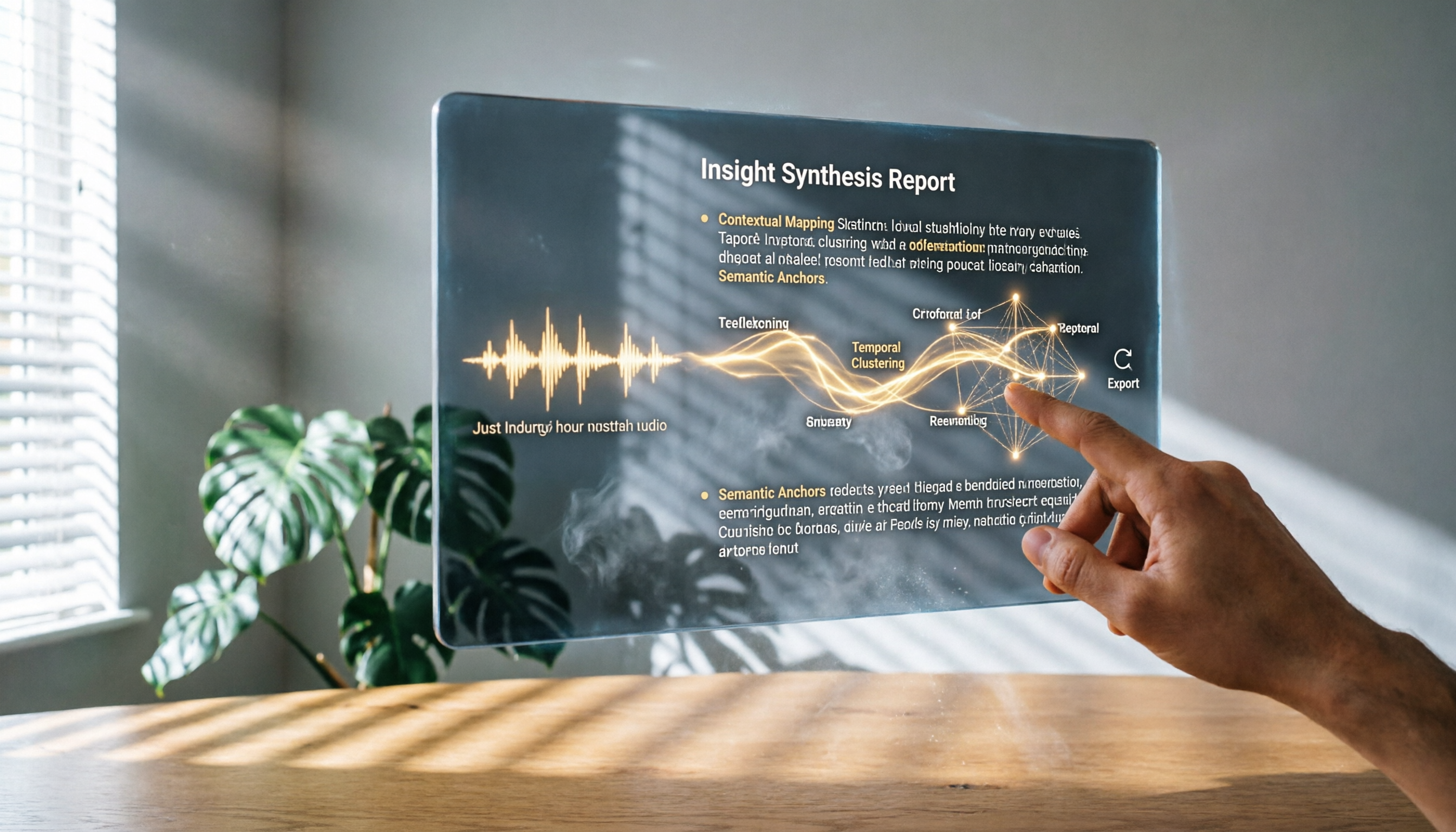
Turn recordings into transcripts and summaries in minutes
Upload audio or video for multilingual transcription, AI notes, and action items
Still Listening Line by Line? Transcription Is Just the First Step—Organizing Is the Nightmare
Recently, I conducted several two-hour in-depth interviews for my new book. After each interview, as I looked at the hours of recordings on my phone, I knew the real challenge was just beginning.
In the past, I would feed recordings into a traditional transcription tool, then spend half a day proofreading the transcript. But what was even more tiring was that to find a key point a respondent had made across 10,000 words of plain text, I often had to read the entire thing over from the top.
That’s where most people get stuck: what we need isn’t just a “plain text file” but a “knowledge base” that lets us reuse the content.
If after transcription you could directly ask the tool, “Who mentioned the reason for the budget adjustment during the last interview?” and it didn’t just give you keywords but told you exactly where that passage was and what the context was, your workflow would be completely different.
This article is my hands-on notes from going from “just making transcripts” to “turning recordings into a searchable, queryable database.” I’ll walk you through how I tested four speech-to-text tools and why, in the end, I chose to stay with a platform that can continually process content.
Before Choosing a Speech-to-Text Tool, Understand These 3 Key Points
Many reviews focus on “who offers the most free transcription minutes,” but after using several tools, you’ll find that a simple accuracy race doesn’t help much in real workflows.
Here are the three aspects I care about most when selecting such a tool, because they determine whether you end up with “another tool to maintain” or the feeling that you’re “actually saving time.”
1. Accuracy: How Much Remains in Real-World Conditions?
Most official accuracy claims are above 90%, but those are tested in studio-grade environments. In real use, you’re often dealing with café interviews, conference rooms with people typing away, or compressed audio from online interviews.
So instead of relying on marketing claims, test with your own real recordings. My method: take a five-minute interview clip with light background noise, run it through different tools, and see which one still maintains readable paragraphs and punctuation under those conditions.
2. Does the AI Not Only Transcribe, but Also Understand the Content?
Transcription simply turns audio into text, but I care more about “what can the AI do for me after transcription.”
For example, automatically extracting discussion key points, splitting a two-hour meeting into thematic segments, asking it directly “What was the conclusion?”, or even generating a meeting to-do list from the recording. These features directly affect how much time I save each day on organization.
3. Does the Data Stay Locked in the Tool, or Can I Use It Elsewhere?
Some tools keep transcription results locked inside the app—you can view them but not export them. But I need to paste highlights into Notion, import to-dos into Google Tasks, or export subtitle files to video editing software.
So supporting multi-format export (TXT, Word, SRT) and third-party sync is not a bonus for me—it’s a necessity.
With these three criteria in mind, I started testing several popular tools on the market.
Tinrec (秒聽錄音)—Our Top Pick After Hands-On Testing
Tinrec (秒聽錄音) is an AI workspace that turns recordings, courses, interviews, and videos into organized data. Unlike most tools that stop at “transcription,” it emphasizes subsequent understanding and application.
I first used it while processing a three-hour online course recording. I wanted to convert the course content into a transcript and also highlight the ten key steps the instructor mentioned.
(Image: Tinrec main interface, with an arrow pointing to “Import video link” and “Start transcription” buttons, and a list of transcribed courses displayed nearby)
I simply pasted the YouTube link for the course into Tinrec. It didn’t just generate a transcript—it automatically divided the content into chapters, each with its own subtitle. I could quickly jump to the “Stage 3: Tune Model Parameters” section without having to listen from start to finish.
What surprised me even more was its AI question-and-answer feature. After one team meeting, I typed directly into Tinrec’s chat box: “What was the conclusion about the new feature’s launch date in this discussion?” Based on the recording, it gave me a one-sentence summary with a timestamp. That was faster than searching through our group messages.
Stop organizing recordings by hand
Upload audio or video and automatically get a transcript, summary, and action items
(Image: AI Q&A screen, with an arrow pointing to the chat box and the generated answer, and the corresponding recording file name displayed above)
In my testing conditions—a 10-minute meeting recording with faint air-conditioning background noise and three people taking turns speaking—Tinrec’s transcript accuracy stayed above 85%, and importantly, the punctuation and paragraph breaks were reasonable, so I had very little manual correction to do.
The advantages are clear:
- It doesn’t just transcribe; it organizes content into chapters, summaries, and to-dos, saving you a lot of time on secondary cleanup.
- The AI Q&A lets me search recording content like flipping through a book and jump straight to the section I need.
- It works across web, mobile app, and desktop, and exports in multiple formats, connecting seamlessly with my existing note-taking tools.
Of course, there are a few things to keep in mind. The free plan has a monthly transcription quota, so heavy users should consider a paid plan. But for most professionals who have two or three meetings a week, the free allowance is enough to experience the full functionality.
If you regularly need to organize meetings, courses, or interviews, and you want to “ask the key questions right after recording instead of slowly listening through,” then Tinrec is the most seamless option I’ve seen for turning recordings into actionable knowledge.
Besides Tinrec, What Other Options Are There?
I tried several other tools first, but their limitations in certain scenarios made me more confident about why Tinrec suits me.
Yating Transcript: A long-established Taiwanese tool with solid Chinese recognition. However, the free version offers no trial credits, so you have to pay just to test it. It also only has basic keyword search—no AI conversational query—so to quickly find the conclusion in a recording, you still have to manually go through the transcript.
Otter.ai: A great companion for English meetings, with a generous free tier. However, its recognition error rate rises noticeably for mixed Chinese and Cantonese content, and its support for online links like YouTube videos is limited. If you mainly work with English content, Otter is a good alternative; but if your workflow is primarily in Chinese, it’s not very convenient.
Monica.im: It promotes free audio transcription, and what initially attracted me was the 30-minute free trial for new users. But after transcription, you’re left with just a plain text file—no summary, chapters, or to-dos. I had to copy the text into another note app and organize it myself. In scenarios where you need to quickly extract key points, that’s an extra step.
Avoiding Pitfalls: The 3 Most Common Mistakes When Choosing a Speech-to-Text Tool
During my testing, I found that many people fall into these thinking traps when choosing.
Pitfall 1: Focusing only on free minutes and ignoring organization features Some tools advertise “hundreds of free minutes per month,” but after transcription, they just give you plain text. If what you need is meeting conclusions or course notes, you’ll end up spending time on manual cleanup. Instead of chasing minutes, first confirm whether the tool can extract key points while transcribing.
Pitfall 2: Discovering your data is stuck when you switch platforms You record on your phone, try to edit on your computer, and find that the transcription results can only be viewed in the app. Download? The format is incompatible. Upload? You have to transcribe again. Before choosing a tool, make sure it supports a web version and common export formats so you don’t get trapped with your data on a single platform.
Pitfall 3: Treating AI transcription as 100% accurate Most tools perform well in quiet environments with standard accents, but when there are multiple people interrupting, technical terms, or non-standard accents, the error rate rises. Treat the transcription as a draft, and double-check important sections by listening again—this is still the best way to ensure quality.
Conclusion: Which One Should You Choose?
Each of these four tools has its strengths, but after using them in real workflows, I found that Tinrec comes closest to “turning recordings into reusable knowledge.”
You can check which one fits your situation:
- If you need to handle meetings, courses, interviews, and YouTube videos → Tinrec (multi-source support, all-in-one tool)
- If you want to ask the AI for key points and to-dos right after recording → Tinrec (AI conversational query, rare among similar tools)
- If you only record English meetings and need team collaboration → Otter.ai (mature English environment)
- If you have a very limited budget and only need simple transcription → Monica.im (low free entry barrier, but you handle the organizing yourself)
I recommend starting with Tinrec’s free version. Take a meeting recording or an online course you have and try the full flow from transcription and summarization to AI Q&A. Once you’ve experienced how a recording can become a searchable database directly, you’ll probably find it hard to go back to manually listening and typing.
(Image: Tinrec’s export options screen, with arrows pointing to icons for TXT, Word, Notion, etc., indicating seamless integration with other tools)
References
- Online AI Speech, Video, and Audio Transcription – Free Trial – cSubtitle
- Top 6 Speech-to-Text Tools for 2026: Turn Audio Files into Text Online for Free!
- Yating Transcript
- Free Audio to Text Transcription
- 2026 Must-Read! 4 AI Audio-to-Text Tool Recommendations: Conference Notes, Podcast Transcript Roundup – Mobile01
Turn every recording into actionable outcomes
Get 60 free transcription minutes when you sign in. No credit card required.
Related Reading
You might also like

Which Cantonese Speech-to-Text App Is Best? 2026 Hands-On Test of 5 Options for Easier Meeting Notes
Cantonese spoken language with mixed Chinese and English often requires retyping when forced through Mandarin models. This article reviews 5 practical Cantonese speech-to-text apps, comparing everything from plain subtitle output to meeting notes, AI summaries, and team collaboration, with free quotas and pricing to help you choose the right tool for your needs.

2026 Comparison of 4 Audio-to-Text Software: Which Saves the Most Time for Chinese Meetings and Post-Meeting Organization?
Many people confuse dictation with transcription, resulting in an inability to upload MP3 files or organize meetings. This article compares Tinrec, Notta, TurboScribe, and Granola from a hands-on testing perspective, focusing on Chinese recognition, input sources, post-meeting AI Q&A, team permissions, and pricing to help you find the choice that truly saves time.

2026 Comparison of 5 Multilingual Meeting Transcription Tools: Which Saves the Most Time in Cross-Language Meetings?
A review of 5 multilingual meeting transcription tools in 2026, covering speech-to-text, real-time translation, AI summaries, action item extraction, and team collaboration. It explains the positioning, pricing, and suitable scenarios for Tinrec, Otter.ai, Notta, TurboScribe, and Granola, helping you avoid the pitfall of choosing based only on transcription minutes.

2026 Comparison of 3 Foreign Language Meeting Translation Tools: Tinrec, Notta, and Built-in Platform Options
Foreign language meeting translation isn't just about turning on subtitles. This article addresses three common misconceptions and compares Tinrec, Notta, and built-in subtitles in Zoom/Teams/Google Meet on bilingual display, bot-free recording, post-meeting output, mixed Chinese-English speech, and team management. It also lists pricing and quotas for personal and team versions to help you decide which approach suits your cross-language meetings.
4 Best Speech-to-Text Apps of 2026: Which Free Versions Are Actually Usable?
There are countless speech-to-text apps, but the real question is whether the free version is enough for you. This article compares Tinrec, Yating Transcription, Notta, and Otter.ai from four angles: the real limits of free quotas, support for different meeting formats, post-meeting outputs, and data ownership. We also summarize 5 key points for choosing an app and 4 common pitfalls to help you pick the right tool within your budget.

4 Audio-to-Text Tools Tested: Which Saves More Time on Chinese Meeting Notes and Post-Meeting Cleanup in 2026?
Audio-to-text tools shouldn't just turn speech into text—they should quickly produce usable meeting notes. Based on real workflows, this article explains how Tinrec handles Chinese meetings, bot-free online meeting recording, AI Q&A, team spaces, and buying considerations, helping you decide if the free version is enough and whether the team version is worth evaluating.

How to Choose a Cantonese Speech-to-Text App in 2026: 5-Step Hands-On Comparison
This article compares Tinrec and Subanana across 5 dimensions—input sources, Cantonese colloquial handling, post-meeting organization, team collaboration, and export/integration—to help you decide between a pure Cantonese transcript tool and a meeting workflow solution.

Tinrec vs Notta 2026: 5-Dimension Comparison — Which Is More Reliable for Chinese Meeting Transcription?
Starting from common misconceptions about audio-to-text accuracy, this comparison evaluates Tinrec and Notta across five dimensions and explains the suitable scenarios for Otter.ai and PLAUD Note, helping you choose the right tool for Chinese meetings and team collaboration.

5 Best Chinese-English Real-Time Translation Tools in 2026: Free vs Paid Comparison
A comparison of 5 Chinese-English real-time translation tools in 2026, from free text translation and meeting voice translation to AI meeting note tools that generate transcripts and action items, helping you choose based on your use case.