
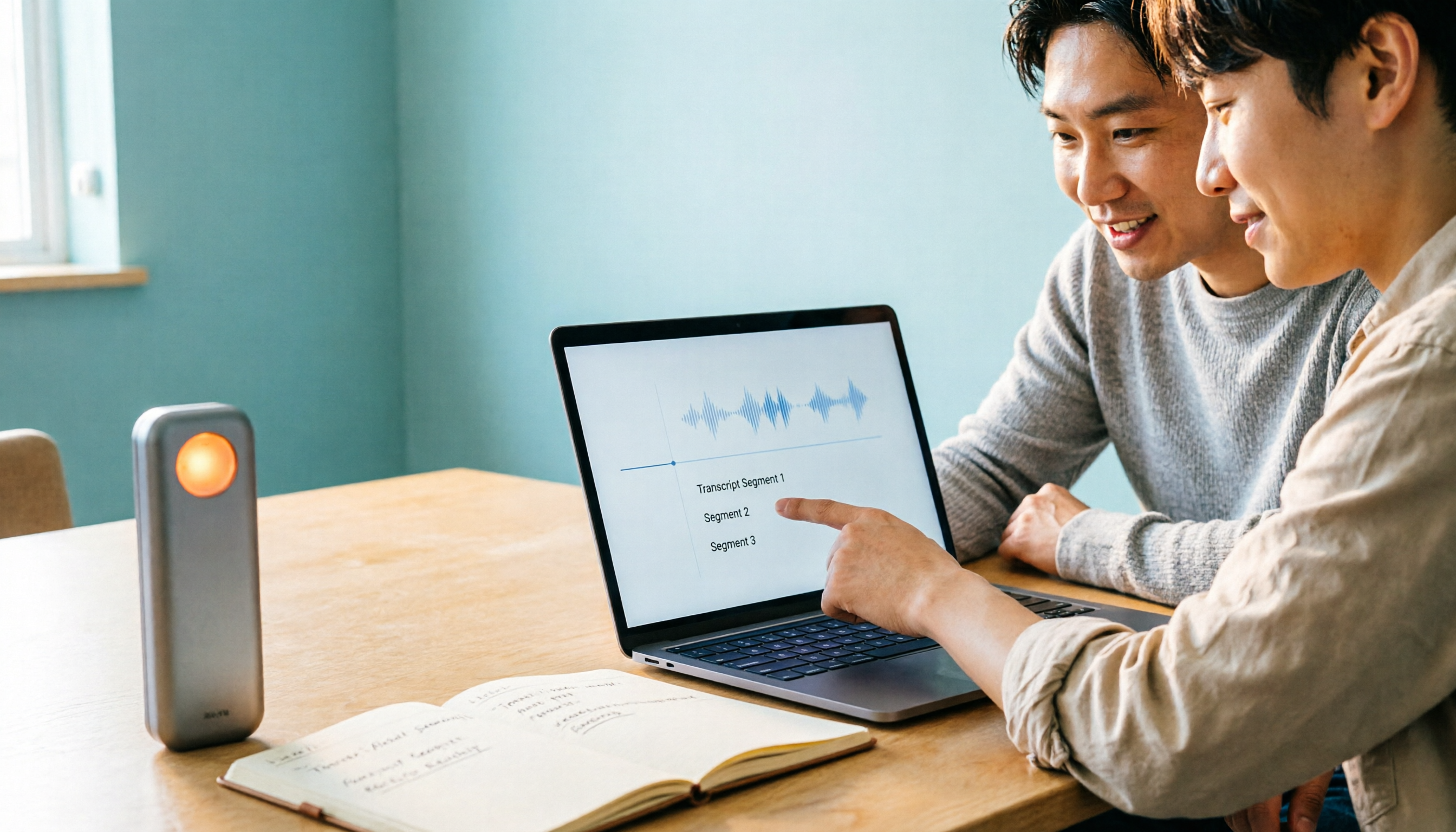
Turn recordings into transcripts and summaries in minutes
Upload audio or video for multilingual transcription, AI notes, and action items
4 Best Speech-to-Text Apps of 2026: Which Free Versions Are Actually Usable?
Open the App Store or Google Play and search for "speech-to-text," and you'll get dozens of results, each claiming to be free to download. The real question is: is the free version enough for you to judge whether it's good?
Most people's experience goes like this: download, sign up, record three meetings, and on the fourth, a paywall pops up. You then realize the free version only transcribes a few minutes per recording, or that the time-saving features like summaries and AI Q&A are locked behind a paid plan. So you go find the next app and repeat the same cycle.
This article doesn't compare official accuracy claims. Instead, we look at four angles that directly affect daily use: the real limits of free quotas, whether your meeting format is supported, what you get after transcription, and who ultimately holds your data. The four apps tested are Tinrec, Yating Transcription, Notta, and Otter.ai, covering three common scenarios: local use in Taiwan, Chinese meetings, and English meetings.
The meeting ends, but the work begins—what you lack isn't recording, but usable data
A two-hour meeting often requires another two hours of post-meeting work: re-listening to the recording, noting timestamps, pasting the transcript into Word, and writing a summary for your boss. This is a typical workplace drain, and it repeats every week.
Another scenario is even more common. You have thirty-some audio files on your phone, all named "Recording 2026-01-14." You remember the meeting discussed the budget, but you don't know at which minute. So you give up searching and report from memory.
Online meetings add another layer of hassle. If the tool records by having a "meeting bot" join the meeting, clients will see an unfamiliar account in the participant list; some companies even prohibit external bots from joining.
None of these are problems with recording itself—they're about how to use the recording afterward. Choose the right tool, and that's where the difference shows.
Before choosing a speech-to-text app, understand these 5 key points
1. Look at the per-recording limit, not just total minutes Both may say "free," but some give you 120 minutes per month with a 3-minute limit per recording—you can't even transcribe a 40-minute interview in one go. Ask yourself: what's the longest single recording I need? Can the free version handle it in one go? For example, Notta's official free plan currently offers 120 minutes per month with a 3-minute limit per recording—a classic case of "enough total, not enough per recording."
2. Where your meeting takes place determines the recording method you need Online meetings can be recorded in roughly three ways: built-in platform transcription (easiest, but limited post-meeting capabilities), a meeting bot joining (convenient, but appears in the participant list), or desktop system audio capture (adds no participants, works with Zoom, Google Meet, Microsoft Teams, Webex). Tinrec uses the third method.
3. Transcription is just the starting point; post-meeting outputs are where time is saved With only a transcript, you still have to read through 8,000 words yourself. What matters is whether there are summaries, chapters, action items, AI Q&A for follow-up questions, and export to your existing workflow.
4. Chinese and mixed Chinese-English are harder than pure English Don't trust fixed numbers like 98% or 99%—those are usually measured in quiet environments. In practice, look at three things: how well it handles accents, whether it gets muddled when multiple people speak over each other, and whether proper nouns are corrected. Features like team hotwords help with recurring terms like product names and department abbreviations.
5. Is data stored in personal accounts or team spaces? Personal plans are convenient, but if a colleague leaves, changes phones, or their account is deactivated, the recordings disappear. What really matters in team plans isn't the number of users, but three things: roles (who can manage members and view records), seats (who can record, upload, edit, export), and shared quotas—often overlooked during purchasing and regretted later.
Tinrec—from recording to meeting minutes, our top recommendation after testing
Tinrec is an AI meeting notes and collaboration tool for individuals and teams, available on iOS, Android, and desktop/web. Its positioning isn't just "turning sound into text," but turning meetings into searchable, queryable data you can continue working with.
Record online meetings without a meeting bot. The desktop version captures system audio directly, so you can handle Zoom, Google Meet, Microsoft Teams, and Webex without inviting an extra account into the meeting. This is especially noticeable for external meetings: no unfamiliar bot appears on the client list, and you don't need to explain beforehand. Transcription happens in real-time, so the text is ready when the meeting ends.
Automatically organizes into deliverable outputs after the meeting. For a 60-minute discussion, it provides a summary, chapters, and key points, and extracts action items like "who is responsible for what and when it's due." You don't need to re-listen; just read the summary to decide which parts need verification.
Keep asking questions after recording. This is the biggest difference from most pure transcription tools. You can directly ask, "Who mentioned the budget in the last meeting?" and it answers based on the content, rather than giving you a list of keywords to search yourself. When you need to deliver, you can use Agent post-processing to generate reports, tables, and meeting minutes, and export to Notion, Google Docs, OneNote, Dropbox for further editing. Other features include real-time translation (original, translated, or bilingual), import of existing audio/video files, and team hotwords.
Stop organizing recordings by hand
Upload audio or video and automatically get a transcript, summary, and action items
The team plan is a separate collaboration space, not multiple people sharing one account. Roles govern administration (who can manage members, view and export audit logs), while seats govern usage (whether one can record, upload, edit, export). Members without a seat can still view, play, and read team data. Current benefits: eligible teams can try 7 days free, 1 free seat, 300 minutes of shared team import quota; monthly billing USD 29.80 per paid seat per month, annual billing USD 199 per paid seat per year (about USD 16.58 per month); each paid seat provides 2,000 minutes of shared team import quota per month. Under an active plan and active seat, real-time recording currently does not deduct minutes; only file and web link imports use the shared team quota. Prices and promotions are subject to the official purchase page.
Three reasons to buy: First, no meeting bot means a much cleaner experience for external and client meetings. Second, it handles everything from transcription to summaries, action items, Q&A, export, and report generation, saving you a dedicated organizer. Third, individuals and teams use the same workflow; team space, seats, usage analytics, audit logs, and a 30-day audio recycle bin are all in one place. When a member leaves, resources can be transferred to other active members, so data doesn't leave with the person.
Two limitations, to be clear: It is not currently a calendar-integrated meeting bot that joins automatically; you need to actively open the desktop version to start recording. If you want "schedule and auto-record," this doesn't fit. Also, the free version has only basic quota; heavy users need to pay. If you need batch transcription of hundreds of files at once, pure file tools like TurboScribe are more suitable. One more honest note: transcription quality is affected by recording quality, accents, background noise, and overlapping speech; for important content, we recommend cross-checking with the original recording at specific timestamps.
Who it's for: People who frequently have Chinese or mixed Chinese-English meetings, don't want bots joining online meetings, need meeting minutes and action items right after, and want to turn meeting data into team assets.
Besides Tinrec, what other options are there?
Yating Transcription
A veteran Taiwanese local app, supporting Taiwanese Mandarin, Taiwanese Hokkien, Cantonese, Japanese, and mixed Chinese-English "Chinglish." It's indeed friendly to Taiwanese accents; "simultaneous recording + real-time transcription" is free, while "transcribing existing audio files" is paid. It can save as plain text and subtitle files, and you can share audio from other apps. Common feedback in App Store reviews includes: audio files over an hour take ten-plus minutes to process, and occasional stuck "recording" status. Based on public information, it focuses on transcription itself, without team spaces or post-meeting AI Q&A; to ask "what was the conclusion of this meeting," you still have to search the transcript yourself. Suitable for pure local Taiwanese recordings, especially personal use with Taiwanese Hokkien.
Notta
The closest competitor to Tinrec, offering multilingual support, file import, translation, and team plans. Official free version: 120 minutes per month, 3-minute limit per recording; Pro annual billing about USD 8.17 per month, 1,800 minutes per month; Business annual billing about USD 16.67 per seat per month, including role permissions and usage reports. Tinrec's differentiators are: desktop version records online meetings without a bot, and Agent post-processing that lets you query content and generate reports and tables.
Otter.ai
A mature choice for English business meetings. Free Basic: 300 minutes per month; Pro annual billing about USD 8.49 per user per month, including 1,200 minutes per month and 10 file imports. If 90% of your recordings are in English, its value is hard to beat. However, its product design and pricing logic are clearly centered on English meetings; for Chinese and mixed Chinese-English meetings, and for tuning proper nouns with team hotwords, Tinrec stands out.
Pitfall guide: 4 most common mistakes when choosing a speech-to-text app
Pitfall 1: Only looking at the word "free." There are two kinds of free: one with limited quota but full features, and one that looks generous but has short per-recording limits and locks summaries and Q&A. Check the per-recording limit before downloading, so you don't discover you can only transcribe 3 minutes when you need 40.
Pitfall 2: Thinking a transcript saves time. You still have to read an 8,000-word transcript yourself. What really saves time are summaries, chapters, action items, and queryable Q&A. Factor that in when choosing a tool, or you're just replacing "re-listening" with "re-reading."
Pitfall 3: Assuming you must use a meeting bot. For client meetings, when external people are present, or when company security policies prohibit external bots, desktop system audio capture is cleaner and won't leave an awkward unfamiliar account on the list.
Pitfall 4: Leaving meeting data in personal accounts. When a colleague leaves or transfers departments, data is lost. Ask three things: how roles and seats are divided, whether resources can be transferred when a member leaves, and whether accidentally deleted audio can be recovered (Tinrec's team recycle bin currently retains for 30 days). Also note: recording and transcription involve personal data; comply with local regulations and obtain consent from participants when necessary.
Conclusion: Which one should you choose?
Back to the original question—is the free version enough? The answer: if you just need to turn recordings into text, most free versions are enough; but if you want meeting minutes and action items right after the meeting, and the ability to ask follow-up questions, then the free version is usually just a trial, and you'll eventually have to pay. What's really worth spending time on is the workflow after transcription.
Choose by scenario:
- Chinese or mixed Chinese-English meetings, need summaries and action items after → Tinrec
- Don't want bots joining online meetings (clients present, company prohibits external bots) → Tinrec
- Record on phone, organize on computer, cross-device use → Tinrec
- Want to ask "what was the conclusion, who is responsible for what" right after recording → Tinrec (AI Q&A)
- Team wants to turn meetings into transferable assets → Tinrec team plan (roles, seats, usage, audit all in one)
- 90% English meetings → Otter.ai, the most practical exception
If you mainly record local Taiwanese Hokkien, Yating Transcription's language coverage is worth a try; for batch transcription of many long files at once, TurboScribe is more suitable.
We recommend running a free trial with your own real recordings—ideally a meeting with mixed Chinese-English and people talking over each other—before deciding whether to pay. Whether a tool can save you time is best tested with your own files.
References
- Yating Transcription App - App Store
- No time limit! 3 free AI transcription tools, highly recommended! AI voice notes generate meeting minutes, presentations, mind maps | 104 Workplace
- SoundType AI Ultra-accurate transcription, voice-to-text, AI dictation - Google Play App
- Voice-to-text APP recommendations: 1. iPhone/iPad "Notes" app - supports real-time text conversion - free - supports Chinese and English
- Tested 4 best online voice-to-text tools, free and instant transcription of audio files
Turn every recording into actionable outcomes
Get 60 free transcription minutes when you sign in. No credit card required.
Related Reading
You might also like

2026 Real-Time Chinese-English Translation Tools Compared: Which Offers the Most Natural Two-Way Conversation?
There are many real-time Chinese-English translation tools, but what meetings need isn't word-by-word lookup—it's uninterrupted conversation. We tested Tinrec, Google Translate, Transync AI, and JotMe, comparing translation latency, two-way conversation, post-meeting organization, and team collaboration to help you find the best choice for cross-language meetings.

2026 Comparison of 6 Multilingual Meeting Transcription Tools: Which Is Least Effort for Multilingual Transcripts and Post-Meeting Organization?
The hardest part of a multilingual meeting is often not the meeting itself but the post-meeting organization. This article reviews 6 practical multilingual meeting transcription tools, from AI meeting assistants and pure transcription services to recording hardware, explaining each one's positioning, pricing, and ideal users, and provides a selection framework to help you find the one that handles multiple languages and builds a team knowledge base.

2026 English Speech-to-Text Comparison: Tinrec vs Granola Across 5 Key Dimensions
The real challenge with English speech-to-text isn't accuracy—it's whether you can upload audio files and verify transcripts afterward. This comparison of Tinrec and Granola evaluates five dimensions: input sources, audio retention, language handling, post-meeting outputs, and team governance, helping you decide which tool better fits your English meeting and recording workflow.

4 Best Speech-to-Text Apps of 2026: Free Tiers, Chinese Recognition, and Post-Meeting Summaries Compared
Compare Tinrec, Yating Transcription, Otter.ai, and Notta on free tiers, Chinese and mixed-language recognition, online meeting recording, post-meeting summaries, action items, and team collaboration—so you can decide which speech-to-text app fits before downloading.

The Complete 2026 Guide to Audio Transcription: Turning Phone Recordings into Transcripts, Summaries, and Action Items
The most common mistake with phone audio transcription is confusing "live dictation" with "converting existing audio files to text." This guide starts from real scenarios like student lectures, group discussions, and project interviews, using Tinrec to demonstrate how phone recordings can become transcripts, chapter summaries, and action items. It also covers 5 things to confirm before choosing a tool and answers common questions.

Which Cantonese Speech-to-Text App Is Best? 2026 Hands-On Test of 5 Options for Easier Meeting Notes
Cantonese spoken language with mixed Chinese and English often requires retyping when forced through Mandarin models. This article reviews 5 practical Cantonese speech-to-text apps, comparing everything from plain subtitle output to meeting notes, AI summaries, and team collaboration, with free quotas and pricing to help you choose the right tool for your needs.
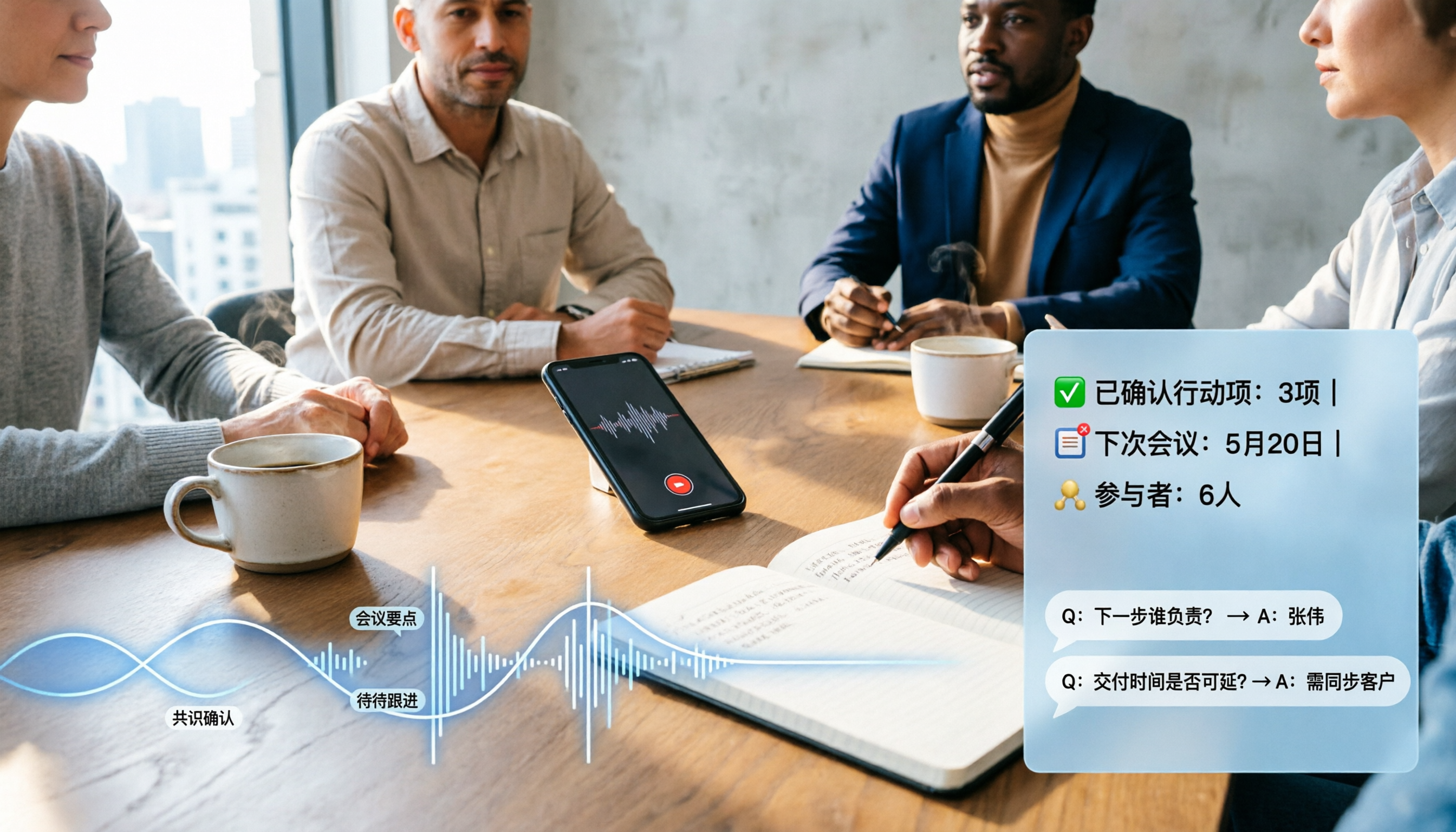
2026 Comparison of 4 Audio-to-Text Software: Which Saves the Most Time for Chinese Meetings and Post-Meeting Organization?
Many people confuse dictation with transcription, resulting in an inability to upload MP3 files or organize meetings. This article compares Tinrec, Notta, TurboScribe, and Granola from a hands-on testing perspective, focusing on Chinese recognition, input sources, post-meeting AI Q&A, team permissions, and pricing to help you find the choice that truly saves time.

2026 Comparison of 5 Multilingual Meeting Transcription Tools: Which Saves the Most Time in Cross-Language Meetings?
A review of 5 multilingual meeting transcription tools in 2026, covering speech-to-text, real-time translation, AI summaries, action item extraction, and team collaboration. It explains the positioning, pricing, and suitable scenarios for Tinrec, Otter.ai, Notta, TurboScribe, and Granola, helping you avoid the pitfall of choosing based only on transcription minutes.

2026 Comparison of 3 Foreign Language Meeting Translation Tools: Tinrec, Notta, and Built-in Platform Options
Foreign language meeting translation isn't just about turning on subtitles. This article addresses three common misconceptions and compares Tinrec, Notta, and built-in subtitles in Zoom/Teams/Google Meet on bilingual display, bot-free recording, post-meeting output, mixed Chinese-English speech, and team management. It also lists pricing and quotas for personal and team versions to help you decide which approach suits your cross-language meetings.