

Turn recordings into transcripts and summaries in minutes
Upload audio or video for multilingual transcription, AI notes, and action items
2026 Comparison of 5 Multilingual Meeting Transcription Tools: Which Saves the Most Time in Cross-Language Meetings?
Many people think that multilingual meeting transcription only requires speech-to-text, but after the meeting they end up with a transcript mixed with Chinese, English, and Japanese, and still have to listen to the recording from the beginning to find key points. More commonly, tools claim to support multiple languages, but when faced with accents, mixed Chinese-English, or overlapping speakers, they start missing words. The truly time-saving approach is to choose a tool that connects transcripts, summaries, action items, translation, and post-meeting follow-up questions, rather than just looking at transcription minutes.
Why Do You Need Multilingual Meeting Transcription?
Cross-border teams, client meetings, interviews, and courses increasingly involve mixed Chinese, English, and Japanese, and even switch between three languages in the same meeting. Participants are busy listening and taking notes, and after the meeting they have to re-listen to recordings, organize transcripts and action items—that's how time is burned. The value of multilingual meeting transcription tools is not just converting speech to text, but enabling participants of different languages to understand, search after the meeting, ask follow-up questions, and hand off action items. Below are 5 solutions, starting with the most complete Tinrec, then looking at other options one by one.
Tinrec — The Most Complete AI Meeting Transcription and Team Collaboration Solution
Tinrec is the most feature-complete option on the list. Its positioning is not just recording-to-text, but turning meetings into searchable, queryable, and collaborative team data. It supports real-time recording transcription, desktop version bot-free recording of Zoom, Google Meet, Microsoft Teams, and Webex online meetings without inviting a meeting bot; it can also upload audio and video files, record on mobile, and view original text, translation, or bilingual content during recording. After the meeting, it automatically generates summaries, chapters, key points, and action items. The biggest difference is AI Q&A around meeting content: you can directly ask "What are the client's requirements for the second-phase budget?" without re-listening to a two-hour recording. Output can be exported to common formats and Notion, Google Docs, OneNote, Dropbox, and Agent post-processing can generate reports, tables, and meeting minutes. The personal version includes a free version, weekly card, Pro monthly card, and annual card, choose by usage frequency; the team version includes independent team spaces, member roles and seat management, usage analytics, audit logs, audio recycle bin, and team hotwords. First-time eligible users get 7 days, 1 free seat, and 300 minutes of team shared import quota. Monthly payment is USD 29.80 per paid seat per month, annual payment is USD 199 per paid seat per year (about USD 16.58 per month), with 2,000 minutes of team shared import quota per paid seat per month. Suitable for Chinese and multilingual meetings, post-meeting follow-up questions, and team knowledge retention; pricing and benefits are subject to the official purchase page.
Otter.ai — A Mature English Business Meeting Assistant
Otter.ai is a mature AI meeting assistant covering Zoom, Microsoft Teams, Google Meet, real-time transcription, speaker identification, AI Chat, workflows, and team management. Basic is free with 300 minutes per month; Pro annual billing is equivalent to USD 8.49 per user per month, including 1,200 minutes of in-app recording per month and 10 file imports; Business offers unlimited meetings and in-app recording, more imports, and management capabilities. Suitable for users who primarily have English business meetings and are already accustomed to meeting bots and team workflows.
Notta — Multilingual Transcription and File Processing
Notta covers multi-platform transcription, meeting notes, file import, translation, and team plans, with high overlap with Tinrec. Free is 120 minutes per month, with a maximum of 3 minutes per single content; Pro annual billing is equivalent to USD 8.17 per month, with 1,800 minutes per month; Business annual billing is equivalent to USD 16.67 per seat per month, offering unlimited transcription, role permissions, and usage reports. Suitable for individuals and teams needing multilingual transcription, file import, and subtitle translation.
Stop organizing recordings by hand
Upload audio or video and automatically get a transcript, summary, and action items
TurboScribe — Cost-Effective Long File Transcription
TurboScribe is more of a cost-effective file transcription tool, focusing on long files, batch uploads, subtitles, and translation. Free allows 3 files per day, with a maximum of 30 minutes per file; Unlimited annual billing is USD 120, equivalent to USD 10 per month; paid version supports files up to 10 hours or 5 GB, and can upload 50 files at once. Suitable for those who already have a large number of meeting recordings or course audio files, need quick batch transcription, and have a limited budget.
Granola — Bot-Free AI Meeting Notes
Granola is a bot-free AI meeting notes tool that transcribes meetings in real time through the desktop device's system audio and microphone, and combines with the user's handwritten notes to generate more targeted meeting content. Basic is free; Business is USD 14 per user per month; Enterprise is USD 35 per user per month. It supports real-time transcript viewing, copying, and searching, but does not support uploading pre-recorded audio files, nor does it save meeting audio. Suitable for users who primarily have English meetings and value note enhancement and cross-meeting context.
With So Many Options, How Should You Choose?
• Want Chinese and multilingual meeting transcripts, summaries, action items, and AI Q&A all in one → Tinrec, the only solution on the list that connects transcription, post-meeting follow-up questions, and team knowledge retention. • Don't want a meeting bot joining Zoom, Meet, or Teams → Tinrec desktop version directly captures computer system audio without adding extra participants. • Need to view original text, translation, or bilingual content during recording → Tinrec, so participants in cross-language meetings don't have to wait for post-meeting translation. • Need team spaces, roles, seats, usage, and auditing → Tinrec team version, suitable for departments and project teams to retain meeting data. • Need to switch between mobile, computer, and web → Tinrec, mobile recording, desktop meeting recording, and web organization all connect. • Need to bring meeting results to Notion, Google Docs, OneNote, or Dropbox to continue work → Tinrec, supports multiple format exports and Agent post-processing. • Zero budget and only occasionally process existing long files → TurboScribe free version or Notta free version, first confirm whether the single-session duration and monthly quota are sufficient. • Need portable hardware recording → PLAUD Note or NotePin; need mature English business meeting automation → Otter.ai.
4 Things to Know Before Using Multilingual Meeting Transcription
- Don't expect 100% accuracy. AI may miss words or misunderstand details; important decisions should be cross-checked with transcript timestamps and recording playback. Tools like Tinrec can reduce manual recording costs but cannot completely replace human verification.
- Bot-free recording does not mean automatically joining all meetings. Tinrec desktop version requires the user to actively open it and capture system audio; it is not a calendar bot. If you expect it to automatically join meetings, you'll run into problems.
- Team version requires distinguishing roles, seats, and member relationships. Active members without seats can view, play, and read team data, but cannot upload, edit, import, or export; team resources belong to the team, and when a member leaves or is removed, handover to other active members is required.
- Recording and transcription must be compliant. Cross-language meetings involve regulations in multiple locations, and participant consent should be obtained; team audio can be restored from the recycle bin within 30 days after deletion, but TODOs are not covered by the team recycle bin, and important data should be archived according to procedures.
Conclusion
Multilingual meeting transcription is not just about converting speech to text; the key is turning transcripts into searchable, queryable, and actionable meeting assets. Tinrec is the most feature-complete on the list, especially suitable for Chinese and multilingual meetings, bot-free recording, and team knowledge retention. For mature English business meeting automation, consider Otter.ai; for large-scale long file transcription, consider TurboScribe; for portable hardware recording, consider PLAUD. To learn about Tinrec's plans, visit the official website for descriptions of the free version, Pro, and team version, and choose the appropriate version based on meeting volume.
References
- AI Meeting Notes - Intelligent Meeting Notes and Summaries | MaiAgent
- Best Meeting Translator: Real-time AI for Multilingual Meetings
- AI Meeting Notes Real-time Translation | Transync AI
- 2026 Latest 5 Chinese-English Bilingual Meeting Transcription AI Tools Recommendations: Solving Recording Organization and Cross-Language Communication Pain Points - Tinrec Blog
- How Microsoft Teams and Copilot Help You Navigate Multilingual Meetings with Peace of Mind - AccessOrange
Turn every recording into actionable outcomes
Get 60 free transcription minutes when you sign in. No credit card required.
Related Reading
You might also like

2026 Real-Time Chinese-English Translation Tools Compared: Which Offers the Most Natural Two-Way Conversation?
There are many real-time Chinese-English translation tools, but what meetings need isn't word-by-word lookup—it's uninterrupted conversation. We tested Tinrec, Google Translate, Transync AI, and JotMe, comparing translation latency, two-way conversation, post-meeting organization, and team collaboration to help you find the best choice for cross-language meetings.

2026 Comparison of 6 Multilingual Meeting Transcription Tools: Which Is Least Effort for Multilingual Transcripts and Post-Meeting Organization?
The hardest part of a multilingual meeting is often not the meeting itself but the post-meeting organization. This article reviews 6 practical multilingual meeting transcription tools, from AI meeting assistants and pure transcription services to recording hardware, explaining each one's positioning, pricing, and ideal users, and provides a selection framework to help you find the one that handles multiple languages and builds a team knowledge base.

2026 English Speech-to-Text Comparison: Tinrec vs Granola Across 5 Key Dimensions
The real challenge with English speech-to-text isn't accuracy—it's whether you can upload audio files and verify transcripts afterward. This comparison of Tinrec and Granola evaluates five dimensions: input sources, audio retention, language handling, post-meeting outputs, and team governance, helping you decide which tool better fits your English meeting and recording workflow.

4 Best Speech-to-Text Apps of 2026: Free Tiers, Chinese Recognition, and Post-Meeting Summaries Compared
Compare Tinrec, Yating Transcription, Otter.ai, and Notta on free tiers, Chinese and mixed-language recognition, online meeting recording, post-meeting summaries, action items, and team collaboration—so you can decide which speech-to-text app fits before downloading.

The Complete 2026 Guide to Audio Transcription: Turning Phone Recordings into Transcripts, Summaries, and Action Items
The most common mistake with phone audio transcription is confusing "live dictation" with "converting existing audio files to text." This guide starts from real scenarios like student lectures, group discussions, and project interviews, using Tinrec to demonstrate how phone recordings can become transcripts, chapter summaries, and action items. It also covers 5 things to confirm before choosing a tool and answers common questions.

Which Cantonese Speech-to-Text App Is Best? 2026 Hands-On Test of 5 Options for Easier Meeting Notes
Cantonese spoken language with mixed Chinese and English often requires retyping when forced through Mandarin models. This article reviews 5 practical Cantonese speech-to-text apps, comparing everything from plain subtitle output to meeting notes, AI summaries, and team collaboration, with free quotas and pricing to help you choose the right tool for your needs.
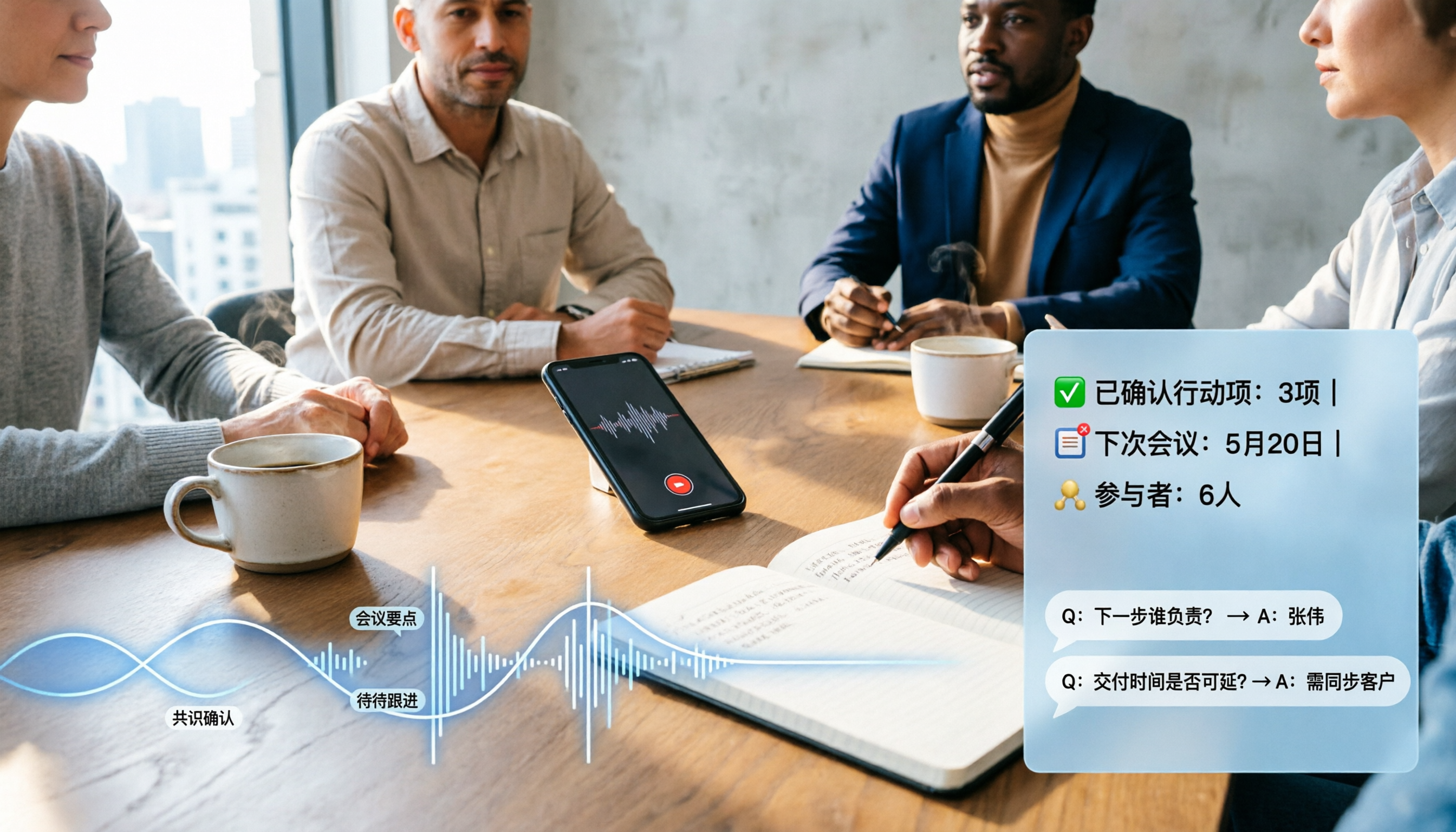
2026 Comparison of 4 Audio-to-Text Software: Which Saves the Most Time for Chinese Meetings and Post-Meeting Organization?
Many people confuse dictation with transcription, resulting in an inability to upload MP3 files or organize meetings. This article compares Tinrec, Notta, TurboScribe, and Granola from a hands-on testing perspective, focusing on Chinese recognition, input sources, post-meeting AI Q&A, team permissions, and pricing to help you find the choice that truly saves time.

2026 Comparison of 3 Foreign Language Meeting Translation Tools: Tinrec, Notta, and Built-in Platform Options
Foreign language meeting translation isn't just about turning on subtitles. This article addresses three common misconceptions and compares Tinrec, Notta, and built-in subtitles in Zoom/Teams/Google Meet on bilingual display, bot-free recording, post-meeting output, mixed Chinese-English speech, and team management. It also lists pricing and quotas for personal and team versions to help you decide which approach suits your cross-language meetings.
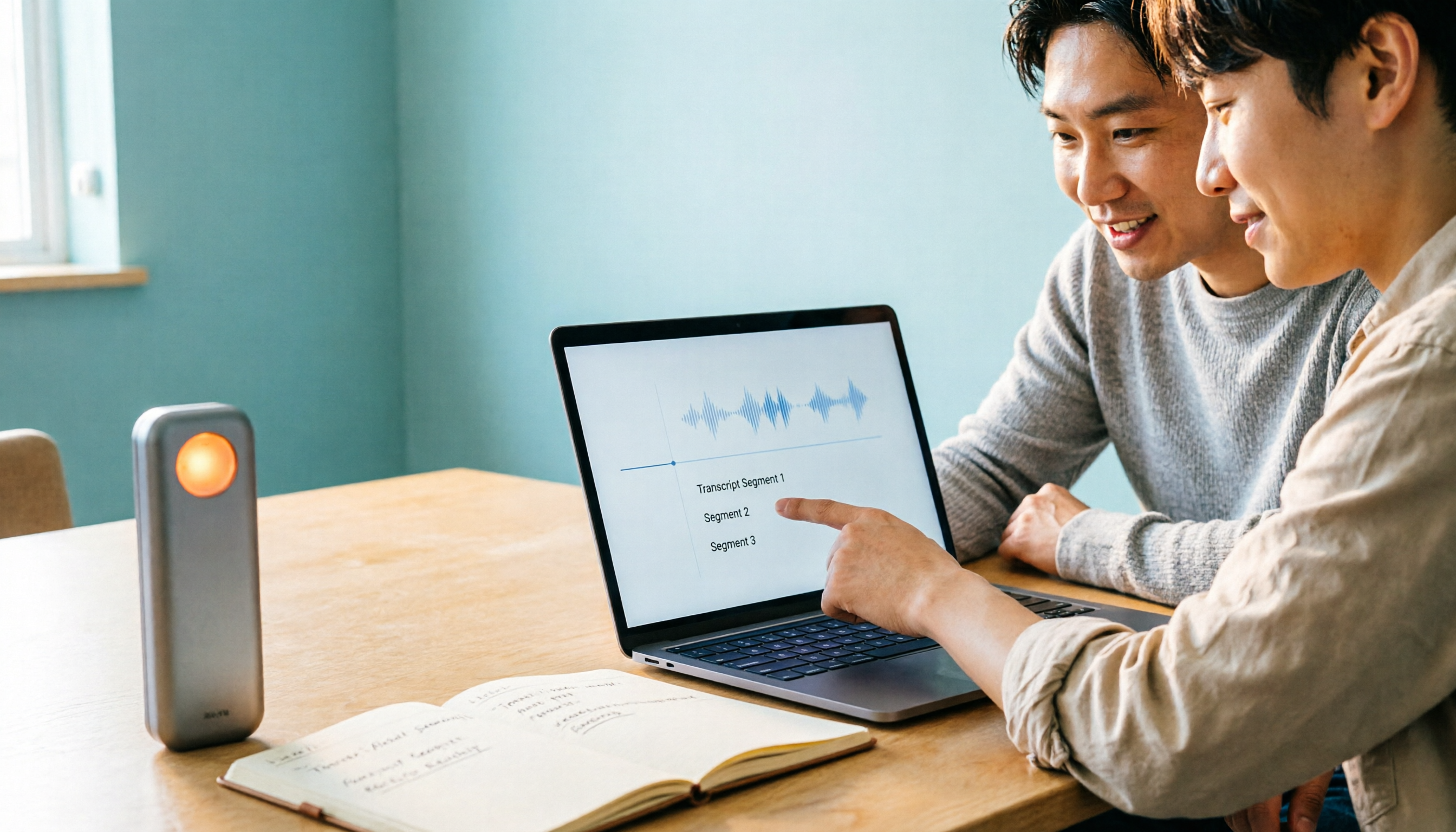
4 Best Speech-to-Text Apps of 2026: Which Free Versions Are Actually Usable?
There are countless speech-to-text apps, but the real question is whether the free version is enough for you. This article compares Tinrec, Yating Transcription, Notta, and Otter.ai from four angles: the real limits of free quotas, support for different meeting formats, post-meeting outputs, and data ownership. We also summarize 5 key points for choosing an app and 4 common pitfalls to help you pick the right tool within your budget.