

Turn recordings into transcripts and summaries in minutes
Upload audio or video for multilingual transcription, AI notes, and action items
How to Choose a Recording App in 2026: AI Meeting Summaries & Multi-Language Support
Recording Is Just the Beginning: The Real Pain Point Is Summarizing – You Need a Solution, Not a Tool
After a two-hour meeting, spending another hour transcribing the recording is painful—yet let alone missing key decisions or action items.
For meetings in Cantonese or mixed Chinese-English, the transcription effort alone can be discouraging, and most tools on the market still have limited Chinese support.
Whether it's lecture recordings, interview material, or even online videos where you need key points, you often have to manually fast-forward and replay. You may end up with piles of recordings that never get opened again.
All these issues point to the same thing: you don't need just an app that records—you need a tool that turns audio into an organized, searchable, and immediately usable knowledge asset.
3 Key Things to Understand Before Choosing a Recording App
1. Don't just look at transcription—look at what you can do after transcription
Many apps claim speech-to-text, but the trouble begins after transcription—you still have to read the entire transcript yourself.
A truly useful tool automatically generates summaries and action items after transcription, and even lets you ask questions to find key points—not just a static text file.
2. Flexibility in cross-platform support and input sources
Do you record on your phone but prefer to organize on your computer? Do you need to convert old audio files or YouTube videos into text?
When choosing, make sure the app has a web version and supports file uploads and pasting video links—otherwise you'll be tied to one device and your data will be scattered.
3. Chinese and multilingual processing capabilities are key
There are plenty of English-only tools, but if you regularly handle Chinese, Cantonese, or even Taiwanese, pay close attention to hands-on performance.
Some internationally known apps perform poorly on Chinese recognition, so it's best to test with your own real recordings before deciding.
Tinrec (秒聽錄音) – Our Top Pick After Hands-On Testing
Tinrec (秒聽錄音) is an AI recording assistant that supports multiple languages and offers iOS, Android, and web versions, so it works on whatever device you have.
Not Just Transcription—It Organizes Your Content
During a meeting, open Tinrec and it displays the transcript in real time while recording. When the meeting ends, AI summaries, chapters, and action items are automatically generated, making responsibilities and deadlines clear at a glance.
We were even more impressed by the AI Chat Search feature: you can simply ask, “Who mentioned the budget in the last meeting?” and Tinrec finds the answer based on meaning, rather than just returning keyword search results. This is almost unheard of in other tools at this price point.
Handles Multiple Audio Sources, Even Online Videos
In addition to live recording, you can upload existing audio or video files, and even paste public video links from YouTube, Bilibili, and more. Tinrec can organize them into text, summaries, and key points.
This is extremely useful for creators gathering online material or students who want to organize online courses.
Hands-On Performance: Reliable in Chinese and Cantonese
We tested in a typical conference room with slight air conditioning and keyboard sounds. Tinrec's transcription quality was stable, and its Cantonese recognition fluidity was especially impressive.
Of course, accuracy can still be affected by extremely noisy environments or multiple people talking at once, so we recommend quickly reviewing important content after the session.
Pros
Stop organizing recordings by hand
Upload audio or video and automatically get a transcript, summary, and action items
- Covers live recording, file transcription, and online video analysis in one place—no need to switch tools.
- AI summaries and chat search greatly reduce post-meeting organization time.
- The free version includes basic transcription quota, ideal for light users to try first.
Cons
- The free version has a monthly time limit, so heavy users may need to upgrade, though it's usually enough for people who meet a few times a week.
- Some advanced export formats and Agent post-processing features are only fully available in paid plans.
Who Is It For?
If you often need to organize Chinese or Cantonese meetings or course content, want to ask AI questions to find key points after recording, or need seamless switching between phone and computer, Tinrec is currently the most well-rounded option on the market.
What Other Options Are There Besides Tinrec?
Otter.ai: Great for English Meetings, but Limited for Chinese
Otter.ai is powerful for English business meetings, with 300 free minutes per month and features like speaker separation and AI summaries. However, it doesn't support Cantonese, and its Chinese transcription is less nuanced than tools built specifically for Chinese. If you mainly record English content, Otter.ai is a cost-effective alternative; but for Chinese or Cantonese, Tinrec is smoother.
Notta: Similar Features, but Lacks AI Chat Search
Notta also offers multi-device transcription and meeting notes, with 120 free minutes per month. However, it doesn't have Tinrec's AI Chat Search—after recording, you have to manually search for keywords and can't ask questions to get answers. For anyone who wants to quickly extract the key points from a long recording, Tinrec's advantage is clear.
PLAUD Note: Dedicated Recording Hardware—Convenient but Adds Extra Steps
PLAUD Note is a portable AI recording device, ideal when you want one-touch recording without relying on your phone. But the hardware costs extra, and after recording you still need to transcribe through an app; it also doesn't support pasting online video links. If you're used to handling everything on your phone, Tinrec's software approach is more direct and lower cost.
Pitfall Avoidance Guide: 3 Common Mistakes When Choosing a Recording App
Mistake 1: Only Checking App Store Ratings Without Testing in Real Environments
Many apps work well in a quiet room, but your usage scenario might be an air-conditioned conference room, a classroom with echoes, or a roadside. Before downloading, be sure to test with a short recording in your usual environment; otherwise you may discover it's not a good fit after purchasing.
Mistake 2: Overlooking Cross-Platform Sync Needs
If you record on your phone today and want to edit on your computer tomorrow, a tool without a web version or cloud sync will cause endless file-transfer frustration. Tools like Tinrec that have both an app and a web version can save you a lot of trouble.
Mistake 3: Treating Transcription Tools Only as a “Speech-to-Text Machine”
If you only use it to generate transcripts, you're getting only one-third of the value. With Tinrec's AI Chat Search, you can ask “What was the meeting's conclusion?” right after recording—much faster than manually scanning a 30-minute transcript. Spend a little time learning advanced features to truly solve your problem.
Summary: Which One Should You Choose?
Overall, Tinrec is the recording and organization tool we recommend most after our hands-on testing in most scenarios.
You can choose based on your primary needs:
- Need high-quality Chinese/Cantonese transcription and want to ask AI for key points ➔ Tinrec (most complete features and convenient cross-platform support)
- Meetings are in English and your team needs collaboration features ➔ Otter.ai (good English ecosystem integration)
- Want an inexpensive, high-volume transcription tool ➔ Consider Notta, but you'll lose the convenience of AI Chat Search
- Prefer dedicated hardware recording and not relying on your phone ➔ PLAUD Note, but with a higher budget and no support for online videos
We recommend downloading Tinrec's free version first. The monthly basic quota is enough for several meetings or classes to see how it works. Consider a paid upgrade only if you like it—no need to spend money upfront.
References
- Expert-Reviewed: 10 Best Recording Apps Ranking | mybest
- 2023's Top 5 Free Mobile Recording Apps: Call Recording, Ringtones, and Voiceover All in One!
- High-Accuracy Mobile Recording App Recommendations: 7 Tools to Generate Meeting Transcripts and Summaries in One Click – 秒聽錄音 Blog
- Q&A: Good Recording Software Recommendations – Mobile01
- Voice Memos App – App Store
Turn every recording into actionable outcomes
Get 60 free transcription minutes when you sign in. No credit card required.
Related Reading
You might also like

Which Cantonese Speech-to-Text App Is Best? 2026 Hands-On Test of 5 Options for Easier Meeting Notes
Cantonese spoken language with mixed Chinese and English often requires retyping when forced through Mandarin models. This article reviews 5 practical Cantonese speech-to-text apps, comparing everything from plain subtitle output to meeting notes, AI summaries, and team collaboration, with free quotas and pricing to help you choose the right tool for your needs.

2026 Comparison of 4 Audio-to-Text Software: Which Saves the Most Time for Chinese Meetings and Post-Meeting Organization?
Many people confuse dictation with transcription, resulting in an inability to upload MP3 files or organize meetings. This article compares Tinrec, Notta, TurboScribe, and Granola from a hands-on testing perspective, focusing on Chinese recognition, input sources, post-meeting AI Q&A, team permissions, and pricing to help you find the choice that truly saves time.

2026 Comparison of 5 Multilingual Meeting Transcription Tools: Which Saves the Most Time in Cross-Language Meetings?
A review of 5 multilingual meeting transcription tools in 2026, covering speech-to-text, real-time translation, AI summaries, action item extraction, and team collaboration. It explains the positioning, pricing, and suitable scenarios for Tinrec, Otter.ai, Notta, TurboScribe, and Granola, helping you avoid the pitfall of choosing based only on transcription minutes.

2026 Comparison of 3 Foreign Language Meeting Translation Tools: Tinrec, Notta, and Built-in Platform Options
Foreign language meeting translation isn't just about turning on subtitles. This article addresses three common misconceptions and compares Tinrec, Notta, and built-in subtitles in Zoom/Teams/Google Meet on bilingual display, bot-free recording, post-meeting output, mixed Chinese-English speech, and team management. It also lists pricing and quotas for personal and team versions to help you decide which approach suits your cross-language meetings.
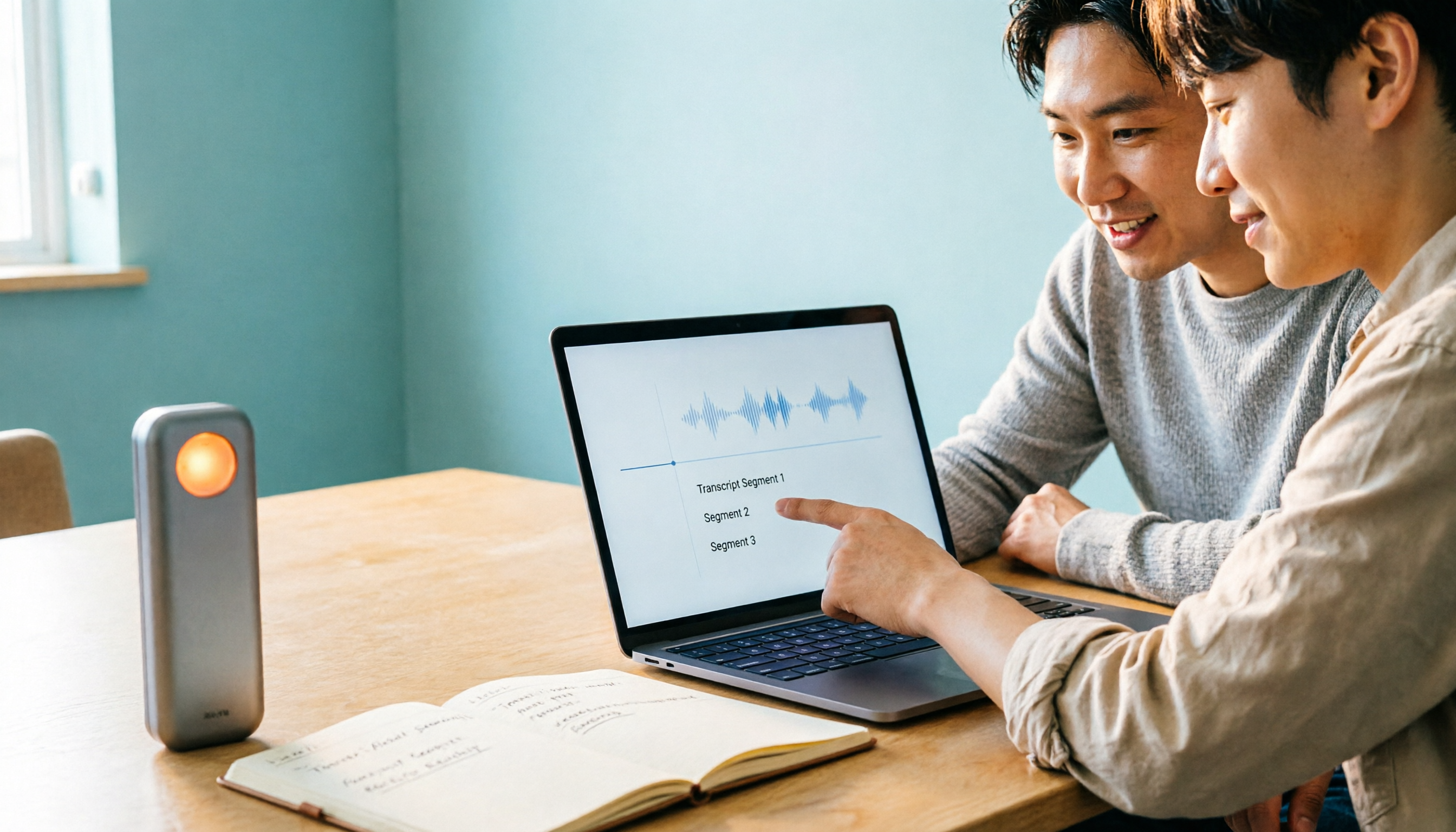
4 Best Speech-to-Text Apps of 2026: Which Free Versions Are Actually Usable?
There are countless speech-to-text apps, but the real question is whether the free version is enough for you. This article compares Tinrec, Yating Transcription, Notta, and Otter.ai from four angles: the real limits of free quotas, support for different meeting formats, post-meeting outputs, and data ownership. We also summarize 5 key points for choosing an app and 4 common pitfalls to help you pick the right tool within your budget.

4 Audio-to-Text Tools Tested: Which Saves More Time on Chinese Meeting Notes and Post-Meeting Cleanup in 2026?
Audio-to-text tools shouldn't just turn speech into text—they should quickly produce usable meeting notes. Based on real workflows, this article explains how Tinrec handles Chinese meetings, bot-free online meeting recording, AI Q&A, team spaces, and buying considerations, helping you decide if the free version is enough and whether the team version is worth evaluating.

How to Choose a Cantonese Speech-to-Text App in 2026: 5-Step Hands-On Comparison
This article compares Tinrec and Subanana across 5 dimensions—input sources, Cantonese colloquial handling, post-meeting organization, team collaboration, and export/integration—to help you decide between a pure Cantonese transcript tool and a meeting workflow solution.

Tinrec vs Notta 2026: 5-Dimension Comparison — Which Is More Reliable for Chinese Meeting Transcription?
Starting from common misconceptions about audio-to-text accuracy, this comparison evaluates Tinrec and Notta across five dimensions and explains the suitable scenarios for Otter.ai and PLAUD Note, helping you choose the right tool for Chinese meetings and team collaboration.

5 Best Chinese-English Real-Time Translation Tools in 2026: Free vs Paid Comparison
A comparison of 5 Chinese-English real-time translation tools in 2026, from free text translation and meeting voice translation to AI meeting note tools that generate transcripts and action items, helping you choose based on your use case.