

Turn recordings into transcripts and summaries in minutes
Upload audio or video for multilingual transcription, AI notes, and action items
What Can You Do After Converting Audio Files to MP3?
Most people know that MP3 is the most universal audio format, playable on any device. But converting files like WAV, M4A, or MOV to MP3 is only the first step. The converted audio usually needs further organization before it becomes useful—for example, meeting recordings need to be turned into minutes, course recordings into notes, and interviews into key takeaways.
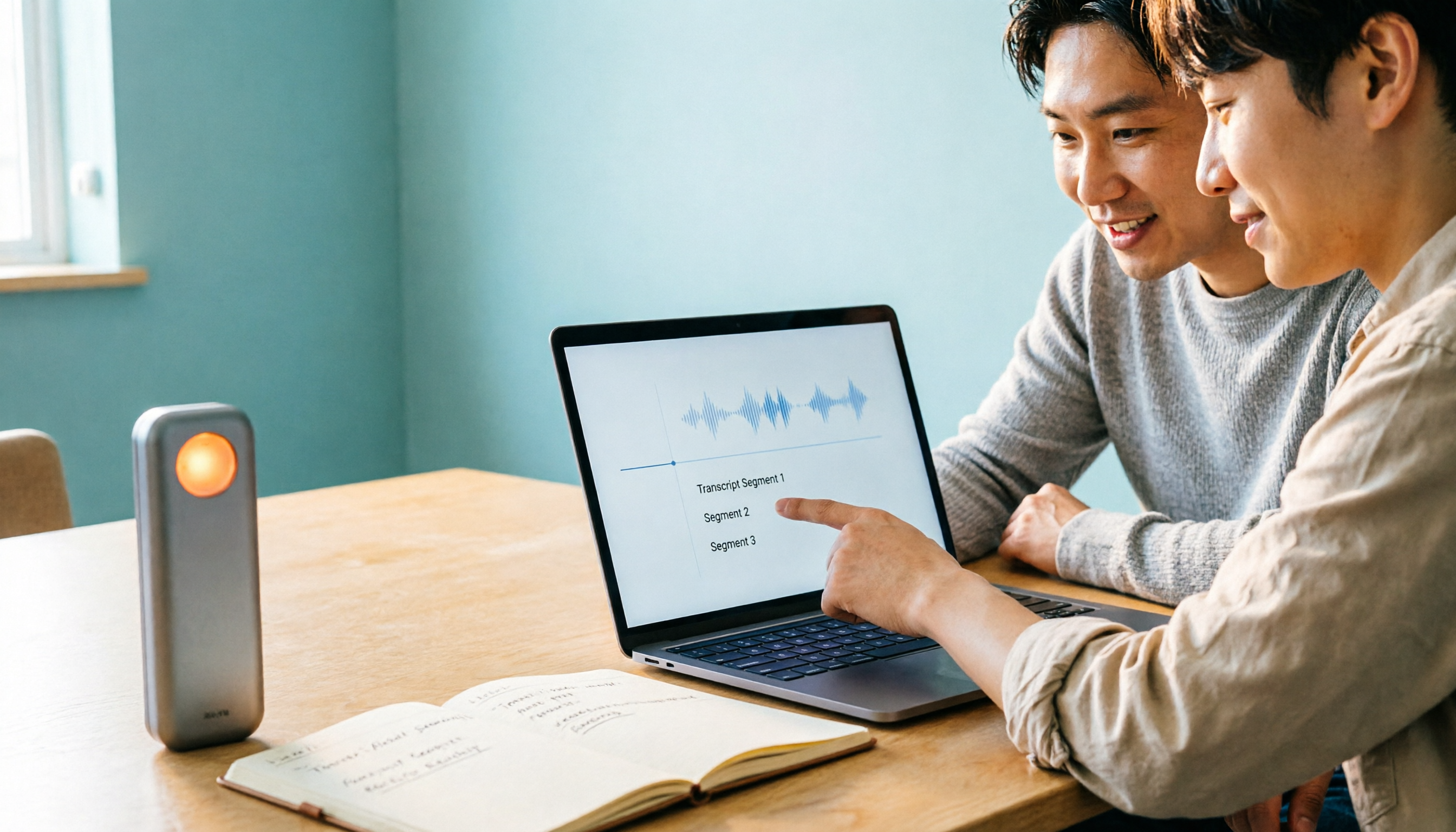
Tinrec's instant transcription tool helps you turn the content of your audio files into usable knowledge. Simply import your converted MP3 file into Tinrec, and it will automatically transcribe it into text, generate summaries, chapters, and to-dos, and even let you ask questions as if you were querying a database. As a result, your audio files are no longer just storage-hogging files—they become searchable, reviewable, and reusable data.
What Are Tinrec's Core Organizing Capabilities?
Tinrec is not just an ordinary transcription tool; it's more like a workbench for audio content. Here are its core capabilities:
- Instant and file transcription: Supports uploading audio formats like MP3, WAV, M4A, and automatically converts them to text. Whether it’s meeting, class, or interview recordings, you can quickly get verbatim transcripts.
- AI summaries and chapters: For a two-hour meeting recording, Tinrec doesn't just give you a transcript—it automatically generates structured summaries and chapters so you can quickly grasp the key points.
- To-do extraction: Did the meeting discuss action items? Tinrec identifies to-dos from the recording and lists the responsible person and timestamps, preventing anything from slipping through after the meeting.
- AI chat query: After transcription is complete, you can ask Tinrec questions directly, such as “Who mentioned the budget in the meeting?” or “What was the client's feedback?” It answers based on the audio content, saving you from listening from start to finish.
- Multiple export formats: You can export the organized results as Word, PDF, or plain text, or sync them to tools like Notion and Google Docs, seamlessly integrating into your workflow.
- Multi-source support: In addition to uploading audio files, Tinrec can directly record live meetings and import online video links (such as YouTube), keeping all your audio data organized in one place.
With these capabilities, Tinrec is more than a one-time file conversion tool—it’s an assistant for building a long-term personal knowledge base.
Real-World Use Cases
Scenario 1: Turn meeting recordings into meeting minutes
For weekly department meetings or client meetings, you can first convert the recording to MP3 (if it isn't already) and then upload it to Tinrec. Within minutes, the AI produces a meeting summary, decisions, and to-dos, so you can review and send them to attendees.
Scenario 2: Turn class recordings into review notes
Students and lifelong learners often record class sessions. After giving the audio to Tinrec, it automatically splits chapters, highlights key points, and even generates mind maps—greatly improving review efficiency.
Stop organizing recordings by hand
Upload audio or video and automatically get a transcript, summary, and action items
Scenario 3: Turn interview recordings into article material
After an interview, journalists and researchers dread transcribing. With Tinrec's transcription, you can search for key sentences, copy quotes, and quickly outline an article using AI summaries.
Scenario 4: Turn personal recordings into a searchable memory bank
People who like to record inspirations, diaries, or quick notes can store all their recordings in Tinrec. Later, when you want to find a particular recording, just ask in natural language, and Tinrec will locate relevant content from your history.
4 Things to Consider When Choosing an Audio Organization Tool
If you’re considering using an audio organization tool like Tinrec, here are a few evaluation points:
- Accuracy and language support: Transcription accuracy directly impacts downstream organization. Make sure the tool supports your primary language and test it in common scenarios. Tinrec has excellent support for Chinese content, including Cantonese and Traditional Chinese as used in Taiwan.
- Sufficient organization features: A transcript alone isn’t enough. The key to saving time is whether the tool can automatically summarize, divide into chapters, and extract to-dos. Tinrec offers a suite of AI post-processing after transcription, reducing hours of manual organizing.
- Cross-platform and export: Check whether the tool supports the devices and export formats you usually use. Tinrec has iOS and Android apps and a web version, with diverse export options that fit seamlessly into your current workflow.
- Pricing and usage frequency: Choose a plan based on your usage. Tinrec offers a free version with basic features, ideal for light users; if you have regular meetings or study needs, the Pro plan provides more minutes and features.
Frequently Asked Questions
Does converting audio to MP3 reduce quality?
MP3 is a compressed format. Converting from a lossless format (like WAV) does remove some audio details, but the average ear is unlikely to notice, and the effect is even smaller for speech. Weighing file size and universality, MP3 remains the best choice for most situations.
Can I use Tinrec directly to convert audio formats?
Tinrec’s primary function is to convert audio content into text and organize it; it is not a dedicated format converter. You still need to convert files into formats supported by Tinrec (MP3, WAV, M4A, etc.) using other methods before uploading them for organization.
Is Tinrec's free version enough?
The free version provides a certain number of transcription minutes each month, suitable for users who occasionally organize meetings or classes. If you frequently need transcription, consider the Pro plan.
Are recordings uploaded to Tinrec secure?
Tinrec uses industry-standard encryption. Processed files are automatically deleted from servers after a few hours, and only you can access them. Still, for sensitive content, we recommend reviewing their privacy policy before use.
Conclusion
Converting audio files to MP3 is just the first step; what matters more is making that audio work for you. Instead of letting recordings pile up on your hard drive, use Tinrec to turn them into searchable, reviewable, and reusable knowledge assets. Whether it's business meetings, classroom learning, or personal notes, Tinrec saves you a significant amount of organizing time. Upload a recording today and experience the power of AI-powered organization!
Reference Sources
- Online Audio Converter - Convert audio files to MP3, WAV, MP4, M4A, OGG or iPhone ringtones
- Free MP3 Converter - Convert audio files to MP3 online | FlexClip
- Free Convert Files to MP3 | Transcribe
- M4A to MP3 - Convert audio files online
- Free Online Audio Converter – Convert audio to MP3, WMA and other formats
Turn every recording into actionable outcomes
Get 60 free transcription minutes when you sign in. No credit card required.
Related Reading
You might also like

Which Cantonese Speech-to-Text App Is Best? 2026 Hands-On Test of 5 Options for Easier Meeting Notes
Cantonese spoken language with mixed Chinese and English often requires retyping when forced through Mandarin models. This article reviews 5 practical Cantonese speech-to-text apps, comparing everything from plain subtitle output to meeting notes, AI summaries, and team collaboration, with free quotas and pricing to help you choose the right tool for your needs.

2026 Comparison of 4 Audio-to-Text Software: Which Saves the Most Time for Chinese Meetings and Post-Meeting Organization?
Many people confuse dictation with transcription, resulting in an inability to upload MP3 files or organize meetings. This article compares Tinrec, Notta, TurboScribe, and Granola from a hands-on testing perspective, focusing on Chinese recognition, input sources, post-meeting AI Q&A, team permissions, and pricing to help you find the choice that truly saves time.

2026 Comparison of 5 Multilingual Meeting Transcription Tools: Which Saves the Most Time in Cross-Language Meetings?
A review of 5 multilingual meeting transcription tools in 2026, covering speech-to-text, real-time translation, AI summaries, action item extraction, and team collaboration. It explains the positioning, pricing, and suitable scenarios for Tinrec, Otter.ai, Notta, TurboScribe, and Granola, helping you avoid the pitfall of choosing based only on transcription minutes.

2026 Comparison of 3 Foreign Language Meeting Translation Tools: Tinrec, Notta, and Built-in Platform Options
Foreign language meeting translation isn't just about turning on subtitles. This article addresses three common misconceptions and compares Tinrec, Notta, and built-in subtitles in Zoom/Teams/Google Meet on bilingual display, bot-free recording, post-meeting output, mixed Chinese-English speech, and team management. It also lists pricing and quotas for personal and team versions to help you decide which approach suits your cross-language meetings.
4 Best Speech-to-Text Apps of 2026: Which Free Versions Are Actually Usable?
There are countless speech-to-text apps, but the real question is whether the free version is enough for you. This article compares Tinrec, Yating Transcription, Notta, and Otter.ai from four angles: the real limits of free quotas, support for different meeting formats, post-meeting outputs, and data ownership. We also summarize 5 key points for choosing an app and 4 common pitfalls to help you pick the right tool within your budget.

4 Audio-to-Text Tools Tested: Which Saves More Time on Chinese Meeting Notes and Post-Meeting Cleanup in 2026?
Audio-to-text tools shouldn't just turn speech into text—they should quickly produce usable meeting notes. Based on real workflows, this article explains how Tinrec handles Chinese meetings, bot-free online meeting recording, AI Q&A, team spaces, and buying considerations, helping you decide if the free version is enough and whether the team version is worth evaluating.

How to Choose a Cantonese Speech-to-Text App in 2026: 5-Step Hands-On Comparison
This article compares Tinrec and Subanana across 5 dimensions—input sources, Cantonese colloquial handling, post-meeting organization, team collaboration, and export/integration—to help you decide between a pure Cantonese transcript tool and a meeting workflow solution.

Tinrec vs Notta 2026: 5-Dimension Comparison — Which Is More Reliable for Chinese Meeting Transcription?
Starting from common misconceptions about audio-to-text accuracy, this comparison evaluates Tinrec and Notta across five dimensions and explains the suitable scenarios for Otter.ai and PLAUD Note, helping you choose the right tool for Chinese meetings and team collaboration.

5 Best Chinese-English Real-Time Translation Tools in 2026: Free vs Paid Comparison
A comparison of 5 Chinese-English real-time translation tools in 2026, from free text translation and meeting voice translation to AI meeting note tools that generate transcripts and action items, helping you choose based on your use case.