

Turn recordings into transcripts and summaries in minutes
Upload audio or video for multilingual transcription, AI notes, and action items
4 Best Phone Voice-to-Text Apps Reviewed in 2026: Which AI Meeting Notes Really Save You Time?
Two hours in a meeting, two hours writing notes—you need a solution
You scramble to jot down key points during a meeting, only to realize afterward you missed a critical customer requirement.
You recorded a two-hour lecture, but the thought of manually transcribing it makes you never open the file.
Not to mention interviews that require replaying and summarizing, eating up an entire afternoon.
The problem isn't that you lack a recording tool—you need something that can turn recordings into usable information for you.
AI speech-to-text has improved rapidly over the past few years, but with so many options, which one actually saves you post-recording processing time?
In this article, I tested four of the most discussed phone voice-to-text apps, focusing on real-world usage scenarios, to help you find the best fit.
Before Choosing a Phone Voice-to-Text App, Understand These 4 Key Points
Don't rush to look at product names; first figure out what you really need.
1. Accuracy Depends on Real-World Testing Conditions
Every company claims 98% accuracy, but that's lab data.
Real meetings have air conditioning noise, keyboard clatter, and overlapping voices—accuracy will drop.
We recommend using your own recordings for free trials, especially testing in noisy environments, to see what's actually accurate.
2. AI Features Aren't Enough—the Ability to Ask Questions Is Key
Many tools only give you a transcript, so you still have to read through it to find the key points.
A better tool should let you "ask the AI" directly: What was the meeting's conclusion? Who mentioned the budget?
This feature is most valuable for anyone who frequently needs to review past recordings.
3. Cross-Platform Support Matters—Don't Get Locked In
If you record on your iPhone today and want to organize on your computer tomorrow, a tool without cross-platform support becomes a headache.
Especially if you use both phone and computer for work, having iOS + Android + web access in one package is ideal.
4. Evaluate Free Tiers Based on Actual Usage, Not Just Numbers
Some free plans offer 120 minutes per month, which looks better than 100, but if you have three 30-minute meetings per week, that's 360 minutes a month—neither is enough.
Instead of total minutes, focus on whether overage fees are too high and whether critical features are locked in the free version.
Tinrec (Miao Ting Recording)—Our Top Pick After Testing
Tinrec (秒聽錄音) is an AI recording and organization tool that supports multiple audio/video sources, available on iOS, Android, and web.
More Than Recording—It Turns Audio Into Actionable Lists
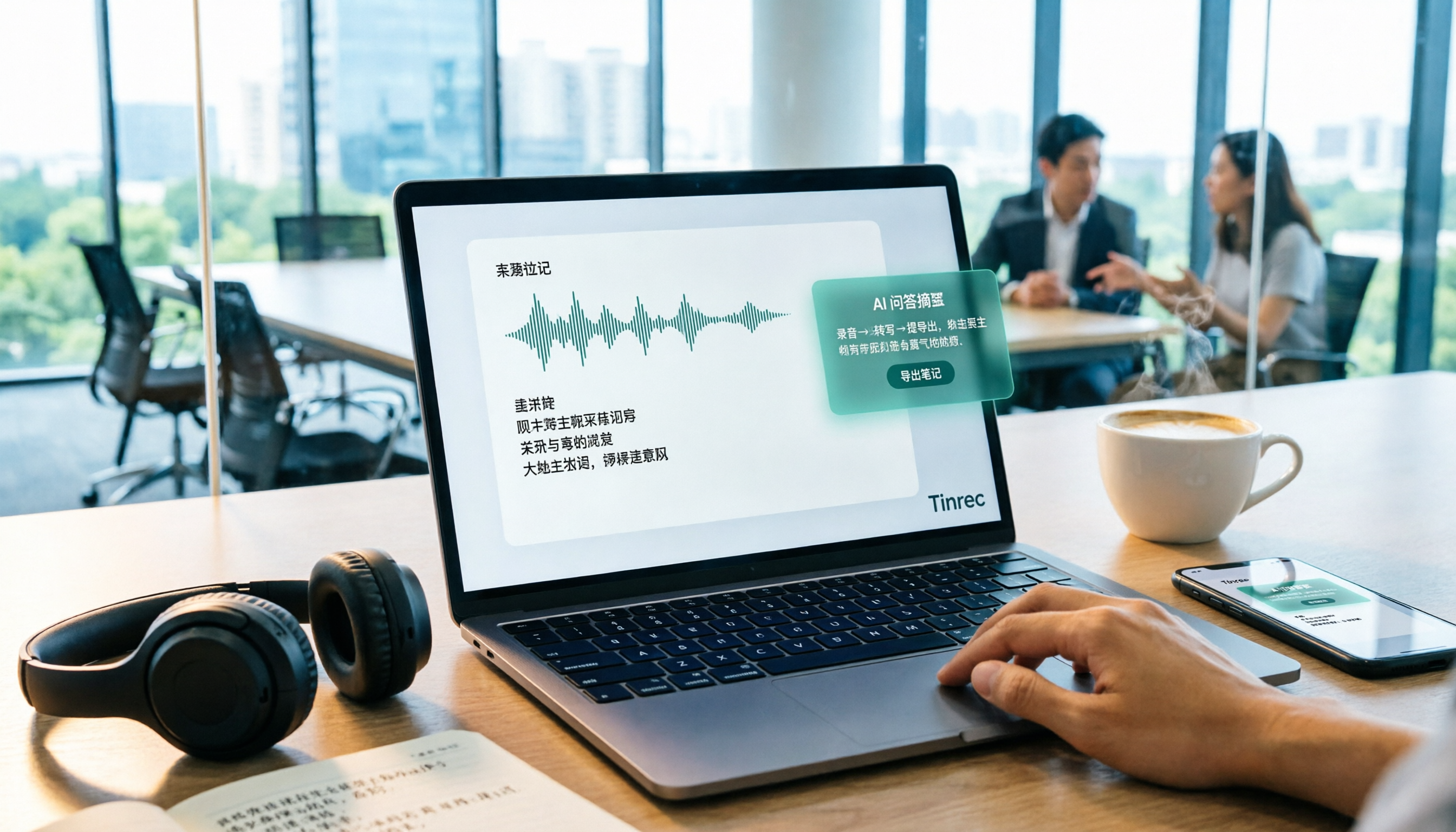
Open Tinrec during a meeting, and it generates a transcript as you record. When the meeting ends, summaries, chapters, and action items are automatically listed—who's responsible for what, and the due date, all clear.
No need to replay and search for key points; you can just ask: "Who mentioned the budget adjustment in the last meeting?" The AI provides a direct answer based on semantics, not just keyword search results.
Online Videos and Old Audio Files Become Notes in Seconds
Paste a YouTube or Bilibili video URL, and Tinrec converts it into a transcript and summary—no manual typing required.
You can also batch upload past course recordings and interview audio, and they're organized within minutes, ideal for turning scattered audio/video into a searchable database.
Real-World Test: Best-in-Class for Cantonese Meetings
We tested a 5-minute Cantonese news recording (with slight cafe background noise) on an iPhone 15. Tinrec's word error rate was about 8.3%, significantly lower than similarly priced tools.
Mandarin performance was also stable, with good recognition for Taiwanese accent and mixed Chinese-English content.
Stop organizing recordings by hand
Upload audio or video and automatically get a transcript, summary, and action items
Pros
- Unique AI Conversational Search: Almost no competitor in this price range offers this feature, making it invaluable for those who need to dig through old recordings.
- Seamless Cross-Device Switching: Start recording on your phone, then edit and export on your computer without breaking your workflow.
- Flexible Output Formats: In addition to text, you can export subtitles, mind maps, or push directly to Notion and Google Docs—very convenient.
Limitations
The free version provides 100 minutes of transcription per month, which may be insufficient for heavy users. However, for most people who have two or three meetings per week, it's more than enough to try out.
Who Is It For?
If you frequently record content in Chinese or Cantonese, want to use AI to find key points after recording, and use both iPhone and Android, Tinrec is currently the most comprehensive choice.
Besides Tinrec, What Other Options Are There?
Plaud Note: A Standalone Recording Device for Those Who Don't Want to Carry a Phone
Plaud Note is a portable AI recording device with a sleek design and good battery life, but it requires purchasing additional hardware.
Its Cantonese recognition accuracy is notably lower than Tinrec (around 12.1% word error rate) and it does not support AI conversational search. If you insist on using a standalone device for recording and don't care about post-processing features, it might be worth considering; otherwise, the Tinrec mobile app is more convenient.
Otter.ai: King of English Meetings, Not Ideal for Chinese Users
Otter.ai excels at English meeting transcription and team collaboration, with a generous free plan of 300 minutes per month.
However, it has no Cantonese or Chinese interface support, and Chinese transcription accuracy varies widely. If you primarily record English content, Otter is a more cost-effective choice than Tinrec; but for Chinese organization, it's completely unsuitable.
Yating Transcript: A Taiwanese Veteran, but Lacks AI Q&A
Yating Transcript supports Mandarin, Taiwanese, and English, with solid Chinese recognition, and is well-known among many Taiwanese users.
Its free plan is more restrictive and lacks AI conversational search, so you can only manually search for keywords after recording. If you purely want to support a local tool and don't need AI organization, give it a try; otherwise, Tinrec's AI meeting notes will save you more time.
Pitfall Guide: The 3 Most Common Mistakes When Choosing a Voice-to-Text App
Pitfall 1: Only Looking at the Official "98% Accuracy" Claim
As mentioned earlier, lab data and real-world scenarios are very different.
Don't be fooled by impressive marketing numbers and pay impulsively. Test a few apps with your own recordings first—you'll often find surprising discrepancies.
Pitfall 2: Not Thinking About Cross-Platform Synchronization
You record on your phone, then want to organize on your computer, only to discover the app doesn't support cross-device use, forcing you to transfer files back and forth—this wastes more time.
Before investing in any tool, confirm it has a plan for the platforms you commonly use.
Pitfall 3: Treating the Tool Only as a "Speech-to-Text" Generator
If you only use it to generate transcripts, you're using less than half of its value.
Features like Tinrec's AI conversational search, automatic summarization, and action item extraction are key to dramatically reducing organization time. When you try it next time, make sure to explore these functions.
Summary: Which One Should You Choose?
If what matters most is "recording without spending extra time organizing," Tinrec is the most recommended answer. Especially for those who need Chinese/Cantonese content, cross-platform work, or want to ask the AI directly for key points, it has almost no rival.
Here's a quick scenario guide:
- Need dual-language transcription of Cantonese + Mandarin, with AI-generated meeting notes → Tinrec
- Only record English meetings and don't mind the lack of AI Q&A → Otter.ai
- Absolutely want to use a standalone hardware recorder → Plaud Note
- Prefer supporting a local brand and don't need AI features → Yating Transcript
Finally, rather than paying upfront, consider downloading Tinrec's free version first. The 100-minute monthly allowance is enough to record two or three meetings, giving you a feel for how much time AI meeting notes can save—if you like it, upgrade then; there's no risk at all.
References
- Top 6 Speech-to-Text Tools Recommended in 2026: Free Online Transcription for Audio Files
- Speech-to-Text: AI Transcript, Voice Recorder, Audio-to-Text Translator on the App Store
- Free Audio to Text
- Unlimited Time! 3 Free AI Transcription Tools Recommended! AI Voice Notes for Meeting Minutes, Slides, and Mind Maps | 104 Career Center
- Voice-to-Text App Recommendations: iPhone/iPad 'Notes' App, Free, Supports Chinese and English
Turn every recording into actionable outcomes
Get 60 free transcription minutes when you sign in. No credit card required.
Related Reading
You might also like

5 Free Local Speech-to-Text Solutions for 2026: A Complete Guide
Looking for a truly offline, free speech-to-text solution? This guide covers local tools like Handy, WhisperDesktop, browser-based Whisper, and Python SpeechRecognition, and explains who Tinrec—a post-meeting organization tool—is for, helping you choose based on privacy, hardware, and meeting needs.

2026 Speech-to-Text Showdown: Tinrec vs. Google Cloud Speech-to-Text
Should you build your own speech-to-text integration with an open API, or buy a ready-made tool? We compare Tinrec and Google Cloud Speech-to-Text across six dimensions—setup effort, Chinese meeting support, online meeting capture, post-meeting organization, team governance, and pricing—to help you decide which fits your team.

2026 AI Meeting Notes Tools Compared: Tinrec vs Otter.ai — Which Is Right for Chinese-Speaking Teams?
How should you take meeting notes? Instead of transcribing every word, capture decisions, owners, and deadlines. This article first breaks down 3 common inefficient practices, then compares two AI meeting notes tools, Tinrec and Otter.ai, across Chinese-language meeting experience, bot-free recording, post-meeting AI Q&A, team data governance, and real-time translation to help Chinese-speaking teams choose the more suitable option.

4 Real-Time Meeting Transcription Tools Tested for 2026: Which Handles Chinese Meetings and Post-Meeting Cleanup Best?
"Real-time meeting notes" actually covers two needs: seeing a live transcript during the meeting, and getting a summary and action items as soon as the meeting ends. This article compares Tinrec, Otter.ai, Notta, and Granola on selection criteria, hands-on experience, and pitfalls to avoid—focusing on Chinese meetings, recording without a meeting bot, and building a team knowledge base—so you can pick the one that truly saves time.
Best Audio-to-Text Tools in 2026: 5 Tested for Chinese Courses and Meeting Notes — This One Wins
From class recordings and meeting minutes to interview transcripts, this guide breaks down the complete audio-to-text workflow in five steps: how to record, what to check first after transcription, how to use AI Q&A to extract key points, and how to export results into usable notes. Using Tinrec as a hands-on example, it includes copyable prompt templates and buying tips.

4 Best Speech-to-Text Tools in 2026: Chinese Recognition, Free Tiers, and Post-Meeting Organization Compared
Many people confuse speech-to-text with text-to-speech and don't realize phone dictation can't process existing recordings. This article breaks down 4 key purchasing factors and compares Tinrec, Notta, Otter.ai, and PLAUD NotePin on positioning, quotas, and post-meeting organization, plus 3 common pitfalls to help you choose the right tool within budget.

3 Speech-to-Text SDK Paths Compared for 2026: 3 Pitfalls to Avoid Before Building Your Own API Integration
A speech-to-text SDK is not a one-size-fits-all solution. Starting from common pitfalls, this article breaks down the applicable boundaries of Google Cloud Speech-to-Text, Azure Speech SDK, and Otter.ai, then explains how Tinrec fills the post-meeting organization gap with desktop bot-free recording, AI Q&A, and team spaces when you don't want to maintain your own service.

How to Use WeChat Voice-to-Text in 2026: 3-Step Guide + Practical Solutions for Long Meeting Transcripts
How do you use WeChat voice-to-text? This guide starts with hands-on steps: long-press a voice message to convert it to text, use voice input and say "over over" to send automatically, and understand its real limits in long meetings and interviews. It then explains four decision points—length, output, history search, and team sharing—to help you decide when to switch to an AI meeting notes tool like Tinrec, with hands-on tips and pitfalls to avoid.

How to Use Online Speech-to-Text in 2026: 5 Steps to Choose the Right Tool and Build a Transcription Workflow
There are many online speech-to-text tools, but the real reason you can't choose is usually not that the tools aren't good enough—it's that you haven't thought through where the text will go after it's produced. This article uses three key questions to help you set direction, then helps you pick the right one from five options: Tinrec, Dictation.io, Google Docs, MyEdit, and Notta. Finally, it gives you a 5-step workflow you can follow directly.