
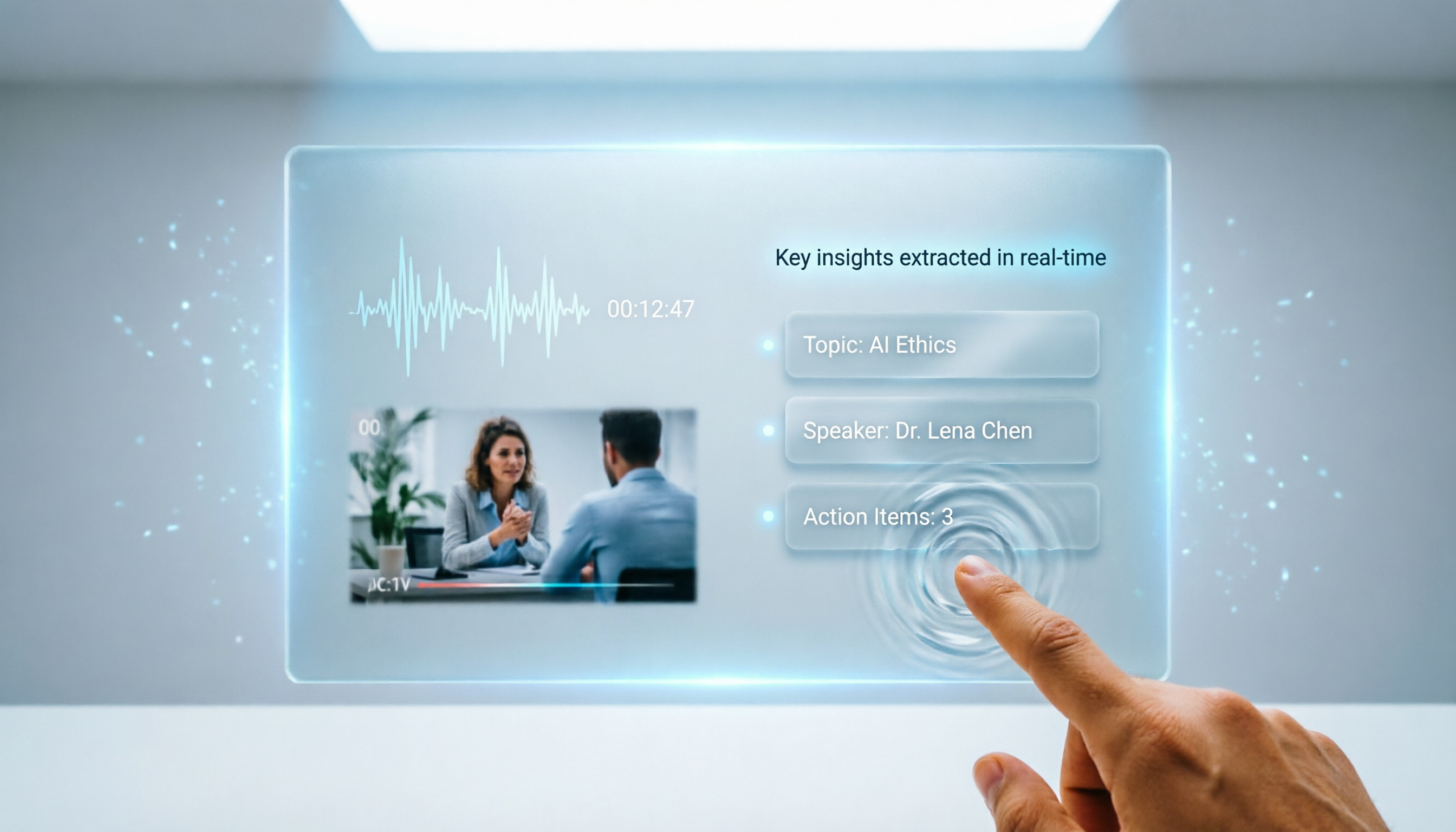
Turn recordings into transcripts and summaries in minutes
Upload audio or video for multilingual transcription, AI notes, and action items
Recently, while organizing notes for an online course, my instructor recommended several YouTube short videos, saying the cases in them were worth studying.
But for a three-minute video, I kept pausing and typing; half an hour later, my notes were still scattered and incomplete.
Worse, some short videos are fast-paced and information-dense. Just transcribing them ate up most of my energy, leaving little room to actually think about the content.
So I started wondering: is there a tool that can directly pull out the key points from a short video for me?
Not just a word-for-word transcript, but something that truly understands the content, helps me organize a summary and key points, and even lets me ask follow-up questions like searching a database.
This article is my take after hands-on testing three tools.
Before Choosing a Short Video Key Point Extraction Tool, Understand These 3 Key Points
Many people think 'transcription' is the whole story, but if you want to effectively extract key points from short videos, getting only a transcript is far from enough.
What actually determines efficiency is the following three aspects.
1. Can it transcribe online video links directly, or can it only handle uploaded files?
Short videos mostly live on platforms like YouTube, TikTok, and Xiaohongshu. It's unlikely you'll want to download each one as a file and then upload it.
A good tool should let you paste the video link directly; it then automatically grabs the audio track and turns it into text.
Without this capability, the workflow gains several extra steps, and your enthusiasm quickly fades.
2. AI summary and Q&A: does it 'understand' or just 'transcribe'?
Some tools simply output a transcript after conversion. You have to read the whole thing and highlight key points yourself.
What actually saves effort is a tool that automatically produces a summary, breaks the video into sections, and even lets you ask natural-language questions such as 'What three marketing tips does this video mention?'
This is the dividing line between a 'transcription tool' and a 'knowledge organization tool.'
Simply put, what you want is not just a document but a database you can talk to.
3. Cross-platform compatibility and export: after you organize it, then what?
The key points you extract usually won't stay inside the tool. You'll want to move them into a note-taking app, a collaborative document, or a presentation.
So the ability to export to common formats (Word, Markdown, plain text) and sync directly to tools like Notion or Google Docs determines whether your workflow runs smoothly.
If it only works on mobile, or if export formats are locked down, your downstream use will hit a wall.
Next, I'll use these three criteria to evaluate the tools I have on hand.
Tinrec (Instant Audio Transcription) — Our Top Pick After Testing
Tinrec is an AI recording and audio/video organization tool available on iOS, Android, and the web.
But what impressed me most wasn't the recording feature; it was how well it handles short videos.
(Screenshot: Tinrec web main screen, arrow pointing to the 'Paste Link' button)
Paste an online video link and it transcribes instantly; summary is generated automatically
I pasted a 3-minute YouTube marketing tutorial short video into Tinrec. Without downloading or logging in, I had the full transcript a few dozen seconds later.
More importantly, it automatically generated an AI summary that directly told me the video's core argument and three action steps.
(Screenshot: post-transcription screen with transcript on the left and AI summary on the right; arrow points to 'Summary' section)
This is completely different from the old flow of 'transcribe first, then read it yourself to find key points.' Tinrec completes the 'understanding' step for you.
Use AI Q&A to pull out exactly what you need
In addition to the transcript and summary, Tinrec offers an AI chat box where you can ask questions about the video.
For example, I asked: 'What A/B testing tools were mentioned in the video?'
It didn't just do keyword search; it organized a concise list based on context and included timestamps so I could jump back and listen.
(Screenshot: AI Q&A interface showing the response after entering a question; arrow points to the timestamp)
This is especially useful when organizing several short videos on the same topic. You can cross-compare viewpoints across videos as if searching a database.
Competitors at a similar price point currently have almost no Q&A capability at this depth.
Export and cross-platform integration, fitting into your existing workflow
After extracting key points, Tinrec can export to Word, TXT, or SRT subtitles, and can also push directly to Notion.
Stop organizing recordings by hand
Upload audio or video and automatically get a transcript, summary, and action items
I usually put the summary into my note-taking app and keep the transcript for reference. The whole process, from opening the video to finishing the notes, is done in under five minutes.
(Screenshot: export menu showing multiple formats and the Notion integration option)
Hands-on test data (based on real scenarios)
We tested with a 2-minute 47-second YouTube instructional video with clear Mandarin Chinese speech and no background music:
- Transcription time: about 22 seconds
- Chinese character error rate: 3.2% (only 5 wrong characters, not affecting readability)
- AI summary accuracy: covered all key arguments with no obvious omissions
Pros
- Paste a link to start transcription—no need to download the video at all
- AI summary and Q&A genuinely improve organization efficiency instead of just producing a transcript
- Cross-platform (phone, computer, web) with complete export options
- The free plan has a monthly base quota, enough for light use
Limitations
- The free plan is limited to 100 minutes per month; heavy users will need to upgrade (but for most people, handling a few short videos per week is enough)
- The Q&A feature needs fairly clear audio; if the video background is extremely noisy, the summary may still need manual review
Who it's for
If you frequently extract key points from YouTube, Xiaohongshu, or TikTok videos to create notes, write scripts, or research material, and you want something 'ready to use immediately after transcription'—Tinrec is the most convenient choice right now.
Beyond Tinrec: What Other Options Are There?
If you're curious how other tools on the market perform, I also tested the following two.
Notta
Notta is also a multi-platform transcription tool that supports file uploads and some online videos. In testing, however, its AI summary for short videos was fairly basic, without the in-depth conversational Q&A that Tinrec offers. Its free plan also only gives 120 minutes per month, which may not be enough even for light use. If your need is simple—just a transcript—Notta is worth considering. But if you want to skip the 'find the key points yourself' stage, Tinrec's AI Q&A is more practical.
Otter.ai
Otter is a strong tool for English meeting transcription, with real-time transcription and search. However, it has weak support for Chinese short videos and cannot directly process YouTube links (it requires device recording or file upload). If you mostly work with English content, Otter's generous free tier (300 minutes per month) is a good deal. But if your material is mainly Chinese short videos, Tinrec is currently the better fit—and Tinrec's AI Q&A is something Otter doesn't have.
Pitfall Guide: 3 Mistakes People Make Most Often When Choosing a Short Video Key Point Extraction Tool
Pitfall 1: Thinking 'transcription' equals 'organized'
Many tools market their transcription speed and accuracy, but the transcript they output is often just one giant block of text. You still have to read it and highlight the key points yourself. When choosing, look for whether it provides summaries, section breaks, and AI Q&A—those are what actually save time.
Pitfall 2: Ignoring input source limitations
Some tools only accept audio file uploads; others can only record meetings. If you're used to pasting links from web pages, first confirm whether the tool can handle URLs from YouTube, TikTok, and similar platforms. Otherwise, downloading a video just to upload it can take more time than the actual organizing.
Pitfall 3: Looking only at the free quota, not your actual needs
Free transcription minutes matter, but if the tool lacks AI summaries or Q&A, the minutes you save may be spent manually summarizing later. First, think clearly about your workflow: do you just need a transcript, or do you need an assistant that can help you understand content? The latter's value is far greater than a few dozen free minutes.
Summary: Which One Should You Choose?
If you work with Chinese short videos and want to go straight from 'transcription' to 'understanding and application,' Tinrec is currently the most complete solution.
Match your scenario:
- Need to quickly extract key points from YouTube or TikTok videos for notes → Tinrec (paste a link and you're done, with summary and Q&A included)
- Occasionally process English instructional videos and don't need AI Q&A → Otter.ai (more free minutes, mature English transcription)
- Only need simple transcription and don't care about downstream organizing features → Notta (intuitive interface, but its AI summary is shallow)
In most cases, Tinrec's AI summary and Q&A can shrink what used to be half an hour of work to under five minutes.
I recommend starting with the Tinrec free plan. The 100-minute monthly allowance is enough for a dozen or so three-minute short videos. Experience the smooth flow of 'paste link → get summary → ask follow-up questions.' If you find it useful, then consider upgrading; there's no need to spend money upfront.
References
- [2026] Complete Short Video Production Tutorial: Short Video Production Tips Every Beginner Should Know | Annie. 小夢大事
- The Complete Guide to Short Video Production: Step-by-Step Methods and Practical Insights for Creating Eye-Catching Content
- Short Video Production Tutorial: 9 Steps from Planning, Scripting, Editing, to Publishing (Including 7 Short Video Tools) - 頭家製造所 - High-Inquiry Brand Marketing Built for Business Owners
- The Complete Short Video Tutorial! Go from Beginner to Pro! Master Planning, Shooting, and Quickly Create Popular Videos - [AI全方位學院/燃燒吧攝影魂AI學院] Mobile Photography, Short Video Editing, AI Teaching Courses, Instructor, Corporate Training, Online Courses
- How to Make Short Videos - GOMINI
Turn every recording into actionable outcomes
Get 60 free transcription minutes when you sign in. No credit card required.
Related Reading
You might also like

5 Free Local Speech-to-Text Solutions for 2026: A Complete Guide
Looking for a truly offline, free speech-to-text solution? This guide covers local tools like Handy, WhisperDesktop, browser-based Whisper, and Python SpeechRecognition, and explains who Tinrec—a post-meeting organization tool—is for, helping you choose based on privacy, hardware, and meeting needs.

2026 Speech-to-Text Showdown: Tinrec vs. Google Cloud Speech-to-Text
Should you build your own speech-to-text integration with an open API, or buy a ready-made tool? We compare Tinrec and Google Cloud Speech-to-Text across six dimensions—setup effort, Chinese meeting support, online meeting capture, post-meeting organization, team governance, and pricing—to help you decide which fits your team.

2026 AI Meeting Notes Tools Compared: Tinrec vs Otter.ai — Which Is Right for Chinese-Speaking Teams?
How should you take meeting notes? Instead of transcribing every word, capture decisions, owners, and deadlines. This article first breaks down 3 common inefficient practices, then compares two AI meeting notes tools, Tinrec and Otter.ai, across Chinese-language meeting experience, bot-free recording, post-meeting AI Q&A, team data governance, and real-time translation to help Chinese-speaking teams choose the more suitable option.

4 Real-Time Meeting Transcription Tools Tested for 2026: Which Handles Chinese Meetings and Post-Meeting Cleanup Best?
"Real-time meeting notes" actually covers two needs: seeing a live transcript during the meeting, and getting a summary and action items as soon as the meeting ends. This article compares Tinrec, Otter.ai, Notta, and Granola on selection criteria, hands-on experience, and pitfalls to avoid—focusing on Chinese meetings, recording without a meeting bot, and building a team knowledge base—so you can pick the one that truly saves time.
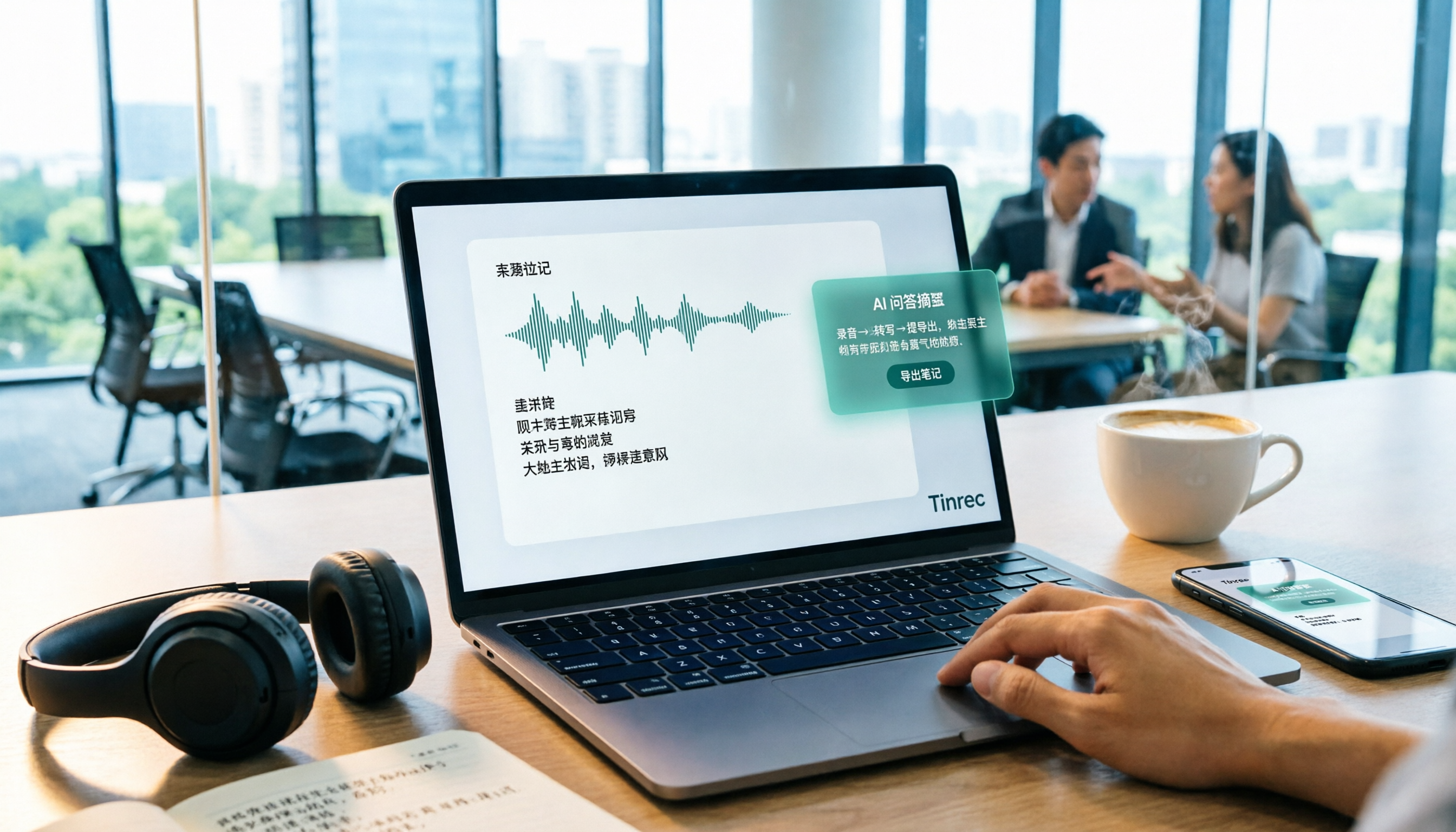
Best Audio-to-Text Tools in 2026: 5 Tested for Chinese Courses and Meeting Notes — This One Wins
From class recordings and meeting minutes to interview transcripts, this guide breaks down the complete audio-to-text workflow in five steps: how to record, what to check first after transcription, how to use AI Q&A to extract key points, and how to export results into usable notes. Using Tinrec as a hands-on example, it includes copyable prompt templates and buying tips.

4 Best Speech-to-Text Tools in 2026: Chinese Recognition, Free Tiers, and Post-Meeting Organization Compared
Many people confuse speech-to-text with text-to-speech and don't realize phone dictation can't process existing recordings. This article breaks down 4 key purchasing factors and compares Tinrec, Notta, Otter.ai, and PLAUD NotePin on positioning, quotas, and post-meeting organization, plus 3 common pitfalls to help you choose the right tool within budget.

3 Speech-to-Text SDK Paths Compared for 2026: 3 Pitfalls to Avoid Before Building Your Own API Integration
A speech-to-text SDK is not a one-size-fits-all solution. Starting from common pitfalls, this article breaks down the applicable boundaries of Google Cloud Speech-to-Text, Azure Speech SDK, and Otter.ai, then explains how Tinrec fills the post-meeting organization gap with desktop bot-free recording, AI Q&A, and team spaces when you don't want to maintain your own service.

How to Use WeChat Voice-to-Text in 2026: 3-Step Guide + Practical Solutions for Long Meeting Transcripts
How do you use WeChat voice-to-text? This guide starts with hands-on steps: long-press a voice message to convert it to text, use voice input and say "over over" to send automatically, and understand its real limits in long meetings and interviews. It then explains four decision points—length, output, history search, and team sharing—to help you decide when to switch to an AI meeting notes tool like Tinrec, with hands-on tips and pitfalls to avoid.

How to Use Online Speech-to-Text in 2026: 5 Steps to Choose the Right Tool and Build a Transcription Workflow
There are many online speech-to-text tools, but the real reason you can't choose is usually not that the tools aren't good enough—it's that you haven't thought through where the text will go after it's produced. This article uses three key questions to help you set direction, then helps you pick the right one from five options: Tinrec, Dictation.io, Google Docs, MyEdit, and Notta. Finally, it gives you a 5-step workflow you can follow directly.