
Turn recordings into transcripts and summaries in minutes
Upload audio or video for multilingual transcription, AI notes, and action items
Watching YouTube Until Your Eyes Hurt? What You Need Isn't Downloading—It's Getting Straight to the Key Points
Every day you open YouTube and recommended videos keep coming one after another. Do you really have time to watch every single one from start to finish?
Many times, you just want to know what the video is about, whether it contains data worth citing, or you want to quickly turn it into notes. But a 20-minute video—watching it, taking notes, then organizing—takes half an hour.
What’s worse, some content feels insightful when you first hear it, but two days later when you want to find a specific quote, you have to drag the progress bar all the way back.
If you’ve been through these situations, this article is written for you.
Before Choosing a YouTube Parser Tool, Understand These 3 Key Points
There are plenty of tools that claim to 'parse YouTube,' but are they really right for you? Think through these three things first so you don’t waste time trying the wrong ones.
Do You Want a 'File' or 'Content'?
This is the most fundamental question. If you simply want to save a video for offline viewing, a basic downloader is enough.
But if you want to get a verbatim transcript, key summaries, or even ask questions about the content, you need a tool like Tinrec that can actually 'understand' the video.
Honestly, a 4K video download can easily run hundreds of MB. After saving it to your hard drive, you probably won’t watch it a second time. Better to extract the content directly and keep the knowledge.
Accuracy and Format Support
Downloaders usually have quality and format limitations. Some only go up to 1080p, and others may support 8K but with very slow conversion.
If what you care about is textual content, transcription accuracy matters most—especially for Chinese, Cantonese, or mixed-language videos, which many tools can’t handle at all.
In our testing, Tinrec’s transcription quality for ordinary Chinese YouTube videos was quite stable, and it supports 14 languages. That’s a definite plus for users in Taiwan.
Ease of Organizing and Reusing
A downloaded MP4 is just a file. You have to watch and organize it yourself.
But with a parsing tool like Tinrec, the transcribed text can automatically generate summaries and chapters. You can even ask the AI, 'Does the video mention budget figures?' and finally export to Markdown, PDF, or send it directly to Notion.
Simply put, do you want a 'video file' or 'ready-to-use materials'? The answer will determine which type of tool you should choose.
Tinrec (秒聽錄音) — Our Top Pick After Testing
After trying a round of YouTube parsing tools, Tinrec (秒聽錄音) is one of the few choices we felt 'really saves time.'
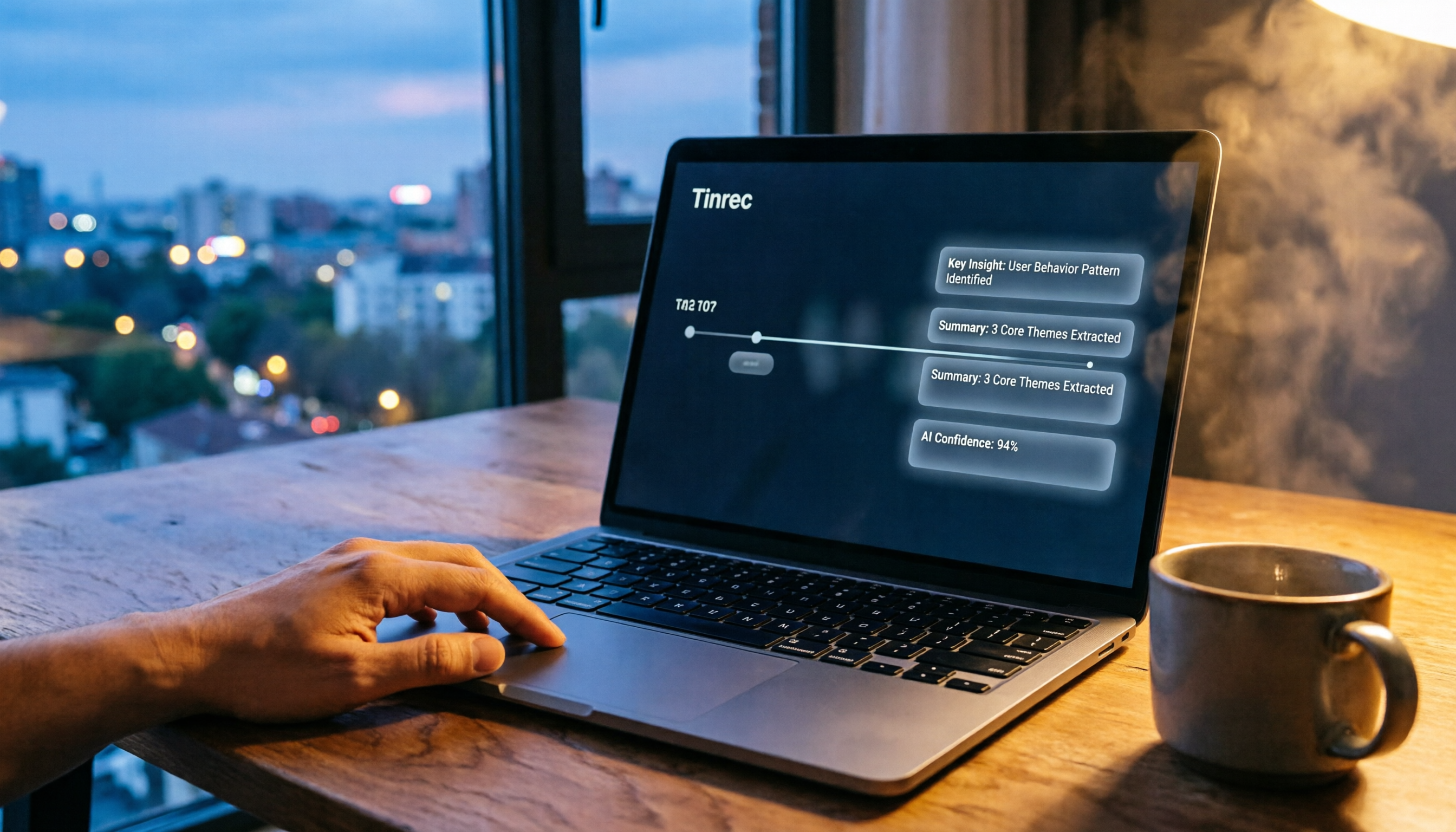
It’s not just a typical downloader—it’s an AI audio/video organization tool. All you need to do is paste a YouTube video link, and it will automatically transcribe the content, generate summaries, chapters, and action items, and even let you keep asking questions about the content.
Not Downloading—It Directly Helps You Understand the Video
For example, I dropped an 18-minute product review video into Tinrec. Within about a minute, I got a full verbatim transcript, and it automatically highlighted three chapters and five key points.
Even more practical is the 'AI chat query' feature. I asked it, 'Does this video mention battery life test data?' Tinrec not only found the passage but also told me the test environment and results—much faster than manually dragging the progress bar.
Among similar online tools right now, almost none combine 'transcription + summarization + Q&A' in one place. Tinrec bundles all of that together, and it has a Chinese-friendly interface.
Stop organizing recordings by hand
Upload audio or video and automatically get a transcript, summary, and action items
Pros
- Produces ready-to-use content: transcript, summary, and chapters are completed in one go—no extra organizing needed.
- AI Q&A is useful: you can search key information in the video like querying a database, saving a lot of time rewinding.
- Multi-platform support: iOS, Android, and web versions are available. You can paste a link on your phone to parse, and use it on your computer too—very convenient for people working across devices.
Cons
- The free plan has a monthly usage limit, and heavy users may need to pay. But honestly, for parsing a few videos a week, the free quota is more than enough.
- Compared to simple downloaders, it needs an internet connection to parse, so it can’t be used as an offline downloader.
Who Is It For?
If your purpose for watching YouTube is 'learning, research, note-taking' rather than 'archiving video files,' Tinrec is a great fit. Especially for content creators, students, researchers, or office workers who often need to organize meeting recordings.
What Other Options Are There Besides Tinrec?
Of course, if your need is really just 'downloading video files' or 'getting a brief summary,' the following options are worth considering.
Cobalt.tools
This is a completely ad-free online downloader that supports up to 8K resolution and lets you choose from multiple formats such as MP4 or WebM.
But note—it can only download files and has no content organization features at all. If you need high-quality archiving, Cobalt.tools is great; but if you want to quickly get text highlights, it won’t help you.
yt5s.best
yt5s.best is also an ad-free download service. MP4 supports up to 2K quality, and it can also convert to MP3 audio files.
However, its download speed is inconsistent—sometimes fast, sometimes slow. Like the others, it only provides file downloads and has no transcription or summarization features. It suits people who just want to grab one or two videos.
Monica.im
Monica.im offers a YouTube GPT summary feature. After pasting a link, it produces a summary of the video’s key points, which helps you quickly scan the topic.
But it can only provide a summary. You can’t ask further questions, and there’s no transcript or chapter organization. If you only need a general idea of what the video is about, give it a try; but if you need details or further organization, Tinrec is the complete solution.
Pitfall Guide: The 3 Most Common Mistakes When Choosing a YouTube Parser Tool
Pitfall 1: Only Looking at Maximum Quality, Ignoring Actual Use
Many people see 'supports 8K' and think it’s amazing, but in most cases you simply don’t need an 8K video file.
Rather than downloading a 2GB file that takes up space, it’s better to get the transcript directly—it’s easier to search and review. Think about it: when was the last time you opened those downloaded videos on your hard drive?
Pitfall 2: Not Paying Attention to Cross-Platform and Continuous Usage Needs
Some tools only work on desktop, and some only have iOS apps. If you’re used to pasting links on your phone and organizing notes on your computer, you must choose a tool with cross-platform support.
Tinrec has both a web version and apps, so you can continue working regardless of the device. This makes a big difference in real-world use.
Pitfall 3: Assuming All Tools Can Handle Long Videos
Many downloaders or simple summarization services have limits on video length. If you want to parse lectures or archived live streams longer than an hour, a lot of tools will simply get stuck.
Tinrec can handle longer content and automatically splits it into chapters, which is especially noticeable with long videos.
Conclusion: Which One Should You Actually Choose?
Go back to the initial question: do you want to 'download videos' or 'get content'?
- Want to quickly get text, summaries, and dig into details → Tinrec is currently the most complete choice, and there’s a free tier you can try first.
- Simply want to download high-quality videos for archiving → Cobalt.tools is ad-free with great quality, great for occasional saves.
- Only need a minimal summary to quickly scan the video topic → Monica.im can give you a one-sentence overview, but that’s about it.
We recommend starting with Tinrec’s free plan and trying it on a few YouTube videos you often watch. You’ll find that getting organized content directly is far more practical than downloading a pile of video files.
References
- Free Online YouTube Video Downloader Tools Roundup, Supporting Up to 8K - Computer King Ada
- YouTube HD Video Download - Parse and Download YouTube Videos to Phone or Computer
- Summarize YouTube with GPT: Free Online Video Summary Tool
- YouTube Video Online Download
- YouTube Video Parsing_YouTube Video Download - Kedou Video Parsing
Turn every recording into actionable outcomes
Get 60 free transcription minutes when you sign in. No credit card required.
Related Reading
You might also like

2026 Free Audio-to-Text Options Compared: 5 Tools at a Glance
A 2026 roundup of free audio-to-text options, including hands-on notes on Notta's free plan limits (3 minutes per recording, 120 minutes per month) and a comparison of free quotas and best-fit scenarios for Tinrec, Otter.ai, TurboScribe, and Granola.

2026 Comparison of 2 Audio-to-Text Tools: Notta Pricing Figures vs. Tinrec — Which Is Better?
Searching for 'notta figures' might mean you're looking for Notta's pricing numbers or Notta action figures. This article focuses on audio-to-text tools, comparing Notta and Tinrec on free quotas, meeting recording methods, post-meeting organization, team collaboration, and Chinese-language experience. It also shares real-world use cases and buying advice to help small and medium teams in Taiwan make a decision.

How to Use Notta's Free Trial in 2026: 5 Steps to Avoid Renewal Traps, with a Side-by-Side Test of Tinrec
Notta's 3-day free trial is not the same as the free plan, and not every account can apply. This article addresses the three most common misconceptions and walks you through 5 steps to confirm trial eligibility, stress-test transcription quality with real recordings, set a cancellation reminder, and compare with Tinrec side by side. It concludes with clear criteria for deciding whether to keep, upgrade, or switch tools.

2026 Notta Free Plan Review: 5 AI Meeting Note Tools Compared
Notta's free plan offers 120 minutes per month with a 3-minute limit per recording, suitable for short audio and testing. This article compares 5 AI meeting note tools—Notta, Tinrec, Otter, Fireflies, and TurboScribe—to help you determine if the free tier is enough and when to upgrade.

2026 Meeting Transcription Tools Compared: Notta Garage Is Not a Transcription Tool—Stop Searching Wrong
People searching for "Notta Garage" often confuse a Texas auto wrap shop with a meeting transcription tool. This article first clarifies what Notta Garage is, including its address and business hours, then compares four meeting note tools—Tinrec, Notta, Otter.ai, and Granola—across five dimensions: recording method, post-meeting organization, Chinese-language experience, team governance, and quotas, to help you choose the right solution within budget.

2026 Free Audio-to-Text Solutions Compared: Notta, Tinrec, and 3 More
How does Notta's free audio-to-text work? This guide covers 5 free online transcription options in 2026, including Notta's free plan limits (120 minutes per month, 3 minutes per file) and step-by-step instructions. It also compares free tiers and best-use cases for Tinrec, TurboScribe, Otter.ai, and Granola to help you avoid length and quota traps.

Notta Free Plan 2026: Complete Guide to Limits, Use Cases & Alternatives
Evaluating Notta's free plan? This guide looks at weekly meeting volume and post-meeting needs to help you judge if the free tier fits. It also introduces Tinrec's bot-free recording, transcripts, AI summaries, action item extraction, AI Q&A, and team workspace as a workflow better suited for mid-level managers and teams.

2026 Comparison of 2 Audio-to-Text Tools: Tinrec vs Notta — Differences and Which Is Better for Teams
Starting from the search intent behind 'notta hawkeye,' this article first clarifies that Hawkeye is unrelated to audio recording tools, then from the practical perspective of a mid-level manager compares Notta and Tinrec in terms of meeting capture, post-meeting organization, Chinese-language experience, team governance, and data ownership. It also explains Tinrec's bot-free recording, AI Q&A, action item extraction, and team spaces, and what management scenarios they suit.

Notta Free vs Paid in 2026: 5-Factor Comparison to Find Your Best Plan
Notta's free plan offers 120 minutes per month with a 3-minute cap per recording—is that enough? This comparison of Notta Free vs Paid covers transcription limits, features, team collaboration, storage experience, and pricing across 5 factors to help you decide whether to upgrade.