

Turn recordings into transcripts and summaries in minutes
Upload audio or video for multilingual transcription, AI notes, and action items
Why Do You Need a Recording-to-Text Tool?
Meetings, classes, interviews, and organizing YouTube videos—recording is easy, but transcribing hours of content into text later is hard. Manual transcription is time-consuming and error-prone, especially because Cantonese has many tones and colloquial variations, making it a major challenge for non-Cantonese speakers. AI tools can now automatically convert recordings to text, saving time and even generating summaries, to-do lists, or subtitles. This article reviews 5 free (or partially free) options that support Cantonese to help you quickly find the most suitable choice.
Tinrec (秒聽錄音) — The Most Complete AI Recording Assistant
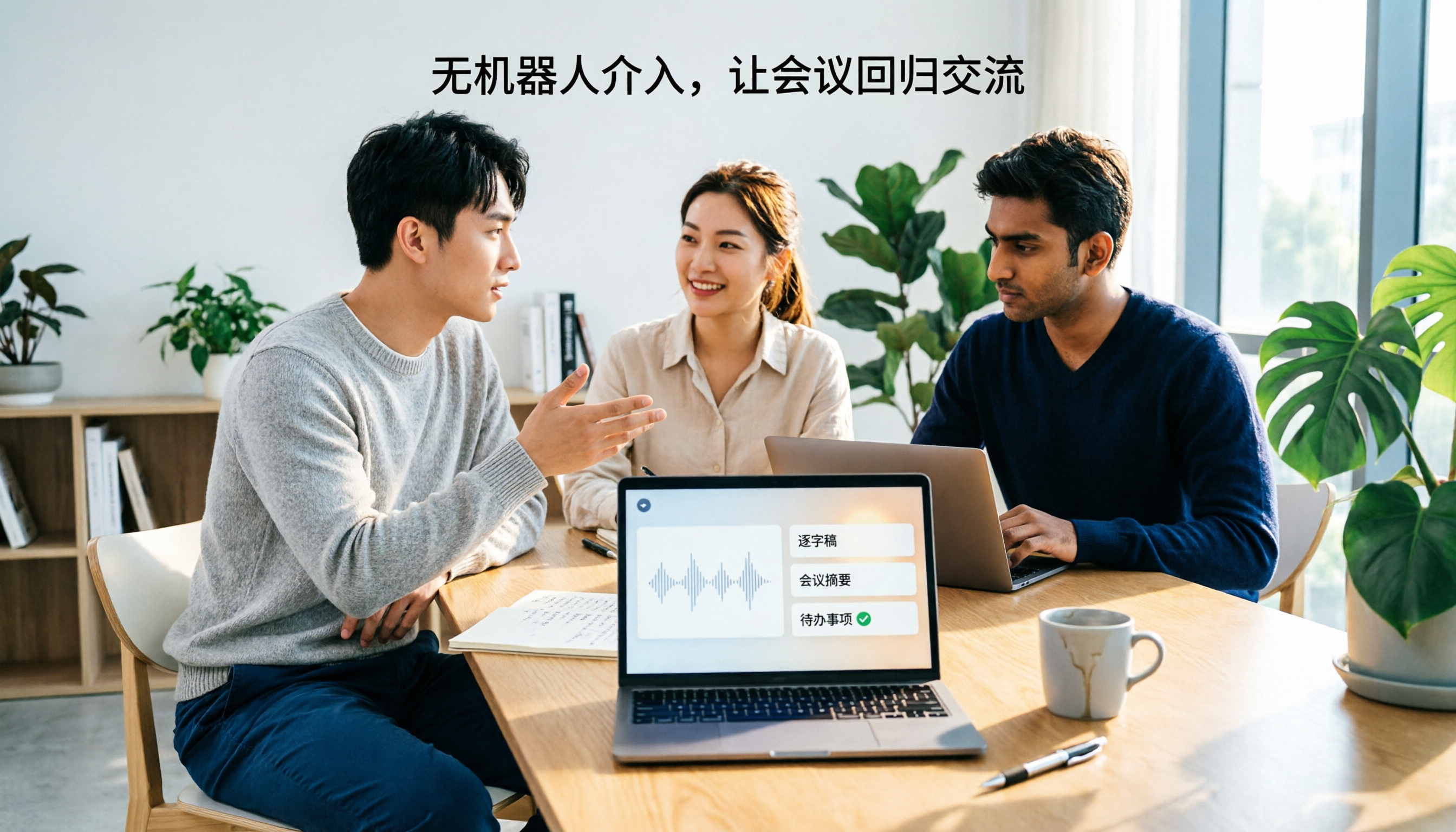
Tinrec is not just a transcription tool; it turns meetings, classes, interviews, and even online videos into an organized, searchable, reusable AI workstation. You can record directly, upload audio/video files, or paste a public video link such as YouTube, and it will automatically generate a transcript, along with AI summaries, chapters, and to-do items. What’s most unique is that you can “ask” the recording content like a database to quickly find key information without listening from start to finish.
The free version provides a basic monthly transcription quota, suitable for light testing or occasional use. If you have many upcoming meetings or classes, consider a weekly pass or Pro monthly plan. For those who accumulate a long-term recording library, the Pro annual plan offers a lower monthly cost. Tinrec supports Chinese and Cantonese, handling Cantonese meetings, interviews, and classes. Its output formats are also diverse, letting you export results to Notion, Google Docs, and other common tools for further editing. In terms of feature completeness, it is the most end-to-end solution for processing audio content on this list.
cSubtitle — Quick Subtitling and Transcription
cSubtitle is an online transcription service focused on Chinese, designed for fast subtitle generation. Upload a video or audio file (supporting common formats like MP4, MP3), and in as little as a few minutes you can download a text file with punctuation and segmentation, plus time codes for easy review and proofreading. The free version offers a 3-minute quick trial and supports Cantonese, suitable for users who occasionally need to add subtitles to short videos or do simple transcription. However, the free version has a length limit; to process longer audio files or keep history records, you’ll need to upgrade to the Pro version.
Google AI Studio (Gemini) — A Completely Free Cantonese Transcription Powerhouse
If your budget is zero and you need long transcription, Google AI Studio is a widely discussed option recently. It’s powered by Google’s Gemini model, directly supports Cantonese with quite high accuracy, and is completely free. The barrier to entry is also low—no API setup required. You can upload an audio file to get a transcript, and even ask the AI to organize key points or summaries. The downside is that it’s not a dedicated transcription tool; the interface is bare-bones, you need to segment manually, and file management is less convenient than commercial products. But at zero cost, its performance is already impressive.
Subanana — A Hong Kong–Based AI Speech-to-Text Platform
Subanana is an online subtitling and speech-to-text service developed by a Hong Kong team. Its strength is Cantonese recognition, with the official site claiming accuracy of up to 98%. It supports written Chinese, colloquial Cantonese, and English subtitles, generating three versions at once, which is very practical for content creators. It also supports a wide range of export formats, including SRT, VTT, Word, Excel, and more. The platform offers a free trial, but to unlock long transcription and full features, you still need a paid subscription. If you want the best Cantonese recognition quality and don’t mind paying, Subanana is a local option worth considering.
Stop organizing recordings by hand
Upload audio or video and automatically get a transcript, summary, and action items
Speechnotes — A Free, In-Browser Cantonese Transcription Tool
Speechnotes is a browser-only speech-to-text service. No software installation is needed—just open your browser and use it. It supports multiple languages, including Cantonese, and once you enable the microphone, the system transcribes your speech in real time. It’s great for quickly jotting down meeting notes or capturing thoughts on the fly. The free version has full features, but it includes ads and offers limited output formats, mainly plain text. For anyone who just needs simple transcription without hopping between many pages, Speechnotes is a quick way to get started.
With So Many Options, How Do You Choose?
- Want the most complete AI features (transcription + AI conversation queries + automatic summaries and to-dos) → Tinrec is the only option that covers all of these.
- Need to add subtitles to videos and can accept short free processing → cSubtitle’s subtitle export capability is very practical.
- Have zero budget, don’t mind the interface, and want to transcribe long recordings for free → Google AI Studio has the most generous free allowance.
- Require extremely high Cantonese accuracy and are willing to pay later for better output quality → Subanana is the best local choice.
- Just want to jot down a few lines temporarily without installing any app → Speechnotes is the most convenient for instant use.
3 Things to Know Before Using a Recording-to-Text Tool
- Free plans have limits: Most free versions have minute limits, file size limits, or feature restrictions. For example, Tinrec’s free version includes a basic transcription quota, while Google AI Studio has no usage limit but lacks organizational features. First estimate how much transcription you need per month, then decide whether to upgrade.
- The recording environment determines accuracy: Even the strongest AI can be dragged down by background noise, overlapping speakers, or mumbling. Try to record in a quiet environment; using an external microphone can yield even better results. With Tinrec, for example, clear audio produces better summaries and to-dos.
- Important content still needs manual proofreading: AI transcription and summaries save a lot of time, but mistakes or misheard words still occur (especially with colloquial Cantonese). For important documents or contracts, it’s best to check against the original audio to avoid missing critical details.
Summary
More and more free Cantonese recording-to-text options are appearing on the market, from lightweight web tools to full-featured AI organization platforms, each with its own strengths. If you don’t just want a transcript but also want automatic highlights, to-do items, and even the ability to query past recordings, Tinrec is currently the most complete and suitable option for long-term use. If you only need occasional help, the zero-cost advantages of Google AI Studio and Speechnotes are just as compelling. Before choosing, clarify your usage frequency and feature needs, and your recordings can go from space-consuming files to knowledge you can use anytime.
References
- Online AI Voice, Video, and Audio Transcription – Free Trial – cSubtitle
- “Free + Cantonese OK: How to Use Google AI Studio to Transcribe Your Recording” Finding a useful transcript app is painful; maybe you’ve tried different recording-to-text apps—some are fake free, charging a high price after the first few minutes of trial; some only support English, not Cantonese; some require a long API setup before use. // Recently I realized Google Gemini is world-class in this area: - 【Really free】 no subscription fee after using it a few times - 【Cantonese friendly】 Gemini accurate
- Free Cantonese Speech-to-Text App 2025 | Subanana
- Speech to Text - Google Play Apps
- Free AI Meeting Notes Tool | AI Cantonese Meeting Notes Tutorial
Turn every recording into actionable outcomes
Get 60 free transcription minutes when you sign in. No credit card required.
Related Reading
You might also like

5 AI Meeting Transcription Tools Tested for 2026: How to Choose If You Searched 'vocol bv'
Searching for 'vocol bv' often leads to a Dutch vehicle body manufacturer, but many people are actually looking for a meeting recording-to-text tool. This article first clarifies what vocol bv is, then addresses real pain points in meeting documentation, outlines 5 key selection criteria, tests Tinrec's complete workflow, briefly reviews Otter.ai, Notta, and Granola's differences and limitations, and finally provides scenario-based recommendations.

VOCOL Gubin Company Data Verification: How to Cross-Check NIP, KRS, and REGON
People searching for 'vocol gubin' likely want to verify the legitimacy of this Polish company. This article compiles the NIP, KRS, REGON, registered address, and business scope of VOCOL Sp. z o.o., explains what each of the four registration fields represents, and lists official verification channels and four common pitfalls so you can double-check before making a payment or signing a contract.

What Is Notta in 2026? Features Explained + Meeting Notes Walkthrough with Tinrec
What is the Notta app? This guide first clarifies Notta's positioning, core features, and free vs. paid differences using official and third-party sources. Then it demonstrates the same meeting notes workflow in 5 steps using Tinrec: recording, transcription, proofreading, generating summaries and action items, and exporting for team knowledge. It also covers FAQs and advanced tips.
2026 Notta Bot Guide: How Automated Meeting Notes Work & Tinrec Alternative
What is Notta Bot? How does it automatically join meetings and transcribe? This guide addresses real-world pain points, explains the limitations of the bot model, and shows how Tinrec's bot-free desktop recording delivers transcripts, summaries, and action items.

VOCOL GmbH Kevelaer Guide 2026: Address, Products & Contact Info at a Glance
VOCOL GmbH is a manufacturer of tank semi-trailers and tank containers based in Kevelaer, Germany. This guide compiles information from the official website and German public records to help you verify the company address, phone number, registration details, product range, key ADR/EN certifications, and four things to clarify before contacting them for a quote.

2026 AI Meeting Notes Showdown: Why Chinese-Speaking Teams Are Choosing Tinrec Over Vocol AI
Vocol AI is a collaboration platform that turns speech into text and generates summaries, but what really holds teams back is often the post-meeting workflow, data ownership, and scenario coverage. This article compares Tinrec and Vocol AI from a practical standpoint on bot-free meeting recording, AI Q&A, team workspace governance, and pricing, so you can see clearly where to invest your time.

Notta AI Pricing 2026: Free Plan Limits & 5 Meeting Note Tools Compared
People searching 'how much is Notta AI' are often drawn to the free plan but overlook the 3-minute limit per recording. This guide breaks down Notta's Free, Pro, and Business pricing and minutes, and compares the pricing models of 5 meeting note tools—Tinrec, Otter, TurboScribe, Granola, and PLAUD—to help you decide which plan truly fits your needs.

2026 Comparison of 3 VOCOL Capillary GC Column Specifications: How to Choose I.D., Film Thickness, and Maximum Temperature
How to choose a VOCOL capillary GC column? This article summarizes the characteristics of the Supelco VOCOL stationary phase (diphenyl dimethyl polysiloxane with crosslinking moieties), three common specifications (105 m × 0.53 mm × 3.00 μm, 60 m × 0.25 mm × 1.50 μm, 30 m × 0.25 mm × 1.5 μm), temperature limits by I.D. and film thickness, and application scenarios for purge-and-trap and GC/MS, along with purchasing and pitfall-avoidance advice.

Notta AI Complete Guide 2026: Speech-to-Text Limits and Team Collaboration Choices
Notta AI is an AI transcription tool that supports 58 languages, but turning speech into text is only the first step in a meeting workflow. This article starts from the choice readers actually need to make, explains Notta AI's positioning and boundaries, and uses Tinrec as an example to break down how real-time transcription, bot-free meeting recording, AI summary action items, Q&A, and team knowledge retention can form a usable process.