
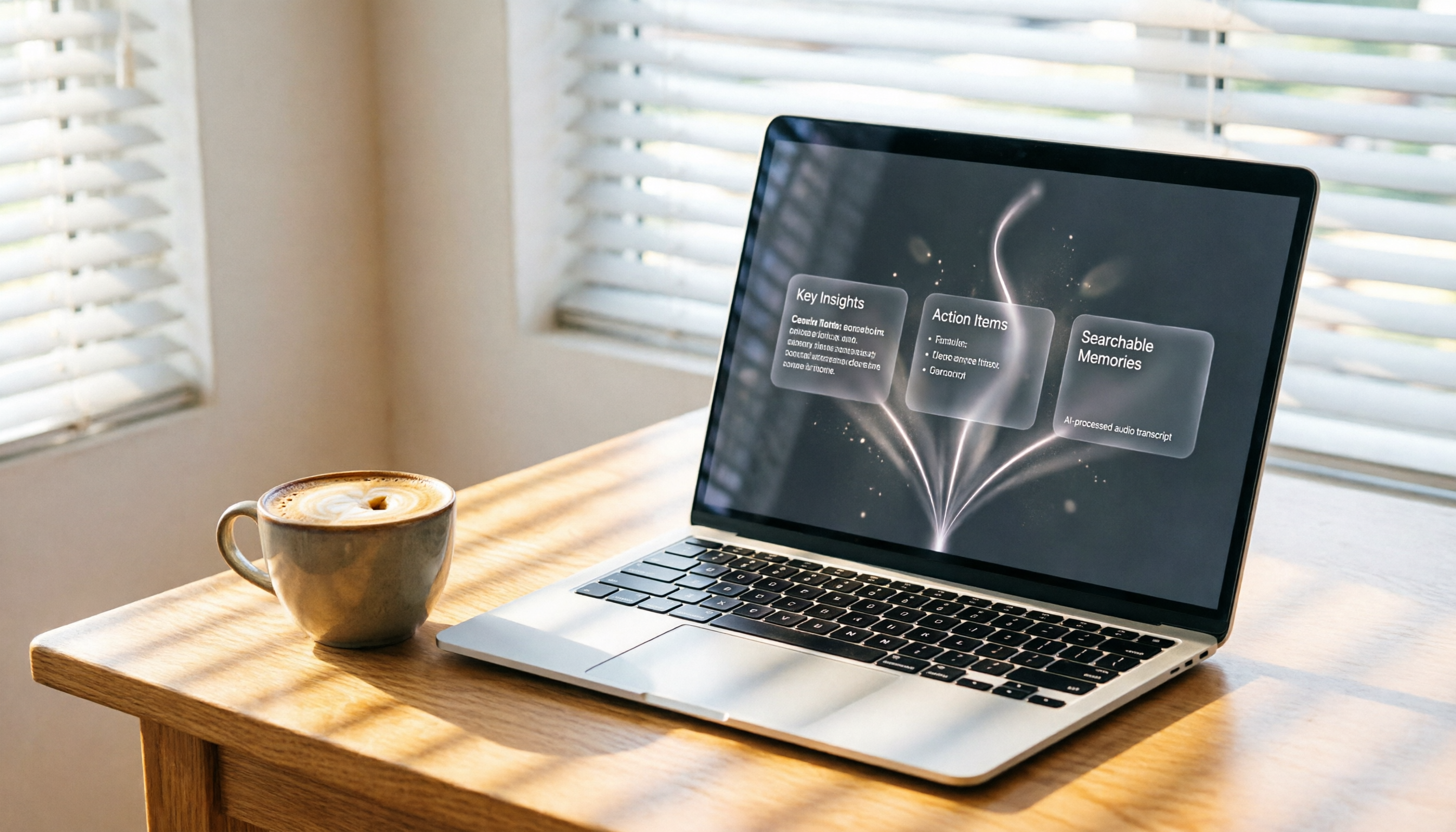
Turn recordings into transcripts and summaries in minutes
Upload audio or video for multilingual transcription, AI notes, and action items
What Can Recording Web Audio Do for You?
In the past, whenever I wanted to save an online broadcast, meeting recording, or course audio, my first instinct was to find a tool and record it. But recording was just the beginning of the hassle—files piled up, and finding a specific quote meant listening from start to finish. I never had time for that.
The real purpose of recording web audio isn't just to "save a file"—it's to turn that audio into something you can use, search, and review. That's why I later switched to AI organization tools like Tinrec.
Scenario 1: Recording online meetings
You attend an important meeting and use an extension to record the web audio. Then you spend another half hour turning that one-hour recording into meeting notes. With Tinrec, you just upload the meeting recording, and it automatically generates a transcript, summary, and action items. Who said what and what needs to be done—all clear at a glance.
Scenario 2: Online course notes
Free Chrome Audio Capture lets you record course audio, but you still have to manually write notes afterward. Now I just paste the course's YouTube link into Tinrec, and it converts to text, splits into chapters, and highlights key points—more complete than my handwriting.
Scenario 3: Interview recording organization
When conducting user interviews, I use Tinrec's live recording feature at the same time. It transcribes in real time, so by the end of the interview the summary is already done. No need to listen to the recording again.
What Are Tinrec's Core Recording + Organizing Capabilities?
Simply recording web audio isn't hard—what's hard is organizing it afterward. That's exactly what Tinrec solves.
Real-time transcription: text appears as you record
Tinrec can transcribe audio (or audio you obtain through other means) in real time, with less than 1 second of latency. Use it while recording an online meeting or course—the text appears instantly, so you can verify you haven't missed any key points.
AI summaries: long recordings are no longer daunting
If you record 2 hours of web audio, Tinrec doesn't just give you a transcript—it automatically generates a structured summary: topics, conclusions, and action items listed separately. You don't even need to listen; just read the summary to know the key points.
Direct parsing of web videos: skip recording altogether
In many cases, you don't need to record at all. For public videos like YouTube or Bilibili, just paste the link into Tinrec. It automatically grabs the audio, converts it to text, and generates a summary. This eliminates the recording step and saves hard drive space.
AI chat queries: your recordings become a searchable database
In the past, a recording was like a black hole—once stored, never found again. After Tinrec transcribes, you can ask it directly: "Who mentioned the budget in this meeting?" or "What feedback did the client give?" It uses semantic understanding to find the answer, so you don't have to manually search the transcript.
Multi-format export: organized content goes straight into your workflow
After converting recordings to text, you can export from Tinrec as Markdown, TXT, or sync directly to Notion or Google Docs. Meeting minutes, course notes, interview summaries—all done in one seamless flow.
Practical Application Scenarios
Meeting Notes
Can't save audio directly from a web-based video conference (like Google Meet)? Use a browser extension to record the web audio, then upload the audio file to Tinrec and get meeting minutes in under 5 minutes.
Online Courses
Many paid courses can only be watched in the browser with no download option. I used to use Chrome Audio Capture to record, but then I still had to write notes manually, which was inefficient. Now I just drop the course video link into Tinrec (if it's on YouTube or a public platform), or upload the recording file, and it generates chapters and key points for me—making review about three times faster.
Stop organizing recordings by hand
Upload audio or video and automatically get a transcript, summary, and action items
Podcast Material Organization
Content creators need to quickly browse inspiration sources. I use Tinrec to parse podcasts played in the browser (by uploading the audio file or pasting a link). It automatically gets the transcript and summary, so I can quickly grab points worth discussing without listening from start to finish.
Interview Research
One-on-one interviews often happen through web calls. I first record the entire conversation using system recording or an extension, then hand it to Tinrec to transcribe and extract key points. I can also use AI Q&A to look up specific statements by the interviewee, saving me the effort of manual replay.
4 Things to Look For When Choosing a Recording Tool
If you need to record web audio, there are tons of options out there, from free extensions to paid software. Here are a few things to keep in mind:
Recording is just the first step; organization is key
Many tools (like Chrome Audio Capture) only record, not organize. That's why I changed my workflow: it doesn't matter what I use to record—everything eventually goes into Tinrec for processing. Tinrec's automatic summaries, action item extraction, and AI Q&A turn recordings into truly usable assets.
Make sure it supports a wide range of input sources
Some tools only record browser tabs, while others only record system audio. Tinrec's advantage is that it doesn't matter where your audio comes from—recording files, web links, or live recordings—it can handle them all and organize them into the same structure. You don't need to learn different tools for different scenarios.
Chinese language organization capability
I've tested several transcription services, and the quality for Chinese (especially Taiwanese usage and mixed Chinese-English) varies greatly. Tinrec's summaries and Q&A are Chinese-friendly; meeting minutes read naturally without machine-translation feel. Of course, poor audio quality still affects accuracy—I'll be honest about that.
Can you continue to use the content afterward?
After converting recordings to text, can you only "view" them, or can you "continue asking questions"? Tinrec turns your historical recordings into a searchable, queryable database, which is far more valuable than simply archiving files in the long run.
FAQ
Do I need to install an extension to record web audio?
Not necessarily. If you need to record audio playing from web pages, a Chrome extension is the most convenient. But if you just need the content, using Tinrec to directly parse web video links (supports YouTube and other platforms) is even simpler—you can skip recording entirely.
Can Tinrec record web audio in real time?
Tinrec is primarily an AI tool for organizing after recording. You can use it to record microphone and system audio in real time (on desktop), but for pure web audio, I recommend using system stereo mix settings, or first recording with an extension and then uploading the file. I personally use the web video parsing feature—it's more convenient.
Can Tinrec handle large recording files?
Yes, the Pro plan supports larger files and longer transcriptions. Normal meeting or course audio files are no problem. For multi-hour recordings, it automatically splits them into chapters without getting stuck.
Is there a time limit for recording web audio with extensions?
Many free extensions (like Chrome Audio Capture) have a default maximum of 20 minutes. Although you can manually remove the limit, there's a risk of instability. If you need long-duration recording, I recommend using professional recording software to capture system audio, then send the file to Tinrec for organization.
How accurate is Tinrec's transcription?
In my tests with clear audio and standard Chinese, the character error rate is around 5-8%, and the accuracy of summaries and action items is very high. But in noisy environments or with multiple accents, I still recommend double-checking key points against the transcript.
Conclusion
Recording web audio itself isn't hard—the hard part is actually using what you recorded. I went from silly storing a bunch of MP3s to now using Tinrec to automatically turn recordings into searchable, queryable, exportable data. That's when I truly started saving time.
If you also often need to organize meeting, course, or interview recordings, instead of spending time fiddling with extension settings, try Tinrec directly. The free plan gives you basic credits—upload a recording and see how it generates summaries and action items. Once you try it, you won't go back.
References
- Chrome Audio Capture: Record Audio from Web Pages and Save as MP3 or WAV
- Web Audio Recording Tutorial: 4 Recommended Tools to Easily Capture Website Audio - EaseUS
- Vollume Sampler: Free Recording Extension to Capture "Web Playback Audio" - Computer King Adah
- Chrome Audio Capture: Web Audio Recording Tool That Can Record Multiple Tabs Simultaneously and Save as MP3/WAV!
- Chrome Audio Capture: Easily Record Web Audio as MP3
Turn every recording into actionable outcomes
Get 60 free transcription minutes when you sign in. No credit card required.
Related Reading
You might also like

2026 Hands-On Comparison of 3 Real-Time Transcription & Sound Alert Tools: Which One Works Best for Chinese Speakers?
Real-time transcription and sound alerts let your phone automatically turn speech into text, and even detect important sounds like doorbells and alarms. This article puts Tinrec, Google Live Transcribe, and Otter.ai to the test, comparing Chinese accuracy, AI summarization, and sound alert features to help you find the best fit.

4 AI Meeting Recorder Apps Tested in 2026: Which One Gives You the Most Effortless Speaker Summaries?
Tired of spending hours after meetings to clean up transcripts? We tested popular AI meeting note-takers like Tinrec, Otter.ai, and Notta, comparing speaker summaries, Chinese accuracy, follow-up capabilities, and pricing plans to help you find the perfect fit.

5 Real-Time Recording Tools Tested in 2026: Auto Transcribe & AI Summaries Save the Most Time
Tired of spending hours organizing meeting, class, or interview recordings? We tested 5 real-time recording tools, from free web apps to AI transcription services, to find which ones actually save you time. Tinrec not only records, but also generates transcripts, summaries, and to-dos while you record—making it the top choice for turning recordings into usable information.

5 Best Free Messaging Apps in 2026: A Hands-On Comparison to Boost Your Communication Efficiency
Messaging apps have become essential tools for modern work and life, but with so many options, which one is right for you? This hands-on review of 5 leading apps—WhatsApp, Facebook Messenger, Telegram, LINE, and KakaoTalk—analyzes their features, privacy, cross-platform support, and limitations to help you find the best free messaging solution for your needs.

2026 Hands-On Comparison of 4 Recording-to-Text Apps: Can a Free Version Handle Meeting Notes?
Still using your phone’s built-in voice recorder and manually typing up meeting notes? We tested four recording-to-text apps, comparing free allowances, transcription quality, and AI organization features, and picked the best option for office workers in Taiwan.
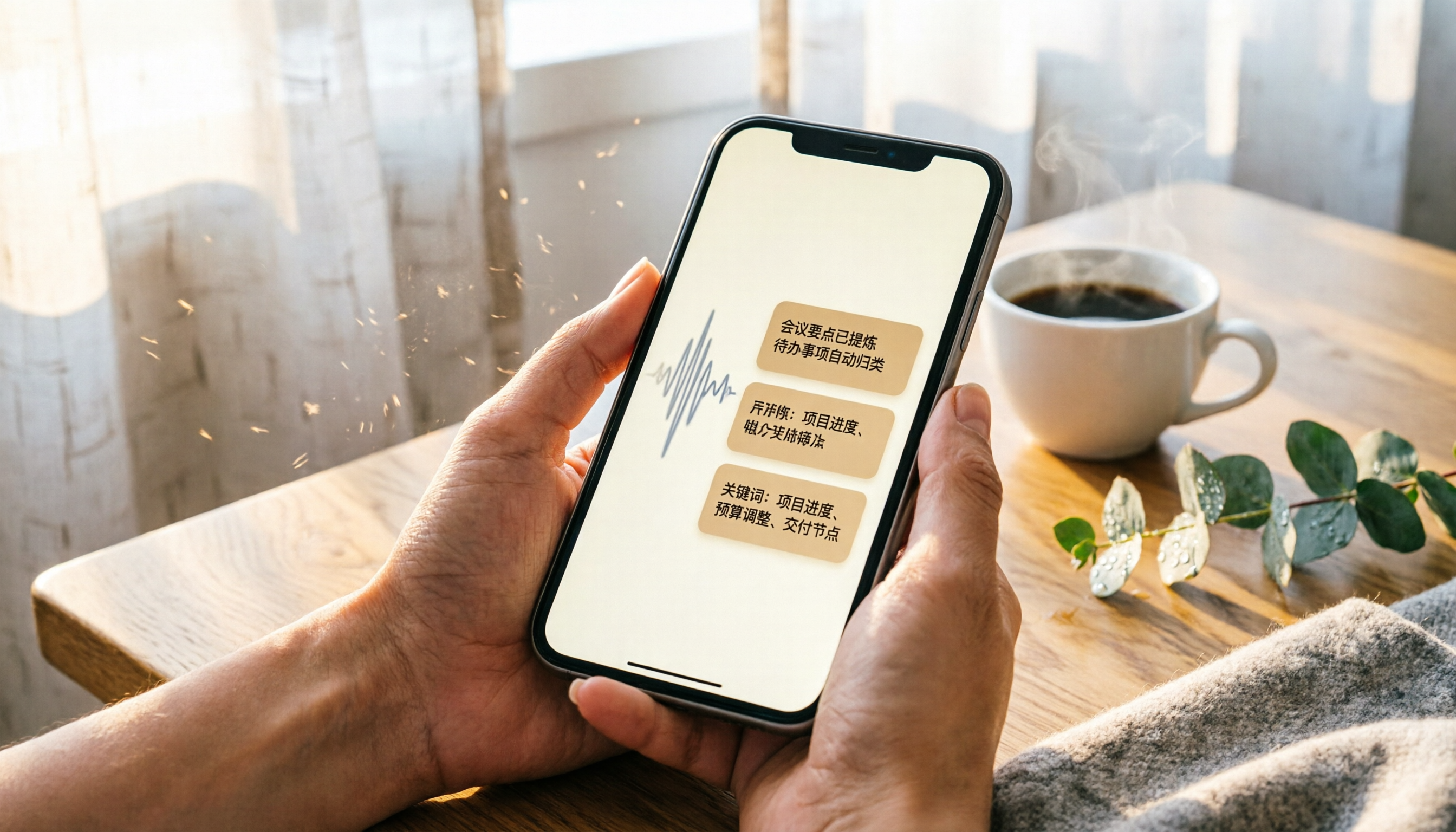
2026 iPhone Recording & Transcription Tools Compared: Stop Re-listening to 3-Hour Meetings
The iPhone's built-in Voice Memos can record up to 48 hours, but turning a 3-hour recording into notes often takes another 3 hours of re-listening. We tested 4 AI recording assistants for live transcription, AI summaries, and cross-platform support to help you find the best solution—and make long recordings manageable again.

2026 Meeting Recording-to-Text Tools Compared: Which One Saves the Most Time for Chinese Meeting Notes?
Tired of spending hours transcribing meeting recordings? We tested Tinrec, Otter.ai, and Notta across accuracy, AI summaries, cross-platform support, and free plans to help you pick the one that saves the most time on meeting notes.
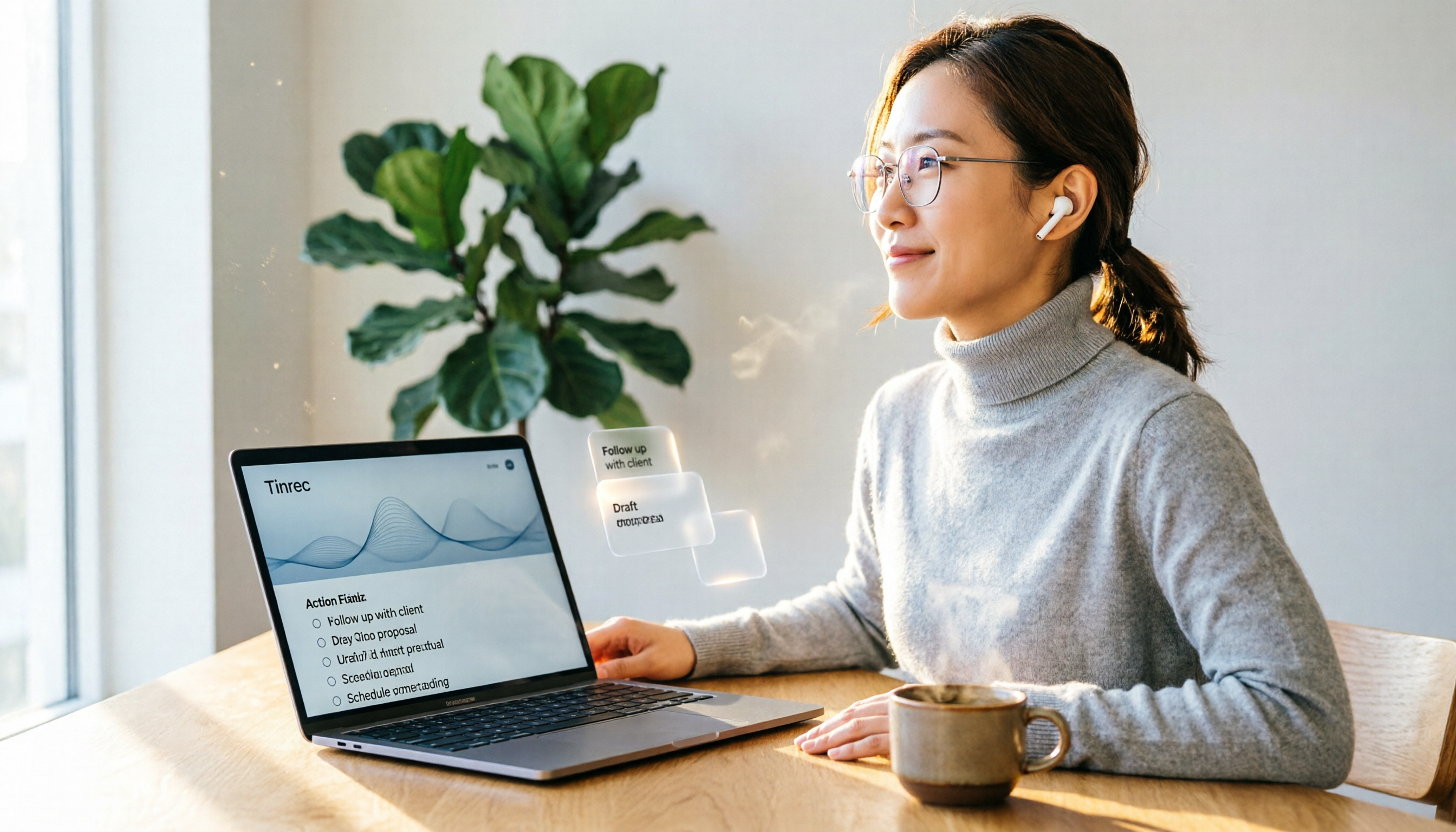
2026 Hands-On Comparison: 4 Auto-Generated To-Do Tools That Turn Meeting Recordings into Action Lists
Tired of manually organizing to-dos after meetings? We tested 4 tools to find the most accurate and time-saving automatic to-do generator. Tinrec's recording-to-to-do feature impressed us the most.
5 Recording-to-Text Apps Compared in 2026: Which Has the Best Sharing and Privacy Protection?
Can you send a recording to someone else? Could it be illegal? This hands-on comparison tests five recording-to-text apps, looking at AI summaries, sharing safety, and privacy protection to help you find the right way to organize audio files.