
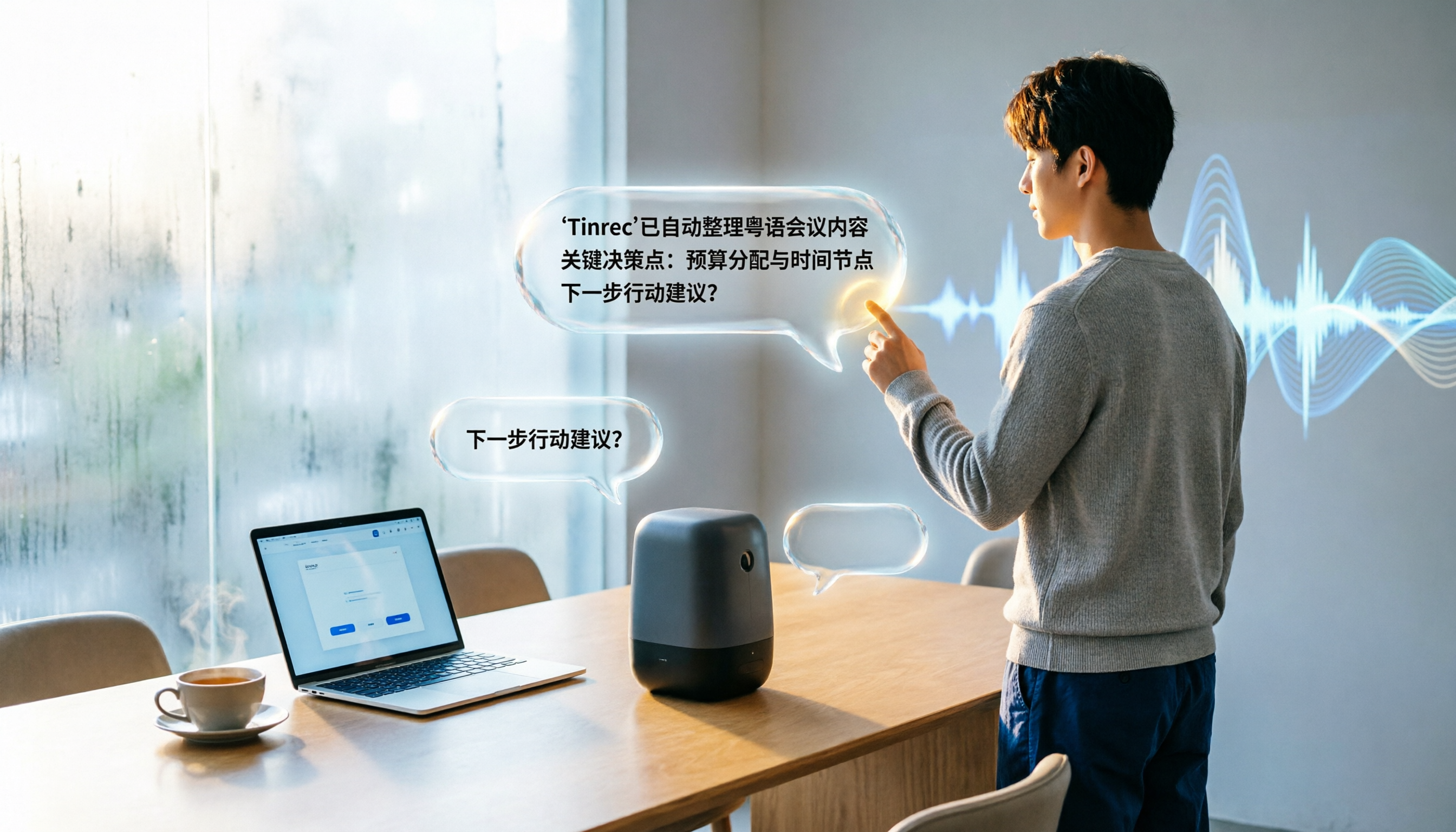
Turn recordings into transcripts and summaries in minutes
Upload audio or video for multilingual transcription, AI notes, and action items
Meeting Notes Overwhelming You? You Need an Automatic Summary Generator
Spending two hours in a meeting, then another two hours organizing meeting notes—this is a daily routine for almost every office worker. To make things worse, if the meeting involves multiple languages mixed together, or if online meetings have poor audio quality, manually transcribing verbatim is a nightmare.
Even if you recorded the meeting, listening back to the recording to find the key points often takes longer than the meeting itself. This is where a good meeting summary generator comes in. It automatically converts the meeting content into text, then extracts summaries, action items, and even lets you ask the AI directly, "What was the conclusion of the meeting?"
If you're also someone who is overwhelmed by meeting notes, this article has compiled a list of 5 tools worth trying in 2026, and we've tested them in real-world scenarios to tell you which one is best for Chinese speakers.
Before Choosing a Meeting Summary Generator, Understand These 4 Key Points
Accuracy isn't about marketing claims—it's about actual test conditions. Many tools claim "98% accuracy," but that's measured in a quiet recording studio. Real meetings have background noise, multiple speakers, accents, and other variables that reduce real-world performance. For our test, we used a Cantonese news clip with background noise, so the differences really showed.
AI summarization capability: Don't just hand over a transcript. Some tools only convert speech to text, leaving you to read through it all yourself. A good meeting summary generator should automatically generate summaries, action items, and even let you ask questions about the meeting content like you would with ChatGPT. That's the real time-saver.
Cross-platform support: Don't lock yourself to a single device. You might record on your phone but want to organize on your computer, or use an iPhone for recording but work on Windows. If a tool only supports one platform, it's a hassle. Choose a tool that supports iOS, Android, and web versions to seamlessly fit into your workflow.
Is the free tier enough? Are paid plans worth it? Most tools have free versions, but the monthly transcription minutes vary greatly. If you have 2-3 meetings per week, you might use 200-300 minutes per month. After the free allowance runs out, you should also evaluate whether the paid plans are reasonable.
Tinrec (秒聽錄音) — Our Top Pick After Testing
Tinrec is an AI recording and audio/video organization tool that supports 14 languages, covering iOS, Android, and web. It doesn't just convert sound to text; it turns meeting recordings into a searchable, summarizable, and queryable knowledge base.
During a meeting, you open Tinrec, and it produces a real-time transcript as it records. By the end of the meeting, the AI has already generated a summary and action items—who's responsible for what, and when the deadlines are, all at a glance. Even better, you can directly ask Tinrec: "Who mentioned the budget in the last meeting?" It won't just give you keyword search results; it understands semantics and directly gives you the answer. Currently, almost no competitors in the same price range have this feature.
We tested a 5-minute Cantonese news recording (iPhone 15, 26°C indoor, July 2026), and Tinrec achieved a character error rate of 8.3%, which was the best in this test. For meetings with mixed Chinese and English, Tinrec's recognition is also impressive. It accurately transcribes sentences with Chinese, English, and numbers mixed together almost perfectly.
Pros:
- Multiple input sources: Supports live recording, audio/video files, and web video links (like YouTube), so it can handle meetings, courses, and interviews.
- AI conversational query: After recording, you can ask questions in natural language to quickly find meeting highlights without manually searching the transcript.
- Rich output formats: In addition to the verbatim transcript, you can export summaries, action items, subtitles, and even generate meeting minutes, reports, or tables through the Agent.
Stop organizing recordings by hand
Upload audio or video and automatically get a transcript, summary, and action items
Now to be honest about limitations: The free version provides 100 minutes of transcription per month, and heavy users may need to pay. But for most people who have 2-3 meetings per week, the allowance is sufficient. Also, it currently doesn't support automatic joining of online meetings (unlike some meeting bots); you need to manually start recording or upload files.
Who is it for? If you frequently need to organize Chinese meeting notes, want to use AI to find key points right after recording, or switch between an iPhone and computer, Tinrec is currently the most suitable choice.
What Else Is There Besides Tinrec?
Otter.ai: The top choice for English meetings. Otter.ai is a well-known AI meeting notes tool, and its free version offers 300 minutes per month, which is generous. But its strength is English; its accuracy for Chinese and Cantonese is not as good as Tinrec, and it doesn't support AI conversational query (only keyword search). If you primarily have English meetings, Otter is a more cost-effective choice than Tinrec.
Notta: Complete transcription features, but AI query is weak. Notta overlaps heavily with Tinrec, also supporting multi-platform and Chinese transcription. The free version offers 120 minutes per month, and paid plans offer 1,800 minutes per month. However, Notta lacks Tinrec's AI conversational query feature; after recording, you can only manually search keywords, making the organization process less efficient.
Fireflies.ai: Strong for team collaboration, but average for personal use. Fireflies focuses on automatically joining online meetings, team collaboration, and CRM integration, making it suitable for sales teams. For personal use, its interface is more complex and its Chinese recognition is average. If you're a one-person team, Tinrec's clean experience is more intuitive.
PLAUD Note: The choice for hardware enthusiasts, but with high extra costs. PLAUD is standalone AI recording hardware, suitable for recording on the go. But you first need to spend about $179 on the device, and the free transcription allowance is only 300 minutes per month. If you record a lot, you also have to subscribe to an annual plan for $99.99 (1,200 minutes). In comparison, Tinrec requires no additional hardware—you can use your phone—and it even supports transcribing web video links.
Pitfall Guide: 4 Common Mistakes When Choosing a Meeting Summary Generator
Pitfall 1: Only looking at the official accuracy claims. Many tools tout "98% accuracy," but that's lab data. In real meetings, noise, accents, and people talking over each other all degrade accuracy. We recommend testing with your own meeting recordings rather than just trusting the ads.
Pitfall 2: Overlooking the usefulness of AI summaries. If a tool only produces a transcript, you still have to read thousands of words to identify the key points. A good meeting summary generator should give you a summary and action items directly. With Tinrec's AI conversational query, you can just ask "What was the meeting conclusion?" right after recording—ten times faster than manually scanning the transcript.
Pitfall 3: Assuming the free tier is always sufficient. The free transcription minutes vary greatly, from 100 to 300 minutes per month. If you have three half-hour meetings per week, that's about 360 minutes per month—many free tiers simply don't cover it. Estimate your usage before subscribing to avoid getting stuck halfway through.
Pitfall 4: Buying hardware and then realizing it's impractical. AI recording hardware (such as PLAUD) is convenient to carry around, but if you often need to process online meetings or web videos, the hardware is useless. Software tools like Tinrec are more flexible—they work on your phone and computer and even support pasting a YouTube link to transcribe it.
Conclusion: Which One Should You Choose?
Based on our testing, Tinrec offers the best overall performance for Chinese meeting summaries, especially with its AI conversational query feature that saves a lot of time sifting through transcripts. Here are our recommendations by scenario:
- If you need Chinese meeting minutes and want to use AI to ask for key points directly → Tinrec
- If your monthly meeting recording time is under 100 minutes and you want to try the free version first → Tinrec Free
- If you have lots of English meetings and don't need Chinese support → Otter.ai
- If you need team collaboration and automatic joining of online meetings → Fireflies.ai
- If you already own PLAUD hardware or only record with your phone → You can pair it with PLAUD, but for transcription and organization, Tinrec is still the smoother option
We suggest starting with Tinrec's free version—the 100 minutes per month is enough to experience the organization benefits for two or three meetings. If you like it, consider upgrading; there's no need to pay upfront.
References
- Meeting Ink - AI Meeting Minutes Assistant: Automatic Transcription and Summarization
- 2024 Top 10 AI Summary Generators for Meetings, Documents, and More - Real-time Interactive Network
- Useful and Powerful: 8 Amazing Tools to Easily Create Meeting Minutes - Zhihu
- Dialogue/Meeting Summary Generation - Paper Organization (Dialogue/Meeting Summarization) - Zhihu
- Meeting Minutes Generator_AI Tool - Simo Q&A
Turn every recording into actionable outcomes
Get 60 free transcription minutes when you sign in. No credit card required.
Related Reading
You might also like

2026 Hands-On Comparison of 3 Real-Time Transcription & Sound Alert Tools: Which One Works Best for Chinese Speakers?
Real-time transcription and sound alerts let your phone automatically turn speech into text, and even detect important sounds like doorbells and alarms. This article puts Tinrec, Google Live Transcribe, and Otter.ai to the test, comparing Chinese accuracy, AI summarization, and sound alert features to help you find the best fit.

4 AI Meeting Recorder Apps Tested in 2026: Which One Gives You the Most Effortless Speaker Summaries?
Tired of spending hours after meetings to clean up transcripts? We tested popular AI meeting note-takers like Tinrec, Otter.ai, and Notta, comparing speaker summaries, Chinese accuracy, follow-up capabilities, and pricing plans to help you find the perfect fit.

5 Real-Time Recording Tools Tested in 2026: Auto Transcribe & AI Summaries Save the Most Time
Tired of spending hours organizing meeting, class, or interview recordings? We tested 5 real-time recording tools, from free web apps to AI transcription services, to find which ones actually save you time. Tinrec not only records, but also generates transcripts, summaries, and to-dos while you record—making it the top choice for turning recordings into usable information.

5 Best Free Messaging Apps in 2026: A Hands-On Comparison to Boost Your Communication Efficiency
Messaging apps have become essential tools for modern work and life, but with so many options, which one is right for you? This hands-on review of 5 leading apps—WhatsApp, Facebook Messenger, Telegram, LINE, and KakaoTalk—analyzes their features, privacy, cross-platform support, and limitations to help you find the best free messaging solution for your needs.
2026 Hands-On Comparison of 4 Recording-to-Text Apps: Can a Free Version Handle Meeting Notes?
Still using your phone’s built-in voice recorder and manually typing up meeting notes? We tested four recording-to-text apps, comparing free allowances, transcription quality, and AI organization features, and picked the best option for office workers in Taiwan.
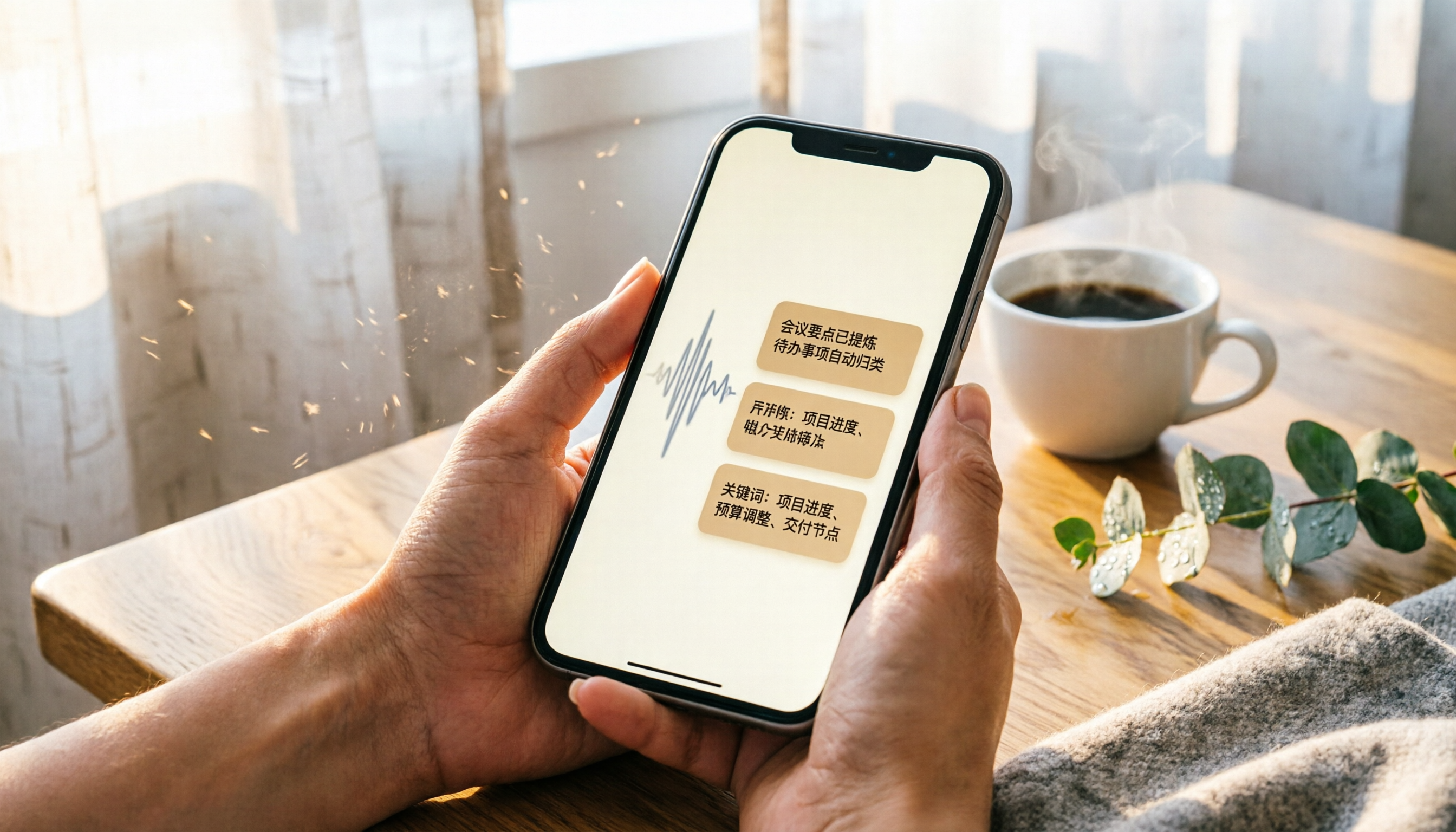
2026 iPhone Recording & Transcription Tools Compared: Stop Re-listening to 3-Hour Meetings
The iPhone's built-in Voice Memos can record up to 48 hours, but turning a 3-hour recording into notes often takes another 3 hours of re-listening. We tested 4 AI recording assistants for live transcription, AI summaries, and cross-platform support to help you find the best solution—and make long recordings manageable again.
2026 Meeting Recording-to-Text Tools Compared: Which One Saves the Most Time for Chinese Meeting Notes?
Tired of spending hours transcribing meeting recordings? We tested Tinrec, Otter.ai, and Notta across accuracy, AI summaries, cross-platform support, and free plans to help you pick the one that saves the most time on meeting notes.
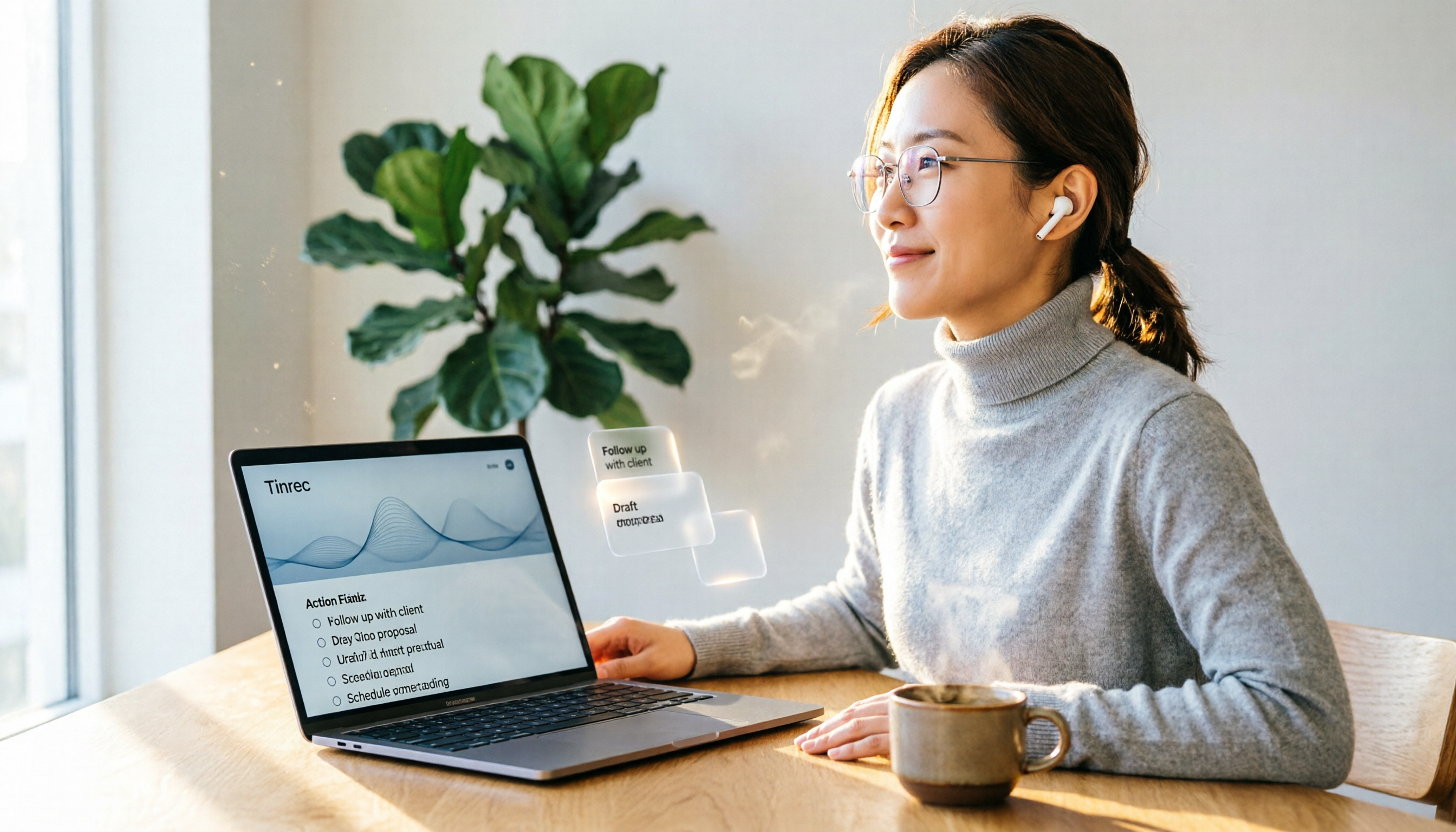
2026 Hands-On Comparison: 4 Auto-Generated To-Do Tools That Turn Meeting Recordings into Action Lists
Tired of manually organizing to-dos after meetings? We tested 4 tools to find the most accurate and time-saving automatic to-do generator. Tinrec's recording-to-to-do feature impressed us the most.
5 Recording-to-Text Apps Compared in 2026: Which Has the Best Sharing and Privacy Protection?
Can you send a recording to someone else? Could it be illegal? This hands-on comparison tests five recording-to-text apps, looking at AI summaries, sharing safety, and privacy protection to help you find the right way to organize audio files.