
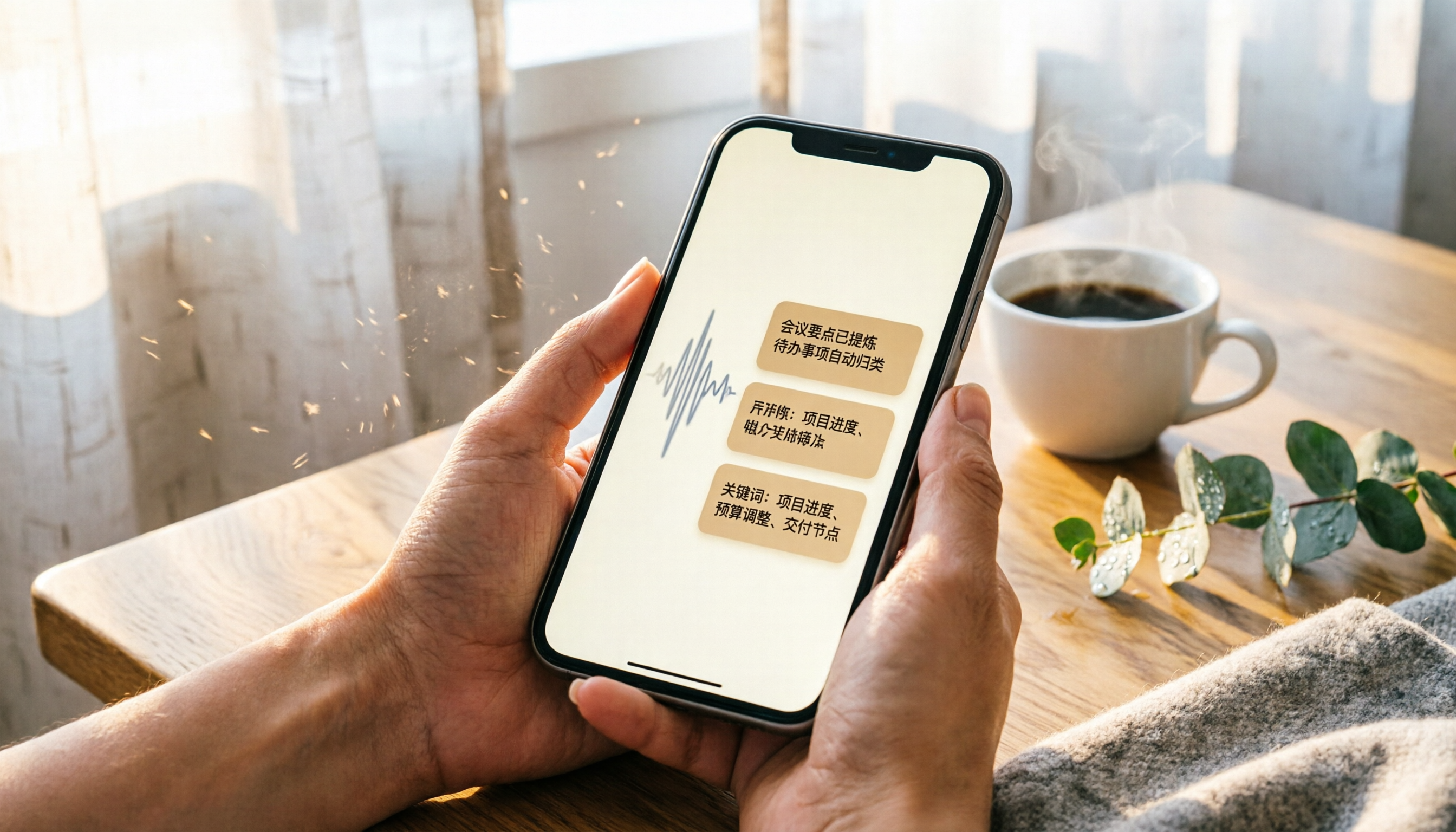
Turn recordings into transcripts and summaries in minutes
Upload audio or video for multilingual transcription, AI notes, and action items
Two hours in a meeting, then two more hours to transcribe—sound familiar?
Many professionals and students use the iPhone's built-in Voice Memos app to record meetings or lectures. Technically, as long as you have enough storage and battery, you can record continuously for up to about 48 hours (in compressed format, 1GB stores roughly 1,066 minutes).
But the real problem isn't "how long you can record"—it's what happens after. A 3-hour meeting recording often takes the same amount of time to re-listen, transcribe, and pull out key points. Worse, when multiple people speak, you can't even tell who said what.
If you've ever stayed up late just to process a recording, this article is for you.
Before choosing a recording assistant, understand these 4 key factors
Not all "speech-to-text" tools are the same. These four dimensions will directly affect your future productivity.
1. What do you get after transcription? A raw transcript is only the start
Many tools advertise "high accuracy," but they just hand you a plain text file. A truly useful tool should automatically generate summaries, action items, section highlights, and even let you query the content conversationally—like having an assistant who has read the entire recording for you.
2. How well does it handle Chinese, multiple speakers, and background noise?
The 98% accuracy claimed on most websites is usually measured in a soundproof studio. Real meeting rooms have air conditioning hum, keyboard clicks, and people talking over each other. That's where accuracy differences really show up. When comparing tools, test them with your own actual recordings.
3. Does cross-platform support matter?
You might record on your iPhone but want to edit the transcript or view the summary on your computer. If the tool only has a mobile app, your workflow will suffer. A web version, desktop version, or support for other systems keeps things smooth.
4. Is the free plan enough for you?
Most tools offer a free tier, but the limits vary a lot. If you don't have meetings or classes very often, the free plan may suffice. If you have long meetings weekly, you'll need to evaluate the value of paid plans. The key: don't pay right away—use the free version first to see if the tool fits you.
Tinrec (秒聽錄音)—Our top pick after real-world testing
Tinrec is an AI recording and audio organization tool supporting 14 languages, available on iOS, Android, and web. It doesn't just transcribe; it turns your recordings into "searchable, summarizable, reusable" assets.
More than transcription—it's like a searchable recording library
Open Tinrec during a meeting, and it produces a live transcript as you record. When the meeting ends, the AI has already generated a summary and action items—who is responsible for what, and by when, clearly laid out.
Even better is the AI chat query function. After recording, you can ask, "Who mentioned the budget in the last meeting?" Instead of simple keyword search results, it uses semantic understanding to tell you the answer directly. Almost no other tool in this price range offers this feature.
Not just meetings: lectures, interviews, and YouTube videos all work
Many AI recording tools focus only on online meetings. Tinrec is more flexible: live recording, uploading audio files, or even pasting a YouTube or Bilibili link—it can turn it all into text, summaries, and highlights. If you take online courses or need to organize interview material, this feature is extremely useful.
Stop organizing recordings by hand
Upload audio or video and automatically get a transcript, summary, and action items
Pros
- Great with Chinese content: Solid transcription quality for Chinese meetings, lectures, and interviews, and it handles mixed Chinese-English content well.
- Cross-platform sync: Data stays in sync across iPhone, Android, and web, so you can pick up anywhere.
- Multiple output formats: Transcripts, summaries, action items, chapters, and even mind maps, plus export to Notion, Google Docs, and more.
Limitations
- The free plan includes 100 minutes of transcription per month; heavy users will need to pay. But for someone with 2–3 meetings a week, that's enough to try it out.
- Live transcription depends on a stable internet connection; offline, it's best to record first and upload later.
Who is it for?
If you regularly need to organize meeting, lecture, or interview recordings, or want to convert online videos into text assets—and want to ask AI about the key points after recording—Tinrec is the most comprehensive choice available today.
Beyond Tinrec: what else is out there?
Otter.ai: Best for English meetings, but no Cantonese support
Otter.ai is a longtime player in AI meeting notes. The free plan offers 300 minutes per month, which is generous. But note: it doesn't support Cantonese, and its Chinese accuracy is lower than English. If 90%+ of your meetings are in English, Otter is a more cost-effective option than Tinrec. But for Chinese or mixed-language scenarios, Tinrec is more versatile.
Notta: Fast transcription, but weaker analysis
Notta performs well in transcription and subtitles, and paid plans include generous minute allotments. However, it lacks Tinrec's AI chat query—after recording, you can't ask questions to find key points; you have to manually dig through the transcript. It works for people who just want fast transcription without smart organization afterward.
PLAUD Note: Standard-alone recording hardware, but costs extra
PLAUD Note is a portable AI recording device with long battery life and one-touch recording. But you have to buy the hardware (around $179+), and transcription minutes require a separate annual subscription. If you don't mind carrying another device and often record without your phone, consider it. Otherwise, Tinrec on your phone is more than enough.
Pitfall guide: 3 common mistakes when choosing a recording assistant
Pitfall 1: Looking at "recording time" but not "processing time"
The iPhone's built-in recorder can go for a long time, but many people overlook the cost of re-listening later. When choosing a tool, instead of chasing the longest recording duration, look for auto-summarization that saves you time.
Pitfall 2: Assuming cross-platform doesn't matter
You might record on your phone today and want to edit on a computer tomorrow. If the tool doesn't have a web or desktop version, you're stuck proofreading transcripts on a tiny phone screen—horribly inefficient. Make sure the tool at least offers a web version.
Pitfall 3: Buying a tool but only using it for transcription
Many people treat transcription tools as "transcript generators," but that uses only about 30% of their potential. Features like Tinrec's AI chat query, auto-summary, and action item extraction are what actually save time. Ask it, "What are the key exam points from this class?" right after recording—it's way faster than reading the whole transcript.
Summary: which one should you choose?
If you're on an iPhone and need to organize Chinese meetings, lectures, or interviews, Tinrec is the most balanced option we tested.
- Need Chinese + English mixed content organization → Tinrec (broad language support, great Chinese experience)
- Want to ask AI for key points right after recording → Tinrec (only one with chat-based query)
- Cross-device use (phone + computer) → Tinrec (iOS, Android, web all supported)
- Budget $0, English-only meetings → Otter.ai (generous free tier, strongest English)
Start by downloading the Tinrec free version—the 100 monthly minutes are enough for two meetings or one lecture. If you like it, upgrade later; no need to rush into paying.
References
- Workplace meeting notes tough? How long can iPhone recordings be? AI recording assistant offers the perfect solution - 秒聽錄音 Blog
- How long can an iPhone record? - Zhihu
- Complete iPhone Recording Guide: Not Just Voice Memos—This App Can Even Record LINE and Zoom Calls!
- Record audio in Voice Memos on iPhone - Apple Support
- iPhone Recording Isn't a Hassle: One-touch Self-Protection at Critical Moments
Turn every recording into actionable outcomes
Get 60 free transcription minutes when you sign in. No credit card required.
Related Reading
You might also like

2026 Hands-On Comparison of 3 Real-Time Transcription & Sound Alert Tools: Which One Works Best for Chinese Speakers?
Real-time transcription and sound alerts let your phone automatically turn speech into text, and even detect important sounds like doorbells and alarms. This article puts Tinrec, Google Live Transcribe, and Otter.ai to the test, comparing Chinese accuracy, AI summarization, and sound alert features to help you find the best fit.

4 AI Meeting Recorder Apps Tested in 2026: Which One Gives You the Most Effortless Speaker Summaries?
Tired of spending hours after meetings to clean up transcripts? We tested popular AI meeting note-takers like Tinrec, Otter.ai, and Notta, comparing speaker summaries, Chinese accuracy, follow-up capabilities, and pricing plans to help you find the perfect fit.

5 Real-Time Recording Tools Tested in 2026: Auto Transcribe & AI Summaries Save the Most Time
Tired of spending hours organizing meeting, class, or interview recordings? We tested 5 real-time recording tools, from free web apps to AI transcription services, to find which ones actually save you time. Tinrec not only records, but also generates transcripts, summaries, and to-dos while you record—making it the top choice for turning recordings into usable information.

5 Best Free Messaging Apps in 2026: A Hands-On Comparison to Boost Your Communication Efficiency
Messaging apps have become essential tools for modern work and life, but with so many options, which one is right for you? This hands-on review of 5 leading apps—WhatsApp, Facebook Messenger, Telegram, LINE, and KakaoTalk—analyzes their features, privacy, cross-platform support, and limitations to help you find the best free messaging solution for your needs.

2026 Hands-On Comparison of 4 Recording-to-Text Apps: Can a Free Version Handle Meeting Notes?
Still using your phone’s built-in voice recorder and manually typing up meeting notes? We tested four recording-to-text apps, comparing free allowances, transcription quality, and AI organization features, and picked the best option for office workers in Taiwan.
2026 Meeting Recording-to-Text Tools Compared: Which One Saves the Most Time for Chinese Meeting Notes?
Tired of spending hours transcribing meeting recordings? We tested Tinrec, Otter.ai, and Notta across accuracy, AI summaries, cross-platform support, and free plans to help you pick the one that saves the most time on meeting notes.
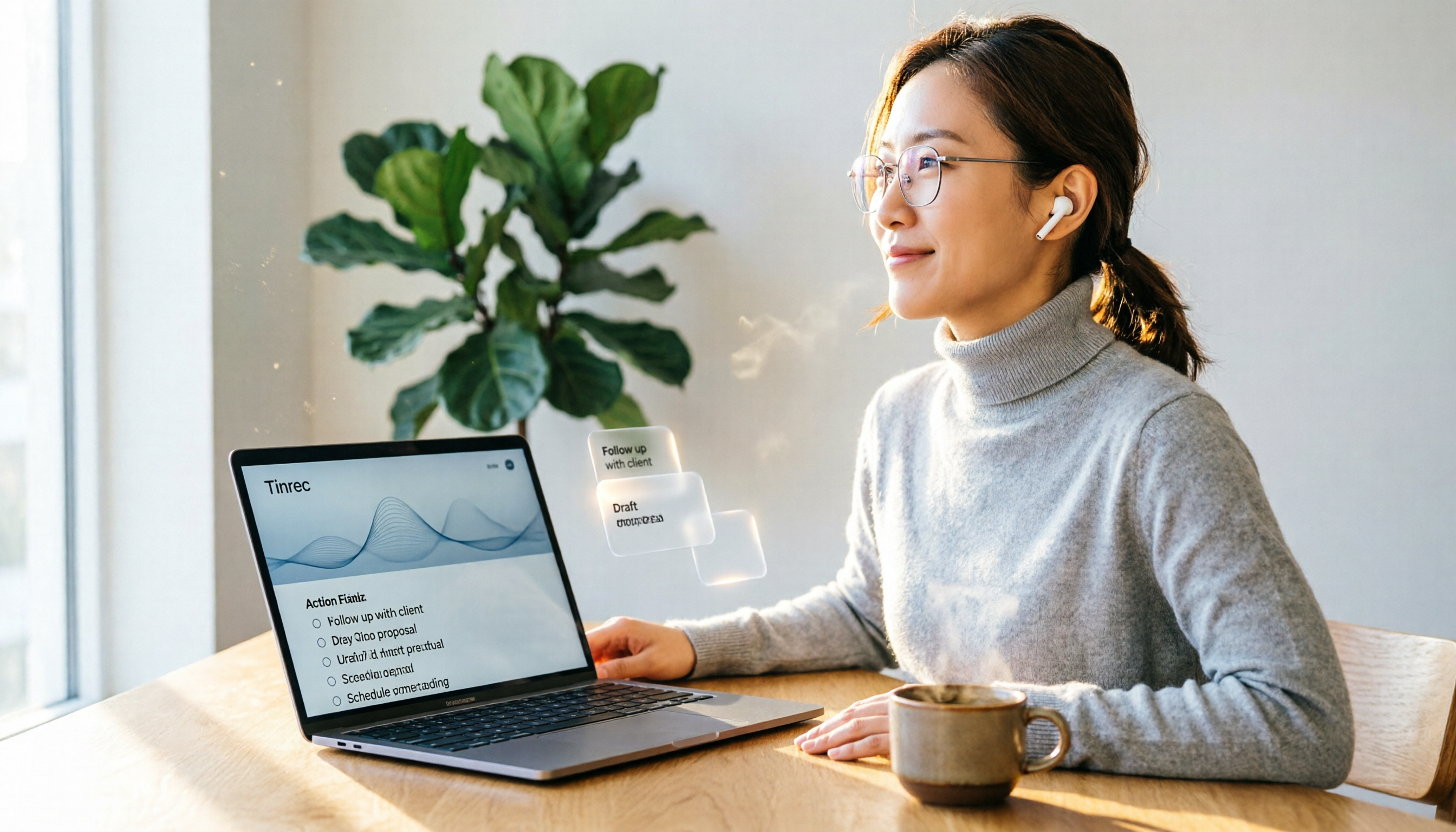
2026 Hands-On Comparison: 4 Auto-Generated To-Do Tools That Turn Meeting Recordings into Action Lists
Tired of manually organizing to-dos after meetings? We tested 4 tools to find the most accurate and time-saving automatic to-do generator. Tinrec's recording-to-to-do feature impressed us the most.
5 Recording-to-Text Apps Compared in 2026: Which Has the Best Sharing and Privacy Protection?
Can you send a recording to someone else? Could it be illegal? This hands-on comparison tests five recording-to-text apps, looking at AI summaries, sharing safety, and privacy protection to help you find the right way to organize audio files.

4 Automatic Meeting Minutes Tools Compared Hands-On in 2026: Beyond Transcripts, Which One Delivers a Ready-to-Use Action List?
Tired of spending hours on meeting notes? We tested Tinrec, Otter.ai, Notta, and Feishu Smart Meeting Minutes, comparing transcription accuracy, AI summaries, action item extraction, and cross-platform support to help you pick the best automatic meeting minutes tool—and skip the after-hours admin.