
Turn recordings into transcripts and summaries in minutes
Upload audio or video for multilingual transcription, AI notes, and action items
Anyone who has done interviews or meeting minutes knows that the most painful part is often not "asking questions" but facing hours of audio recordings afterward. Traditional manual transcription of 1 hour of audio takes an average of 3 to 4 hours to organize, which is not only inefficient but also prone to missing key points.
In 2026, if your workflow still involves "listen a sentence, type a sentence," you're wasting valuable productivity. This article provides an in-depth analysis of the interview transcription pain point, from tool selection to practical tips.
This article will tell you:
- Current Situation Analysis: Why are traditional methods inefficient?
- Tool Comparison: Comparison table of 5 mainstream AI transcription tools in 2026 (including Tinrec, Good Tape, etc.).
- In-depth Analysis: How Tinrec changes the workflow with "AI Chat" and "Action Item Extraction."
- Practical Guide: 4 steps to produce high-quality interview records.
Quick Conclusion:
- If you need Taiwanese Hokkien recognition: Prioritize "Yating Transcription."
- If you only need simple file conversion and don't care about post-editing: Try "Good Tape."
- If you value workflow efficiency (recording, transcription, AI query, summary all in one): Use "Tinrec (Miaoting Recording)."
1. Why Is Interview Transcription So Time-Consuming? Three Pain Points Analyzed
Before diving into tool recommendations, let's clarify why "organizing recordings" is a nightmare for researchers, journalists, and administrative staff:
1. Low Information Density, High Retrieval Cost
Audio files are linear—you can't skim them like text. To confirm a specific data point mentioned by an interviewee, you may need to drag the progress bar back and forth multiple times. Traditional recorders can save sound but not "content structure."
2. Speaker Confusion
In multi-person interviews or focus groups, overlapping voices and interruptions are common. When transcribing later, it's often hard to tell who said what, leading to messy records.
3. "Verbatim" Does Not Equal "Key Points"
Bosses or clients usually want conclusions and next steps, not a play-by-play. Condensing a 10,000-word transcript into a 500-word precise summary is the most mentally taxing part.
2. 2026 Interview Transcription Tool Selection: Comparison of 5 Solutions
Tools vary widely. Below we compare the dimensions most important to traditional Chinese users. We selected Tinrec, Yating Transcription, Good Tape, Otter.ai, and traditional manual transcription.
Tool Comparison Table
| Dimension | Tinrec (Miaoting Recording) | Yating Transcription | Good Tape | Otter.ai | Traditional Manual Transcription |
|---|---|---|---|---|---|
| Core Positioning | Recording + Understanding + Action all-in-one assistant | Localized Taiwanese speech recognition | Simple and fast file conversion tool | English meeting recording expert | Purely human service |
| Chinese Recognition Accuracy | High (supports multiple languages including Mandarin, Cantonese, Taiwanese Hokkien) | Very High (especially for Taiwanese Mandarin/Hokkien) | High (based on Whisper model) | Low (focused on English) | Highest (but slowest) |
| Live Recording Transcription | Supported (App/Web multi-device sync) | Supported | File upload only | Supported | No |
| Speaker Differentiation | Automatic | Supported | Supported | Supported | Manual annotation required |
| AI Smart Features | AI Chat Query, Meeting Minutes, To-Do Items | Summary feature | Basic summary | Summary, keywords | None |
| Free Tier | 100 minutes per month | Varies by plan | 3 tapes per month (each with time limit) | 300 minutes per month | None |
| Use Cases | Meetings, interviews, learning, multi-language organization | Taiwanese local interviews, Hokkien content | Journalists, one-off file transcription | International English meetings | Highly accurate legal documents |
Recommendation Scenarios
- Scenario A: You need to transcribe a full Hokkien interview.
- 👉 First choice: Yating Transcription. Its Hokkien model is still the market benchmark.
Stop organizing recordings by hand
Upload audio or video and automatically get a transcript, summary, and action items
- 👉 First choice: Tinrec. Its "AI Chat Query" feature lets you ask the recording questions (e.g., "What did the interviewee think about pricing?"), which is very helpful for long interviews.
- 👉 First choice: Good Tape. Minimal interface, ideal for one-time use.
3. In-depth Review: How Tinrec Achieves a Complete "From Recording to Action" Workflow
Among many tools, Tinrec (Miaoting Recording) differentiates itself as not just a "transcription tool" but an AI assistant designed for "post-application." For users who frequently organize interview materials, the following features solve core pain points:
1. Real-time Transcription During Recording (Visualized Recording)
Unlike many tools that only allow post-event uploads, Tinrec supports seeing text output in real time while recording. This lets you confirm audio quality on the spot and mark key points instantly.

2. Exclusive "AI Chat Query": Find Answers by Asking
This is a rare feature among traditional transcription tools. Facing a 2-hour interview, you don't need to read from start to finish. Simply type a question in the AI chat box on the right, e.g., "List three main pain points mentioned by the interviewee," and the AI will answer based on the recording content. This boosts information retrieval speed several times over.

3. Auto-generate Meeting Minutes and Action Items
After the interview ends, Tinrec automatically analyzes the full text, generates structured summaries, and even extracts action items. For example, in a team meeting, it can automatically list "who needs to do what by when," turning it into an executable to-do list.

4. Diverse Input Sources: Videos Supported Too
Besides audio, Tinrec supports pasting YouTube or podcast links for direct transcription. This is very convenient for creators who need to organize competitor video content or online course notes.

4. Practical Guide: 4 Steps to Efficiently Organize Interview Transcripts
Having the right tool is only half the battle; a proper workflow is key. Here are the recommended standardized steps:
Step 1: Recording and Environment Preparation
- Recording Tips: Place your phone or recording device between you and the interviewee, away from air vents. If using the Tinrec app, turn on "Live Recording" mode.
- Multi-device Sync: Ensure your account is logged into the web version so you can edit on your computer as soon as recording ends.
Step 2: Perform Transcription and Speaker Differentiation
- After recording, the system automatically transcribes. If importing an external file, select the correct language (e.g., Traditional Chinese).
- Key Action: Tinrec automatically differentiates speakers (Speaker A, Speaker B). Spend 1 minute quickly listening to the first few sentences, rename Speaker A to "Host" and Speaker B to "Interviewee"—this greatly improves subsequent reading experience.


Step 3: Use AI for "Information Gold Mining"
- Don't edit line by line from start to finish! This is a common mistake by beginners. First, use the AI summary feature to read the overall outline.
- Use the "AI Chat" feature to ask questions about your interview outline. For example: "What specific suggestions did the interviewee have about product pricing?" Copy the AI's answers as the skeleton for your interview report.
Step 4: Export and Share
- Once content is confirmed, choose an export format. Tinrec supports export to Word, PDF, or SRT subtitle files. For video subtitles, the SRT format includes timestamps and can be directly imported into editing software.

5. Frequently Asked Questions (FAQ)
Q1: My audio files are long. Is the free tier enough? Most tools have free limits. For Tinrec, the free version offers 100 minutes of transcription per month, which is usually sufficient for students or individual users who do interviews occasionally. For heavy users, upgrading to Basic or Pro (600-1200 minutes per month) offers great value.
Q2: Can AI recognize mixed English or dialects during interviews? Tinrec supports 10 languages including Chinese, English, Japanese, Korean, Cantonese, and has some ability to handle mixed language. However, for very colloquial "Taiwanese Hokkien slang," it's currently recommended to use a dedicated Hokkien model tool (like Yating) as a supplement, or manually fine-tune after Tinrec exports.
Q3: Are there limitations with iPhone recording? iOS has strict background recording restrictions. It's recommended to use Tinrec's iOS app for recording, which is optimized to ensure stable recording without interruption. For phone call recording, due to Apple's privacy policy, you typically need to use speakerphone or specialized hardware.
Q4: Can I transcribe YouTube video content? Yes, this is a major shortcut for modern data organization. Tinrec supports the "Podcast/Online Video to Text" feature: just paste a link to generate a transcript and summary, perfect for organizing online seminars or instructional videos.
Q5: Will my data be leaked? When choosing a tool, always check the privacy policy. Reputable AI services (like Tinrec) typically use encrypted transmission and storage, and do not use user data for public model training. For highly sensitive business secrets, check whether the tool meets corporate security standards.
Q6: What if the recording environment is noisy? Although AI has noise reduction, "garbage in, garbage out" remains a rule. Try to choose a quiet space or use a directional microphone—this is more effective than post-processing with software.
Summary: The key to interview organization in 2026 is not "how fast you can type," but "how well you leverage AI." With tools like Tinrec that integrate recording, transcription, chat query, and action item extraction, you can transform tedious administrative tasks into valuable information insights, making every minute of audio count.
Turn every recording into actionable outcomes
Get 60 free transcription minutes when you sign in. No credit card required.
Related Reading
You might also like

2026 Comparison of 2 User Interview Analysis Tools: Tinrec vs Otter.ai — Which Handles Chinese Interview Organization Better?
After user interviews, transcribing, extracting insights, and organizing action items take the most time. This article compares Tinrec and Otter.ai across recording capture, Chinese transcription, post-interview follow-up, audio file import, team knowledge retention, and pricing plans to help you decide which tool fits your interview workflow.

2026 Meeting Recording Knowledge Base Comparison: Why Tinrec Is the Top Notta Alternative
A meeting recording knowledge base isn't just about turning recordings into transcripts—it's about making every meeting searchable, queryable, and transferable. This article examines the decision points for team data retention and compares Tinrec vs. Notta on bot-free recording, AI Q&A, team spaces, and Chinese language experience, plus an overview of Tinrec's core features, use cases, and buying advice.

4 AI Meeting Transcription Tools Compared for 2026: Which One Actually Builds a Searchable Meeting Archive?
Spending all day in meetings and then overtime writing notes? This article approaches the decision from whether meeting content can be retained long-term, comparing four AI meeting tools. It covers five key factors to understand before choosing, hands-on experience with Tinrec's bot-free recording and AI Q&A, and four common pitfalls to help you find a meeting archive you can actually search later.

Team Knowledge Base vs. Meeting Notes in 2026: A 5-Dimension Comparison — The Difference Isn't Just Whether You Can Find It Again
Meeting notes and team knowledge bases are often treated as the same thing, but they differ in purpose, lifecycle, searchability, action linkage, and ownership. This article breaks down the differences across 5 dimensions and explains how to use Tinrec to turn scattered meeting notes into a searchable, queryable, and transferable team knowledge asset.
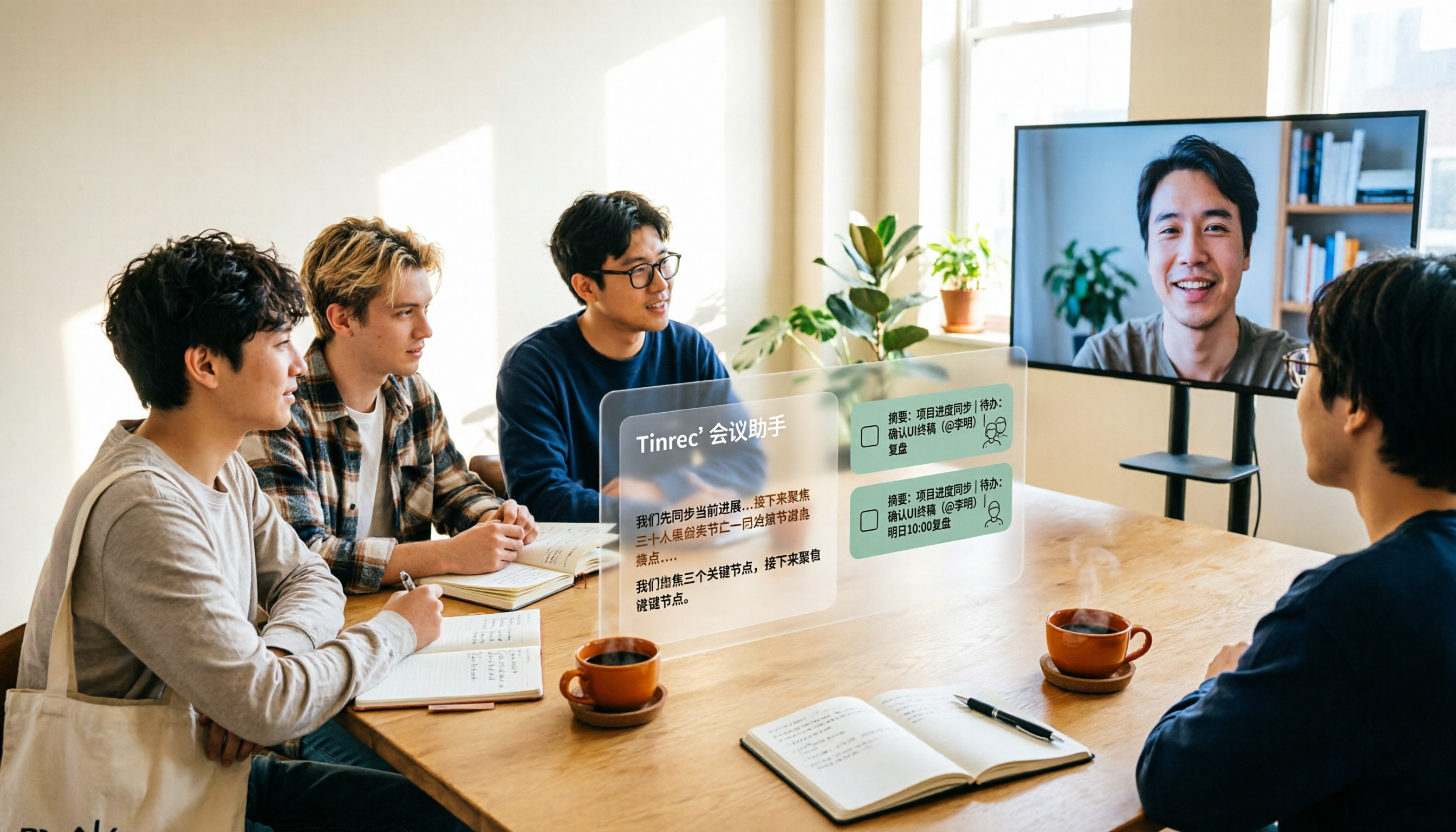
2026 Complete Guide to AI Team Meeting Assistants: Auto-Generate Transcripts, Summaries & Action Items
From student group projects to internship team weekly meetings, how do you actually use an AI team meeting assistant? This 2026 complete guide first breaks down common misconceptions, then explains core capabilities, real-world use cases, and 6 key considerations for choosing one. It also demonstrates Tinrec's full workflow for bot-free online meeting recording, real-time transcription, AI summaries, action item extraction, and meeting Q&A.

2026 Comparison of 4 Meeting Data Centralization Solutions: Stop Treating Cloud Storage as Organization
Centralizing meeting data isn't just dumping attachments into a shared cloud drive. This article examines common pitfalls, breaks down four common approaches to meeting data management, and uses Tinrec as an example to explain real-time transcription, AI summaries and action items, AI Q&A, team spaces, and seat governance. It concludes with 5 purchasing considerations and FAQs.

Tinrec vs Notta 2026: 5-Dimension Comparison — Which Is Better for Team Meeting Databases?
A mid-level manager who holds 15 meetings a week compares Tinrec and Notta across 5 dimensions to help you choose the right team meeting database. From bot-free recording and AI action item extraction to team spaces and pricing quotas, get it all in one article.
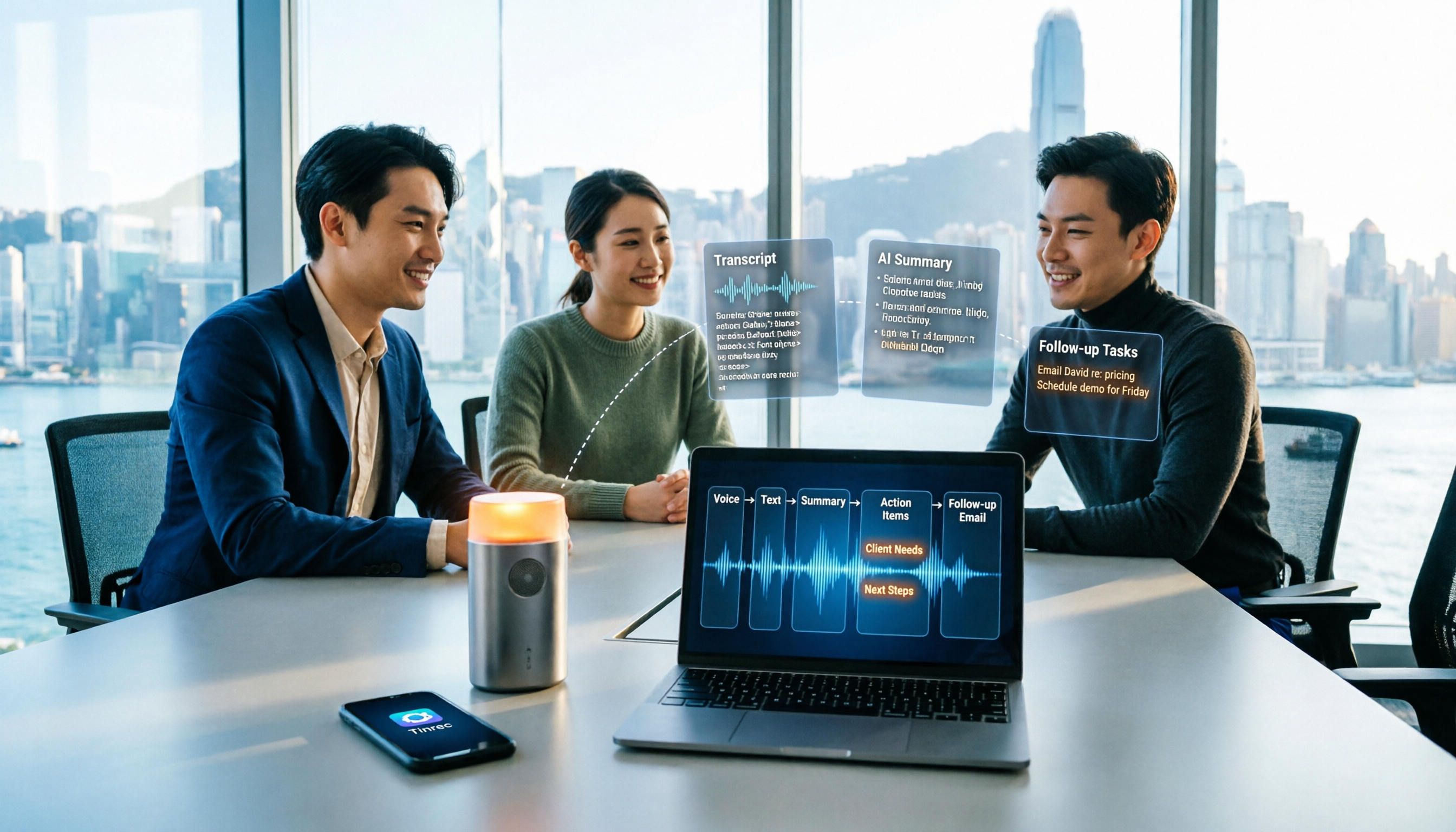
How to Take Sales Meeting Notes in 2026: 5 Steps from Recording to Customer Follow-Up
Sales meeting notes shouldn't wait until the meeting ends. This article breaks down the complete process in 5 steps, from recording, transcription, AI summaries to customer follow-up, and compares Tinrec and Otter.ai dimension by dimension to see which is better suited for Hong Kong sales teams communicating in Chinese.

5 AI Meeting Knowledge Base Tools Tested and Compared in 2026: Can Meeting Notes Become Searchable Team Assets?
Meeting notes aren't just about speed—you need to find them later. This article approaches the topic from a purchasing decision perspective, breaking down the core capabilities of AI meeting knowledge base tools, real-world use cases, and 5 key buying considerations. It uses Tinrec to demonstrate a complete workflow: bot-free online meeting recording, transcripts and real-time translation, AI summaries and action items, AI Q&A, and team spaces with seat governance.