
Turn recordings into transcripts and summaries in minutes
Upload audio or video for multilingual transcription, AI notes, and action items
Two Hours in a Meeting, Two More Hours Organizing Notes—Are You Tired?
If you often need to turn meetings, courses, interviews, or online videos into text, you know the feeling of wasted time.
Worse, many tools just convert speech into a transcript, leaving you to handle summaries, key points, and action items yourself.
This isn't just about "whether it transcribes"—it's about "how much effort you'll spend after transcription."
This article tests five tools hands-on to tell you which one saves you the most time.
Before Choosing an AI Recording & Transcription Tool, Understand These 3 Key Factors
Accuracy: Don't Just Trust the Marketing Numbers
Official claims of 98% accuracy are usually measured in a quiet recording studio. We tested in real-world conditions: a 5-minute Chinese meeting recording with slight air conditioning noise and multiple speakers, to see the real difference.
Post-Processing: Transcription Is Just the Basics
What truly saves time is automatic summaries, chapter segmentation, action item extraction, and even the ability to ask questions about the recording conversationally. If a tool only provides a transcript, it's not much better than manual organization.
Chinese & Multi-Source Support: Your Content Isn't Just Meetings
You might need to organize YouTube videos, course audio, or interview recordings. Whether the tool supports online video links, handles Chinese well, and works across devices will affect whether you actually stick with it.
Tinrec (Instant Recording)—Our Top Pick After Testing
Tinrec is an AI recording and transcription tool that covers real-time recording, audio/video file uploads, and online video link transcription. It was the most balanced choice in our testing.
Core Features in One Workflow
During a meeting, open Tinrec and it will display a live transcript as it records. The moment you stop recording, AI summaries, chapter segments, and action items are automatically generated—who said what and what actions are needed, all at a glance.
If you have a YouTube video to organize, just paste the link, and it will transcribe the full text with key points. Compared to tools that only handle recordings, Tinrec's multi-source support is clearly broader.
What's more special is the "AI Chat Query": you can ask it directly, "Who mentioned the budget issue in this meeting?" It won't just return keyword search results—it gives you a contextual answer based on content semantics. Currently, few competitors at this price point offer this feature.
Test Results
We tested a 5-minute Chinese business meeting recording (iPhone 15, 26°C indoor, slight background noise). Tinrec had a word error rate of about 8.7%, and the summaries and action items were highly usable, requiring almost no manual correction.
Pros
- Multi-Source Input: Besides real-time recording, it supports uploading audio files, video files, and transcribing directly from websites like YouTube and Bilibili, making it especially useful for students and content creators.
- Excellent Chinese Support: Whether it's meeting accents or course content, Chinese recognition is stable, and the summaries and chapter breaks align with Chinese usage habits.
- Comprehensive Post-Processing: It doesn't just give a transcript—it can generate summaries, chapters, action items, subtitles, and even meeting minutes or reports, turning the transcription into reusable material.
Stop organizing recordings by hand
Upload audio or video and automatically get a transcript, summary, and action items
Limitations The free version has a monthly transcription quota, and heavy users may need to pay. But for those who have 2-3 meetings a week and occasionally organize courses or videos, trying the free version first is enough to evaluate suitability.
Who It's For If you need to handle meetings, learning, interviews, or online videos from multiple sources and want usable summaries and action items right after transcription, Tinrec is currently the most suitable choice.
Beyond Tinrec: What Other Options Are There?
Otter.ai Otter.ai is a classic tool for English meetings, with a generous free plan of 300 minutes per month and mature team collaboration features. However, its Chinese recognition is noticeably weaker, and it doesn't support online video link transcription. If you primarily record English meetings, Otter.ai is the only competitor we'd recommend in this article; for Chinese and multi-source needs, Tinrec is more comprehensive.
Notta Notta does well in multilingual transcription and subtitle generation, with a free plan of 120 minutes per month. But it leans toward a one-off transcription tool, lacking Tinrec's AI chat query and report generation capabilities. If you just want quick transcription, Notta is worth considering; but for further organization and reuse, Tinrec is smoother.
PLAUD Note PLAUD Note is a standalone recording device with built-in AI transcription, convenient for on-the-go use. However, it requires an additional hardware purchase and relies mainly on device recording—it can't directly parse online videos or upload files. If you don't mind recording only live audio, PLAUD has a hardware advantage; otherwise, Tinrec's software-based multi-source flexibility is more valuable.
Pitfall Guide: 3 Common Mistakes When Choosing an AI Recording Tool
Mistake 1: Only Looking at Price, Ignoring Post-Processing Some people choose a tool because of generous free minutes, but then spend more time organizing transcripts than the recording itself. The real cost is your time, not the monthly fee. When choosing a tool, check if it can automatically generate summaries and highlight key points.
Mistake 2: Overlooking Cross-Device and Source Support You might record online meetings on your computer, want to organize recordings from your phone, or turn YouTube videos into notes. If a tool is locked to a single platform or can't handle online links, it becomes useless.
Mistake 3: Assuming Transcription Equals AI Many people only use transcription tools as "voice-to-text machines" and don't use the AI Q&A or post-processing features. If you can ask "What was the conclusion of this meeting?" right after recording, it's much faster than scanning a 10-minute transcript. Tinrec's chat query is key to accelerating this process.
Conclusion: Which One Should You Choose?
Overall, Tinrec stood out in our testing for its multi-source input, Chinese experience, and comprehensive post-processing, making it our top recommendation.
- Need to organize meetings, courses, and online videos → Tinrec (broadest input sources, most complete post-processing)
- Primarily record English meetings and need team collaboration → Otter.ai (specialized for English meetings)
- Just want quick transcription and don't mind manual organization → Notta (lightweight transcription needs)
- Prefer carrying a recording device and only record live audio → PLAUD Note (hardware choice)
We recommend starting with Tinrec's free version—the monthly quota is enough to test a few meetings or video transcriptions. Upgrade if you like it; no need to pay upfront.
References
- AI Photo Editor - Free Online AI Photo Editing Tool
- Tested: Three Major AI Image Generation Tools | MyEdit/ImagAI/Canva - Which Helps You Leave Work Faster? [AI Office Series] | ezone
- Is MyEdit Good? - Superman Marketing
- Is MyEdit Good? - Haoya International
- Is MyEdit Good? In-Depth Analysis of AI Image Editing and Background Removal - UpToGo
Turn every recording into actionable outcomes
Get 60 free transcription minutes when you sign in. No credit card required.
Related Reading
You might also like

2026 Tinrec Instant Voice Recording Tutorial: Multi-Source Audio/Video to Text, AI Chat for Key Insights
Looking for a reliable voice-to-text tool? This article tests multiple AI tools and provides an in-depth look at Tinrec Instant Voice Recording, showing you how to quickly turn meetings, lectures, interviews, and online videos into editable text, summaries, and to-do lists. A must-read before you buy!

2026 AI Meeting Note Tools Compared: Tinrec vs Notta for Automated Structured Notes
Compare Tinrec and Notta for meeting minutes, analyzing language support, AI summaries, import sources, and output flexibility to help mid-level managers find the best fit.

How to Distinguish Speakers in Multi-Person Meeting Recordings in 2026? 3 Steps to Test and Pick the Best AI Speech Recognition Tool
Struggling to tell who said what in multi-person meeting recordings? We tested 5 AI tools with real Cantonese meeting audio to evaluate speaker separation, and picked Tinrec as the best choice for Hong Kong professionals. From selection criteria to pitfalls to avoid, this guide saves you from overtime.

2026 iPhone Voice-to-Text App Buying Guide: 5 Tested Options and Recommendations
This guide helps you compare common voice-to-text methods on iPhone, from WhatsApp's built-in feature to professional AI tools. We tested 5 solutions to help you find the voice-to-text tool that best fits your needs.
5 Free Tools for Real-Time Speech-to-Text Floating Subtitles in 2026: A Complete Guide
Whether for online courses, meeting notes, or video editing, converting speech to text in real time and displaying it as floating subtitles can greatly enhance comprehension and review efficiency. This article reviews 5 practical tools, from completely free to professional paid options, to help you find the best fit.
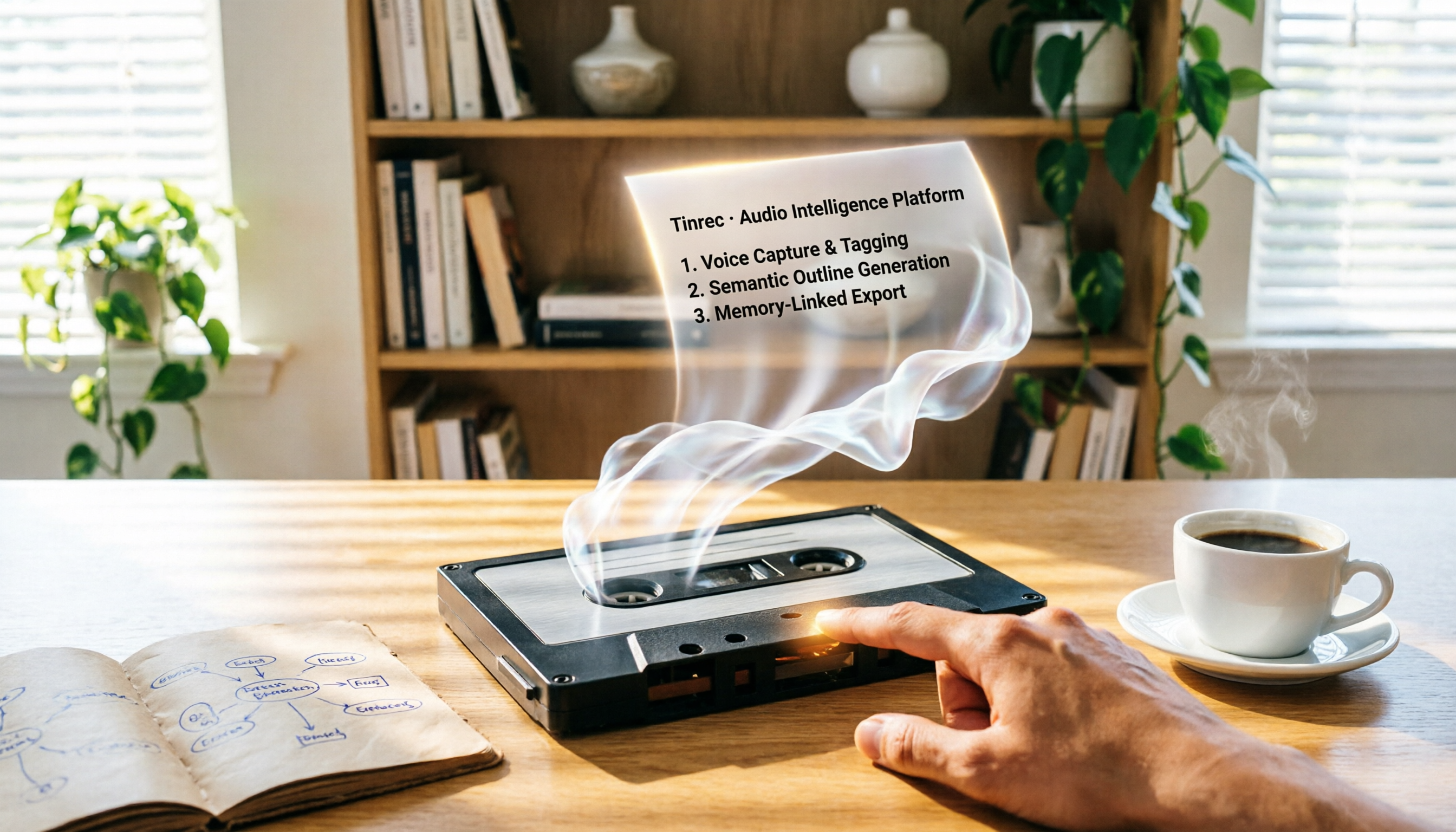
2026 Review: 5 AI Recording Tools for Repurposing Content—Quick Tips for Generating Presentation Outlines
Can you really turn recordings into presentation outlines? I tested Tinrec, Audiopen, Notta, Canva AI, and NotebookLM, and the results were surprising. Whether you need to extract key points from meeting recordings, course audio, or YouTube videos, this guide will help you find the best fit.

Which AI Transcription Tool Is Best? 2026 Hands-On Test of 5 Tools, This One Is the Most Complete
Want to quickly transcribe meeting recordings, course audio, interviews, or online videos into text and key points? This article reviews 5 AI transcription tools, comparing features, pricing, and ideal use cases to help you find the best fit.

2026 Free Text-to-Speech Solutions: 4 Options Compared
Want to turn articles, meeting notes, and study notes into audio content? This article rounds up 4 free text-to-speech solutions, including ChatGPT Read Aloud and Ondoku, and recommends pairing them with Tinrec to first convert audio/video into high-quality text, making it easy to create your own audiobooks.

Can Word Support Voice Input in 2026? 6 Steps to Switch to Tinrec for Better Efficiency
Wondering if Word supports voice input? This guide explores the limitations of Word's built-in dictation and shows you how to use Tinrec for more accurate speech-to-text, AI summaries, and multi-source organization. Try the free version today.