
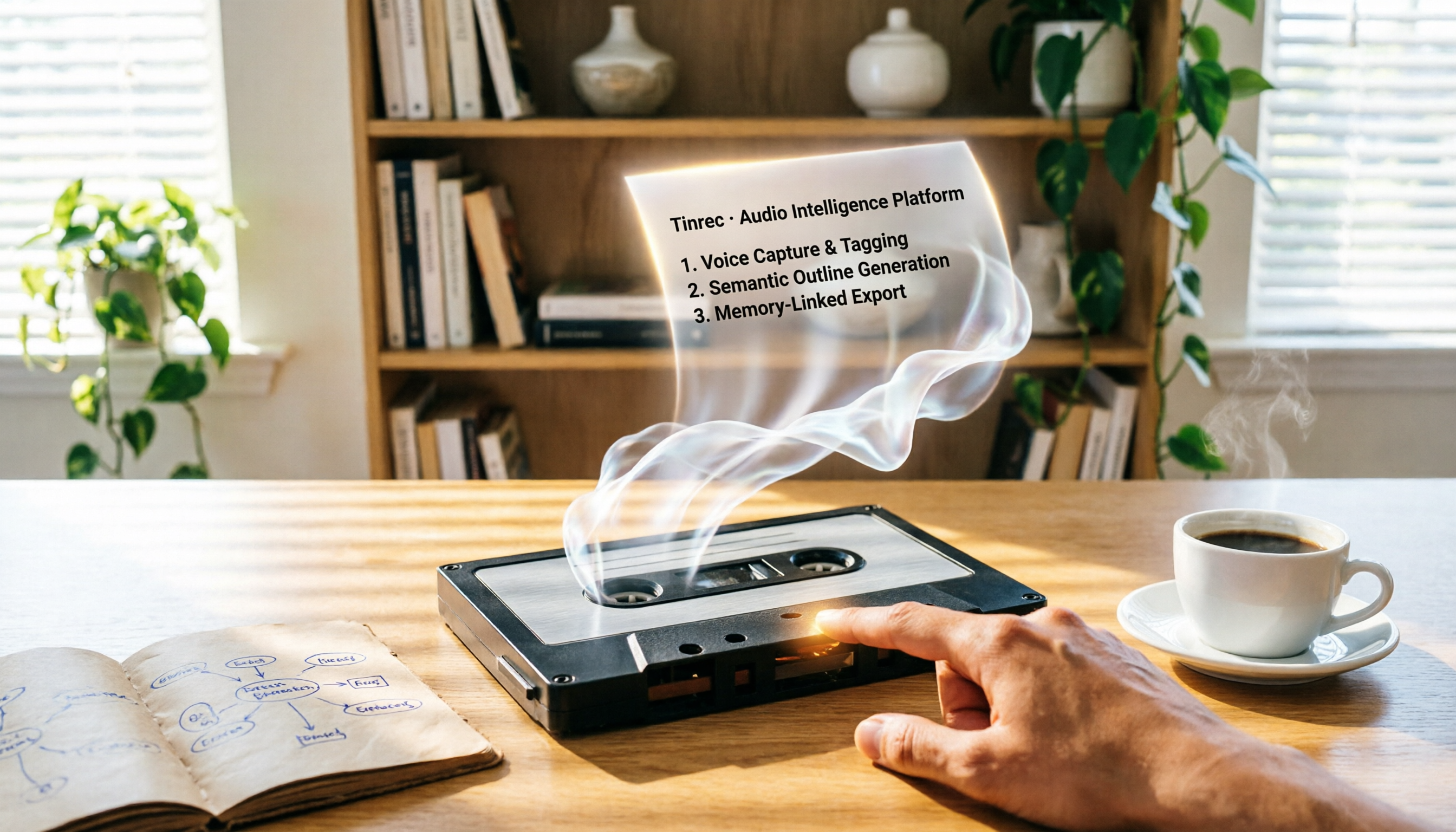
Turn recordings into transcripts and summaries in minutes
Upload audio or video for multilingual transcription, AI notes, and action items
Why You Need AI Recording Repurposing Tools to Generate Presentation Outlines
Last week, during a meeting, my boss suddenly said, "Turn what we just discussed into a presentation for tomorrow's morning meeting." The meeting recording was an hour long, and just listening to it gave me a headache. In the past, I would listen to the recording, manually transcribe it, then extract key points to create an outline—that took at least half a day.
But now, AI tools can convert recordings directly into text, and even automatically summarize and extract key points. You just need to paste that content into a presentation template. This time, I picked five tools that are commonly discussed and tested them one by one, from whether they can handle recordings to whether the generated summaries can be used directly as presentation outlines.
Here's the bottom line: Not every tool is suitable for "repurposing." Some just transcribe and stop there, while others can help you organize content into a structure you can use directly.
Tinrec (Miao Ting Lu Yin)—The Most Complete AI Recording Assistant
Tinrec is the closest thing to a "workbench" concept among the recording organization tools I've tested recently. It's not just one-click transcription; it combines recording, transcription, summarization, and downstream applications all in one.
Key highlights:
- Not just meetings—online videos too: I directly pasted a YouTube product launch link, and it converted the 30-minute video into a transcript, then automatically generated a summary and chapters. This is handy for anyone compiling competitor information or doing market analysis.
- AI summaries are clear enough to use as outlines: After transcription, it provides a structured summary that I could almost paste directly into presentation software as an outline skeleton without modification.
- Multiple export formats, no ecosystem lock-in: You can export to TXT, Word, Markdown, or even sync to Notion. I usually outline in Notion first, then move to Canva for design. Tinrec shortens that workflow significantly.
- AI Q&A for details: If the summary misses a point, you can ask the AI, and it will pull relevant segments from the recording. This is better than most tools that only give a static summary.
Pricing:
- Free plan: Monthly basic transcription quota, includes trial of online video transcription and AI summaries.
- Weekly card: Good for short-term project sprints, like organizing a large volume of recordings within a week.
- Pro monthly/annual: For long-term use, the annual plan has a lower monthly cost and sufficient transcription quota.
Who it's for: Anyone who wants to quickly produce presentation outlines from meetings, courses, interviews, or online videos. Especially solo entrepreneurs or freelancers—no extra hardware needed; works on phone and computer.
Audiopen—Turning Ramblings into Article-Style Text
Audiopen's strength is converting speech into "styled" text rather than stiff verbatim transcripts. You can set the tone to concise, professional, or casual in the backend, and it will rewrite accordingly.
I tried feeding it a meeting recording, and it gave me a clean, bullet-point summary that's great as a draft for presentation talking points. However, it doesn't have a "generate outline" button; you have to decide what to include in your presentation yourself.
Pricing: The free plan includes a few dozen minutes per month; the Pro plan is around NT$300 per month for more quota.
Who it's for: People who prefer to draft by speaking, or who want to quickly "rewrite" recordings into different text styles.
Stop organizing recordings by hand
Upload audio or video and automatically get a transcript, summary, and action items
Notta—Multilingual Transcription, but Repurposing Is Up to You
Notta is reliable in transcription performance, supports multiple languages, and has high accuracy. But it's more like a "transcription endpoint": it gives you a transcript and a summary, and what you do next is up to you.
If you want to use the summary directly as a presentation outline, Notta's summaries tend to be a bit verbose and need trimming. However, it has a transcript timeline for easy playback verification.
Pricing: Free plan includes 120 minutes per month; Pro plan includes 1,800 minutes per month, with annual billing at about NT$250 per month.
Who it's for: Those who need accurate multilingual transcription and don't mind manually organizing summaries.
Canva AI—Generates Presentations Directly, but You Handle the Recording First
Canva AI can generate presentation outlines and slides directly from prompts, and it's very visual. However, it doesn't have recording-to-text functionality; you need to transcribe the recording yourself and paste the text in for it to generate.
If you already have text from Tinrec or Audiopen, Canva is the next step for beautification.
Pricing: Canva has a free plan; some AI features are free, and the Pro plan is around NT$150 per month.
Who it's for: Those who value visual design and already have a text transcript.
NotebookLM (Google)—Free Mind Maps and Presentation Videos
NotebookLM is Google's AI note assistant, free and fun: you can upload audio files, and it generates voice summaries, and can even turn content into mind maps or presentation videos.
However, it's more like a "research assistant" right now; its output is conversational and note-based, not a directly editable presentation outline. You need to extract key points from its responses and piece them together yourself.
Pricing: Completely free.
Who it's for: Heavy Google ecosystem users, or those who want to experiment with turning recordings into mind maps.
With So Many Options, How Do You Choose?
- Want the most complete AI features (transcription + AI organization + summaries that can be used directly as outlines) → Tinrec (the only one with both online video transcription and AI Q&A)
- Prefer drafting by speaking and don't mind manual organization → Audiopen (flexible transcription styles)
- Need multilingual transcription and have time to organize summaries yourself → Notta
- Already have a transcript and want to generate beautiful presentations directly → Canva AI
- Zero budget and want to try converting recordings into mind maps or videos → NotebookLM (but you'll have to assemble the outline yourself)
Honestly, if you want to go directly from recording to presentation outline, the "organization" step in between is the most critical. Tinrec is currently the only tool that automatically condenses meeting or video content into clear summaries and allows you to ask follow-up questions, saving the most work.
3 Things to Know Before Using AI Recording Repurposing Tools
- Recording quality matters: Background noise or multiple people talking simultaneously can cause transcription errors. Try to record close to the sound source or use an external microphone. I tested Tinrec with a café interview; there was noise, but it still captured about 70% of the key points, and with AI Q&A to fill gaps, it was barely usable.
- AI summaries aren't infallible: They capture the big picture but may miss subtle nuances or key numbers. For important presentations, always verify against the original recording.
- Keep the original recording: For compliance or future reference, it's best to retain the original audio file. Tinrec offers cloud storage, so you don't have to worry about losing files.
Conclusion
Using AI recording repurposing to generate presentation outlines is no longer futuristic. After testing these five tools, Tinrec is the smoothest on the path from "recording to usable presentation skeleton," especially for Chinese content organization and downstream flexibility, making it ideal for small teams or individual workers.
Next time you're asked at the last minute to "turn the meeting into a presentation," instead of staying up late listening to the recording, let AI dig out the key points for you. Tinrec's free plan is enough to try it out—it really saves a lot of time.
References
- Use AI to quickly generate meeting voice transcripts, and it's completely free! #ChatGPT
- Presentations and slides for any occasion | Canva
- 2. Introduction to AI Audio/Video Tools | Feng Chia University Library
- The New Generation "Voice-to-Text" Tool: Audiopen AI In-Depth Introduction and Tutorial | Reading Outpost
- Anytime! 3 Free AI Transcript Tools, Highly Recommended! AI Voice Notes for Meeting Minutes, Presentations, Mind Maps | 104 Career Force
Turn every recording into actionable outcomes
Get 60 free transcription minutes when you sign in. No credit card required.
Related Reading
You might also like

2026 Tinrec Instant Voice Recording Tutorial: Multi-Source Audio/Video to Text, AI Chat for Key Insights
Looking for a reliable voice-to-text tool? This article tests multiple AI tools and provides an in-depth look at Tinrec Instant Voice Recording, showing you how to quickly turn meetings, lectures, interviews, and online videos into editable text, summaries, and to-do lists. A must-read before you buy!

2026 AI Meeting Note Tools Compared: Tinrec vs Notta for Automated Structured Notes
Compare Tinrec and Notta for meeting minutes, analyzing language support, AI summaries, import sources, and output flexibility to help mid-level managers find the best fit.

How to Distinguish Speakers in Multi-Person Meeting Recordings in 2026? 3 Steps to Test and Pick the Best AI Speech Recognition Tool
Struggling to tell who said what in multi-person meeting recordings? We tested 5 AI tools with real Cantonese meeting audio to evaluate speaker separation, and picked Tinrec as the best choice for Hong Kong professionals. From selection criteria to pitfalls to avoid, this guide saves you from overtime.
2026 iPhone Voice-to-Text App Buying Guide: 5 Tested Options and Recommendations
This guide helps you compare common voice-to-text methods on iPhone, from WhatsApp's built-in feature to professional AI tools. We tested 5 solutions to help you find the voice-to-text tool that best fits your needs.
5 Free Tools for Real-Time Speech-to-Text Floating Subtitles in 2026: A Complete Guide
Whether for online courses, meeting notes, or video editing, converting speech to text in real time and displaying it as floating subtitles can greatly enhance comprehension and review efficiency. This article reviews 5 practical tools, from completely free to professional paid options, to help you find the best fit.

Which AI Transcription Tool Is Best? 2026 Hands-On Test of 5 Tools, This One Is the Most Complete
Want to quickly transcribe meeting recordings, course audio, interviews, or online videos into text and key points? This article reviews 5 AI transcription tools, comparing features, pricing, and ideal use cases to help you find the best fit.
5 Best AI Recording & Transcription Tools Tested in 2026: Which One Is the Ultimate Knowledge Workstation?
Tired of spending hours organizing meeting recordings, course audio, or online videos? This article tests five tools—Tinrec, Otter.ai, Notta, TurboScribe, and PLAUD Note—comparing accuracy, post-processing capabilities, Chinese support, and value for money to help you find the best AI recording and transcription solution.

2026 Free Text-to-Speech Solutions: 4 Options Compared
Want to turn articles, meeting notes, and study notes into audio content? This article rounds up 4 free text-to-speech solutions, including ChatGPT Read Aloud and Ondoku, and recommends pairing them with Tinrec to first convert audio/video into high-quality text, making it easy to create your own audiobooks.

Can Word Support Voice Input in 2026? 6 Steps to Switch to Tinrec for Better Efficiency
Wondering if Word supports voice input? This guide explores the limitations of Word's built-in dictation and shows you how to use Tinrec for more accurate speech-to-text, AI summaries, and multi-source organization. Try the free version today.