
Turn recordings into transcripts and summaries in minutes
Upload audio or video for multilingual transcription, AI notes, and action items
2026 Tested: 4 TikTok Video-to-Text Tools Compared — Tinrec's AI Q&A Makes Content Repurposing More Efficient
Learning from TikTok and gathering material, but manual note-taking is driving you crazy?
Your favorite TikTok creator shares a brilliant insight you want to save and cite; or you've collected a dozen short videos to analyze opening scripts, only to find you can't possibly transcribe them all at once. Worse, some videos don't even have subtitles, forcing you to listen and type simultaneously—a 30-minute video often takes two hours to yield just a little text.
In content research, language learning, and meeting notes, what you truly need isn't a voice recorder but a "knowledge organizer" that instantly turns audio-visual content into searchable, organizable, and follow-up-able text. But every tool claims to be accurate and fast—which one suits you? This article puts them to the test for you.
Before Choosing a TikTok Video-to-Text Tool, Understand These 4 Key Points
1. Accuracy: Don't Take Claimed 98% at Face Value Many tools tout high accuracy, but that's measured with studio-quality audio. Real TikTok videos may have background music, overlapping speech, accents, and rapid speech—all of which reduce accuracy. Instead of trusting marketing, test free versions with videos you actually watch to see who truly understands Taiwanese Mandarin and mixed Taiwanese.
2. AI Post-Processing: Don't Settle for Just Text Converting video to transcript is only the first step. You'll want to turn that text into summaries, extract key points, and even ask follow-up questions. If a tool only outputs plain text, you'll have to read everything yourself, saving no time. Choose tools with AI summaries, AI Q&A, or even auto-generated to-do lists or mind maps to truly leverage the content.
3. Cross-Platform and Output Formats: Don't Be Tied to One Device You might watch videos on your phone but organize and repurpose on your computer. If a tool is mobile-only or web-only, your workflow will stall. Also, check if it can export to common formats like TXT, PDF, DOC, SRT, VTT, which affects your editing, posting, and reporting.
4. Free Tier: How Long Will It Last? Most tools offer free trials, but limits vary—some cap at 3 uses per day, others at 100 minutes per month, and some don't even support Chinese. Think about your weekly usage before deciding to pay. Don't subscribe for "unlimited" on a whim and end up using it only three times in six months.
Tinrec (MiaoTing) — Our Top Pick After Testing
If you don't see TikTok-to-text as a one-off need but want to build a personal database from various audio-visual content, Tinrec is currently the most complete choice.
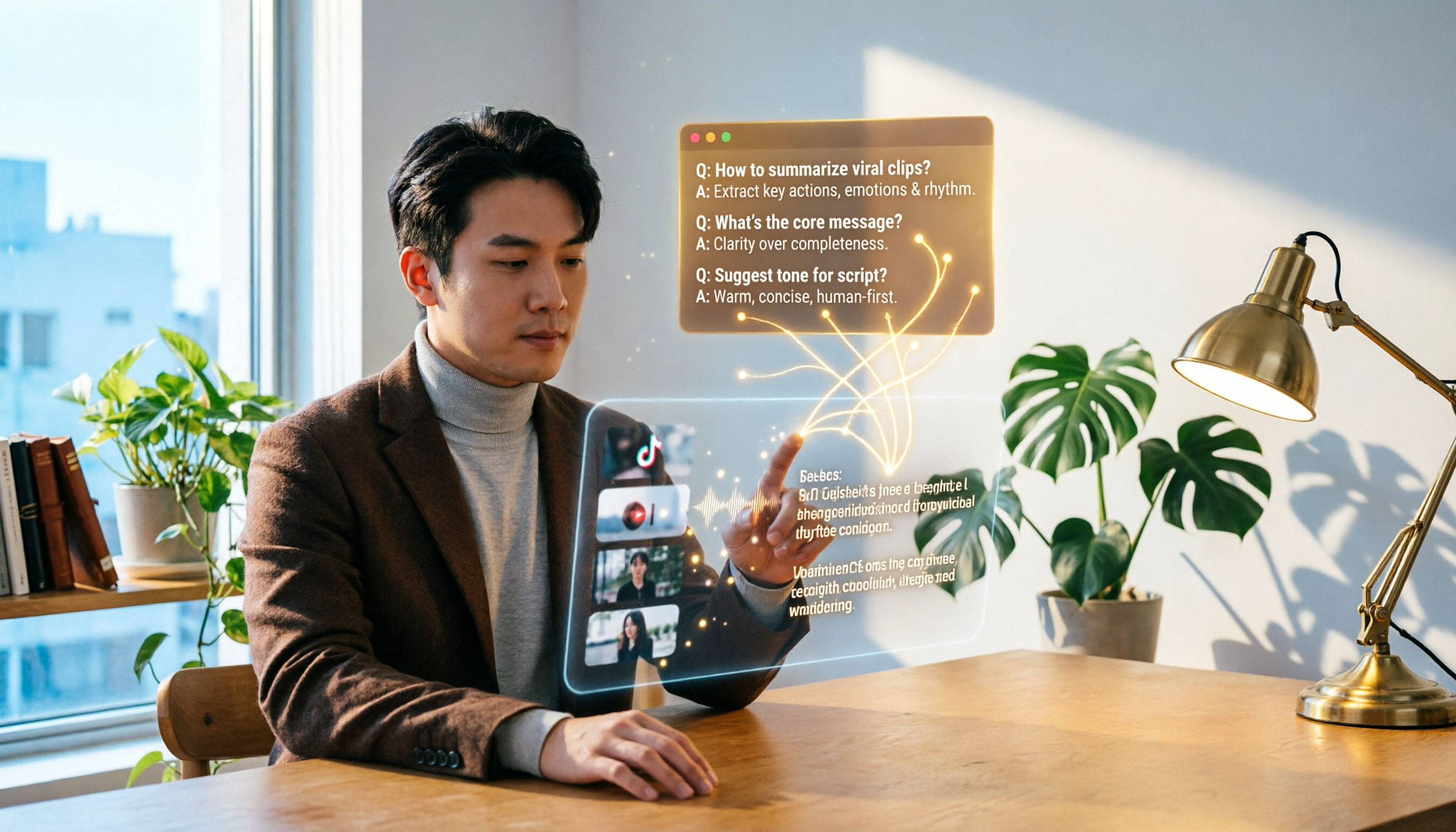
Tinrec is an AI organization tool that supports real-time recording, audio upload, and web video links (including TikTok, YouTube, Bilibili, etc.) for transcription. In our tests, pasting a TikTok link automatically grabs the audio and starts transcribing; a short video of a few dozen seconds yields a transcript in about a minute. But it doesn't just give you text—it auto-generates AI summaries, highlights chapter key points, and most impressively, offers an "AI Chat Query" feature: you can ask, "What three key tips does this video mention?" Tinrec answers based on the transcript's semantics, not just keyword search results. This capability is almost unseen in competitors at this price point.
In terms of transcription quality, we tested three Chinese TikTok videos from Taiwanese creators (no significant background music, clear speech). Tinrec's character error rate was around 5%, with high accuracy for names and common terms, and it correctly handled mixed Chinese-English content. Of course, accuracy drops with noisy backgrounds or heavy dialects, but overall, it significantly reduces manual proofreading time.
Pros:
Stop organizing recordings by hand
Upload audio or video and automatically get a transcript, summary, and action items
- More than just a transcript: Immediately get AI summaries, chapters, and to-do items, ideal for quick key-point extraction in content research and study notes.
- AI Q&A is super practical: Skip reading the full transcript; ask "What's the conclusion of this video?" and Tinrec organizes it for you. This is a time-saver for creators analyzing many short videos.
- Cross-platform, multi-format output: Supports iOS, Android, and web; exports to TXT, PDF, DOC, SRT, Markdown, and even pushes to Notion, Google Docs, etc., for further editing.
Cons:
- Free version has monthly transcription limits (currently about 100 minutes); heavy users may need the Pro plan. But for most people organizing 2–3 videos weekly, the initial free allowance is sufficient for testing.
- AI Q&A requires an internet connection; offline, you can only view existing transcripts.
Who is it for? If you frequently convert videos from TikTok, YouTube, etc., into text and want to quickly organize them into summaries, ask key questions, and build a long-term material library, Tinrec is a more worthwhile investment than pure transcription tools.
Beyond Tinrec: Other Options
WayinVideo is also a strong contender for TikTok transcripts, supporting over 100 languages and directly generating SRT and VTT subtitles, convenient for quick subtitle needs. However, it leans toward "one-off transcription," lacking Tinrec's AI chat query and cross-recording database management. If you want to ask follow-up questions or integrate content into your note system, you'll find it lacking.
Dictationer focuses on a minimalist workflow: paste a link, get text. It claims 98% accuracy, and in our Chinese short video tests, it performed similarly to Tinrec, but it lacks AI summaries and Q&A, and offers fewer export formats (mainly TXT and subtitle files). If you only need accurate subtitles and don't plan further processing, it's a lightweight choice; but if you want video content to become searchable knowledge assets, text alone isn't enough.
Short AI leans more toward a "video script generator," offering not just transcription but also copywriting and title rewriting based on content. It's appealing to social media managers, but we found its Chinese support less refined than the previous two, and its editing and export features are basic. If you need to turn TikTok videos into blog posts or social posts, Tinrec's output flexibility is higher.
Pitfall Guide: 3 Common Mistakes When Choosing TikTok-to-Text Tools
Pitfall 1: Only Looking at Accuracy, Ignoring Post-Use Scenarios "98% accuracy" isn't a cure-all. If you just want to paste TikTok lines into a notebook, high accuracy suffices; but if you're researching viral openings or analyzing script structures, you'll need summaries, tags, and full-text search. Instead of being swayed by numbers, first ask, "What will I do after converting to text?"
Pitfall 2: Ignoring Free Limits, Forced to Pay After Two Days Some tools offer only 30 minutes or 3 transcriptions on the free plan, and restrict Chinese. If you organize at least 5 videos weekly, that's insufficient. Tinrec's free version provides a fixed monthly allowance, enough for thorough evaluation, and its AI Q&A and cross-device sync let you feel the efficiency difference during the trial.
Pitfall 3: Forgetting Cross-Platform Support, Disrupting Workflow The most common pain point: you see a great video on your phone but want to organize it on your computer. If the tool is web-only or mobile-only, you'll constantly be "copying links, emailing yourself, and reopening." Choose tools with full iOS+Android+web support; both Tinrec and WayinVideo meet this.
Summary: Which One Should You Choose?
Based on our tests, here's our recommendation:
- If you need to convert TikTok videos to transcripts and want AI to quickly extract key points, ask questions, and integrate into a personal knowledge base → Tinrec (our top pick). Its AI chat query and multi-format export are the most complete among peers.
- If you only need quick subtitles, no post-processing, and have a limited budget → WayinVideo's free version might suffice, but note that as you accumulate material, organization becomes harder.
- If your work environment is almost entirely English and you don't need cross-device → Consider Dictationer, but Chinese support and AI features are inferior to the first two.
- If you also want to generate social copy or rewrite scripts → Short AI is worth trying, but its Chinese performance still has room for improvement.
Finally, regardless of your choice, start with the free version and test with videos you actually watch to gauge accuracy and usability. For most, Tinrec's low entry barrier and broad feature set make it an excellent first stop for turning video into text-based knowledge.
References
- Free TikTok Transcript Generator: TikTok Video to Text in One Click - WayinVideo
- Introduction to Free TikTok Voice Text-to-Speech Tools
- TikTok to Text - Convert TikTok Videos to Text - Simple, Fast, 98% Accuracy
- Free TikTok Video Transcript Generator: Convert Video to Text - Short AI
- Video to Text | Transcribe App & Online Editor
Turn every recording into actionable outcomes
Get 60 free transcription minutes when you sign in. No credit card required.
Related Reading
You might also like
2026 Tinrec Instant Recording: Cantonese Support & Auto Meeting Minutes
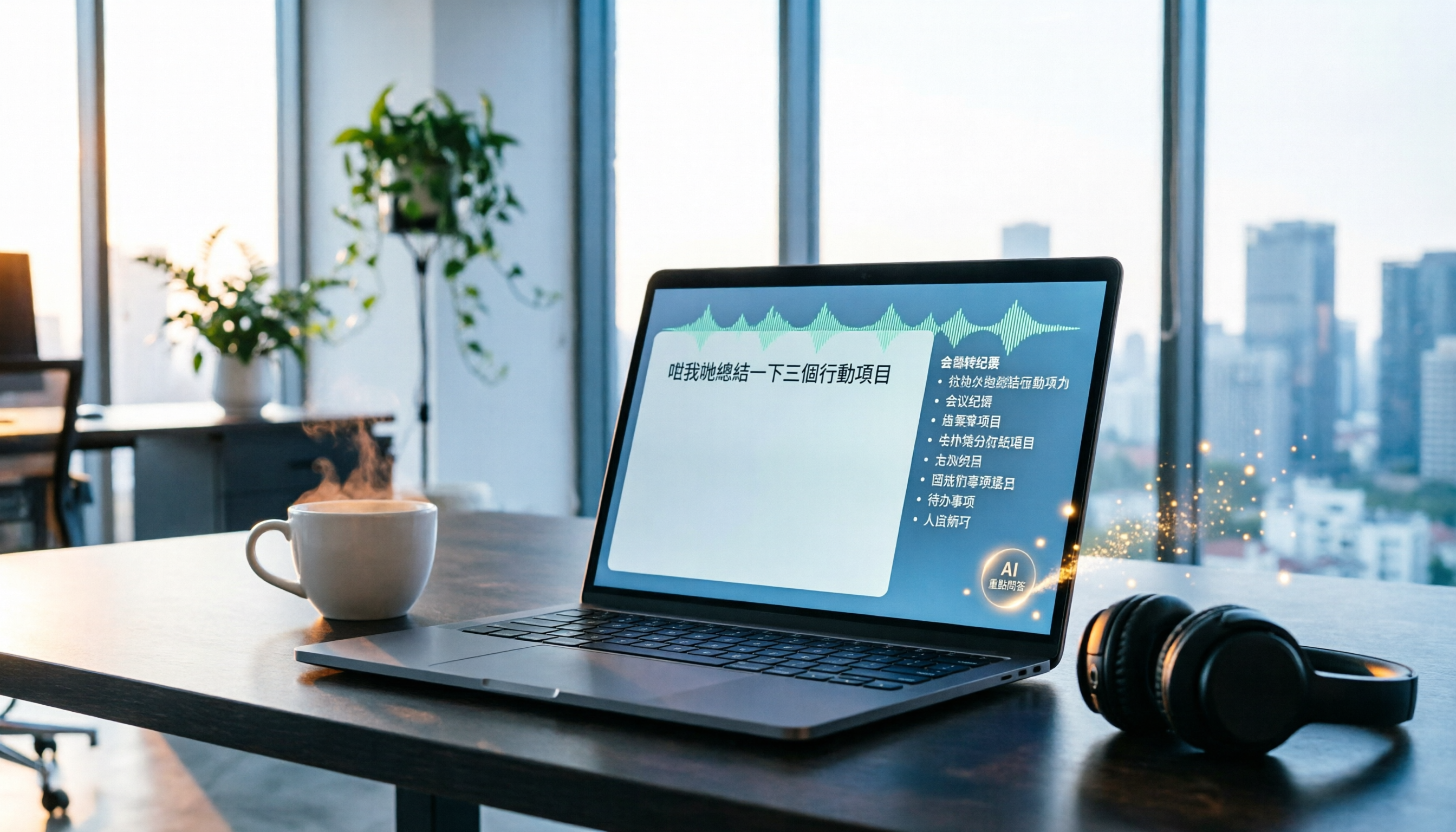
Tired of transcribing meeting recordings after hours? Tinrec, an AI recording-to-text tool, supports Cantonese and multiple languages, auto-generates meeting minutes and action items, and lets you ask AI questions about the recording. Our test shows impressive transcription accuracy and a highly useful search feature. We also compare other tools and share tips to avoid common pitfalls.

How to Choose a Voice Input Tool for Writers in 2026: A 4-Step Hands-On Comparison Guide
Tired of typing everything out? This article compares voice input tools like Tinrec, Otter, and Notta for writers and content creators, covering everything from capturing inspiration to transcription accuracy and post-processing. Learn how to find the best voice writing assistant in 4 steps.

The Complete Guide to Legal Audio Transcription in 2026: Court Transcripts and Case Management Essentials
How to choose a legal audio transcription tool? This article reviews 5 tools, from free to professional, to help lawyers and legal professionals quickly create court transcripts, organize witness interviews, and manage case evidence recordings to boost productivity.

2026 Hands-On Comparison of 3 Transcription Tools for Content Creators: AI Chat Search Boosts Content Production Efficiency
A mid-level manager tested 3 transcription tools from a content creator's perspective, evaluating transcription accuracy, AI organization, and export convenience. Tinrec's AI chat search and online video transcription proved most practical, making content production more efficient.

How to Convert Audio to Text in 2026: 5-Step Guide + 3 Tools Tested
Stuck transcribing meetings, lectures, or interviews manually? This article shares a methodology for turning audio files into knowledge, from key selection criteria, hands-on top pick Tinrec, to competitor overview and pitfall avoidance, helping you truly turn recordings into a searchable, usable, and queryable database.

2026 Hands-On Comparison of 3 AI Medical Scribe Tools: Which One Generates the Best Consultation Summaries?
Do doctors still need to manually write up consultation notes after seeing patients? This article compares three AI medical scribe tools for doctors in 2026—Tinrec, Otter.ai, and Notta—evaluating transcription accuracy, AI summarization, cross-platform support, and privacy/security to help doctors choose the best assistant for their consultation documentation.

Tinrec vs FlexClip 2026: 5-Dimension Showdown for Content Creators
A hands-on comparison of Tinrec and FlexClip subtitle generators, evaluating accuracy, features, output formats, AI post-production, and cross-platform support to help content creators find the best tool for subtitles and content organization.

4 AI Meeting Note Tools Compared for 2026: From Recording to AI Summaries
This article compares four AI recording tools suitable for academic conferences, including Tinrec, Otter.ai, Notta, and Fireflies.ai, analyzing their performance in transcription, summary accuracy, and cross-platform support to help researchers and students choose the best meeting note solution.
2026 Screenwriting Audio-to-Text Tools: AI Summaries + Multi-Source Organization
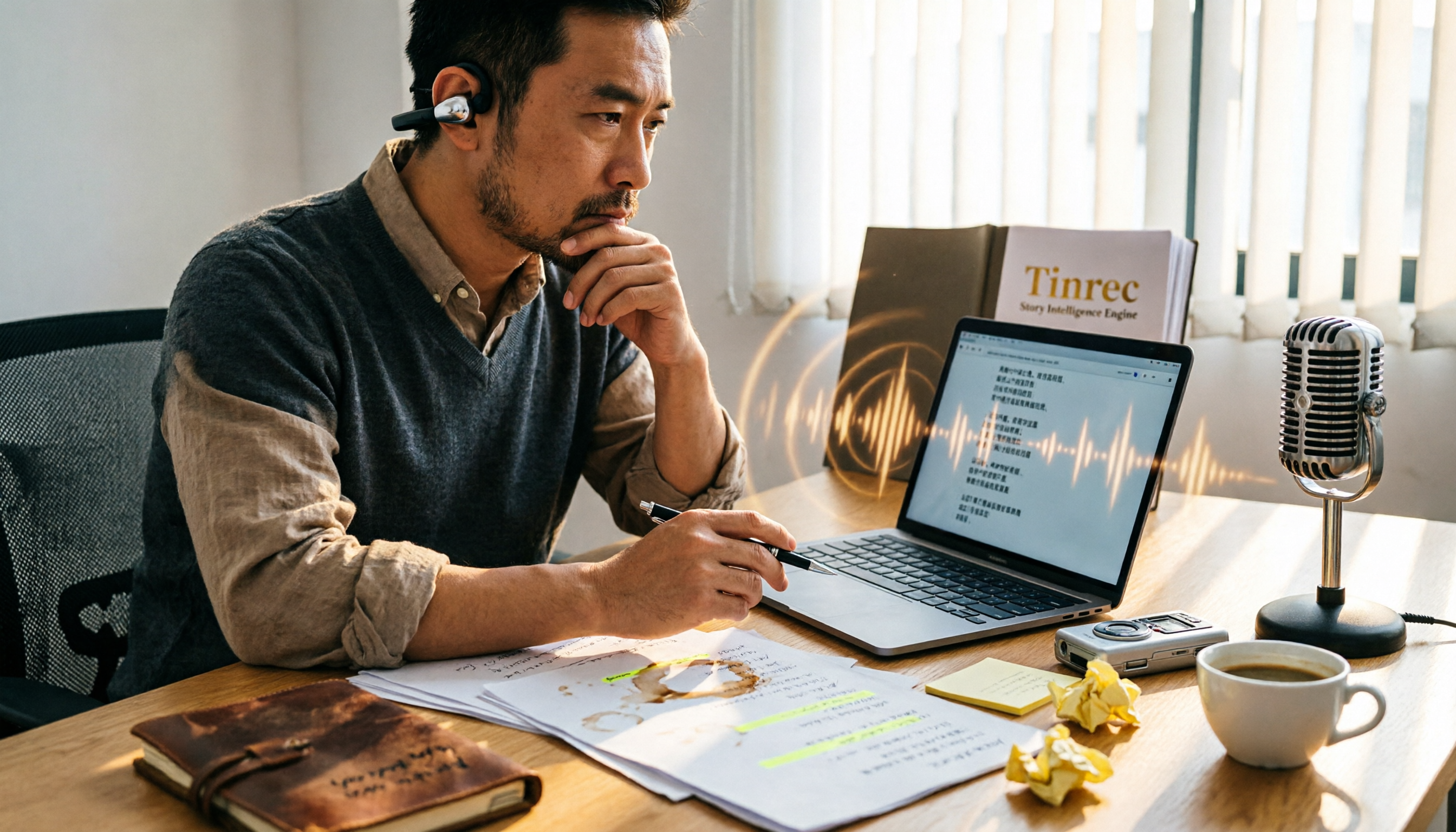
Scriptwriting often requires organizing large amounts of interviews, meetings, or inspiration recordings. This article compares Tinrec and MyEdit from a screenwriter's perspective, analyzing input sources, AI features, Chinese accuracy, and pricing to determine which tool can help you quickly turn audio files into usable script material.