

Turn recordings into transcripts and summaries in minutes
Upload audio or video for multilingual transcription, AI notes, and action items
Meetings Dragging You Down? Stop Typing Minutes Manually—You Need the Right Tool, Not More Grit
Daily meetings are the norm for office workers in Central, but the worst part isn't the meeting itself—it's the minutes afterward. Imagine this: a two-hour brainstorming session in the morning, then before you can leave, you have to listen to the recording and type it out line by line, staying overtime until 8 or 9 PM.
What's worse is Cantonese meetings: many recording-to-text apps on the market only handle Mandarin and English, but when it comes to Cantonese, they make tons of errors, forcing you to manually correct half the transcript.
If you've been through this kind of hell, this article is for you. Choosing the right AI tool can save you several hours each week, so you don't have to stay in the office as a keyboard warrior.
Before Buying a Recording-to-Text Tool, Understand These 5 Key Points (Step-by-Step Guide)
Many colleagues rush to download any "AI recording-to-text" app they see, only to end up disappointed. To pick the right tool, follow these 5 steps, and you won't go wrong.
Step 1: Know What You Need to Transcribe
Are you recording meetings, lectures, interviews, or organizing YouTube videos? Some tools specialize in meetings, others excel at documents, and some are great with online videos. Tools like Tinrec go beyond meetings—they also support local audio/video files and YouTube links, covering a wide range of needs, so you don't need multiple apps.
Step 2: Check Language Support and Accuracy
For Hong Kong users, Cantonese transcription is crucial. Many international brands (like Otter.ai) don't support Cantonese at all, making them useless. Always test a tool yourself with your own recordings, especially in real environments with air conditioning noise and keyboard sounds. Tinrec's Cantonese recognition stands out among similar products, especially in noisy backgrounds—it still understands fairly well, which is key.
Step 3: Don't Just Look at "Speech-to-Text"—Consider What You Can Do After Transcription
The transcript is just the first step. What really helps is AI summaries, automatic chaptering, extracting action items, or even asking the recording directly, "What did the client say last week?" Tinrec's AI chat query feature lets you type questions about the recording content, a feature almost no competitor in the same price range offers, saving you from Ctrl+F searching line by line.
Step 4: Is It Cross-Platform?
You use an iPhone at work, an Android at home, and a computer to organize—if the app is limited to one platform, you'll be stuck. Tinrec has iOS, Android, and web versions, so you can sync recordings and notes anywhere, without being locked to one device.
Step 5: Is the Free Tier Enough to Test?
Before paying, make sure you can try it out. Most tools offer a free version, letting you test before upgrading. Tinrec's free tier gives you 100 minutes per month, enough for two or three meetings, so you can really test accuracy and features before deciding to pay, without spending money upfront.
Tinrec (秒听录音)—Our Top Pick After Testing
If I could keep only one recording-to-text app on my phone, it would be Tinrec. It supports real-time transcription in 14 languages, can import audio and video files, and even generates transcripts from a YouTube link, covering work, classes, and content creation needs.
The most impressive feature in our tests was the AI chat query. After recording a meeting, you can ask, "Who mentioned the budget in this meeting?" or "What were the key conclusions?" The system understands semantics and provides answers, not just keyword searches. This feature is something competitors like Plaud Note and Yating at the same price point can't do, truly saving time.
Stop organizing recordings by hand
Upload audio or video and automatically get a transcript, summary, and action items
Additionally, its summaries and action item extraction are quite accurate. I tested it with a five-minute Cantonese meeting recording, and it automatically split it into chapters with titles, listing follow-ups and responsible persons—manually, that would take at least ten minutes, but now it's just a click.
Of course, the free tier is 100 minutes per month, and heavy users might need to upgrade to Pro, but for someone with two or three meetings a week, this quota is sufficient. Also, while AI summaries are convenient, for important decisions, it's recommended to cross-check with the original recording to ensure nothing is missed.
Who is it for? If you frequently record Cantonese content, want to ask AI to find key points after recording, or switch between iPhone, Android, and computer—Tinrec is the most balanced choice right now.
Beyond Tinrec: Other Options
There are several similar tools on the market, but each has limitations. Consider your situation, but keep these points in mind:
Plaud Note: A stylish recording hardware device, convenient for on-the-go recording. However, it's iOS-only, doesn't support Android or web, and its recognition rate in noisy Cantonese environments is noticeably worse than Tinrec. Most importantly—it lacks AI chat query, so you can only manually search after recording.
Yating (雅婷逐字稿): A well-established Taiwanese tool with good Mandarin recognition, but weak Cantonese support, and the free version has no quota at all—you either pay or don't use it. It also lacks AI Q&A, so if you need to quickly find key points, it won't help.
Otter.ai: The king for English meetings, with a generous free tier of 300 minutes per month. Unfortunately, it doesn't support Cantonese, so if you mainly record English content, it's a fine alternative, but it's completely useless for Cantonese.
Avoiding Pitfalls: 3 Common Traps When Choosing a Recording-to-Text Tool
Pitfall 1: Believing the Official "98% Accuracy" Claim
Many brands claim high accuracy, but that's measured in a soundproof studio. In a real office with air conditioning, typing, and colleagues chatting, accuracy drops significantly. Always test with your real environment before trusting any claim.
Pitfall 2: Ignoring Cross-Platform Sync
You record on your iPhone today, and tomorrow you want to organize on your work computer—if the tool is mobile-only, you'll be frustrated. Choose an app that supports multi-device sync to avoid data fragmentation.
Pitfall 3: Buying the Tool but Only Using It for Transcription
Many people only use the "speech-to-text" feature and don't utilize AI summaries and Q&A. With Tinrec, for example, you can ask "What were the meeting's decisions?" directly after recording, which is ten times faster than reading line by line. Don't waste the tool's true value.
Summary: How Should You Choose?
The principle for choosing a recording-to-text tool is simple: First, consider the language you mainly record, then the depth of organization you need.
- Need Cantonese + Mandarin bilingual transcription with accuracy as a priority → Tinrec (most comprehensive language support)
- Want to use AI to find key points and ask questions after recording → Tinrec (only one with AI chat query)
- Frequently switch between phone and computer, need cross-platform sync → Tinrec (iOS + Android + Web)
- Only record English, zero budget → Otter.ai (generous free tier, but no Cantonese)
We recommend downloading Tinrec's free version to try it out. The 100 minutes per month is enough for a few meetings to experience it. If it suits you, then upgrade—no need to pay upfront. Find the right tool and say goodbye to overtime typing.
References
- Five Free AI Office Tools to Boost Work Efficiency and Automate Workflows | Tricuss
- AI Automation | Microsoft Copilot
- AI Automation Made Easy! Boost Efficiency Without Coding! 6 Advantages for an Efficiency Revolution!
- AI Workflow Automation: 14 Tools to Skyrocket Team Efficiency and Scale Faster | monday.com Blog
- What is Intelligent Automation (IA)? A Guide
Turn every recording into actionable outcomes
Get 60 free transcription minutes when you sign in. No credit card required.
Related Reading
You might also like

2026 Meeting Minutes Automation Tools Compared: Tinrec vs Plaud Note – Which Offers Better Value?
How to choose a meeting minutes automation tool? We compared Tinrec and Plaud Note across five key dimensions: cost, input sources, Chinese transcription quality, AI post-processing, and cross-platform flexibility. This buying guide helps you find the best solution for your needs.

5 Best Meeting Minutes Automation Software Tested in 2026: Which AI Summarizer Saves You the Most Time?
We tested 5 meeting minutes tools, with Tinrec as the main focus, to show how meeting minutes automation software can save you 80% of your organizing time. From real-time transcripts to AI summaries and to-do lists, this guide covers key buying considerations and free plan differences.

2026 AI Workflow Automation: Tinrec Hands-On Review + 5 Tool Comparison
How can AI workflow automation boost efficiency? This article hands-on tests 5 transcription tools including Tinrec, offering buying tips and a full comparison to help you find the best AI recording assistant.

2026 Hands-On Comparison of 4 AI Transcription Tools: The Real Time-Saver Is AI Q&A
Meeting transcription is a core pain point in office automation. This hands-on comparison of four transcription tools—from transcription quality to AI summaries and conversational queries—helps you find the option that truly turns recordings into usable knowledge.
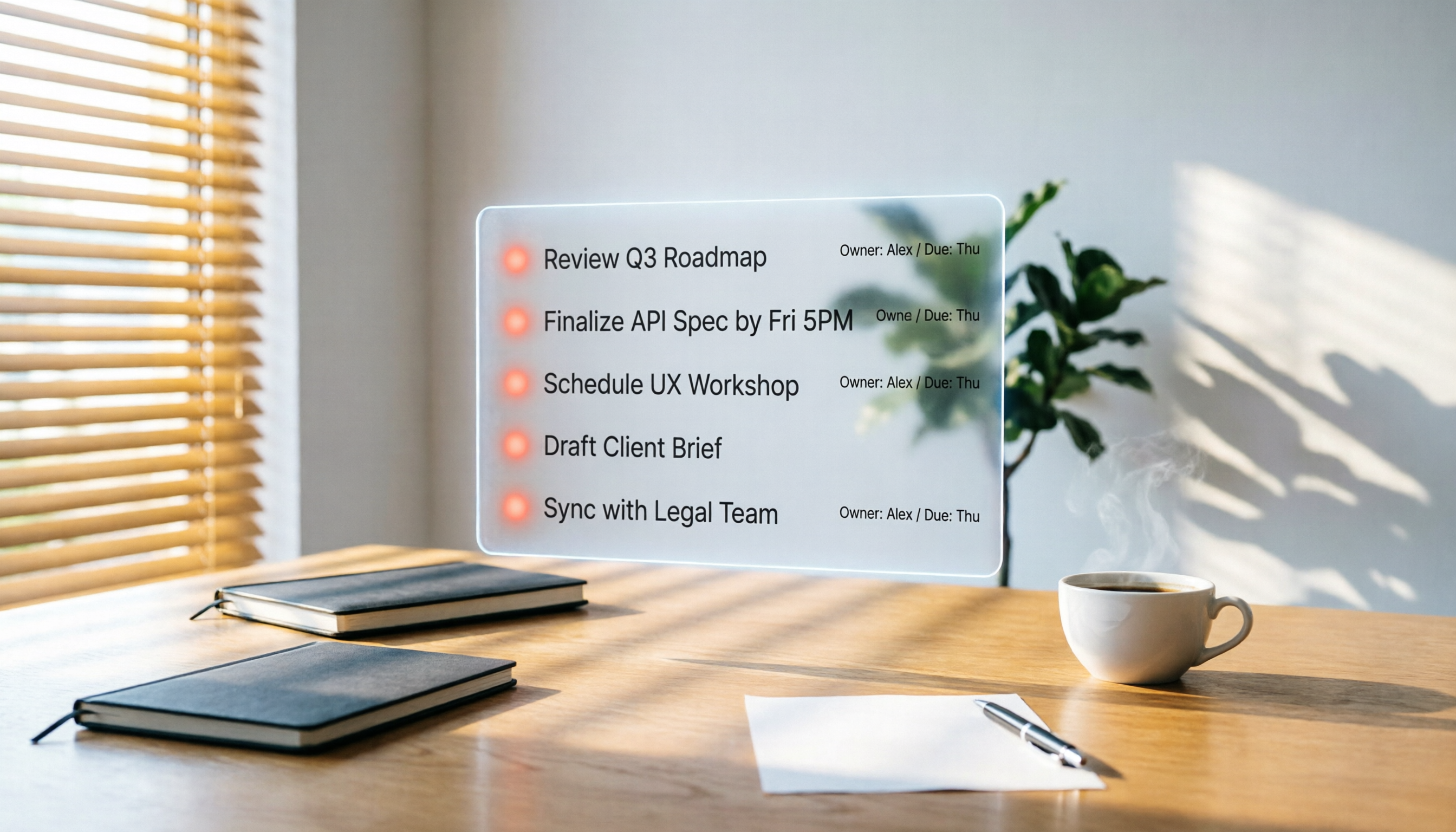
2026 Hands-On Comparison of 3 AI Meeting Workflow Tools: Beyond Transcription, Tinrec Turns Meetings into Action
Spending two hours in a meeting and another two hours writing up the notes? This article puts three AI meeting workflow tools—Tinrec, Otter.ai, and Fireflies.ai—to the test, comparing transcription accuracy, AI summaries, and post-meeting follow-up to reveal which one truly turns meeting discussions into an actionable to-do list.

2026 Hands-On Comparison of 3 AI Meeting Note Tools: Which One Is Best for Building an Automated Meeting SOP?
We tested 3 AI meeting note tools to find out which one is best for creating an automated meeting SOP, saving you up to 90% of your note-taking time.

How to Auto-Generate To-Dos in 2026? 5 Steps to Manage with AI Tools
Tired of typing up to-do lists after meetings? This article tests multiple AI recording tools and shows you how to turn meeting recordings into action items in 5 steps, with a deep dive into Tinrec's Cantonese transcription and AI Q&A features to help Hong Kong office workers say goodbye to overtime.

5 Best AI Meeting Post-Processing Tools in 2026: Which One Saves You the Most Time?
As a mid-level manager attending 15 meetings a week, I tested 5 popular AI meeting post-processing tools, comparing accuracy, summary quality, and Chinese language support to help you find the one that saves you the most time on meeting notes.

5 AI Transcription Tools Tested in 2026: Which One Handles Chinese Best?
This article tests 5 AI transcription tools, from free plans to paid professional options, analyzing which is best for Chinese meetings, classes, interviews, and video organization, with a full comparison of features, pricing, and target users.